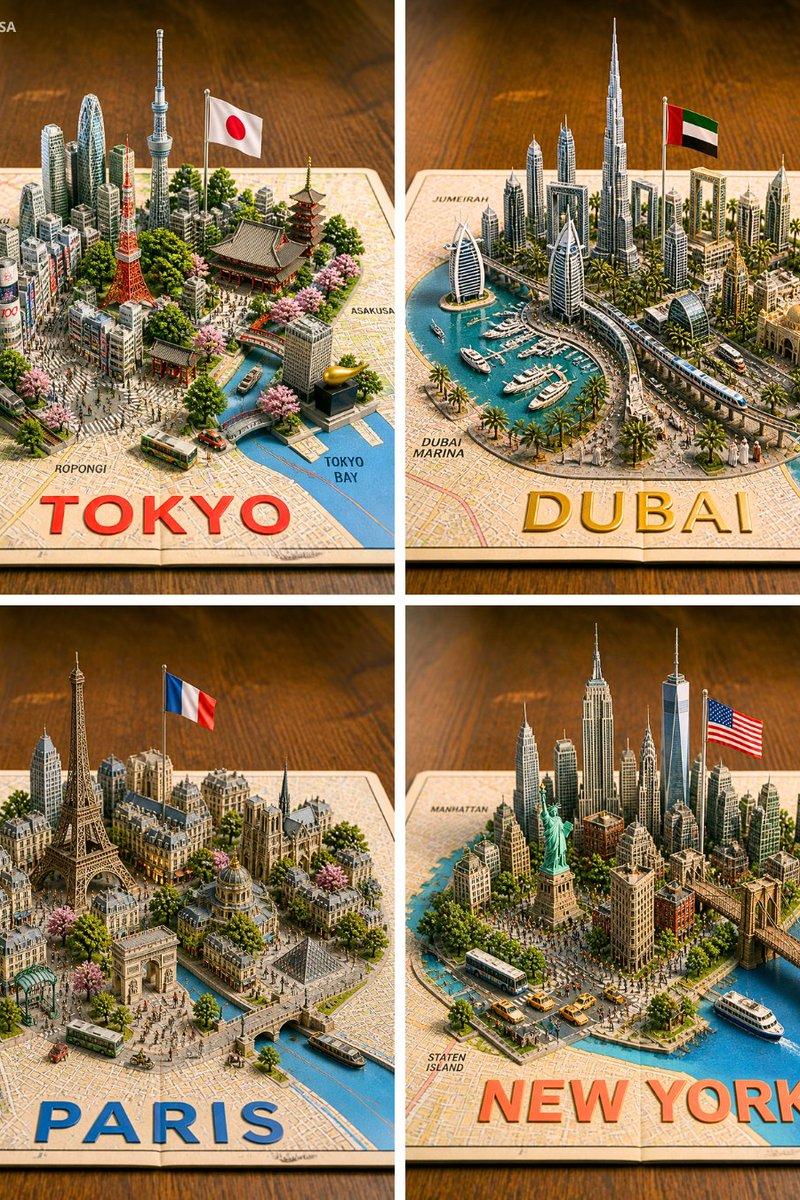
16

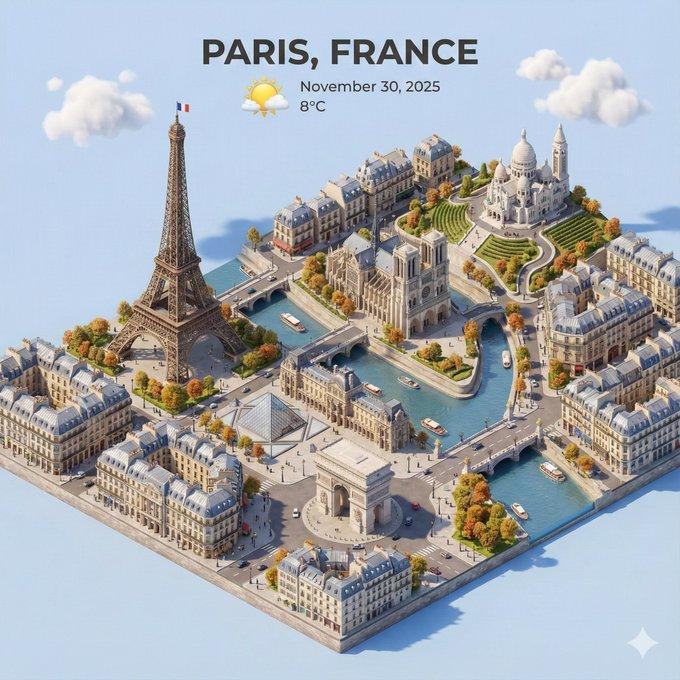
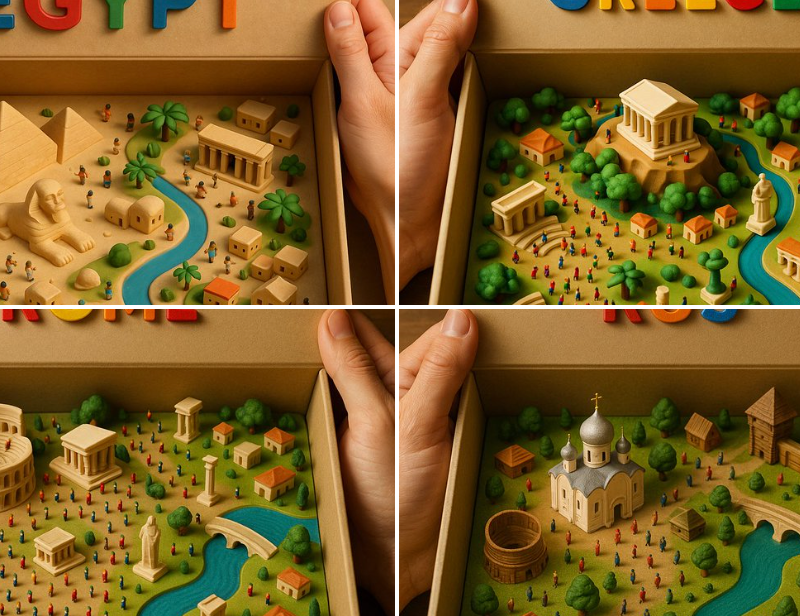
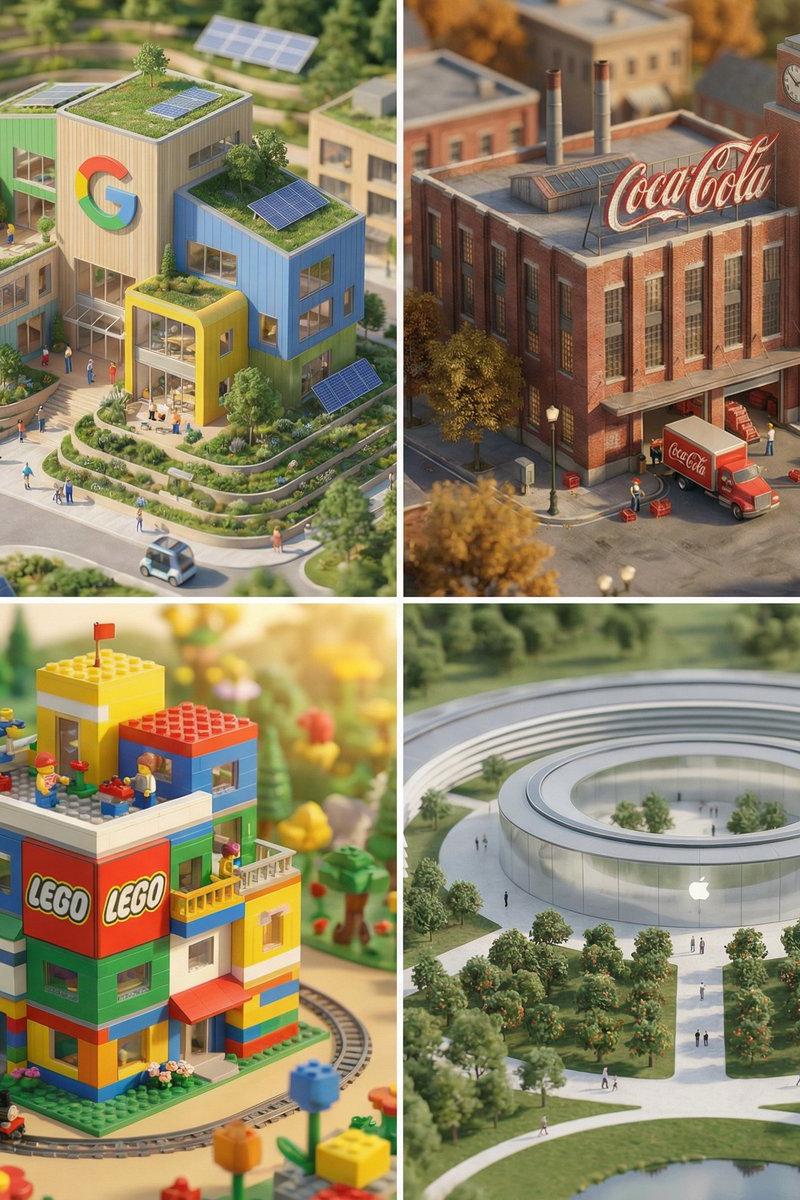
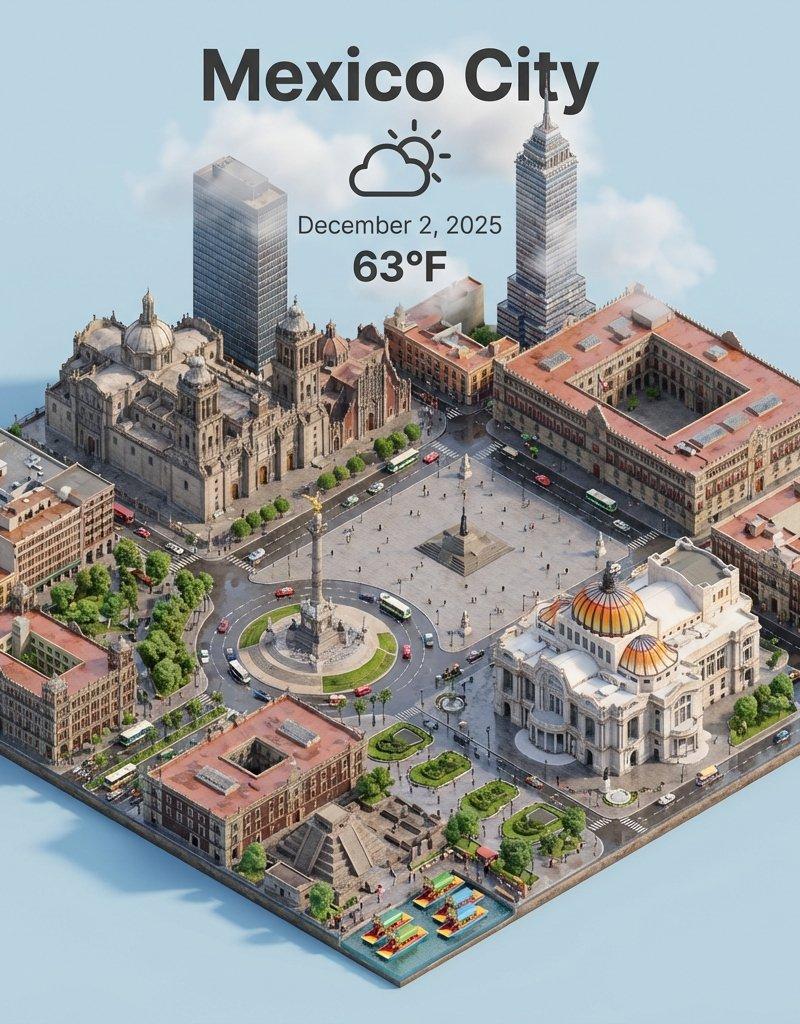
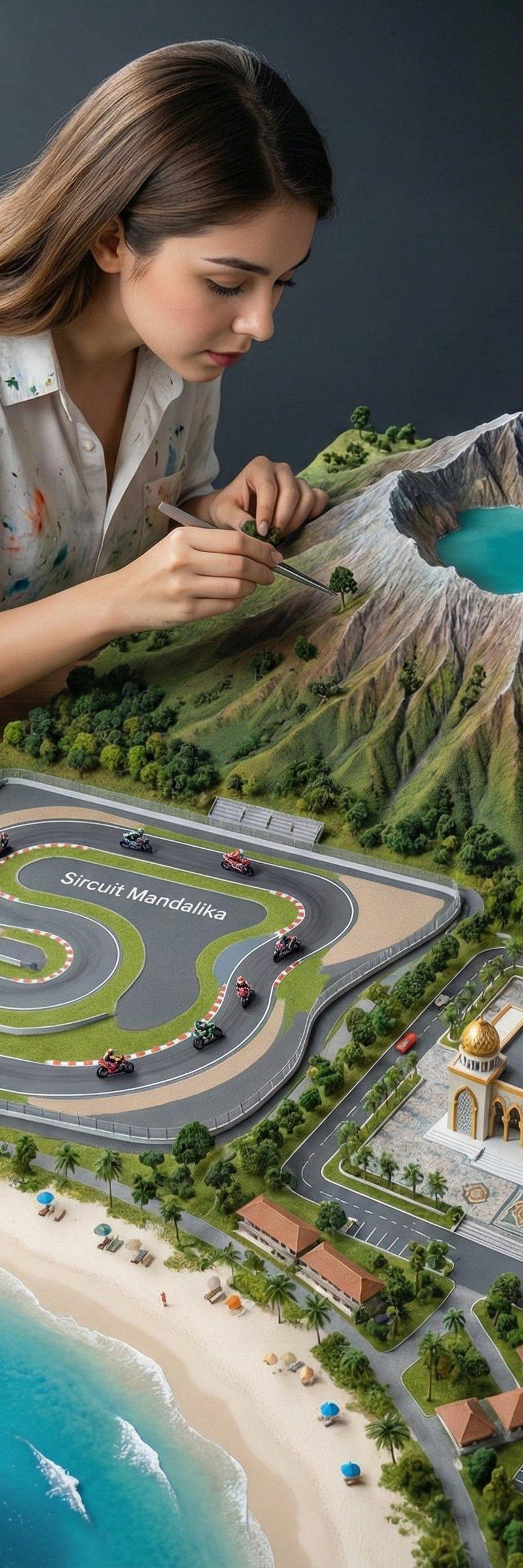
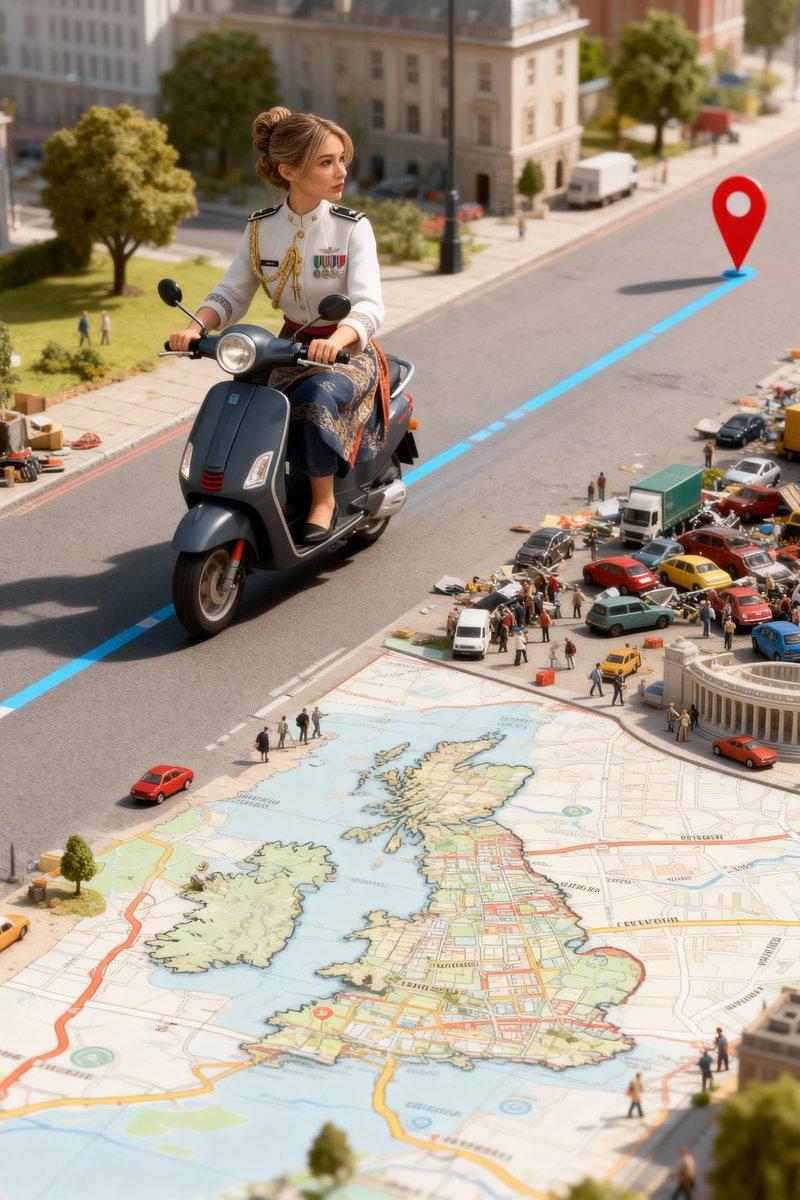
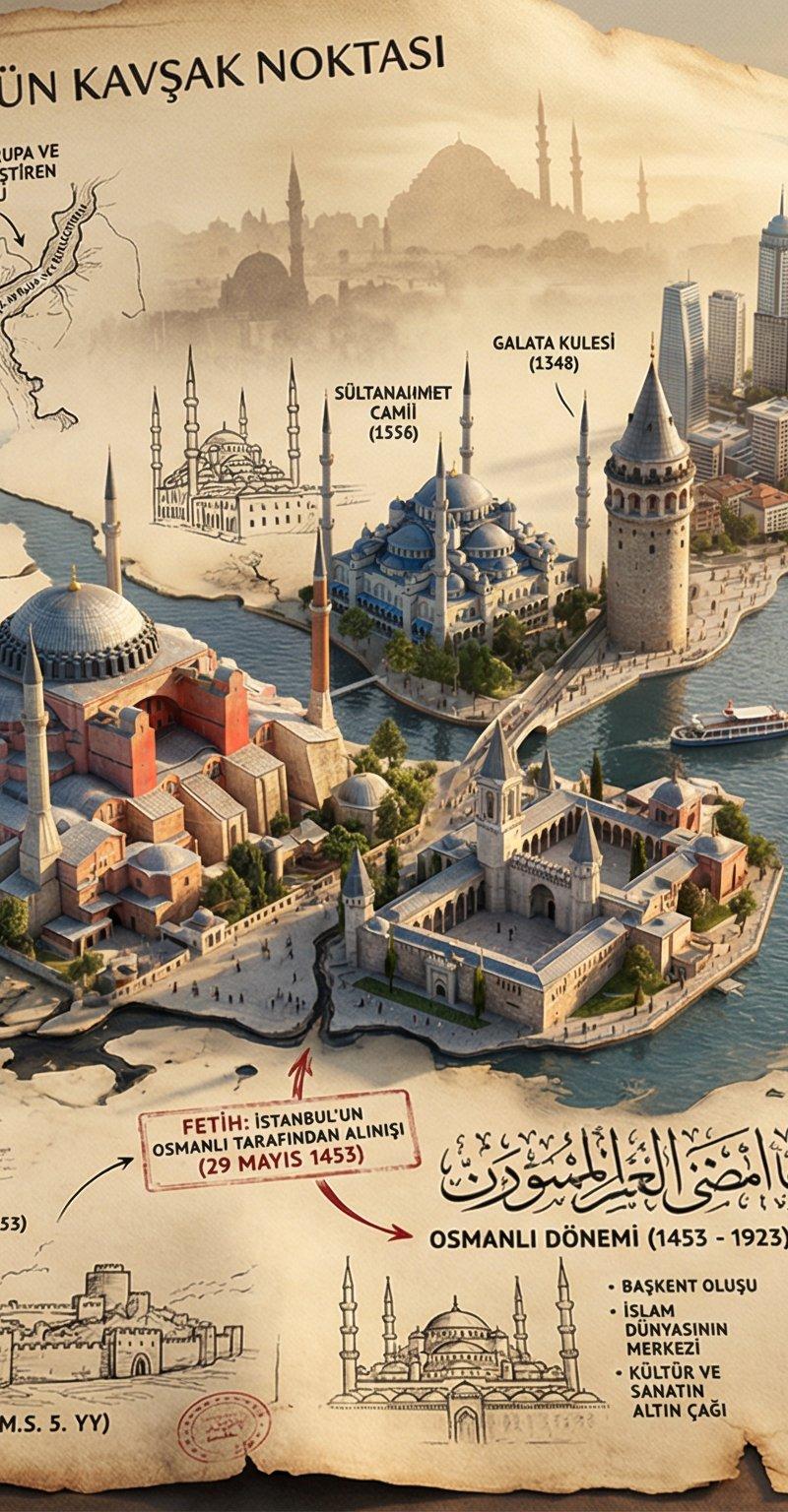
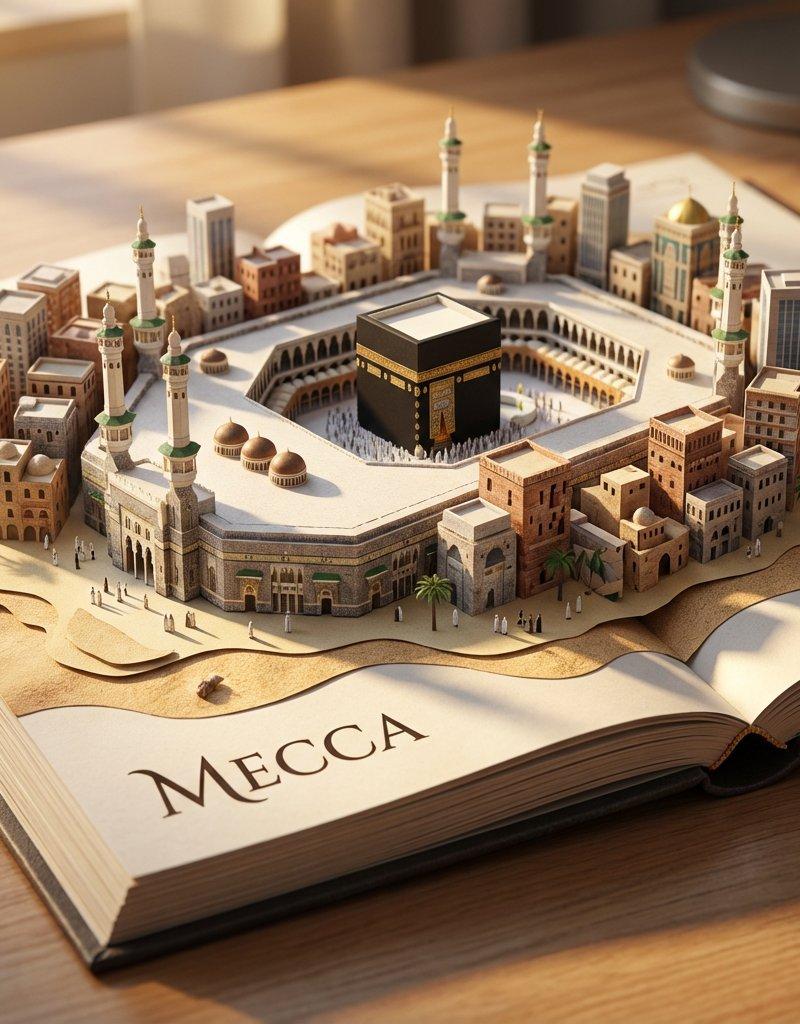
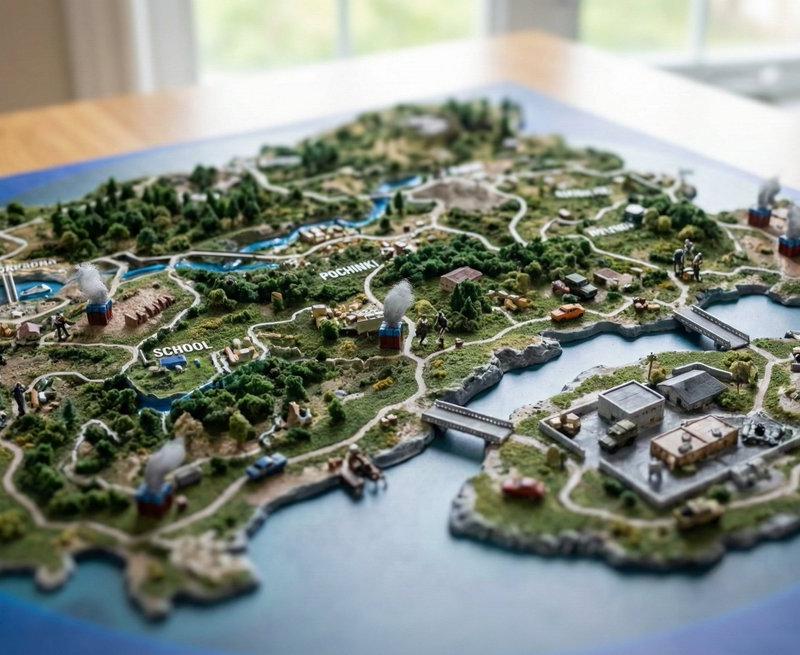
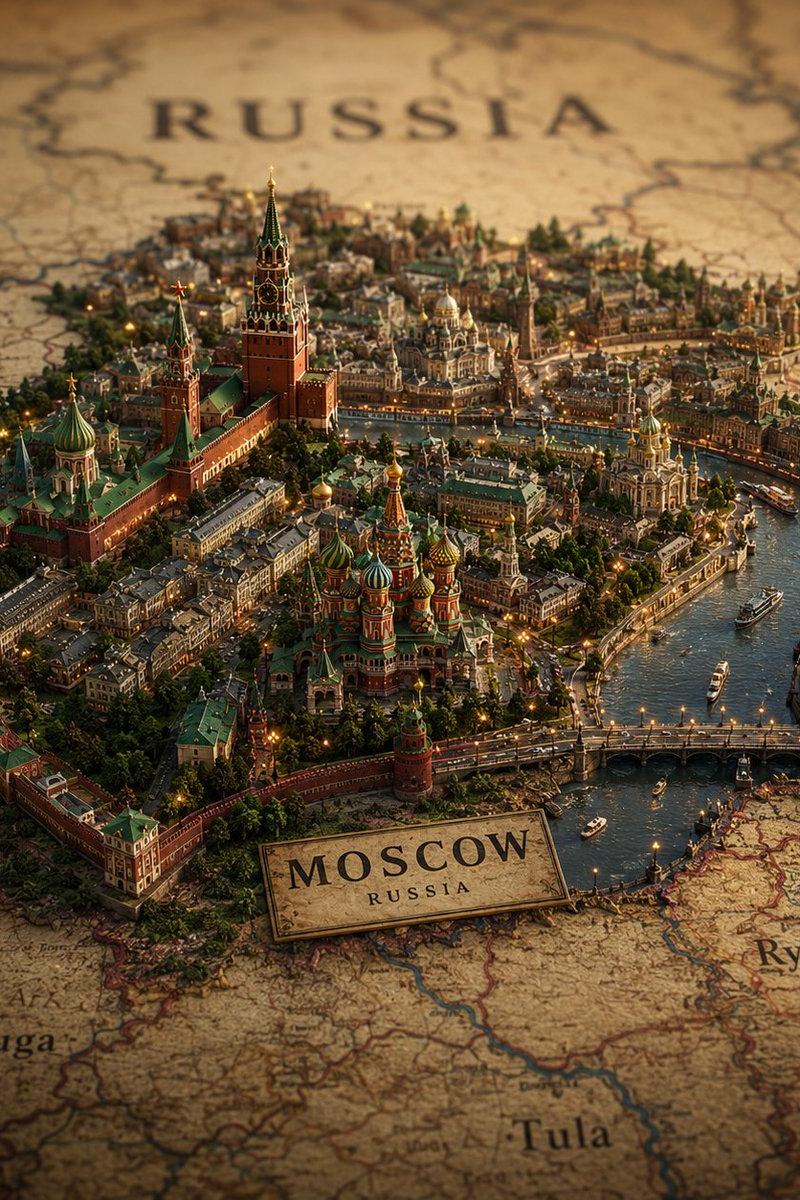
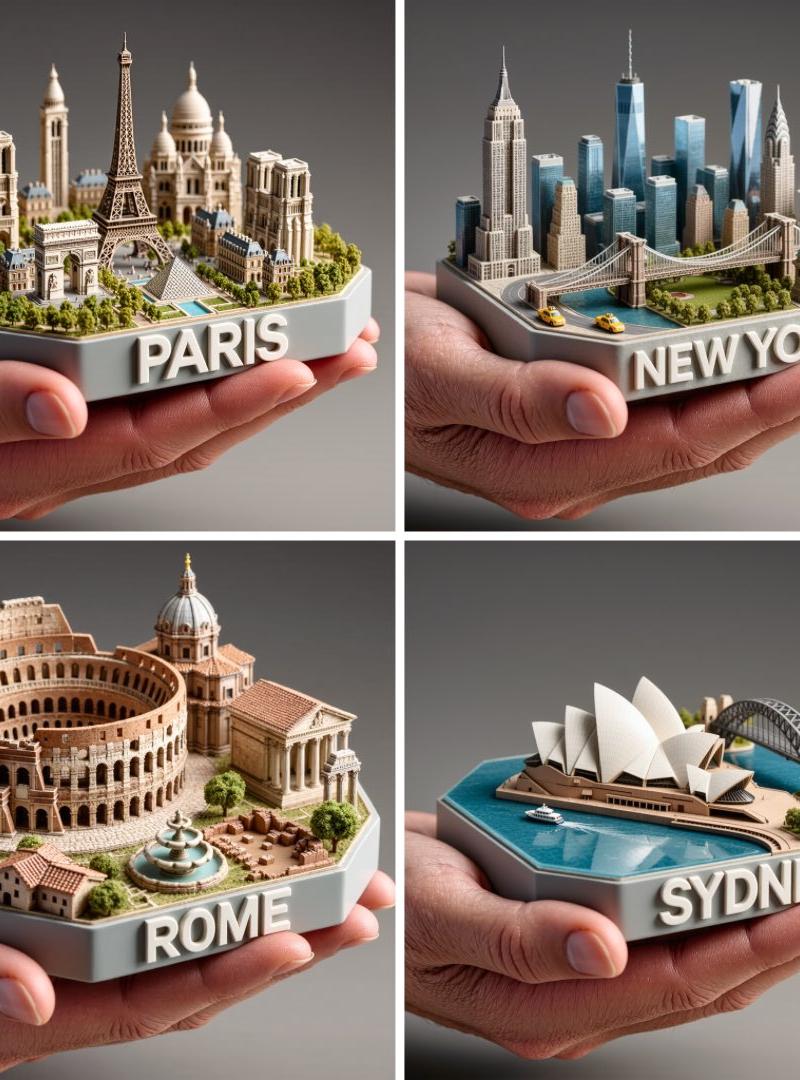
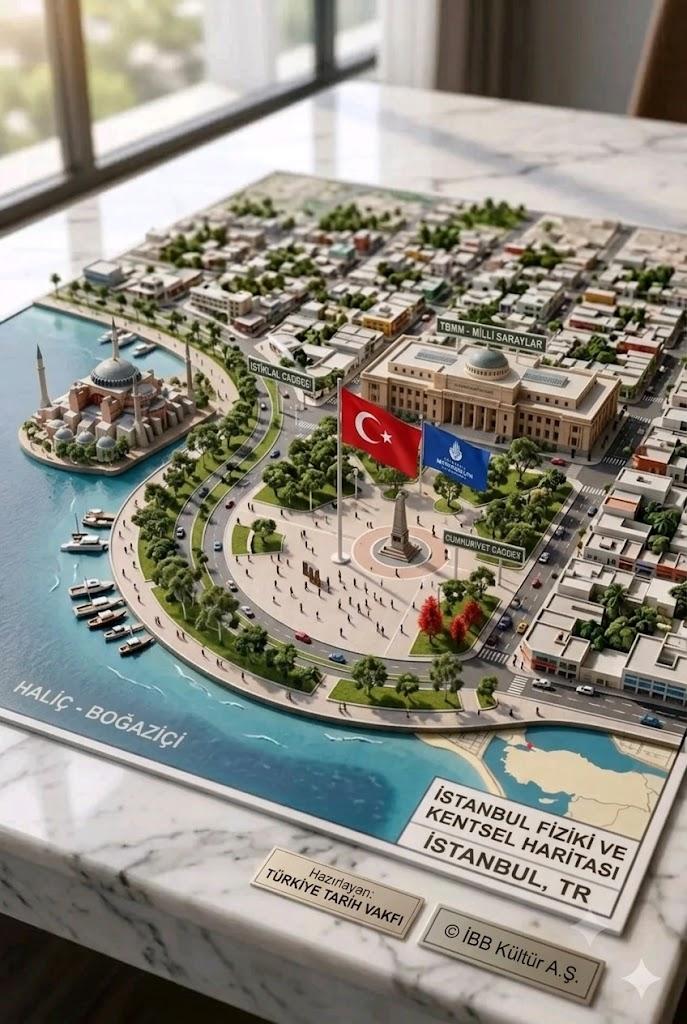
大理石桌面上的精细城市建筑等比例模型
Enlarge

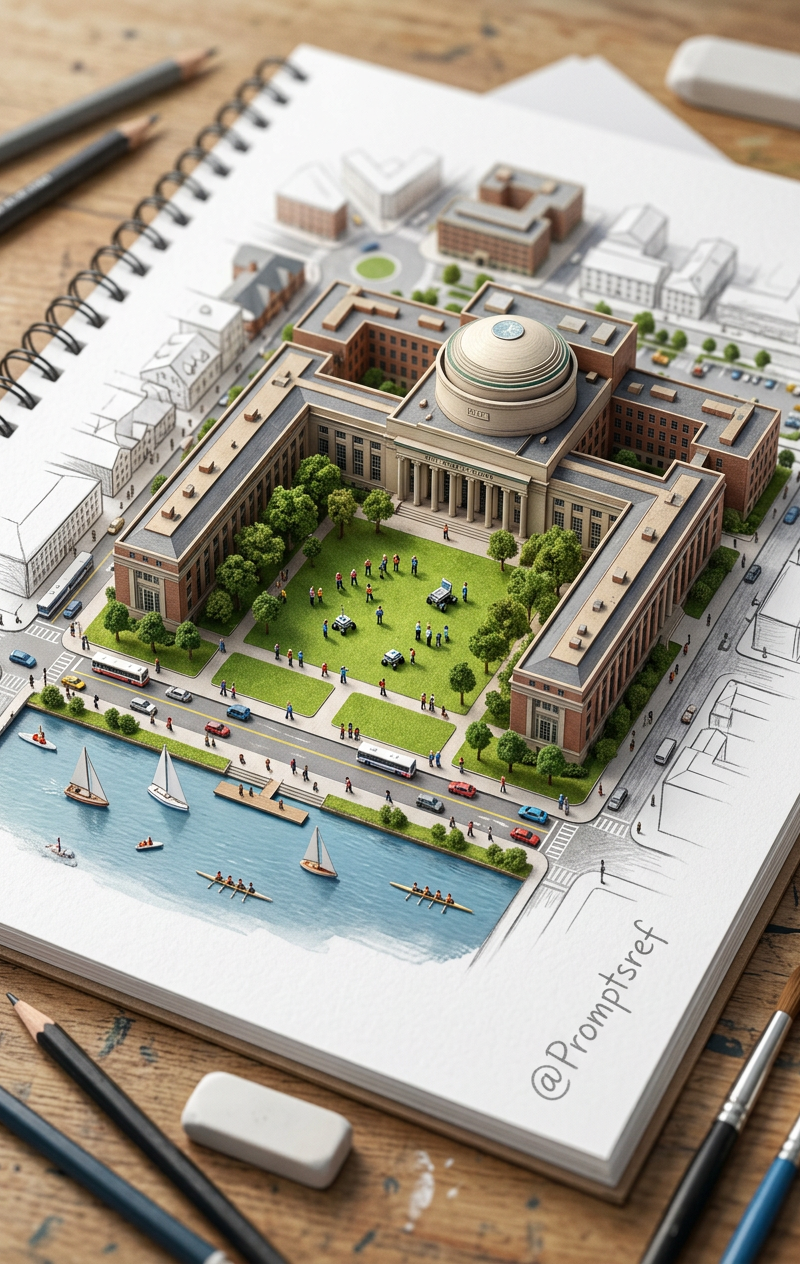
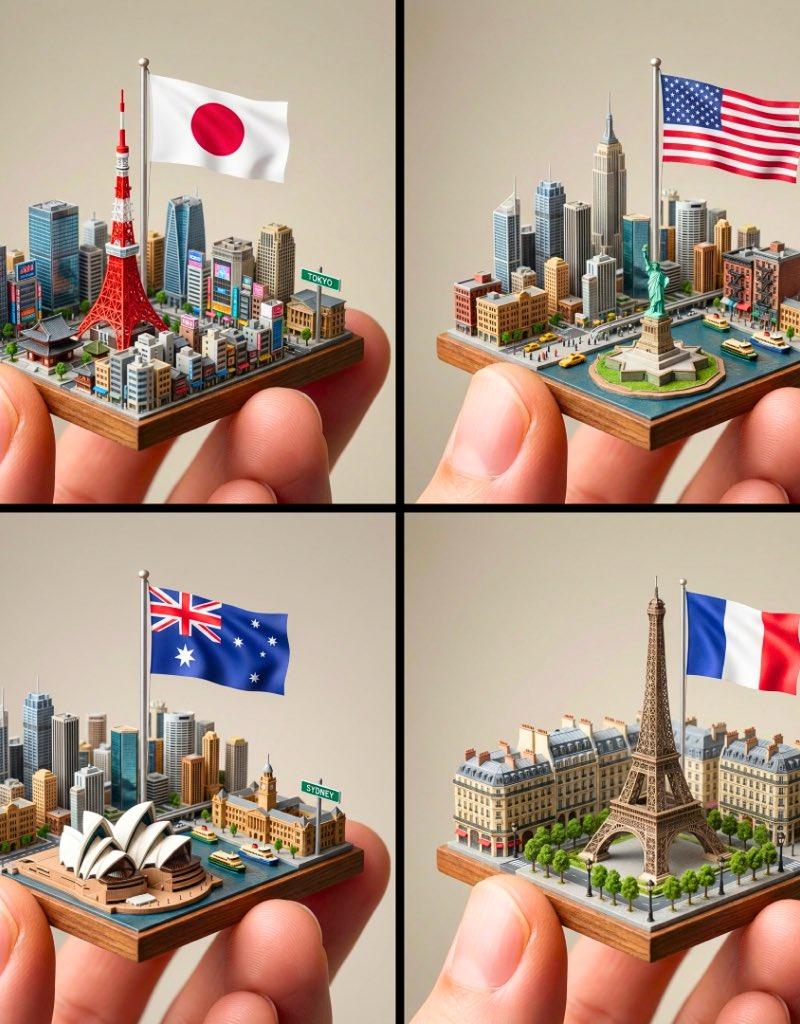
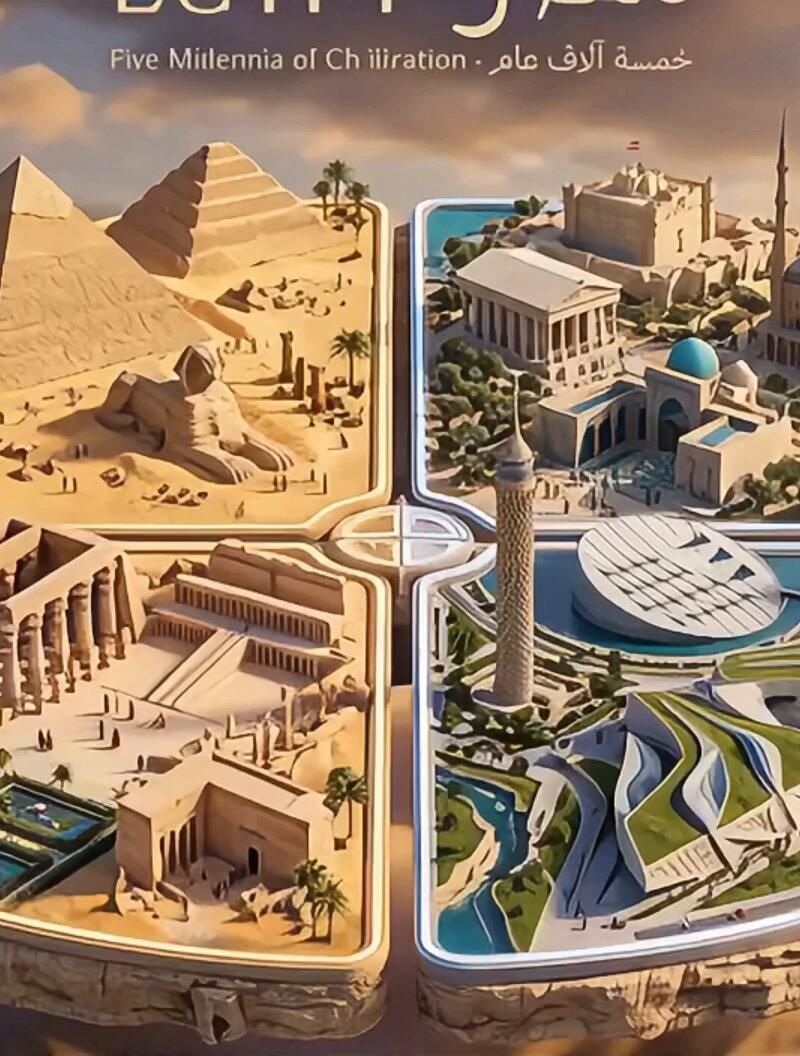
Example images

大理石桌面上的精细城市建筑等比例模型

Prompt
Create a highly detailed 3D architectural scale model of **[CITY, COUNTRY]** displayed on a premium marble tabletop from an elevated isometric perspective. Feature iconic landmarks, recognizable architecture, waterways or natural features, public plazas, government buildings, streets, local transportation, and a dense urban layout with miniature vehicles, trees, and people. Include authentic local signage, flags, road names, information plaques, and a small geographic map identifying the city's location. Use realistic materials, precise city-planning details, soft natural daylight, and cinematic shadows to create a museum-quality miniature city with a premium, photorealistic presentation.
Category
Charts & Infographics
Model
ChatGPT
Creator
@noorwithwifi
Source language
zh-CN
Views5
Source ID
17009
Published
Jun 29, 2026
Studio

Guide

About "大理石桌面上的精细城市建筑等比例模型"

What is this prompt for?

"大理石桌面上的精细城市建筑等比例模型" AI image prompt for ChatGPT (Charts & Infographics). 在高级大理石桌面上创建一个高度详细的 **[城市, 国家]** 3D 建筑等比例模型,采用高架等轴测视角。展示标志性地标、可辨识的建筑、水道或自然特征、公共广场、政府大楼…

The full copyable prompt and example visuals above are ready for AI image generation or one-click recreate in Picva.

How to use this prompt

  1. Step 1

    Open the prompt detail

    Review the example visuals, category, and full prompt text for "大理石桌面上的精细城市建筑等比例模型".

  2. Step 2

    Copy the prompt

    Copy the prompt body from this page, or load it directly in Studio.

  3. Step 3

    Pick a model (ChatGPT)

    Prefer ChatGPT. If you switch models, keep subject and composition and tweak style terms.

  4. Step 4

    Generate and export

    Recreate the look in Picva, or export into your workflow for editing and publishing.

FAQ

What is the "大理石桌面上的精细城市建筑等比例模型" prompt?
It is an AI image-generation prompt for ChatGPT in the Charts & Infographics category. This page includes the full prompt text, example visuals, and a one-click recreate path in Picva.
How do I use this prompt to generate an image?
Copy the prompt from this page, or use Generate / Studio. Paste it into a compatible image model, or recreate the look in Picva with optional reference images.
Which model is this prompt for?
This page lists ChatGPT. Most descriptive prompts also transfer to nearby image models such as GPT Image, Flux, or Midjourney with light style tweaks.
Can I use the result commercially?
You can usually copy the prompt for creation, but commercial use of the final image depends on the model terms, reference-image rights, and the generated content. Follow the source author and platform rules.