18

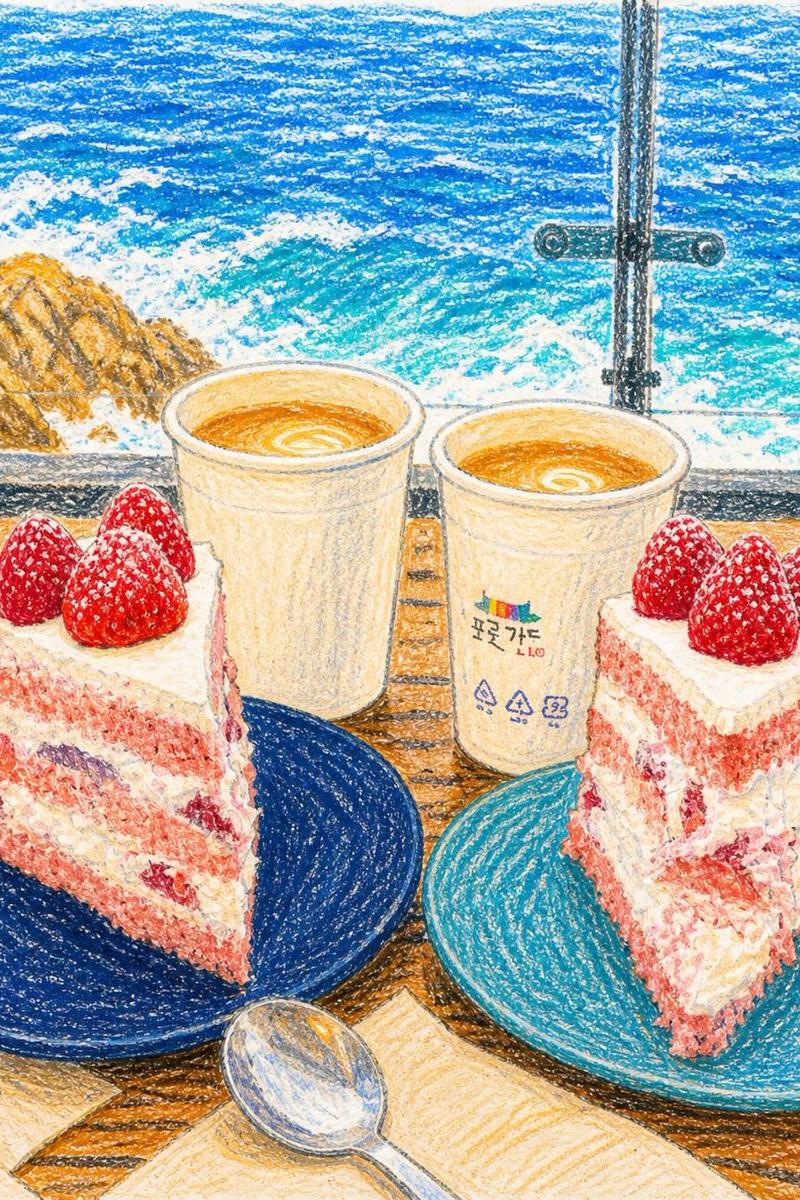
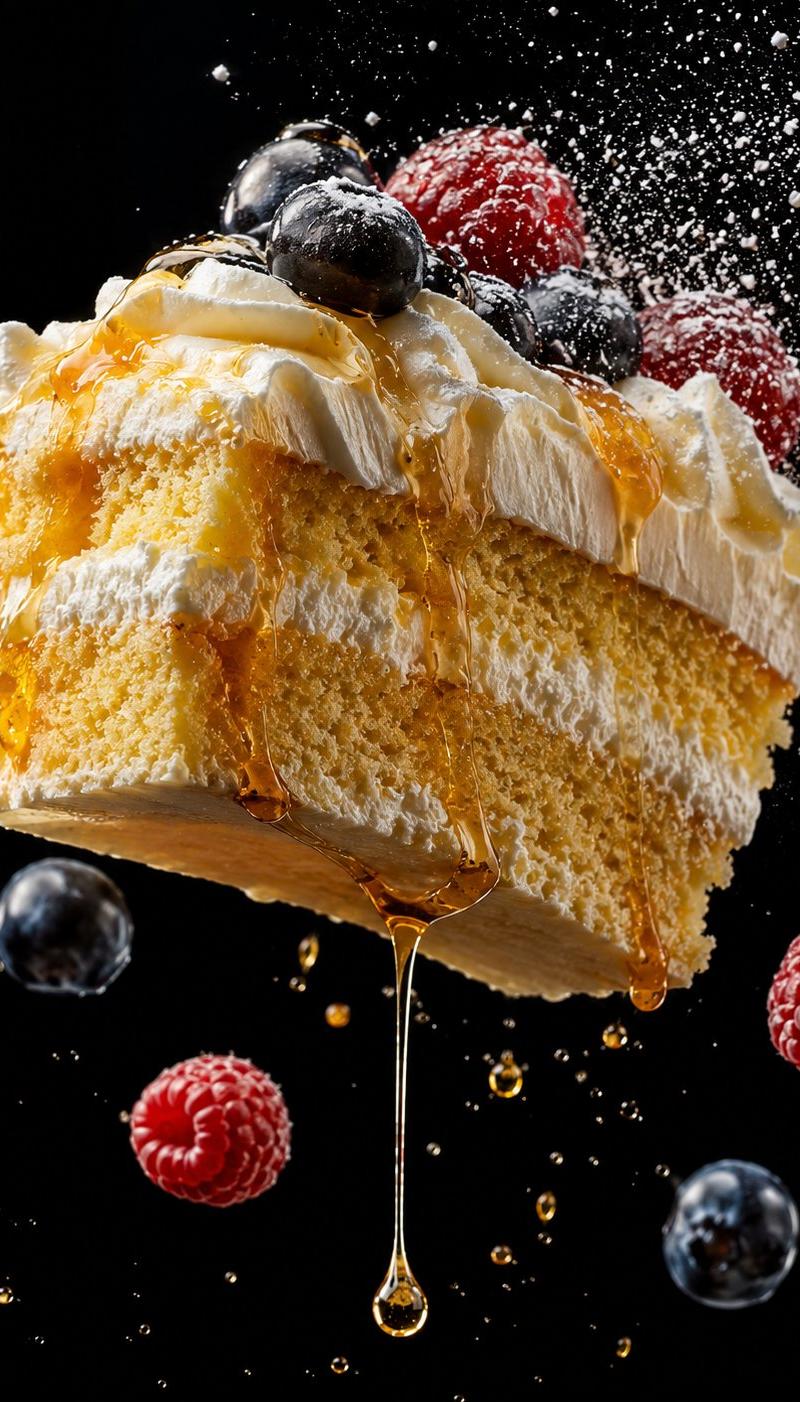
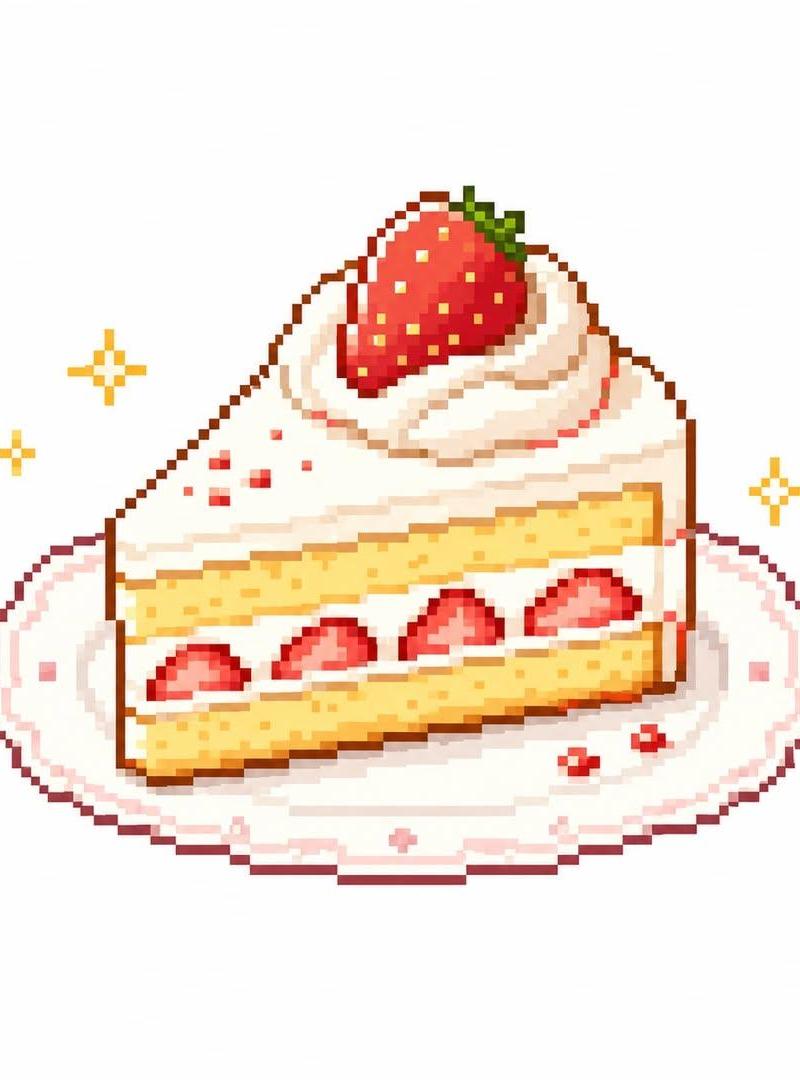
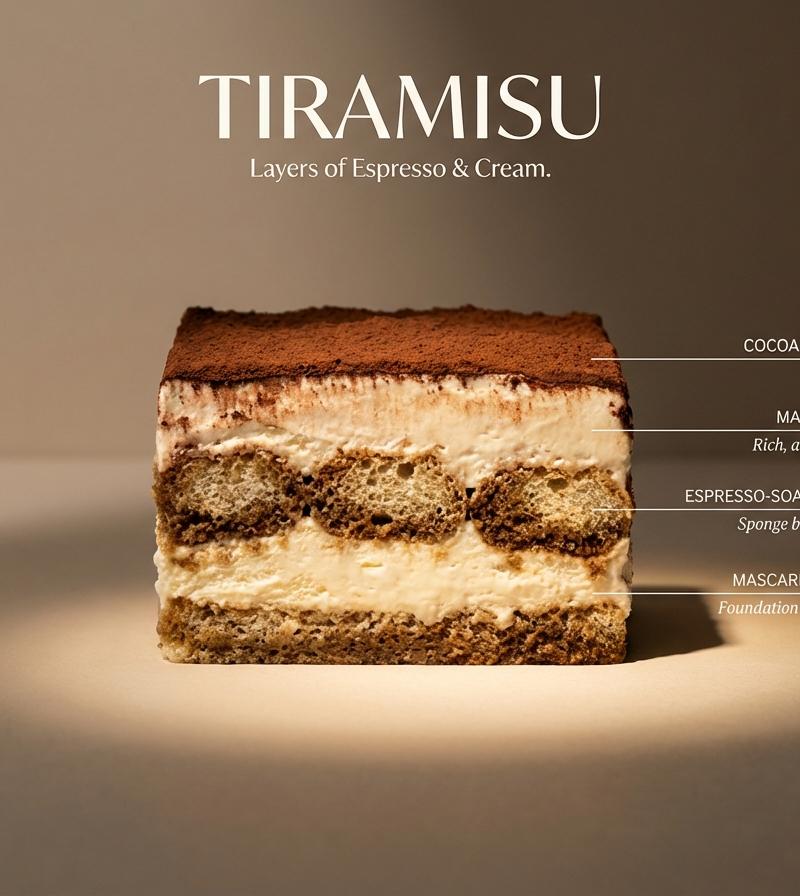
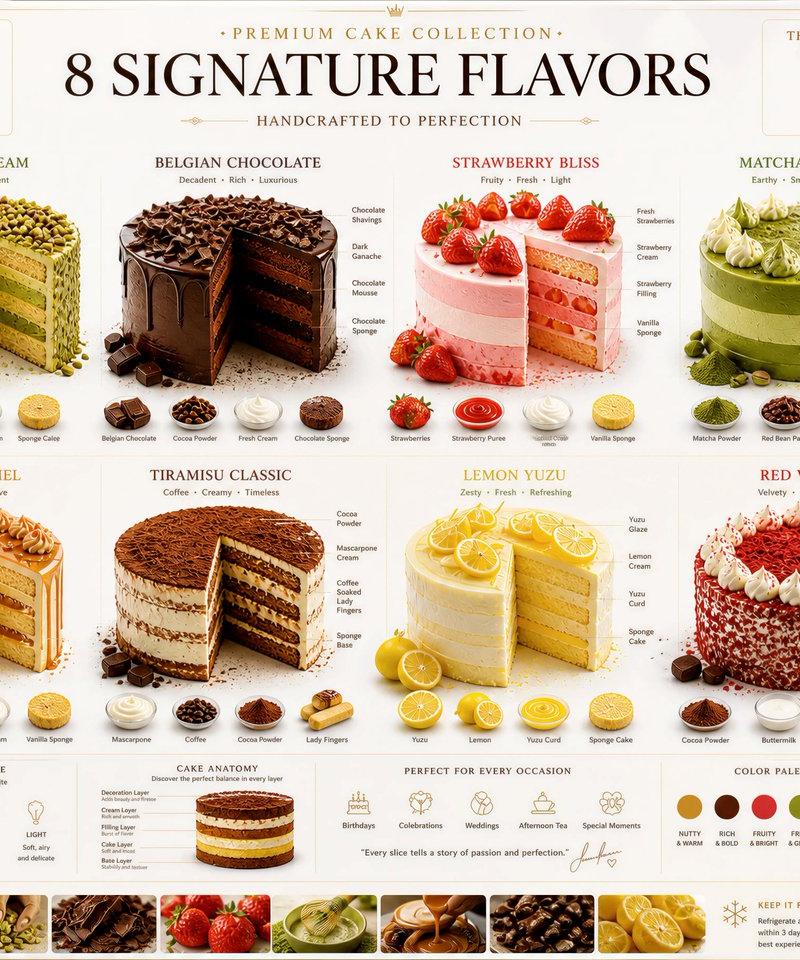
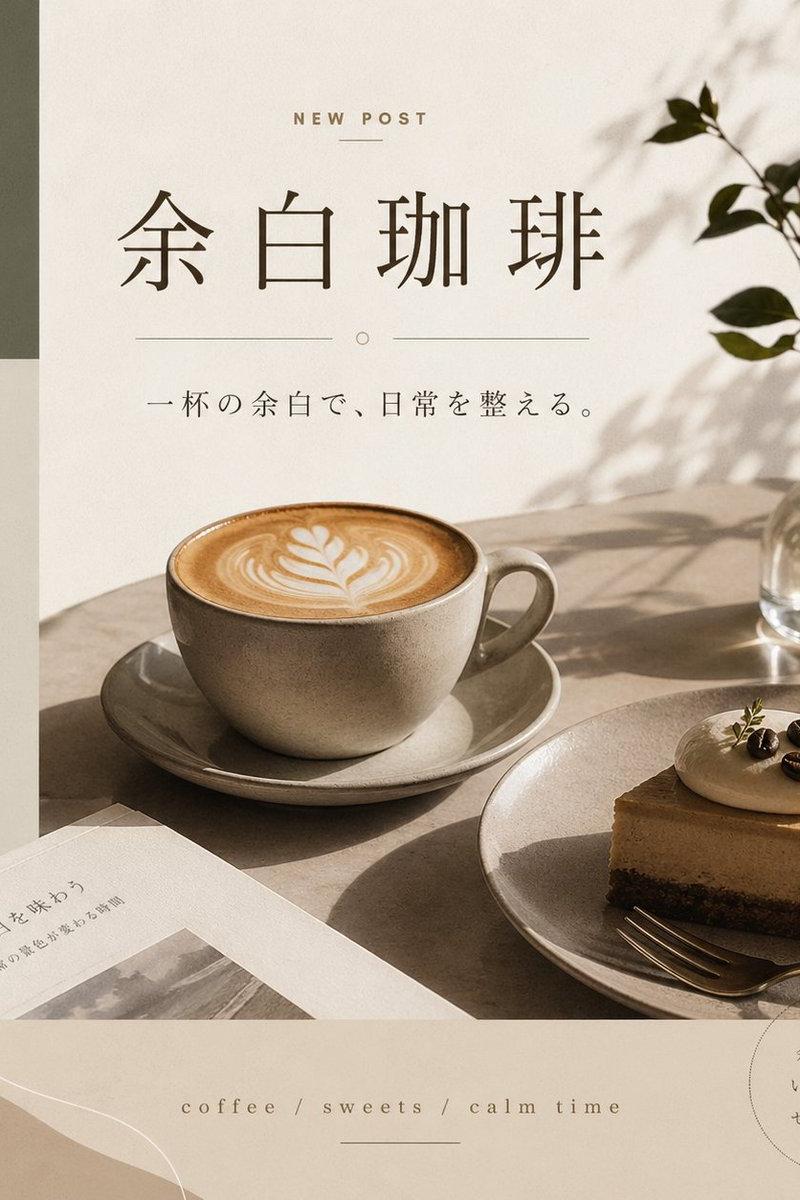
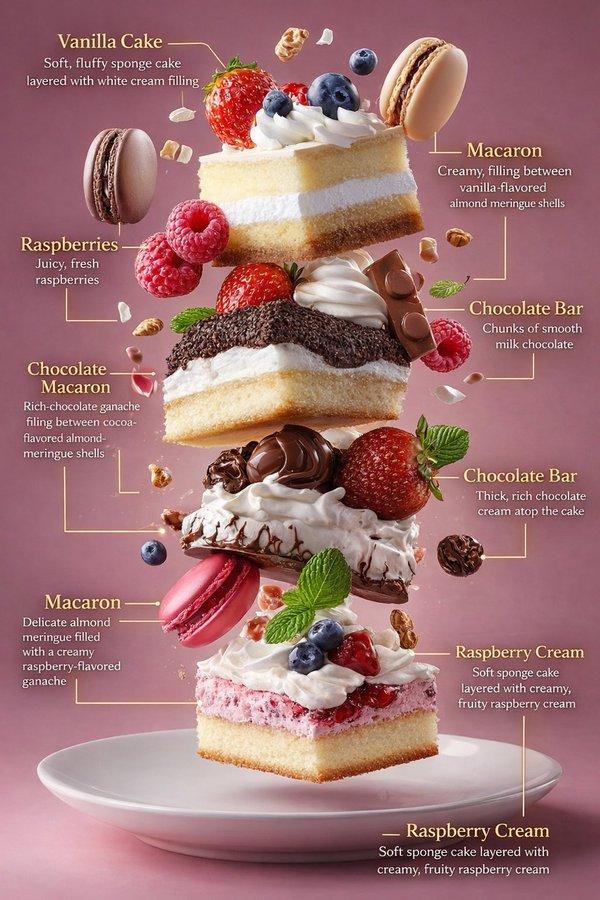
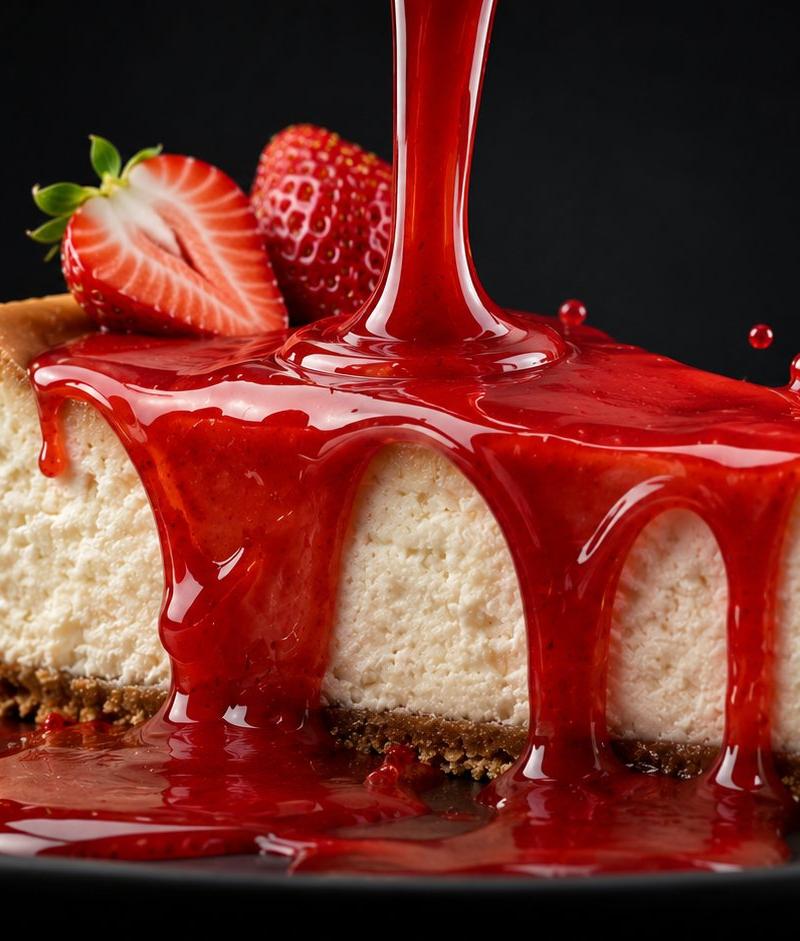
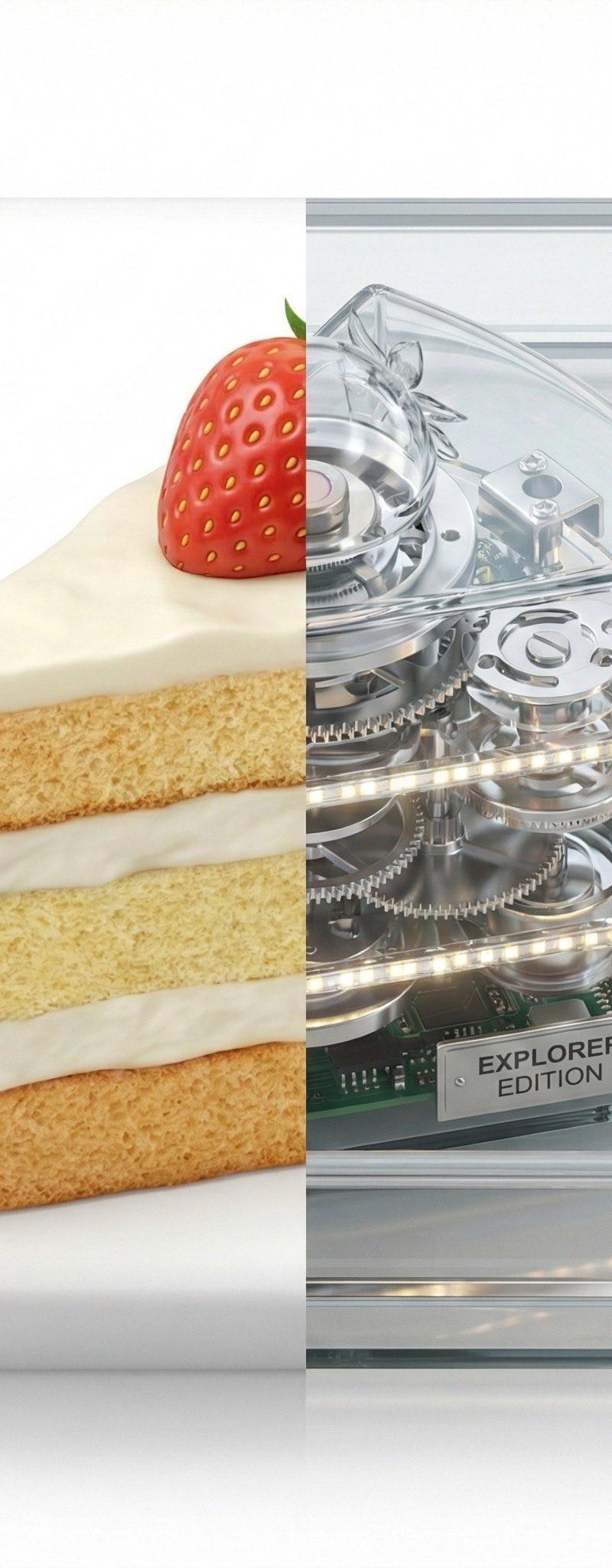
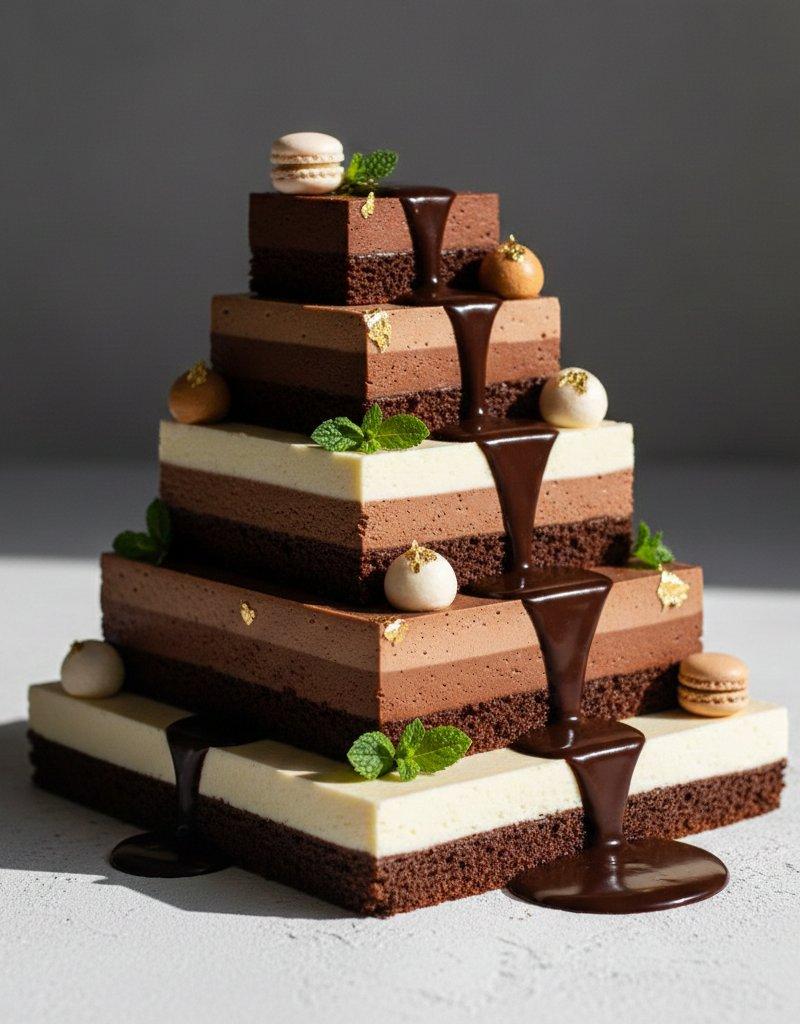
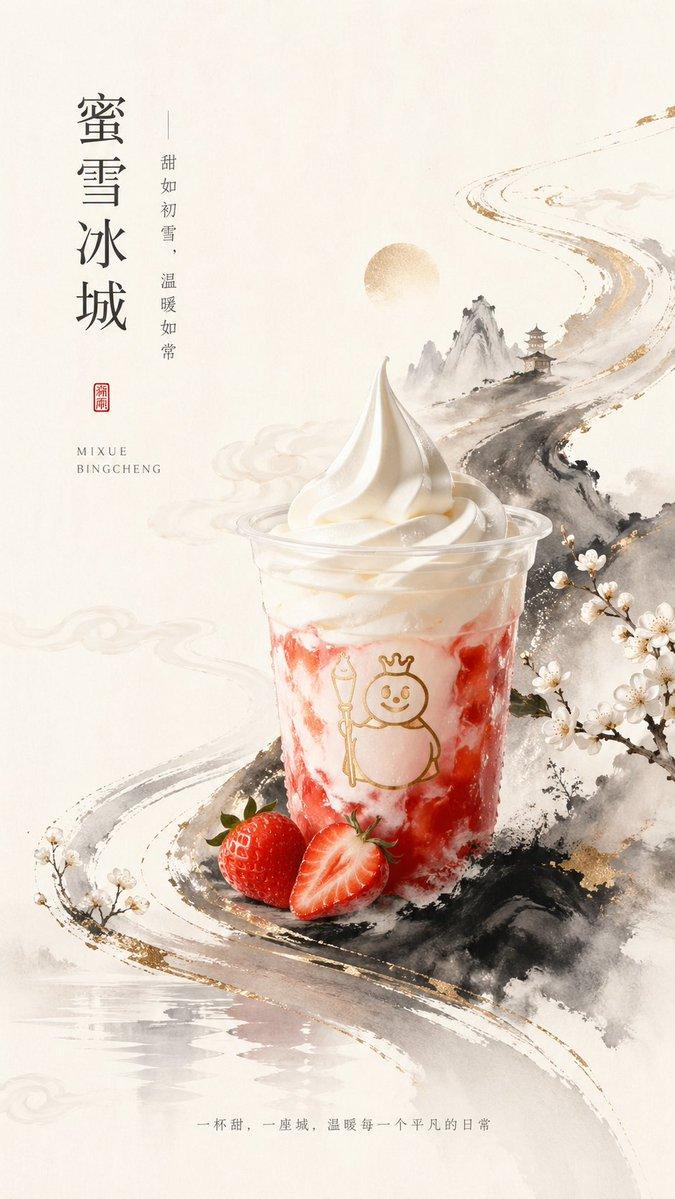
童趣夸张蜡笔风形象增强
Enlarge

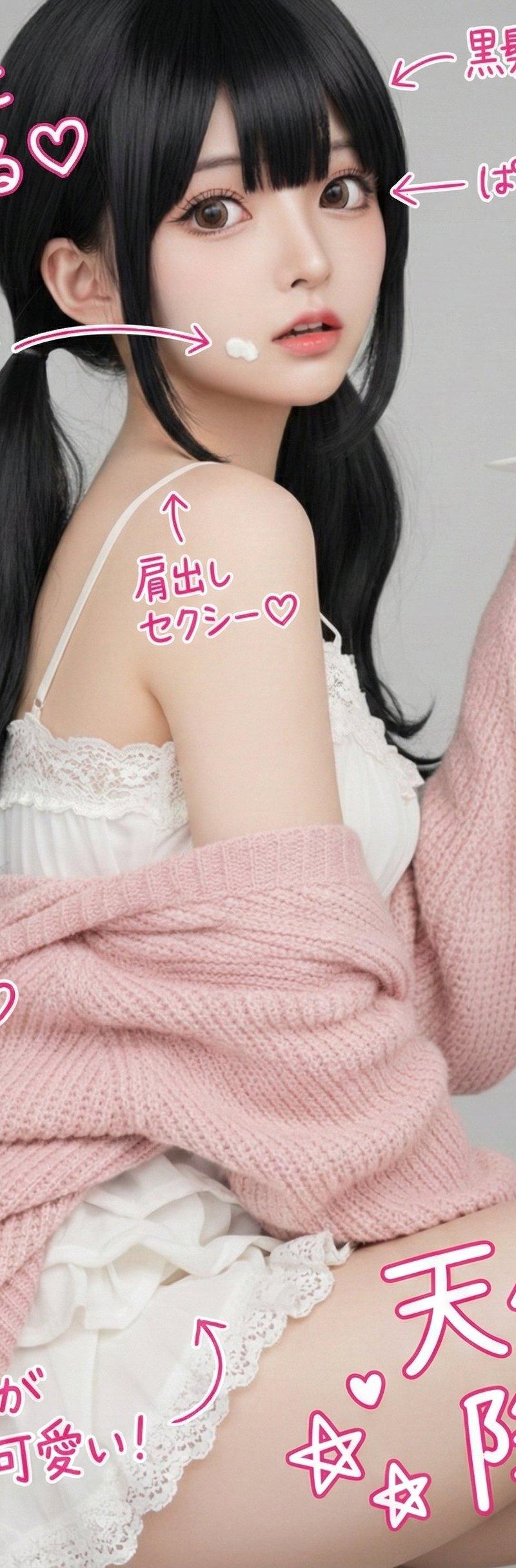
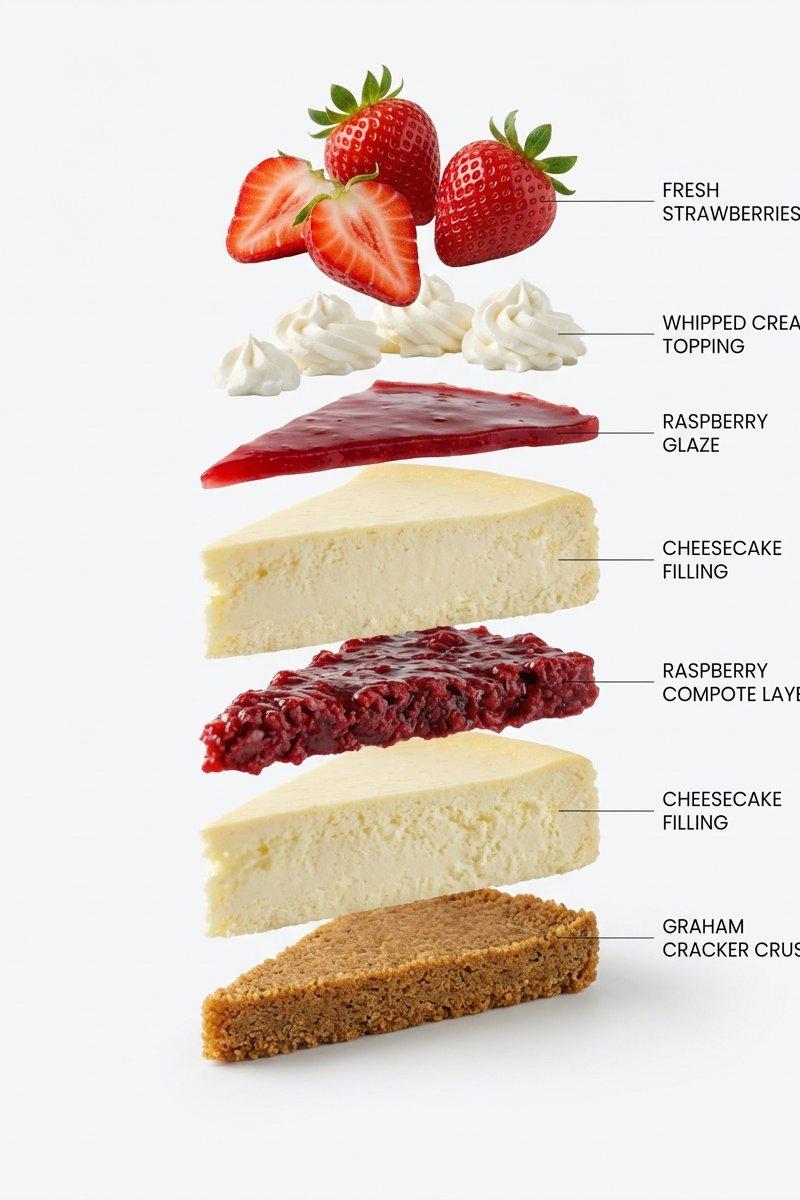
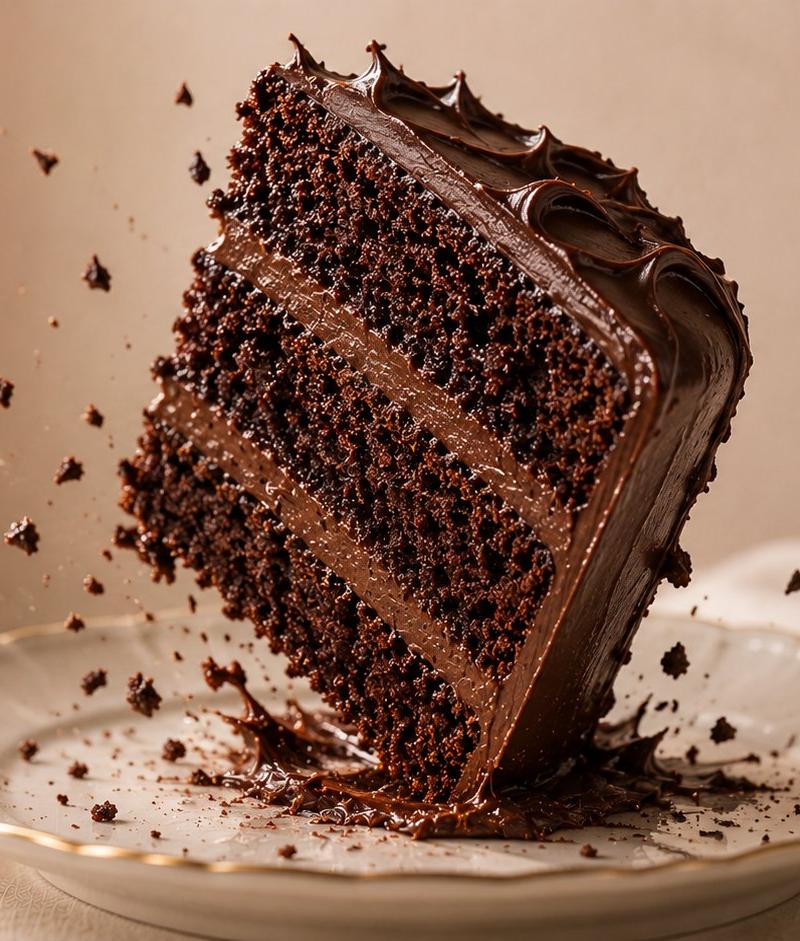
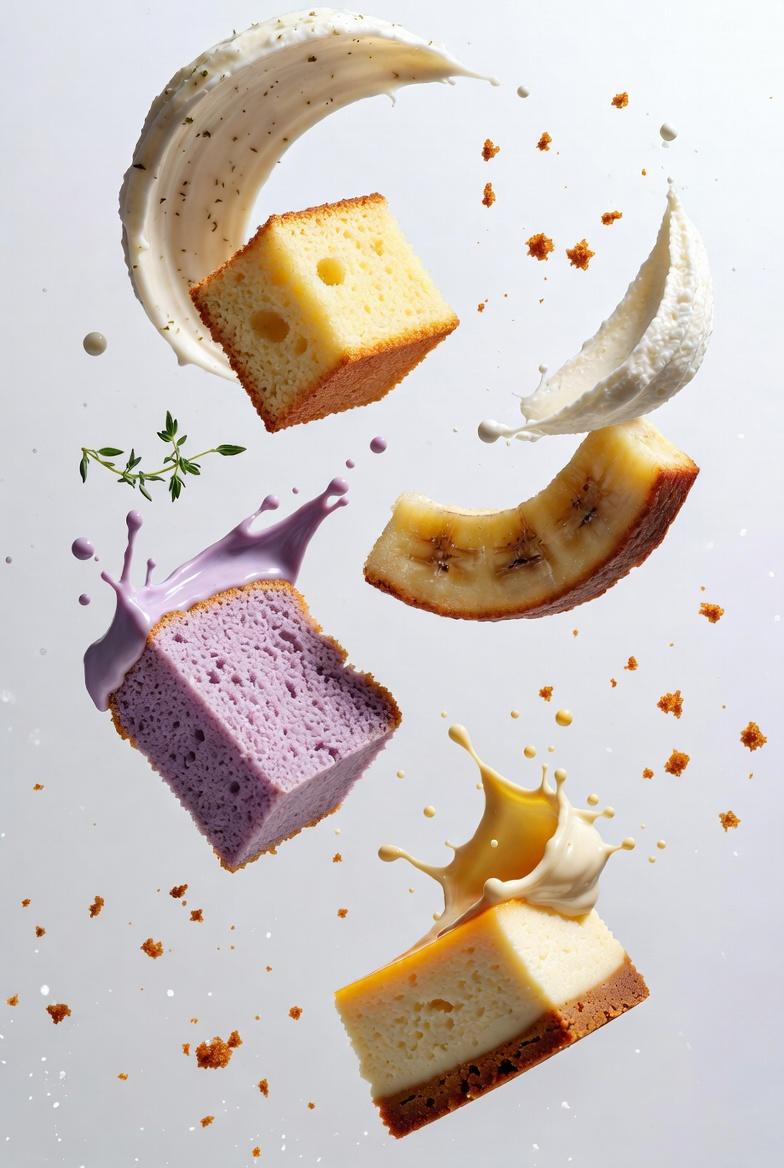
Example images

童趣夸张蜡笔风形象增强

Prompt
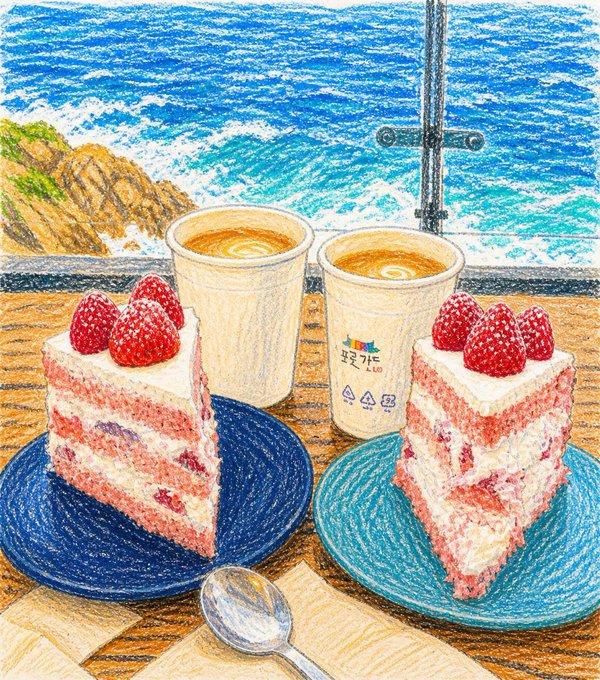
Enhance the innocent and whimsical feel by subtly exaggerating proportions while keeping all elements recognizable, and maintain soft, friendly, joyful expressions. Preserve the core composition and
identifiable elements of the original image, but reinterpret everything in a simplified, cartoonish crayon style. The final result should feel adorable, colorful, playful, innocent, and full of childlike personality, with a warm, imperfect, hand-drawn look that clearly resembles a real kid's crayon artwork brought to life, avoiding any polished digital painting appearance and strictly maintaining visible wax crayon textures and natural imperfections throughout.
Category
Characters & People
Model
ChatGPT
Creator
@Naiknelofar788
Source language
en
Views82
Source ID
13970
Published
May 6, 2026
Studio

Guide

About "童趣夸张蜡笔风形象增强"

What is this prompt for?

"童趣夸张蜡笔风形象增强" AI image prompt for ChatGPT (Characters & People). Enhance the innocent and whimsical feel by subtly exaggerating proportions while keeping all e…

The full copyable prompt and example visuals above are ready for AI image generation or one-click recreate in Picva.

How to use this prompt

  1. Step 1

    Open the prompt detail

    Review the example visuals, category, and full prompt text for "童趣夸张蜡笔风形象增强".

  2. Step 2

    Copy the prompt

    Copy the prompt body from this page, or load it directly in Studio.

  3. Step 3

    Pick a model (ChatGPT)

    Prefer ChatGPT. If you switch models, keep subject and composition and tweak style terms.

  4. Step 4

    Generate and export

    Recreate the look in Picva, or export into your workflow for editing and publishing.

FAQ

What is the "童趣夸张蜡笔风形象增强" prompt?
It is an AI image-generation prompt for ChatGPT in the Characters & People category. This page includes the full prompt text, example visuals, and a one-click recreate path in Picva.
How do I use this prompt to generate an image?
Copy the prompt from this page, or use Generate / Studio. Paste it into a compatible image model, or recreate the look in Picva with optional reference images.
Which model is this prompt for?
This page lists ChatGPT. Most descriptive prompts also transfer to nearby image models such as GPT Image, Flux, or Midjourney with light style tweaks.
Can I use the result commercially?
You can usually copy the prompt for creation, but commercial use of the final image depends on the model terms, reference-image rights, and the generated content. Follow the source author and platform rules.