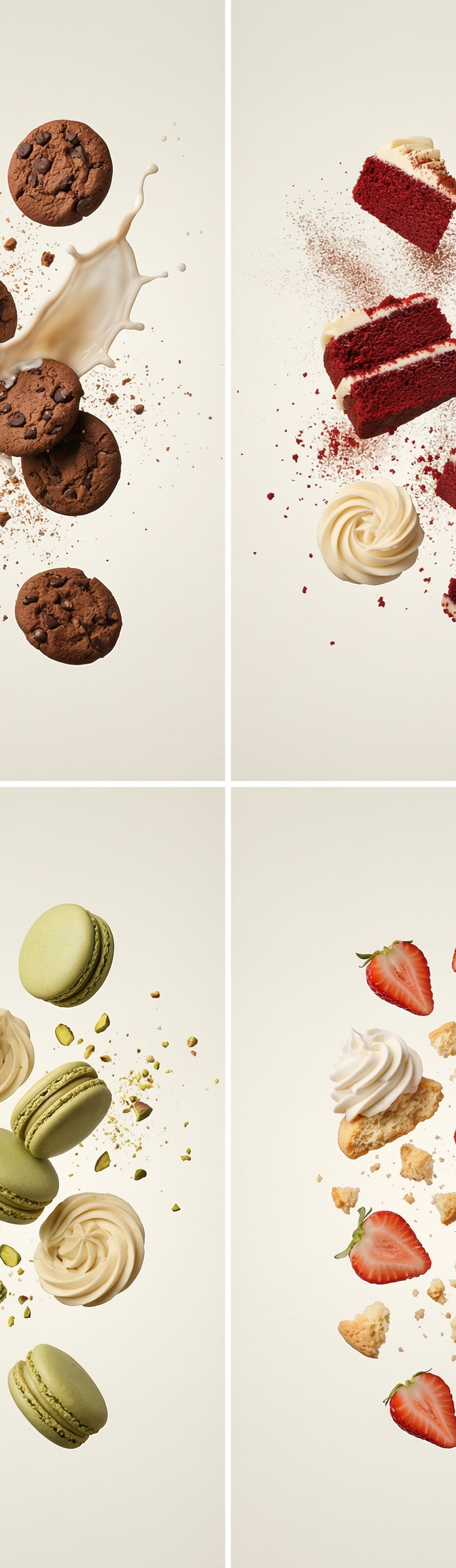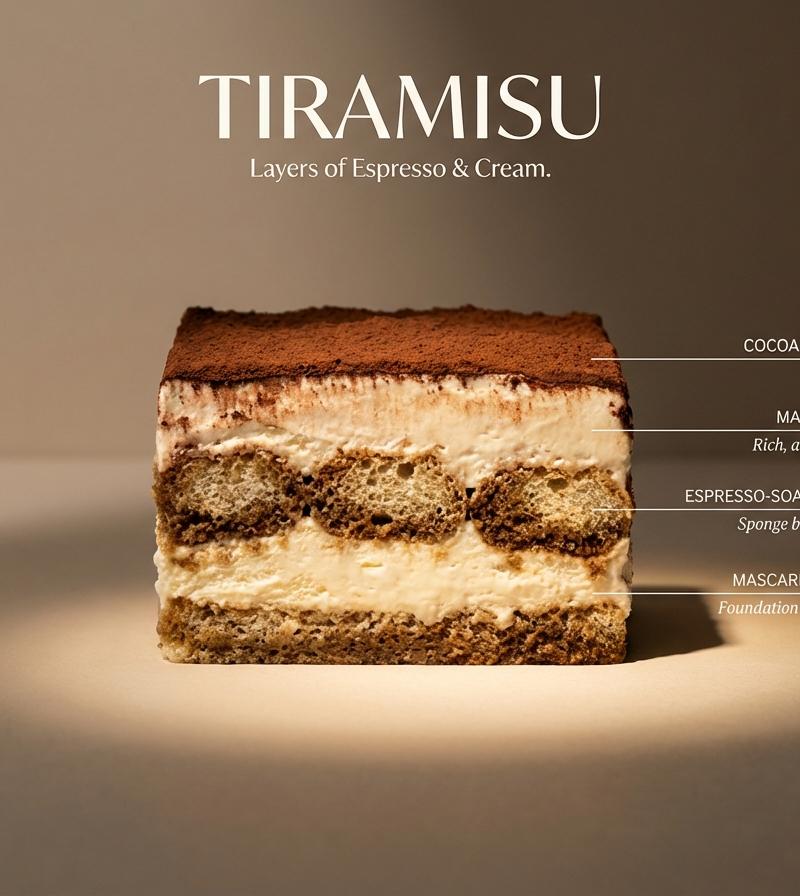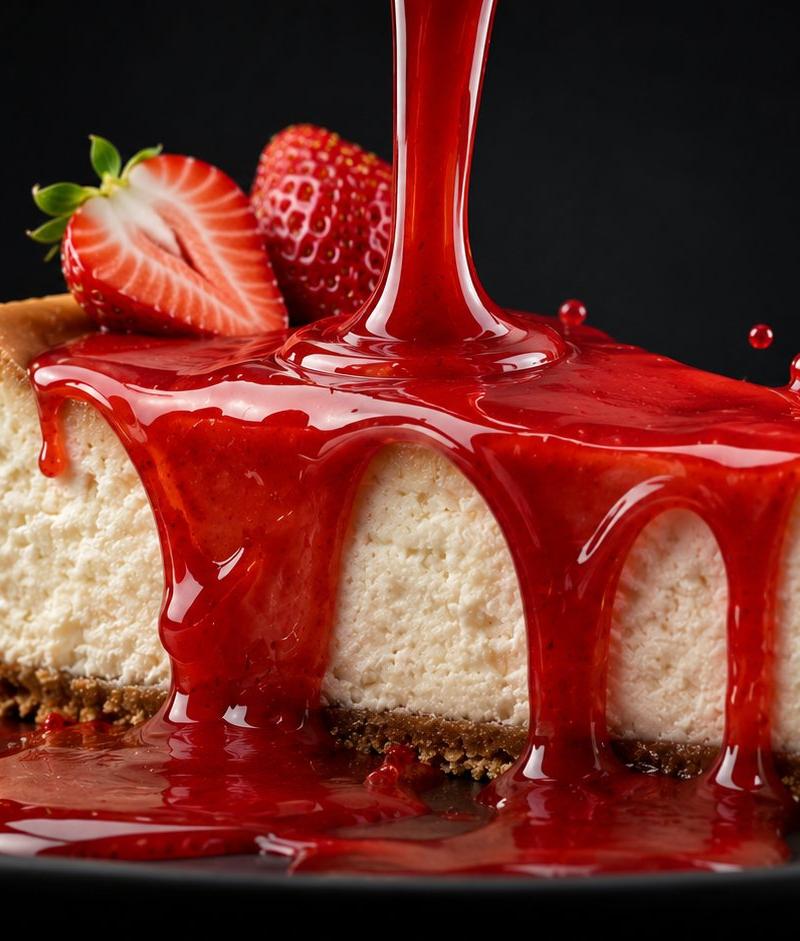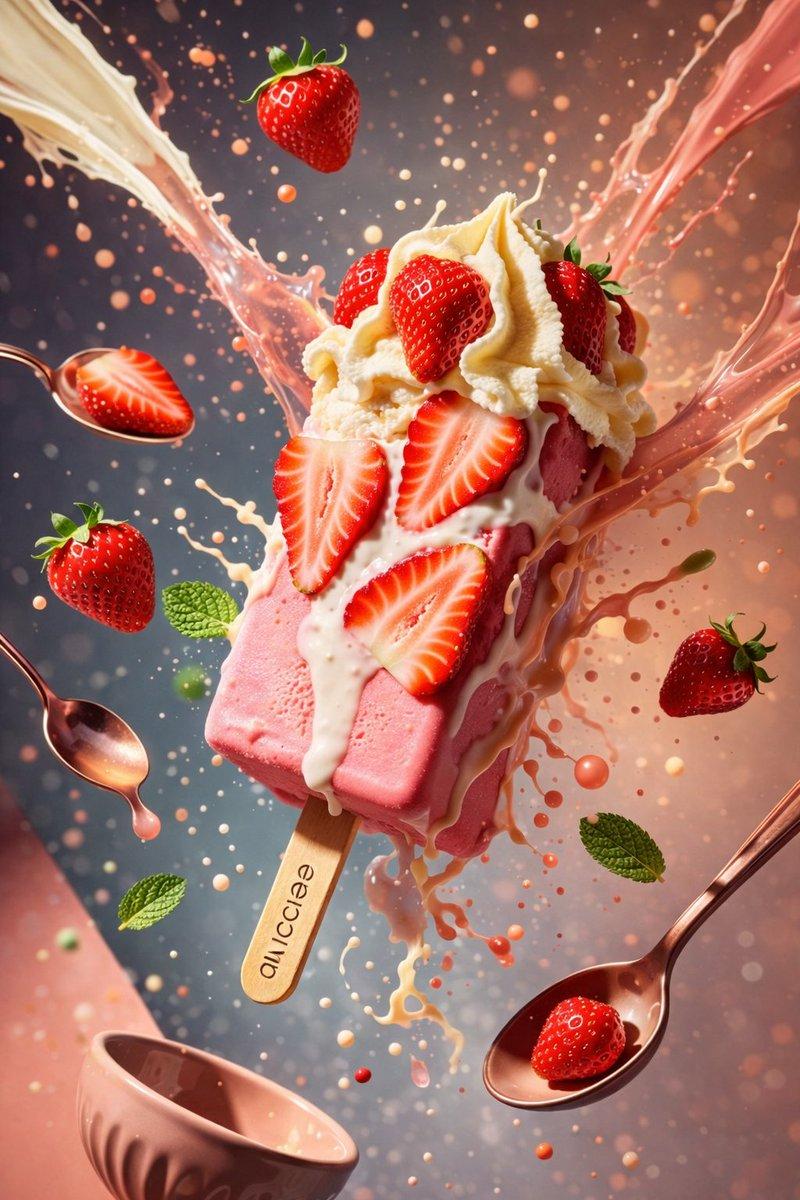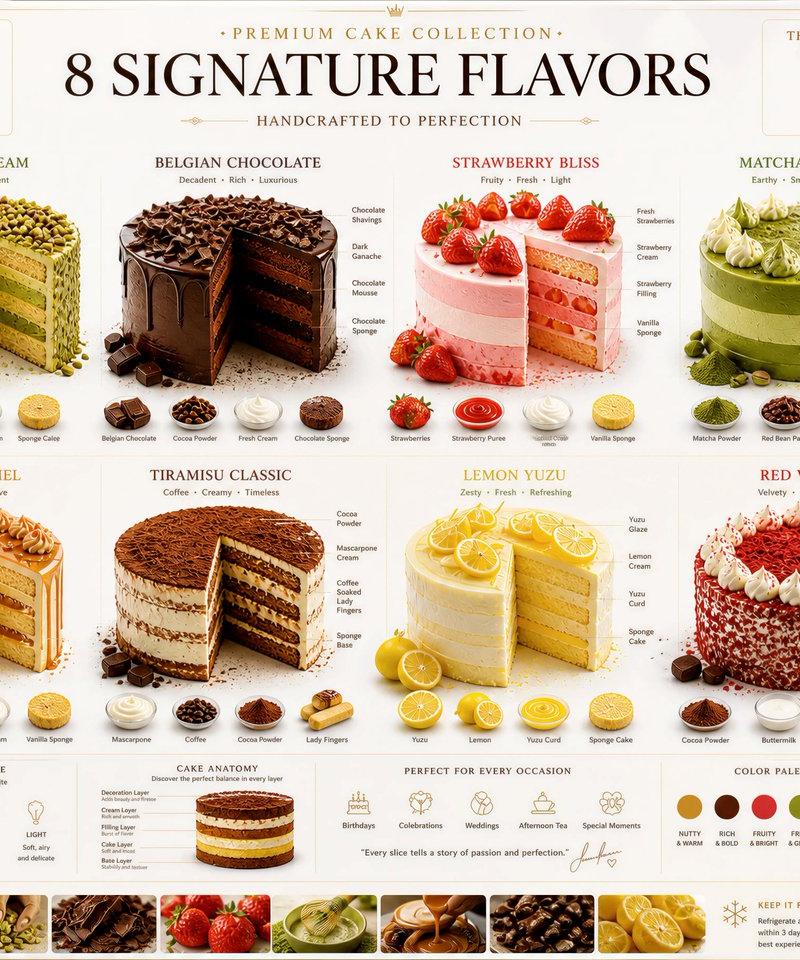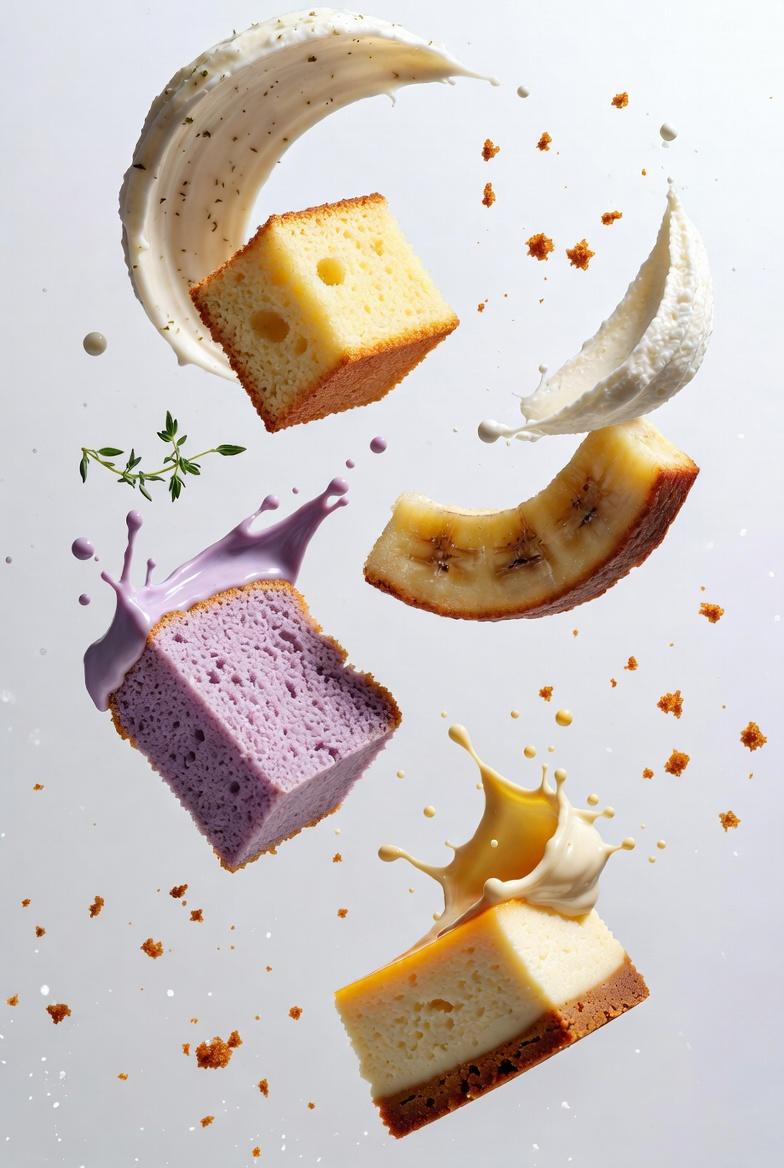
{ "project_configuration": { "shot_type": "macro_slow_motion", "global_settings"
Prompt
{
 "project_configuration": {
 "shot_type": "macro_slow_motion",
 "global_settings": {
 "aspect_ratio": "9:16",
 "chaos_weight": 15,
 "color_profile": "high-key",
 "environment": {
 "backdrop": "clean_white",
 "lighting_style": "cinematic_bloom",
 "atmosphere": "ethereal"
 }
 },
 "camera_optics": {
 "body": "Canon EOS R5",
 "lens": "85mm f/1.2",
 "depth_of_field": "shallow_bokeh",
 "focus_point": "cream_subject_intersection"
 }
 },
 "scene_data": [
 {
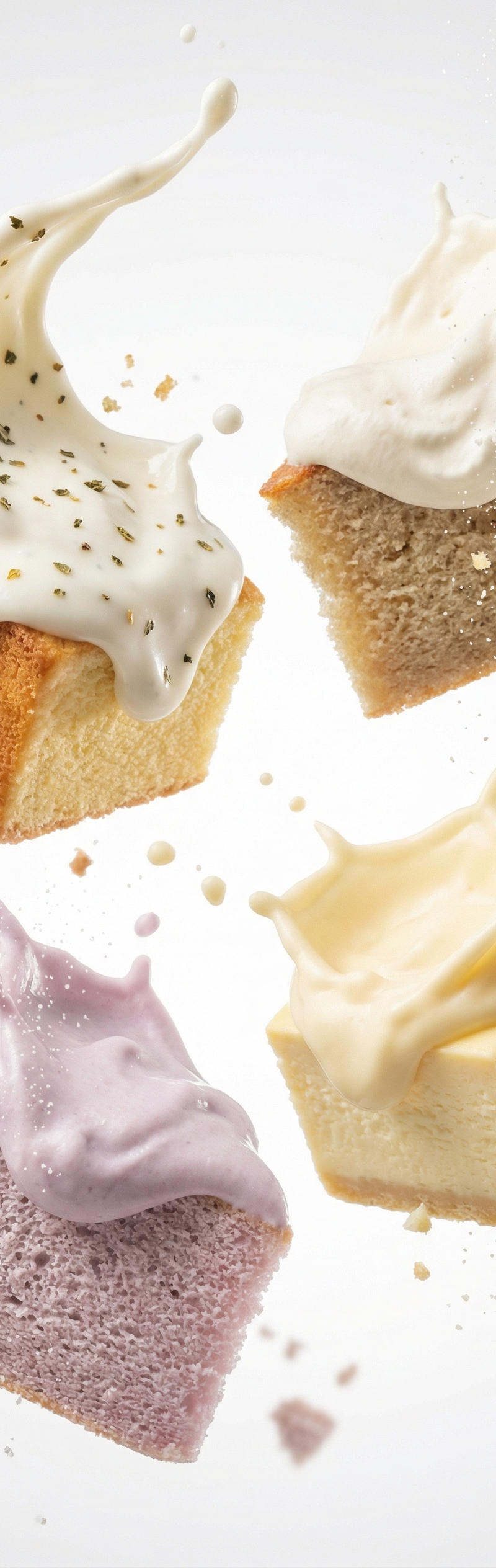
 "id": "item_001",
 "cake_component": {
 "type": "vanilla_sponge_cake_cube",
 "surface": "golden_baked_porosity",
 "physics": "mid-air_floating"
 },
 "cream_component": {
 "material": "Mediterranean_herb_cream_frosting",
 "color": "thick_white",
 "behavior": "upward_splash_arc",
 "texture": "glossy"
 },
 "particle_system": {
 "frozen_elements": "cream_droplets",
 "toppings": ["oregano_flakes", "thyme_flakes"],
 "debris": "hyper-detailed_cake_crumbs"
 }
 },
 {
 "id": "item_002",
 "cake_component": {
 "type": "banana_cake_slice",
 "surface": "soft_crumb_with_slight_crisp_edges",
 "physics": "hovering"
 },
 "cream_component": {
 "material": "vanilla_whipped_cream",
 "color": "thick_white",
 "behavior": "upward_burst",
 "texture": "soft_creamy"
 },
 "particle_system": {
 "frozen_elements": "soft_arc_droplets",
 "toppings": ["fine_sugar_dust"],
 "debris": "detailed_banana_cake_crumbs"
 }
 },
 {
 "id": "item_003",
 "cake_component": {
 "type": "taro_chiffon_cake_piece",
 "surface": "lavender_tinted_soft_crumb",
 "physics": "hovering"
 },
 "cream_component": {
 "material": "taro_cream_frosting",
 "color": "pastel-purple",
 "behavior": "upward_eruption",
 "texture": "glossy_viscous"
 },
 "particle_system": {
 "frozen_elements": "mid-flight_droplets",
 "toppings": ["sugar-dust_particles"],
 "debris": "soft_drifting_taro_cake_crumbs"
 }
 },
 {
 "id": "item_004",
 "cake_component": {
 "type": "cheesecake_cube",
 "surface": "silky_dense_texture_with_clean_edges",
 "physics": "suspended"
 },
 "cream_component": {
 "material": "cheese_cream_frosting",
 "color": "pale-yellow",
 "behavior": "upward_splash",
 "texture": "thick"
 },
 "particle_system": {
 "frozen_elements": "motion-frozen_droplets",
 "toppings": ["cheesecake_crumb_dust"],
 "debris": "soft_drifting_cheesecake_crumbs"
 }
 }
 ]
}- Category
- Photography & Realism
- Model
- grok-imagine/text-to-image
- Creator
- xie underwood
- Source language
- en
- Source ID
- 167
- Published
- Jan 5, 2026
Views29