19

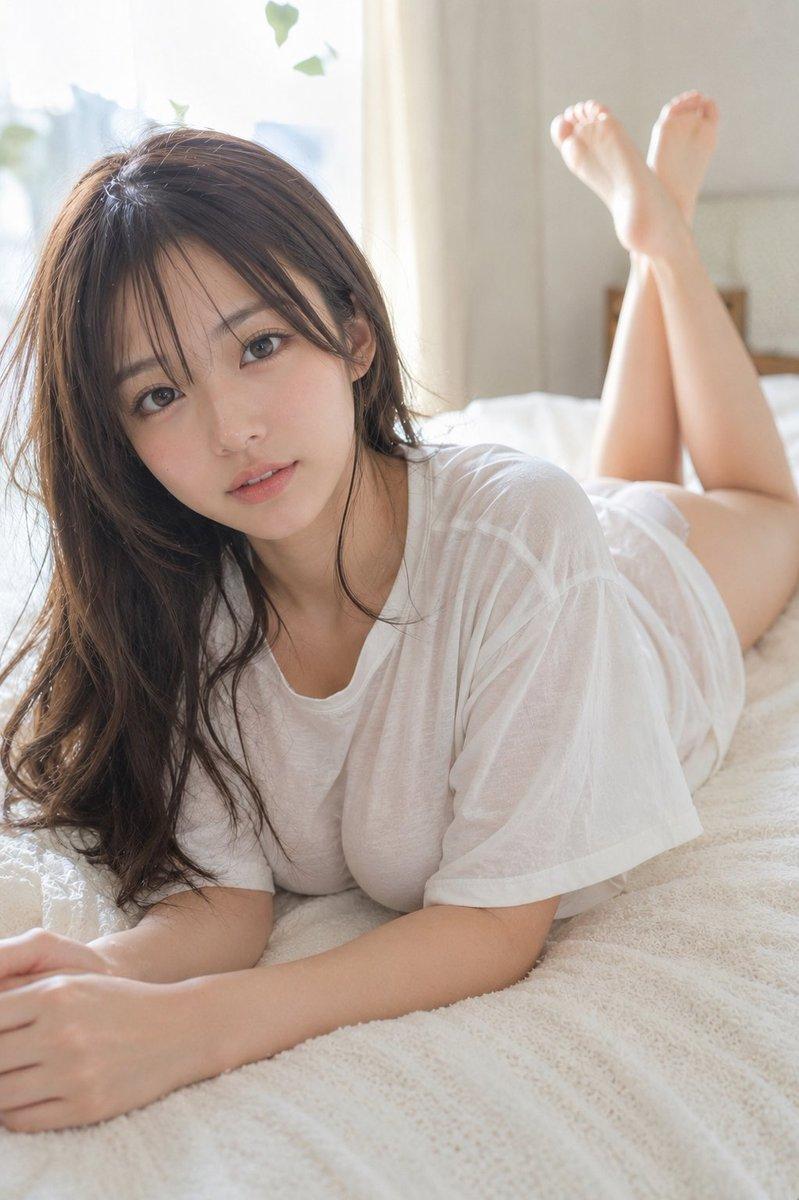
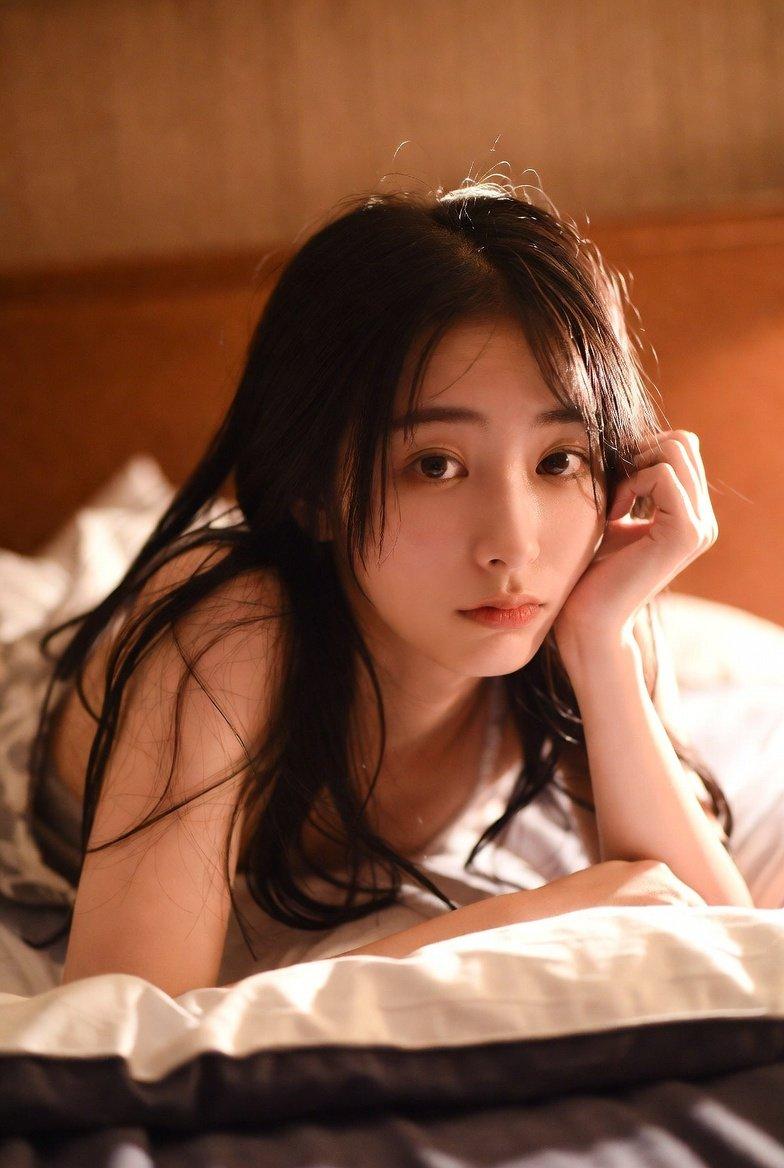
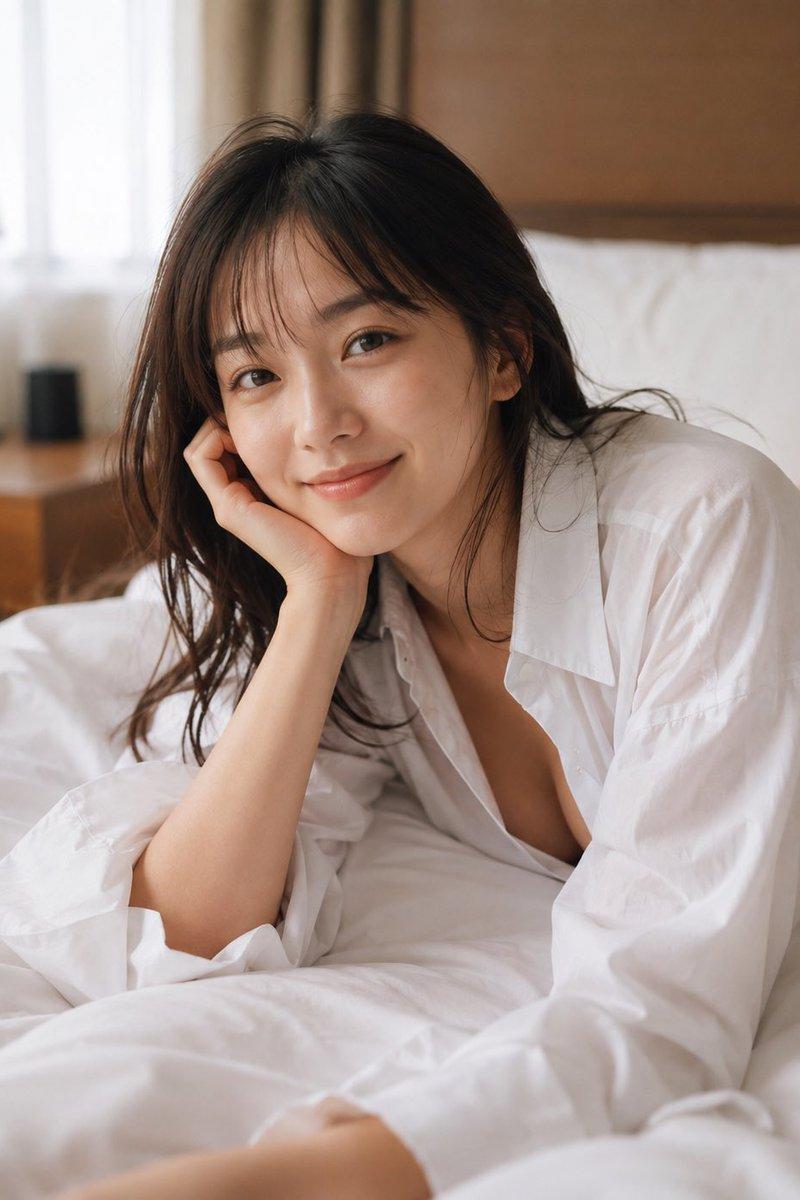
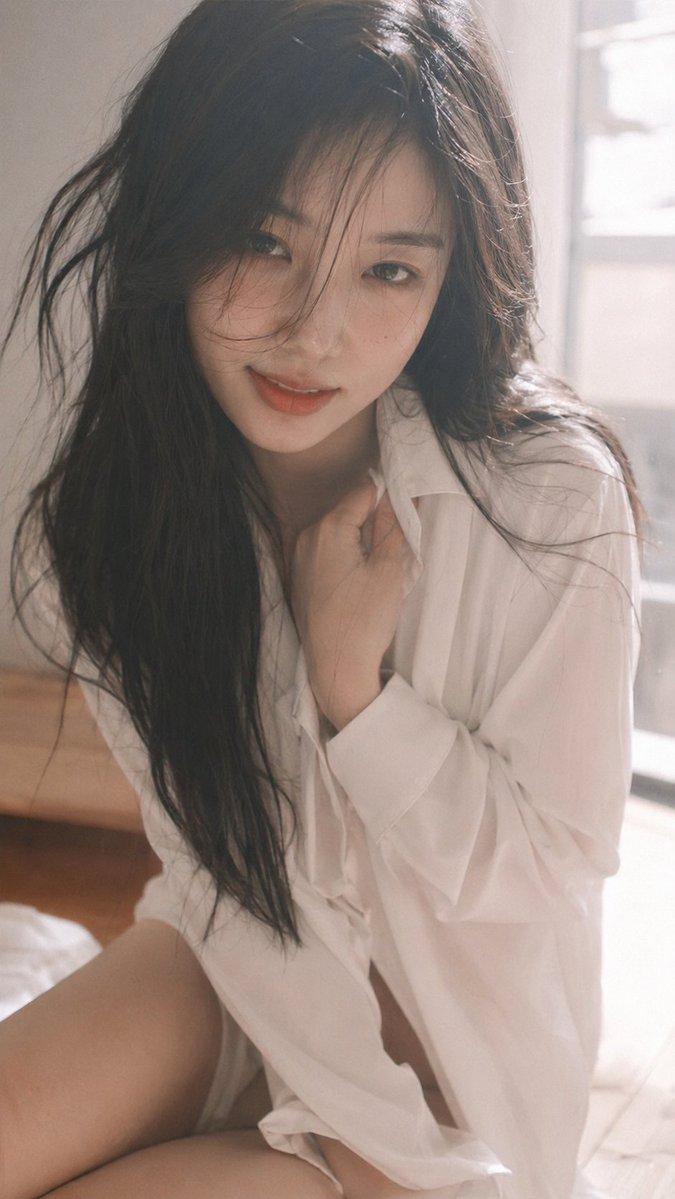
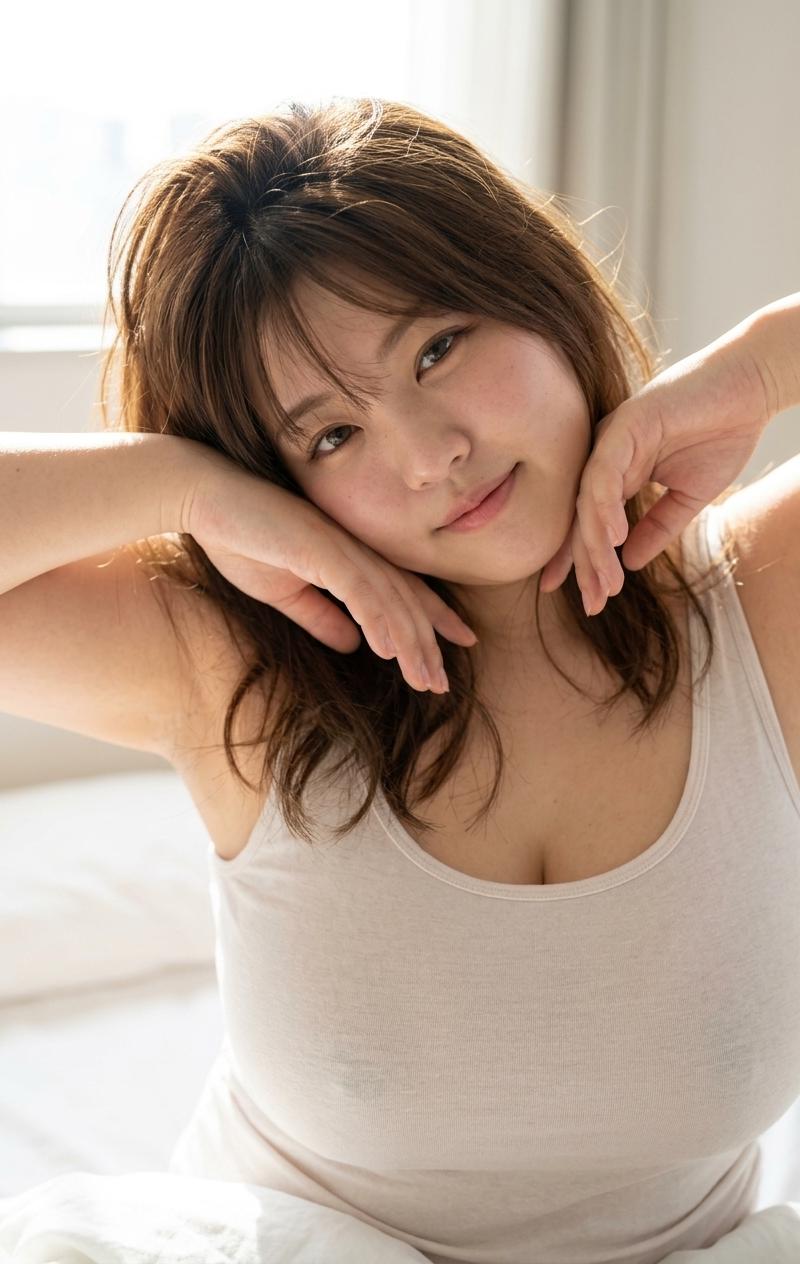
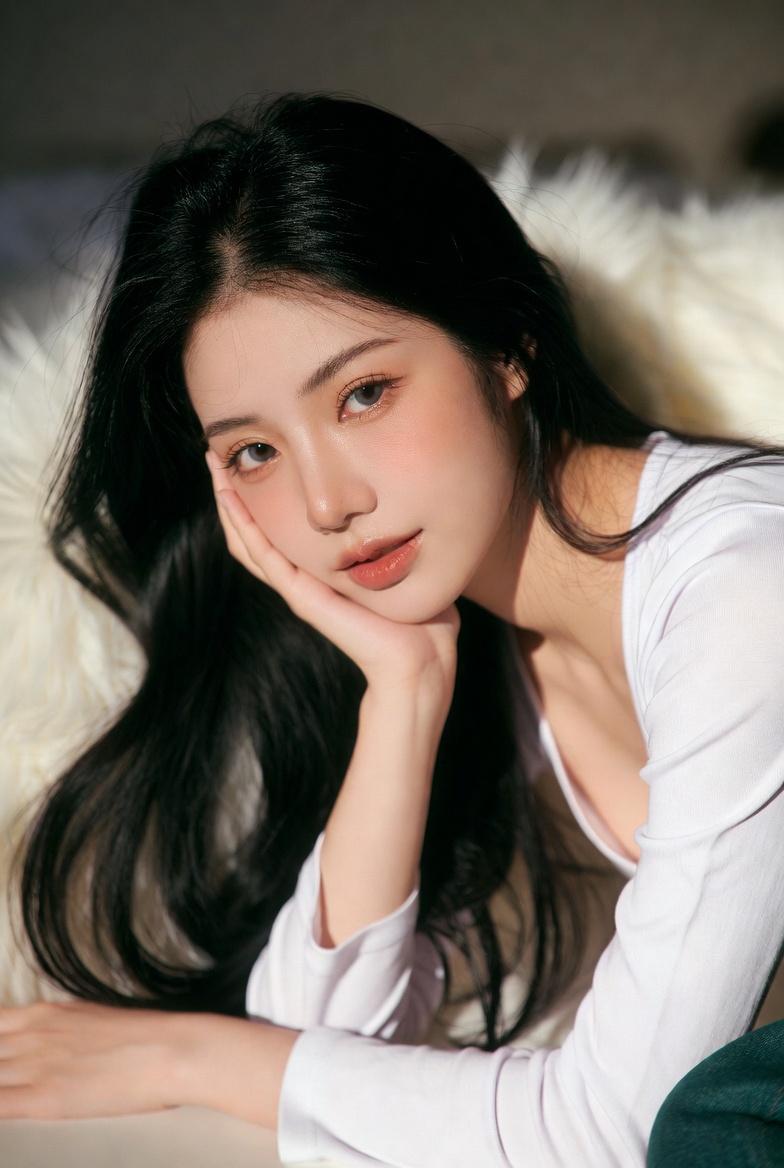
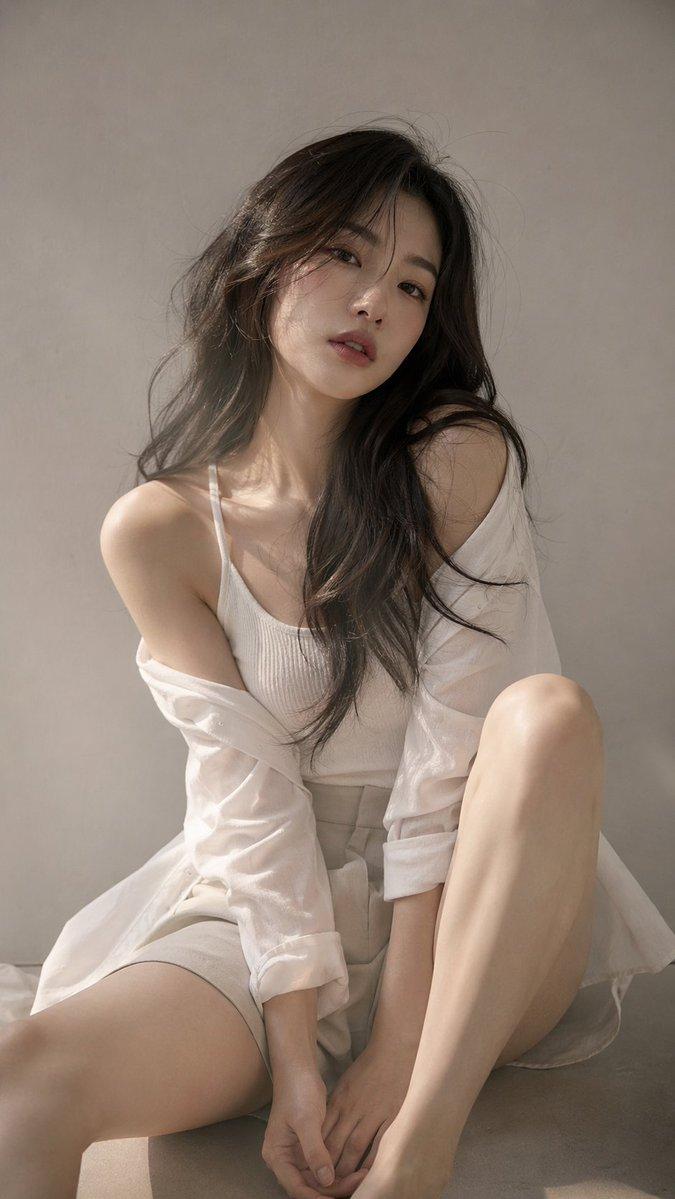
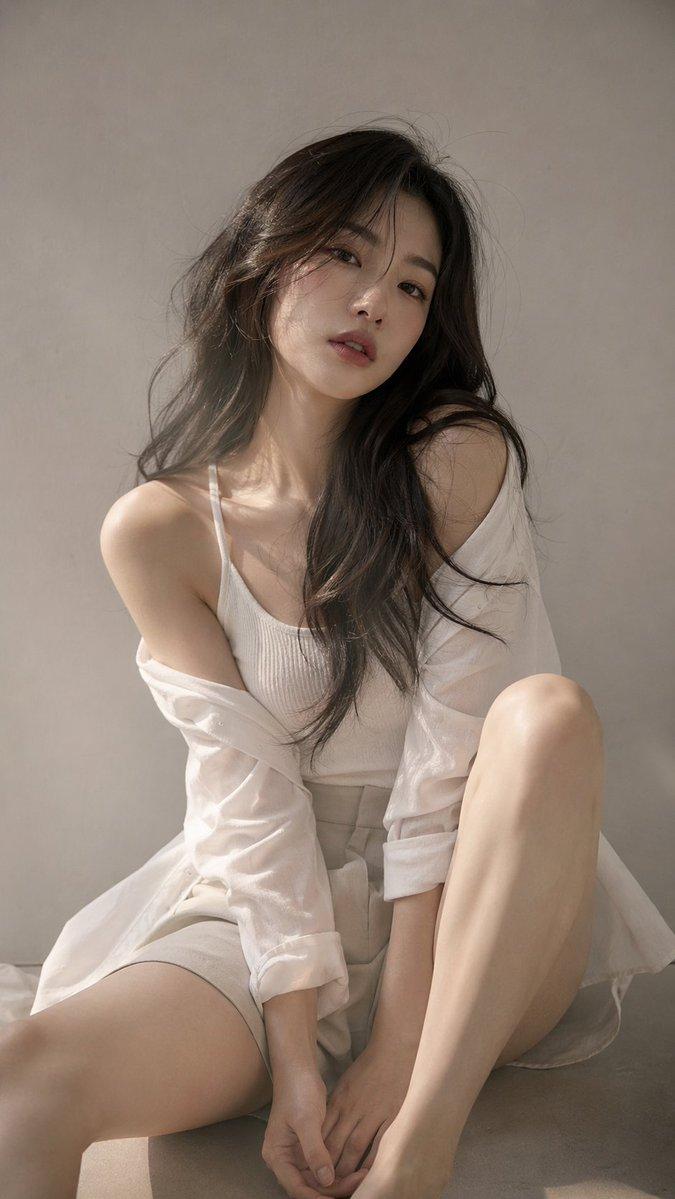
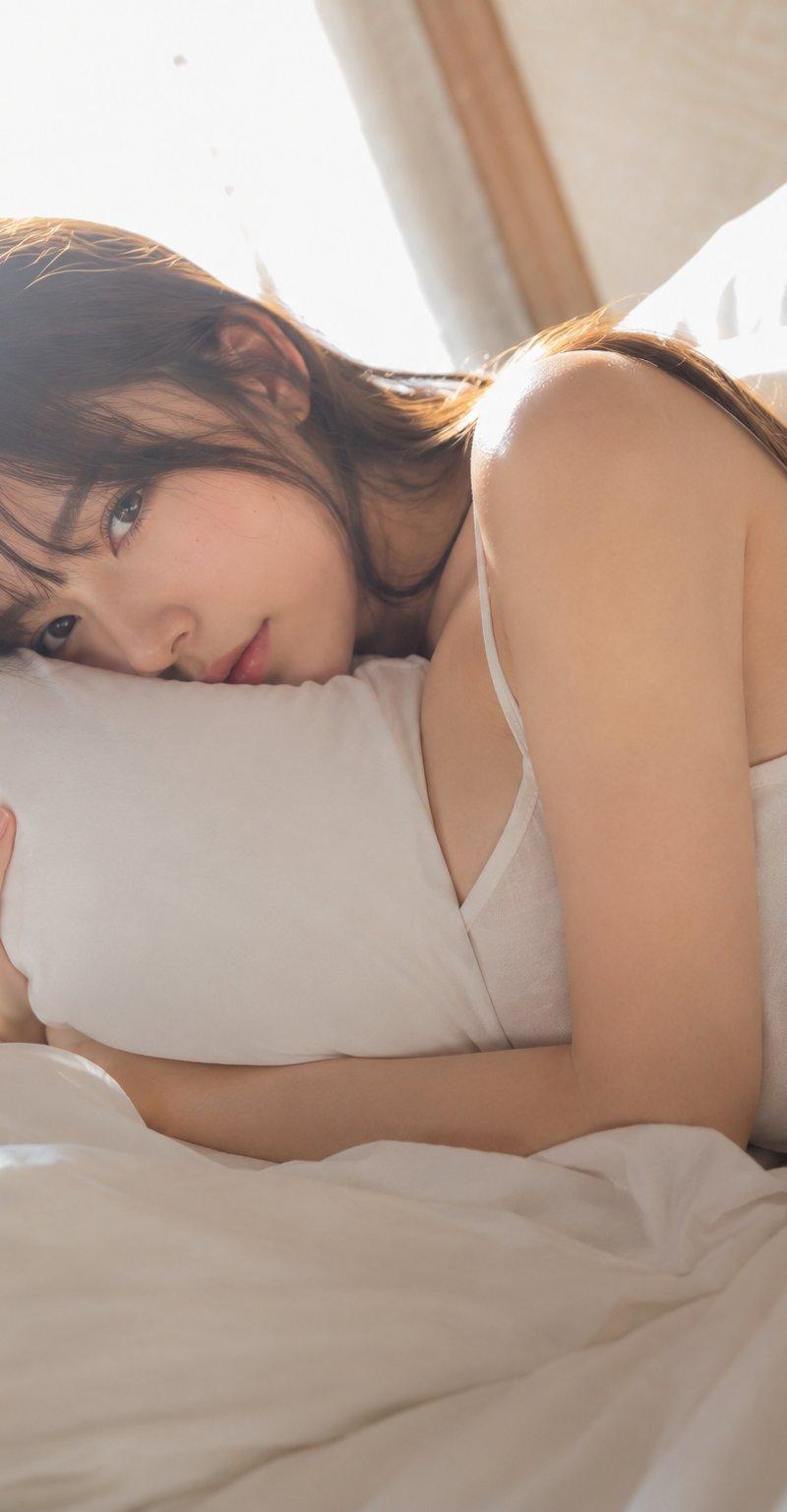
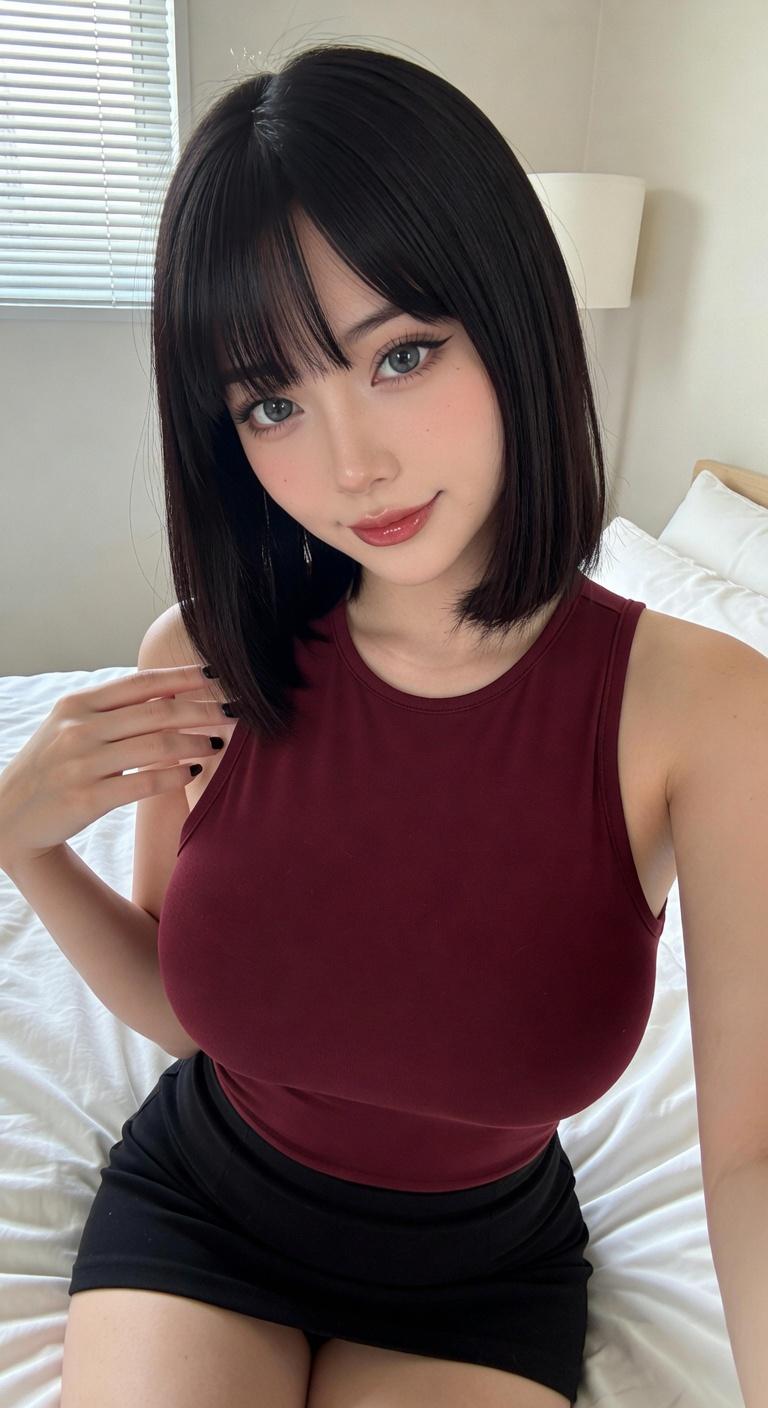
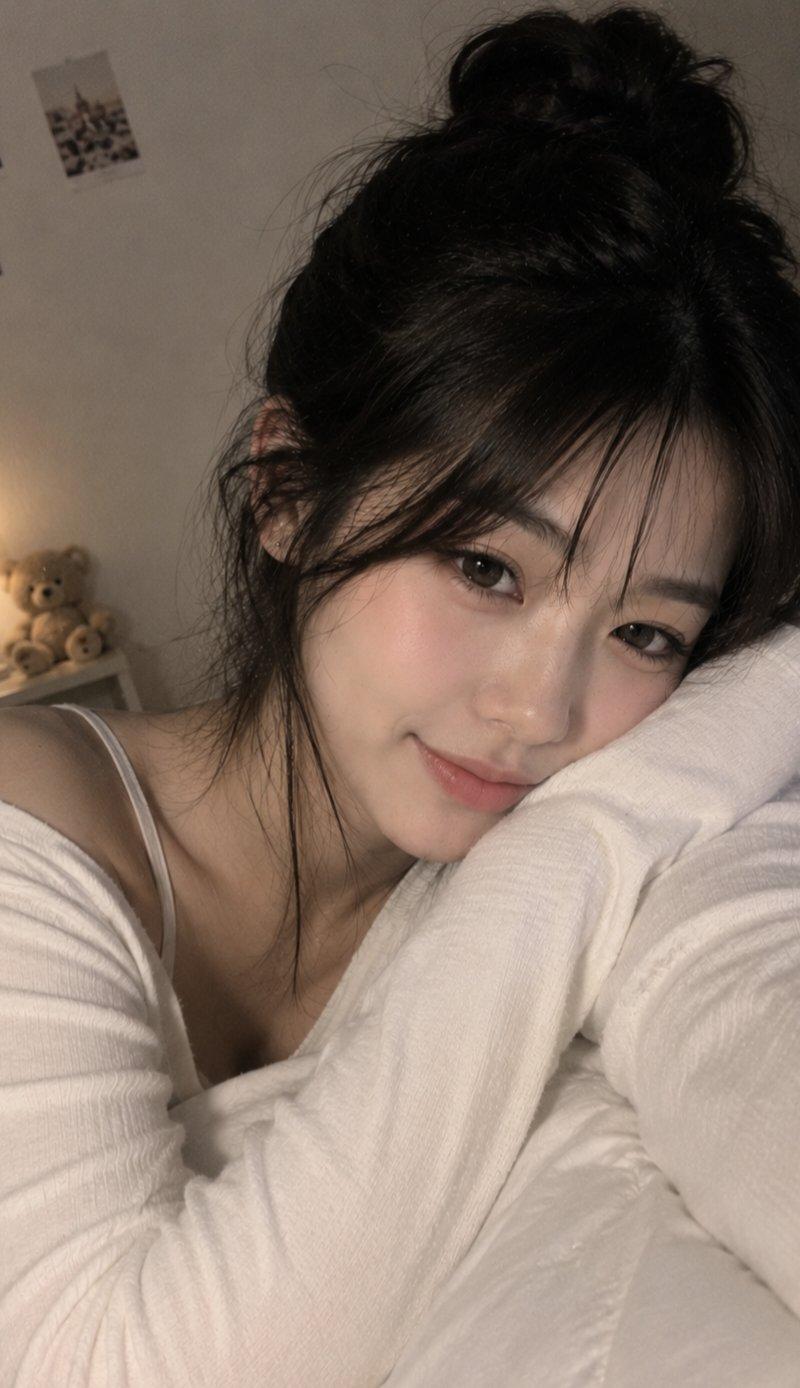
电影感日系卧室东亚女性肖像
Enlarge

Example images

电影感日系卧室东亚女性肖像

Prompt
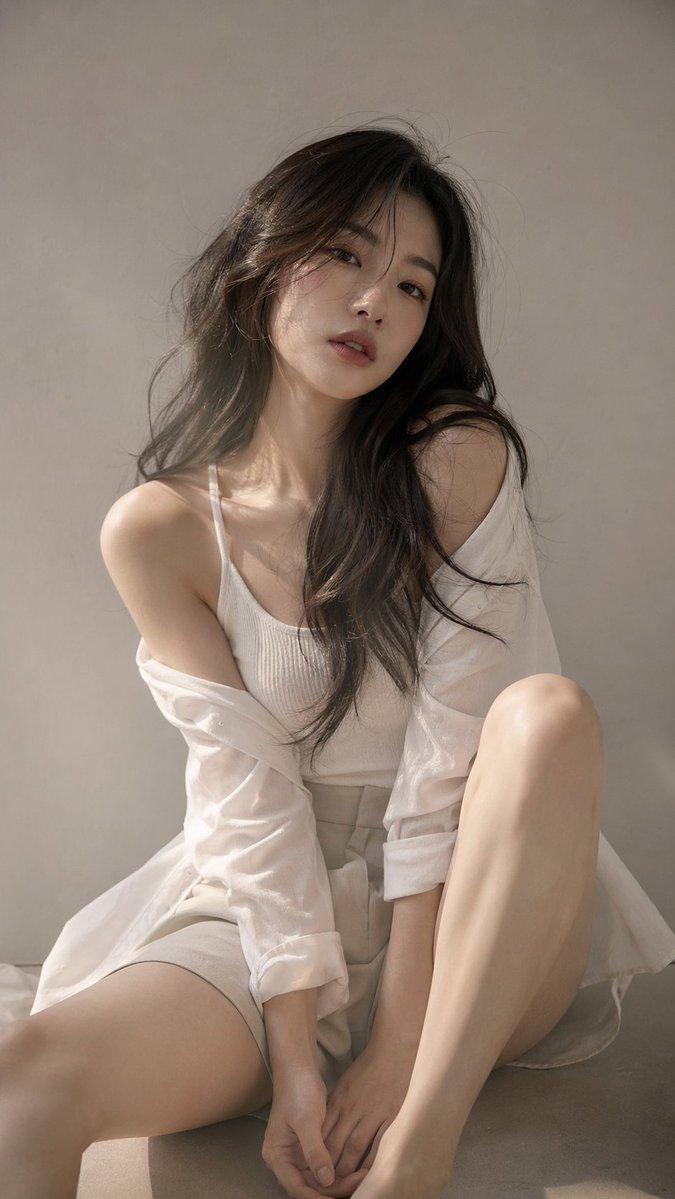
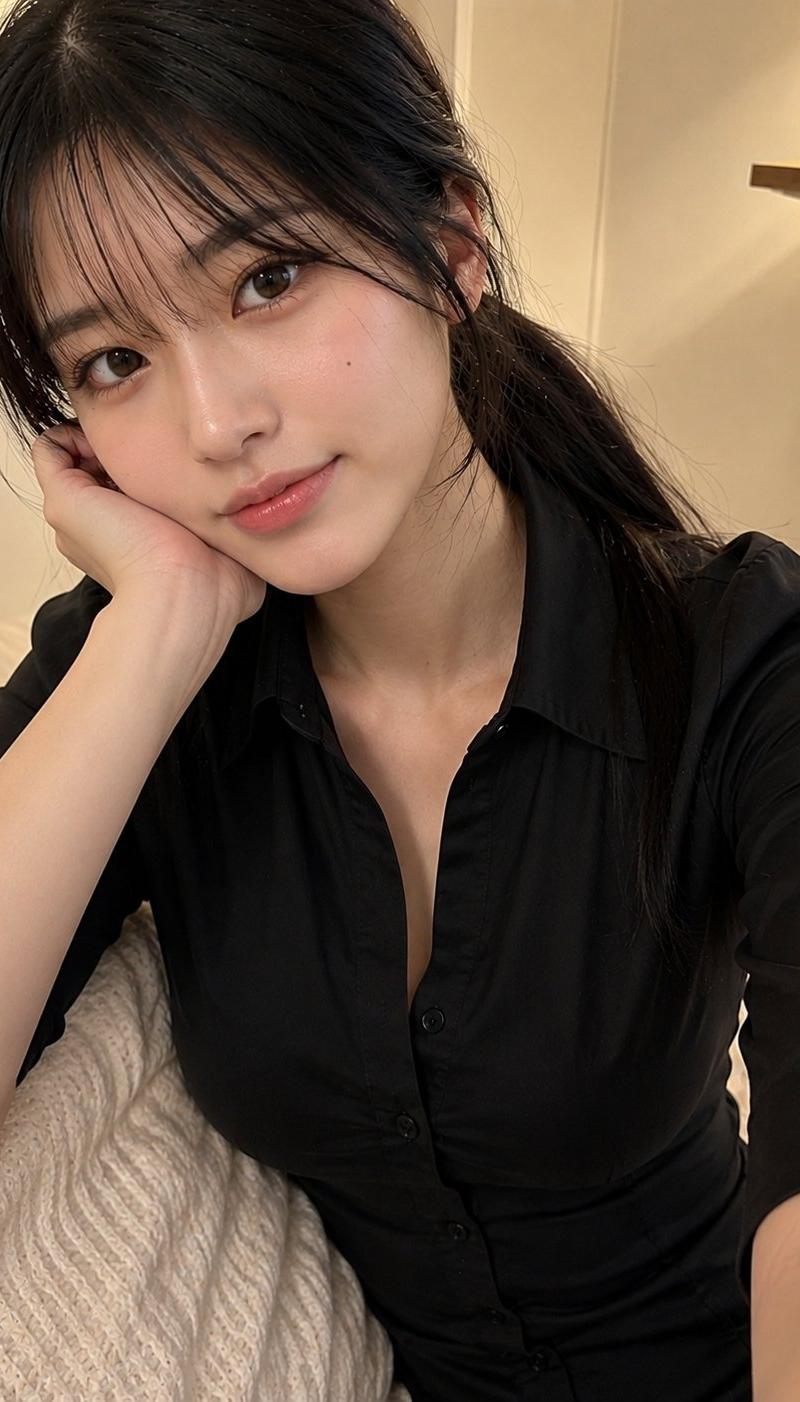
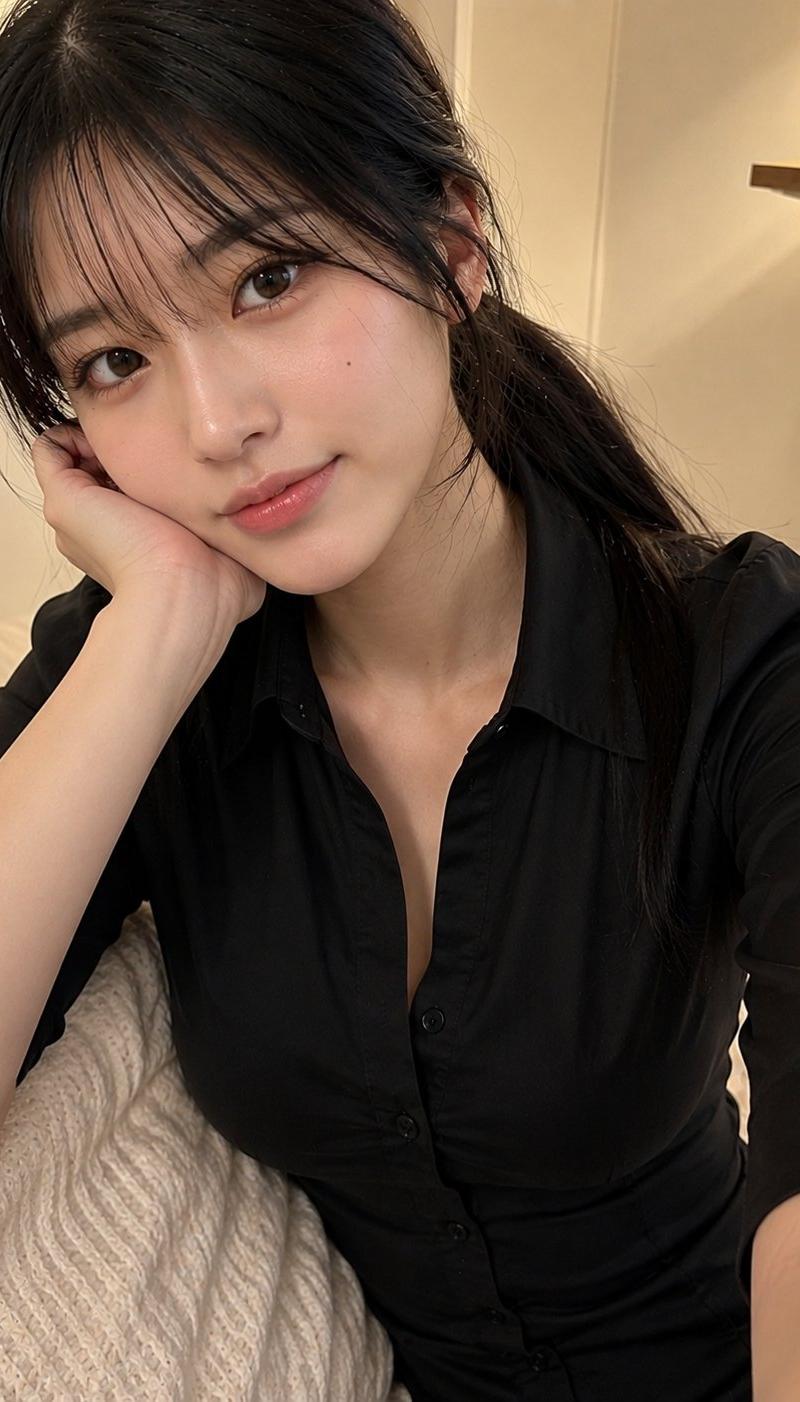
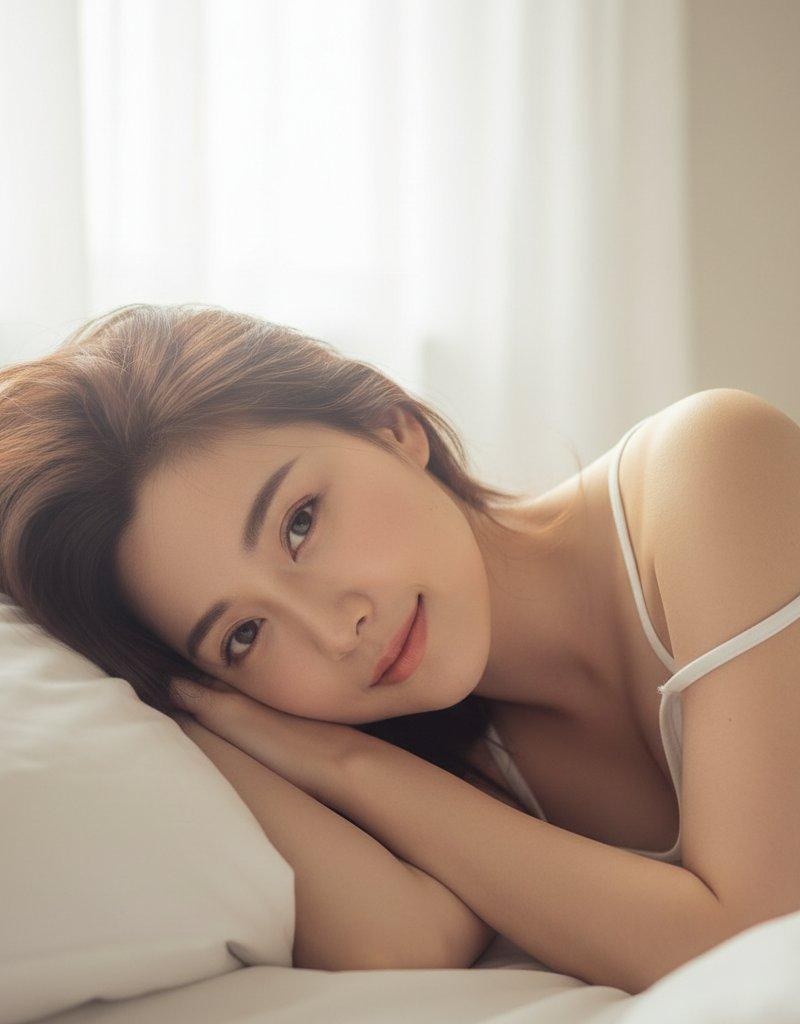
Cinematic Japanese-style bedroom portrait of an adult East Asian woman, kneeling beside a white bed in a minimalist room, leaning forward with arms resting on the mattress, one hand supporting her cheek, soft melancholic eye contact, short tousled dark brown hair, natural makeup, realistic skin texture.

Wearing a fitted black short-sleeve top and light beige cotton skirt. Warm natural window light, wooden floor, clean background, vertical 9:16 composition, 85mm lens, f/1.8, shallow depth of field, subtle film grain, soft golden backlight, ultra-realistic photography, cinematic mood, authentic expression, high detail, professional editorial quality.
Negative: blurry, low-res, bad hands, extra fingers, distorted face, extra limbs, plastic skin, messy background, anime, illustration, CGI, oversexualized clothing, cheap AI look.
Category
Charts & Infographics
Model
ChatGPT
Creator
@MissDelulu9
Source language
zh-CN
Views104
Source ID
16688
Published
Jun 24, 2026
Studio

Guide

About "电影感日系卧室东亚女性肖像"

What is this prompt for?

"电影感日系卧室东亚女性肖像" AI image prompt for ChatGPT (Charts & Infographics). 电影感日系卧室成年东亚女性肖像,跪在极简主义房间的白色床边,身体前倾且双臂休息在床垫上,一只手托着脸颊,柔和忧郁的眼神交流,短发凌乱的深棕色头发,自然妆容,真实的皮肤纹理。 穿着修…

The full copyable prompt and example visuals above are ready for AI image generation or one-click recreate in Picva.

How to use this prompt

  1. Step 1

    Open the prompt detail

    Review the example visuals, category, and full prompt text for "电影感日系卧室东亚女性肖像".

  2. Step 2

    Copy the prompt

    Copy the prompt body from this page, or load it directly in Studio.

  3. Step 3

    Pick a model (ChatGPT)

    Prefer ChatGPT. If you switch models, keep subject and composition and tweak style terms.

  4. Step 4

    Generate and export

    Recreate the look in Picva, or export into your workflow for editing and publishing.

FAQ

What is the "电影感日系卧室东亚女性肖像" prompt?
It is an AI image-generation prompt for ChatGPT in the Charts & Infographics category. This page includes the full prompt text, example visuals, and a one-click recreate path in Picva.
How do I use this prompt to generate an image?
Copy the prompt from this page, or use Generate / Studio. Paste it into a compatible image model, or recreate the look in Picva with optional reference images.
Which model is this prompt for?
This page lists ChatGPT. Most descriptive prompts also transfer to nearby image models such as GPT Image, Flux, or Midjourney with light style tweaks.
Can I use the result commercially?
You can usually copy the prompt for creation, but commercial use of the final image depends on the model terms, reference-image rights, and the generated content. Follow the source author and platform rules.