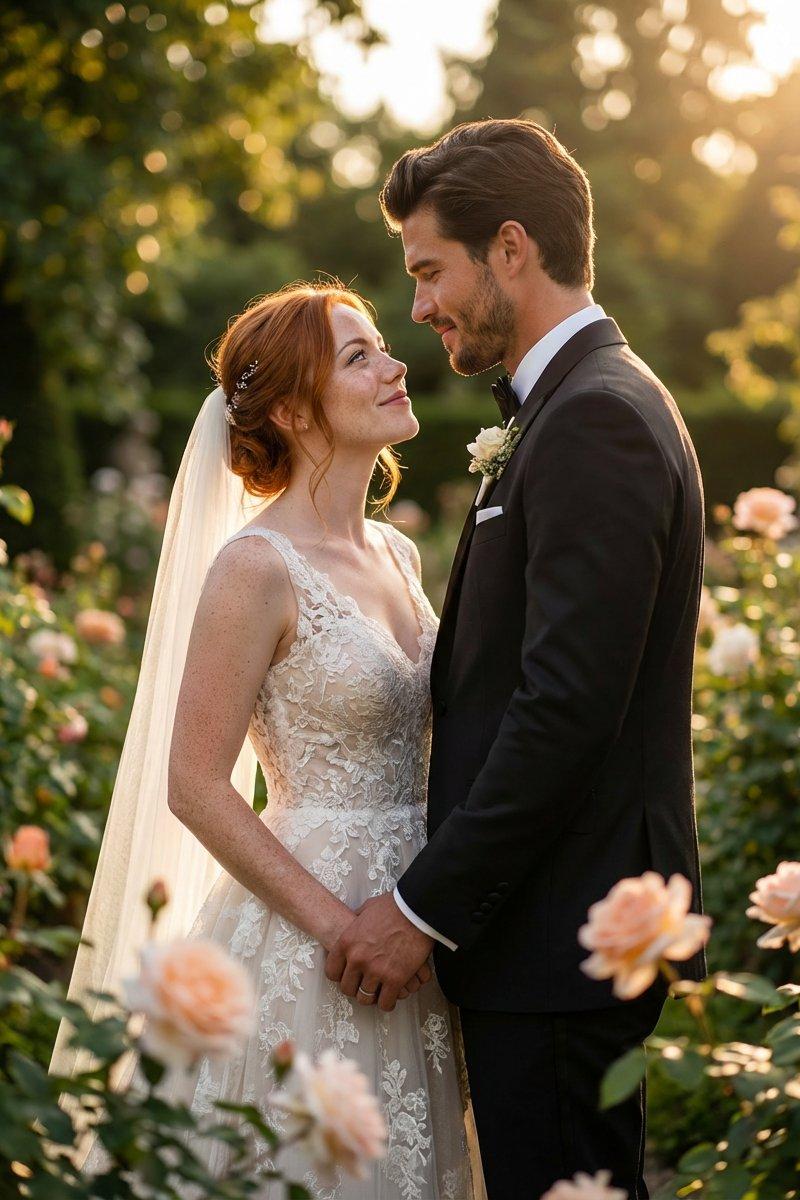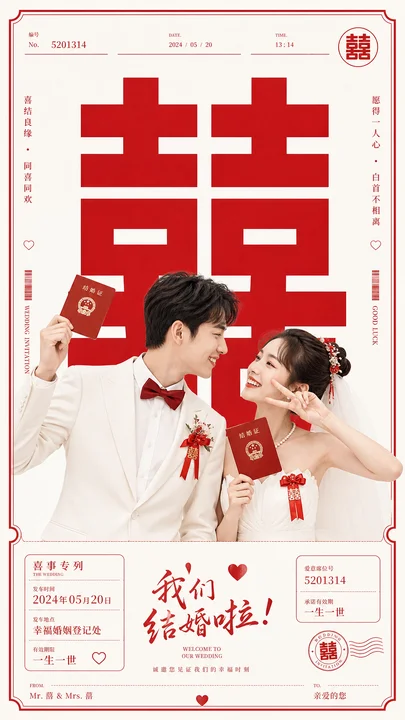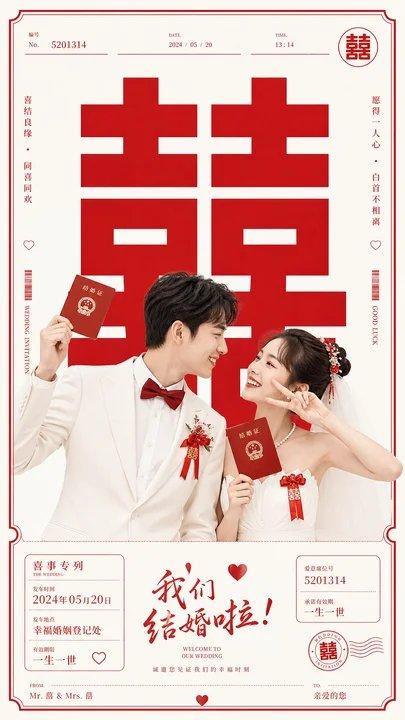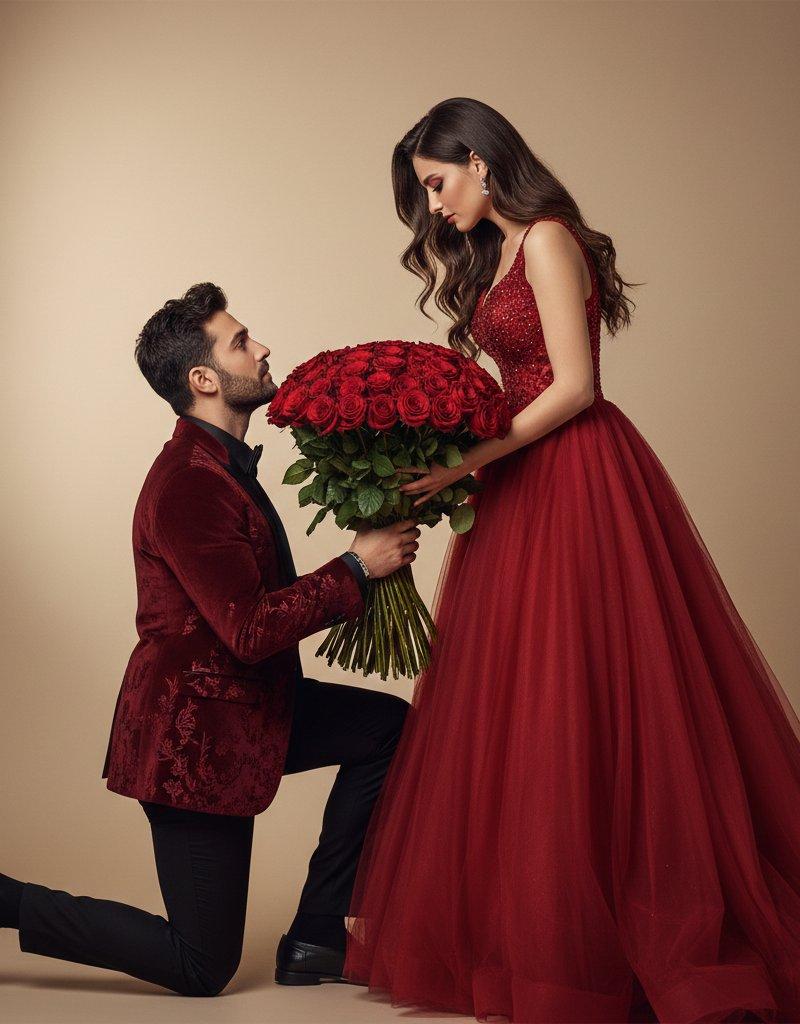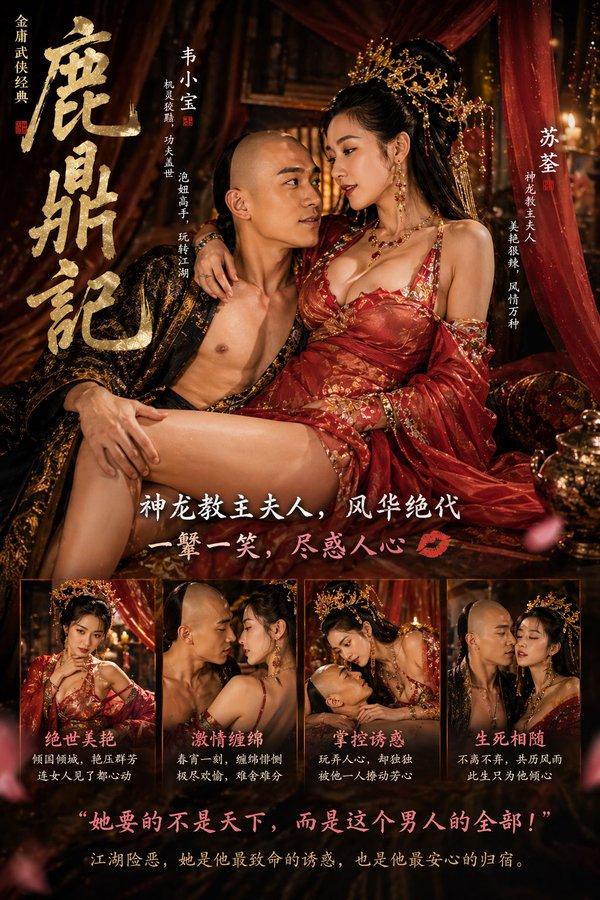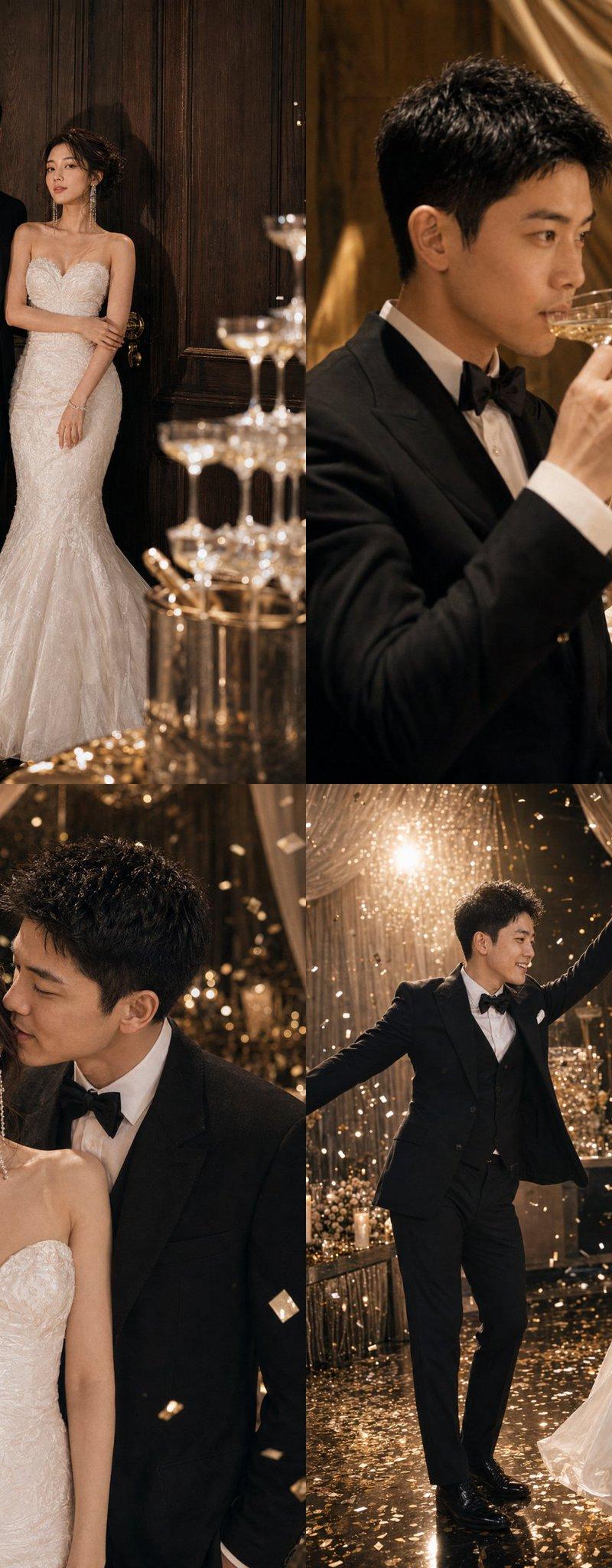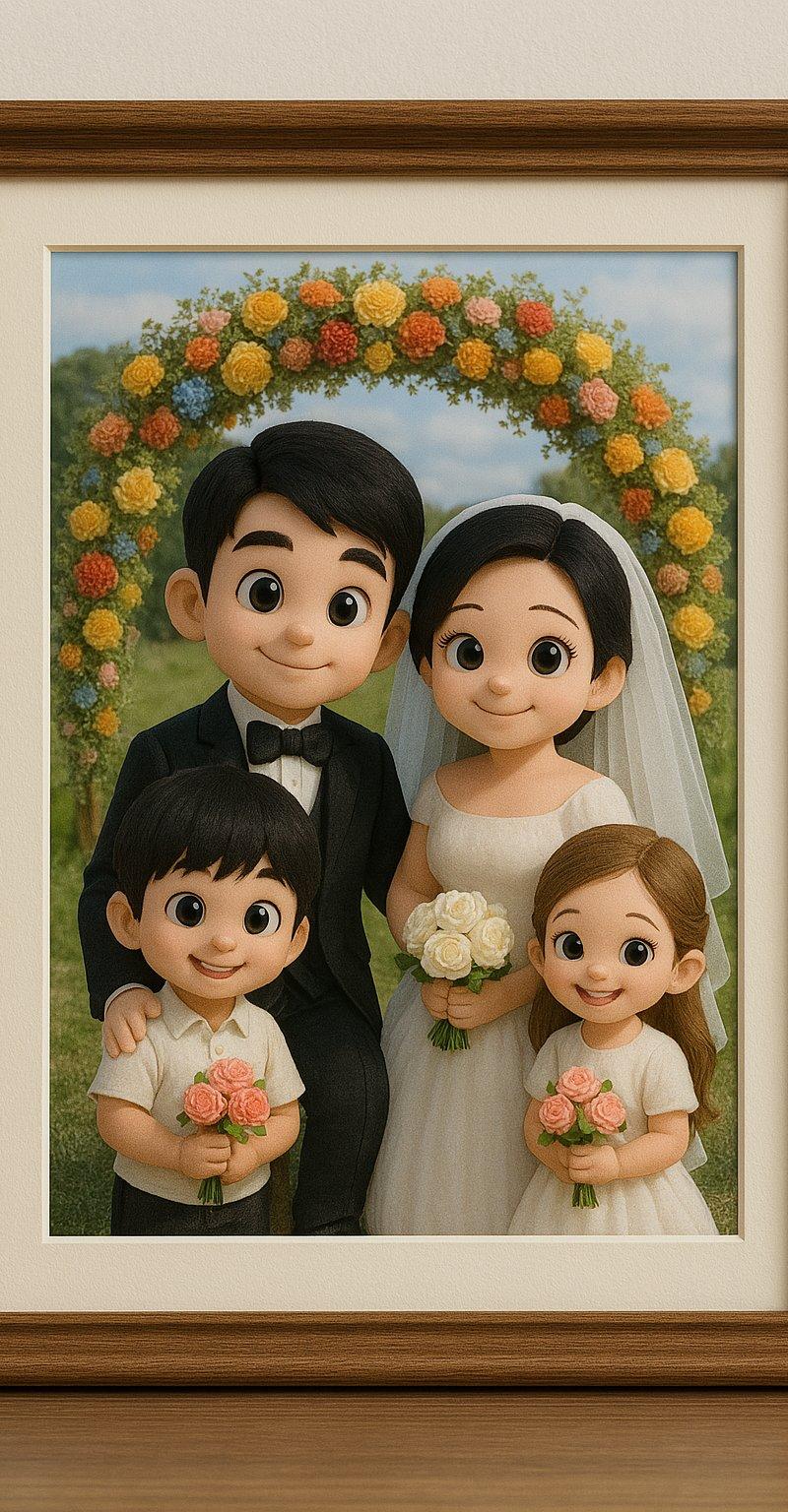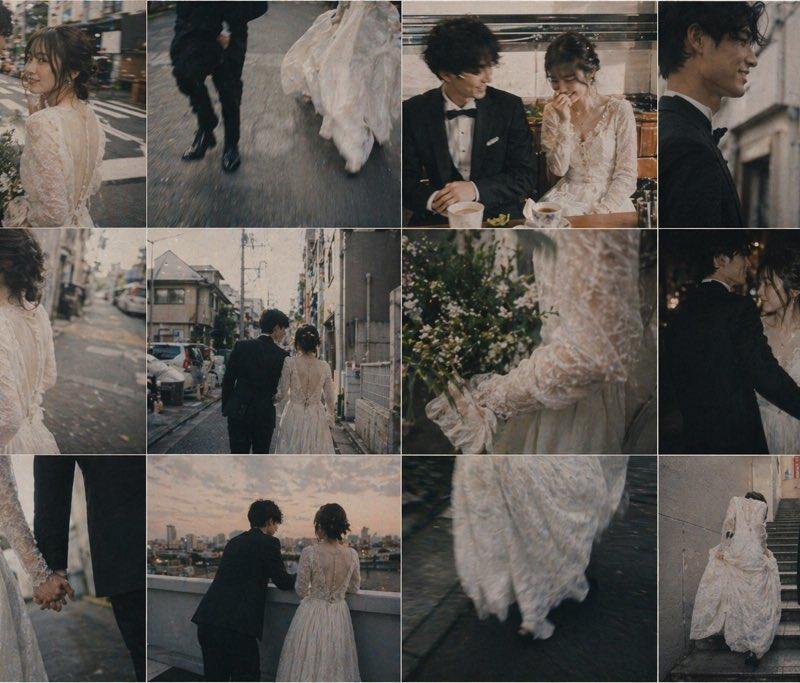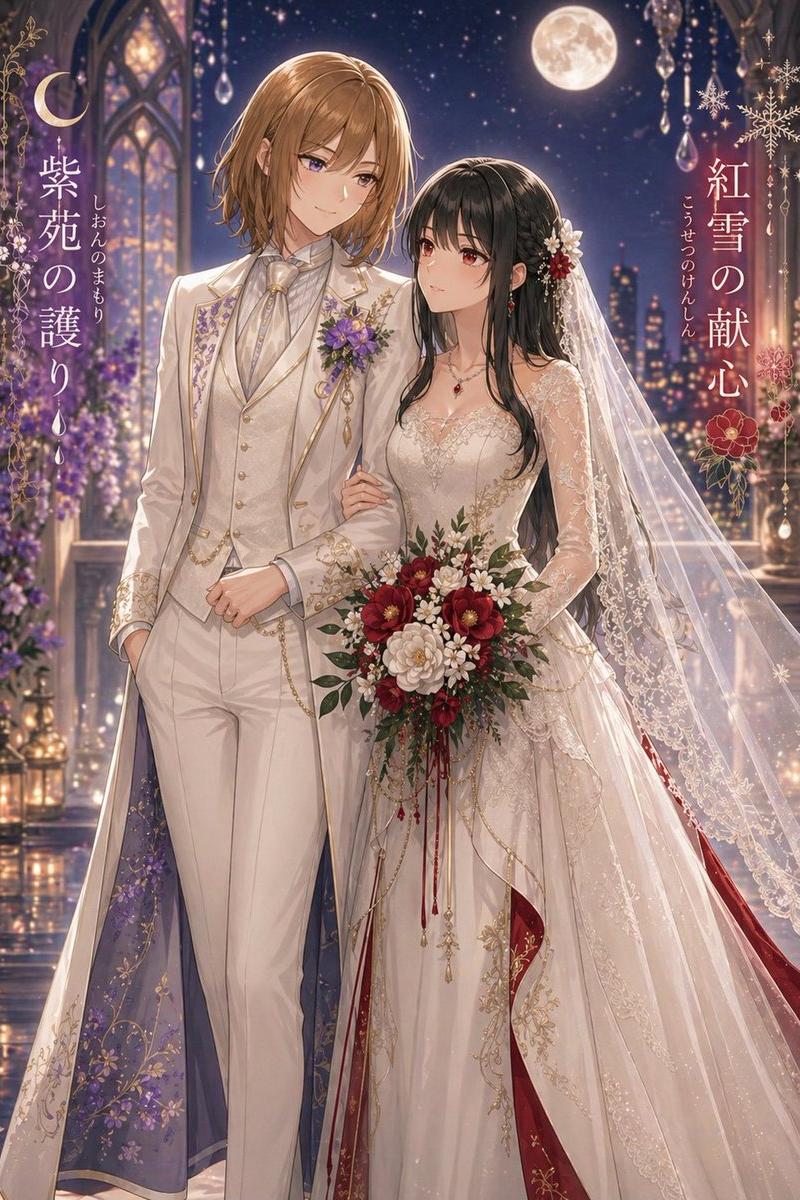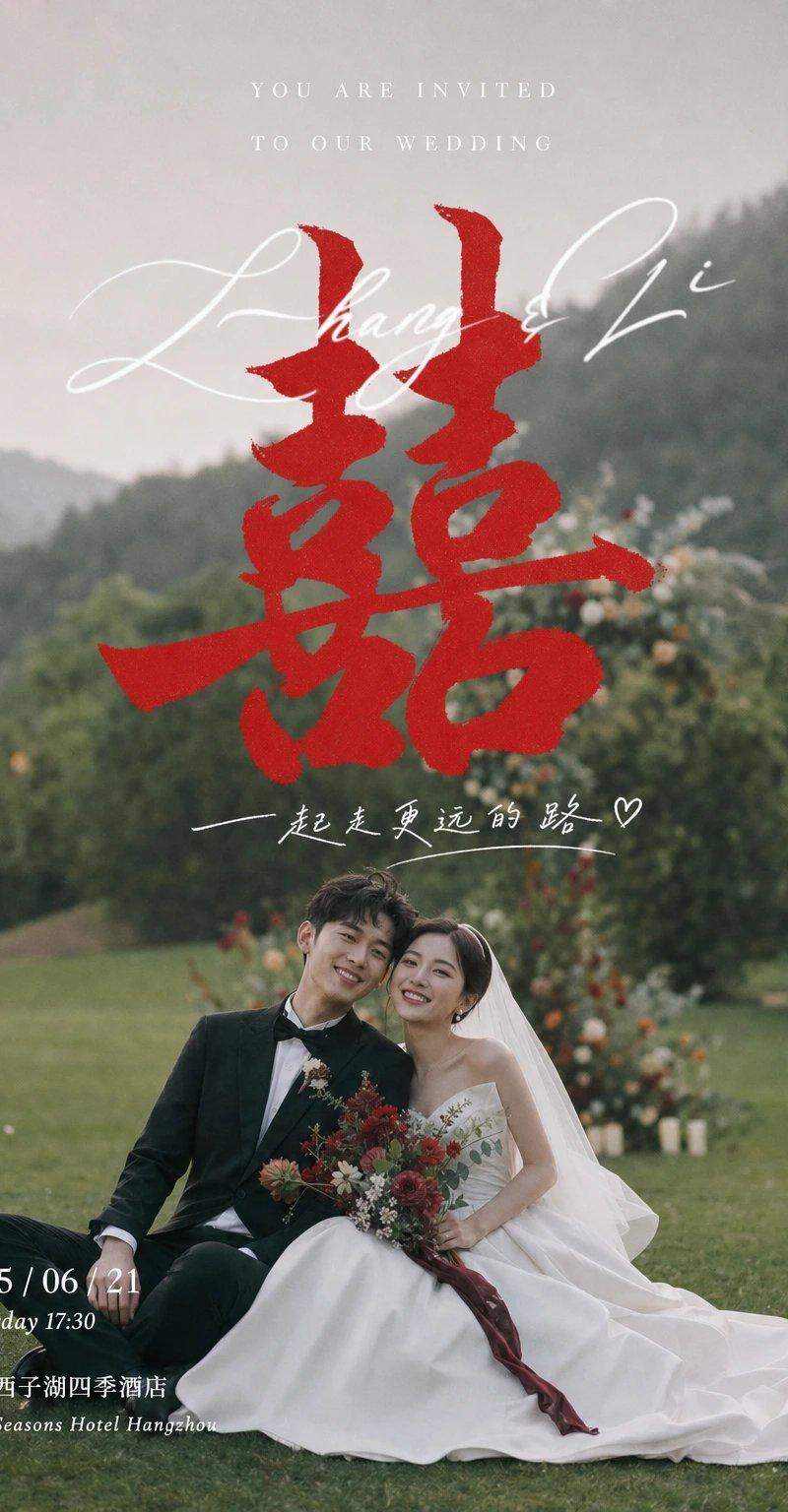
电影感婚宴邀请视觉设计 柔焦影像背景加中心囍字
Prompt
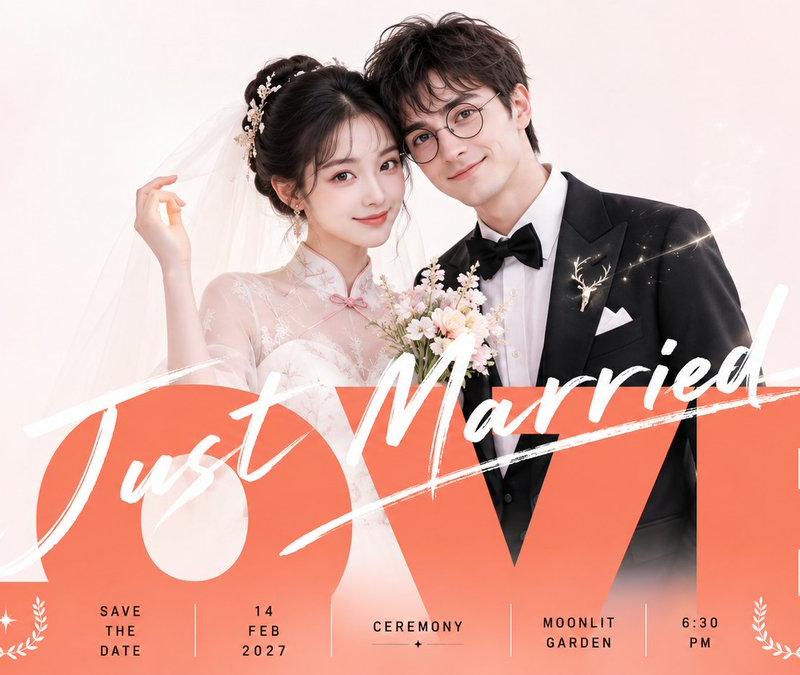
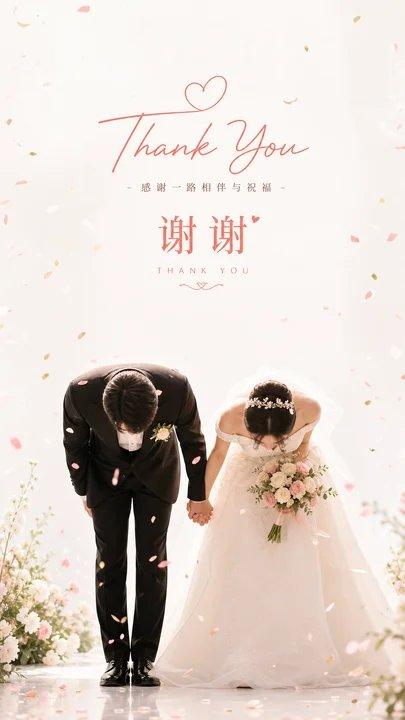
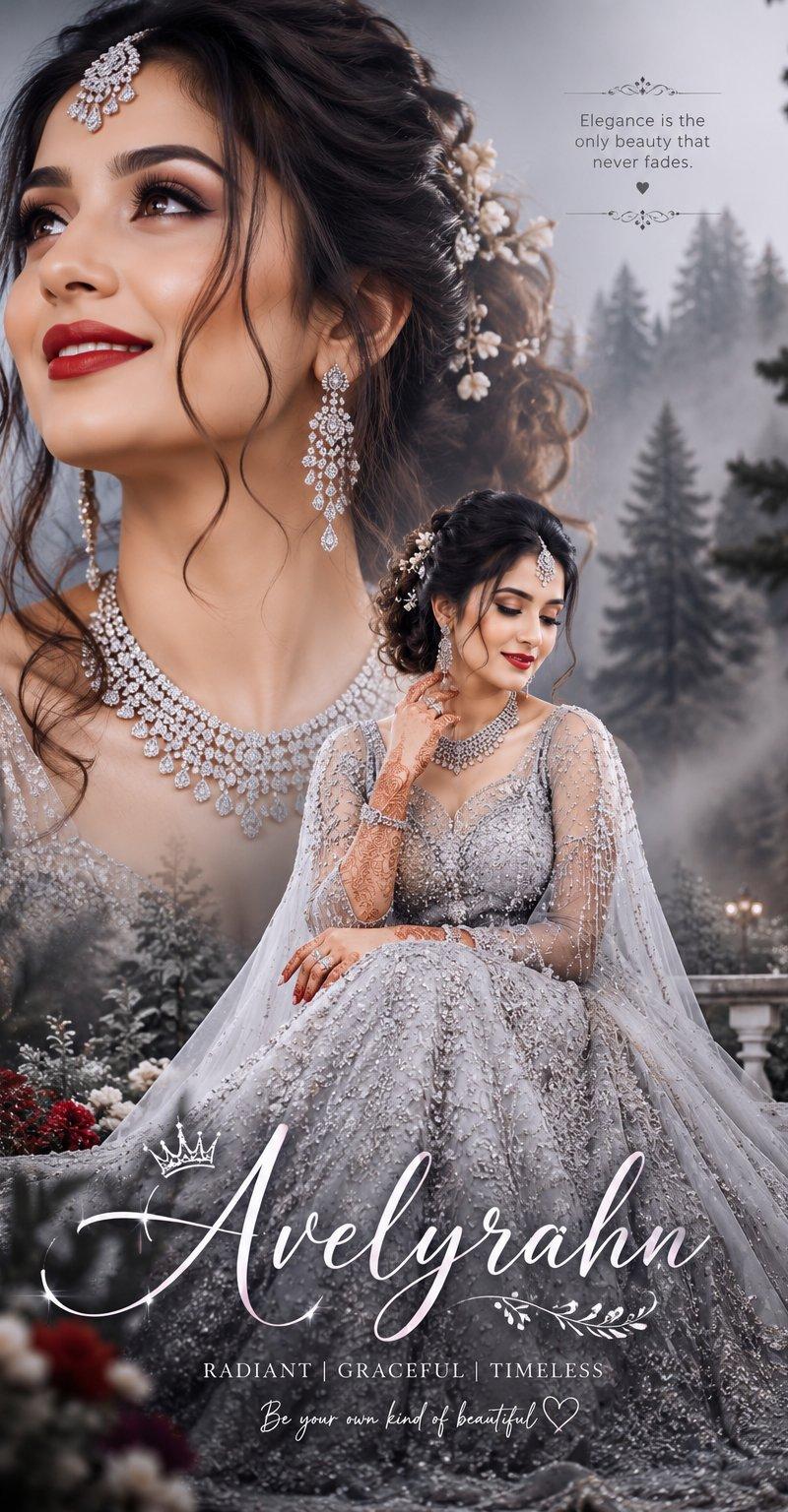
Generate a cinematic invitation visual based on specific theme content: use a real, soft-focus theme image with environmental depth as a large-area background. The background should not steal the show, only providing hazy space, natural texture, and a quiet atmosphere; the main character or theme subject is placed in the lower-center part of the frame, remaining clear, intimate, and carrying a sense of commemoration, as if captured in a live moment. Overlap a theme symbol or calligraphic mark with the greatest visual weight on the central axis of the frame, significantly larger than other information, with heavy strokes and handwritten power, slightly pressing into the space between the background and the subject, becoming the ritual core remembered at first glance; above or around it, intersperse slender, elegant English italics, smaller explanatory text, and a line of relaxed handwritten short sentences. The text should look as if floating in the air, mainly in white or a bright informational color derived from the theme, with relaxed letter spacing and a clear hierarchy. Place a compact date and location information block in a bottom corner, forming a reading path from the top invitation, central symbol, emotional short sentence, to the signature information. Extract colors from the emotions, scenes, and cultural semantics of the theme itself: use large areas of low-saturation, medium-low brightness environmental colors for the background/base field; the subject retains clean light and dark contrast; text uses clear high-brightness informational colors; the central symbol uses a small area of high-saturation emotional emphasis color; the overall feel remains transparent, soft, solemn yet festive, with clean light and dark layers and concentrated emphasis colors, avoiding muddy or aged effects. The final texture is a real photo overlaid with exquisite graphic typography, with fine grain, shallow depth of field, soft light, and restrained information density, possessing both a sense of live memory and a sense of order for a formal invitation.

——————
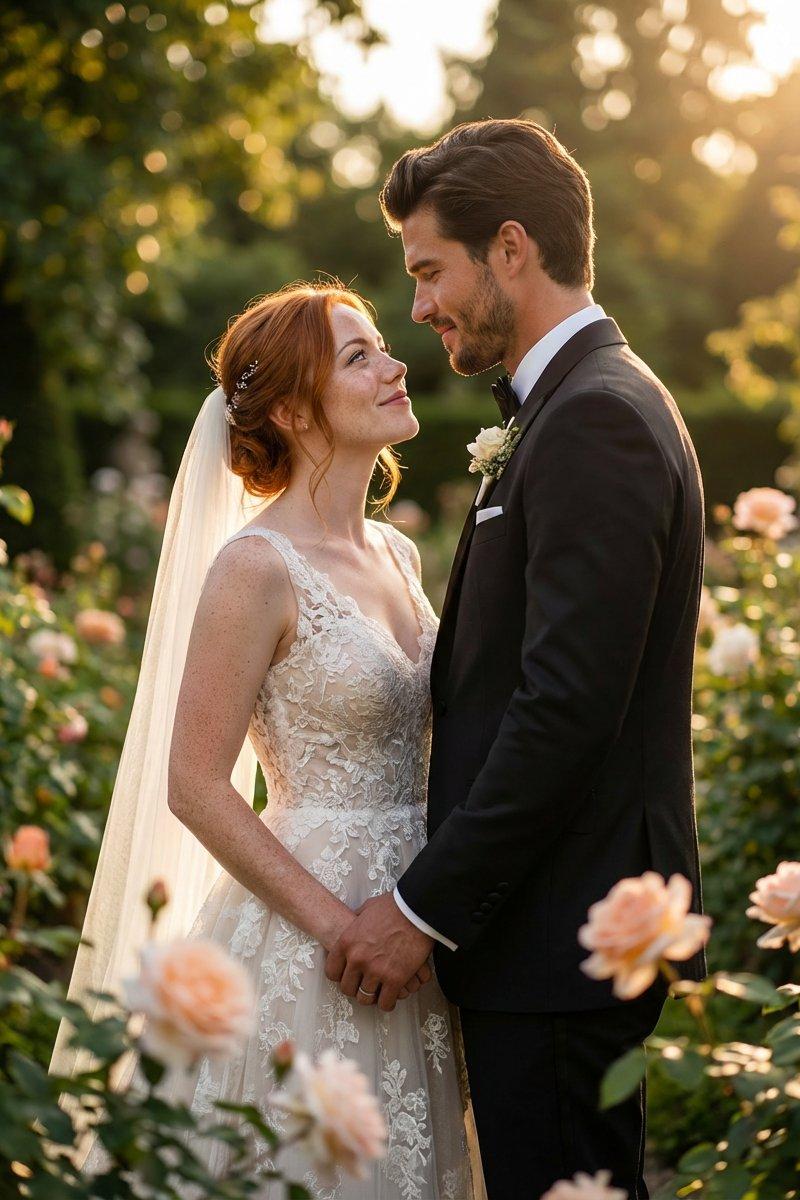
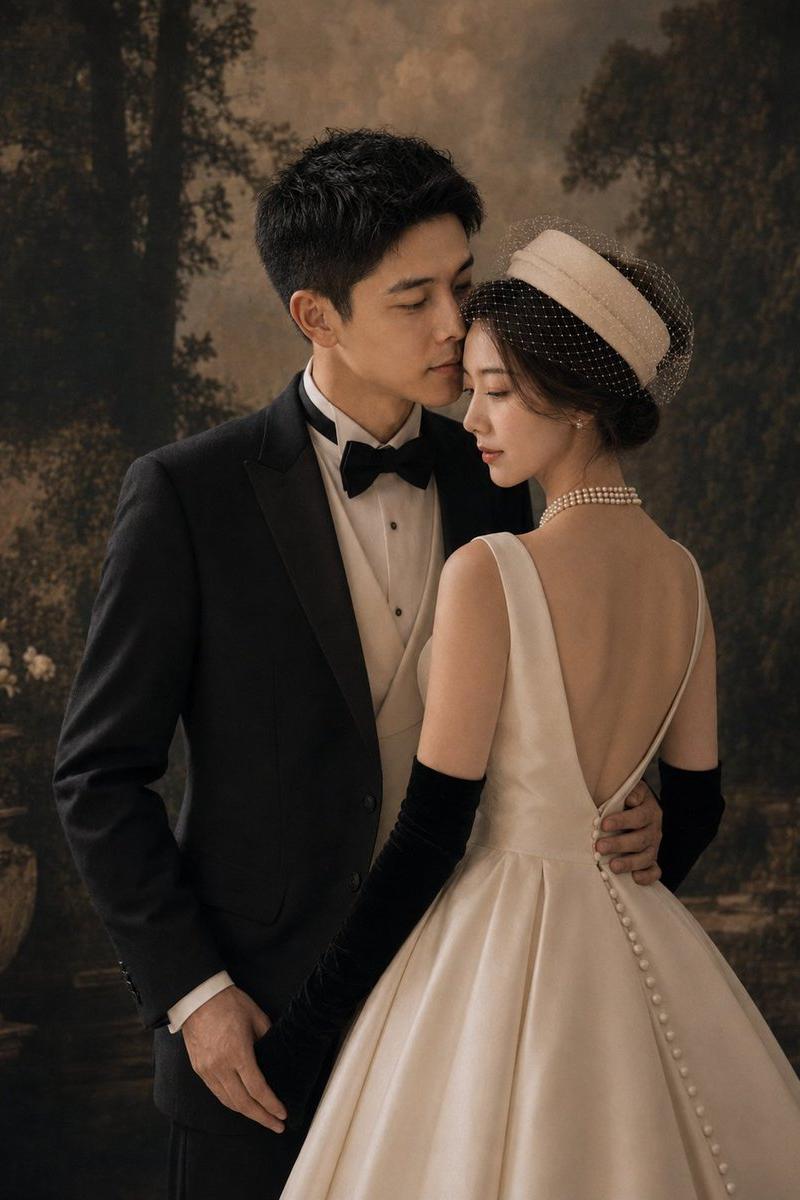
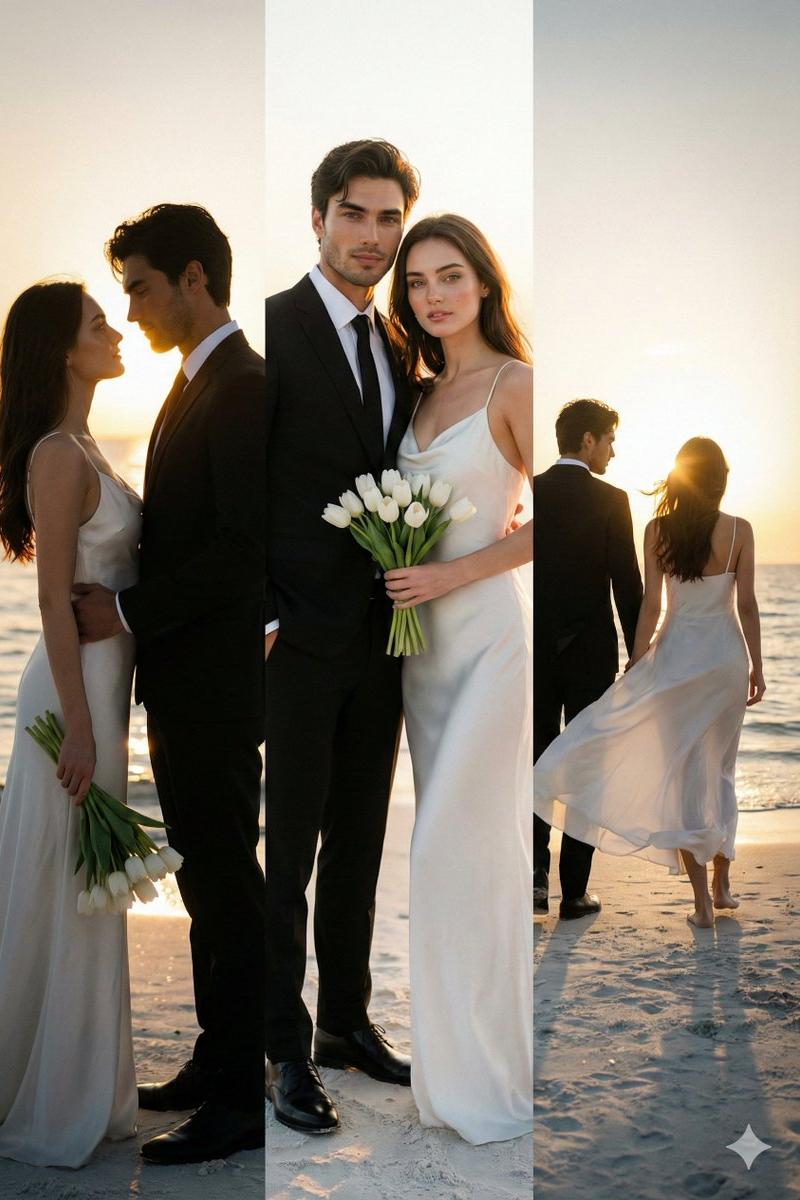
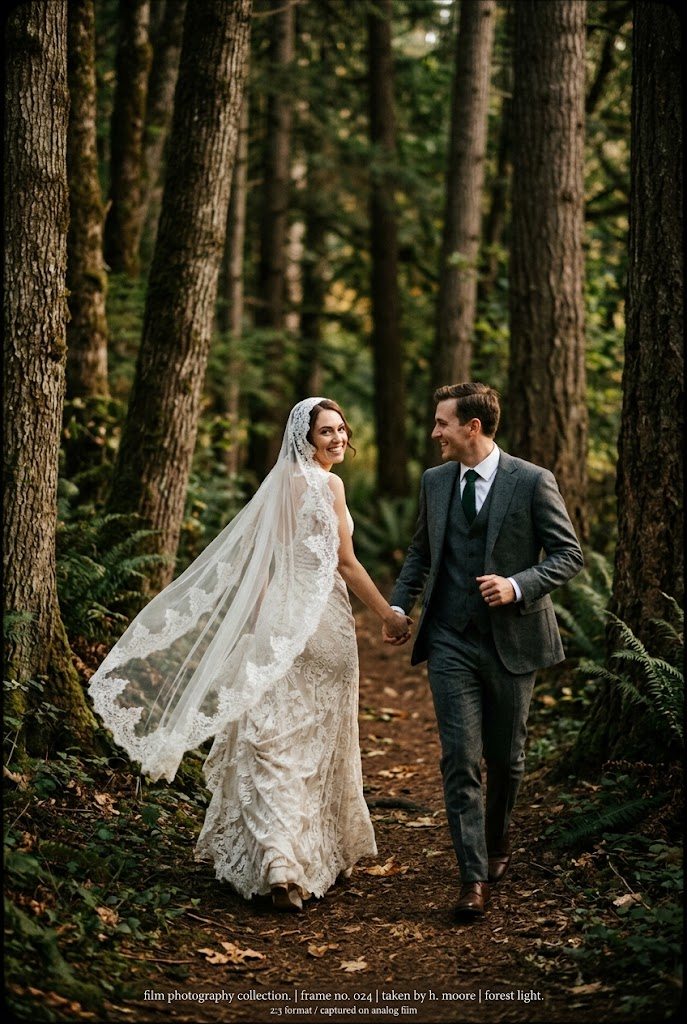
Invitation scenario: Wedding photo under tree shade or by the lakeside, still with a soft-focus image background plus a central large "Xi" (Double Happiness) character.
For guests: A wedding invitation image for private WeChat messages or group chats, the atmosphere is formal but intimate.
Requirements to keep: Names of the couple, wedding date, and hotel hall information must be clearly readable, vertical version 9:16
- Category
- Charts & Infographics
- Model
- ChatGPT
- Creator
- @xiaoxiaodong01
- Source language
- zh-CN
- Source ID
- 16700
- Published
- Jun 24, 2026
Views141