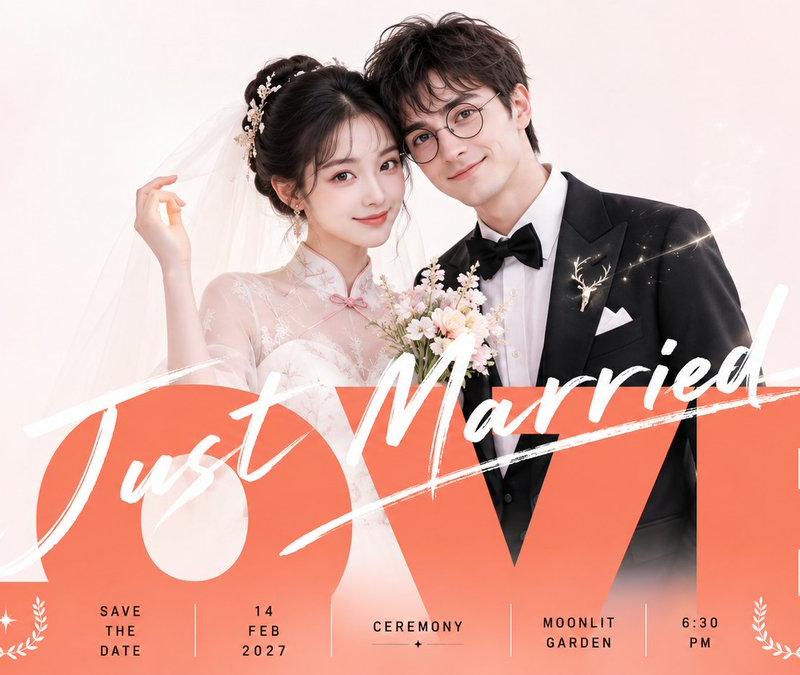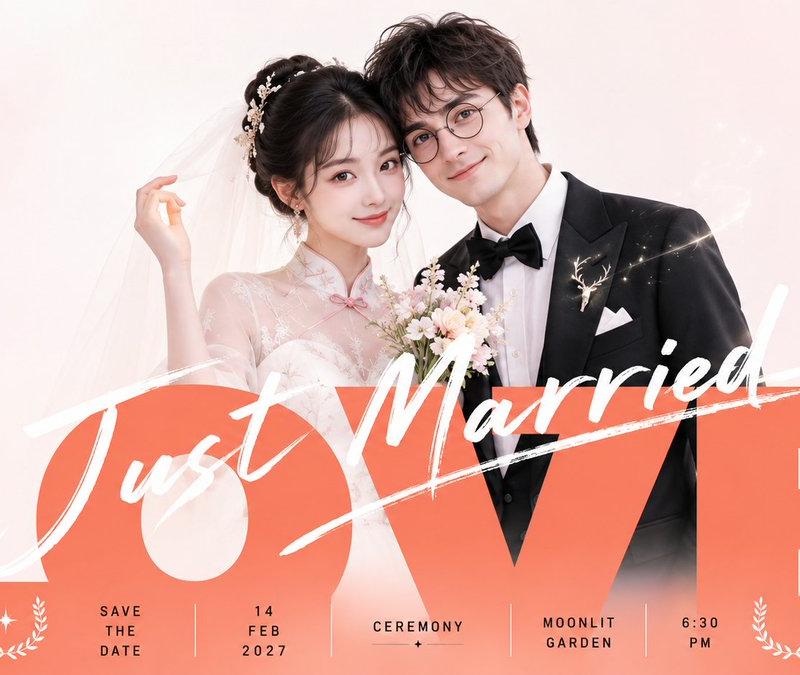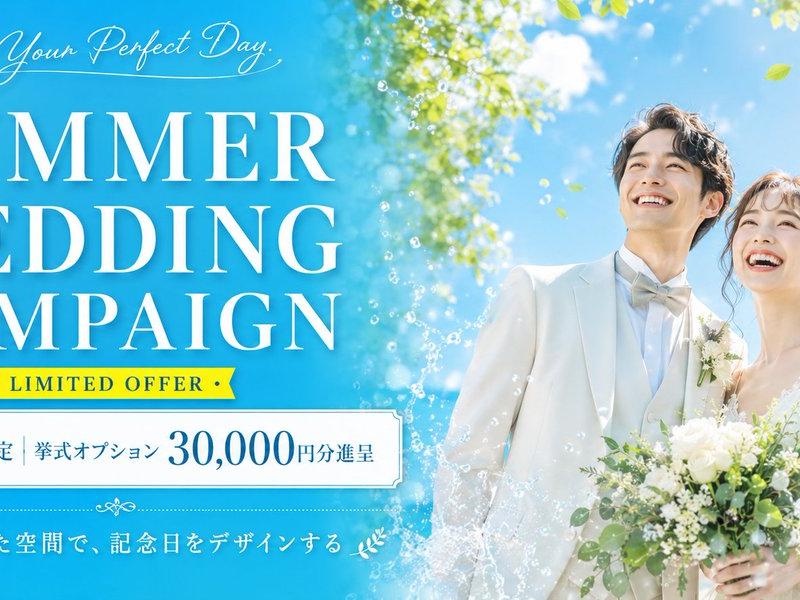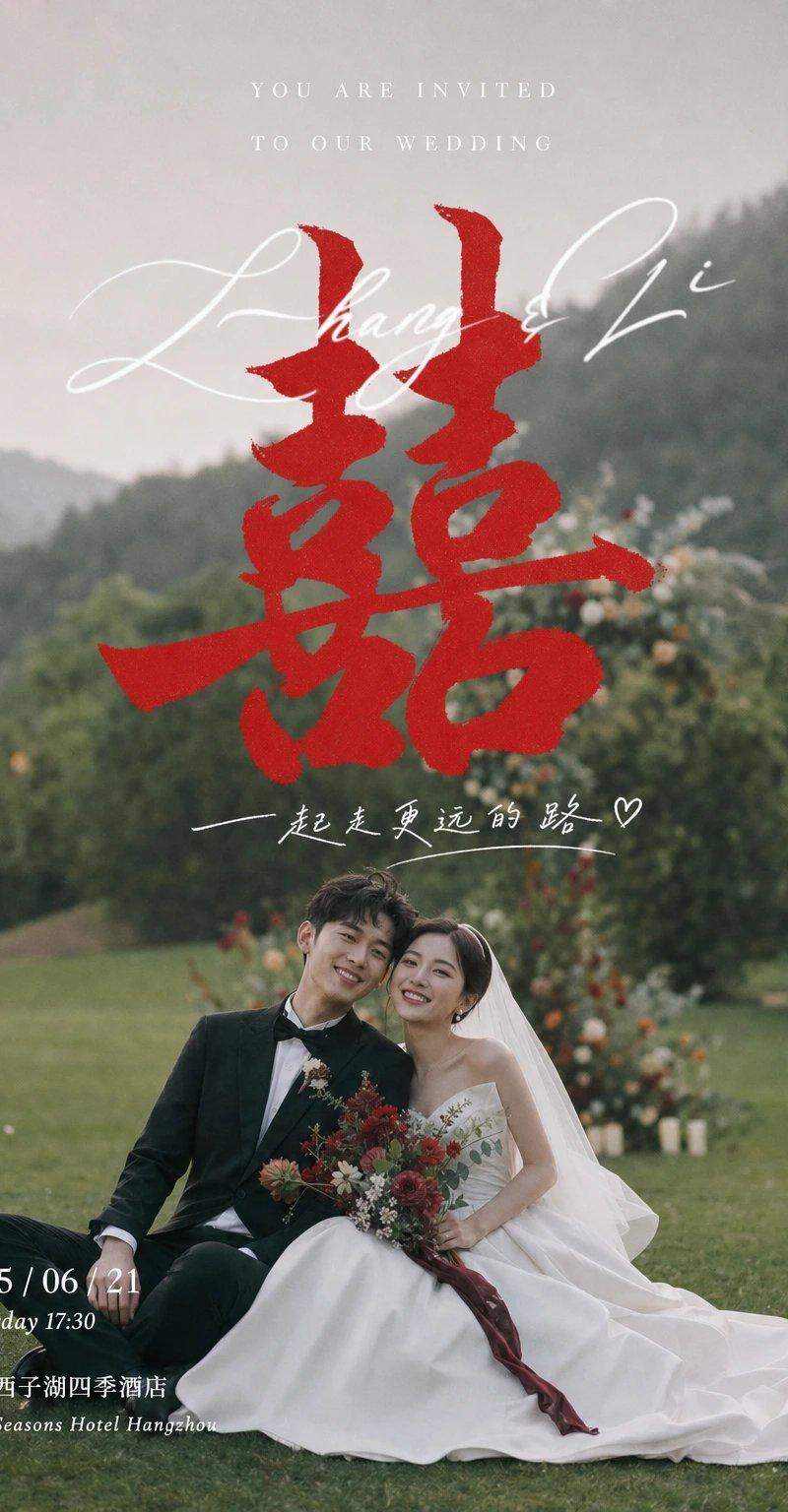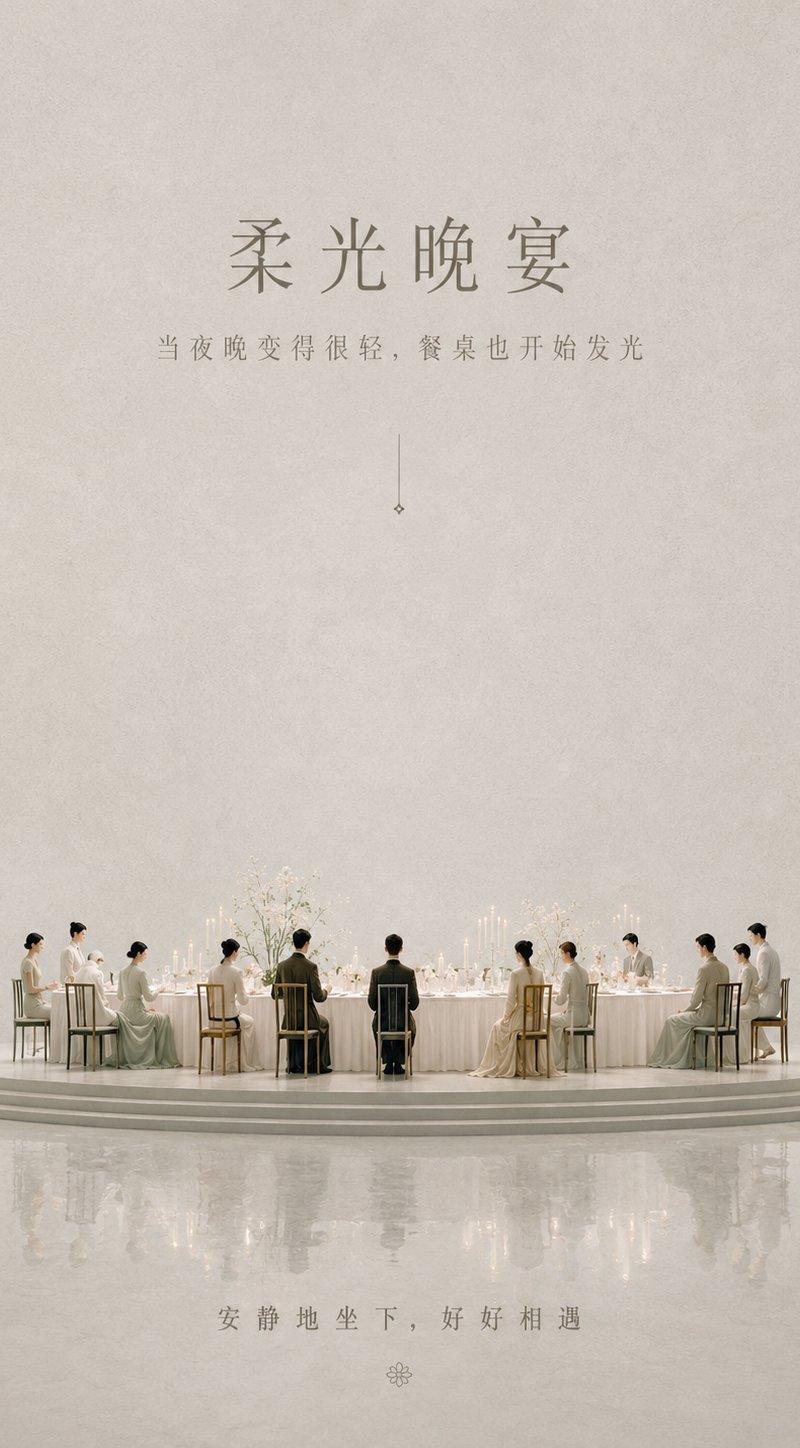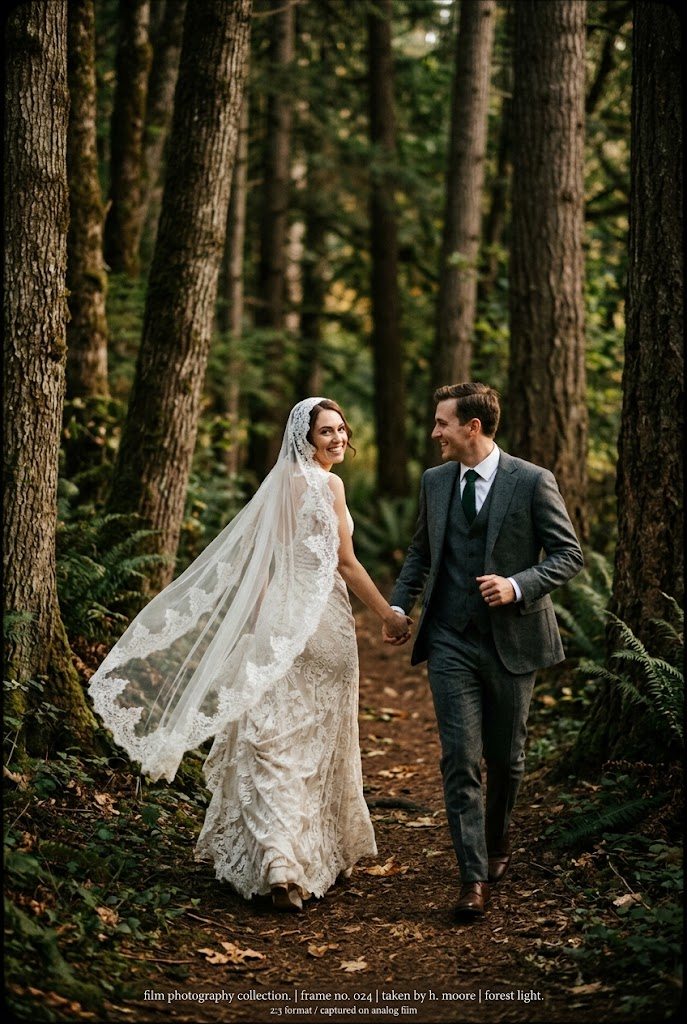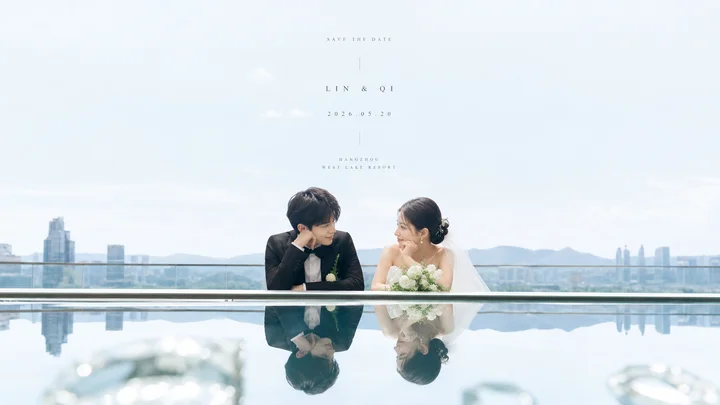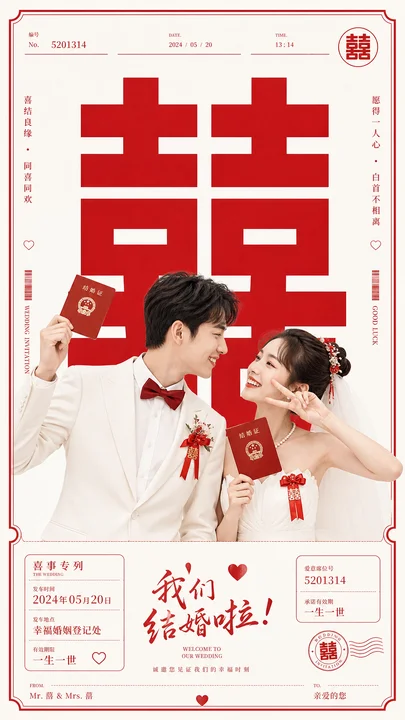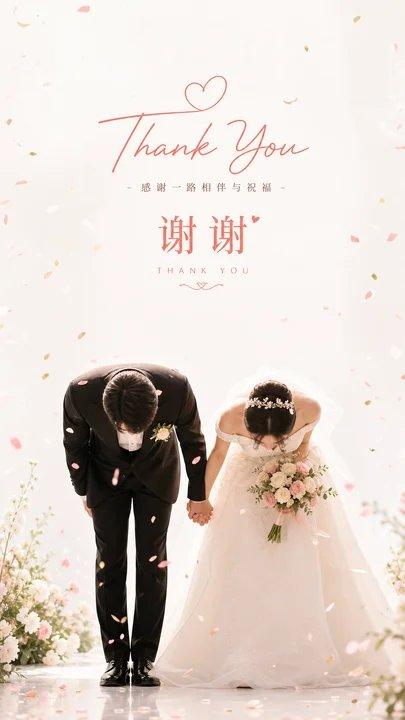
婚礼谢幕致谢明亮留白插画
Prompt
Generate a bright and clear curtain call greeting image based on specific thematic content, making the eye first read the short centered greeting text layer at the top, then following a large amount of airy white space down to the dual-subject action at the bottom. The upper half of the image remains quiet, empty, and soft-bright; the text uses a gentle and polite hierarchy: a larger core theme word or symbol as an emotional anchor, with a thin line of auxiliary text in the middle, and ending with a weightier short word below, with spaced-out kerning, rounded lines, and colors from clear accent colors in the theme's mood. Two core theme characters or dual-subject symbols are arranged side-by-side at the bottom, bodies or forms leaning deeply forward, forming a joint action of a sincere curtain call, with the visual center of gravity pressed at the bottom; edges of the action can be pulled into a sense of flow by light materials, hemlines, ribbons, or theme-derived structures, giving the solemn greeting a light release. The background is a high-brightness clean light field, retaining soft shadows and transparent layers, without complex scenes; extracting colors from the theme's own materials, seasons, cultural signals, and emotions, large areas of background color remain bright and clean, the main subject uses clear light and shadow to establish a sense of etiquette, text uses a small amount of warm or bright theme accent colors, and scattered elements use small, high-saturation dot colors, creating rhythm and celebration only in the blank spaces. Overall mood is warm, light, clean, and ceremonial; confetti or small theme-derived fragments float down naturally from all sides of the frame and above the subjects, with varying densities, making the blank space feel airy and the ending moment look frozen in time; avoid dirty backgrounds, grayish color steps, overcrowded elements, or weakening the dual-subject action into a common group photo.

——————
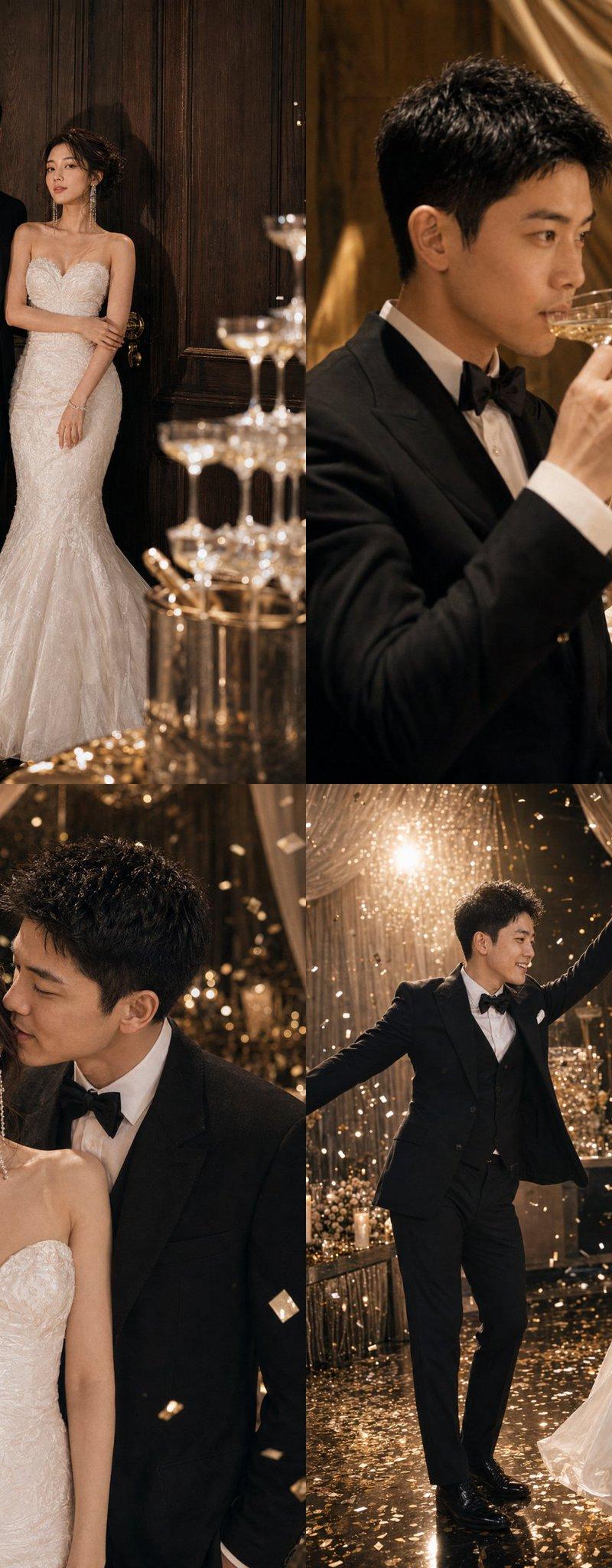
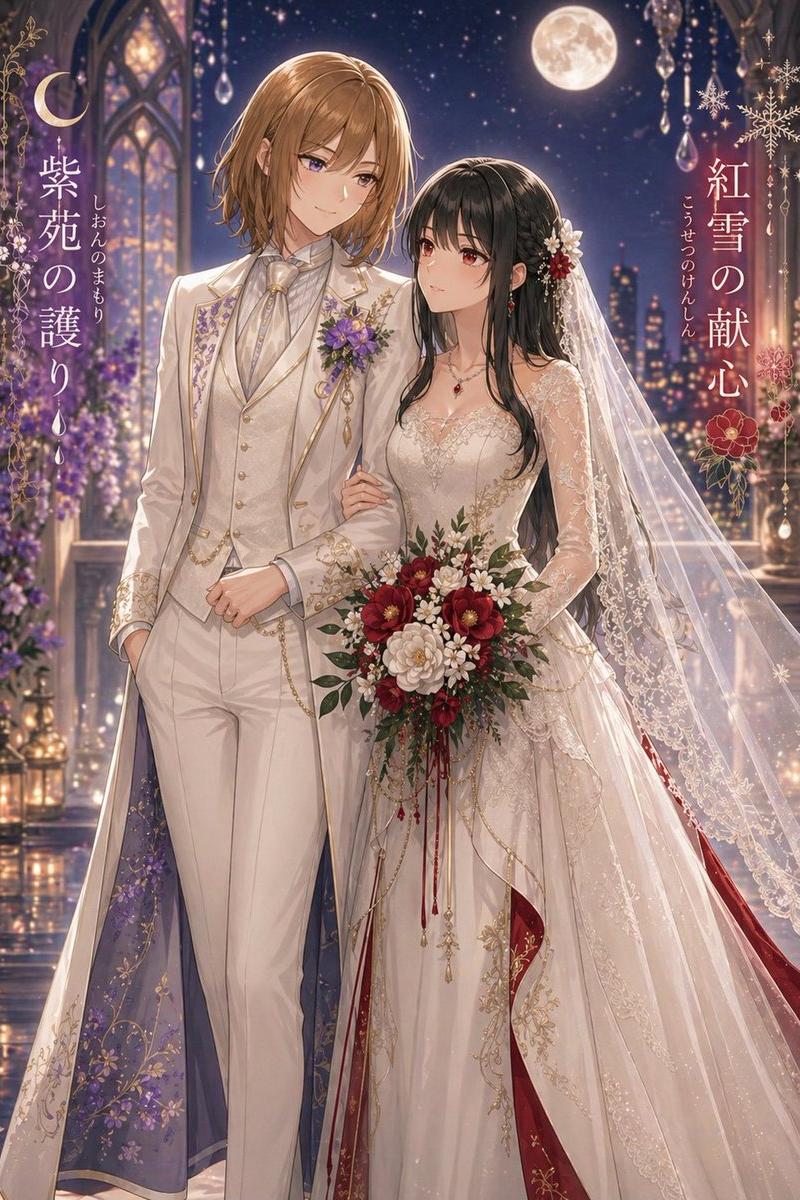
Change the scene to: After the wedding, the newlyweds hold hands and bow deeply to the guests, with Chinese and English thank-you text remaining at the top.
Use case: Wedding thank-you WeChat Moments or the closing page of an electronic invitation.
Additional requirements: Confetti gently floating down, maintaining overall bright white space and a warm sense of ceremony.
Dimensions: Vertical 9:16
- Category
- Charts & Infographics
- Model
- ChatGPT
- Creator
- @xiaoxiaodong01
- Source language
- zh-CN
- Source ID
- 16906
- Published
- Jun 28, 2026
Views22