20

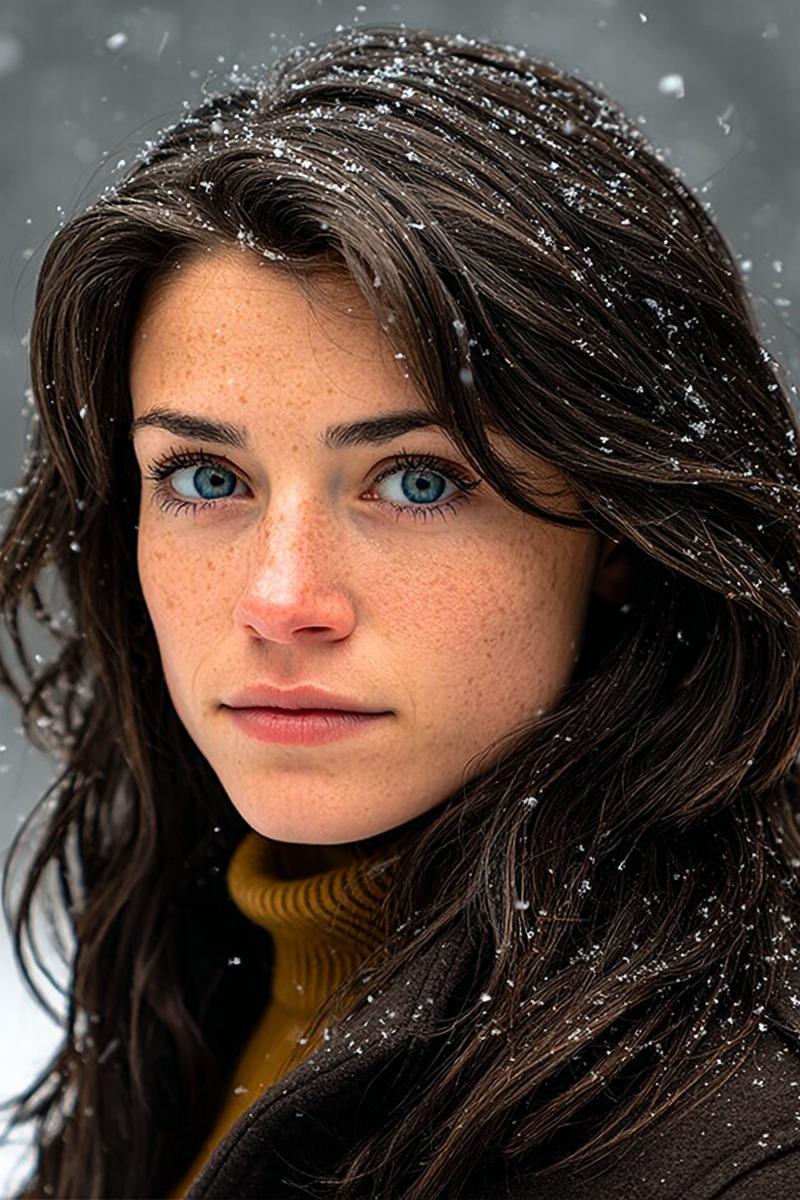
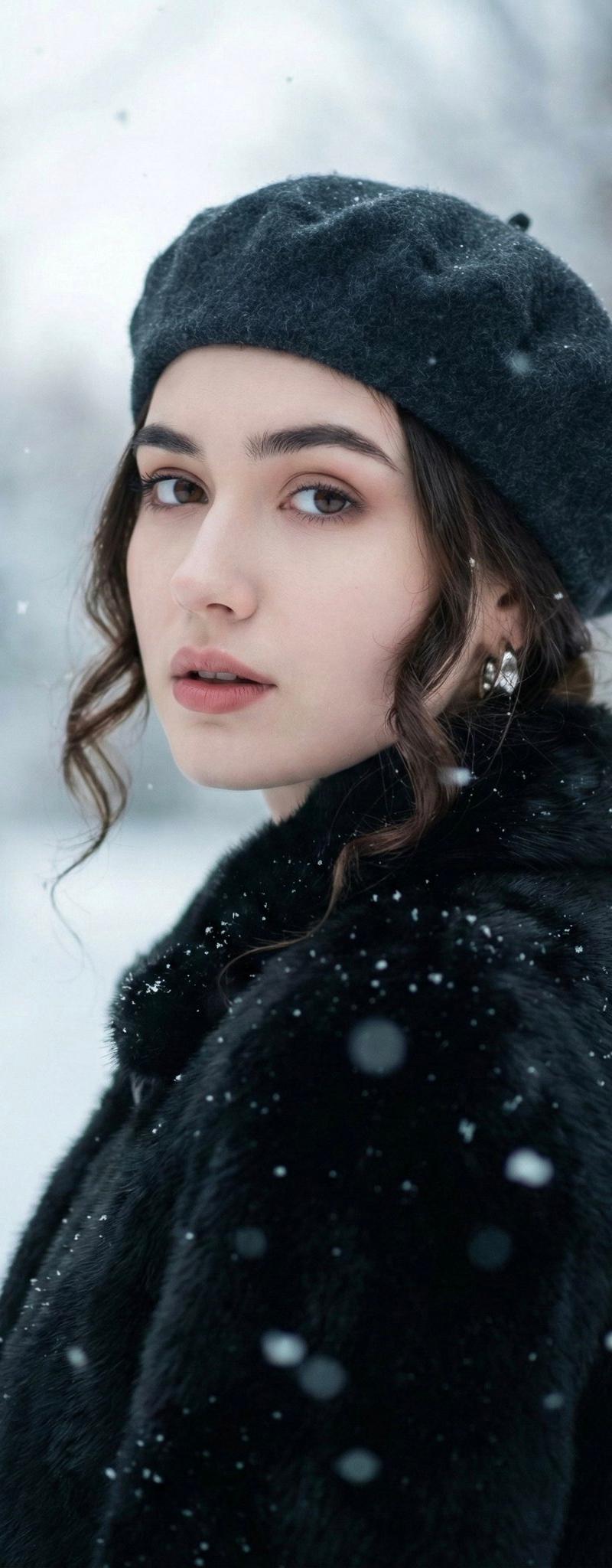
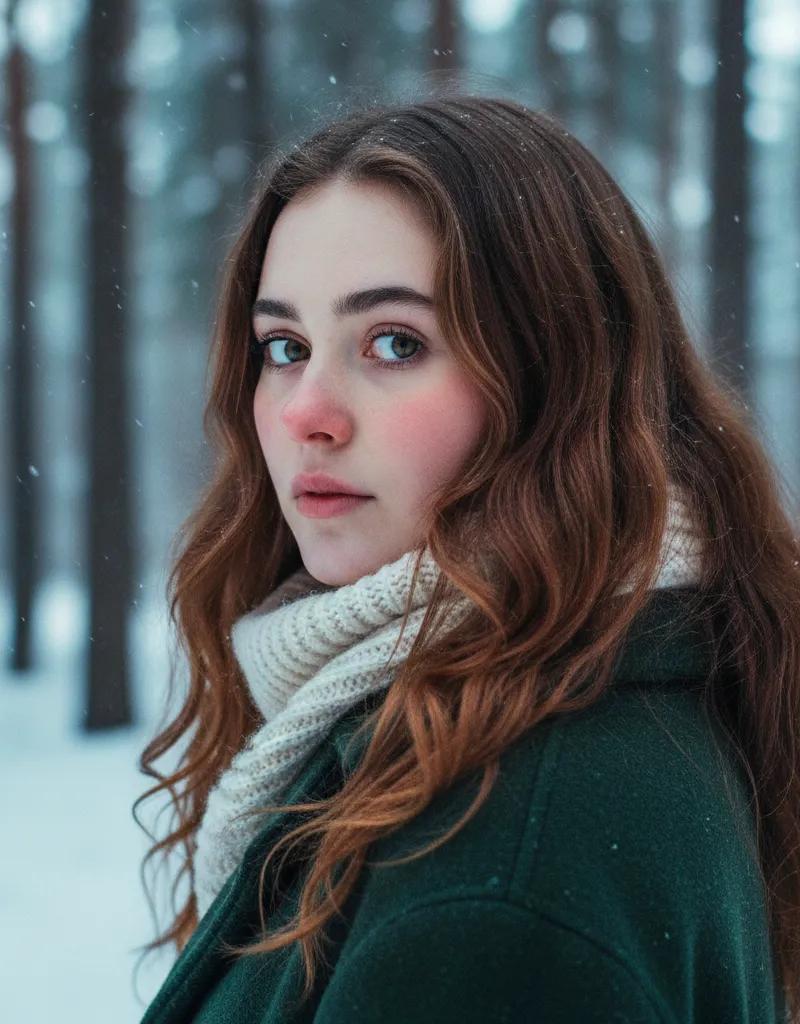
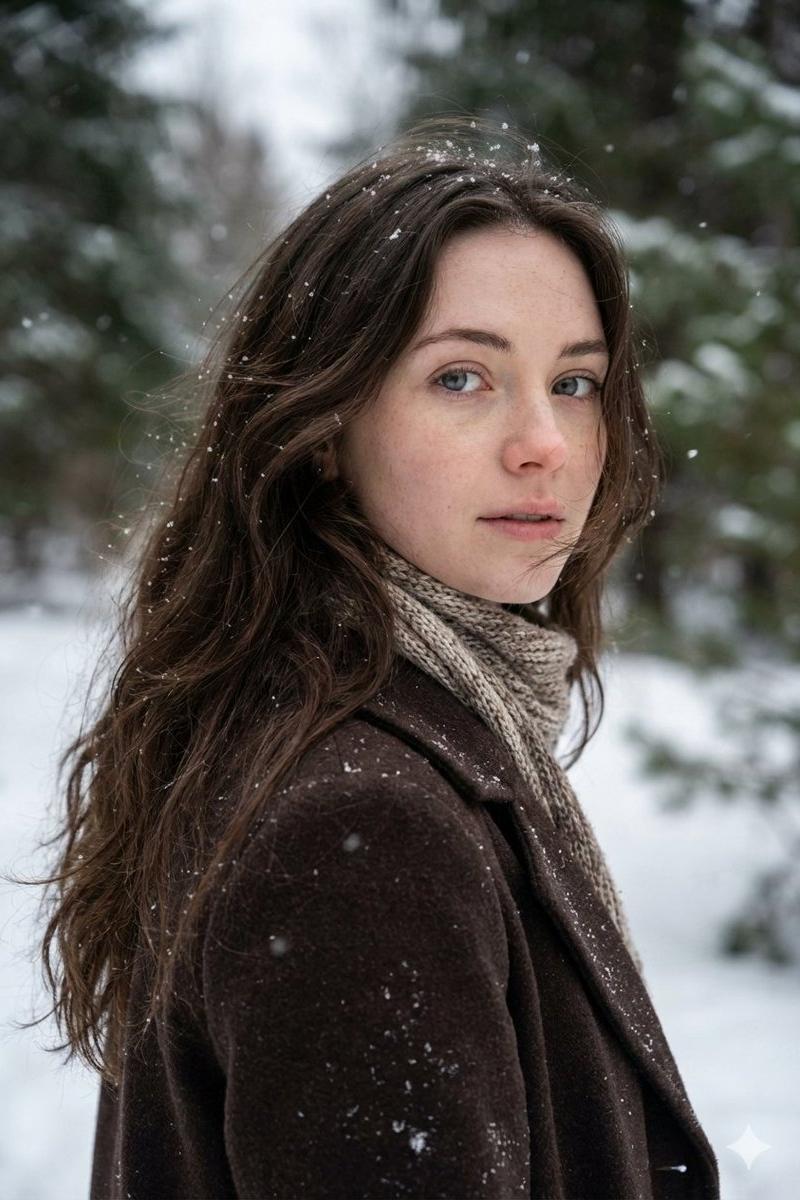
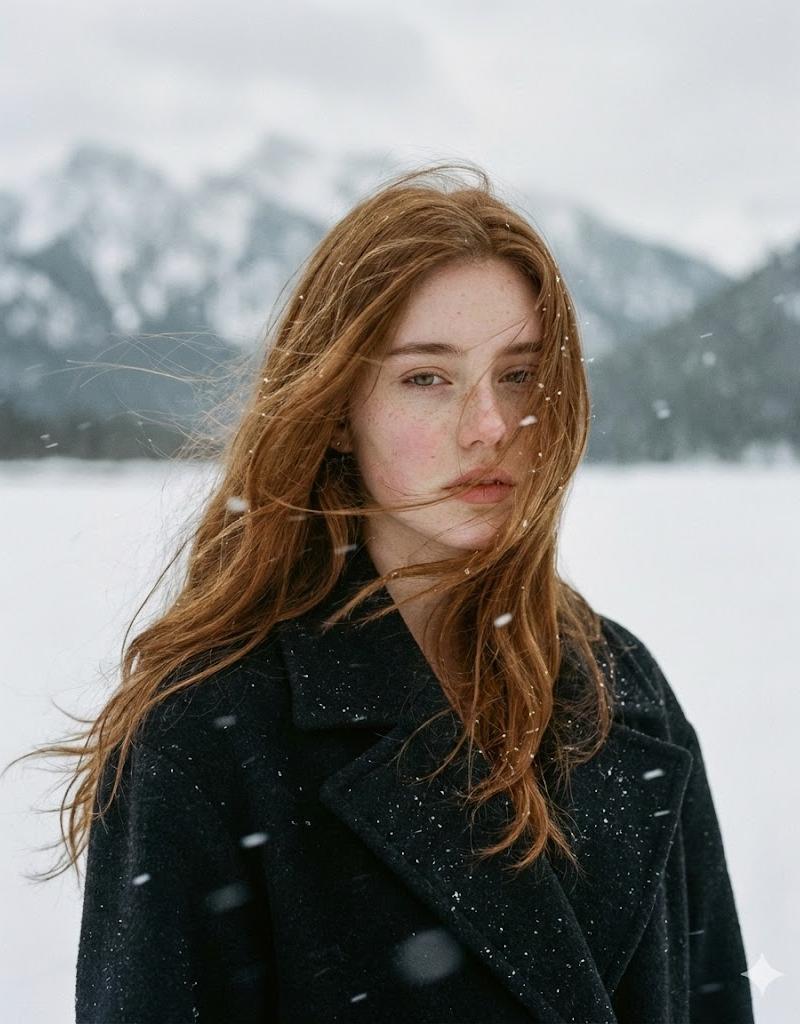
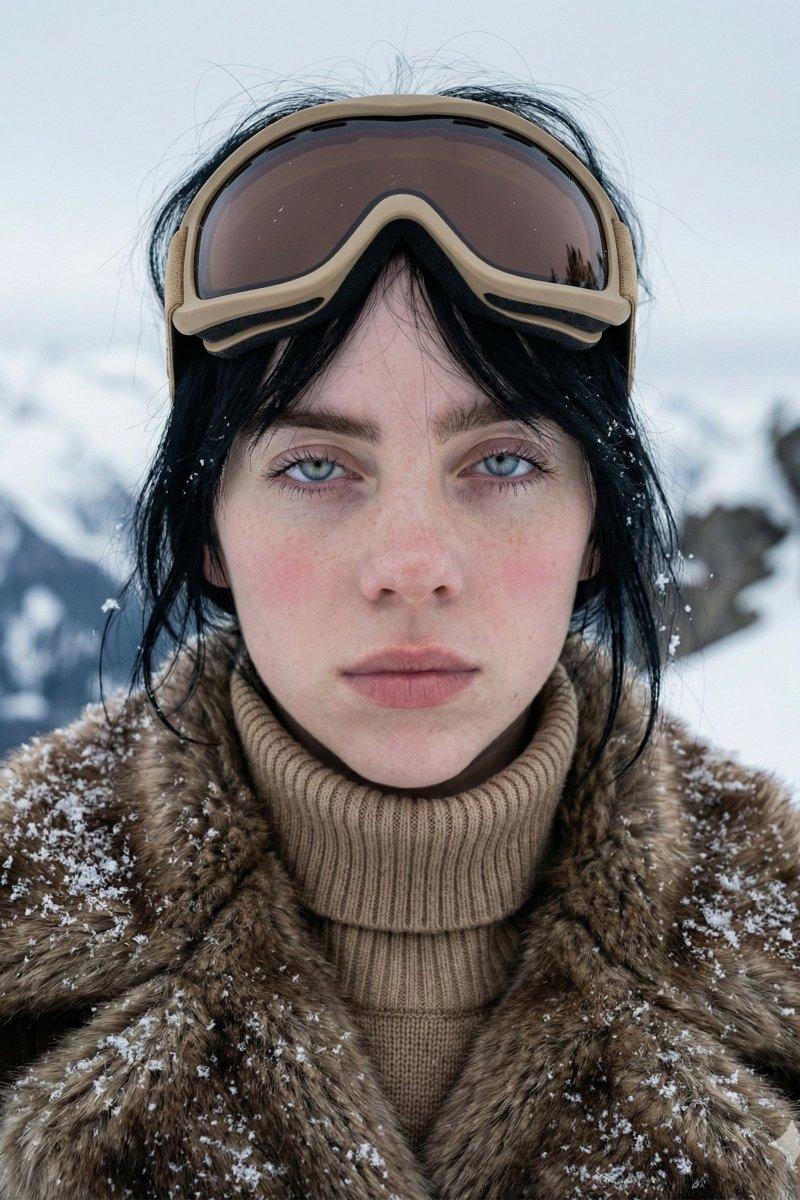
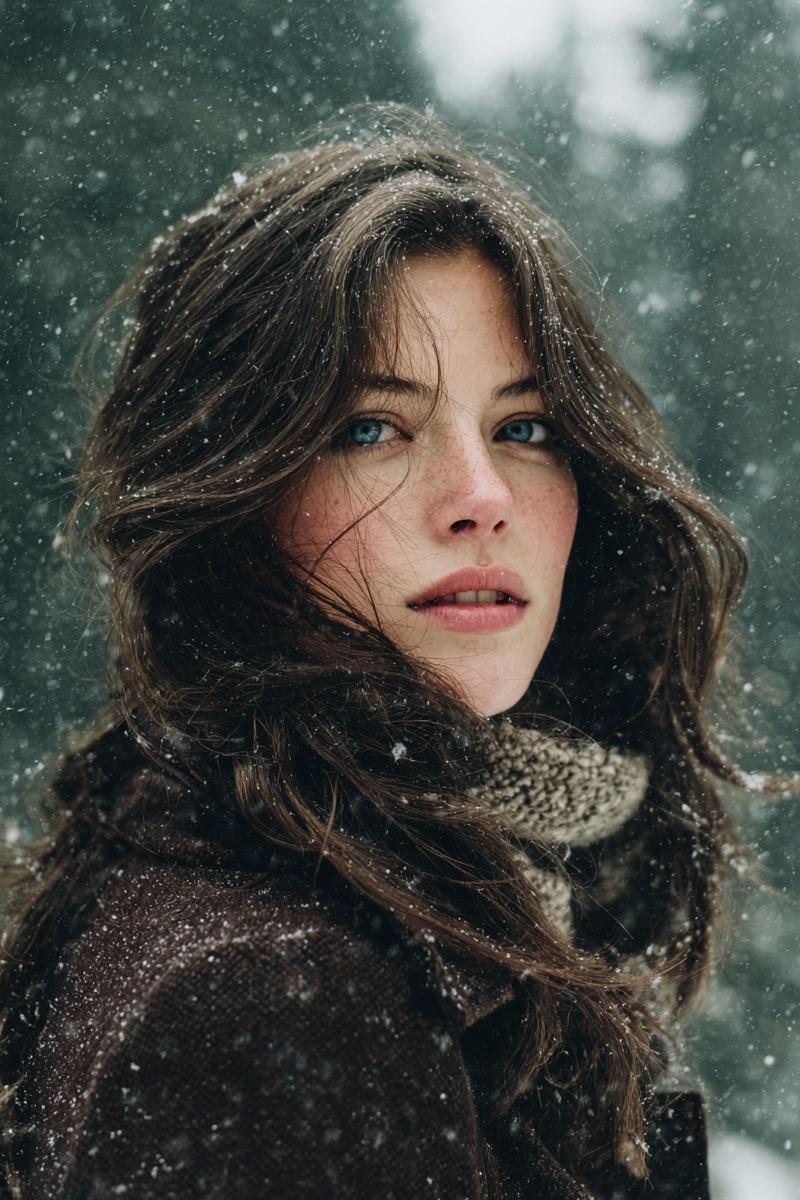
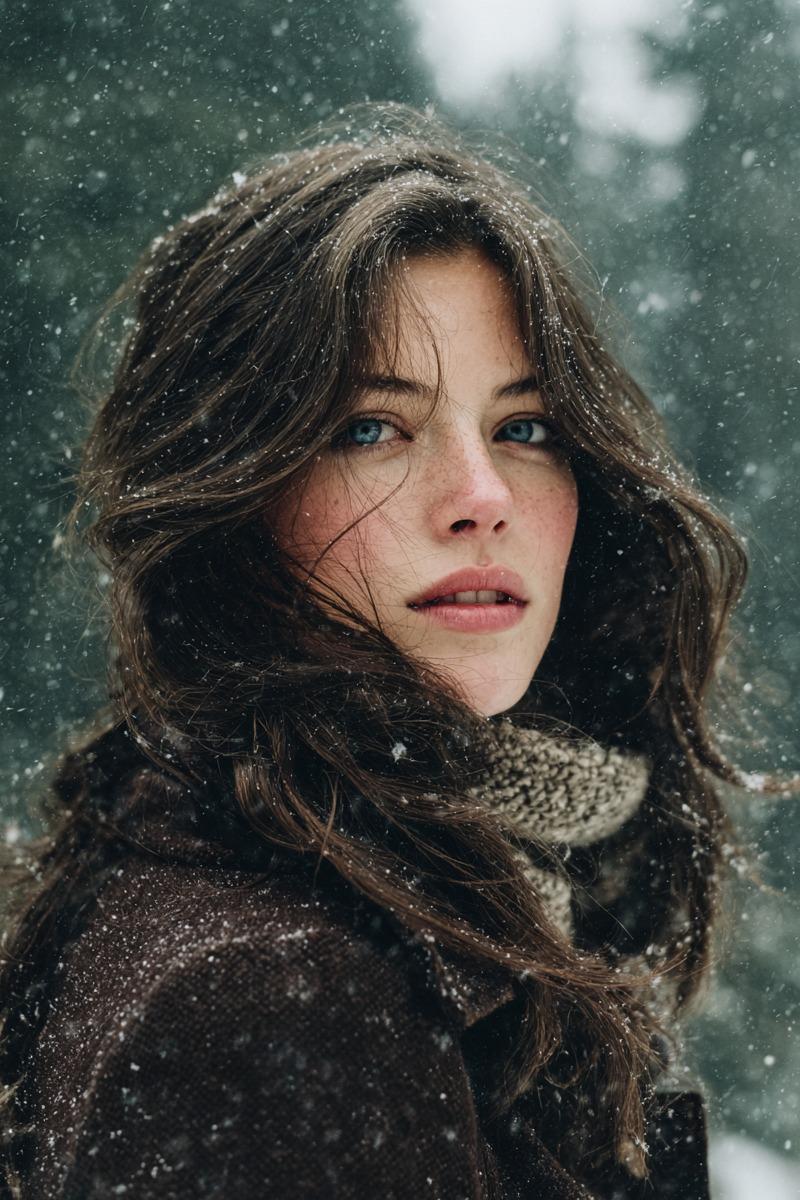
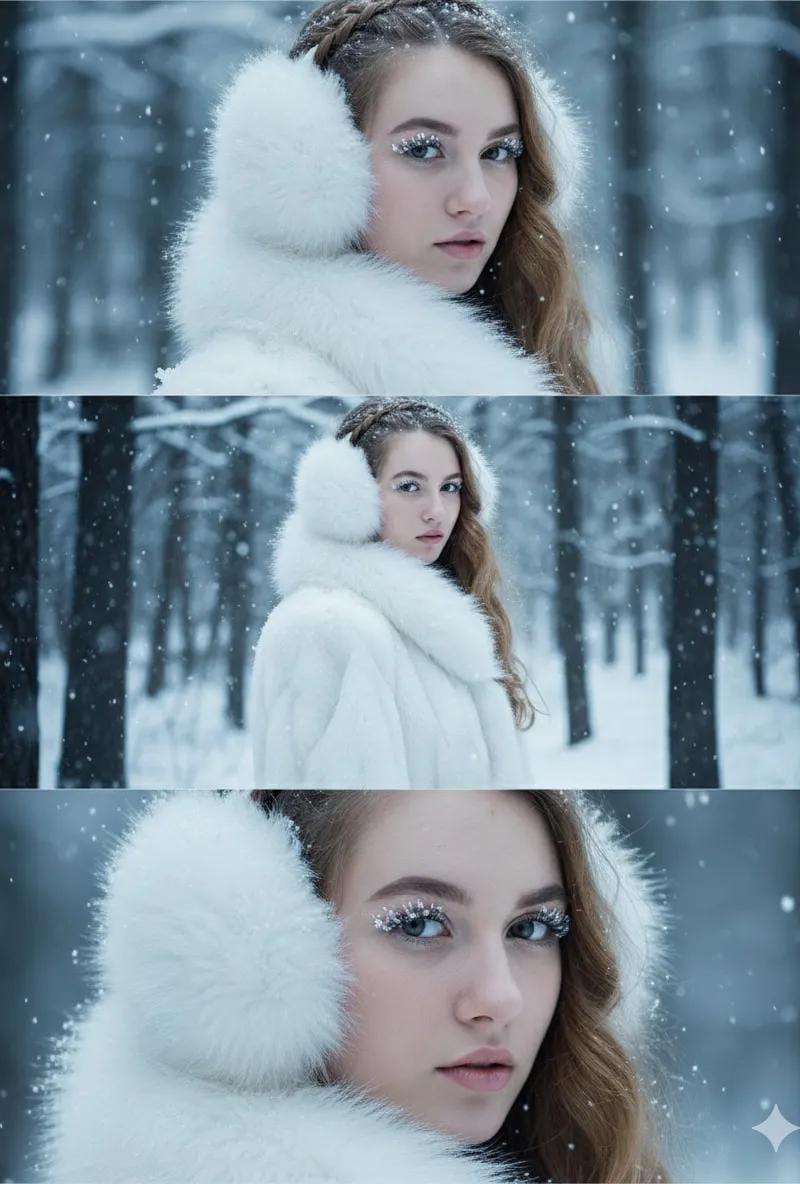
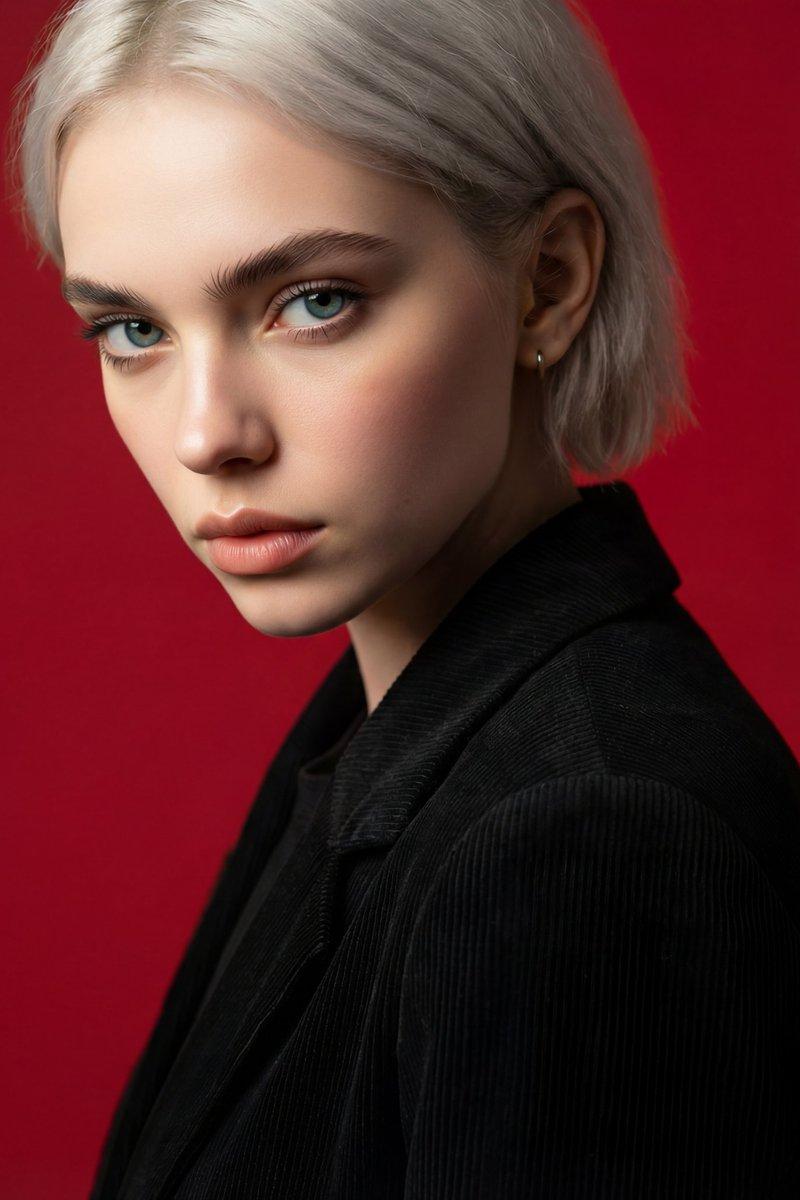
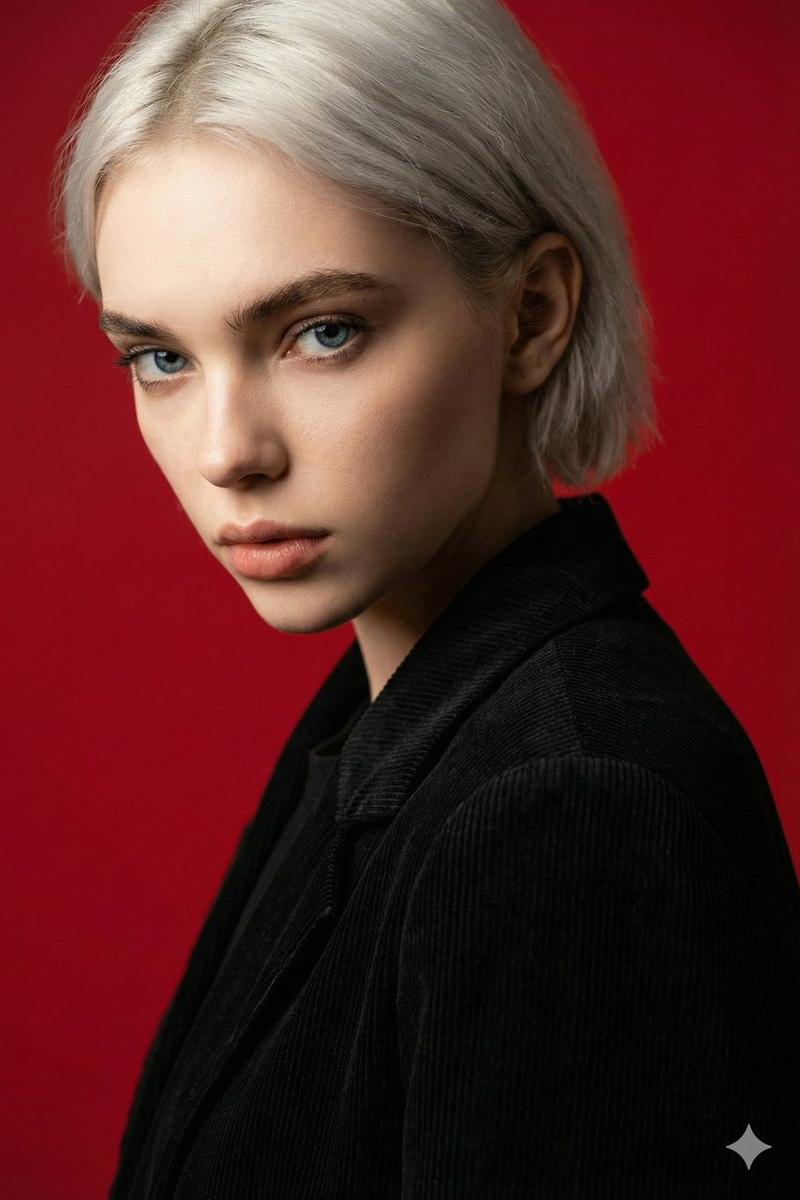
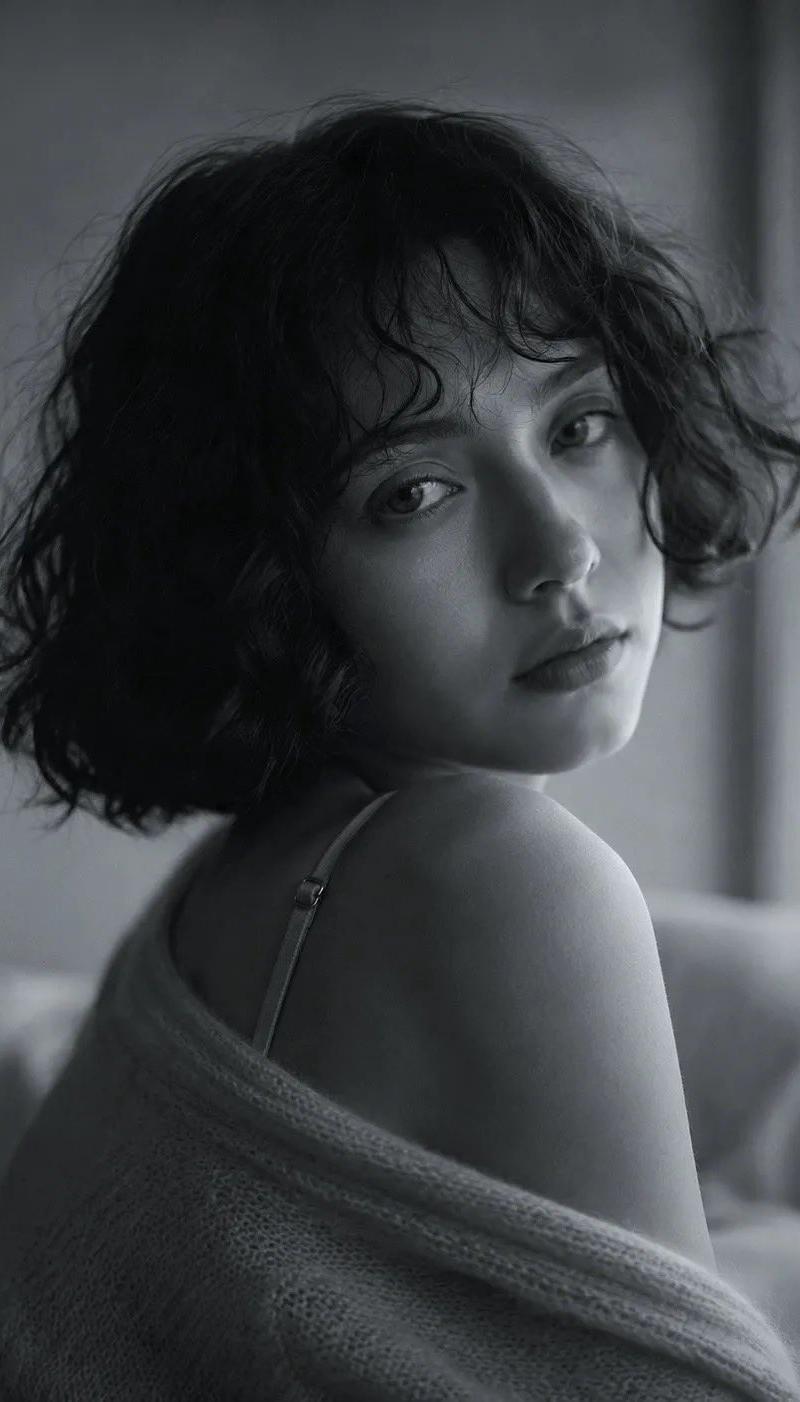
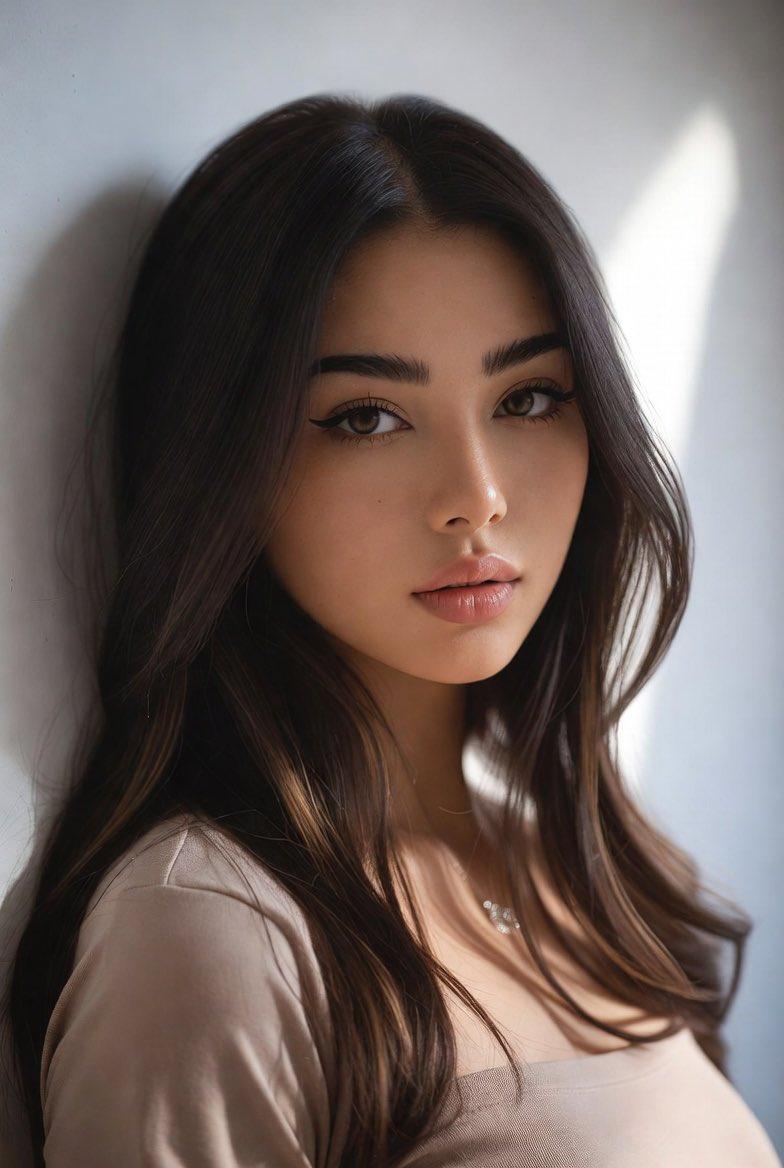
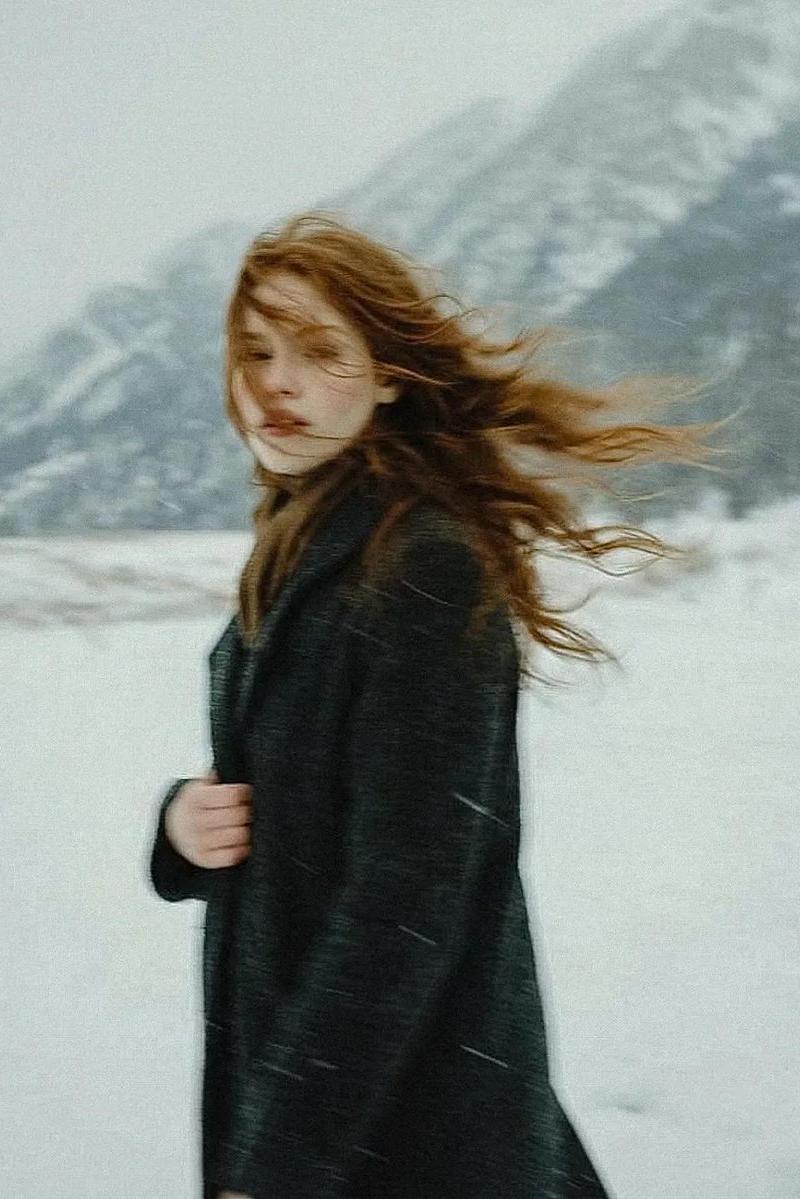
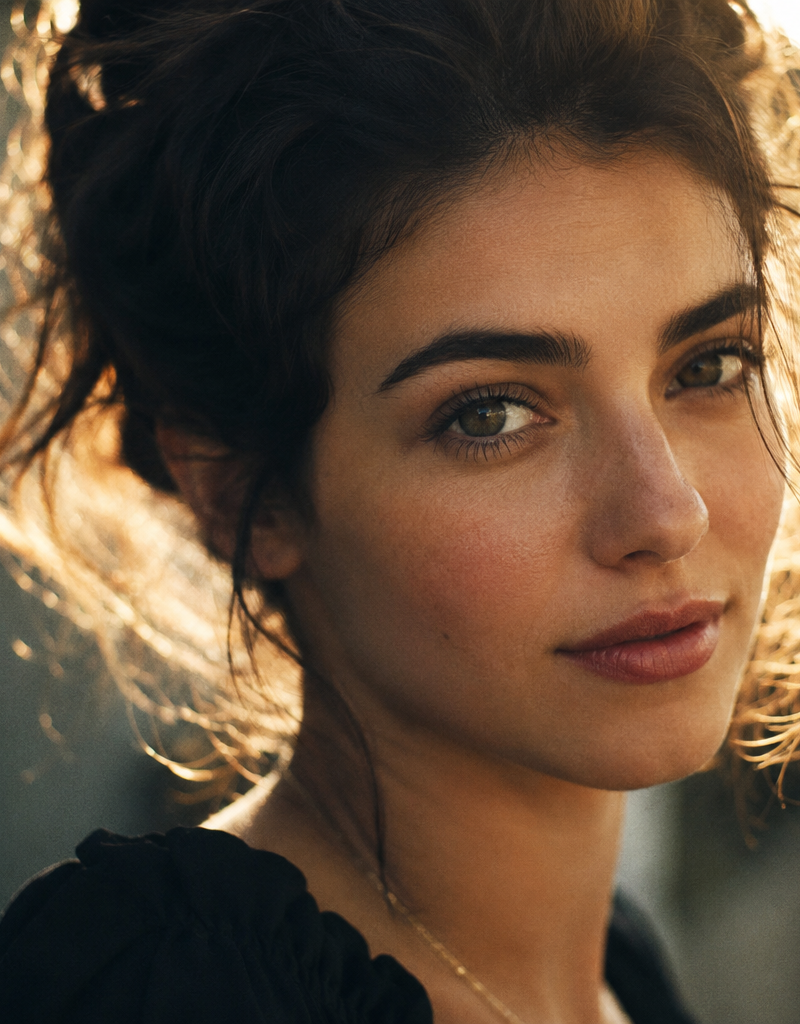
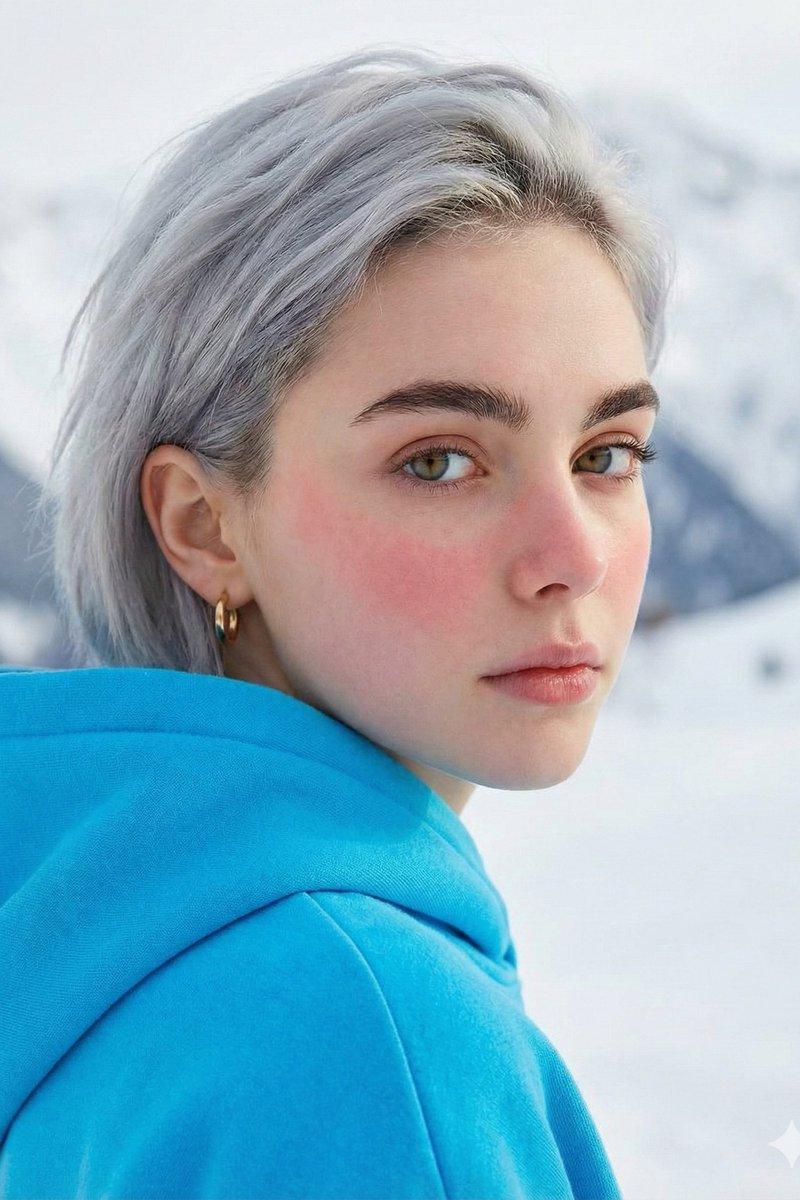
寒风中脸颊微红的忧郁回眸少女
Enlarge

Example images

寒风中脸颊微红的忧郁回眸少女

Prompt
{ "subject": { "description": "Young woman, approximately late teens or early 20s", "pose": "Looking back over her shoulder at the viewer, body turned slightly away", "expression": "Calm, neutral, slightly melancholic, direct eye contact" }, "face": { "skin": "Fair complexion, natural texture, distinct rosy cheeks and nose (cold flush)", "eyes": "Large, clear hazel-green eyes, sharp focus, long lashes 3:4"
Category
Photography & Realism
Model
Nano banana pro
Creator
@TheNewz_816
Source language
zh-CN
Views84
Source ID
8524
Published
Mar 22, 2026
Studio

Guide

About "寒风中脸颊微红的忧郁回眸少女"

What is this prompt for?

"寒风中脸颊微红的忧郁回眸少女" AI image prompt for Nano banana pro (Photography & Realism). { "subject": { "description": "年轻女性,大约十几岁末或二十出头", "pose": "身体略微转开,回头看向观者", "expre…

The full copyable prompt and example visuals above are ready for AI image generation or one-click recreate in Picva.

How to use this prompt

  1. Step 1

    Open the prompt detail

    Review the example visuals, category, and full prompt text for "寒风中脸颊微红的忧郁回眸少女".

  2. Step 2

    Copy the prompt

    Copy the prompt body from this page, or load it directly in Studio.

  3. Step 3

    Pick a model (Nano banana pro)

    Prefer Nano banana pro. If you switch models, keep subject and composition and tweak style terms.

  4. Step 4

    Generate and export

    Recreate the look in Picva, or export into your workflow for editing and publishing.

FAQ

What is the "寒风中脸颊微红的忧郁回眸少女" prompt?
It is an AI image-generation prompt for Nano banana pro in the Photography & Realism category. This page includes the full prompt text, example visuals, and a one-click recreate path in Picva.
How do I use this prompt to generate an image?
Copy the prompt from this page, or use Generate / Studio. Paste it into a compatible image model, or recreate the look in Picva with optional reference images.
Which model is this prompt for?
This page lists Nano banana pro. Most descriptive prompts also transfer to nearby image models such as GPT Image, Flux, or Midjourney with light style tweaks.
Can I use the result commercially?
You can usually copy the prompt for creation, but commercial use of the final image depends on the model terms, reference-image rights, and the generated content. Follow the source author and platform rules.