20

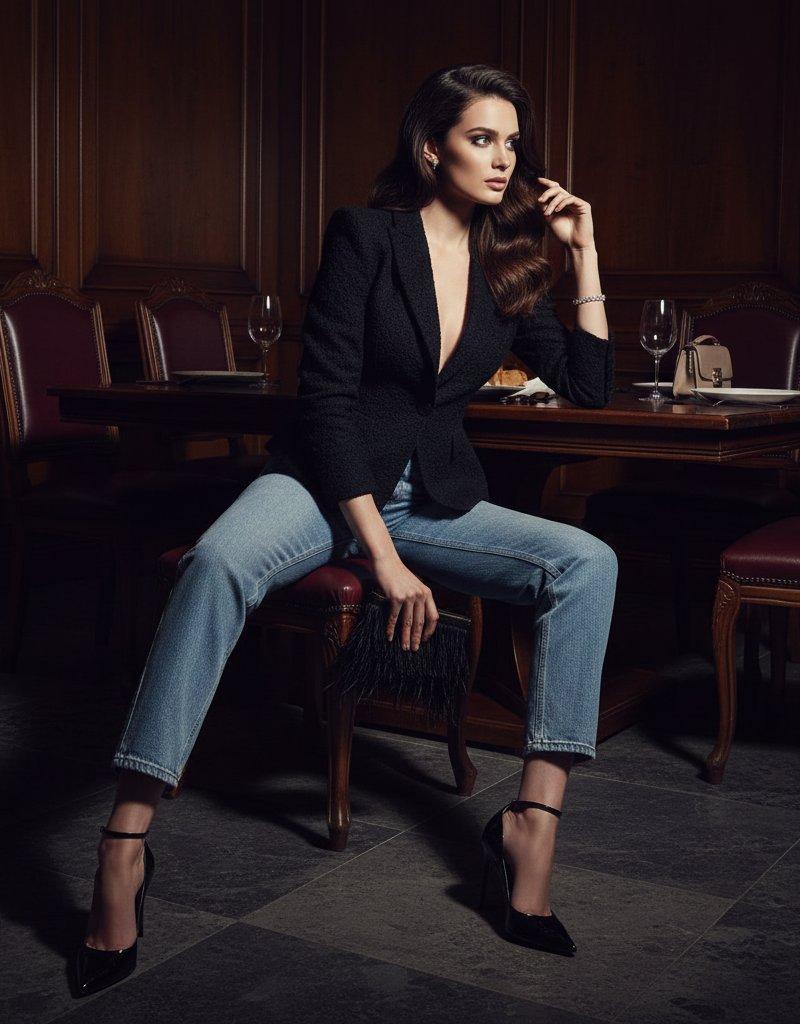
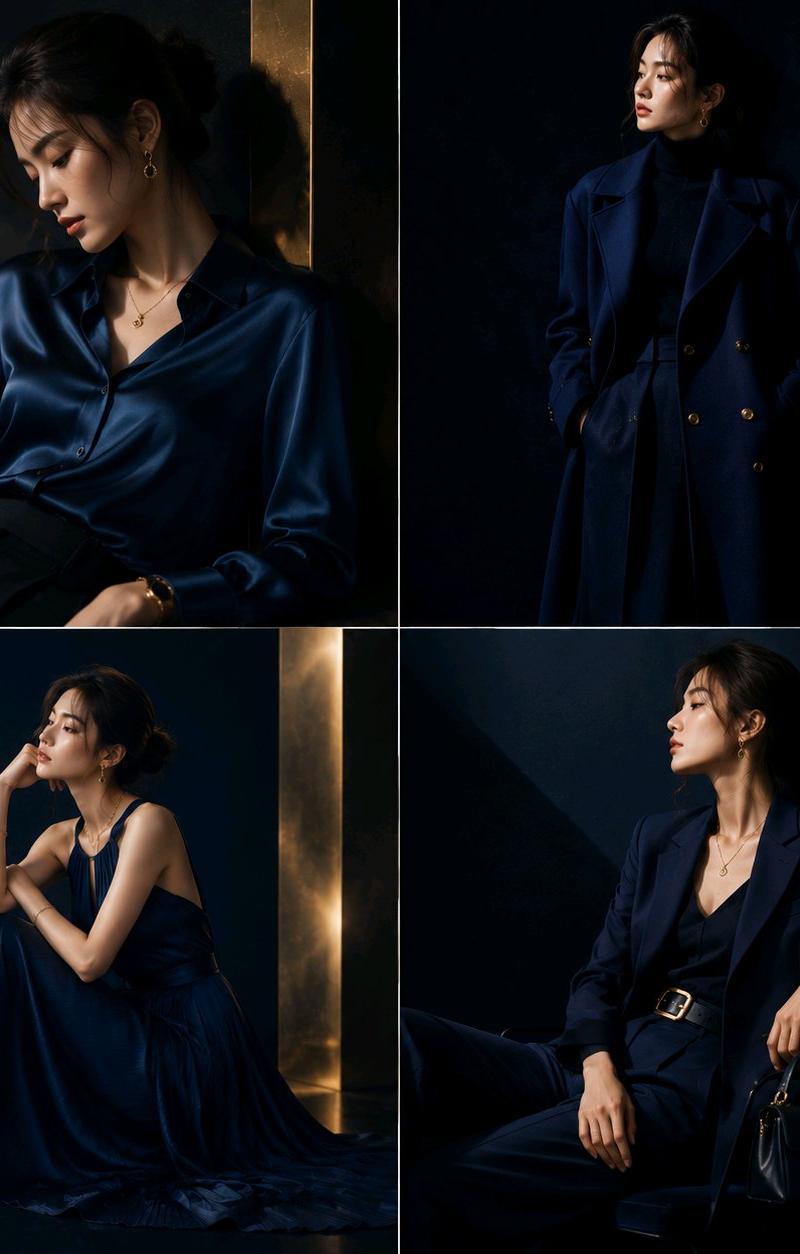
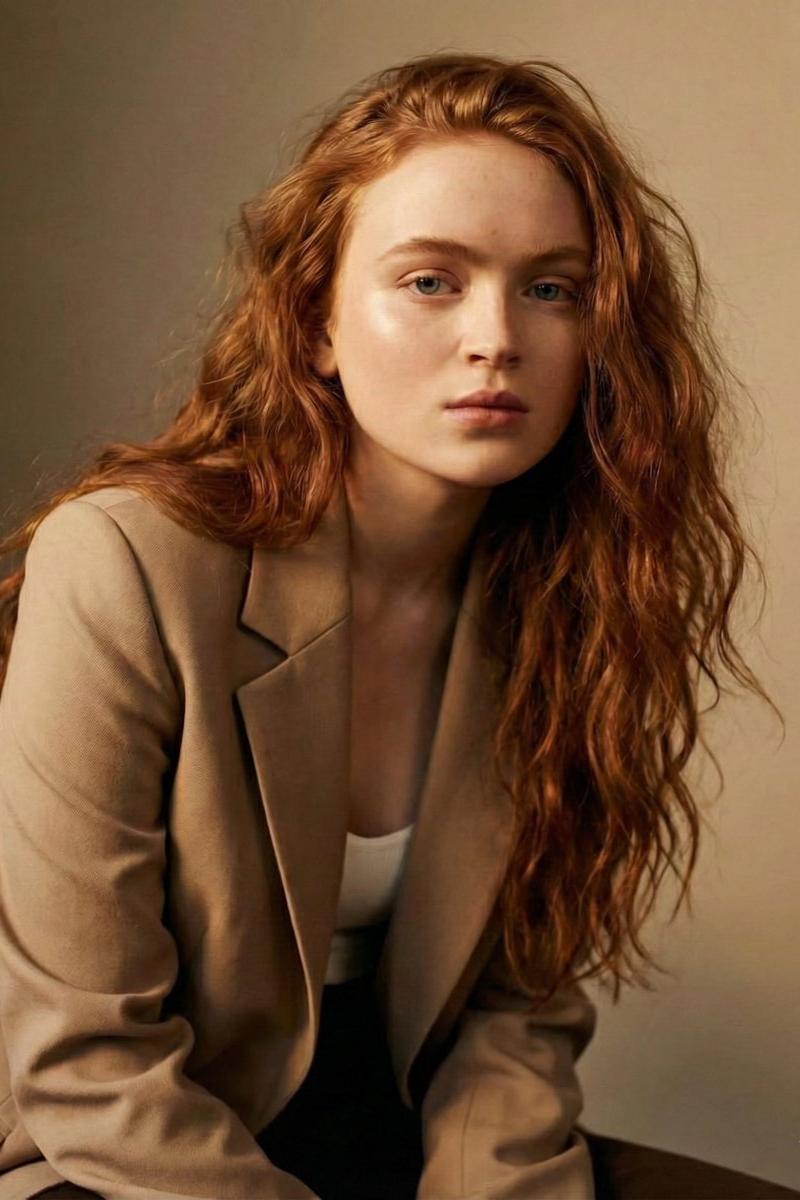
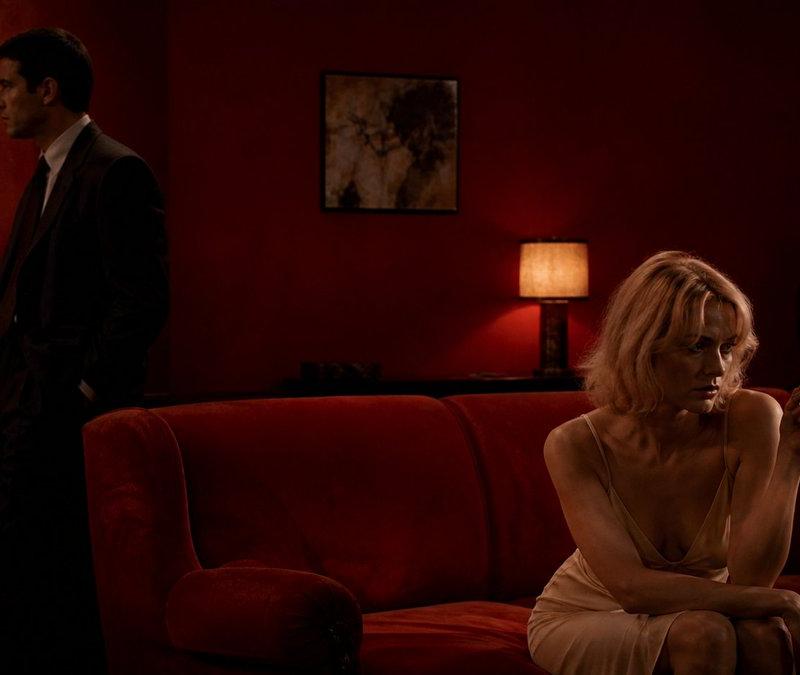
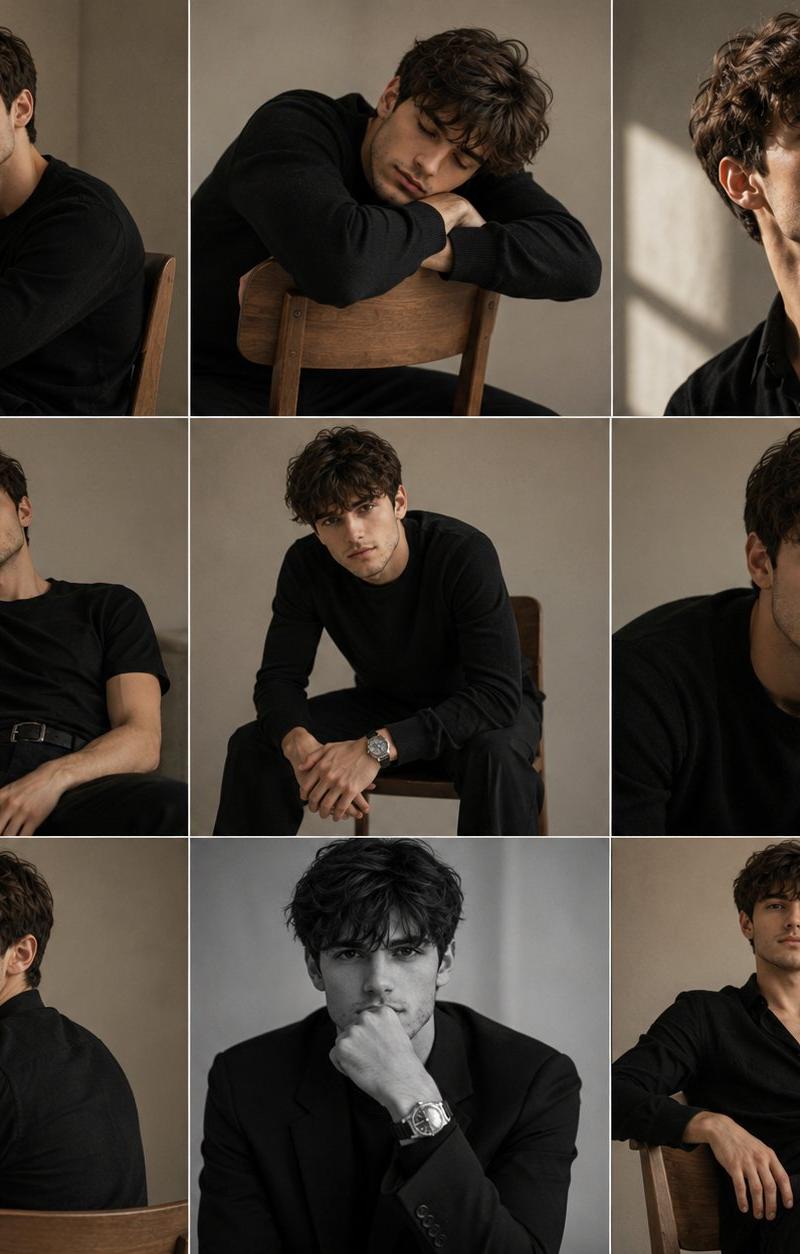
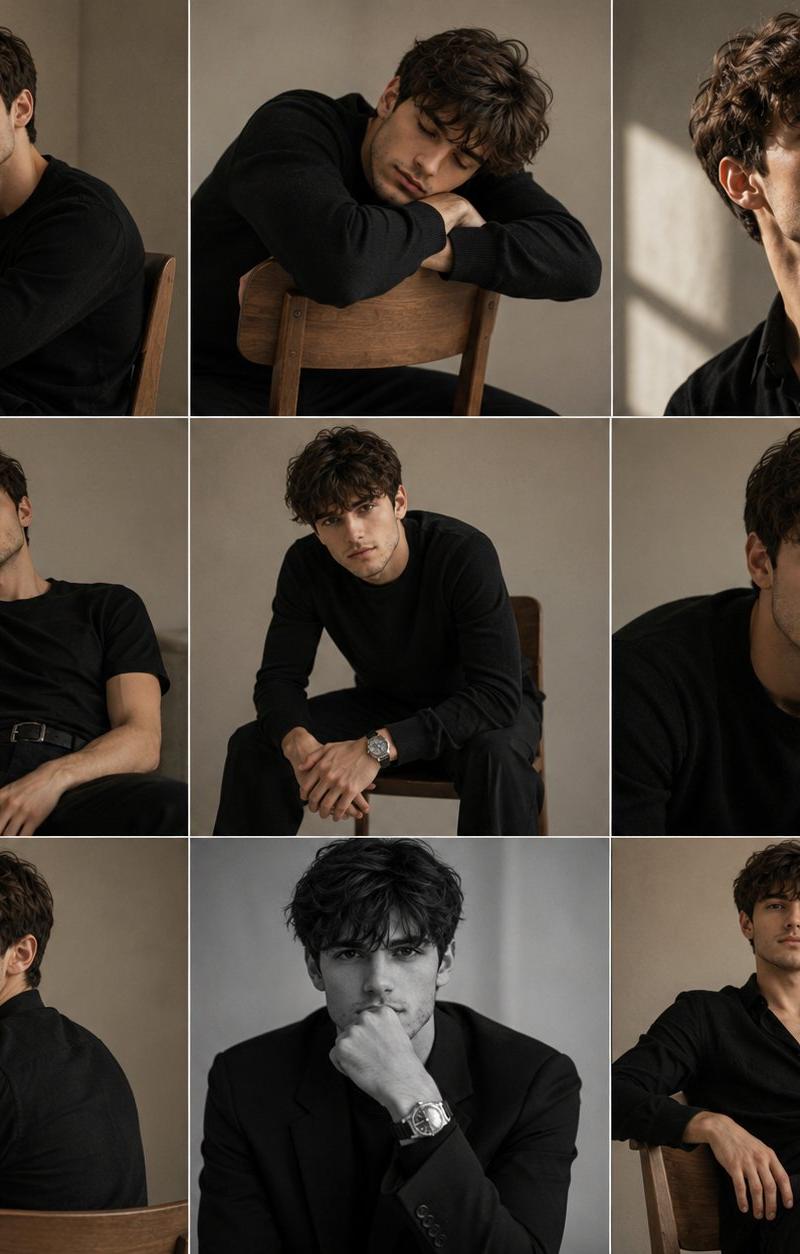
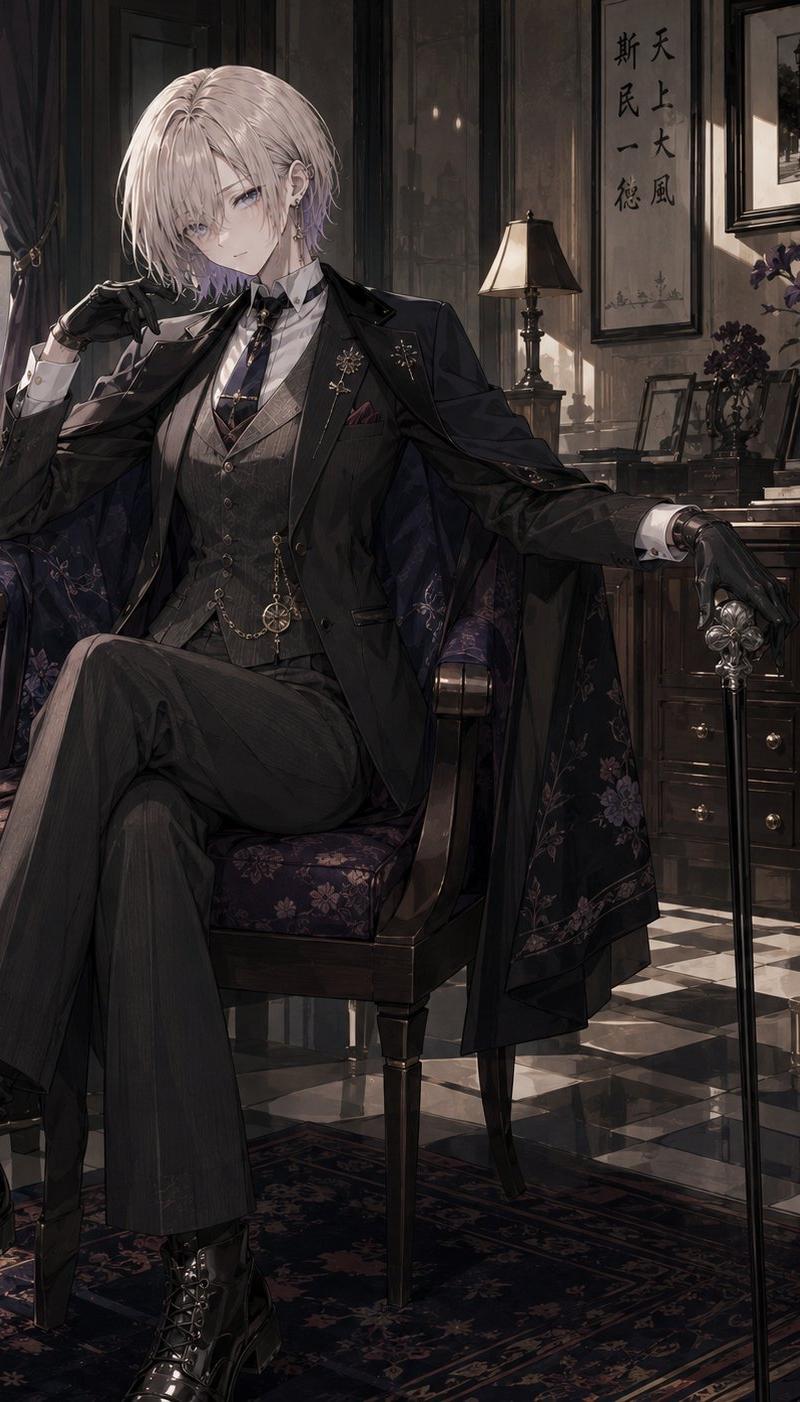
暗黑学院风电影感广角复古人像
Enlarge

Example images

暗黑学院风电影感广角复古人像

Prompt
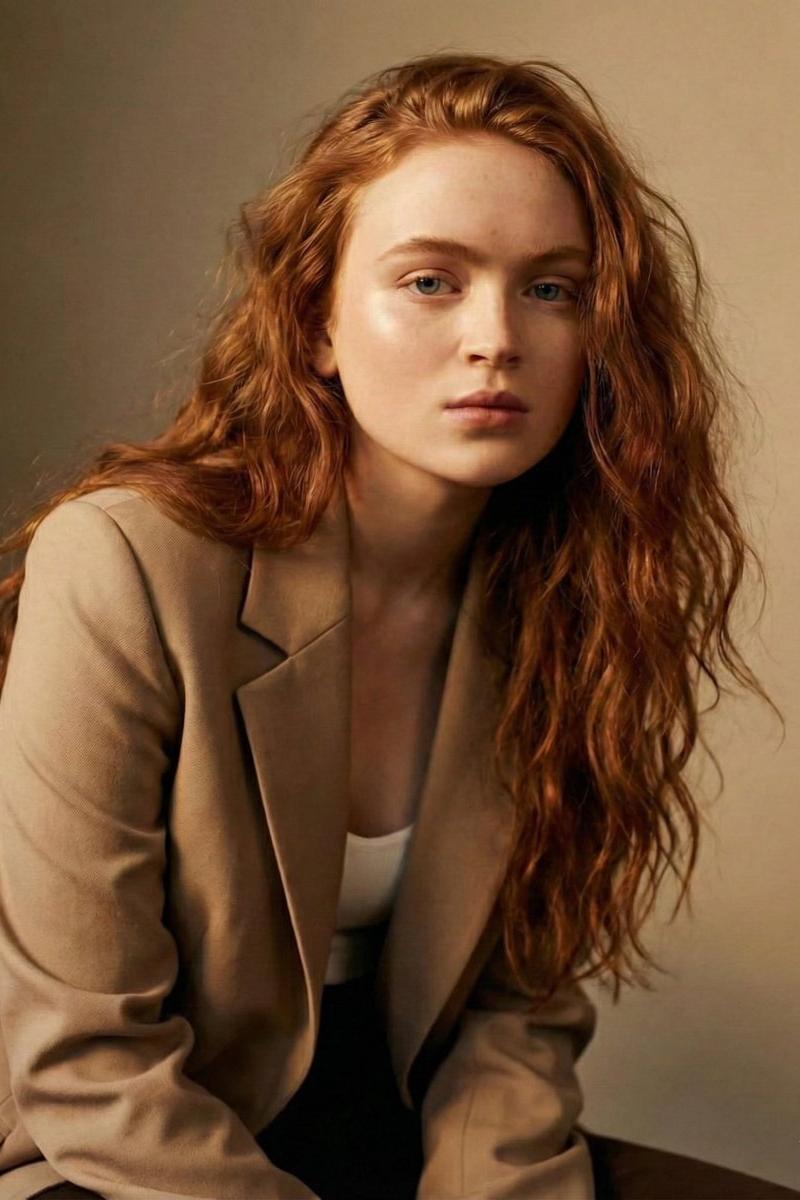
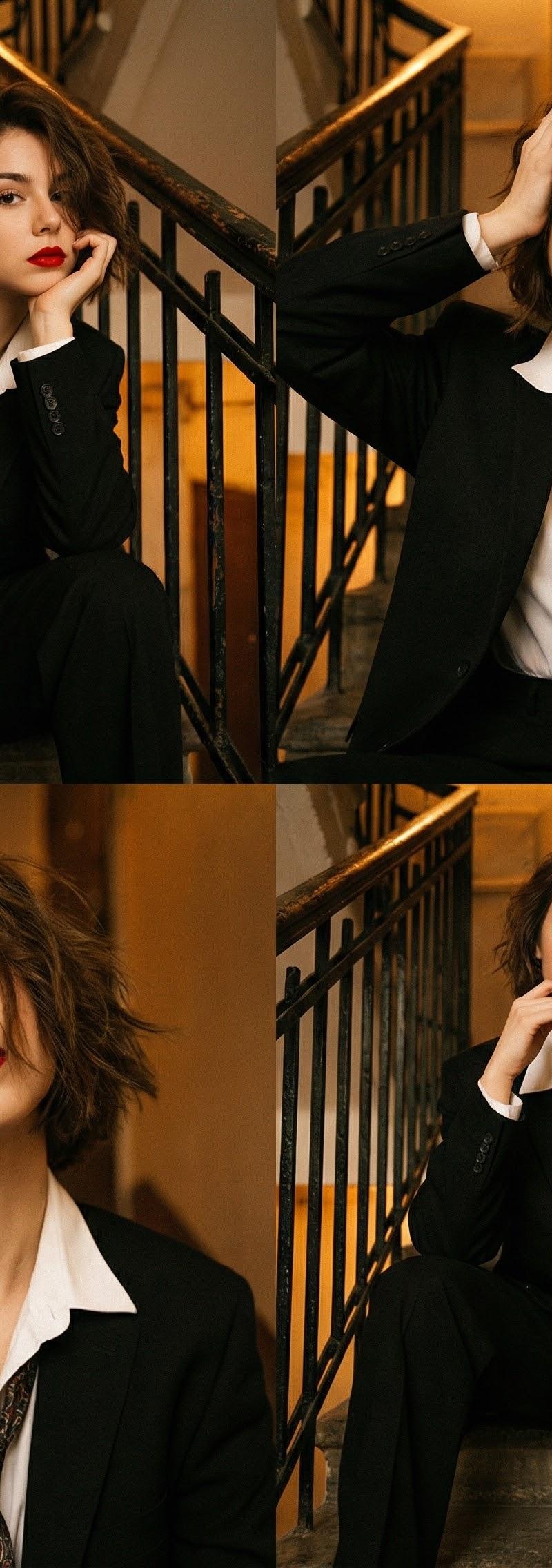
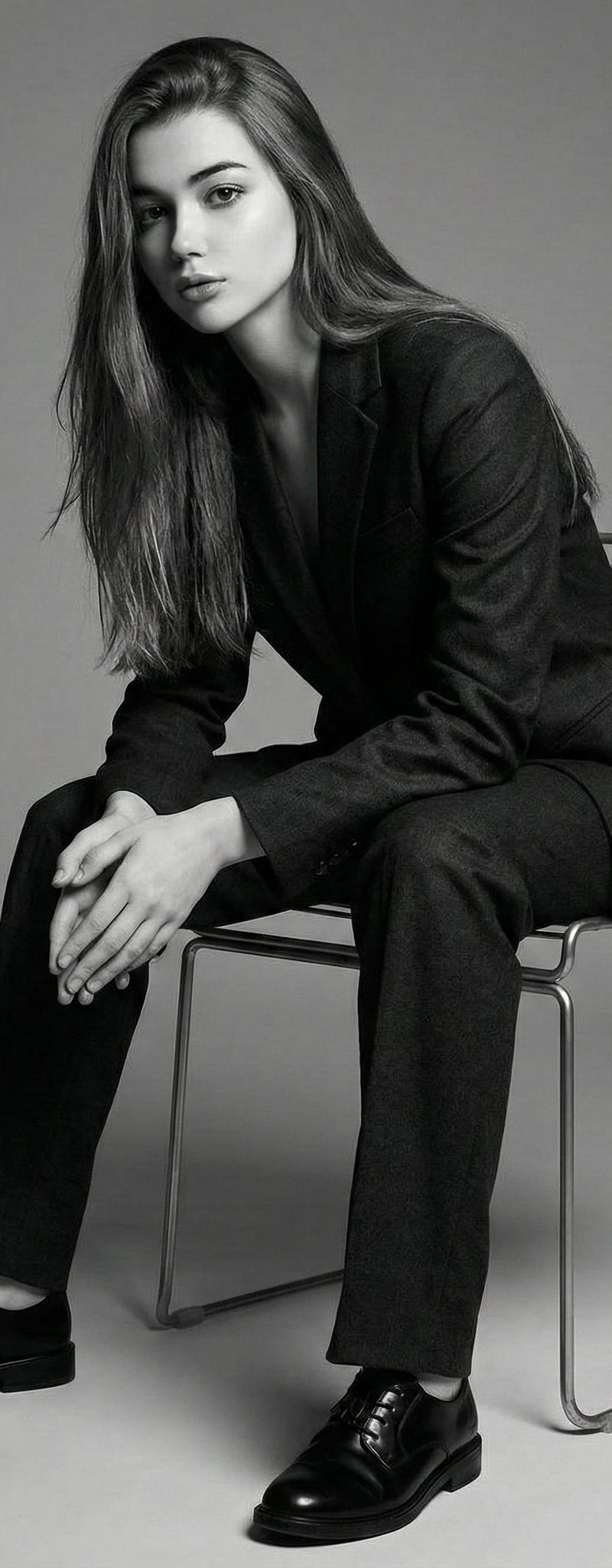
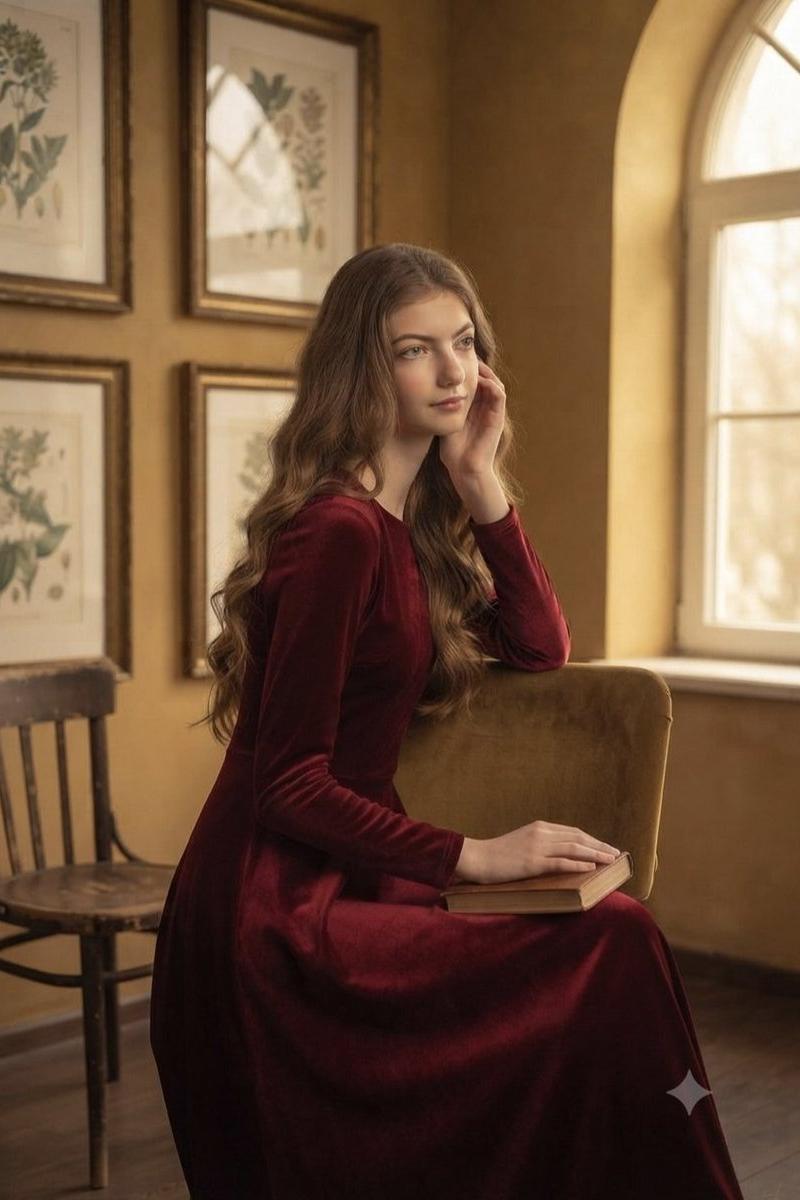
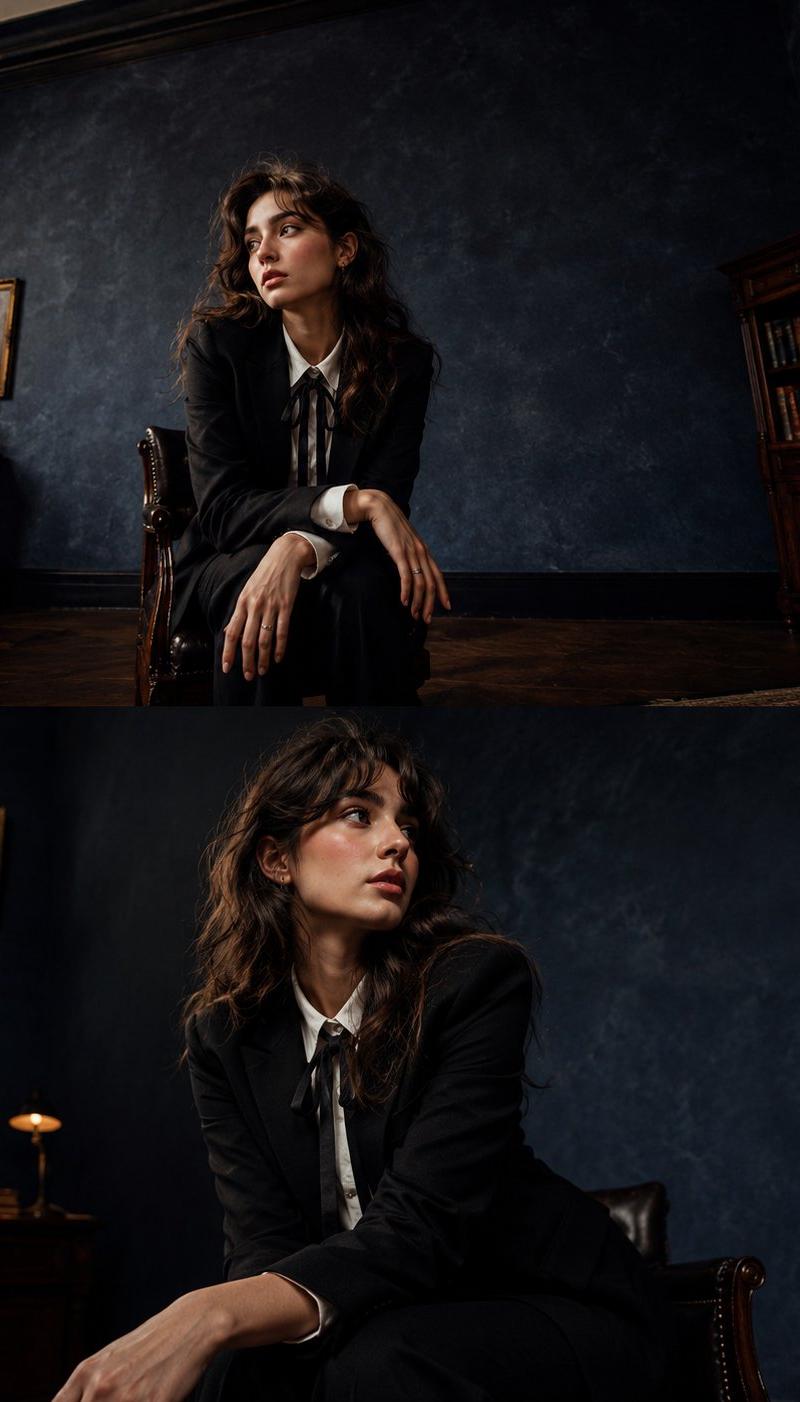
A cinematic vintage portrait in a dark academia style, capturing the character from a low, wide-angle 24mm perspective that emphasizes the grand scale of the space. The subject wears a tailored black blazer over a crisp white shirt with a black ribbon tie. Their soft wavy hair gently brushes against their shoulders, framing natural makeup with prominent rosy cheeks and a soft nose blush. Sitting gracefully on the edge of a dark, polished mahogany chair, they lean slightly forward with their hands resting elegantly on their knees, looking away from the lens with a calm, introspective emotional expression. The expansive deep blue textured studio background stretches out, creating dramatic negative space, while soft moody lighting casts elongated shadows. The shot maintains a realistic DSLR look with exquisite skin texture, a touch of fine film grain, a classy yearbook aesthetic, and a distinct wide-angle editorial photography style.
Category
Charts & Infographics
Model
ChatGPT
Creator
@SimplyAnnisa
Source language
zh-CN
Views95
Source ID
15665
Published
Jun 9, 2026
Studio

Guide

About "暗黑学院风电影感广角复古人像"

What is this prompt for?

"暗黑学院风电影感广角复古人像" AI image prompt for ChatGPT (Charts & Infographics). 一张暗黑学院风的电影感复古肖像,采用24mm低角度广角透视捕捉人物,强调空间的宏大感。主角穿着修身的黑色西装外套,内搭挺括的白衬衫,并系着黑色丝带领结。他们柔软的波浪长发轻轻拂过…

The full copyable prompt and example visuals above are ready for AI image generation or one-click recreate in Picva.

How to use this prompt

  1. Step 1

    Open the prompt detail

    Review the example visuals, category, and full prompt text for "暗黑学院风电影感广角复古人像".

  2. Step 2

    Copy the prompt

    Copy the prompt body from this page, or load it directly in Studio.

  3. Step 3

    Pick a model (ChatGPT)

    Prefer ChatGPT. If you switch models, keep subject and composition and tweak style terms.

  4. Step 4

    Generate and export

    Recreate the look in Picva, or export into your workflow for editing and publishing.

FAQ

What is the "暗黑学院风电影感广角复古人像" prompt?
It is an AI image-generation prompt for ChatGPT in the Charts & Infographics category. This page includes the full prompt text, example visuals, and a one-click recreate path in Picva.
How do I use this prompt to generate an image?
Copy the prompt from this page, or use Generate / Studio. Paste it into a compatible image model, or recreate the look in Picva with optional reference images.
Which model is this prompt for?
This page lists ChatGPT. Most descriptive prompts also transfer to nearby image models such as GPT Image, Flux, or Midjourney with light style tweaks.
Can I use the result commercially?
You can usually copy the prompt for creation, but commercial use of the final image depends on the model terms, reference-image rights, and the generated content. Follow the source author and platform rules.