20

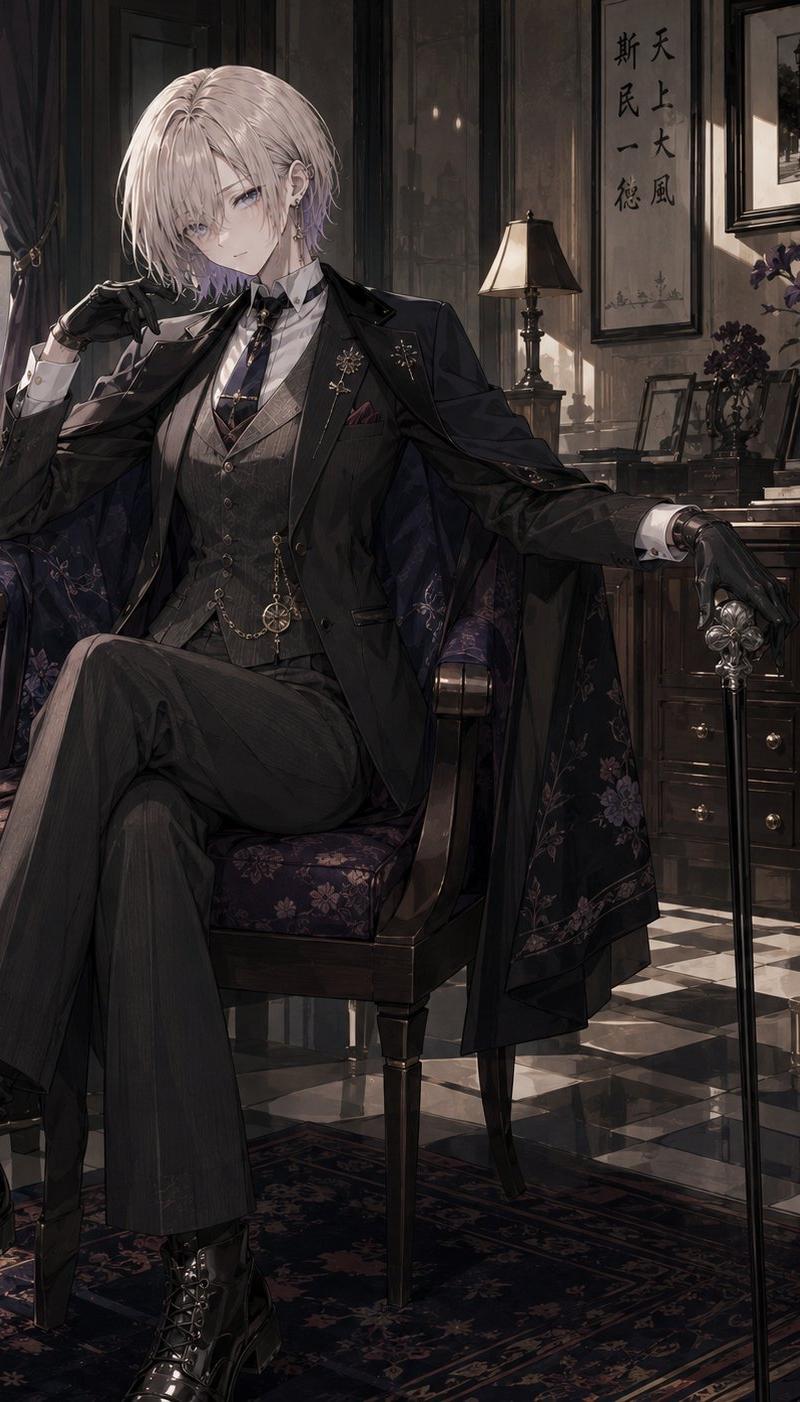
Vintage Showa Era Gentleman Outfit
Enlarge

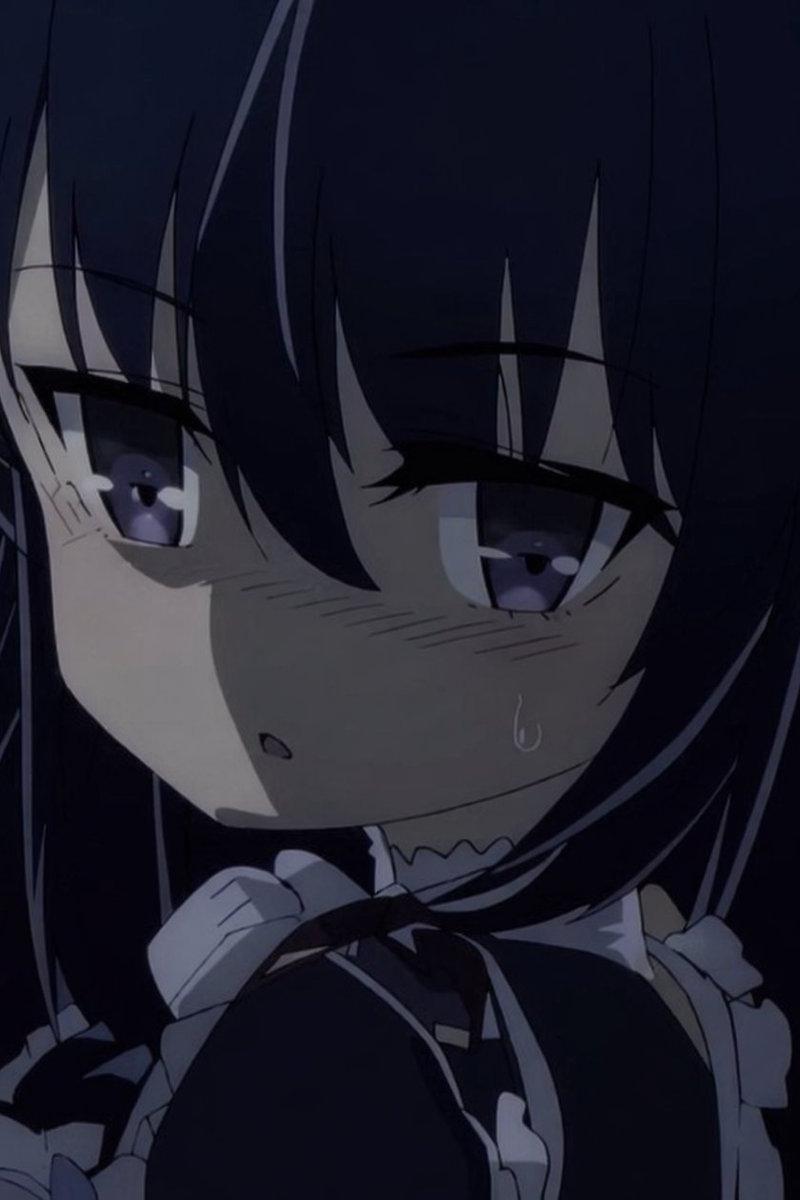
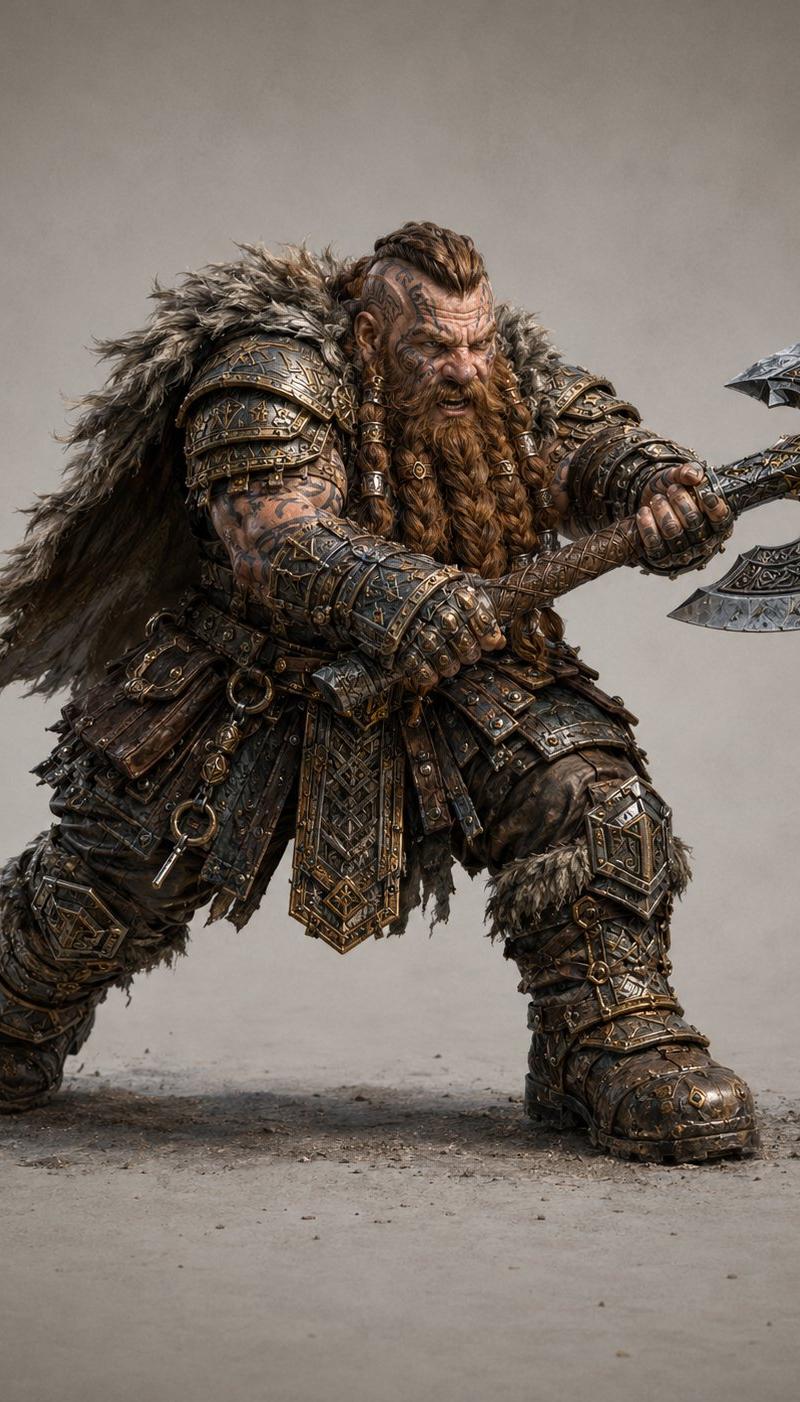
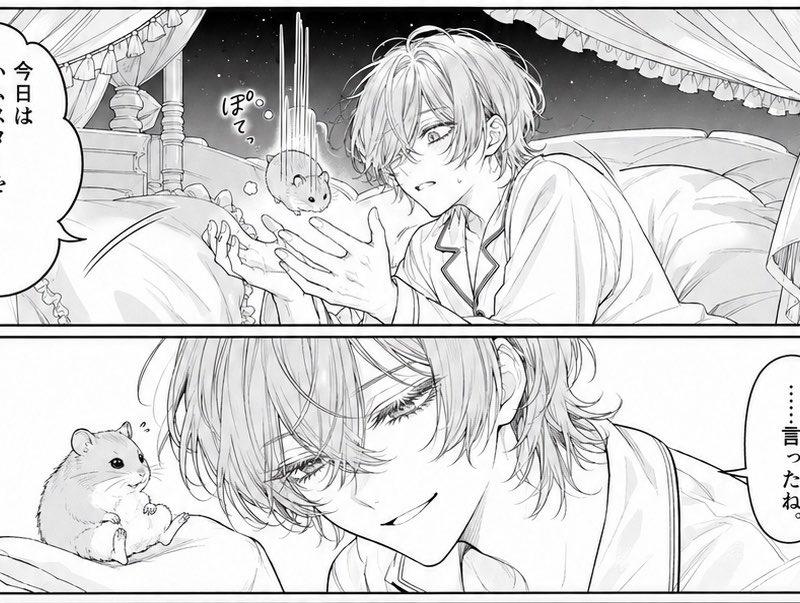
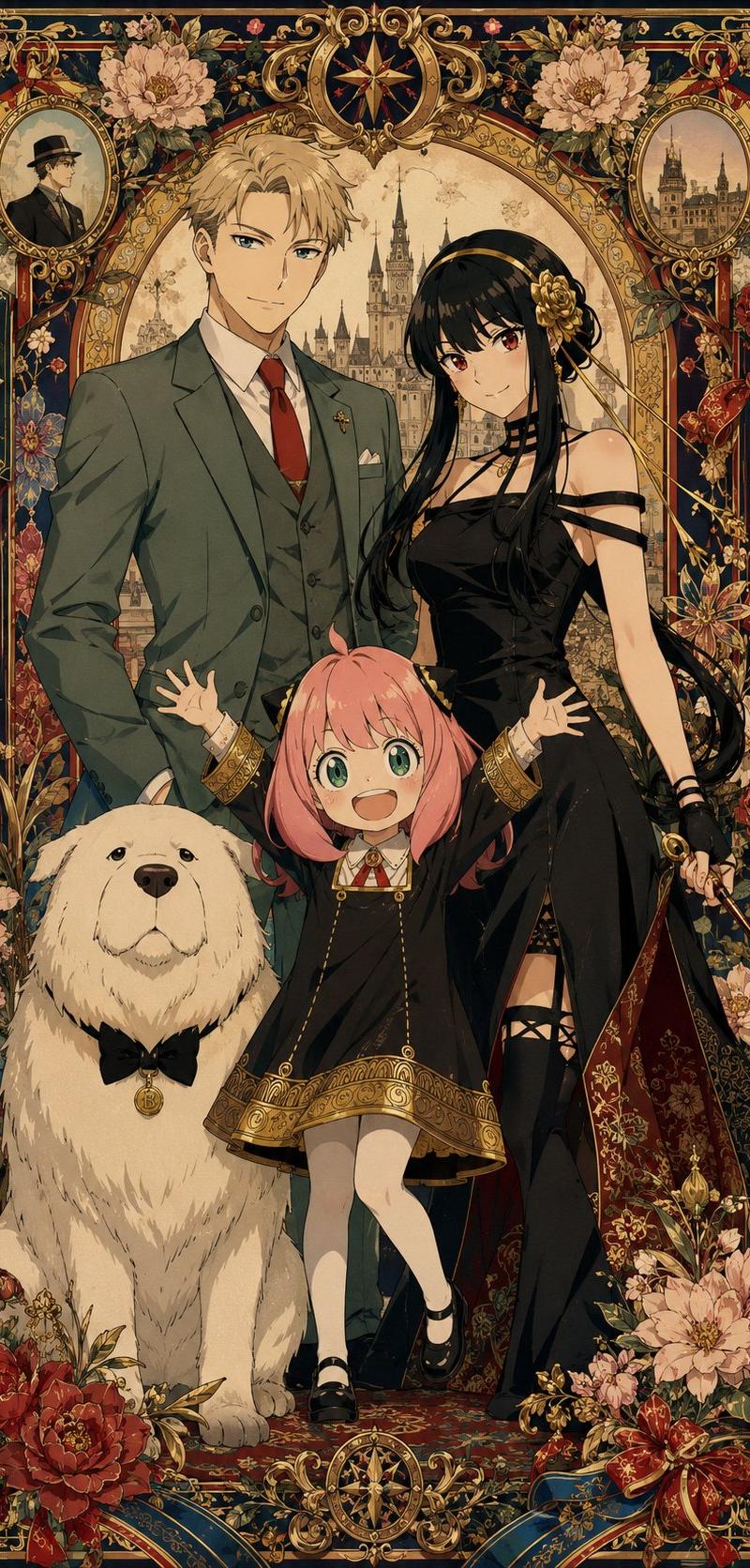
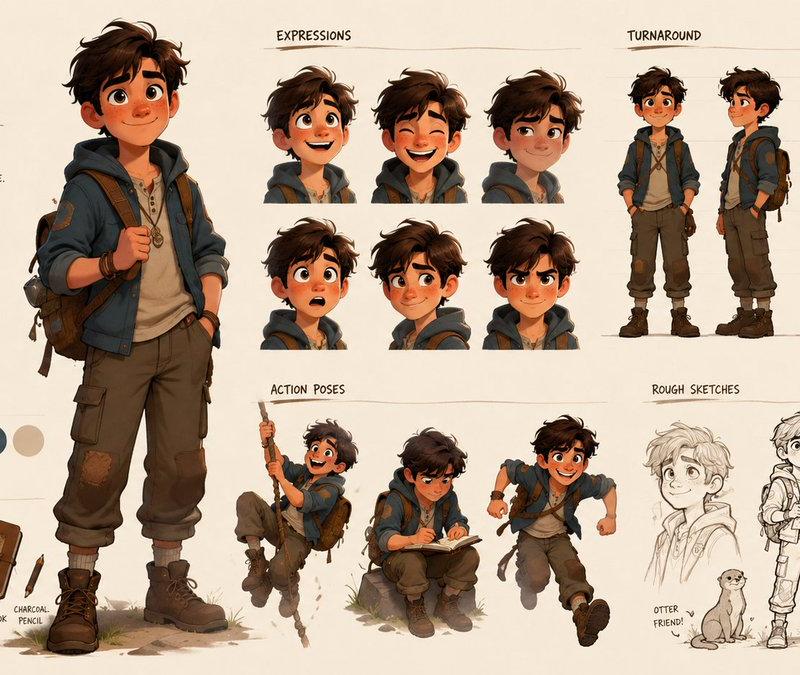
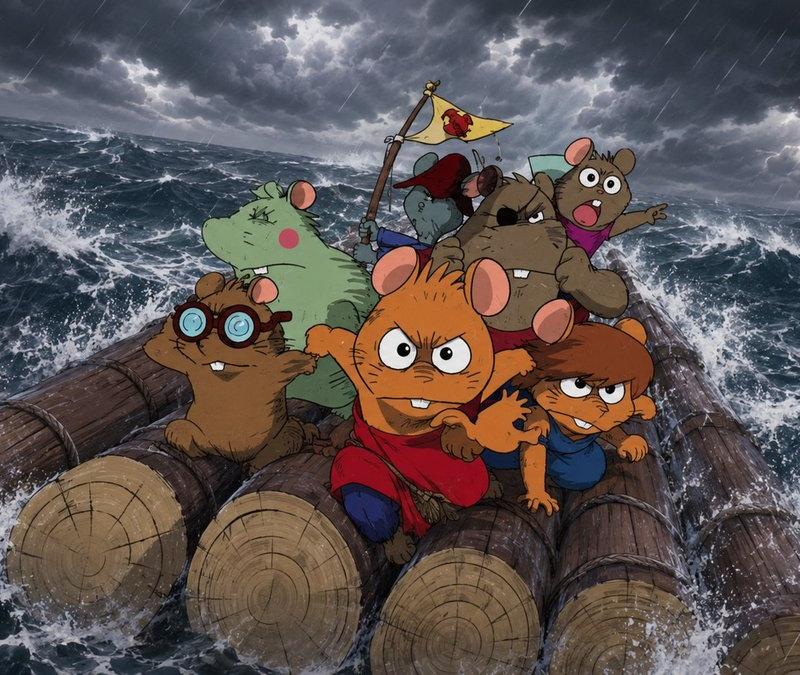
Example images

Vintage Showa Era Gentleman Outfit

Prompt
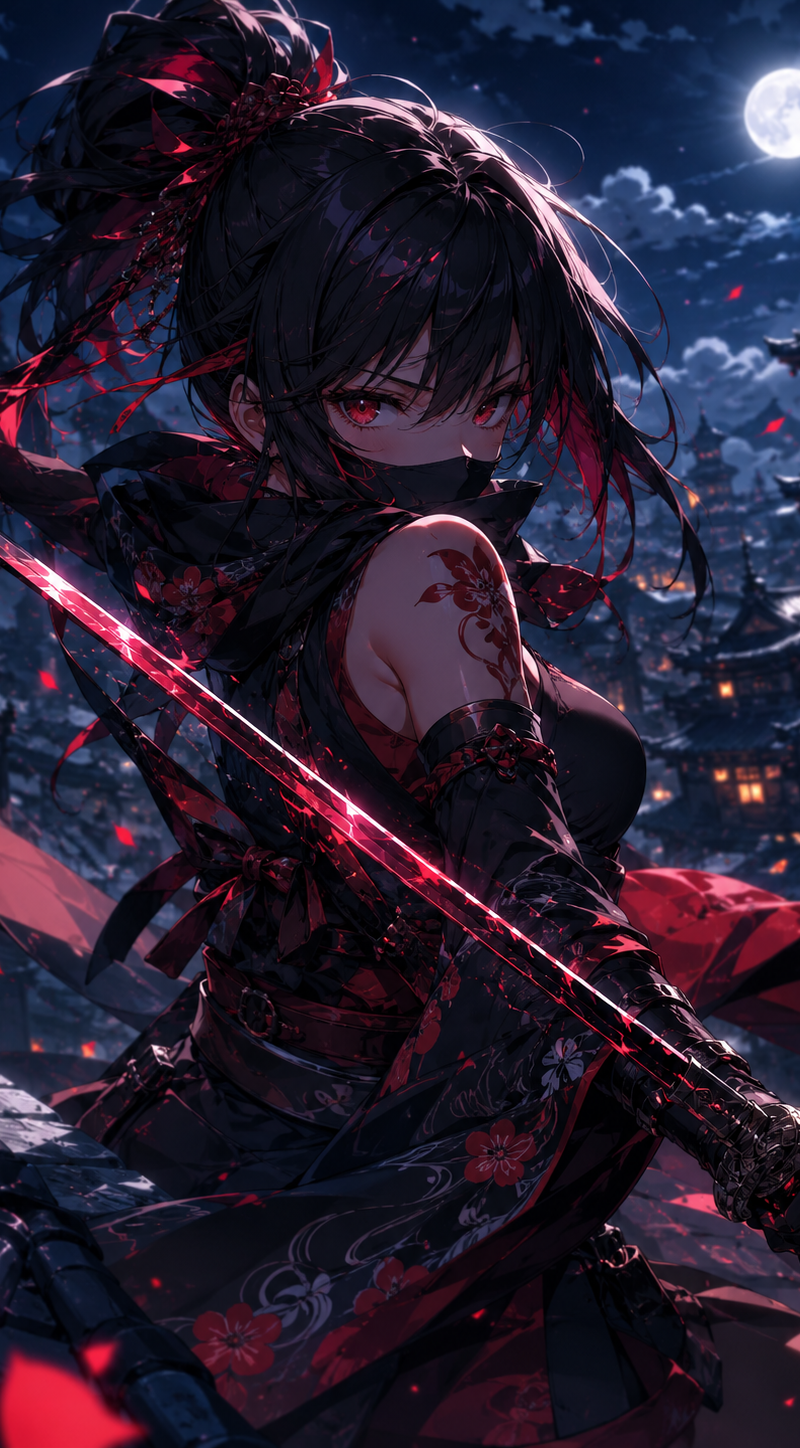
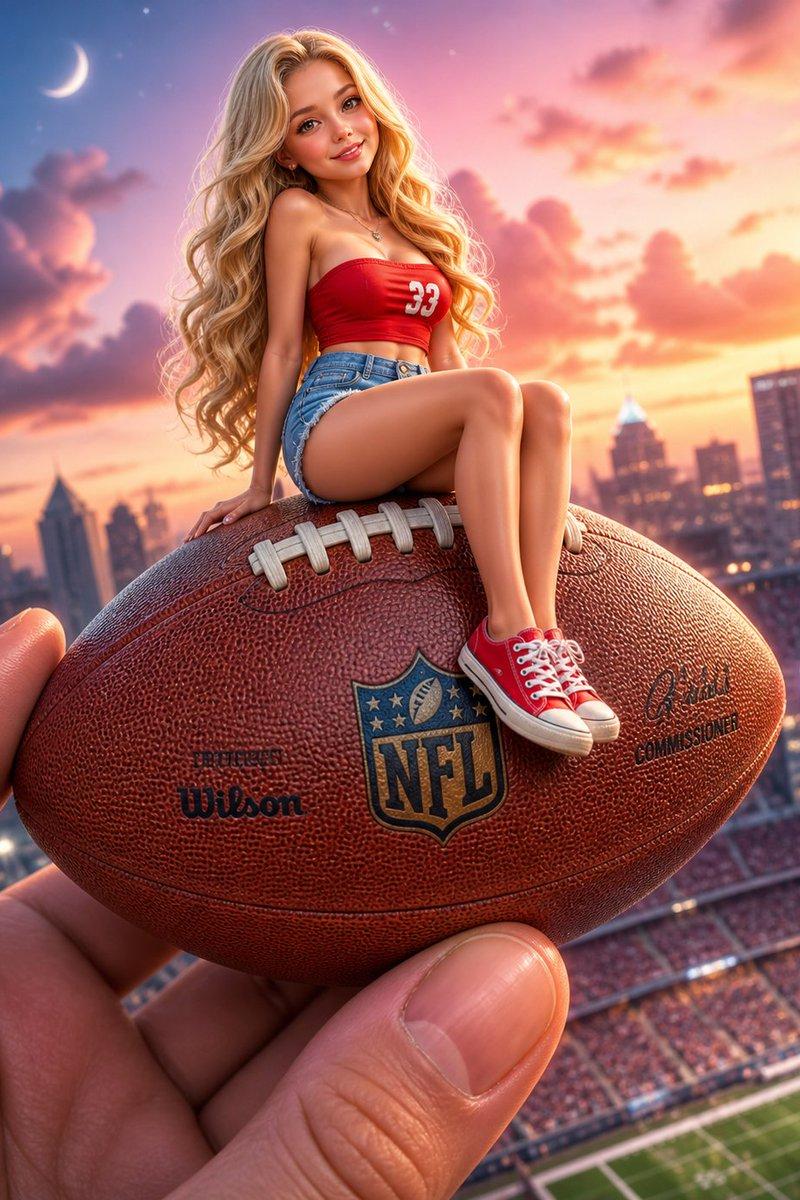
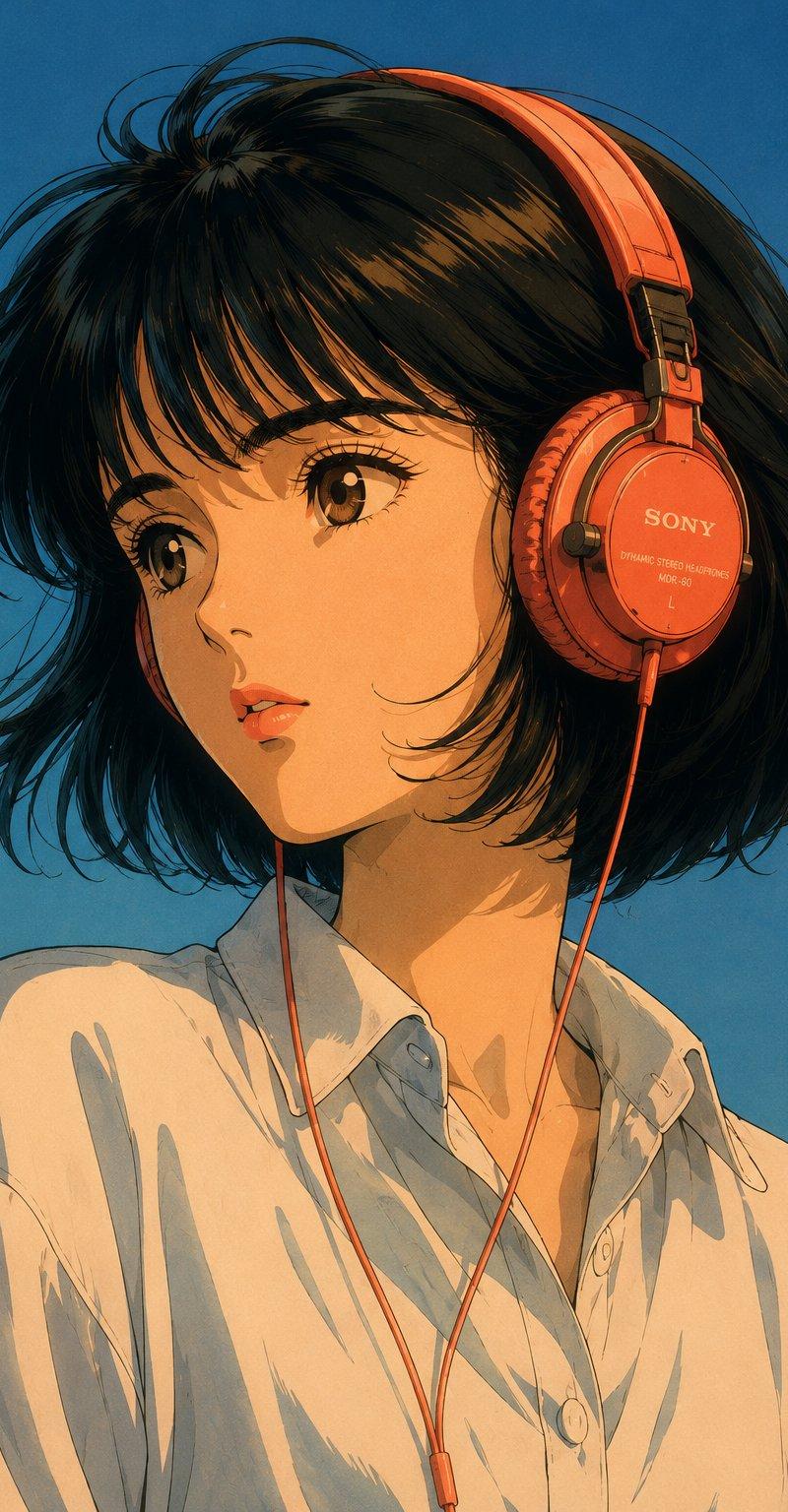
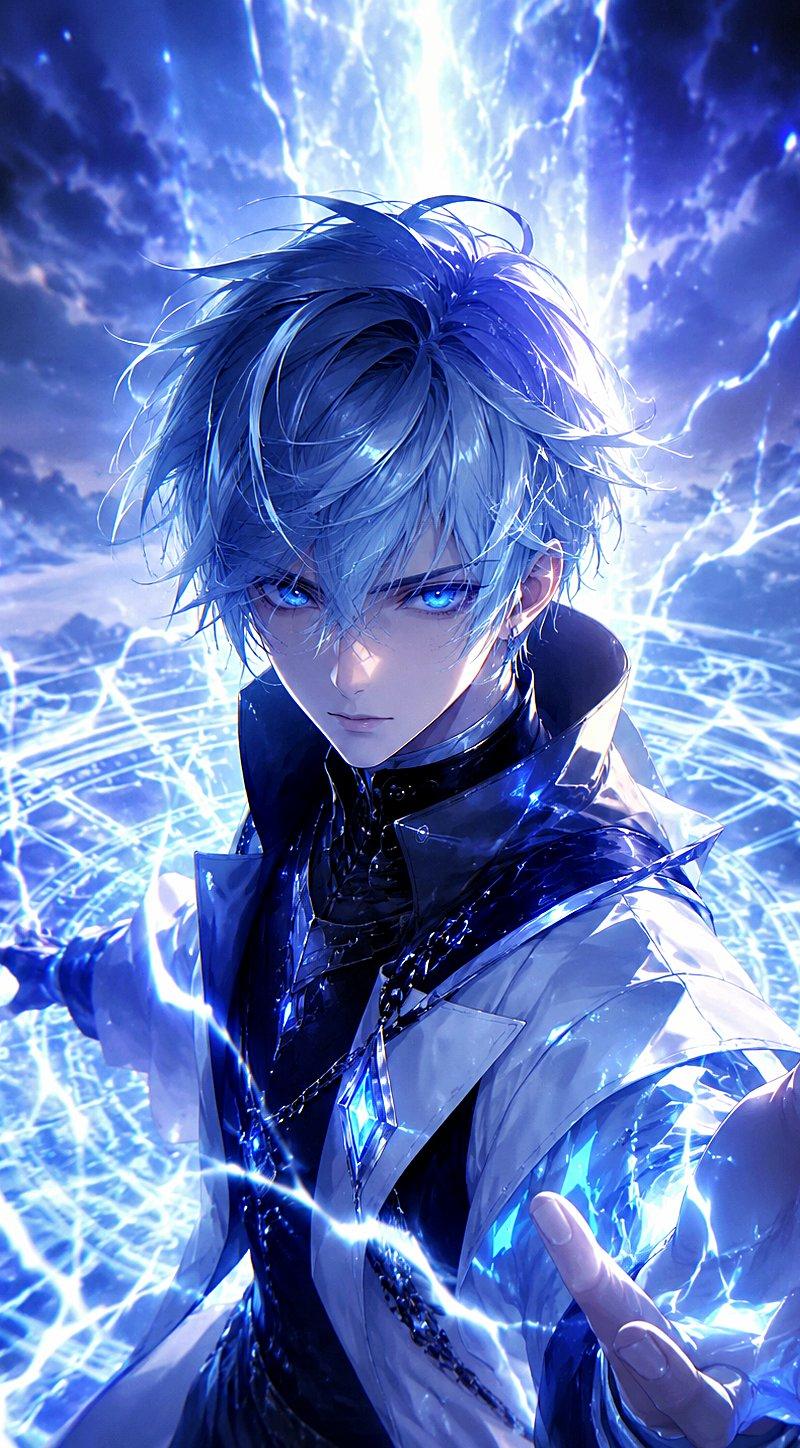
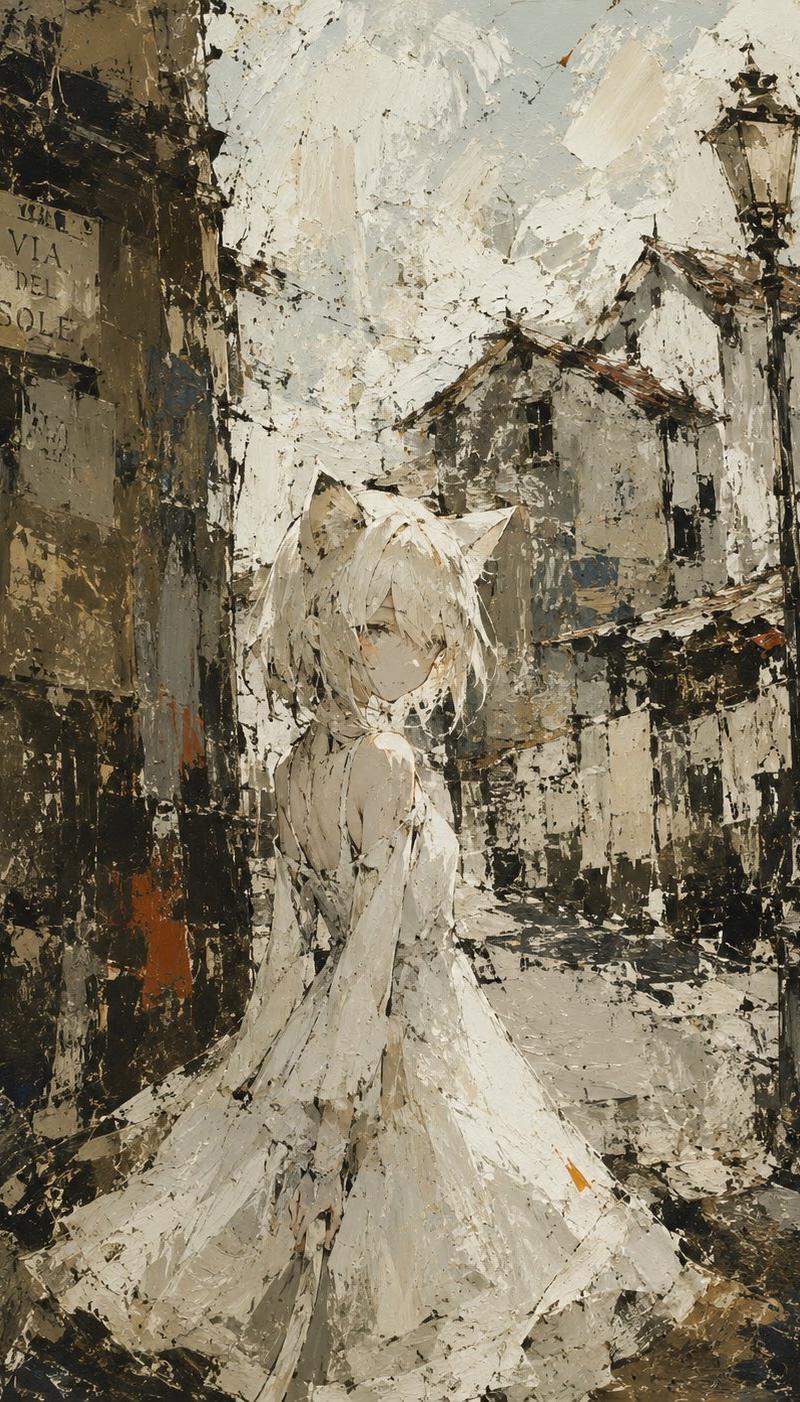
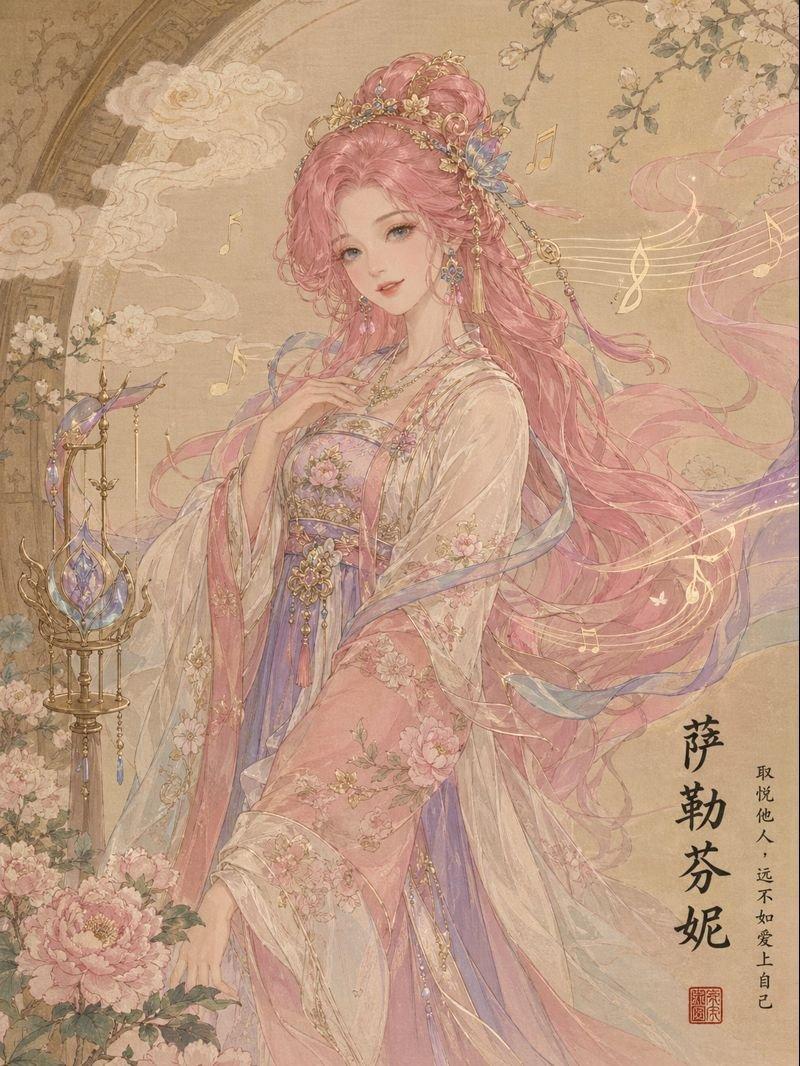
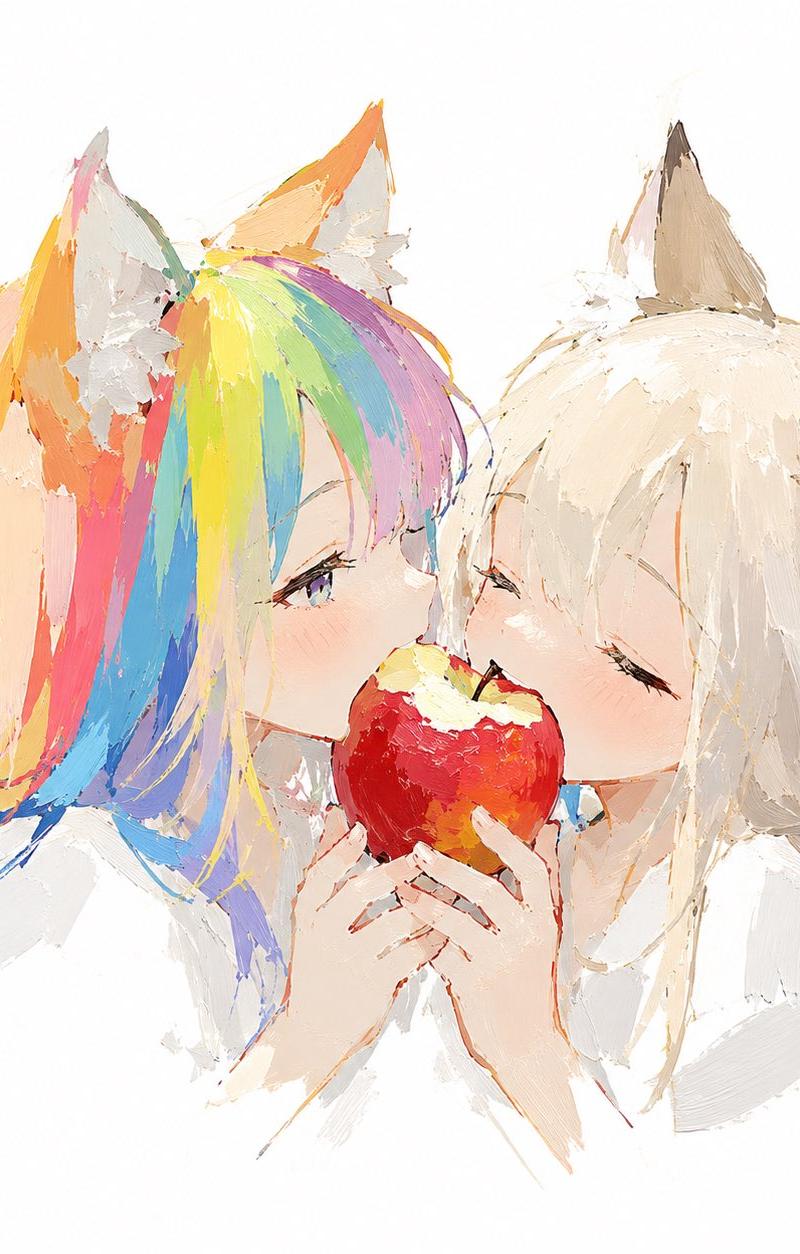
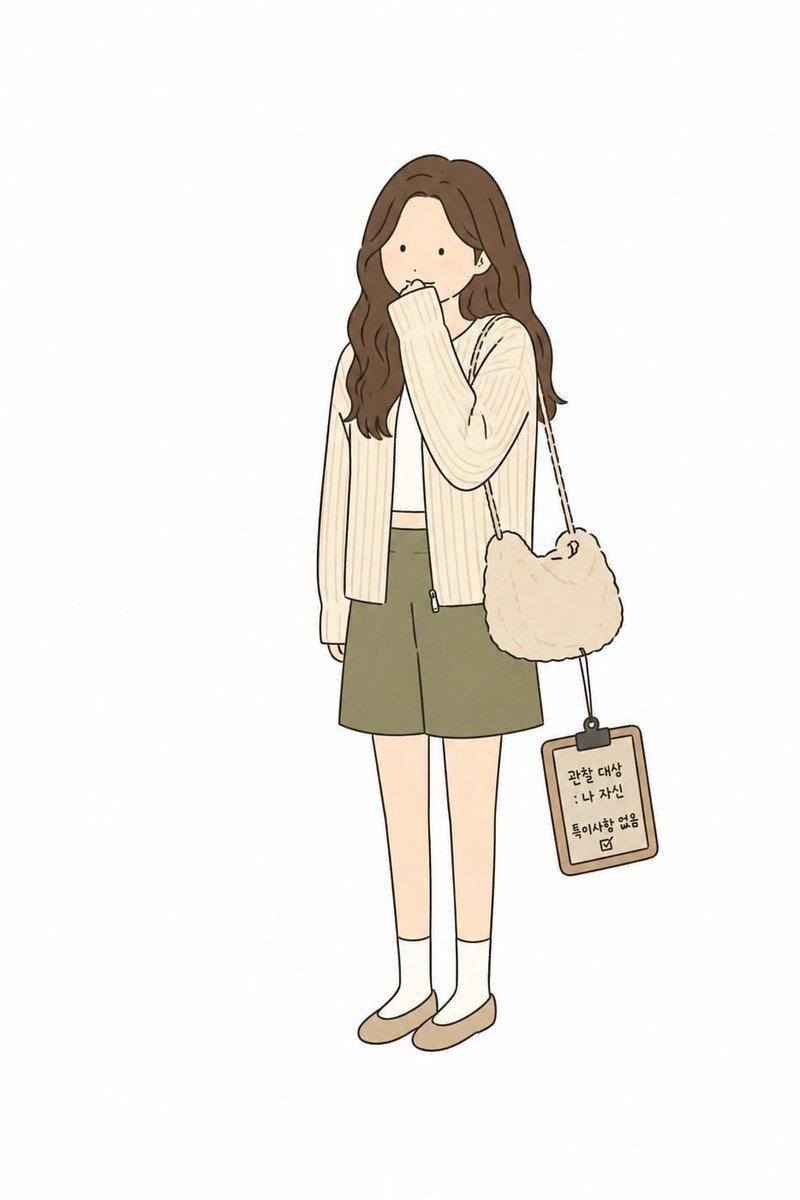
添付画像をキャラクター参照として使用し、顔立ち、髪型、髪色、瞳、年齢感、体型、雰囲気、魅力、モチーフ性を維持したまま、同一キャラクターとして新規イラストを描く。元の衣装は再現せず、衣装のみ完全新規デザイン。衣装は「{argument name="衣装" default="男装の令嬢"}」または「昭和初期の若き紳士」風。昭和初期の上流階級的な男装スタイルで、クラシカルで気品のある和洋折衷の雰囲気にする。テーラードジャケット、ベスト、ハイウエストのスラックス、白シャツ、細いネクタイまたはリボンタイを基本にし、必要に応じて革手袋、懐中時計、革靴またはショートブーツ、ケープ、ロングコート、ハット、ステッキ、上質な革鞄を加える。長髪の女性キャラクターの場合は、髪を下ろさず、ゆるいローポニーまたは低めのシニヨンにまとめる。首元、襟、ネクタイ、ベストが見えるように整理し、後れ毛は少しだけ残す。甘すぎず、凛とした男装の美しさを優先する。女性キャラクターの場合は、完全な男性化ではなく、令嬢らしい繊細さと上品さを残す。男性キャラクターの場合は、若き紳士、華族、書生、モダンボーイ風に自然に仕上げる。どちらも気品、知性、少し中性的な魅力を意識する。色は{argument name="カラー" default="黒、チャコールグレー、ネイビー、深いブラウン、アイボリー、ボルドー中心"}。上質で落ち着いた印象にし、ウール、ツイード、ベルベット、革などの質感を感じさせる。ポーズや構図は参照画像と変え、立ち姿、着席、帽子を持つ姿、ステッキに手を添える姿など、品のあるポーズにする。表情は静かな微笑み、涼しげな視線、少し挑発的な表情など、可愛さよりも気品と知性を優先する。背景は{argument name="背景" default="昭和初期の洋館、ホテルのロビー、書斎、駅舎、喫茶室など"}。キャラクターが主役になるようにする。全体を上品でクラシカル、知的で少しミステリアスな雰囲気にまとめる。
Category
Characters & People
Model
GPT Image 2
Creator
Mio@AIイラスト
Source language
ja
Views6.9K
Source ID
24471
Published
Jun 6, 2026
Studio

Guide

About "Vintage Showa Era Gentleman Outfit"

What is this prompt for?

"Vintage Showa Era Gentleman Outfit" AI image prompt for GPT Image 2 (Characters & People). A detailed prompt for transforming a character into a Showa-era ari…

The full copyable prompt and example visuals above are ready for AI image generation or one-click recreate in Picva.

How to use this prompt

  1. Step 1

    Open the prompt detail

    Review the example visuals, category, and full prompt text for "Vintage Showa Era Gentleman Outfit".

  2. Step 2

    Copy the prompt

    Copy the prompt body from this page, or load it directly in Studio.

  3. Step 3

    Pick a model (GPT Image 2)

    Prefer GPT Image 2. If you switch models, keep subject and composition and tweak style terms.

  4. Step 4

    Generate and export

    Recreate the look in Picva, or export into your workflow for editing and publishing.

FAQ

What is the "Vintage Showa Era Gentleman Outfit" prompt?
It is an AI image-generation prompt for GPT Image 2 in the Characters & People category. This page includes the full prompt text, example visuals, and a one-click recreate path in Picva.
How do I use this prompt to generate an image?
Copy the prompt from this page, or use Generate / Studio. Paste it into a compatible image model, or recreate the look in Picva with optional reference images.
Which model is this prompt for?
This page lists GPT Image 2. Most descriptive prompts also transfer to nearby image models such as GPT Image, Flux, or Midjourney with light style tweaks.
Can I use the result commercially?
You can usually copy the prompt for creation, but commercial use of the final image depends on the model terms, reference-image rights, and the generated content. Follow the source author and platform rules.