19

梦幻红丝带与白缎裙的极致优雅
Enlarge

梦幻红丝带与白缎裙的极致优雅

Prompt
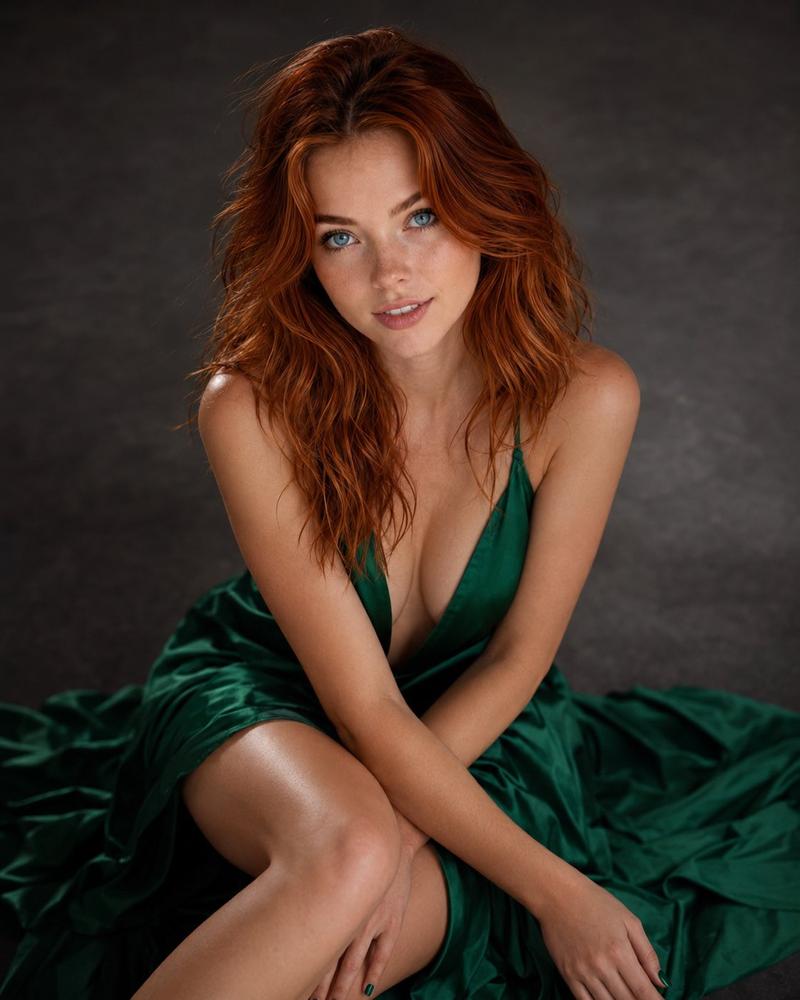
{ "prompt": "Fine-art studio portrait of a young woman with long flowing auburn hair, seated on a white floor against a soft white backdrop. She wears an elegant white satin dress with a voluminous skirt. Long red silk ribbons tied in a bow in her hair trail dramatically around her body and across the floor, creating fluid, organic lines. Calm, introspective expression, porcelain skin, soft natural makeup. Ethereal, romantic, high-fashion editorial photography, minimalist composition, dreamy atmosphere, diffused soft lighting, cinematic, ultra-detailed.", "negative_prompt": "low quality, blurry, harsh lighting, cluttered background, extra limbs, distorted anatomy, overexposed, underexposed, watermark, text", "style": "fine art photography", "lighting": "soft diffused studio light", "camera": "85mm lens, shallow depth of field", "quality": "ultra high resolution" }
Category
Charts & Infographics
Model
Nano banana pro
Creator
@mizq06
Source language
zh-CN
Views45
Source ID
8274
Published
Mar 22, 2026
Studio

Guide

About "梦幻红丝带与白缎裙的极致优雅"

What is this prompt for?

"梦幻红丝带与白缎裙的极致优雅" AI image prompt for Nano banana pro (Charts & Infographics). { "prompt": "一位年轻女性的艺术影棚肖像,她留着飘逸的{argument name=\"hair color\" default=\"赤褐色\"}长发…

The full copyable prompt and example visuals above are ready for AI image generation or one-click recreate in Picva.

How to use this prompt

  1. Step 1

    Open the prompt detail

    Review the example visuals, category, and full prompt text for "梦幻红丝带与白缎裙的极致优雅".

  2. Step 2

    Copy the prompt

    Copy the prompt body from this page, or load it directly in Studio.

  3. Step 3

    Pick a model (Nano banana pro)

    Prefer Nano banana pro. If you switch models, keep subject and composition and tweak style terms.

  4. Step 4

    Generate and export

    Recreate the look in Picva, or export into your workflow for editing and publishing.

FAQ

What is the "梦幻红丝带与白缎裙的极致优雅" prompt?
It is an AI image-generation prompt for Nano banana pro in the Charts & Infographics category. This page includes the full prompt text, example visuals, and a one-click recreate path in Picva.
How do I use this prompt to generate an image?
Copy the prompt from this page, or use Generate / Studio. Paste it into a compatible image model, or recreate the look in Picva with optional reference images.
Which model is this prompt for?
This page lists Nano banana pro. Most descriptive prompts also transfer to nearby image models such as GPT Image, Flux, or Midjourney with light style tweaks.
Can I use the result commercially?
You can usually copy the prompt for creation, but commercial use of the final image depends on the model terms, reference-image rights, and the generated content. Follow the source author and platform rules.