17

Grok Imagine - 时尚摄影
Enlarge

Example images

Grok Imagine - 时尚摄影

Prompt
Grok Imagine
Prompt -
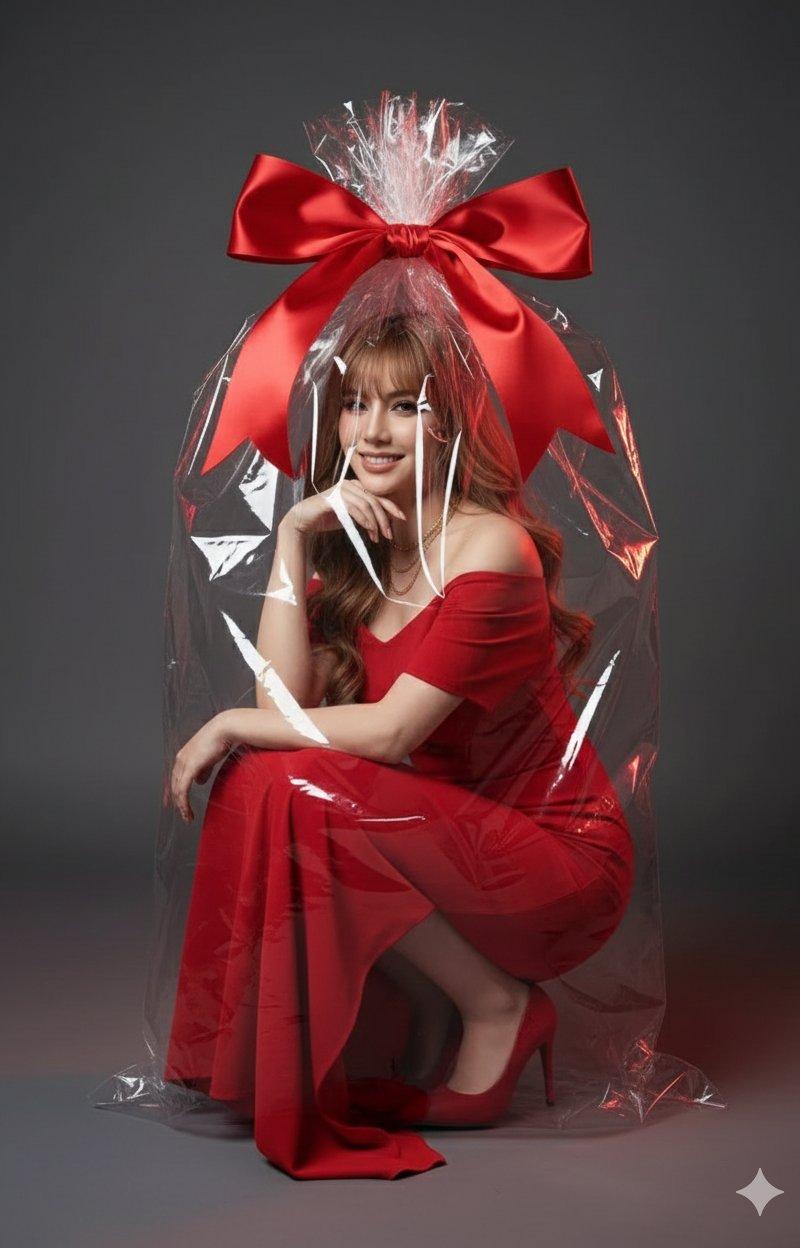
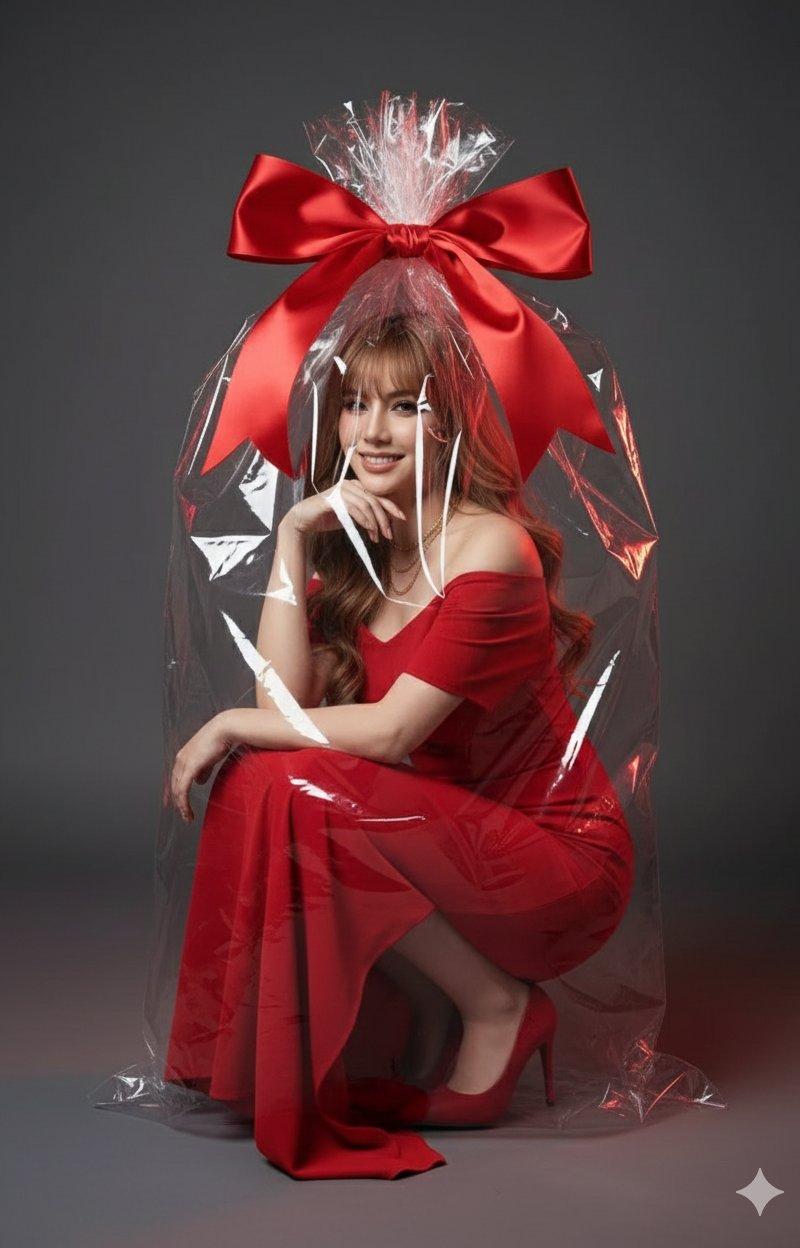
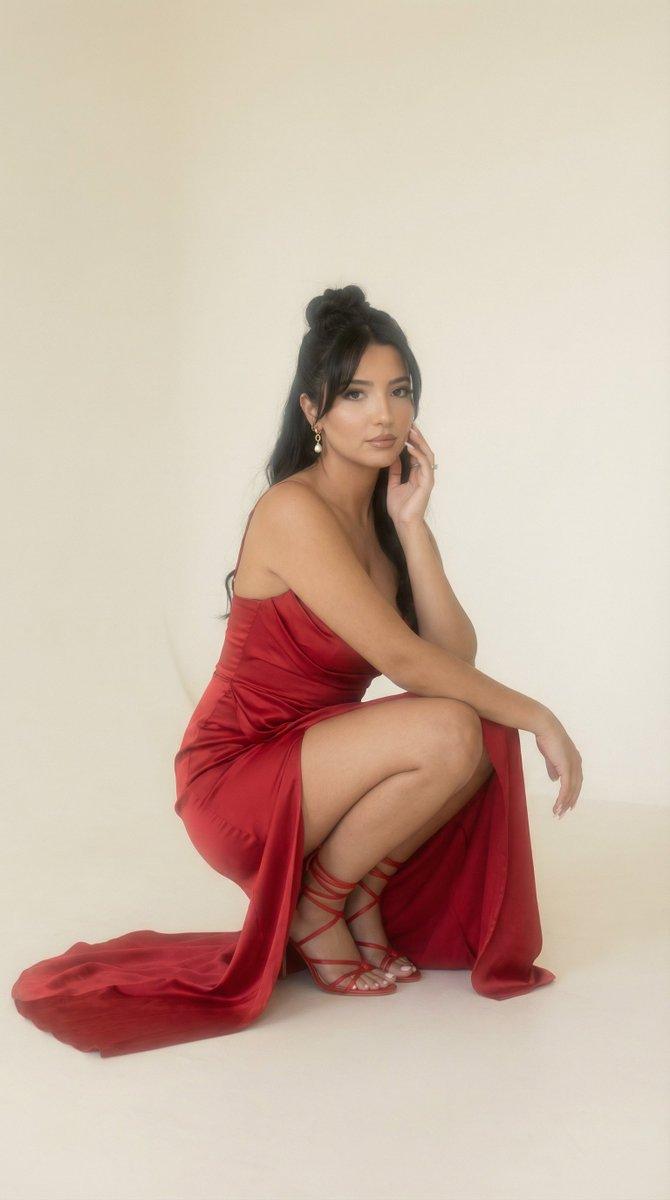
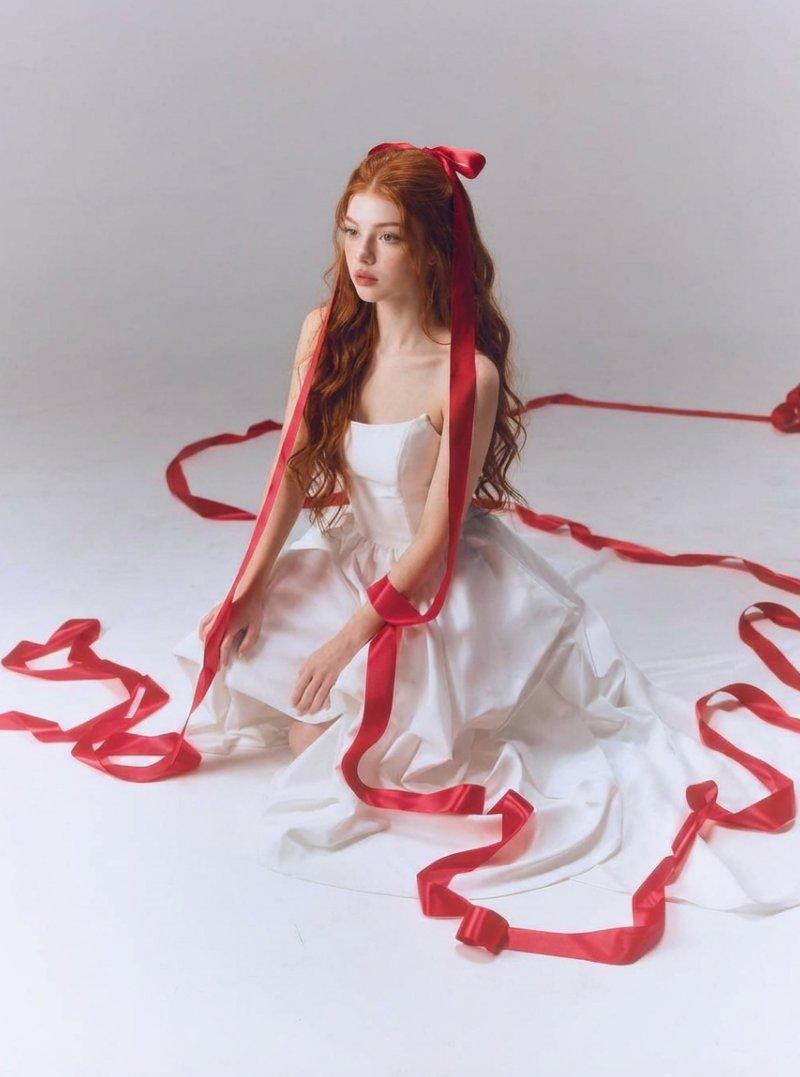
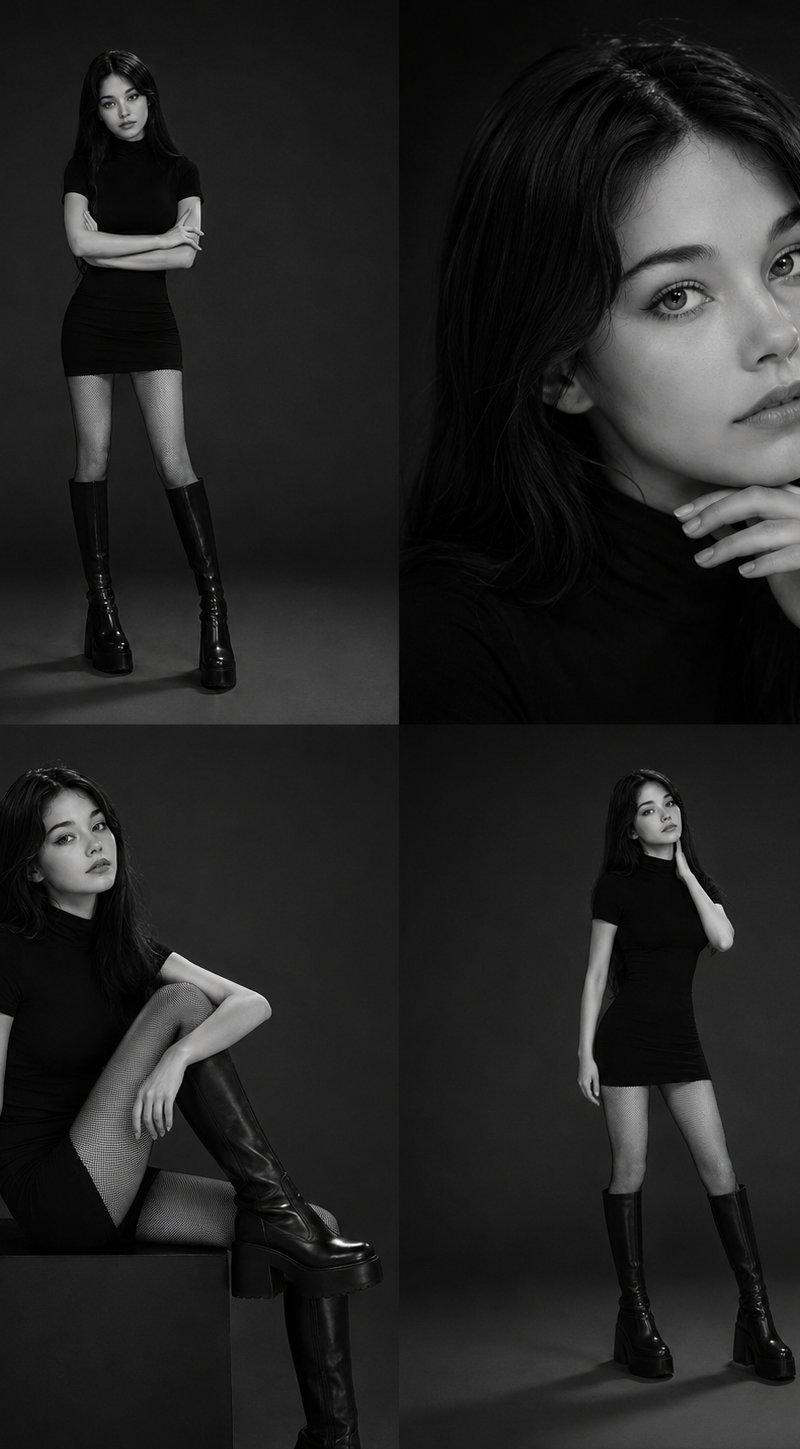
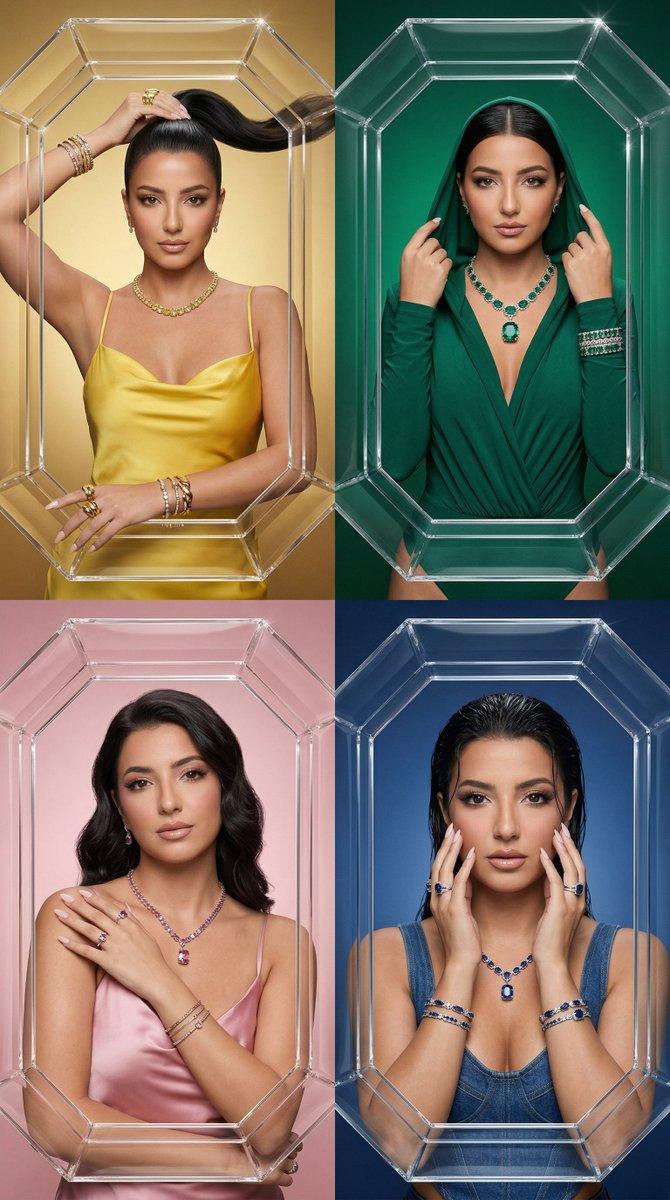
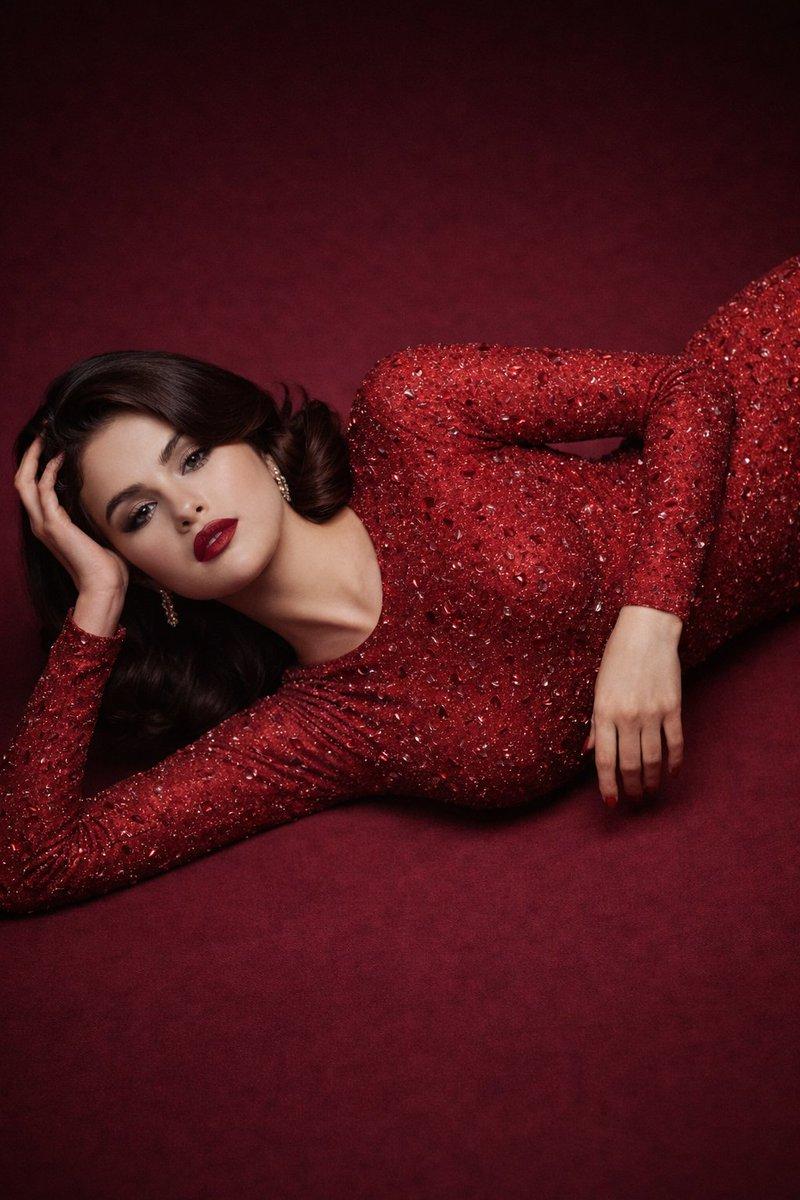
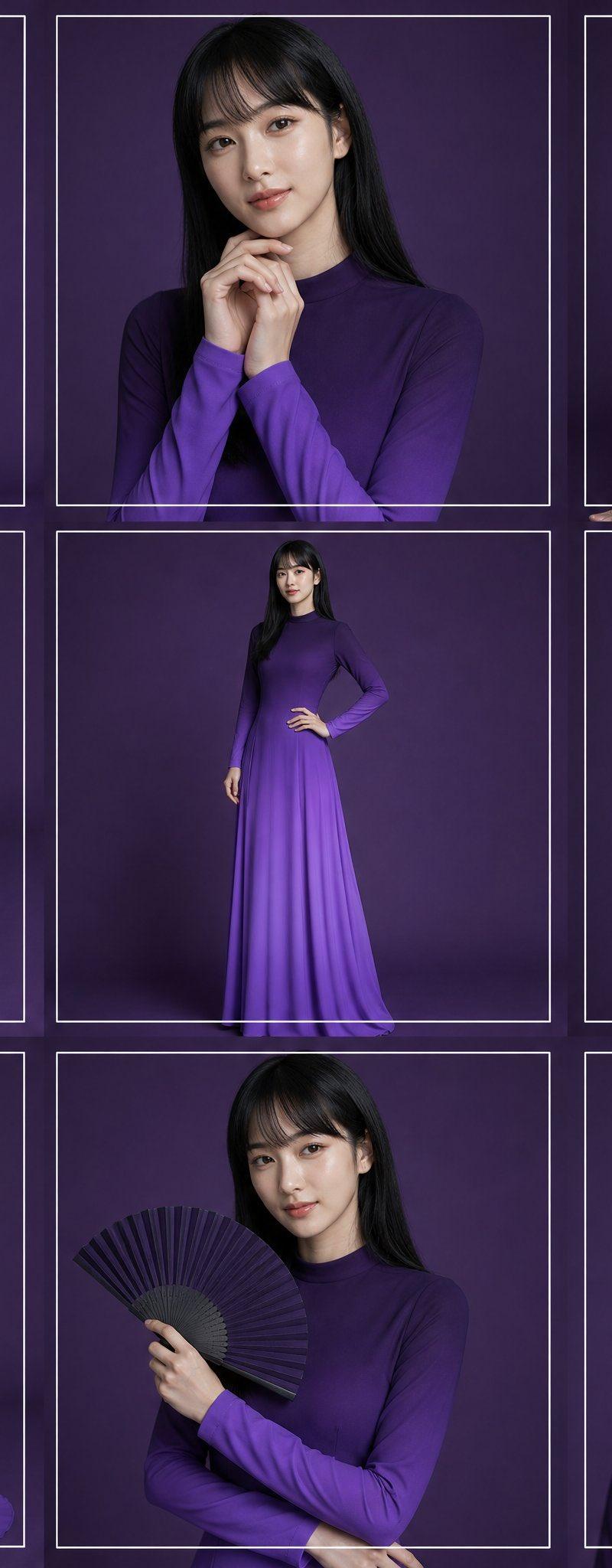
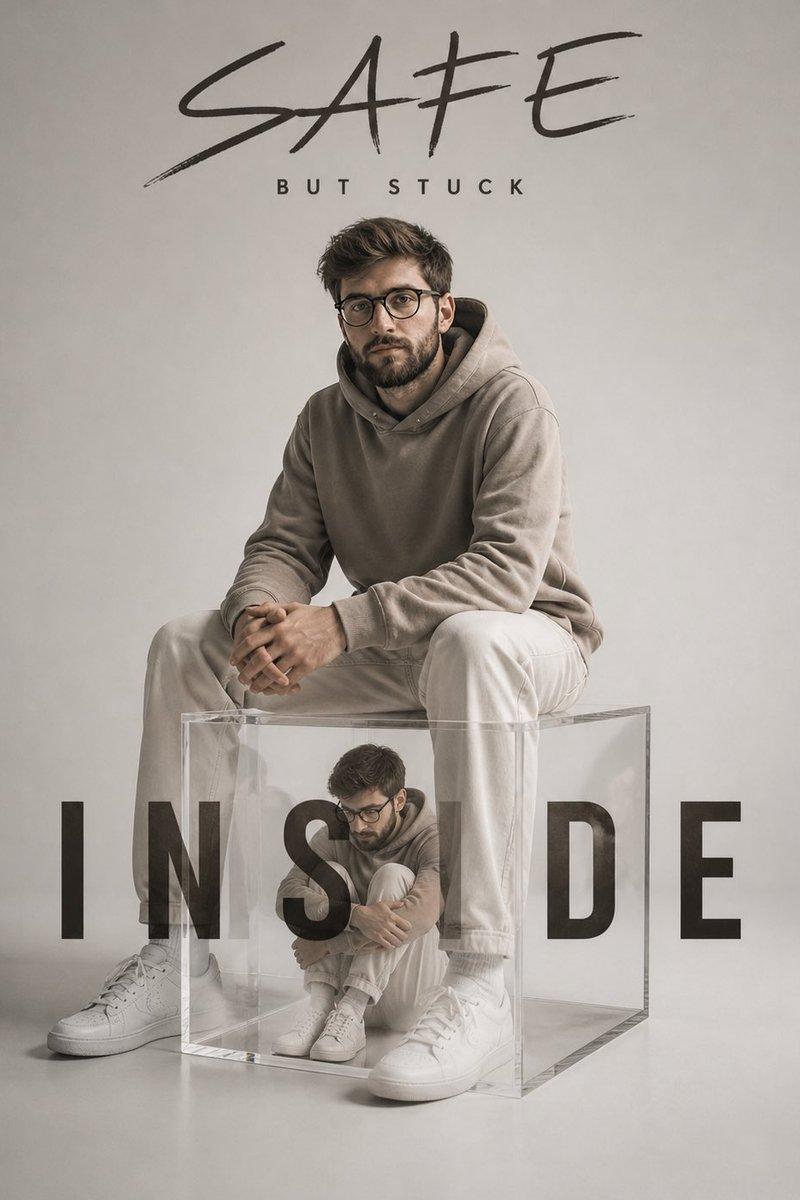
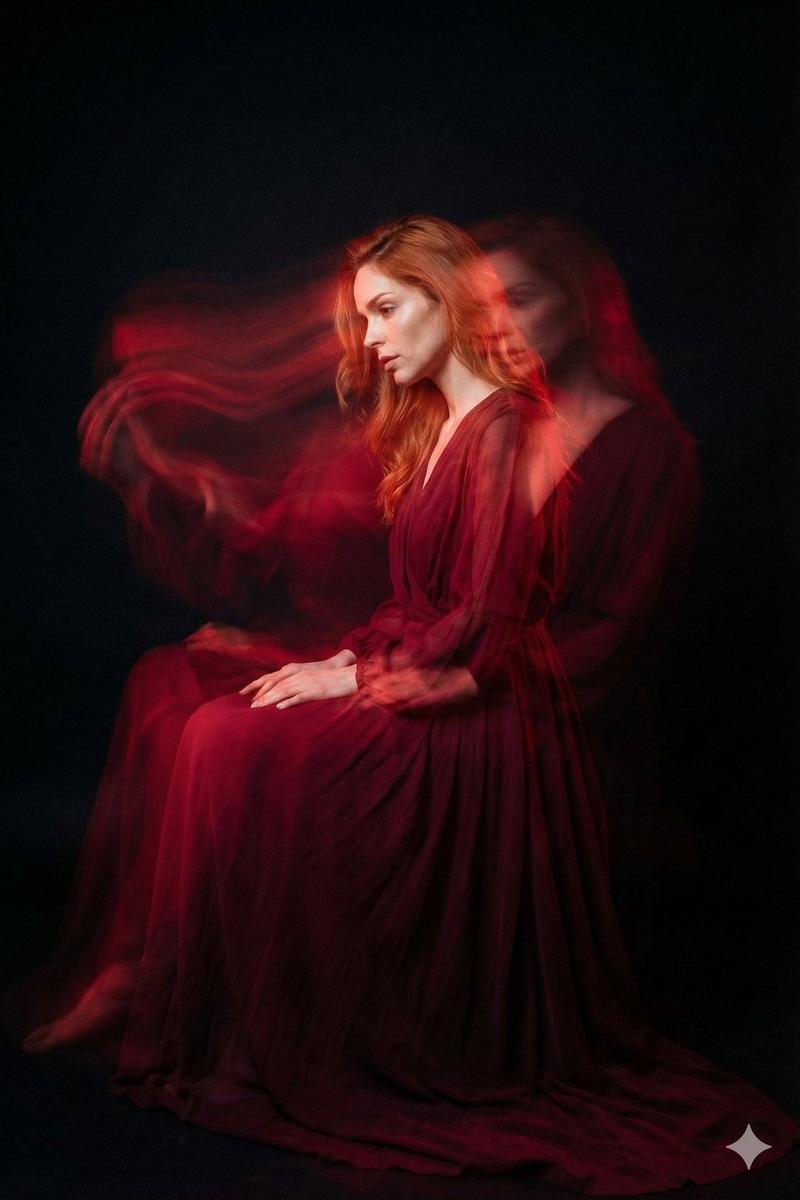
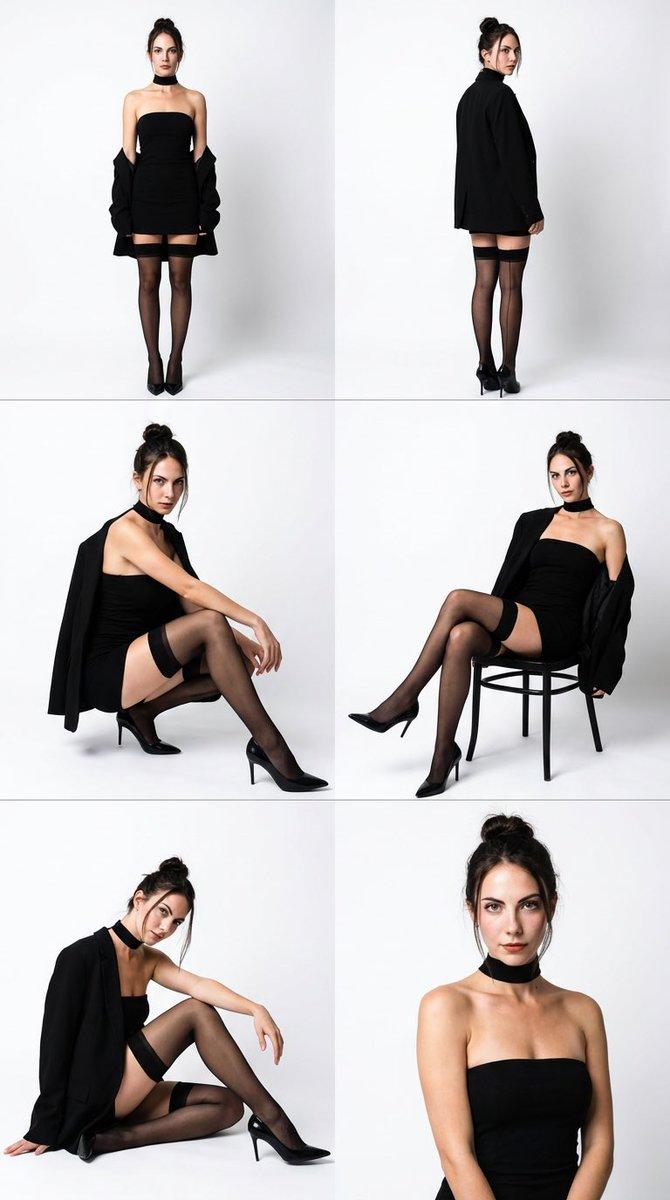
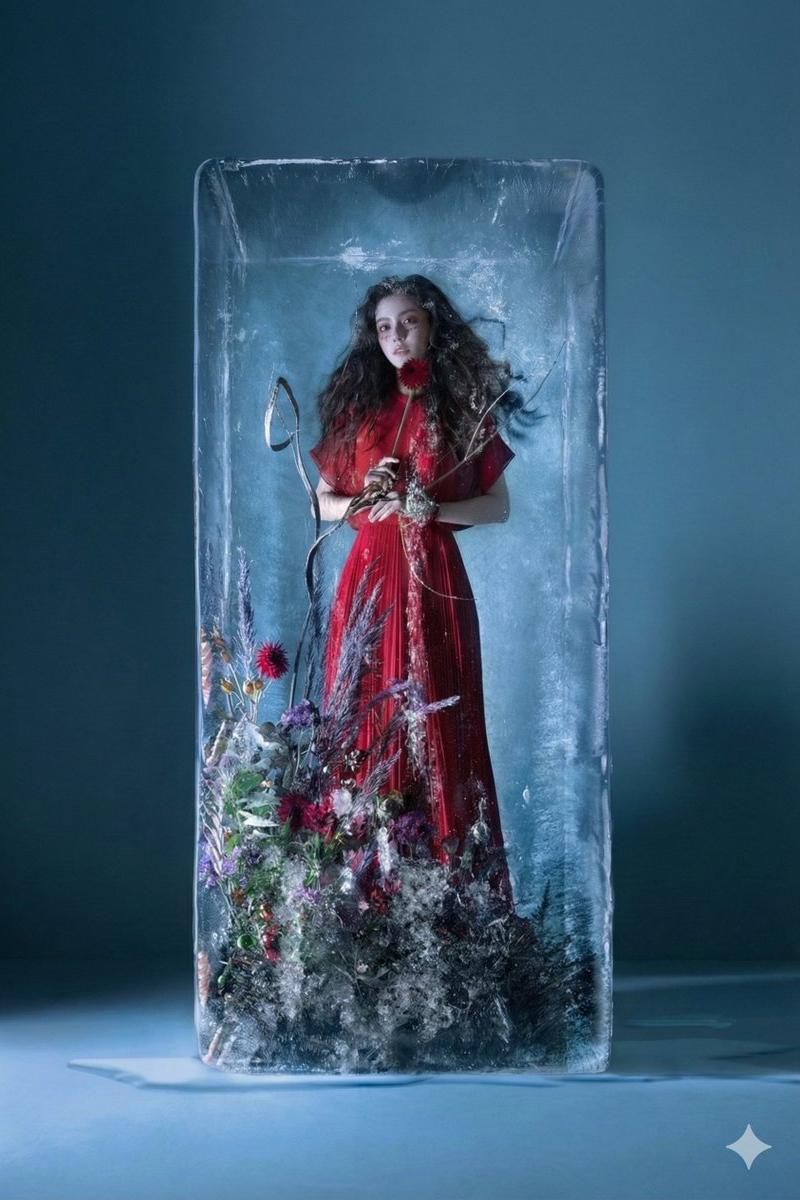
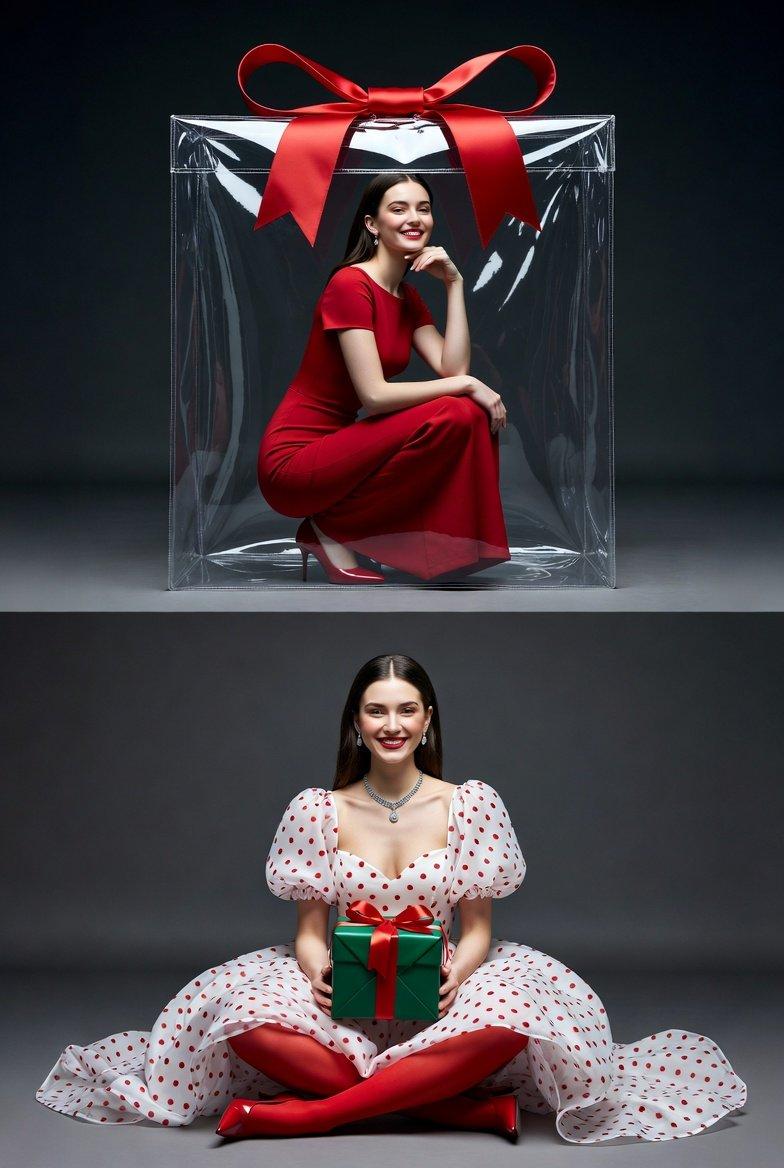
Two 9:16 AR high-end studio photos. First photo: a beautiful woman matching the provided photo reference, wearing a red maxi gown with short sleeves and a sabrina neckline, paired with high heels. She is smiling toward the camera, sitting in a squatting pose, with one hand resting on her knee and the other supporting her chin. She is seated inside a large transparent plastic bag styled as luxury packaging, with a big elegant red bow on top. The environment is a professional studio with a deep grey background, dramatic cinematic studio lighting, strong red palette accents, glossy reflections on the plastic surface, and a high-fashion editorial mood. Second photo: a beautiful woman matching the provided photo reference, wearing a white organza maxi gown with red polka dots, voluminous silhouette, short puff sleeves, and a sabrina neckline, paired with red sheer tights, red leather heels, and elegant jewelry. She is sitting cross-legged, smiling warmly at the camera, holding a green gift box with a red ribbon using both hands. The scene maintains a luxury fashion editorial aesthetic with a studio setup, refined lighting, and a polished high-end mood.
Category
Photography & Realism
Model
Unknown
Creator
ANKIT PATEL 🇮🇳 | AI
Source language
zh-CN
Views0
Source ID
grok-imagine-fashion-photography
Studio

Guide

About "Grok Imagine - 时尚摄影"

What is this prompt for?

"Grok Imagine - 时尚摄影" AI image prompt for Unknown (Photography & Realism). Grok Imagine Prompt - Two 9:16 AR high-end studio photos. First photo: a beautiful w…

The full copyable prompt and example visuals above are ready for AI image generation or one-click recreate in Picva.

How to use this prompt

  1. Step 1

    Open the prompt detail

    Review the example visuals, category, and full prompt text for "Grok Imagine - 时尚摄影".

  2. Step 2

    Copy the prompt

    Copy the prompt body from this page, or load it directly in Studio.

  3. Step 3

    Pick a model (Unknown)

    Prefer Unknown. If you switch models, keep subject and composition and tweak style terms.

  4. Step 4

    Generate and export

    Recreate the look in Picva, or export into your workflow for editing and publishing.

FAQ

What is the "Grok Imagine - 时尚摄影" prompt?
It is an AI image-generation prompt for Unknown in the Photography & Realism category. This page includes the full prompt text, example visuals, and a one-click recreate path in Picva.
How do I use this prompt to generate an image?
Copy the prompt from this page, or use Generate / Studio. Paste it into a compatible image model, or recreate the look in Picva with optional reference images.
Which model is this prompt for?
This page lists Unknown. Most descriptive prompts also transfer to nearby image models such as GPT Image, Flux, or Midjourney with light style tweaks.
Can I use the result commercially?
You can usually copy the prompt for creation, but commercial use of the final image depends on the model terms, reference-image rights, and the generated content. Follow the source author and platform rules.