18

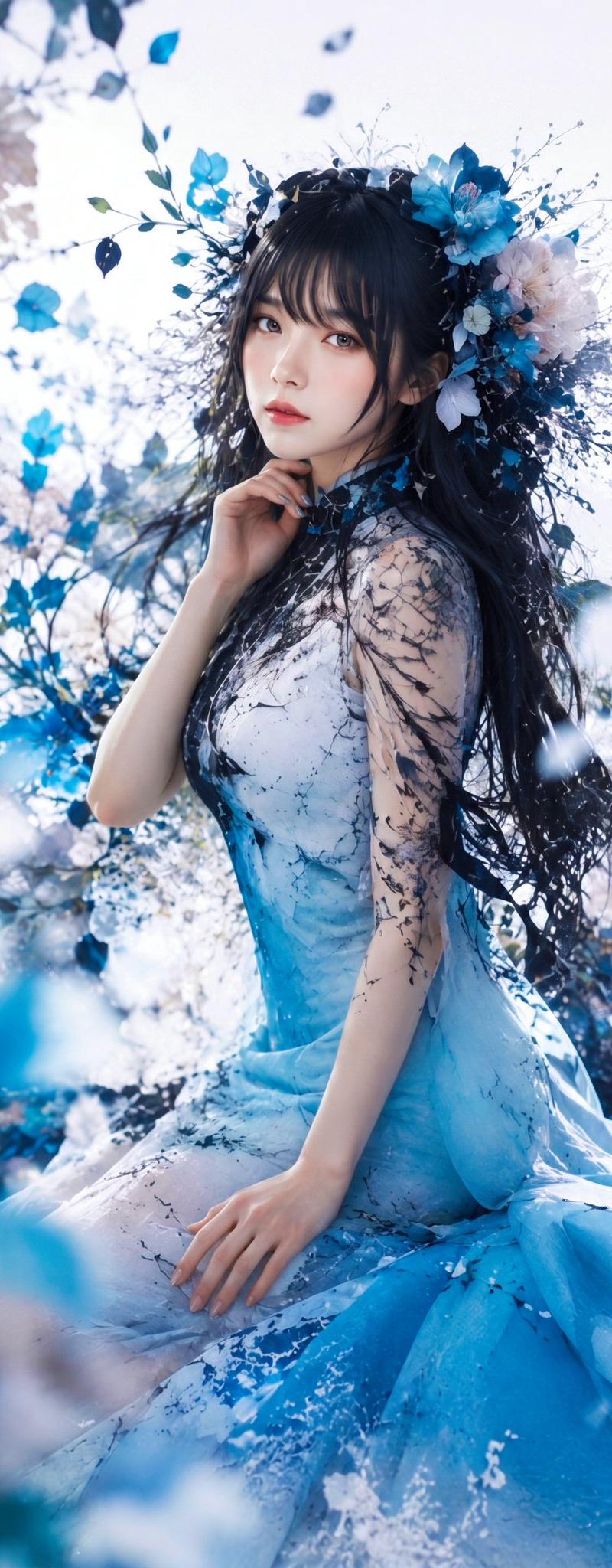
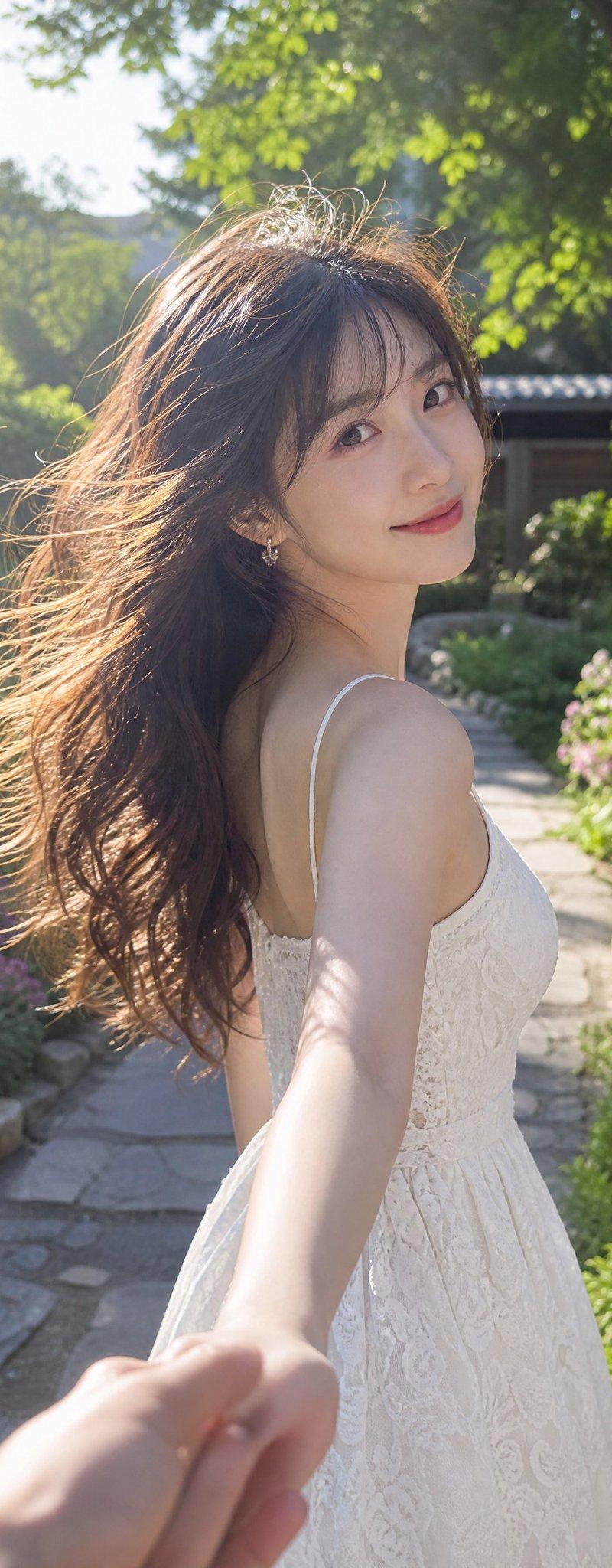
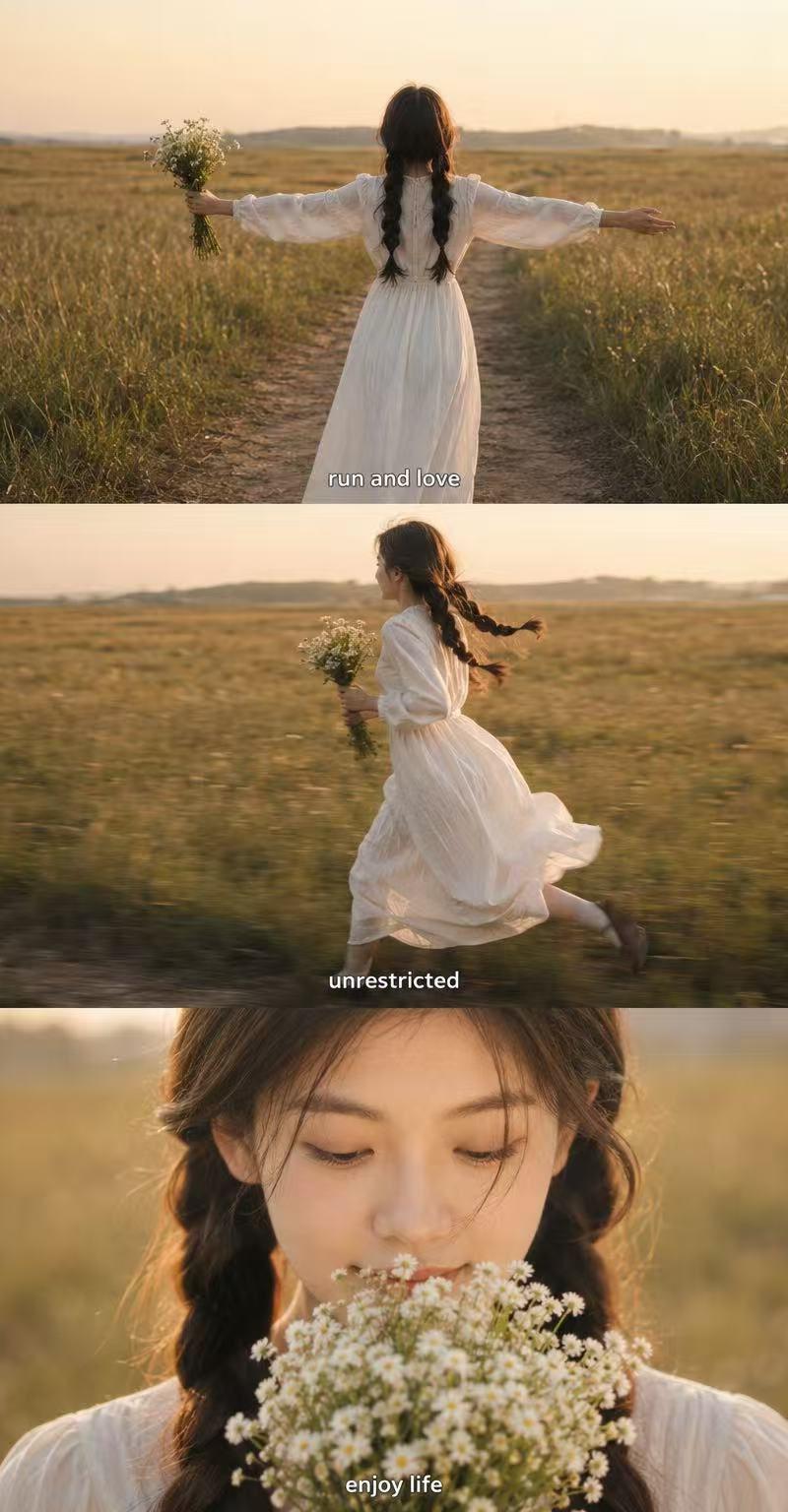
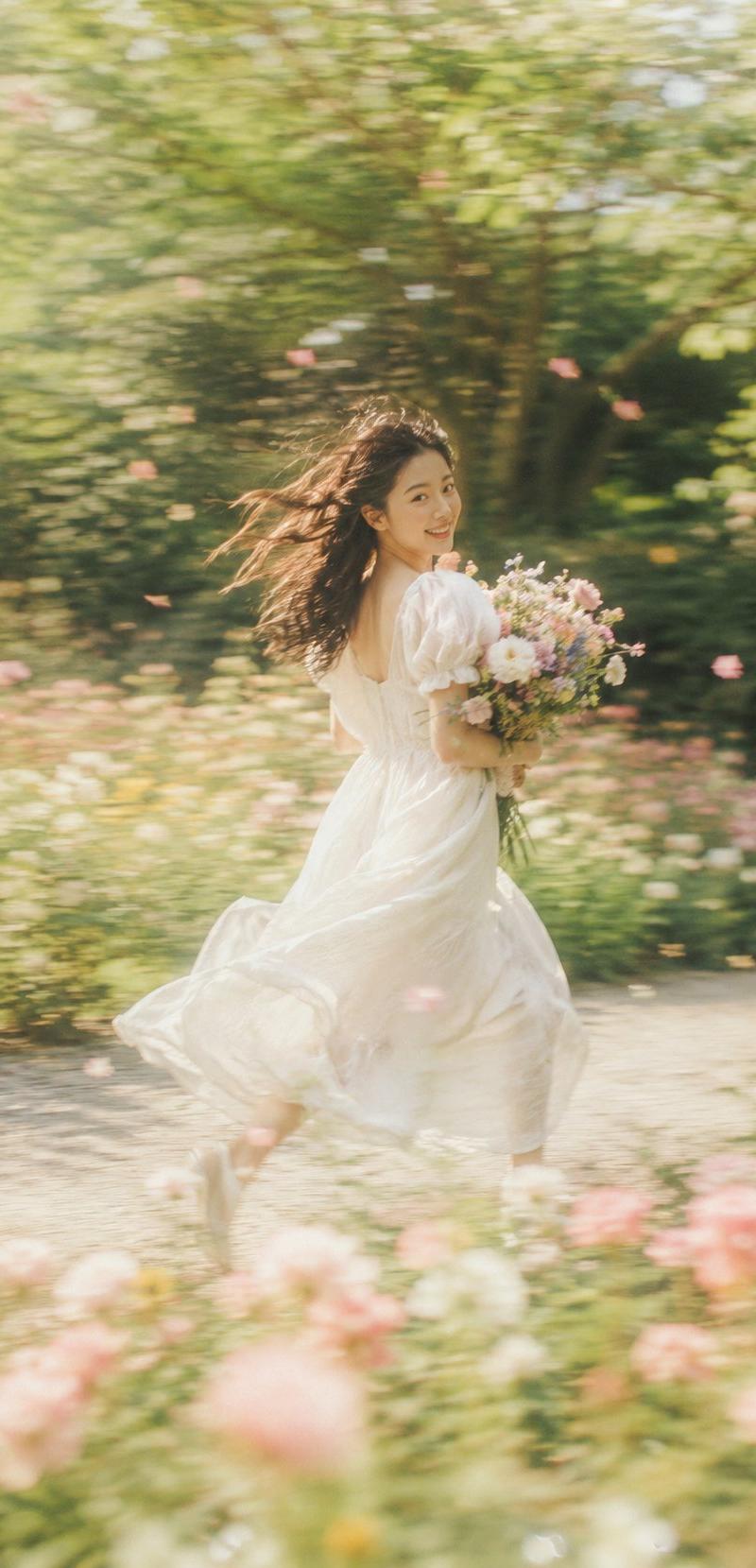
梦幻慢门花园肖像摄影梦幻的她
Enlarge

Example images

梦幻慢门花园肖像摄影梦幻的她

Prompt
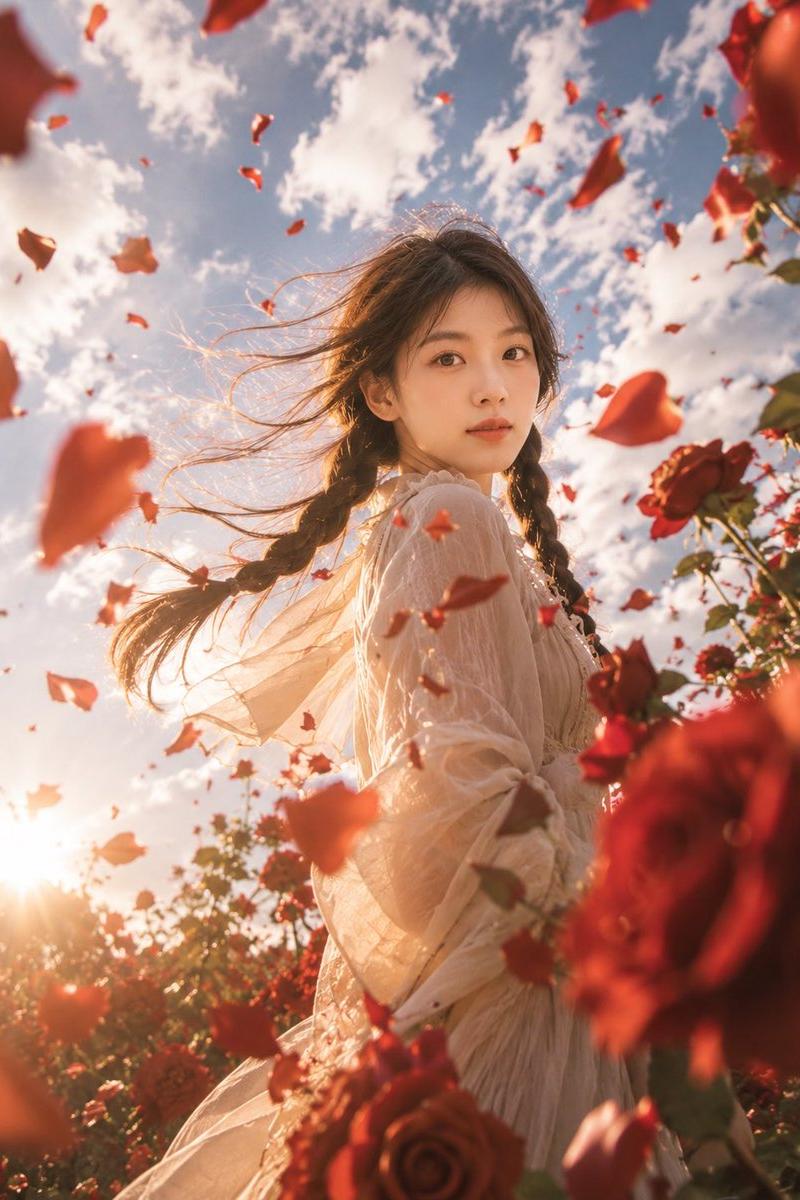
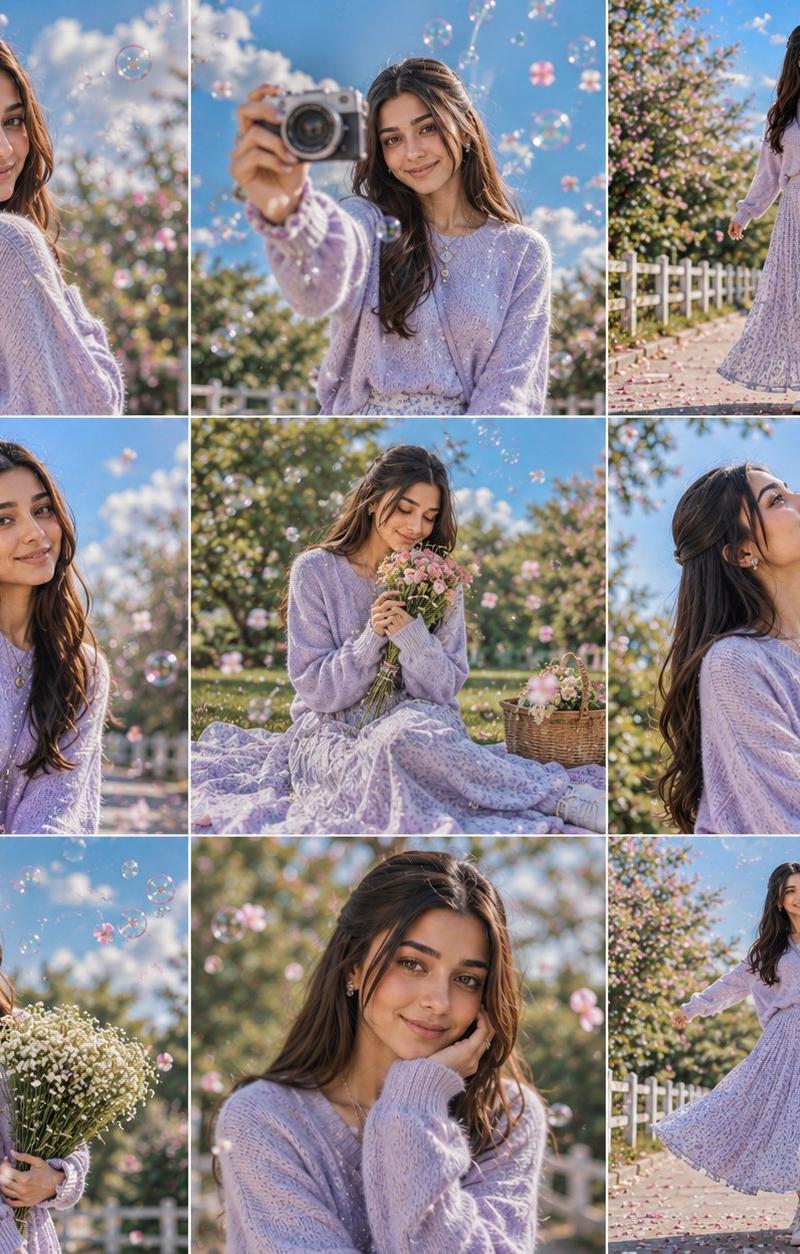
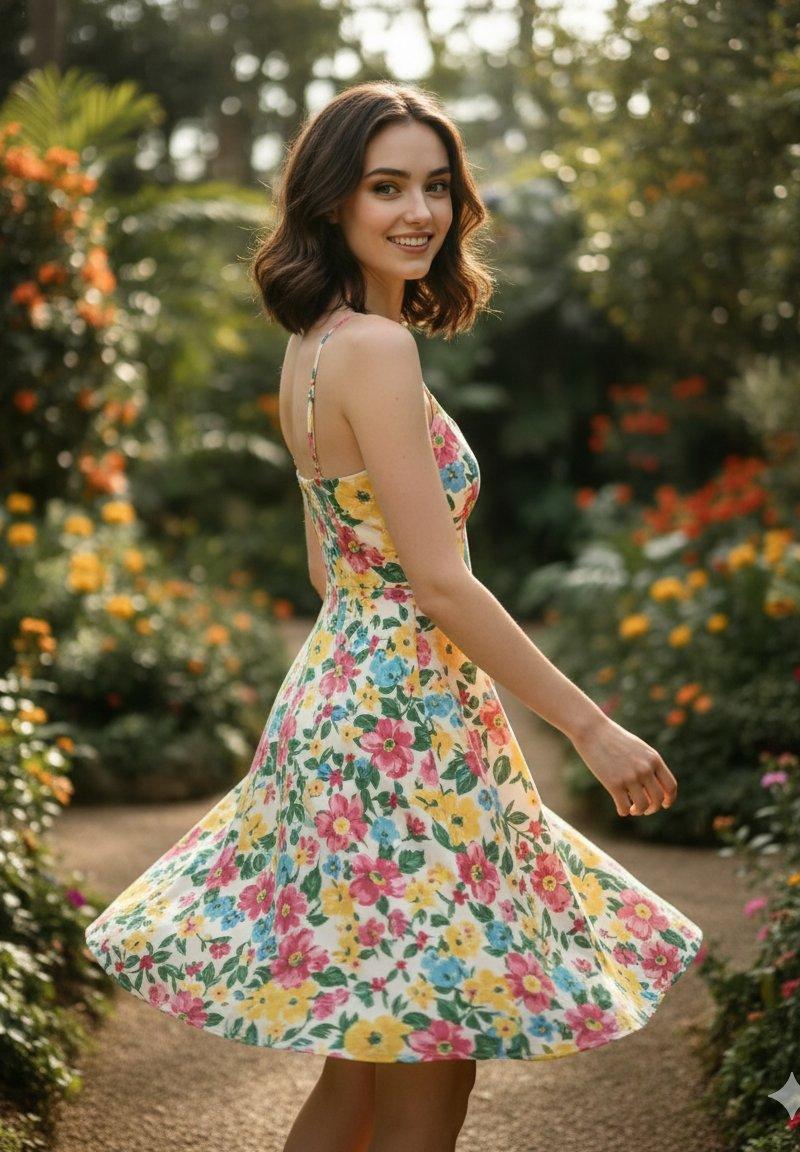
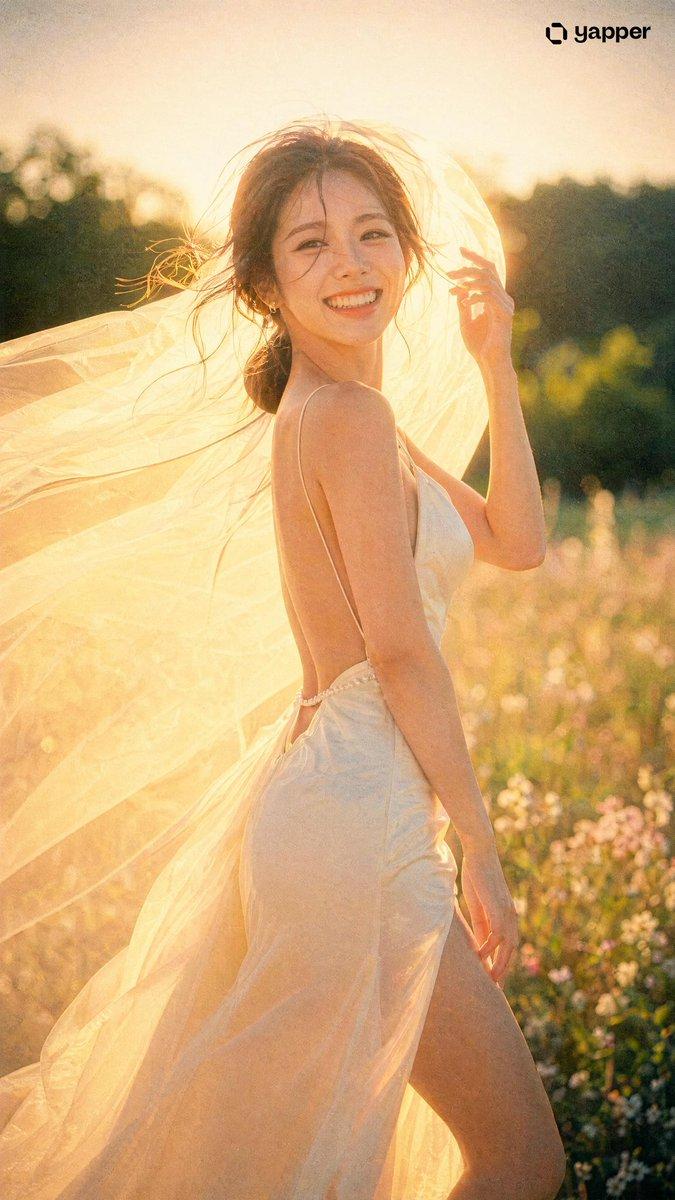
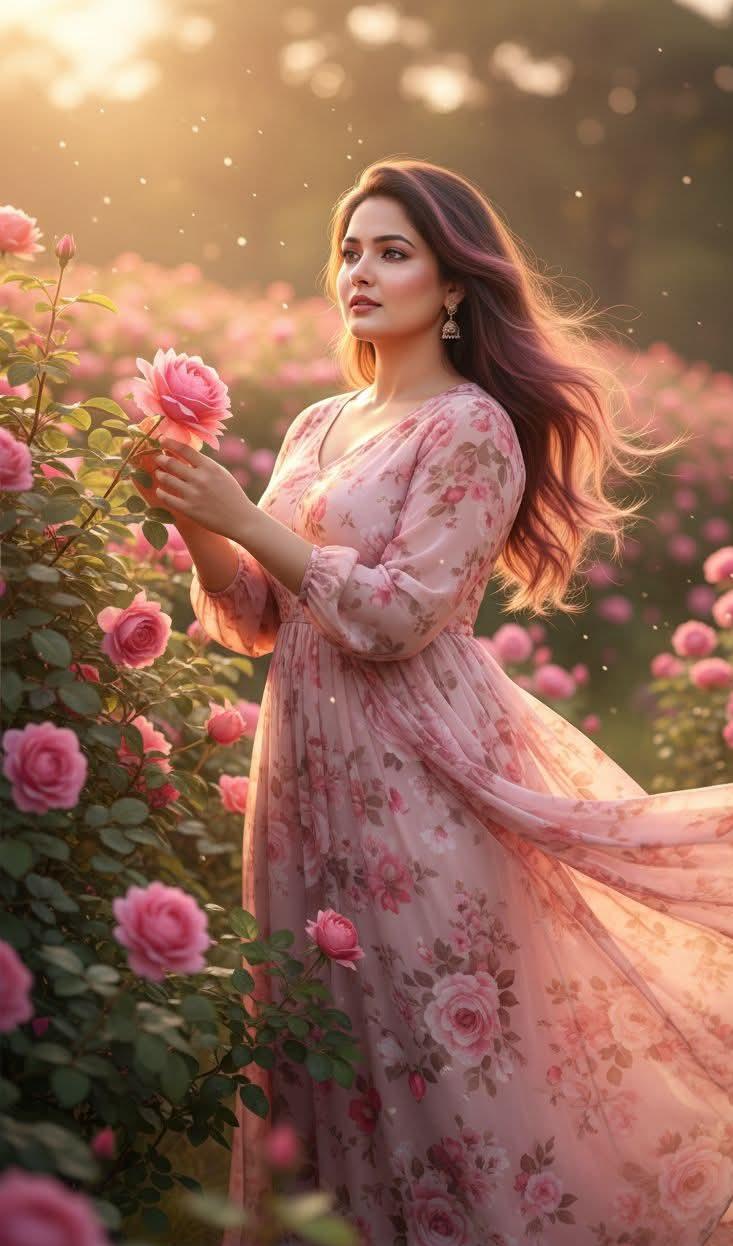
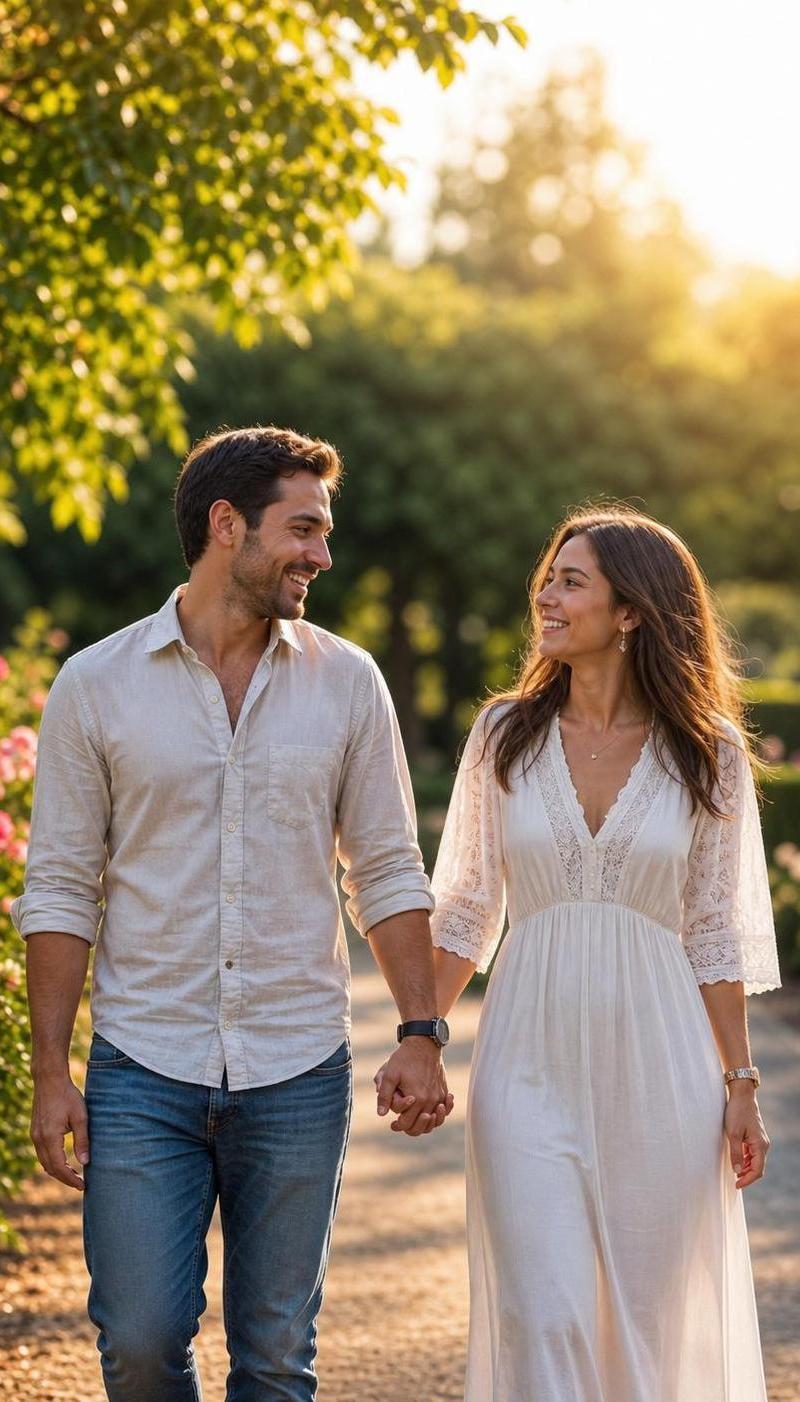
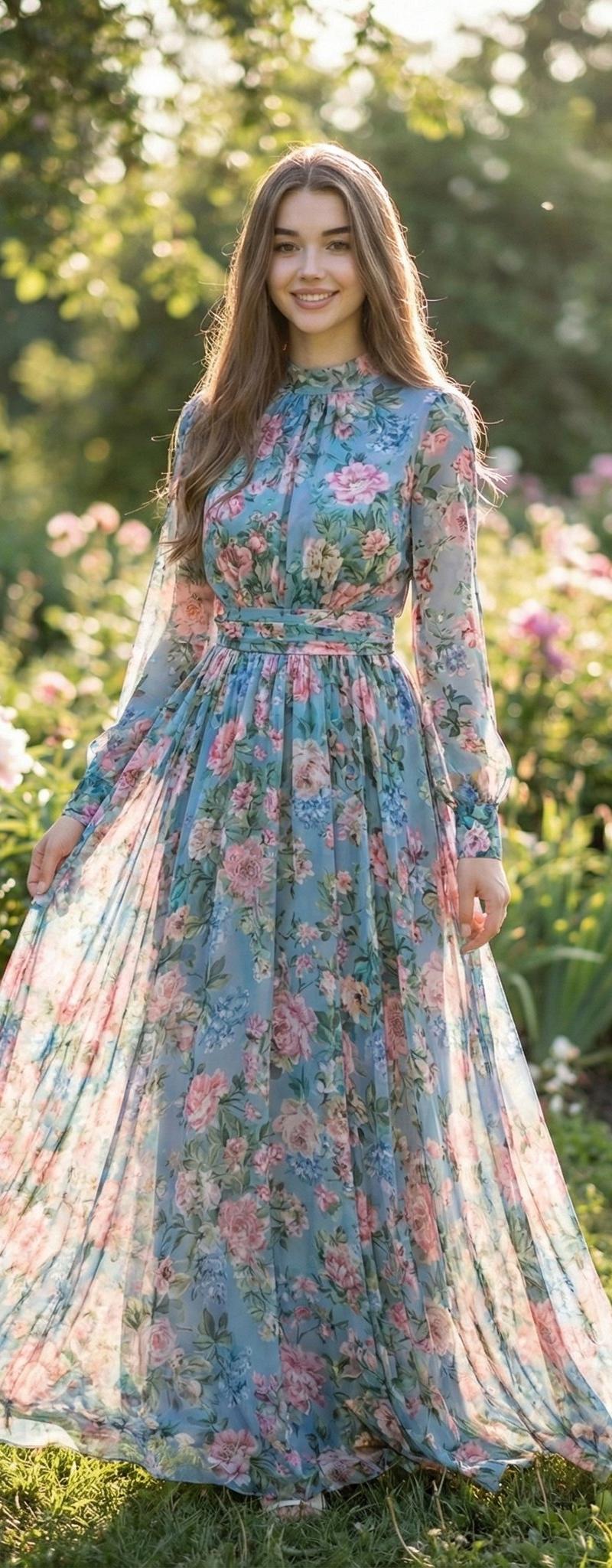
Create a 9:16 vertical dreamy slow shutter garden portrait image, titled "Dreamy Her". A beautiful young woman is running, looking back, or gently spinning in a spring garden/flower field/grassy path, wearing a light white dress/soft pink tulle dress/cream long dress/pale green flowy long dress, holding a bouquet of colorful flowers. Her hair is naturally blown by the wind, with loose strands and a sense of movement on the skirt.

Use slow shutter photography, panning motion blur, and intentional camera movement. The background and foreground should be stretched into soft horizontal blurs, while the subject remains semi-sharp and semi-blurred. Maintain a recognizable visual anchor point, such as facial profile, bouquet, hair, or dress edge, to make the image feel dreamy but not unrecognizable.

The scene should include soft grass, blooming flowers, tree shadows, falling petals in the air, glowing natural light, and a light film atmosphere. Color palette: cream white, soft green, blush pink, sky blue, warm golden light. Add subtle film grain, soft focus, ethereal depth of field, and slight highlight bloom. The final image should feel like a half-remembered dream—not a sharp portrait, but a fleeting moment.

Avoid: commercial studio style, overly sharp faces, plastic skin, influencer poses, CGI effects, cartoon style, stiff bodies, anatomical errors, deformed hands, distorted bouquets, distorted dresses, text, watermarks, logos.
Category
Charts & Infographics
Model
ChatGPT
Creator
@MrLarus
Source language
zh-CN
Views60
Source ID
16731
Published
Jun 25, 2026
Studio

Guide

About "梦幻慢门花园肖像摄影梦幻的她"

What is this prompt for?

"梦幻慢门花园肖像摄影梦幻的她" AI image prompt for ChatGPT (Charts & Infographics). 创建一张9:16竖版梦幻慢门花园肖像摄影图像,标题为“梦幻的她”。一位美丽的青年女性在春日花园/花田/草径中奔跑、回头或轻柔旋转,穿着浅白色连衣裙/柔粉色薄纱裙/奶油色长裙/淡绿…

The full copyable prompt and example visuals above are ready for AI image generation or one-click recreate in Picva.

How to use this prompt

  1. Step 1

    Open the prompt detail

    Review the example visuals, category, and full prompt text for "梦幻慢门花园肖像摄影梦幻的她".

  2. Step 2

    Copy the prompt

    Copy the prompt body from this page, or load it directly in Studio.

  3. Step 3

    Pick a model (ChatGPT)

    Prefer ChatGPT. If you switch models, keep subject and composition and tweak style terms.

  4. Step 4

    Generate and export

    Recreate the look in Picva, or export into your workflow for editing and publishing.

FAQ

What is the "梦幻慢门花园肖像摄影梦幻的她" prompt?
It is an AI image-generation prompt for ChatGPT in the Charts & Infographics category. This page includes the full prompt text, example visuals, and a one-click recreate path in Picva.
How do I use this prompt to generate an image?
Copy the prompt from this page, or use Generate / Studio. Paste it into a compatible image model, or recreate the look in Picva with optional reference images.
Which model is this prompt for?
This page lists ChatGPT. Most descriptive prompts also transfer to nearby image models such as GPT Image, Flux, or Midjourney with light style tweaks.
Can I use the result commercially?
You can usually copy the prompt for creation, but commercial use of the final image depends on the model terms, reference-image rights, and the generated content. Follow the source author and platform rules.