19

盛开玫瑰园中的迷人日落优雅
Enlarge

Example images

盛开玫瑰园中的迷人日落优雅

Prompt
Enchanting Sunset Elegance in a Blooming Rose Garden
PROMPT ⤵️ 👇🏻
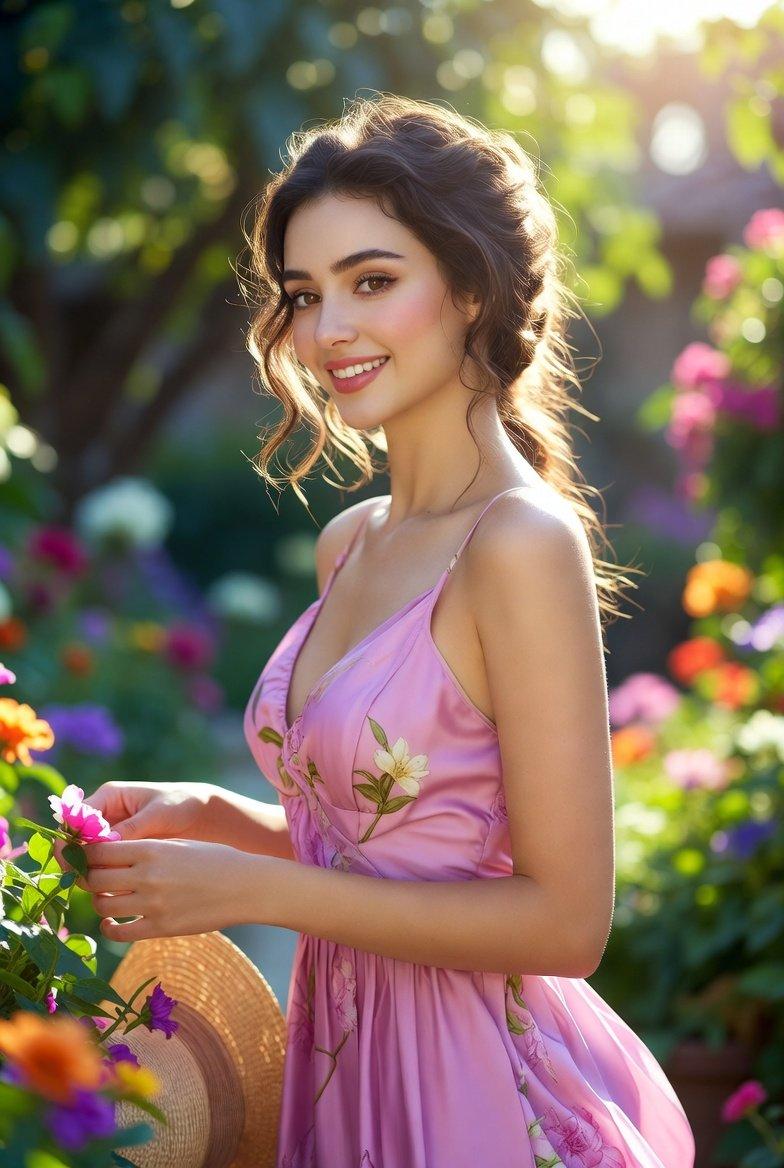
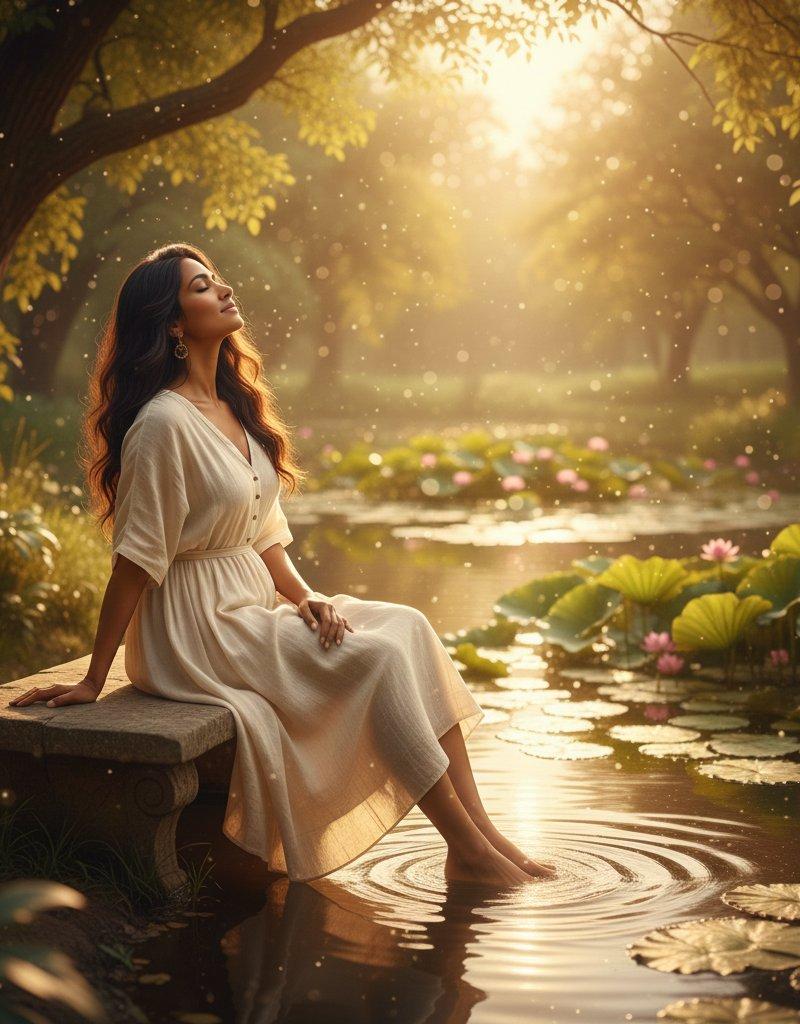
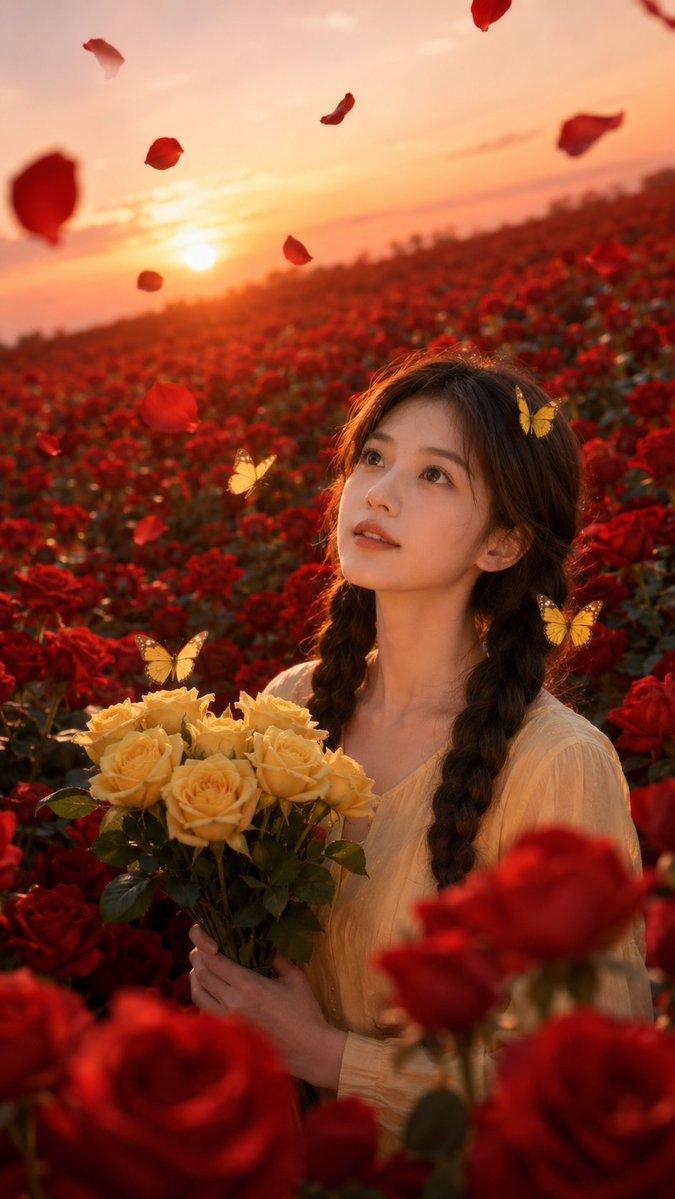
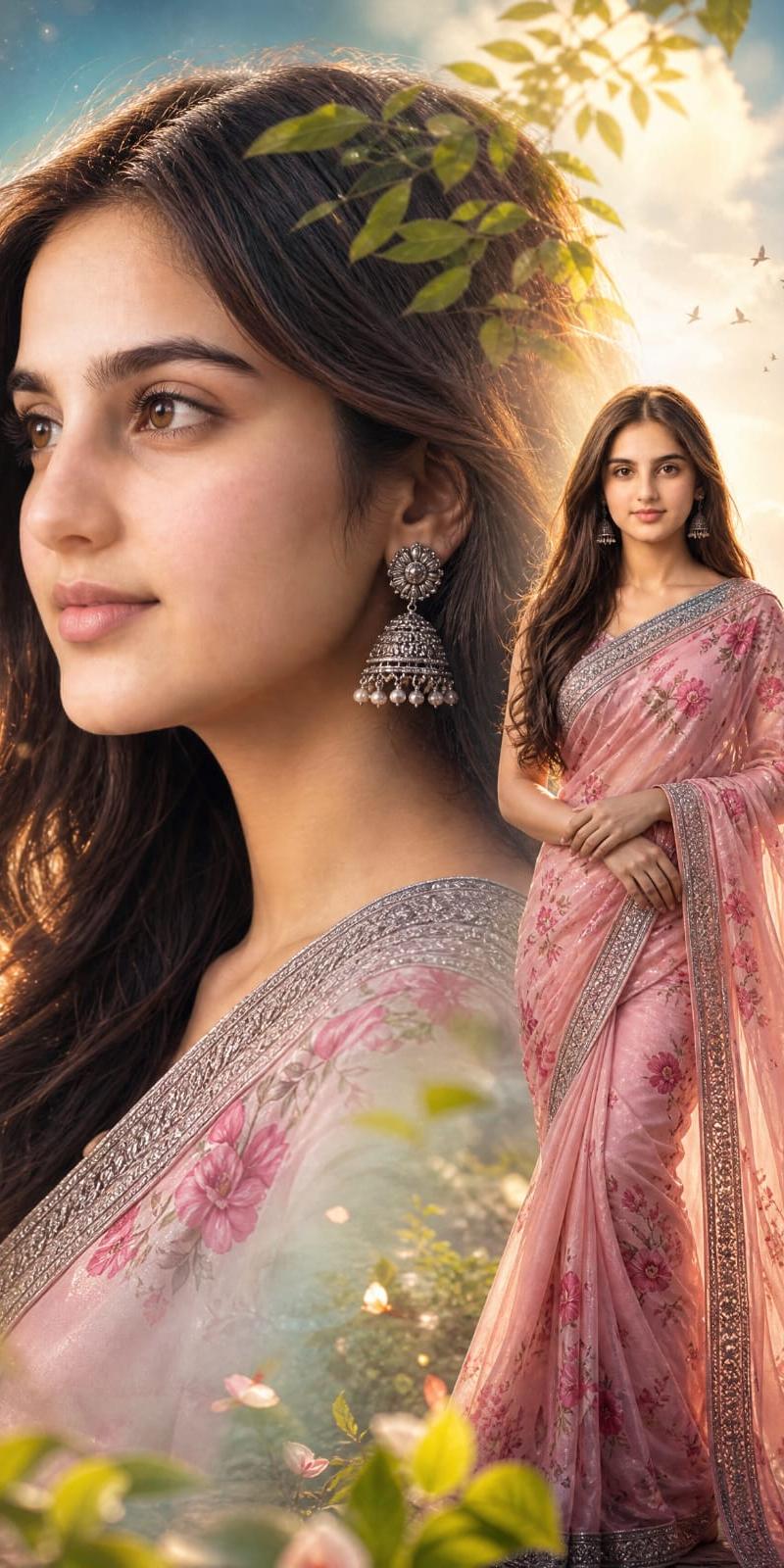
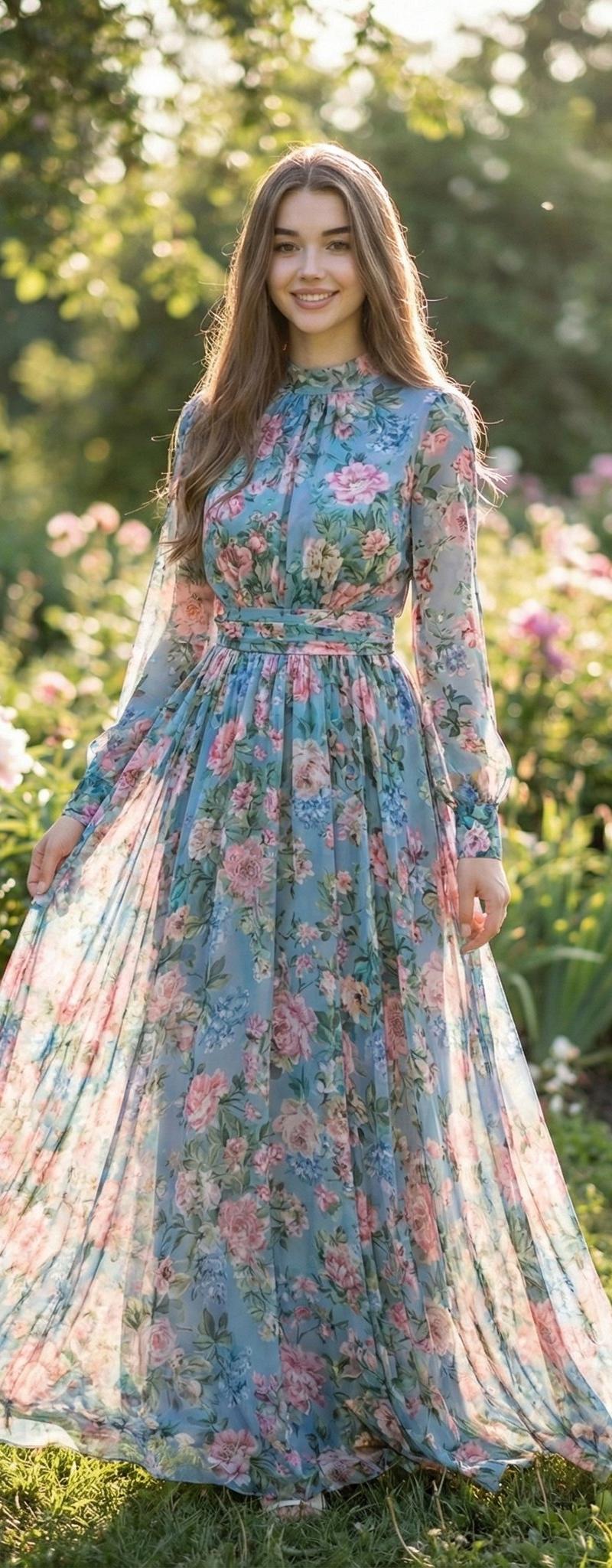
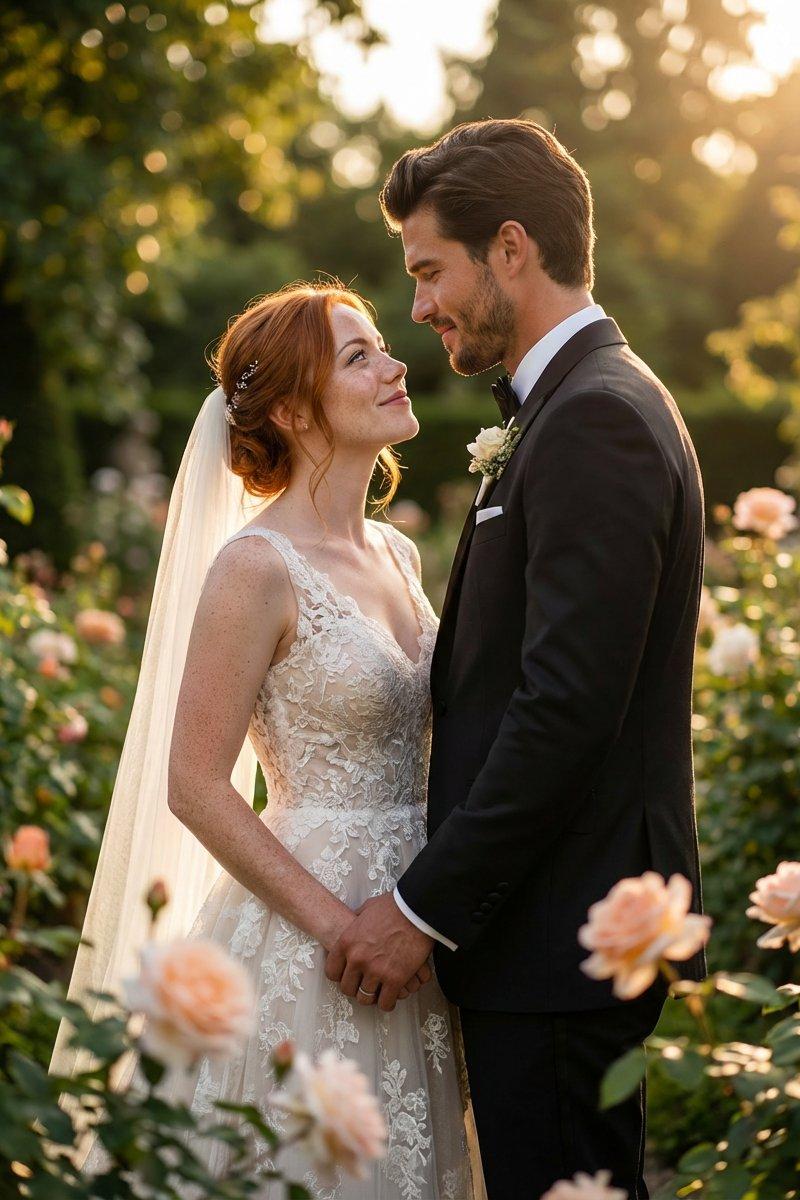
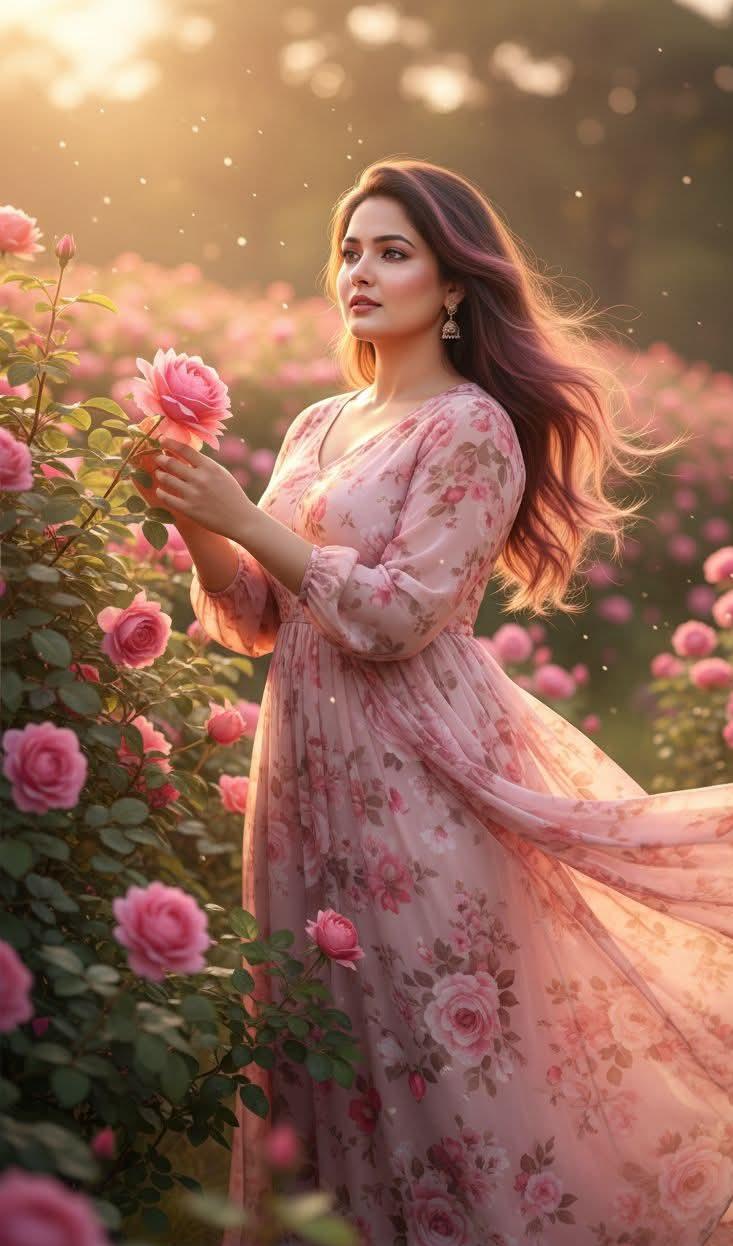
A beautiful Indian woman with long, flowing hair stands gracefully in the heart of a blooming rose garden. She is wearing a lovely floral maxi dress that moves softly with the gentle evening breeze, its sheer and delicate fabric adding a romantic, dreamy touch to the scene. The setting sun casts a warm, golden glow across the garden, illuminating the soft pink roses around her and creating a magical, ethereal atmosphere.
Her hair, highlighted subtly with shades of purple and brown, catches the sunlight as she gently holds one of the roses between her fingers. Her expression is serene, peaceful, and slightly wistful, as if she is lost in a quiet moment of reflection. The entire scene feels calm, enchanting, and filled with the soft warmth of sunset, making her presence blend beautifully with the natural elegance of the rose garden.
Category
UI & Interfaces
Model
Unknown
Creator
Maham speaks
Source language
zh-CN
Views0
Source ID
enchanting-sunset-elegance-in-a-blooming-rose-garden
Studio

Guide

About "盛开玫瑰园中的迷人日落优雅"

What is this prompt for?

"盛开玫瑰园中的迷人日落优雅" AI image prompt for Unknown (UI & Interfaces). Enchanting Sunset Elegance in a Blooming Rose Garden PROMPT ⤵️ 👇🏻 A beautiful Indian woman wit…

The full copyable prompt and example visuals above are ready for AI image generation or one-click recreate in Picva.

How to use this prompt

  1. Step 1

    Open the prompt detail

    Review the example visuals, category, and full prompt text for "盛开玫瑰园中的迷人日落优雅".

  2. Step 2

    Copy the prompt

    Copy the prompt body from this page, or load it directly in Studio.

  3. Step 3

    Pick a model (Unknown)

    Prefer Unknown. If you switch models, keep subject and composition and tweak style terms.

  4. Step 4

    Generate and export

    Recreate the look in Picva, or export into your workflow for editing and publishing.

FAQ

What is the "盛开玫瑰园中的迷人日落优雅" prompt?
It is an AI image-generation prompt for Unknown in the UI & Interfaces category. This page includes the full prompt text, example visuals, and a one-click recreate path in Picva.
How do I use this prompt to generate an image?
Copy the prompt from this page, or use Generate / Studio. Paste it into a compatible image model, or recreate the look in Picva with optional reference images.
Which model is this prompt for?
This page lists Unknown. Most descriptive prompts also transfer to nearby image models such as GPT Image, Flux, or Midjourney with light style tweaks.
Can I use the result commercially?
You can usually copy the prompt for creation, but commercial use of the final image depends on the model terms, reference-image rights, and the generated content. Follow the source author and platform rules.