17

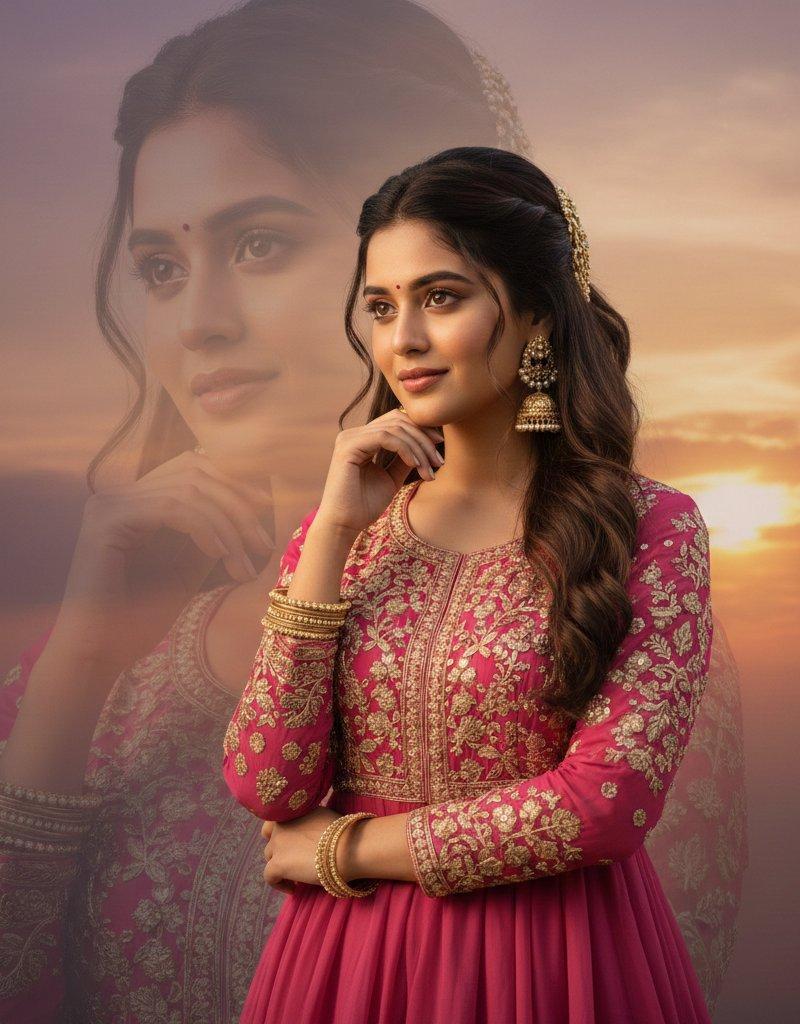
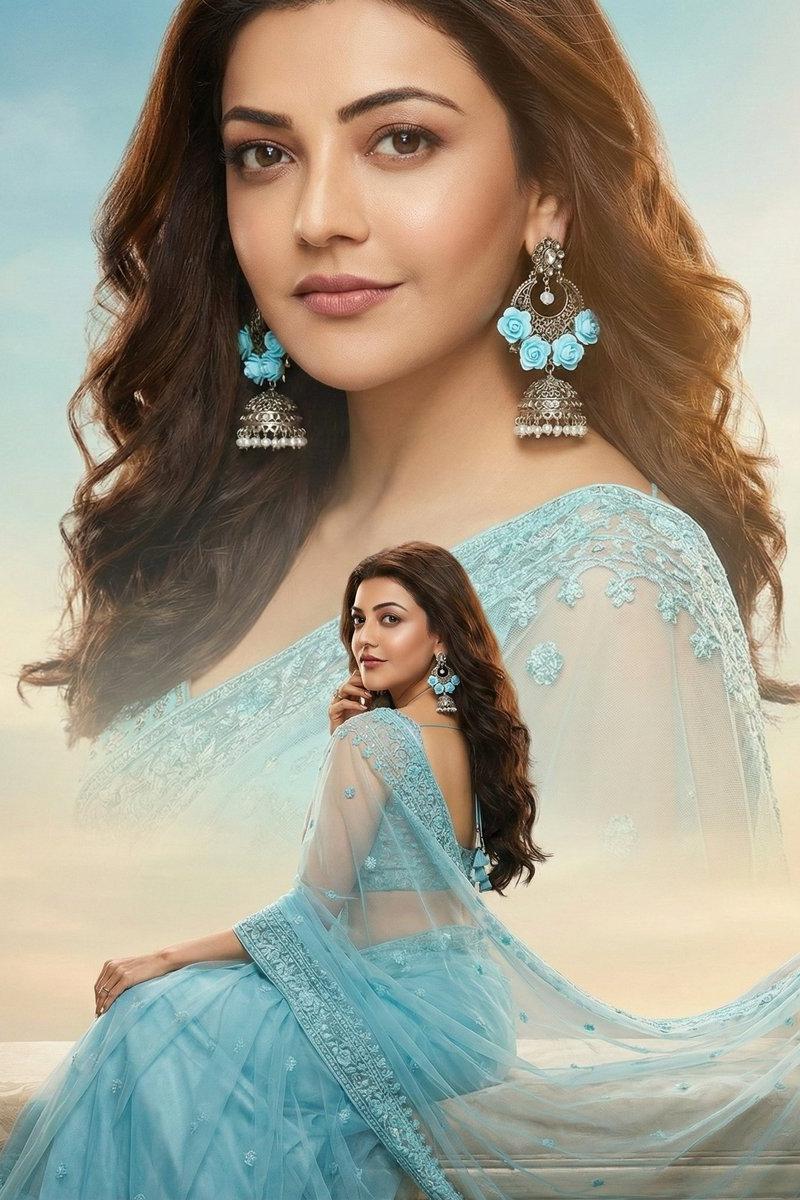
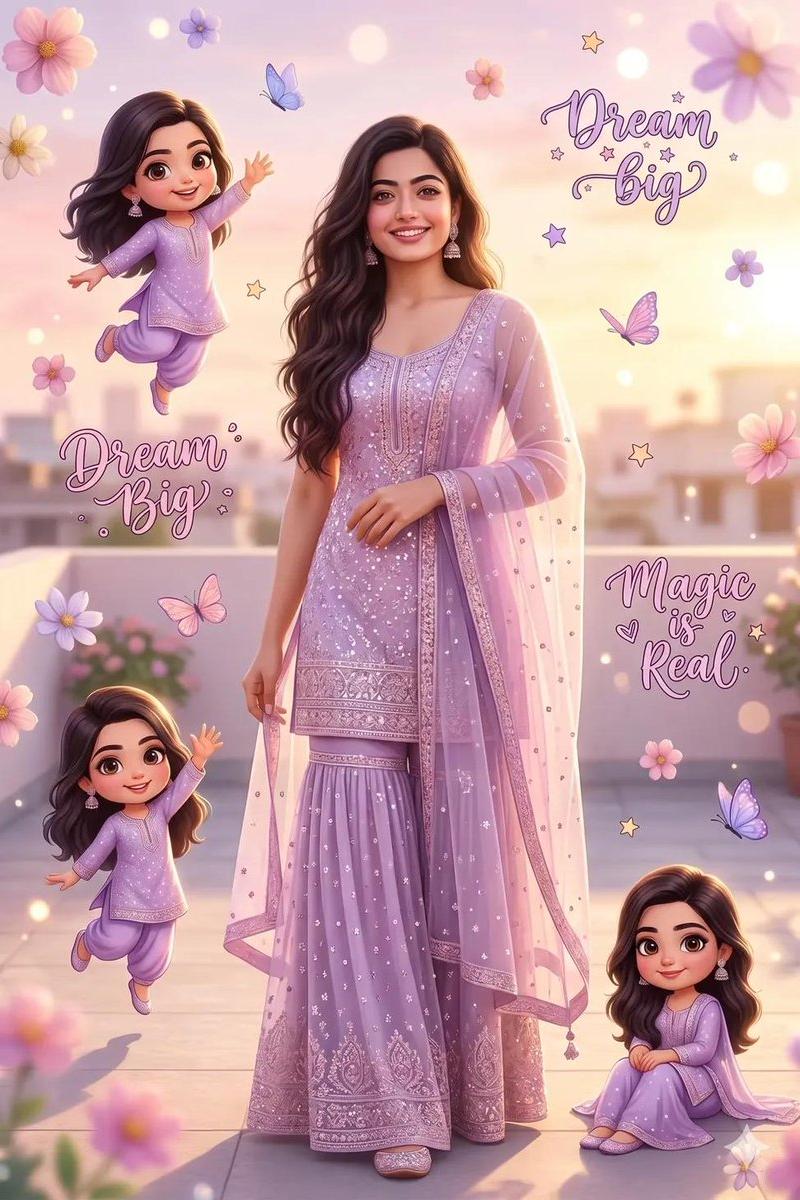
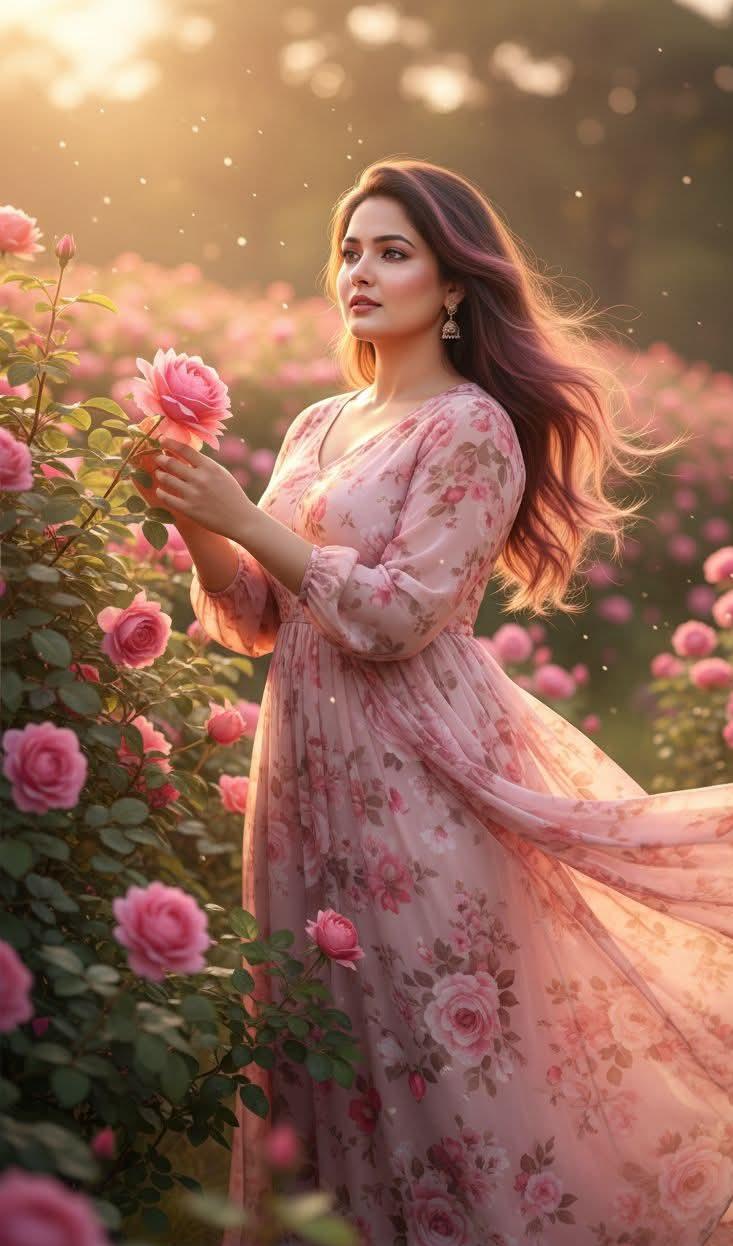
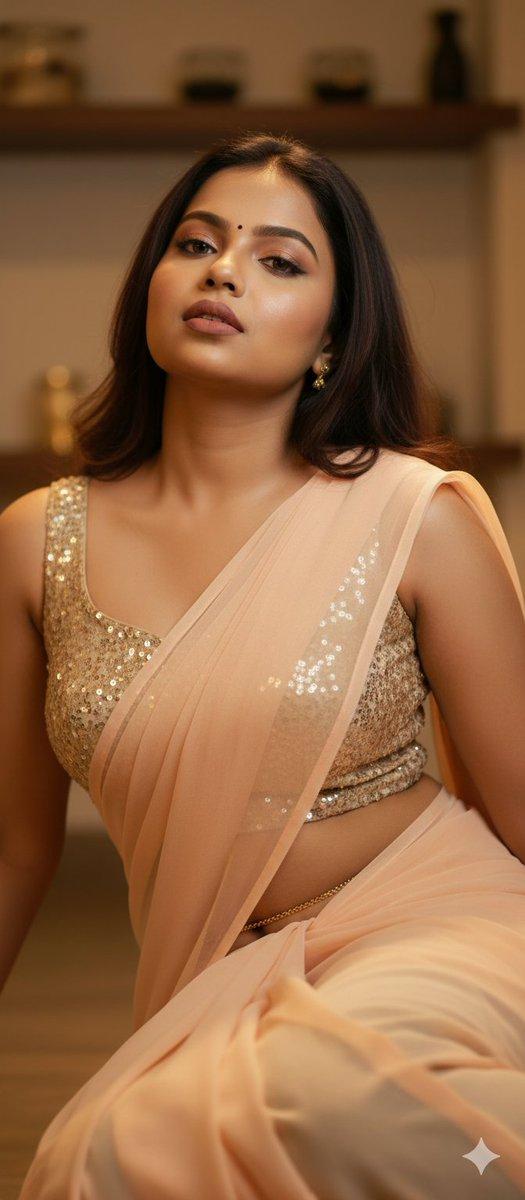
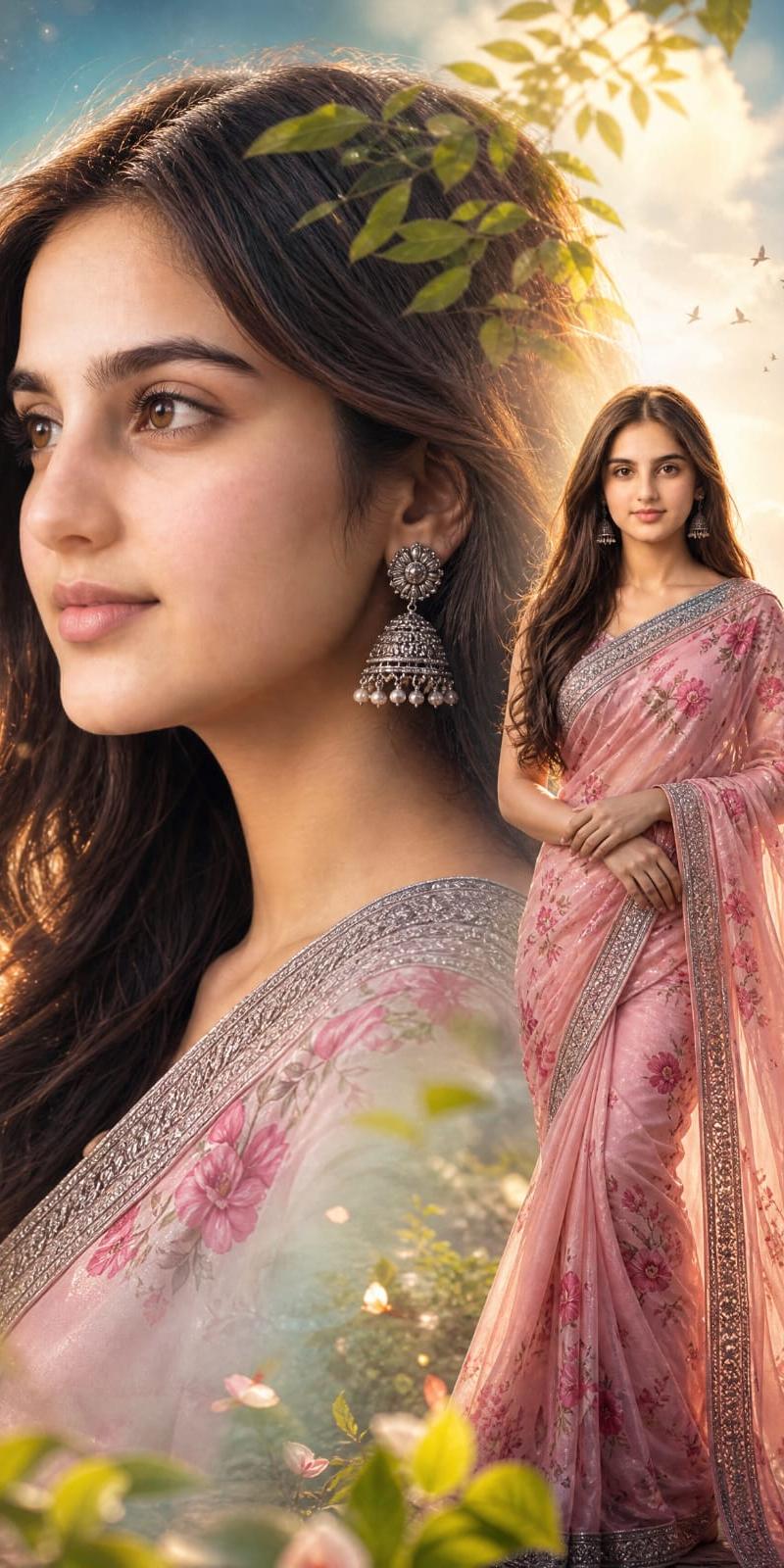
Cinematic Saree Double Exposure Portrait
Enlarge

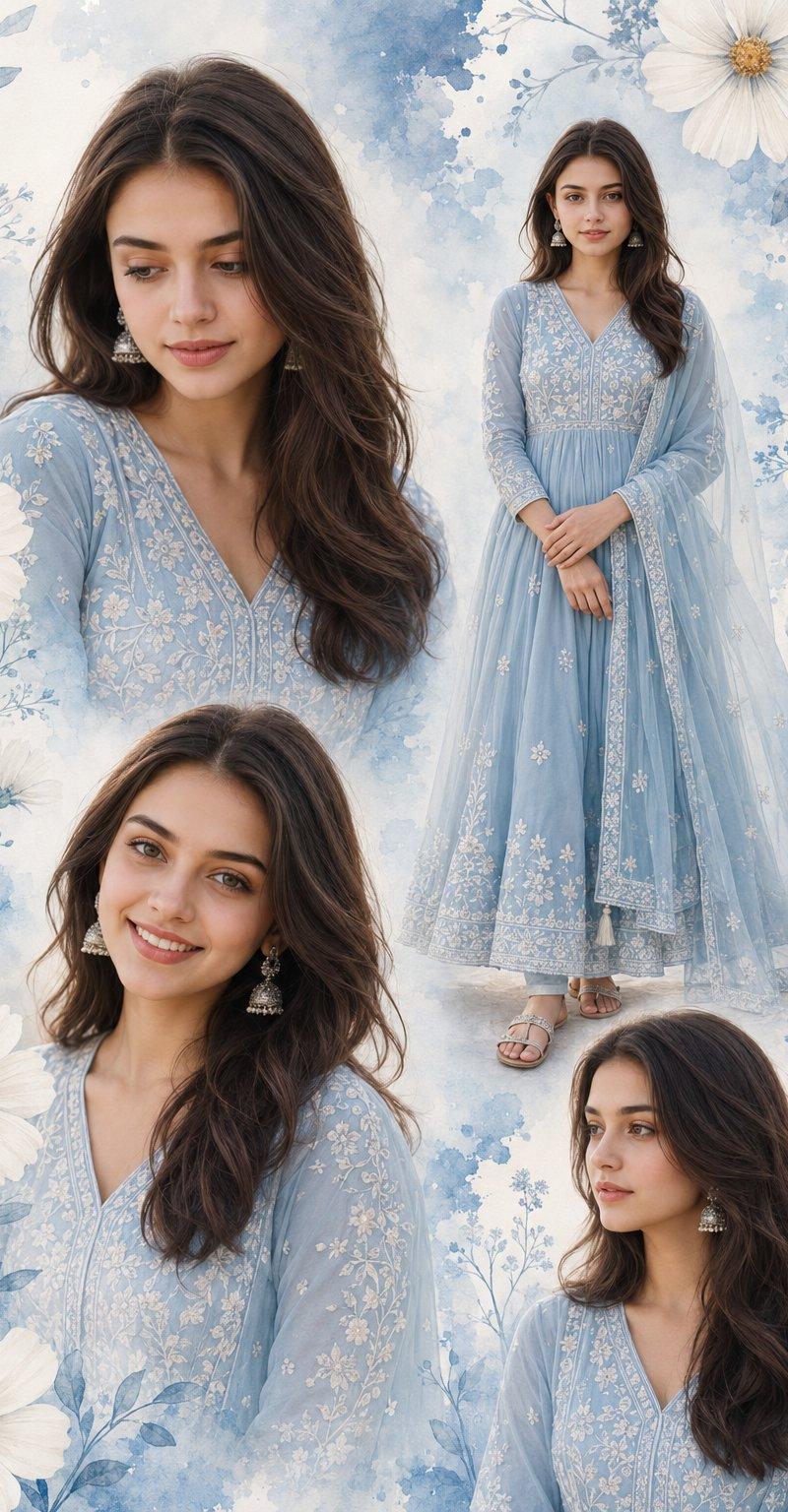
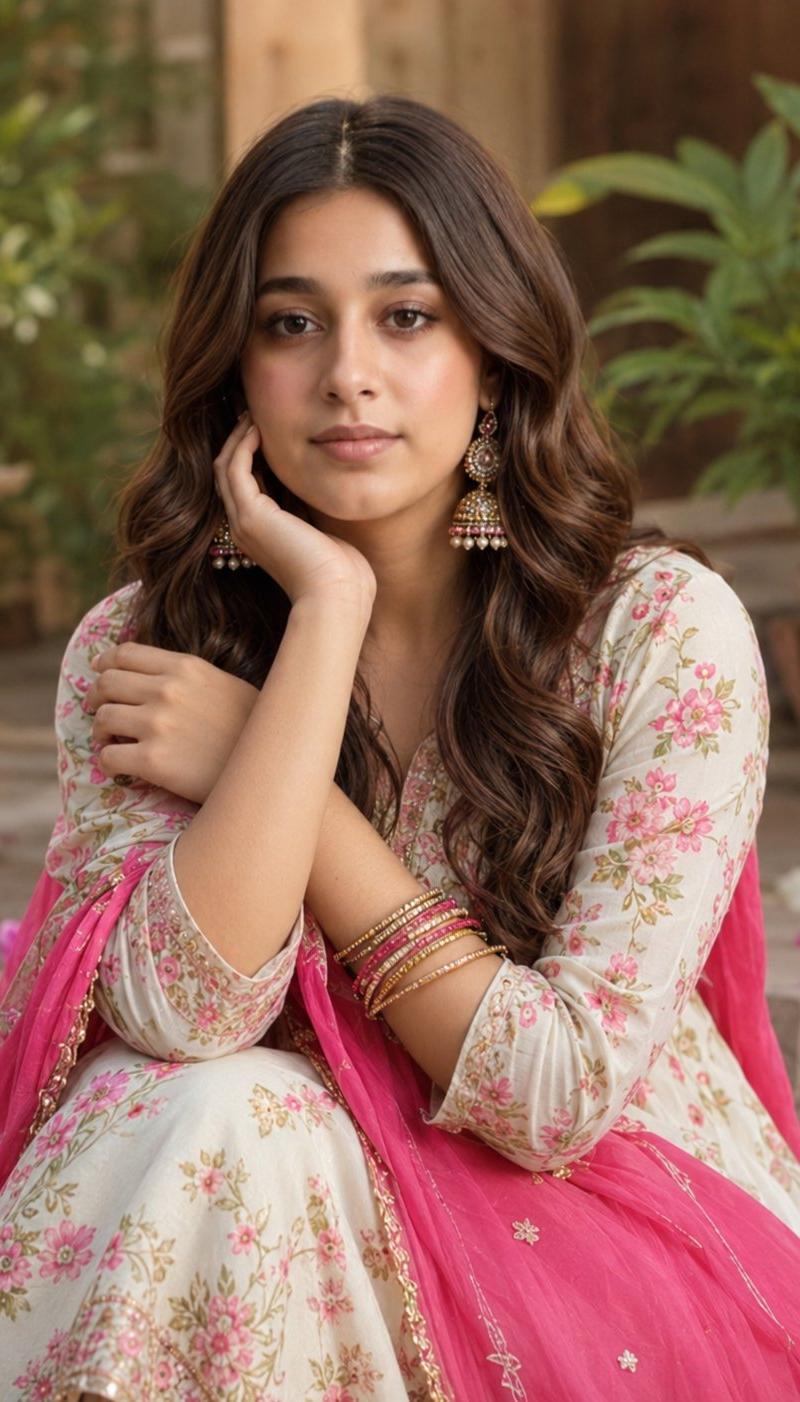
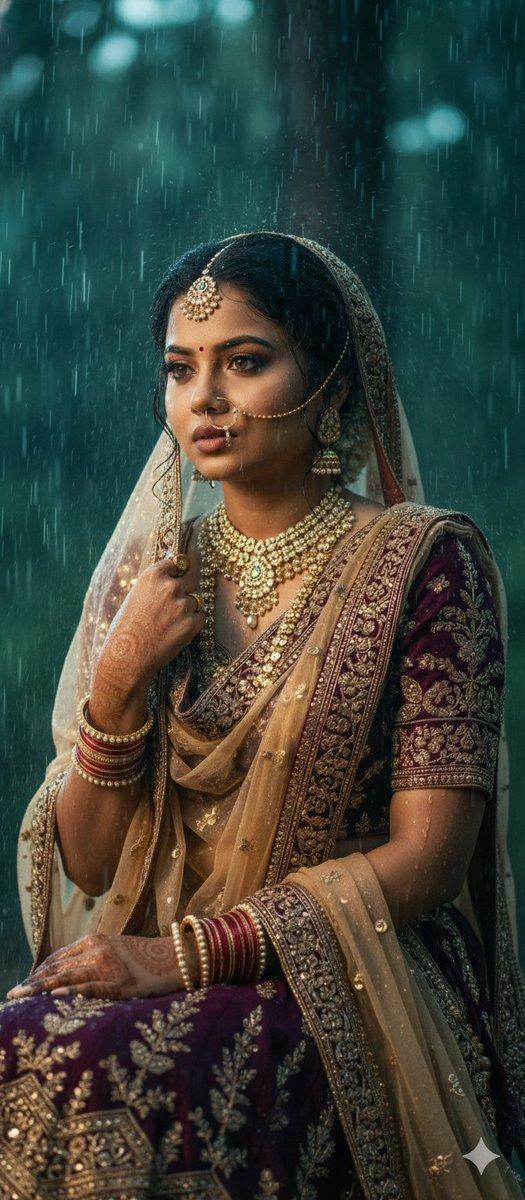
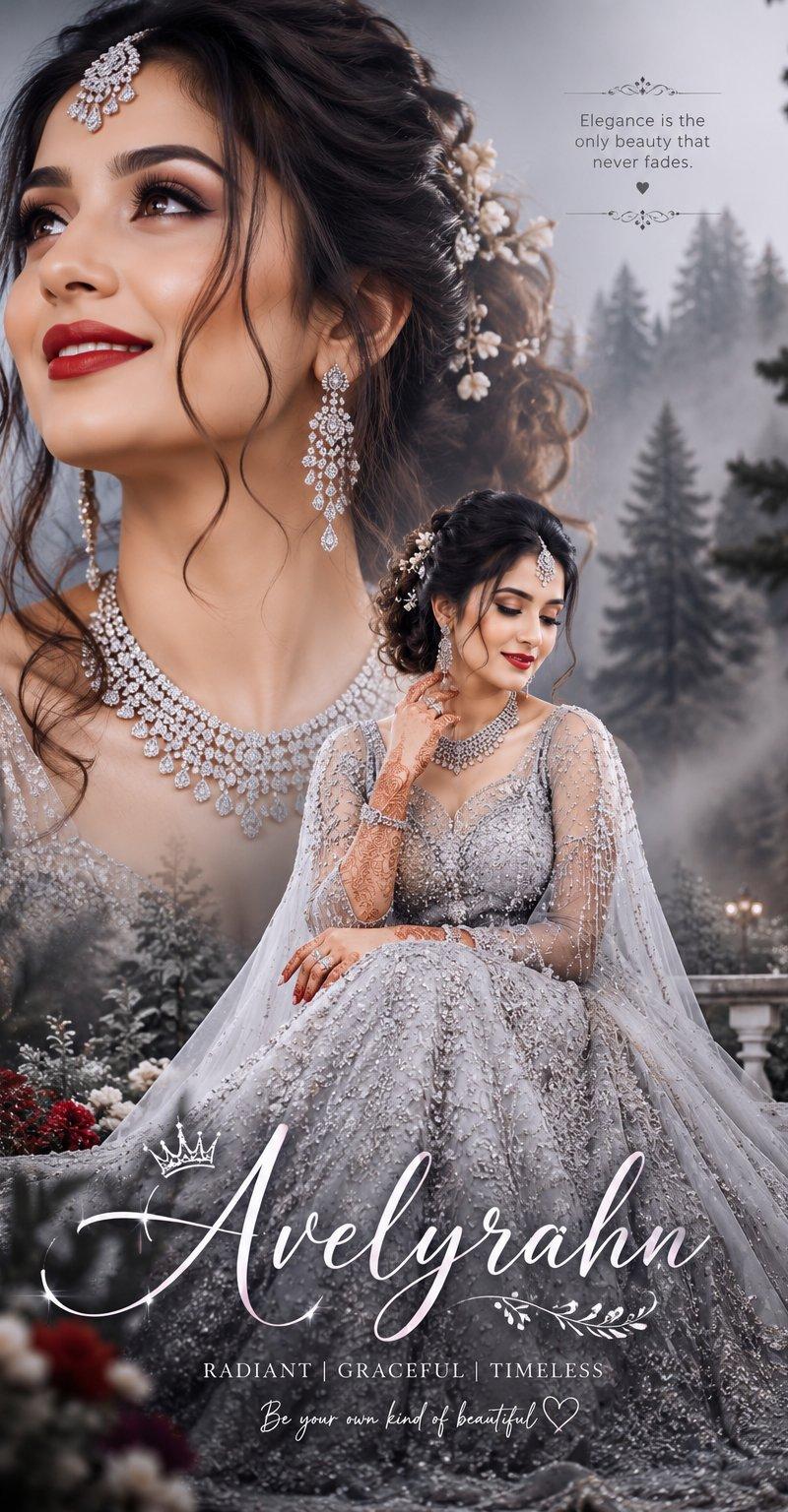
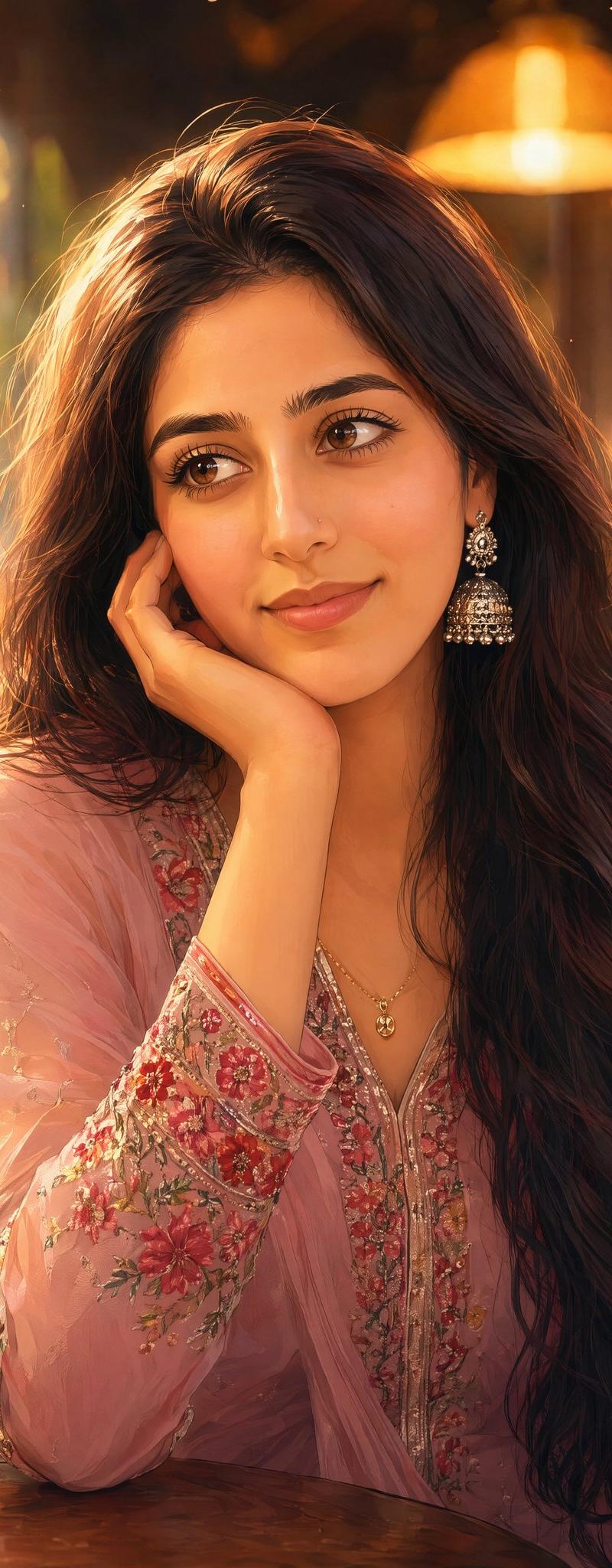
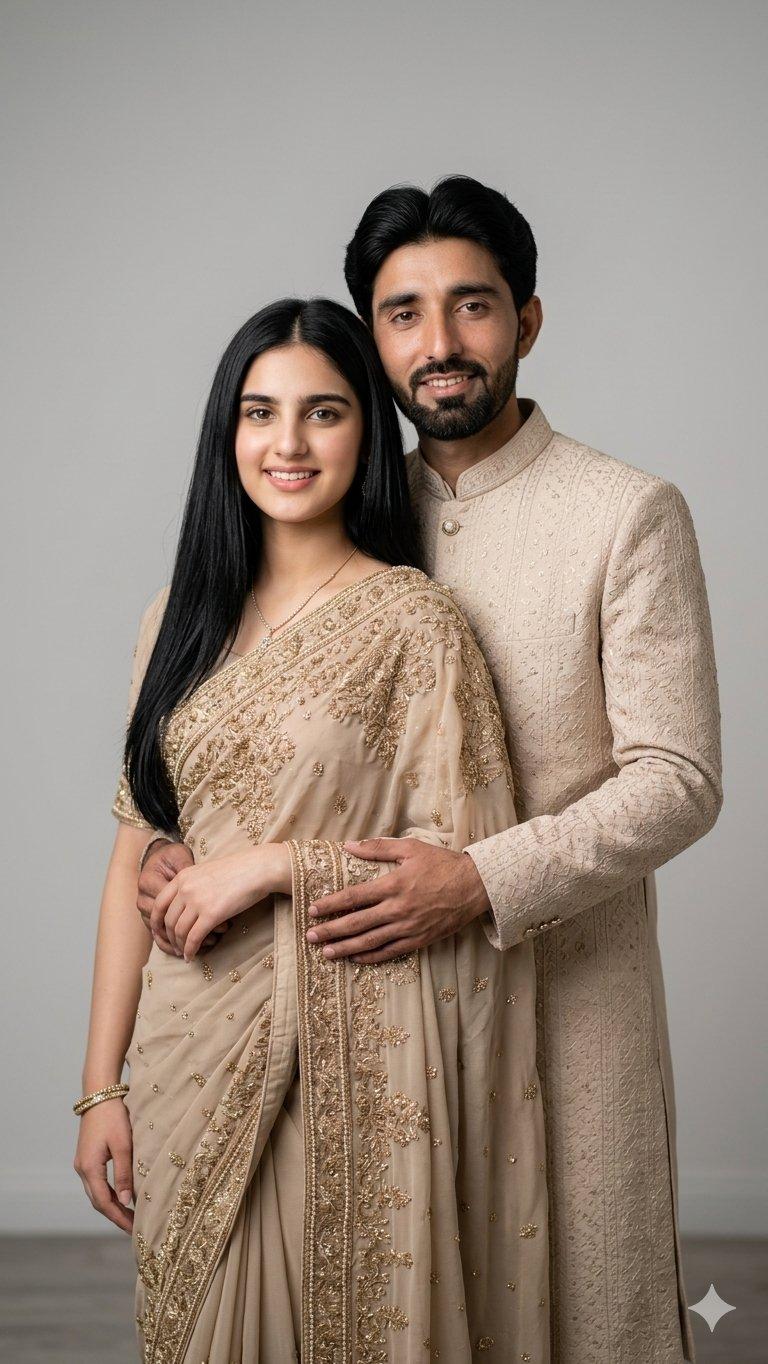
Example images

Cinematic Saree Double Exposure Portrait

Prompt
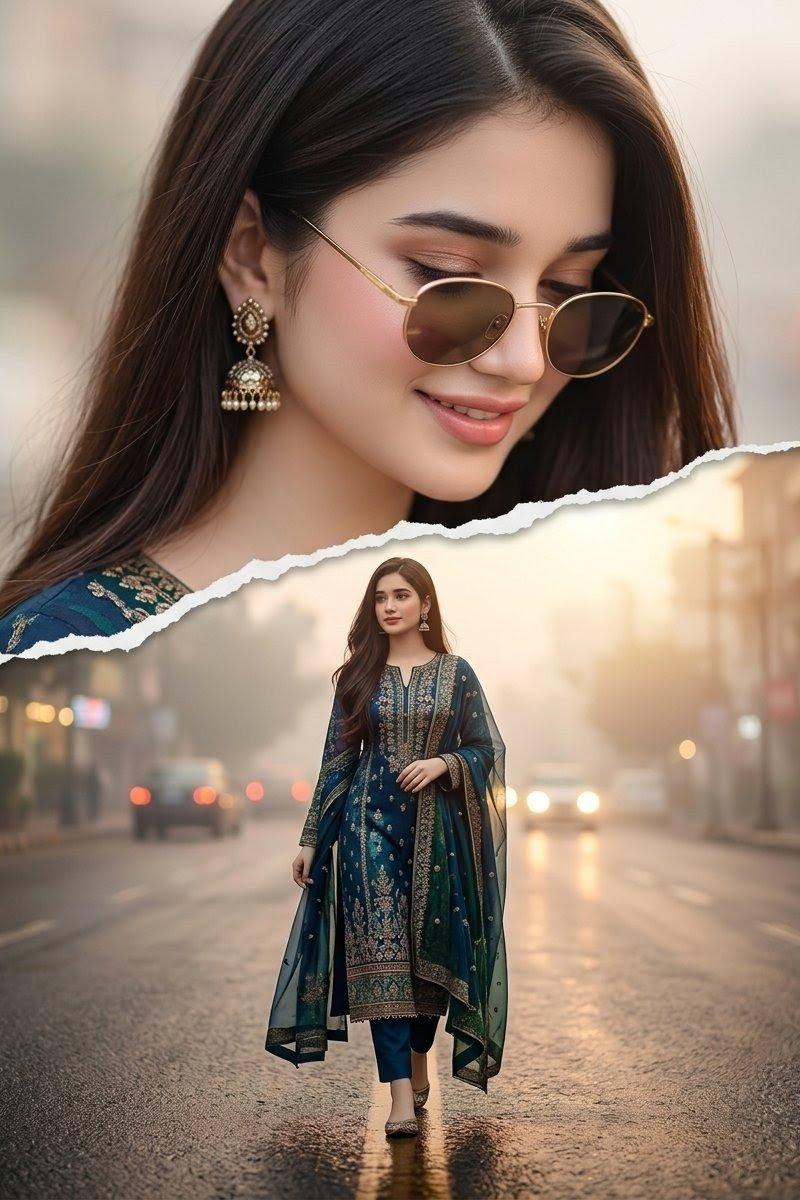
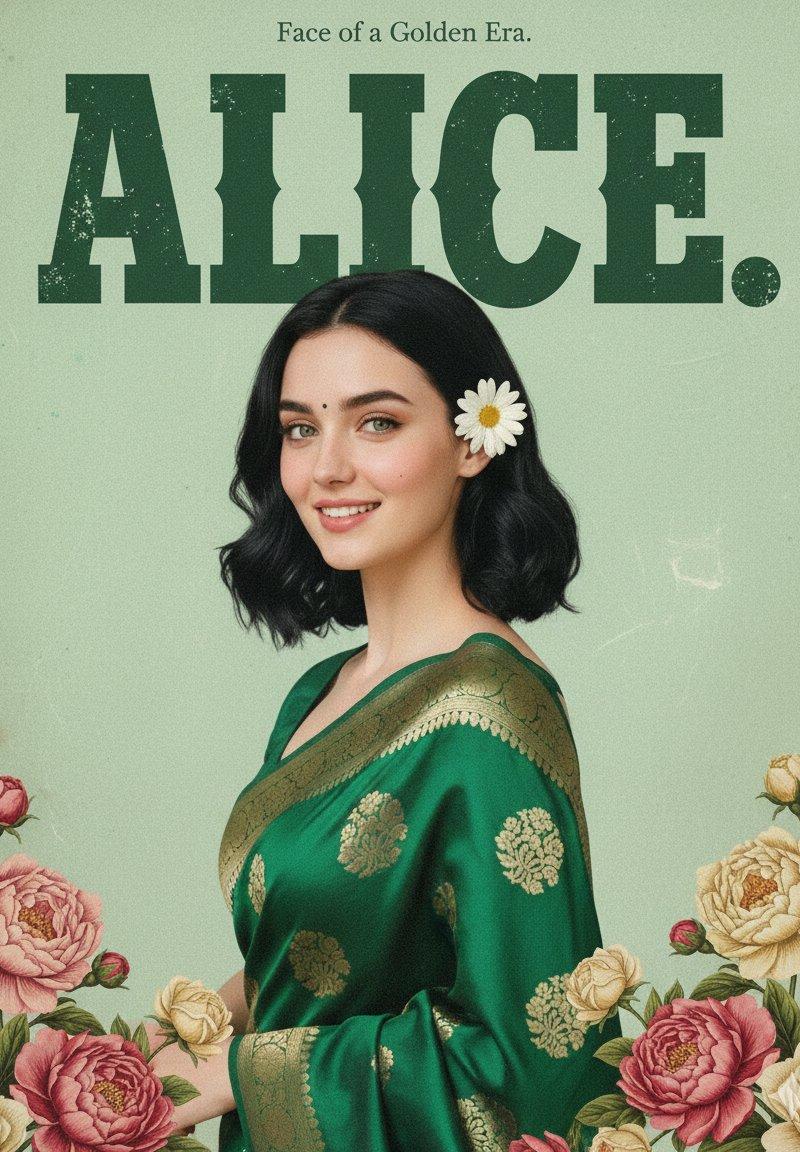
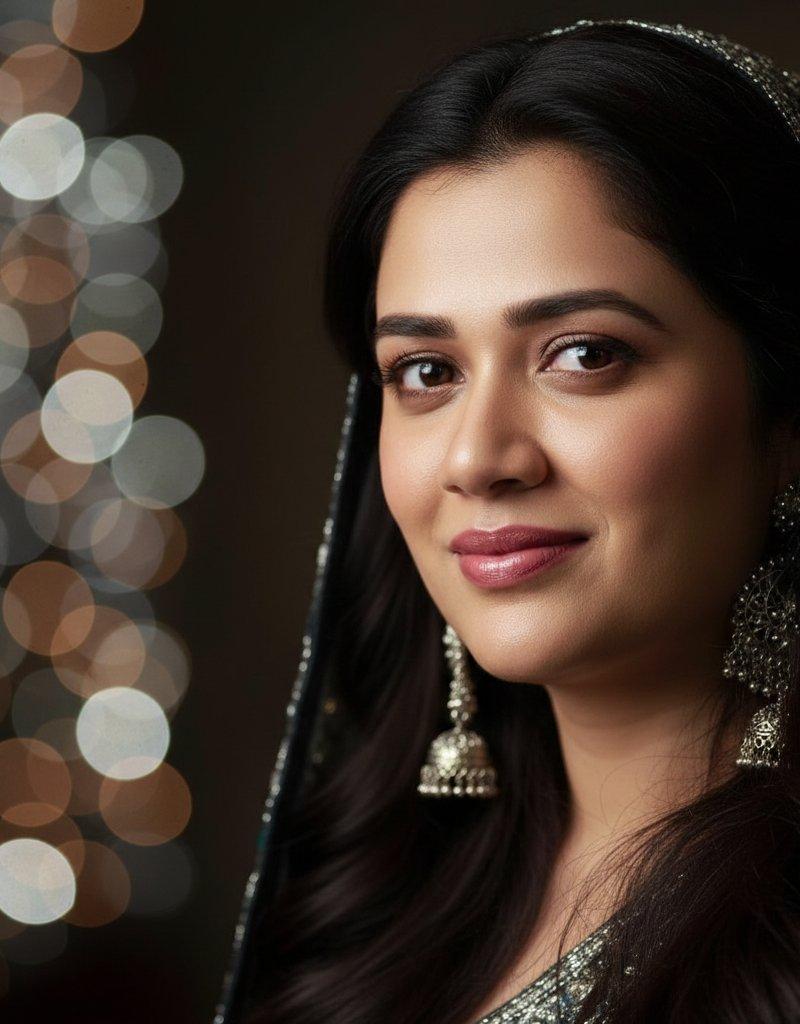
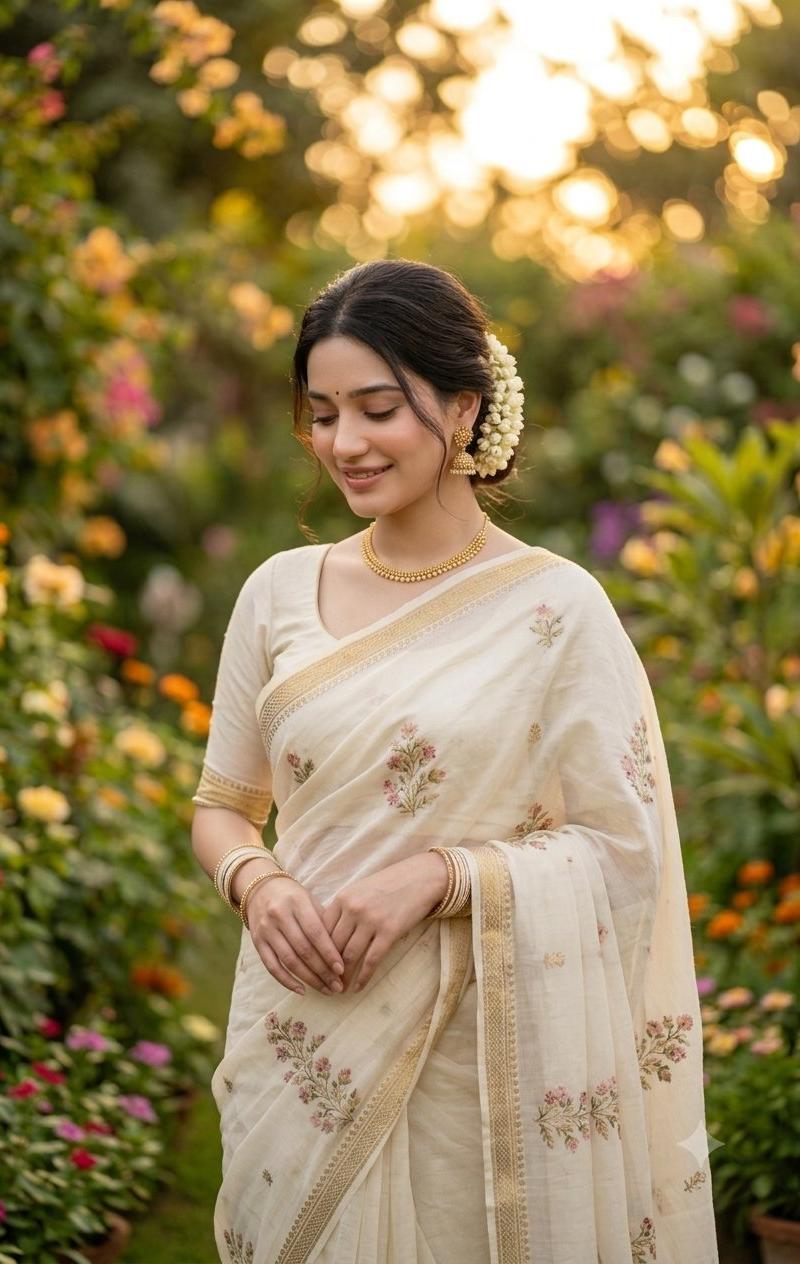
Create a vertical cinematic double-exposure fantasy portrait of {argument name="character description" default="a beautiful Indian woman"}, preserving the exact same face if a reference photo is provided. The composition has two versions of the same woman: on the left, an enormous close-up side-profile portrait filling most of the frame, with long wavy dark brown hair flowing down and backlit by golden sunlight; on the right, a full-length standing figure in a graceful pose with hands folded at the waist, wearing {argument name="outfit" default="a soft pink floral saree with a silver embroidered border"}. Add ornate silver jhumka earrings, delicate makeup, and elegant feminine styling. The background is a dreamy sky with glowing clouds, warm sun rays, soft blue and gold tones, magical bokeh particles, and exactly 10 small flying birds in the upper-right sky. Add leafy branches overlaying the top of the close-up hair, foreground greenery and blurred leaves at the bottom, small flowers, and a romantic ethereal garden atmosphere. Use soft focus, luminous rim lighting, gentle haze, pastel colors, high-detail fabric embroidery, and a cinematic fantasy-photography look. No text, no watermark, no extra people.
Category
Charts & Infographics
Model
GPT Image 2
Creator
Arina Ai
Source language
en
Views2.6K
Source ID
24535
Published
Jun 6, 2026
Studio

Guide

About "Cinematic Saree Double Exposure Portrait"

What is this prompt for?

"Cinematic Saree Double Exposure Portrait" AI image prompt for GPT Image 2 (Charts & Infographics). Creates a dreamy double-exposure portrait of a woman in a p…

The full copyable prompt and example visuals above are ready for AI image generation or one-click recreate in Picva.

How to use this prompt

  1. Step 1

    Open the prompt detail

    Review the example visuals, category, and full prompt text for "Cinematic Saree Double Exposure Portrait".

  2. Step 2

    Copy the prompt

    Copy the prompt body from this page, or load it directly in Studio.

  3. Step 3

    Pick a model (GPT Image 2)

    Prefer GPT Image 2. If you switch models, keep subject and composition and tweak style terms.

  4. Step 4

    Generate and export

    Recreate the look in Picva, or export into your workflow for editing and publishing.

FAQ

What is the "Cinematic Saree Double Exposure Portrait" prompt?
It is an AI image-generation prompt for GPT Image 2 in the Charts & Infographics category. This page includes the full prompt text, example visuals, and a one-click recreate path in Picva.
How do I use this prompt to generate an image?
Copy the prompt from this page, or use Generate / Studio. Paste it into a compatible image model, or recreate the look in Picva with optional reference images.
Which model is this prompt for?
This page lists GPT Image 2. Most descriptive prompts also transfer to nearby image models such as GPT Image, Flux, or Midjourney with light style tweaks.
Can I use the result commercially?
You can usually copy the prompt for creation, but commercial use of the final image depends on the model terms, reference-image rights, and the generated content. Follow the source author and platform rules.