17

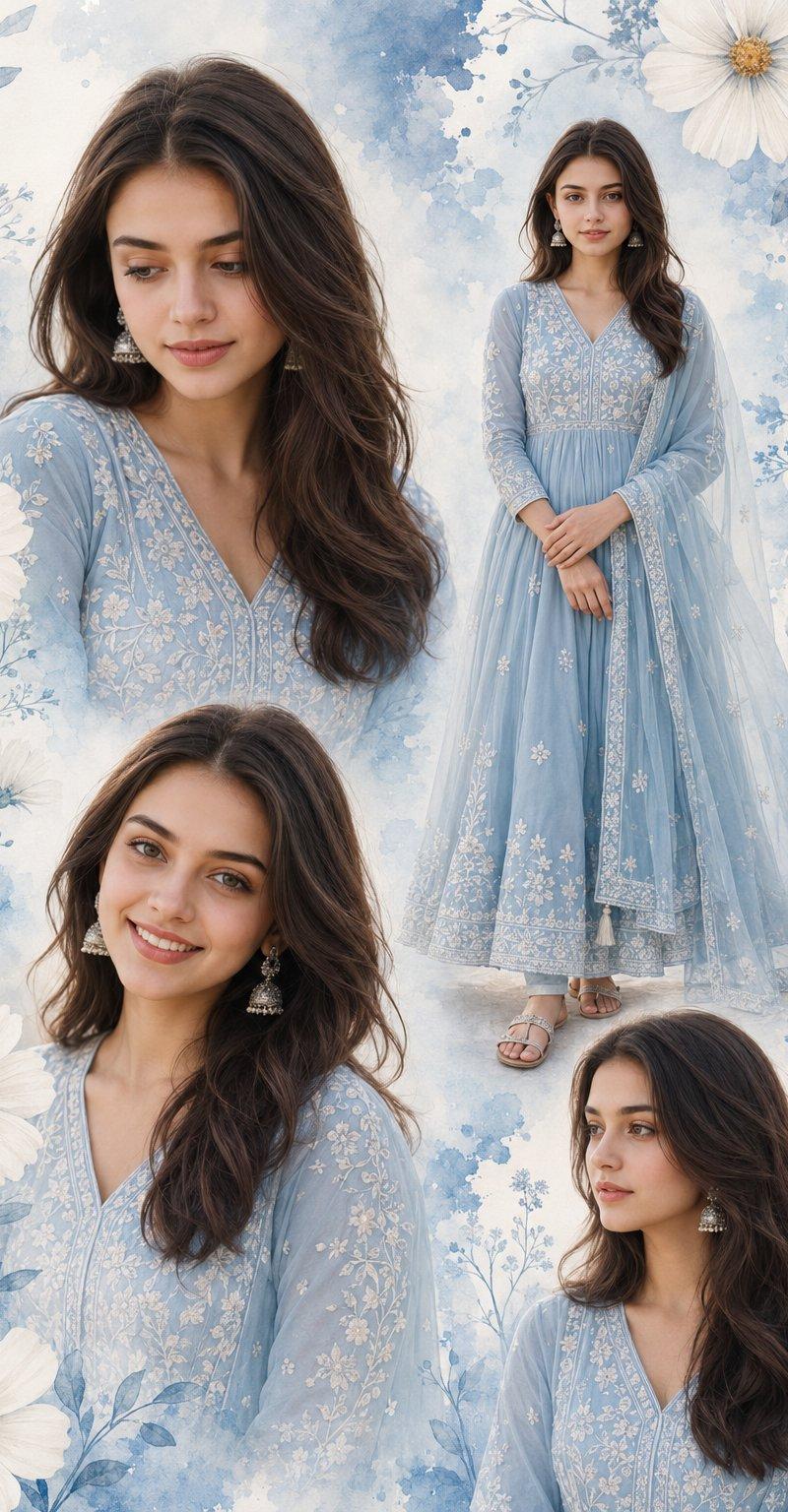
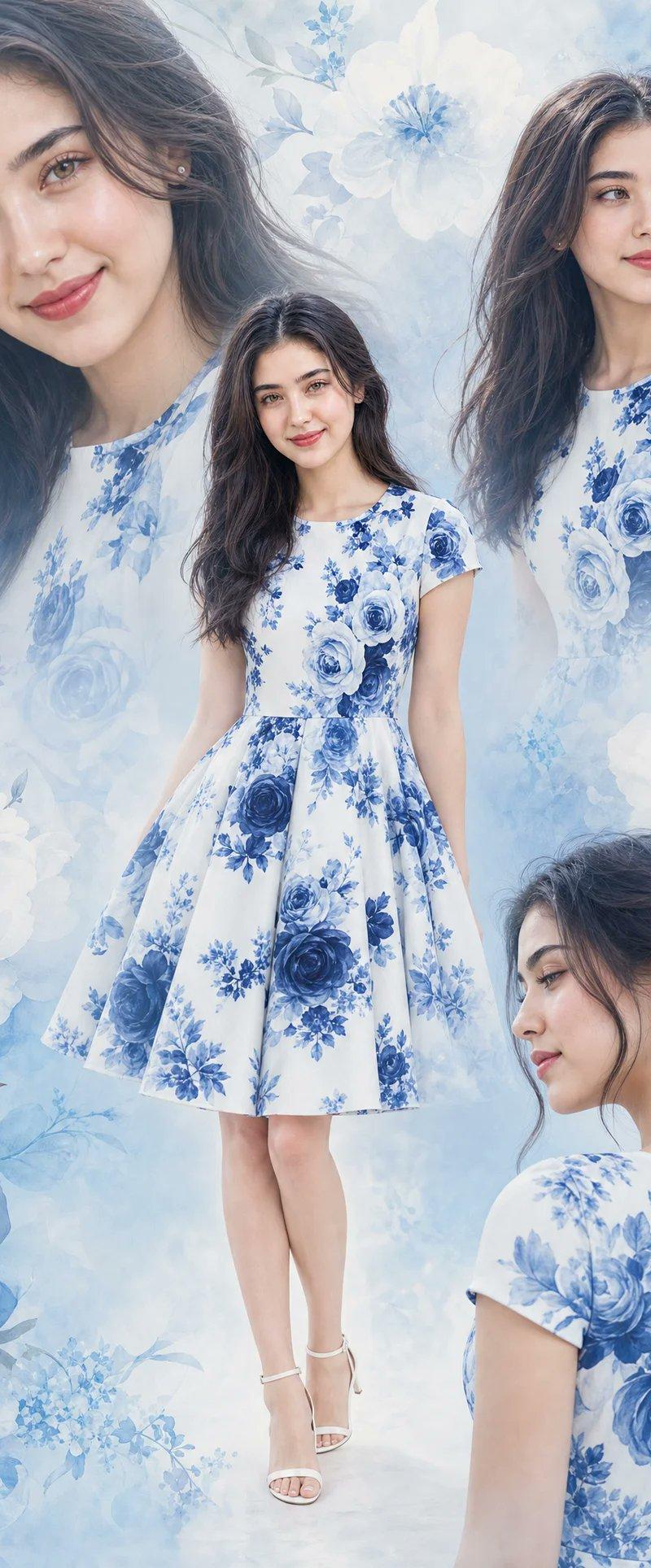
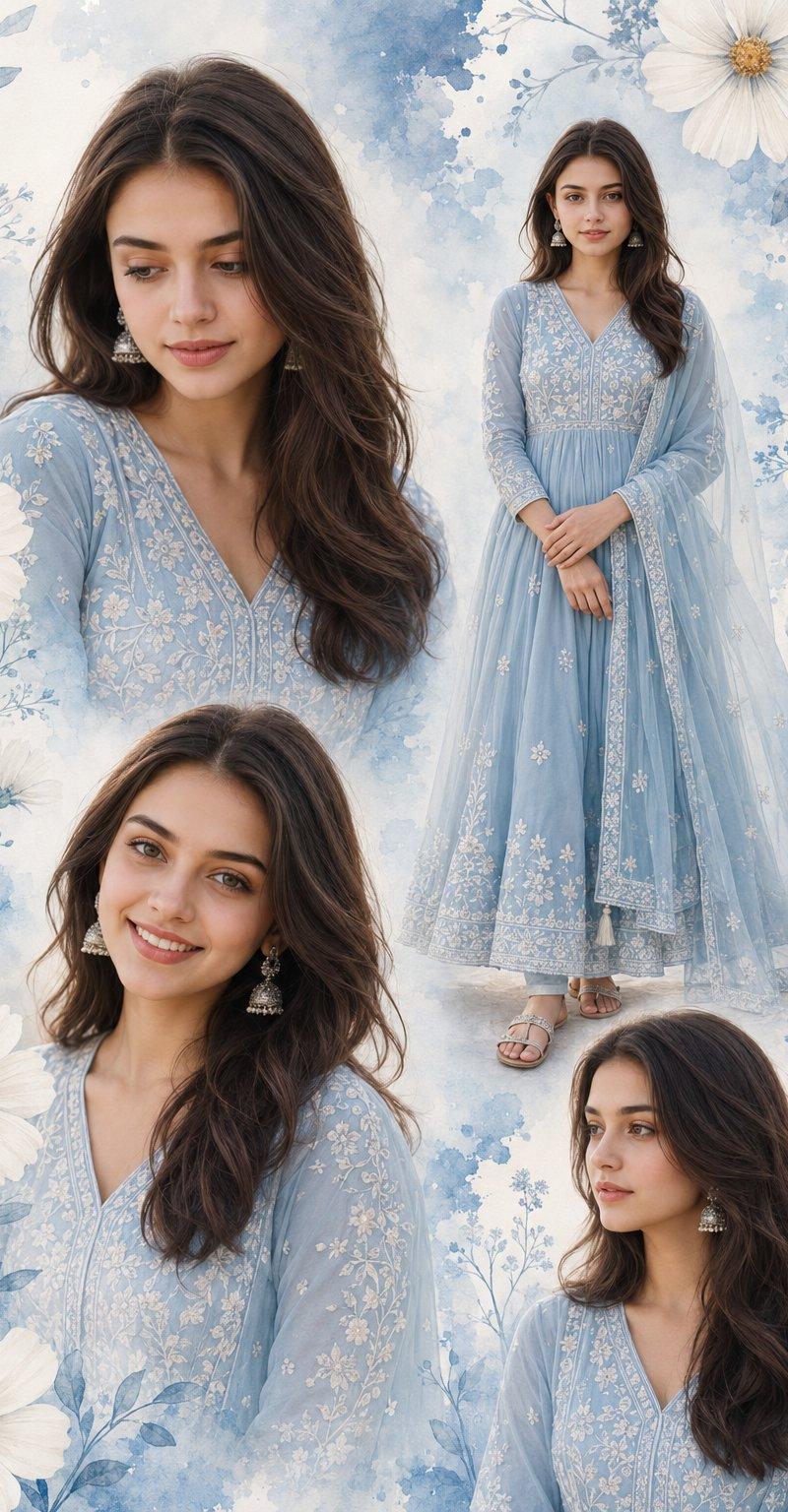
印度女性粉蓝色长裙拼贴画海报
Enlarge

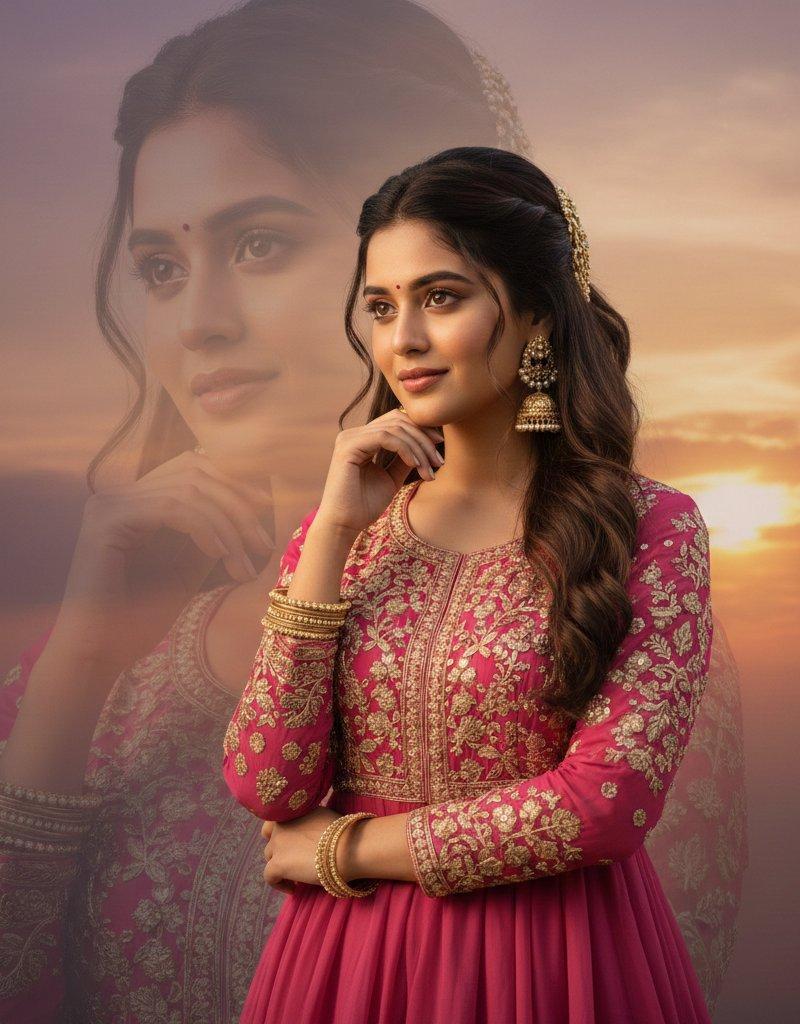
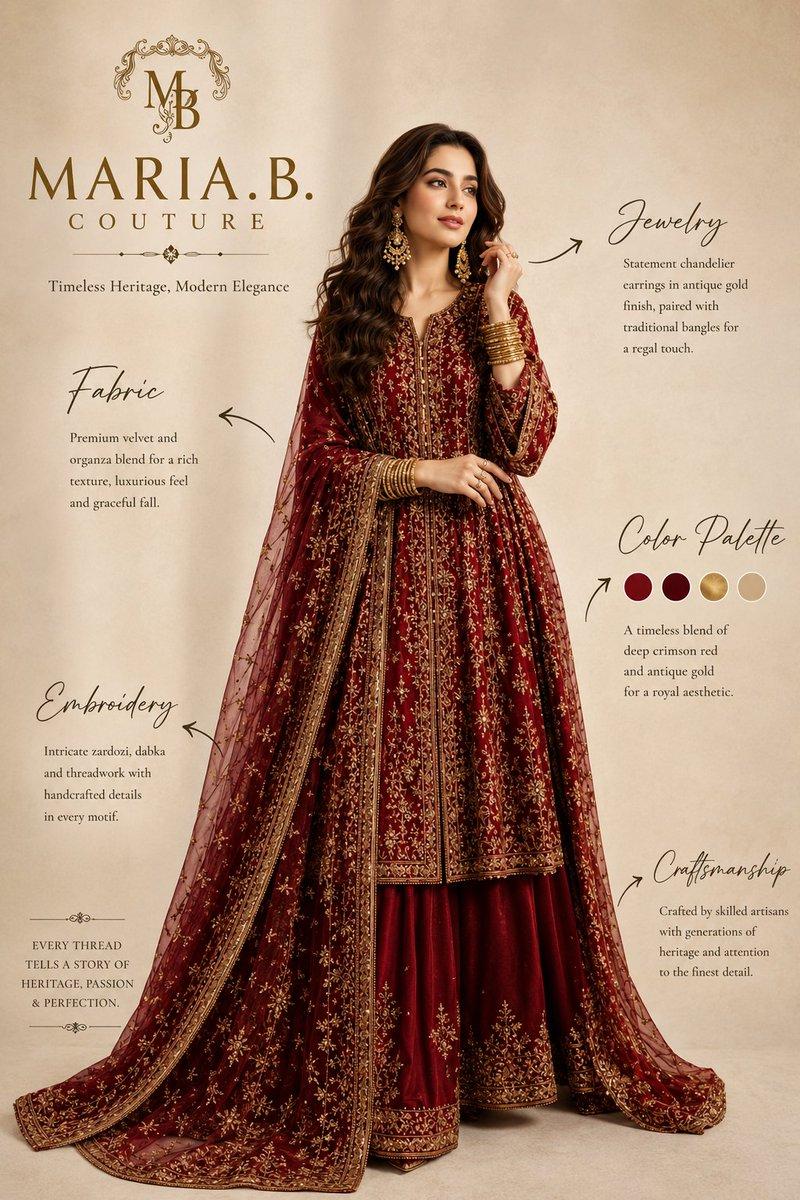
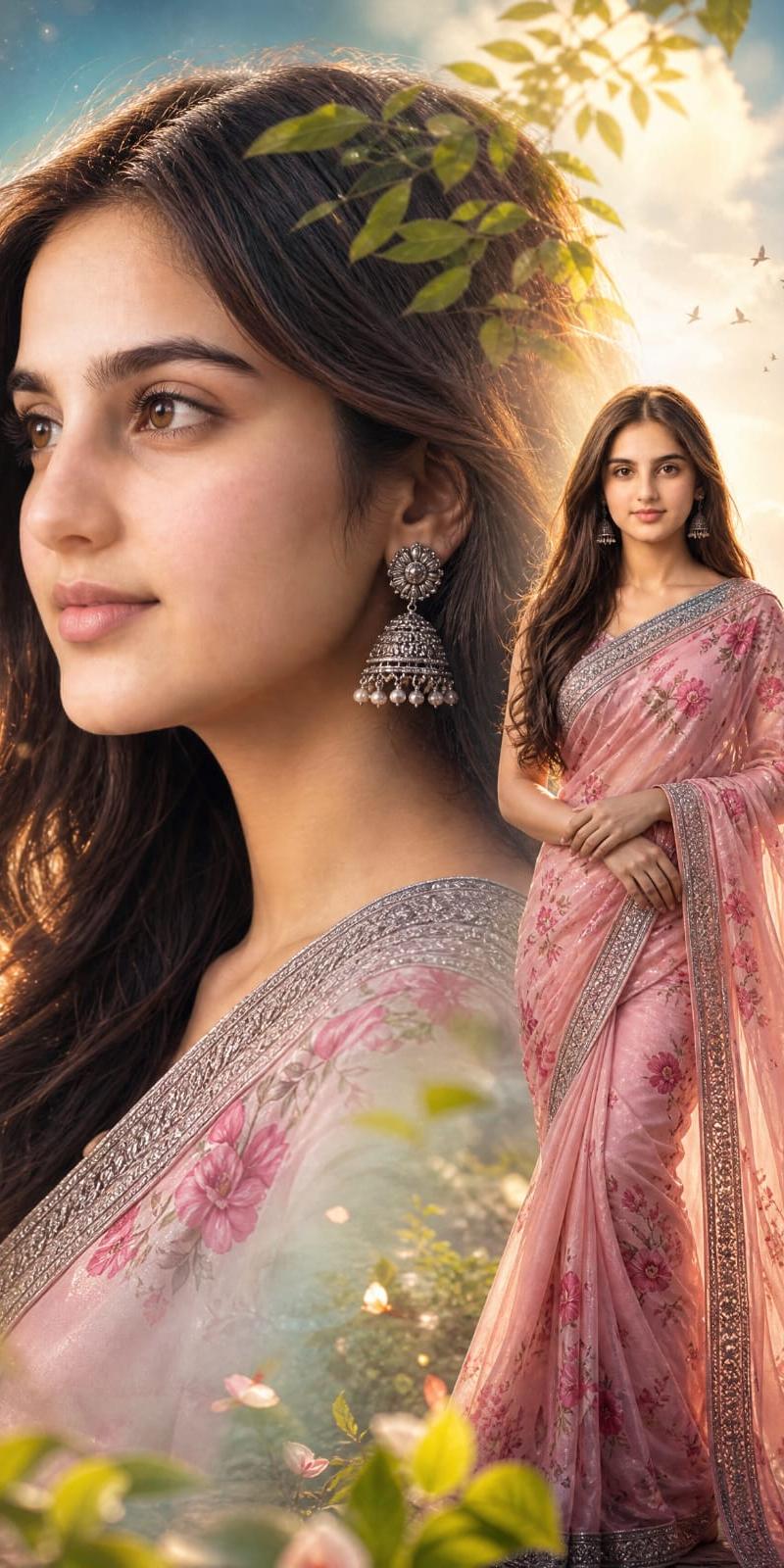
Example images

印度女性粉蓝色长裙拼贴画海报

Prompt
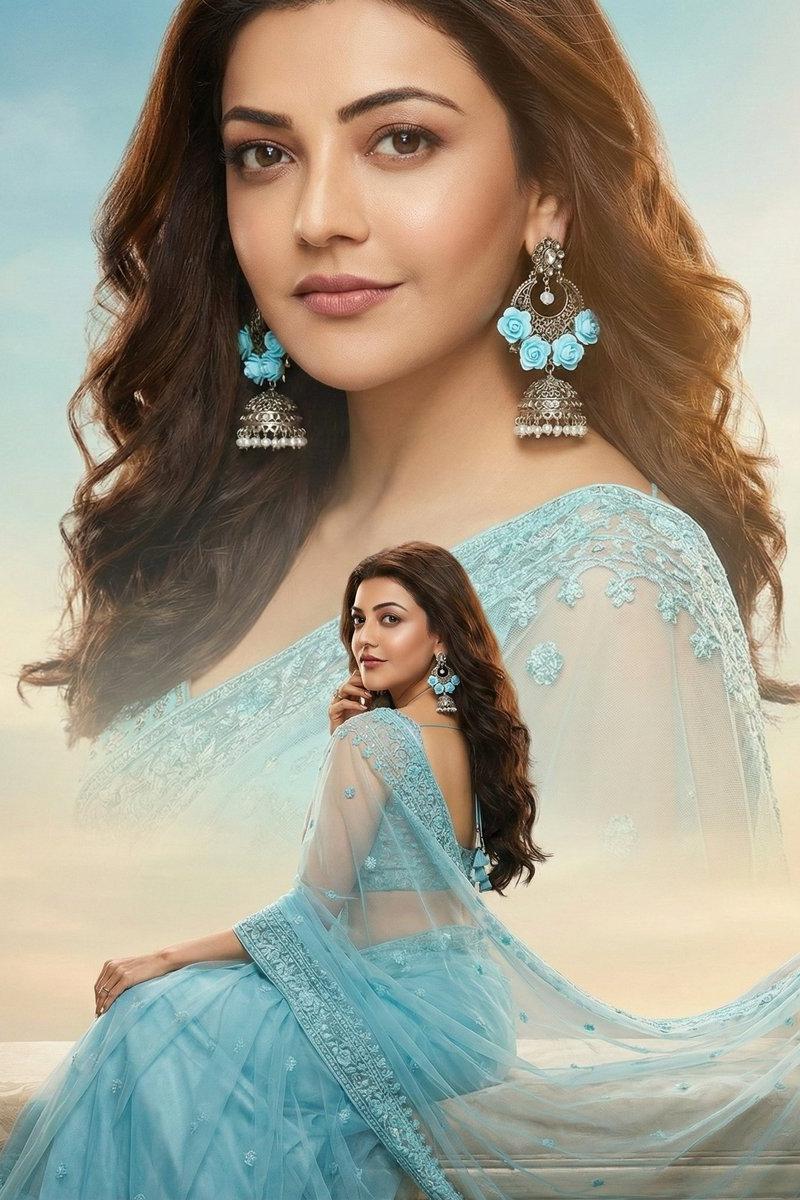
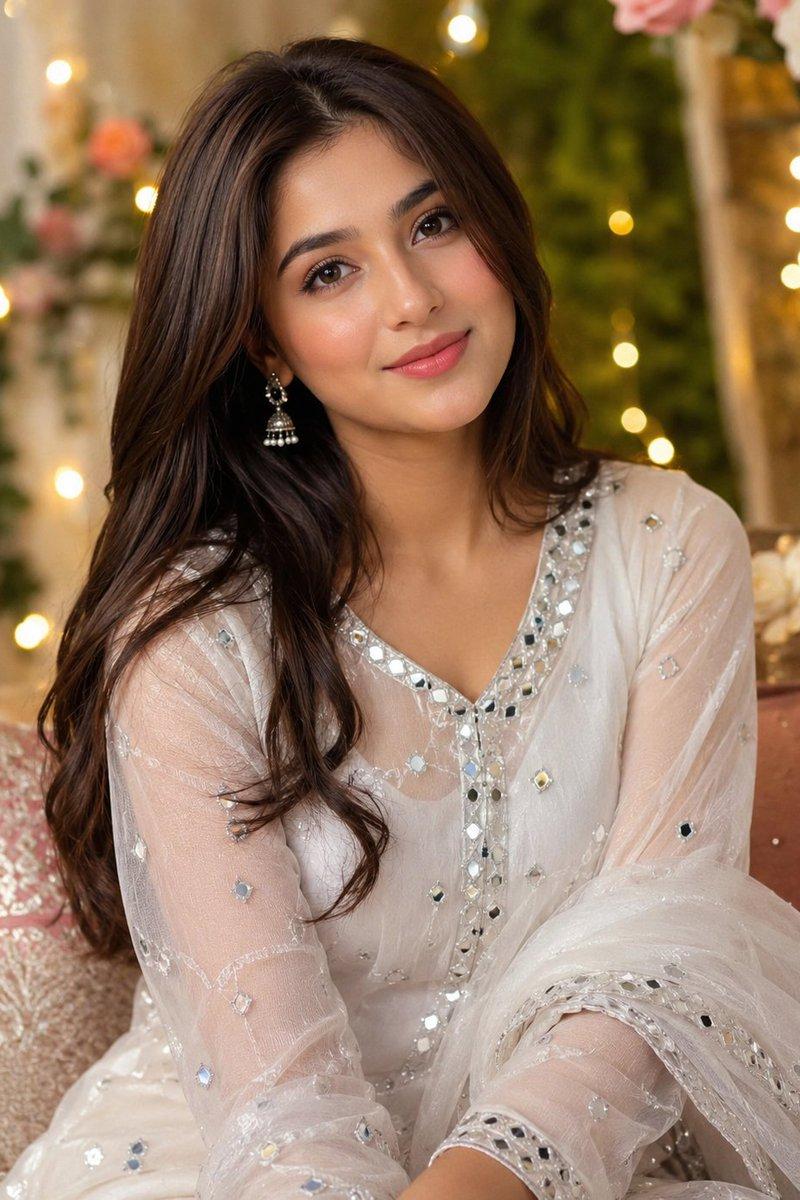
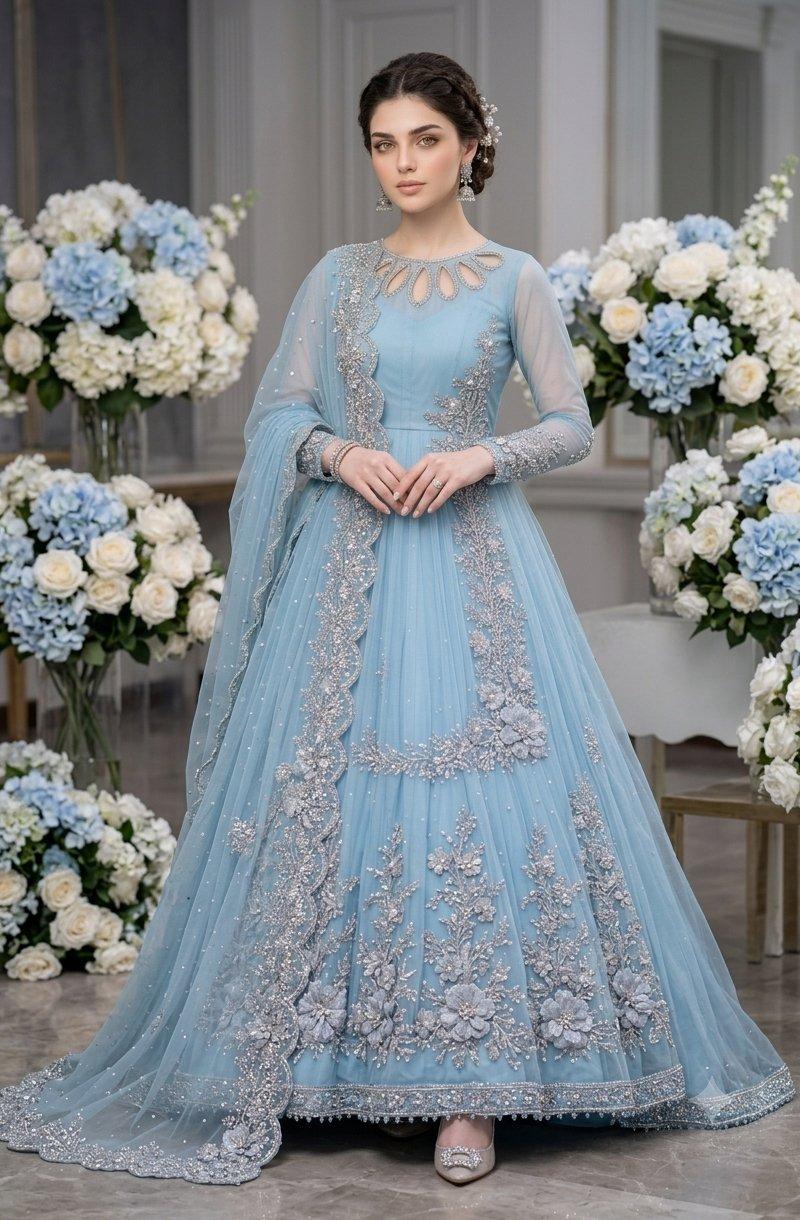
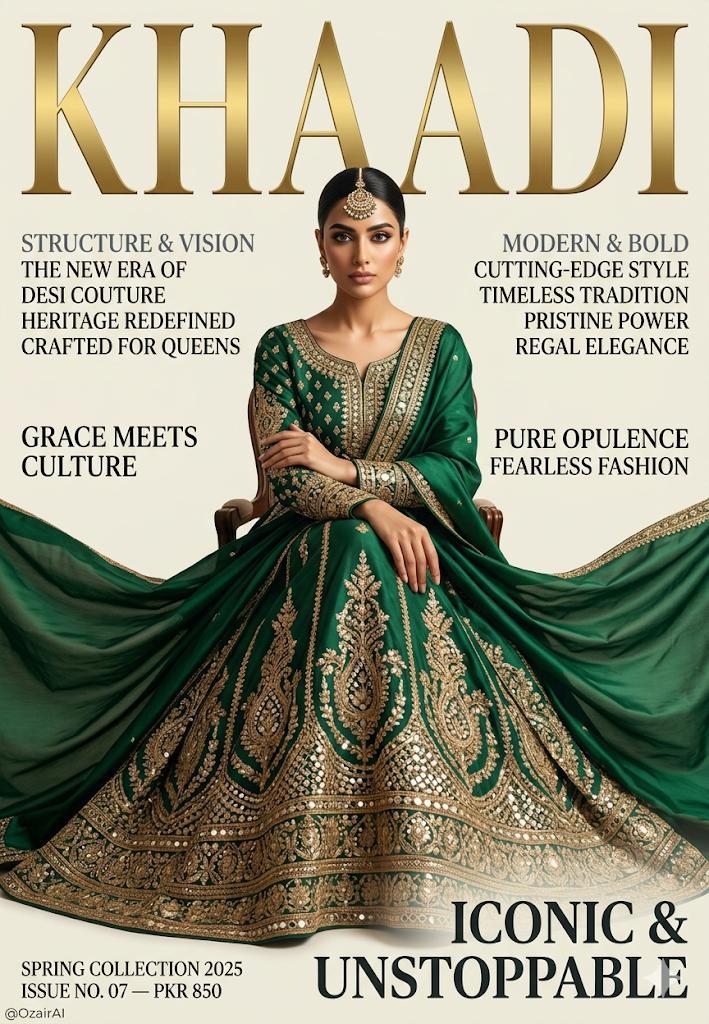
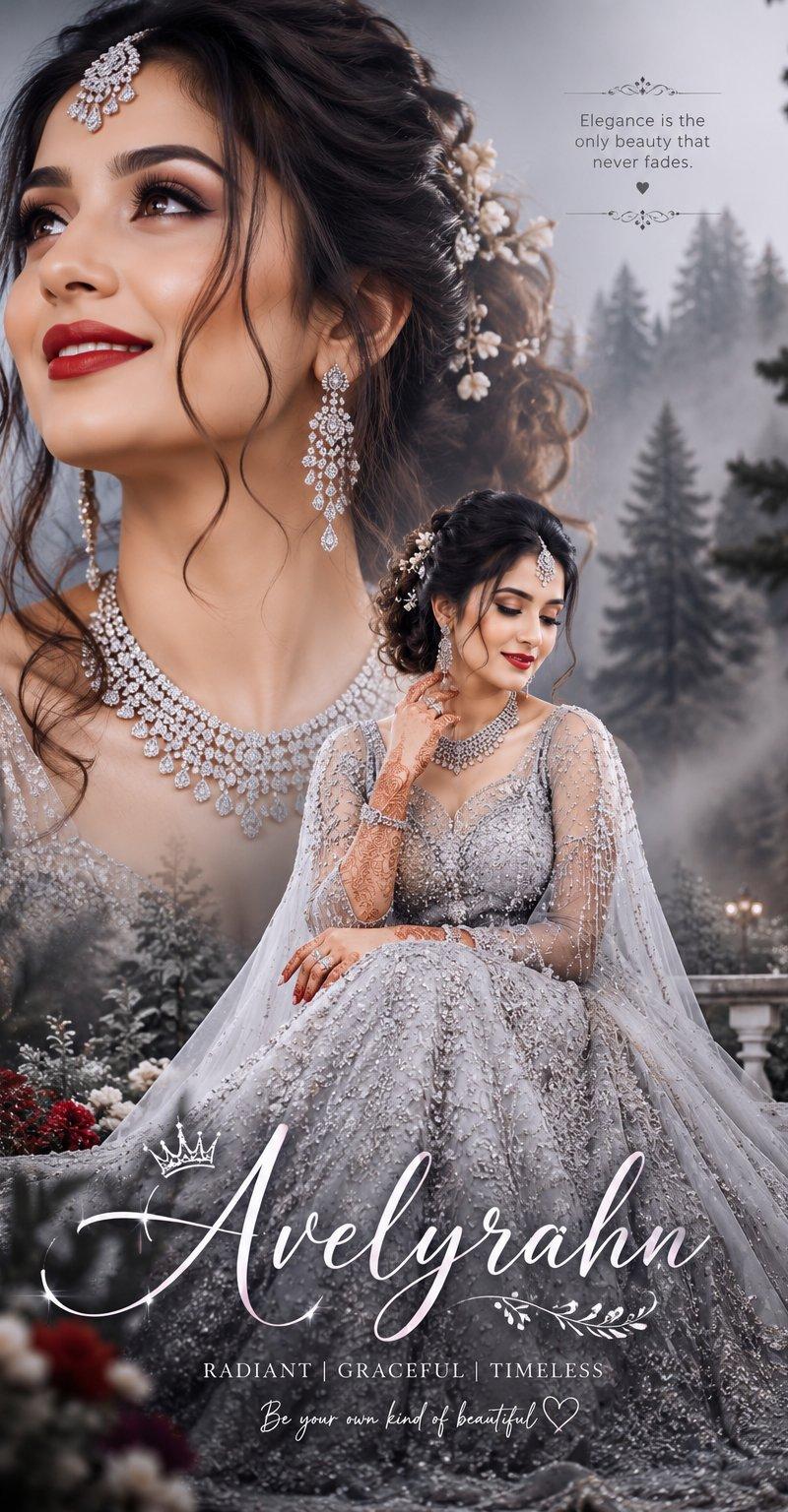
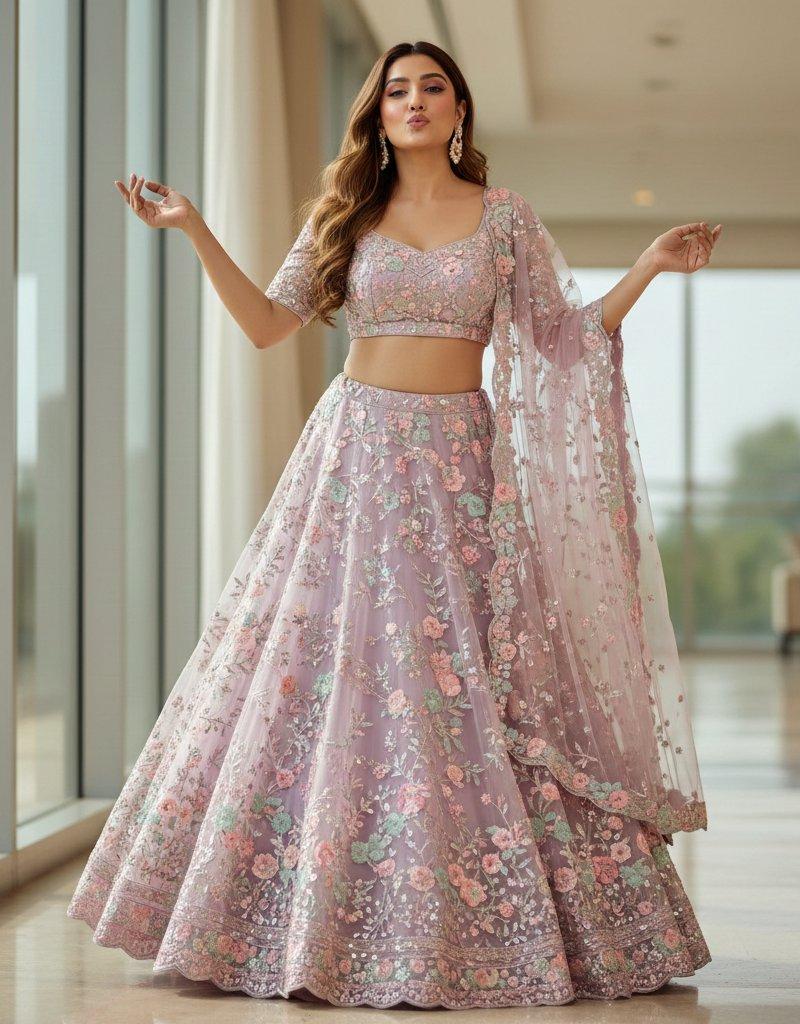
Multi-photo collage poster of a young Indian woman, 18–22 years, fair-wheatish glowing skin, long wavy dark brown hair loose and open, silver jhumka earrings, soft peachy-pink lips, natural makeup — wearing a powder blue floral embroidered full-length Anarkali suit with net dupatta, white thread embroidery detailing, silver flat sandals —4 portrait poses on one poster: (1) 3/4 close-up portrait, soft downward smile, (2) full body standing, hands clasped, complete outfit visible, (3) direct bright smile, slight head tilt, (4) soft side profile, contemplative gaze — Background: soft watercolor wash in sky blue and white, large white cosmos flowers, blue ink splash texture, botanical floral frame elements — creamy soft haze overall, shallow depth of field look on portrait panels, dreamy pastel aesthetic, Instagram trending collage poster layout, 4:6 vertical ratio, high resolution
Category
Charts & Infographics
Model
ChatGPT
Creator
@AvelyrahnAI
Source language
zh-CN
Views34
Source ID
15971
Published
Jun 12, 2026
Studio

Guide

About "印度女性粉蓝色长裙拼贴画海报"

What is this prompt for?

"印度女性粉蓝色长裙拼贴画海报" AI image prompt for ChatGPT (Charts & Infographics). 一名年轻印度女性的多图拼贴海报,18–22岁,白皙偏小麦色发光的皮肤,长波浪深褐色头发自然散开,银色Jhumka耳环,柔和的桃粉色嘴唇,自然妆容——身穿粉蓝色花卉刺绣全长Anar…

The full copyable prompt and example visuals above are ready for AI image generation or one-click recreate in Picva.

How to use this prompt

  1. Step 1

    Open the prompt detail

    Review the example visuals, category, and full prompt text for "印度女性粉蓝色长裙拼贴画海报".

  2. Step 2

    Copy the prompt

    Copy the prompt body from this page, or load it directly in Studio.

  3. Step 3

    Pick a model (ChatGPT)

    Prefer ChatGPT. If you switch models, keep subject and composition and tweak style terms.

  4. Step 4

    Generate and export

    Recreate the look in Picva, or export into your workflow for editing and publishing.

FAQ

What is the "印度女性粉蓝色长裙拼贴画海报" prompt?
It is an AI image-generation prompt for ChatGPT in the Charts & Infographics category. This page includes the full prompt text, example visuals, and a one-click recreate path in Picva.
How do I use this prompt to generate an image?
Copy the prompt from this page, or use Generate / Studio. Paste it into a compatible image model, or recreate the look in Picva with optional reference images.
Which model is this prompt for?
This page lists ChatGPT. Most descriptive prompts also transfer to nearby image models such as GPT Image, Flux, or Midjourney with light style tweaks.
Can I use the result commercially?
You can usually copy the prompt for creation, but commercial use of the final image depends on the model terms, reference-image rights, and the generated content. Follow the source author and platform rules.