10

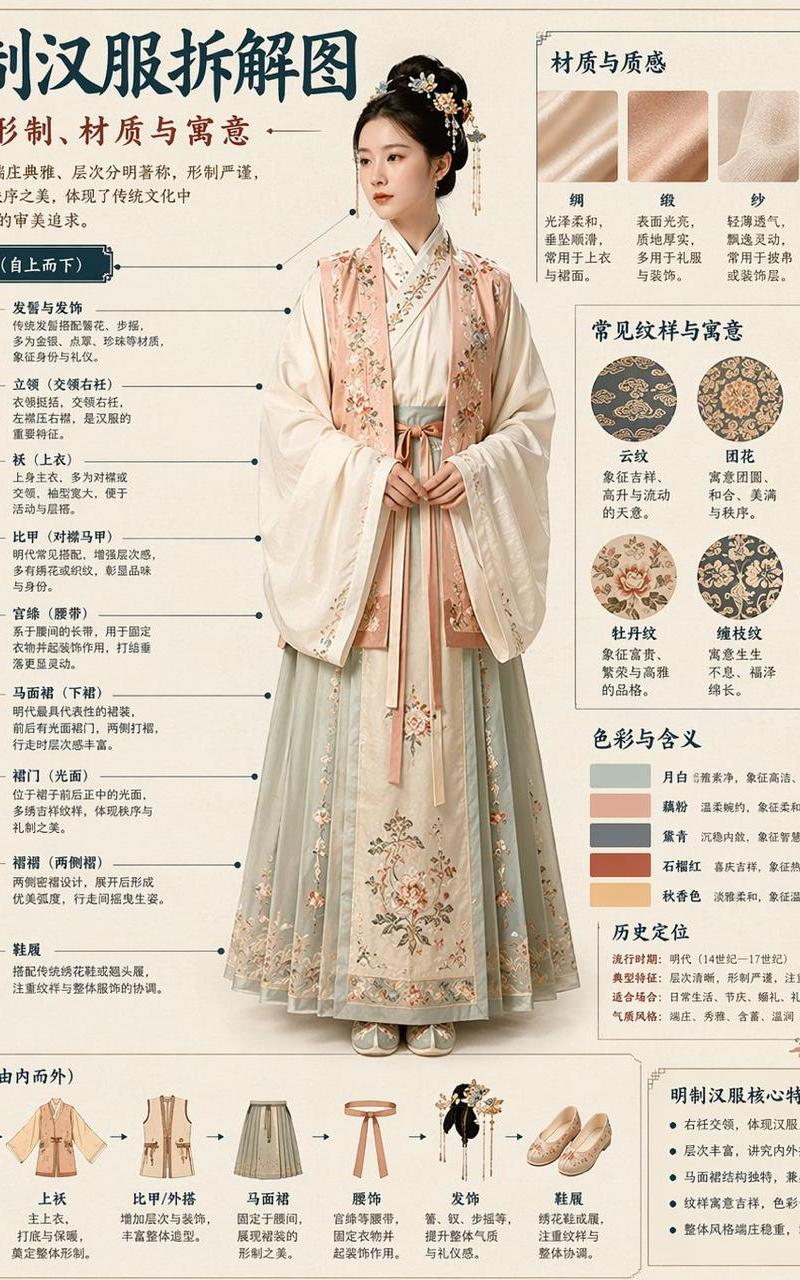
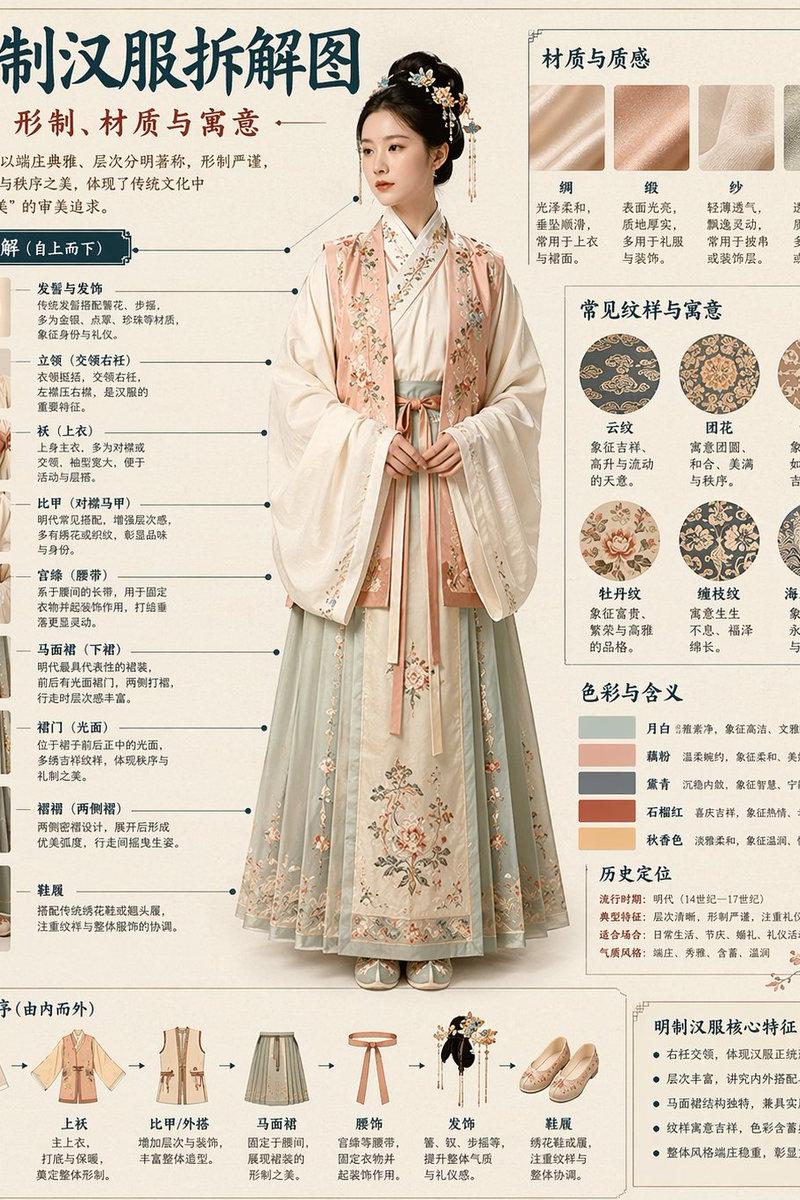
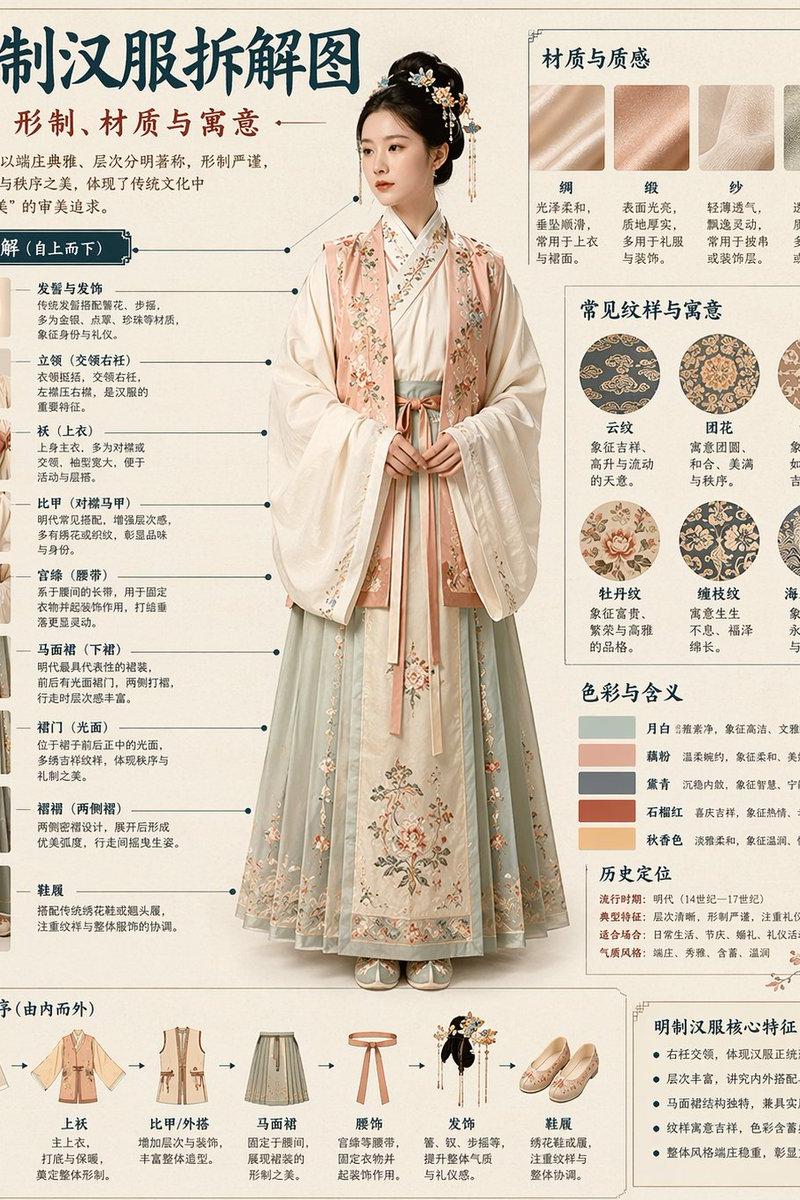
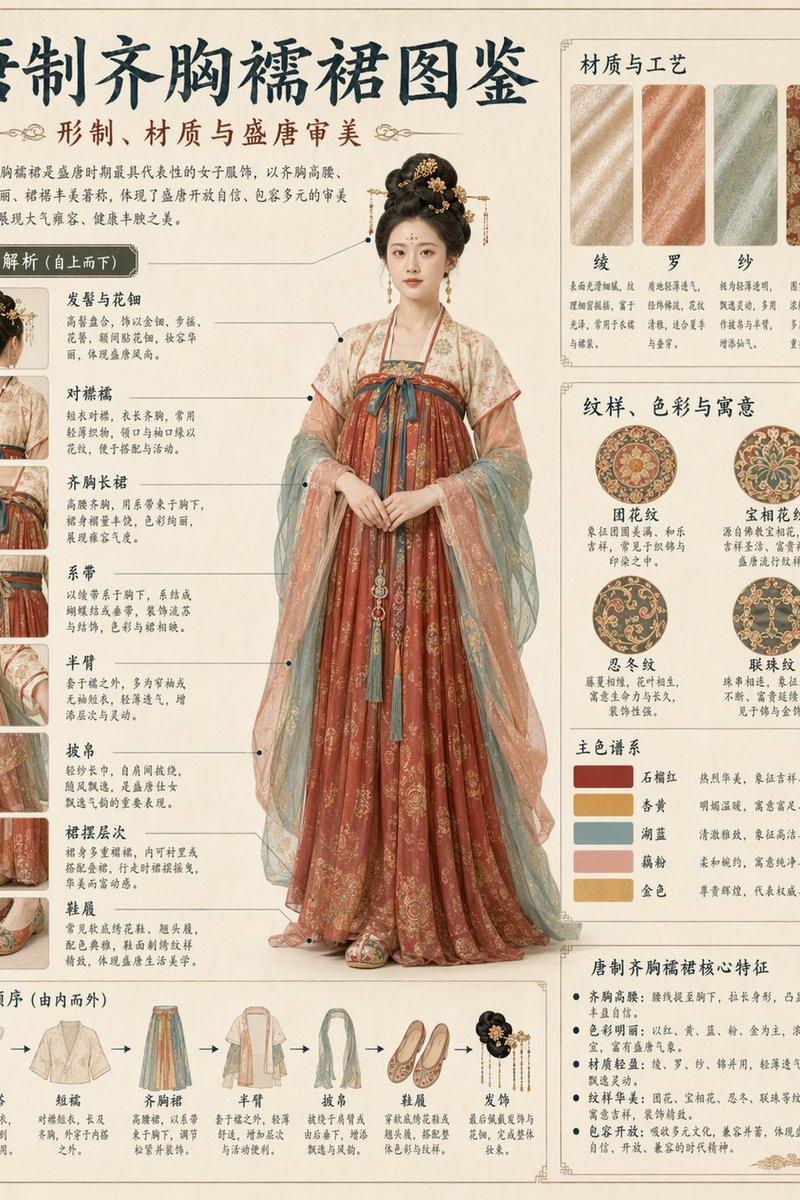
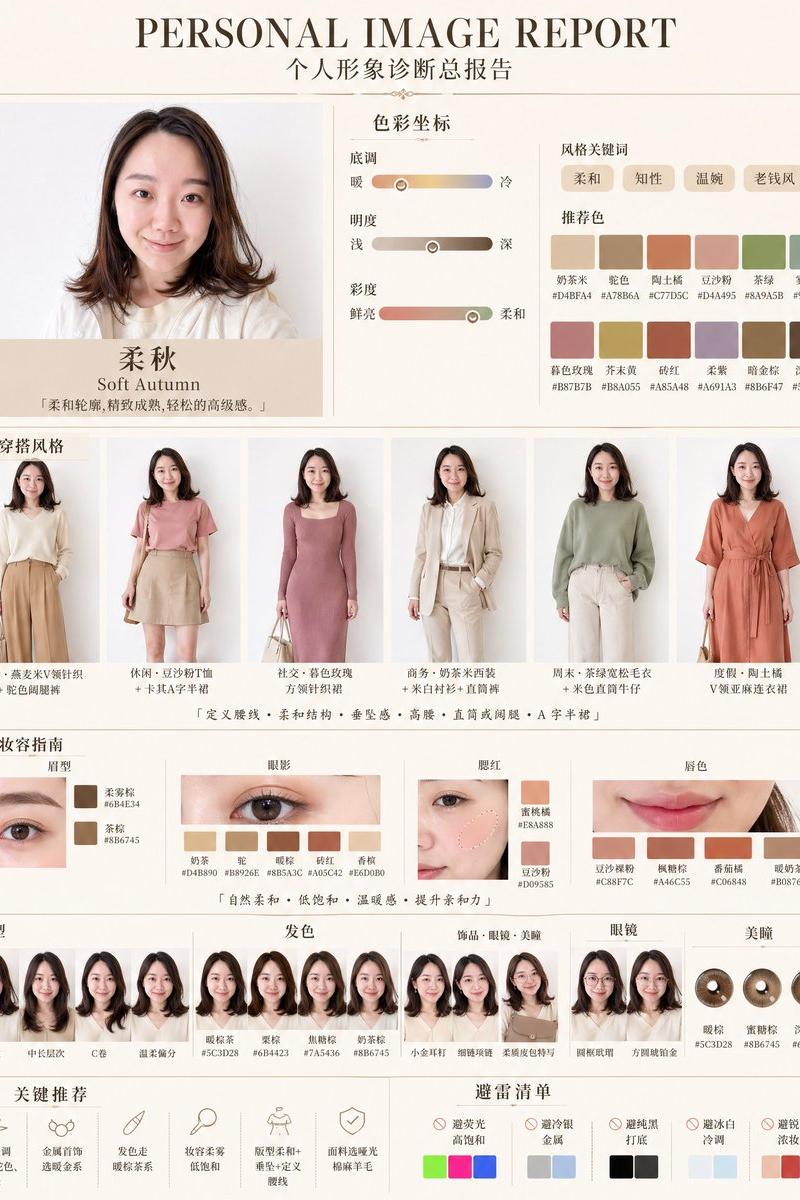
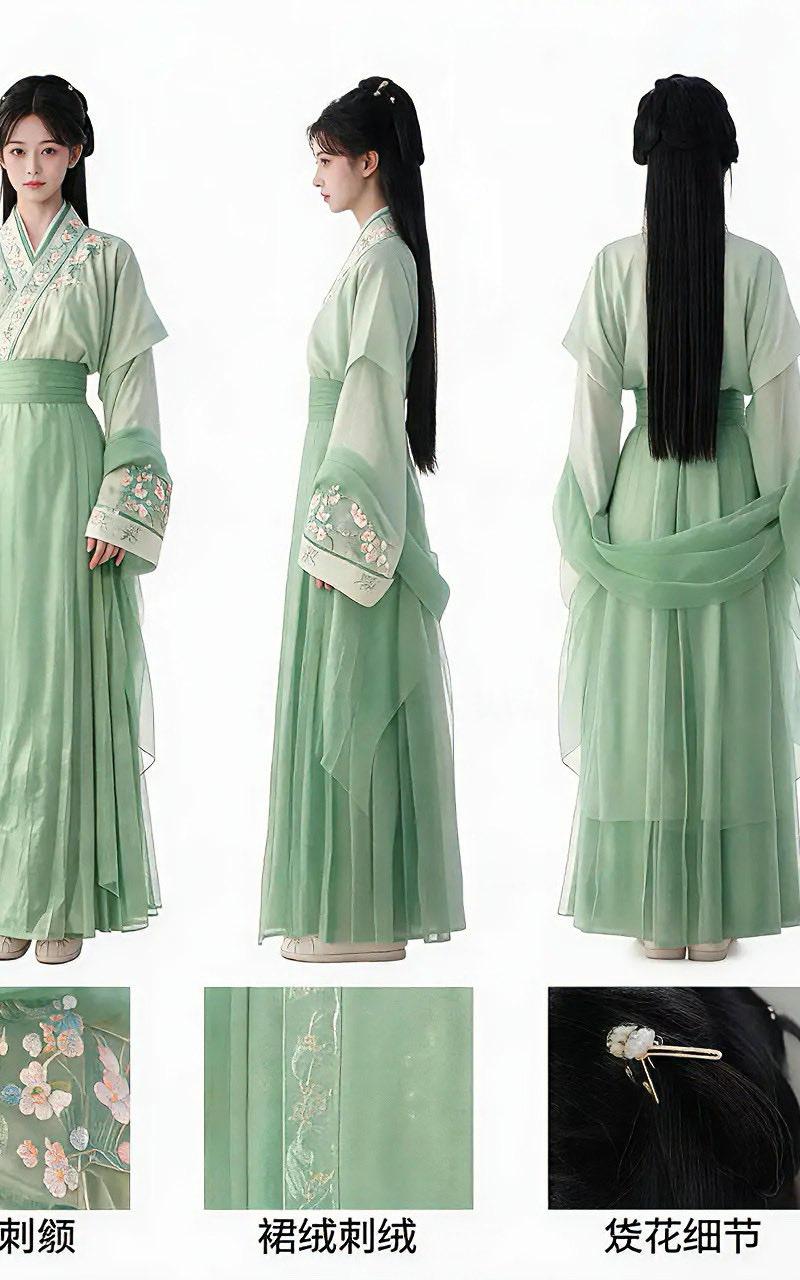
超写实国风角色三视图设定
Enlarge

Example images

超写实国风角色三视图设定

Prompt
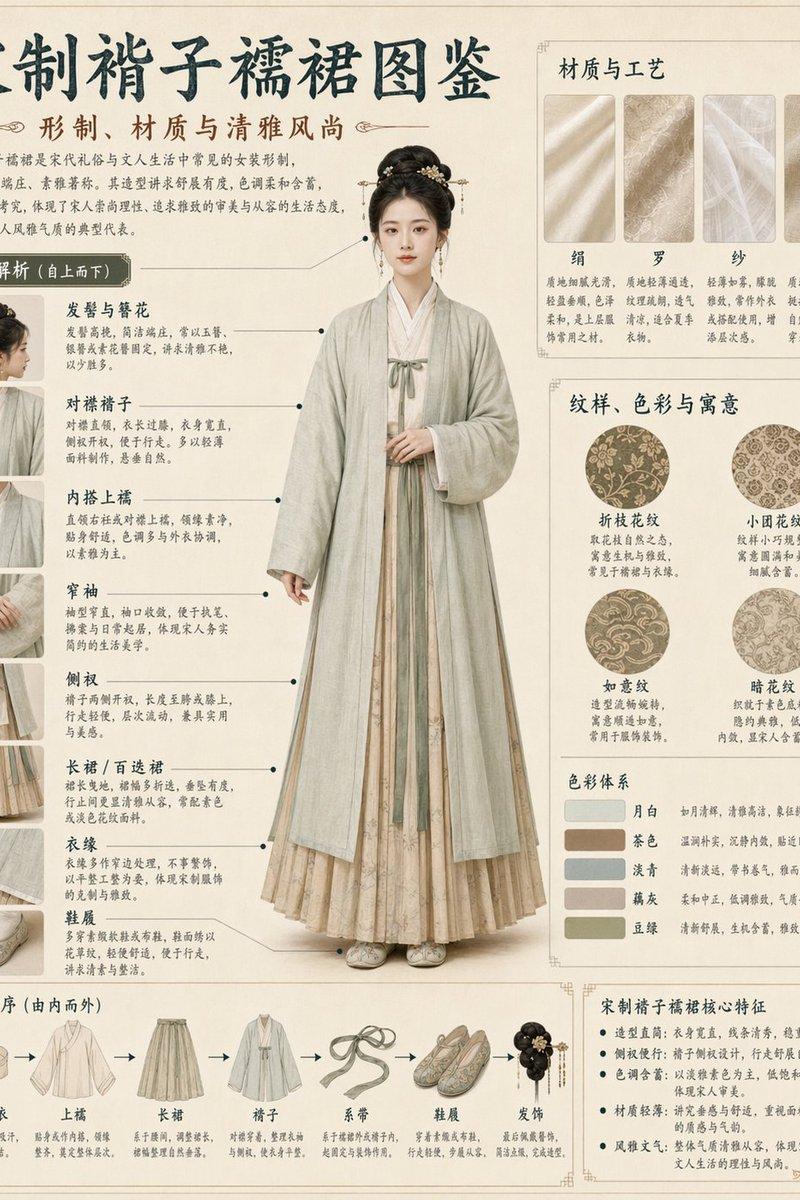
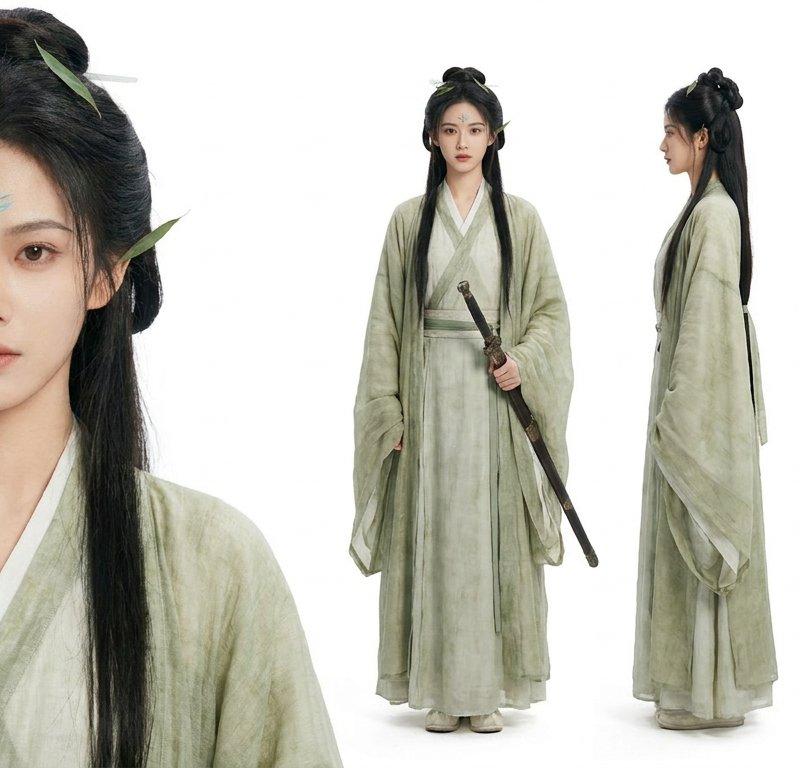
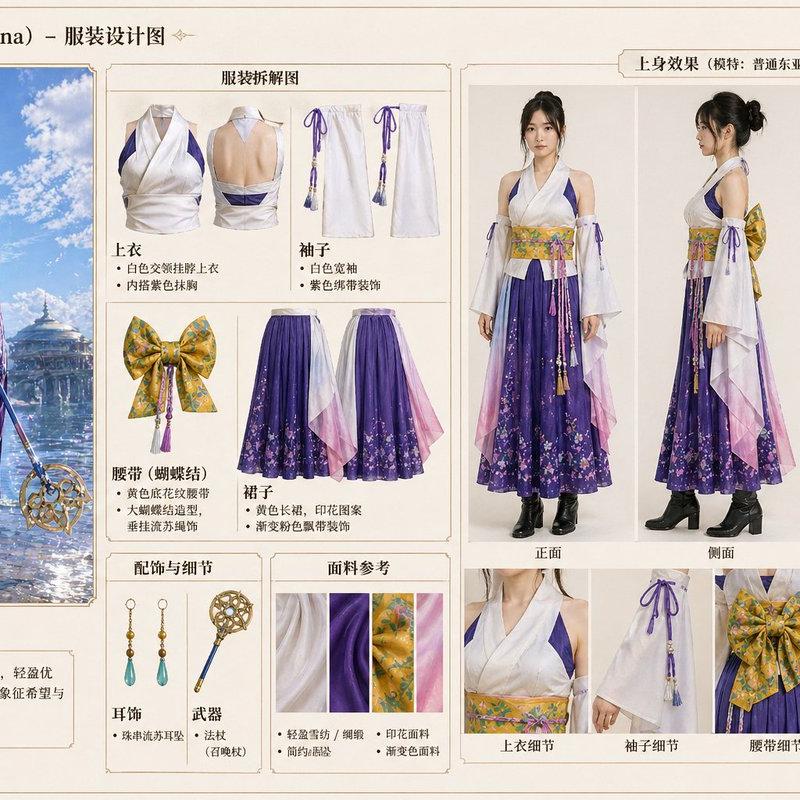
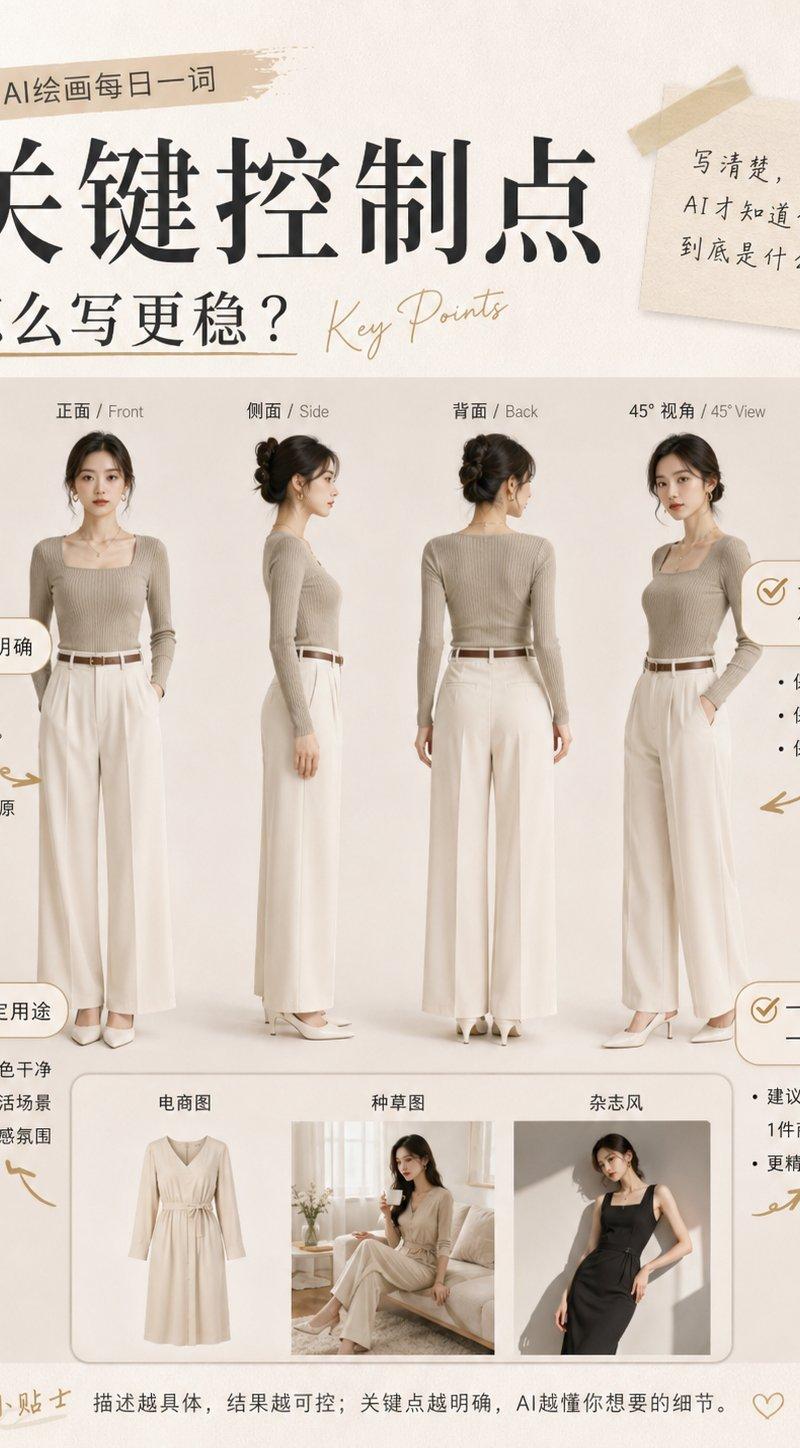
(Three-view drawing) 1. Main visual area (top) takes the "Front + Side + Back" three core perspectives as the main body, intuitively presenting the character's overall body shape, clothing matching, and iconic features, which is the reference basis for production personnel for the character's "overall modeling". 2. Supplementary information area (left) splits out "face close-up" and "color palette" (clarifying the color values of hair and clothing), supplementing details and color standards not covered by the main perspectives. 3. Local detail area (bottom) uses small modules to separately display the design of key components (accessories, embellishments, key identity recognition elements), splitting the "blurred details" in the main perspective into precise production references, convenient for the director to confirm. 4. Full-body proportion photo (right) uses golden ratio reference objects and the character's height to form a contrast. 5. Background is white, highest quality with rich details. 6 【Realistic Human】 Hyper-realistic Chinese style, modern style, realistic style, textured lighting, natural light, full of texture, 8K high-definition texture, natural fabric folds, artistic realistic style, creating a shocking visual effect.
Category
Charts & Infographics
Model
ChatGPT
Creator
@GrayNoteLab
Source language
zh-CN
Views67
Source ID
16963
Published
Jun 28, 2026
Studio

Guide

About "超写实国风角色三视图设定"

What is this prompt for?

"超写实国风角色三视图设定" AI image prompt for ChatGPT (Charts & Infographics). (三视图) 1.主视觉区 (上方)以 "正面 + 侧面 + 背面" 三个核心视角为主体,直观呈现角色的整体身形、服饰搭配和标志性特征,是制作人员对人物 "整体造型" 的参考基础。 2…

The full copyable prompt and example visuals above are ready for AI image generation or one-click recreate in Picva.

How to use this prompt

  1. Step 1

    Open the prompt detail

    Review the example visuals, category, and full prompt text for "超写实国风角色三视图设定".

  2. Step 2

    Copy the prompt

    Copy the prompt body from this page, or load it directly in Studio.

  3. Step 3

    Pick a model (ChatGPT)

    Prefer ChatGPT. If you switch models, keep subject and composition and tweak style terms.

  4. Step 4

    Generate and export

    Recreate the look in Picva, or export into your workflow for editing and publishing.

FAQ

What is the "超写实国风角色三视图设定" prompt?
It is an AI image-generation prompt for ChatGPT in the Charts & Infographics category. This page includes the full prompt text, example visuals, and a one-click recreate path in Picva.
How do I use this prompt to generate an image?
Copy the prompt from this page, or use Generate / Studio. Paste it into a compatible image model, or recreate the look in Picva with optional reference images.
Which model is this prompt for?
This page lists ChatGPT. Most descriptive prompts also transfer to nearby image models such as GPT Image, Flux, or Midjourney with light style tweaks.
Can I use the result commercially?
You can usually copy the prompt for creation, but commercial use of the final image depends on the model terms, reference-image rights, and the generated content. Follow the source author and platform rules.