19

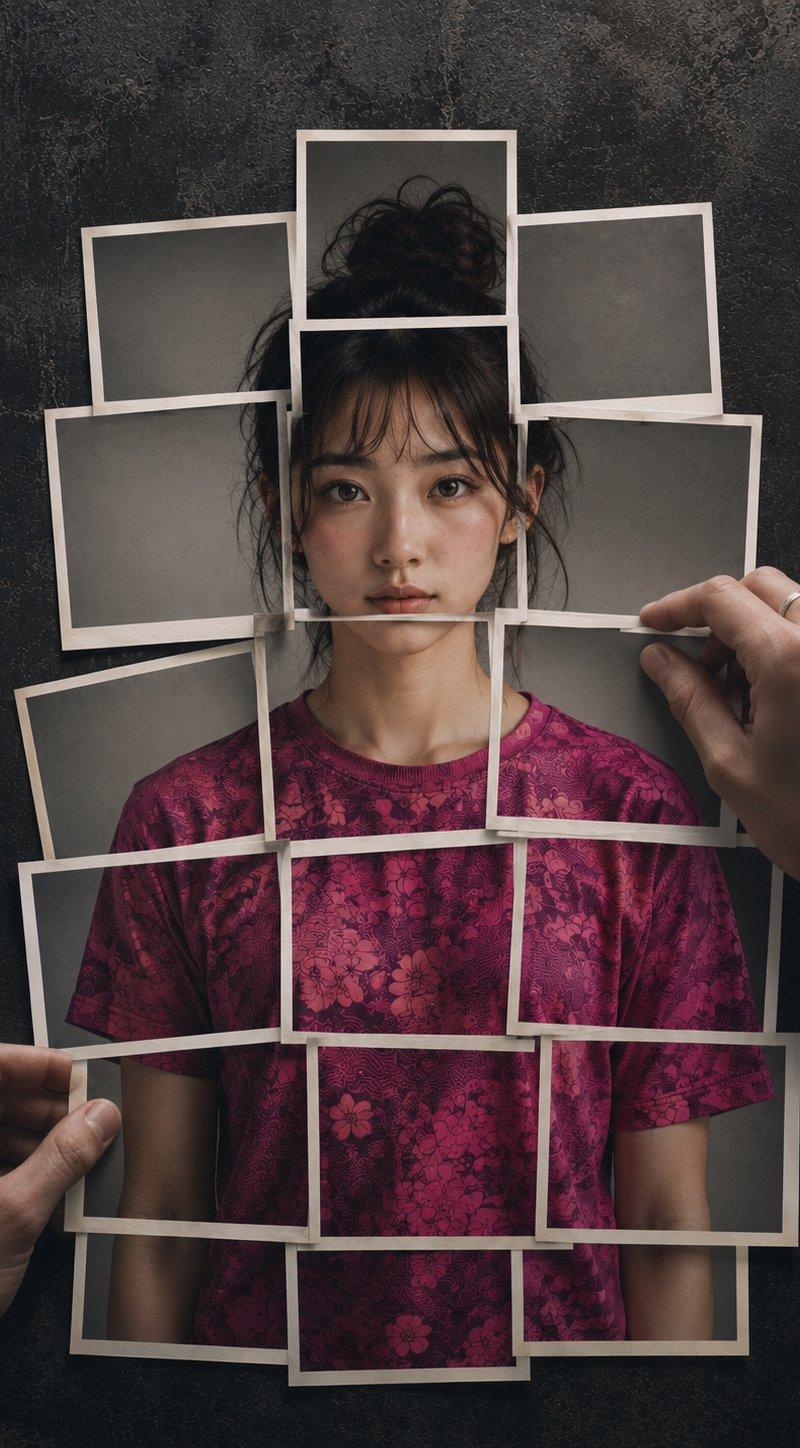
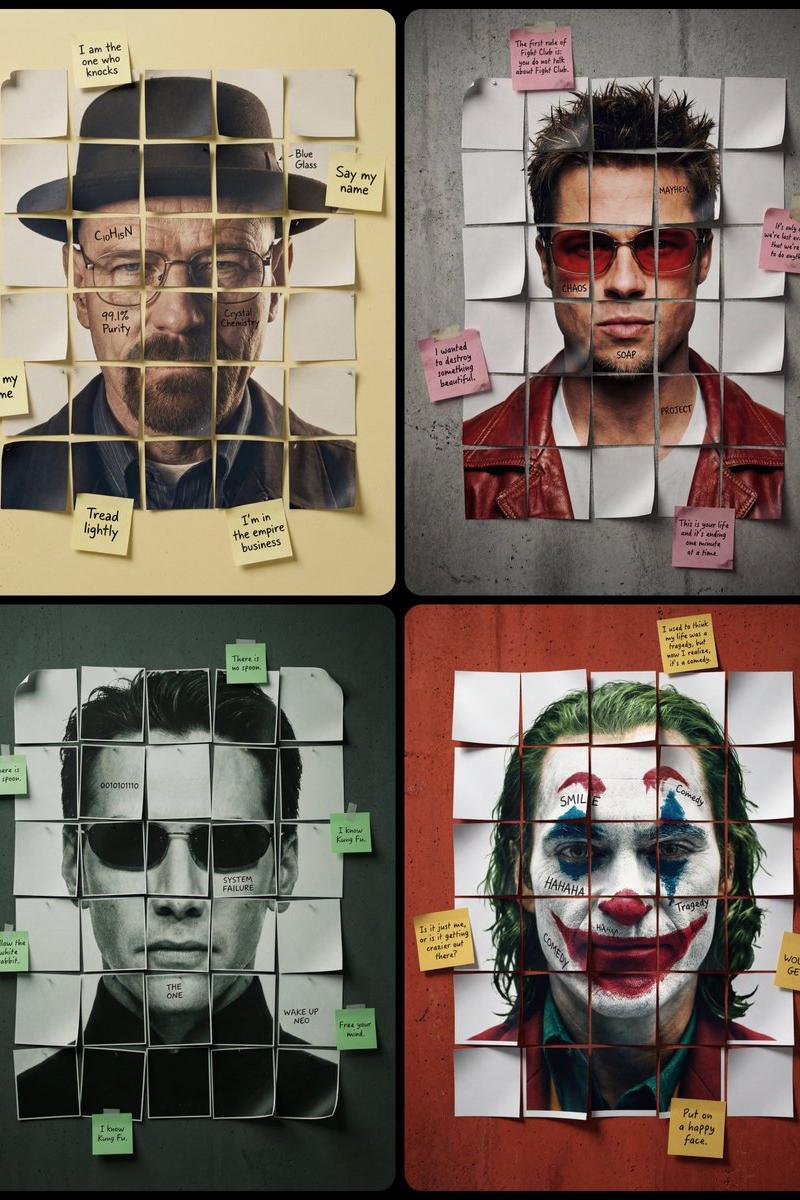
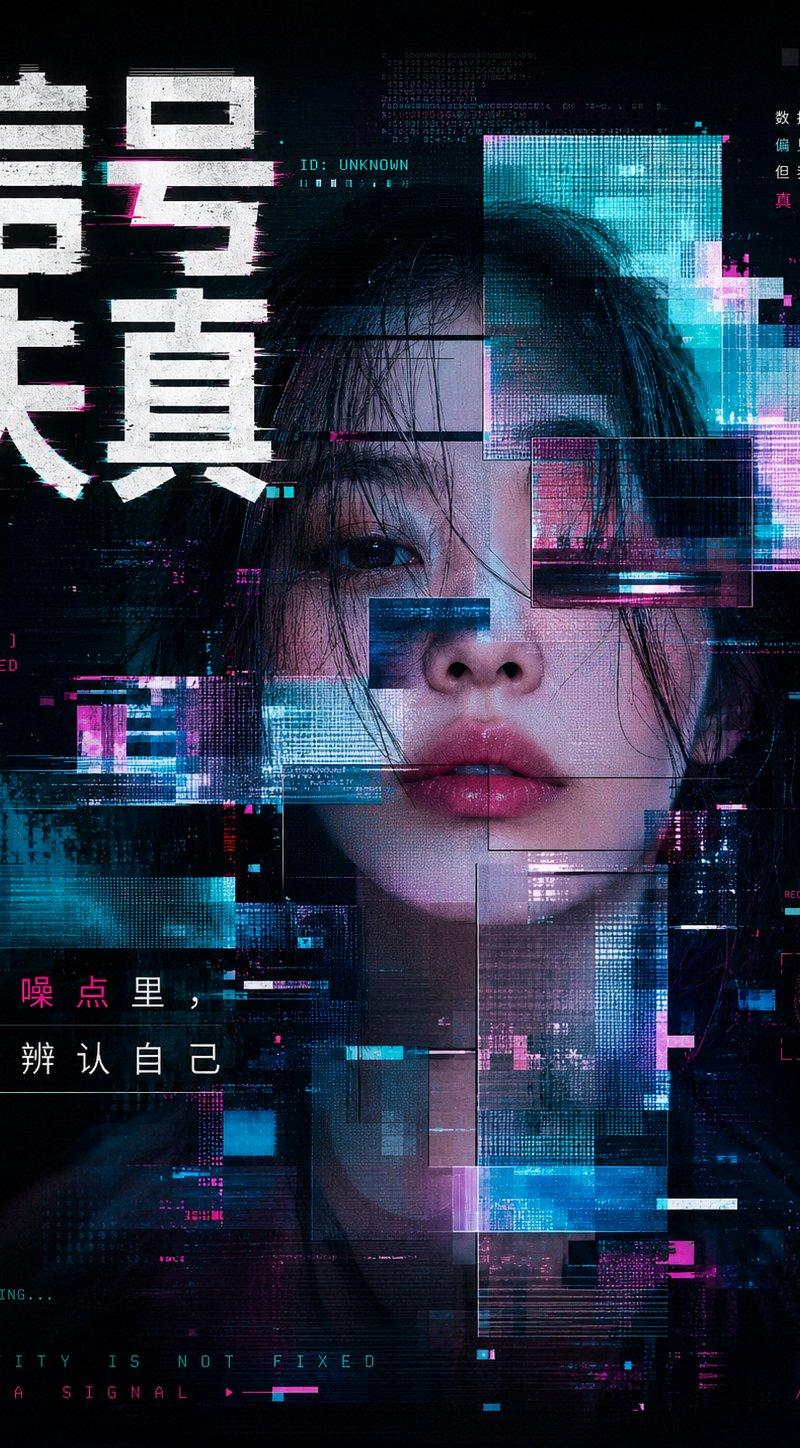
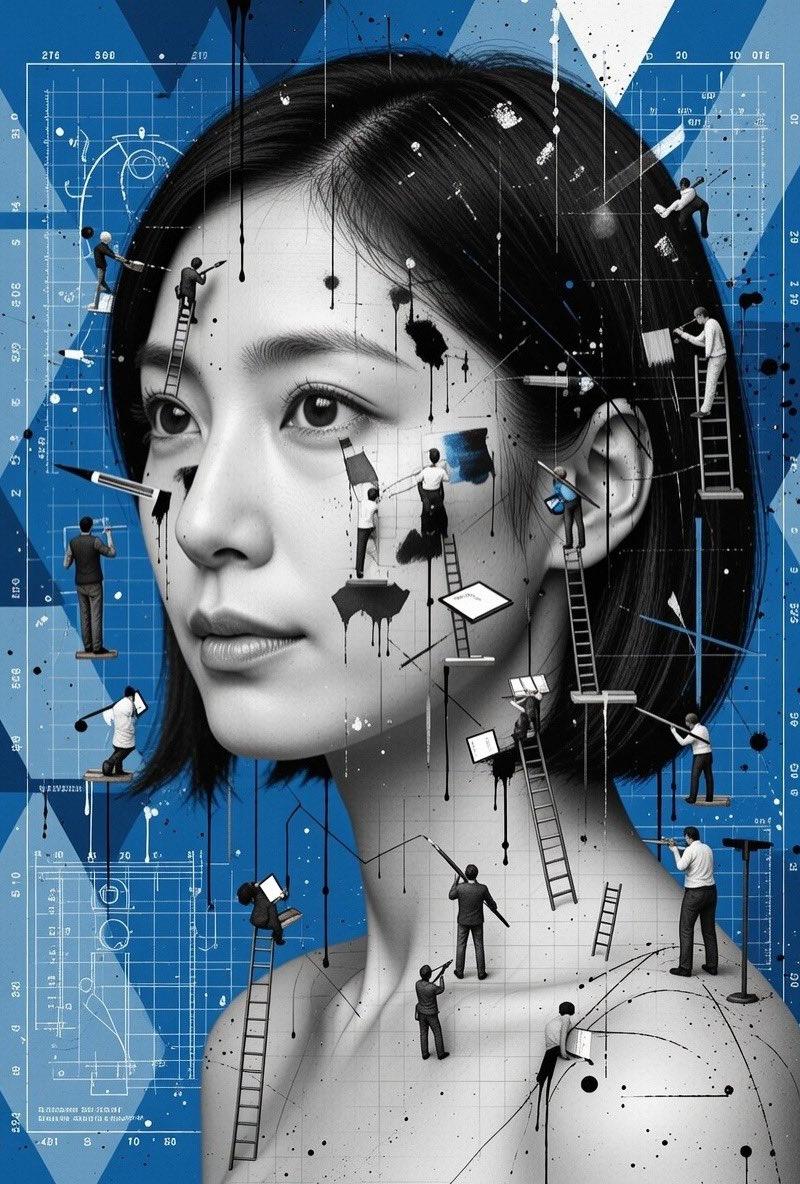
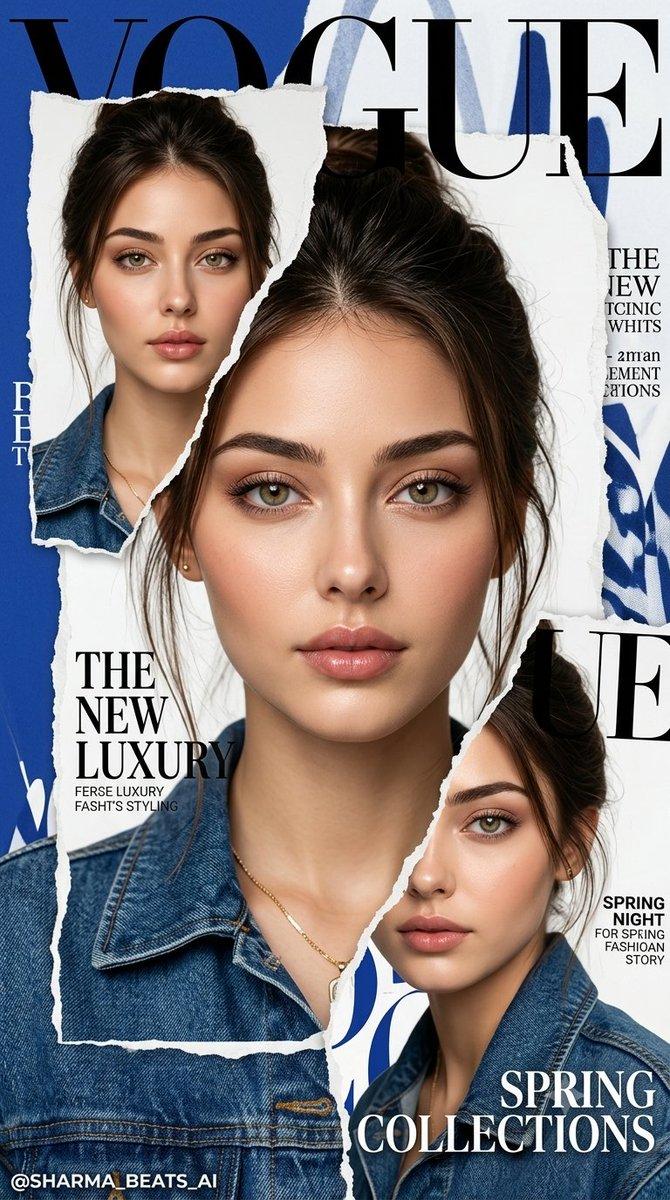
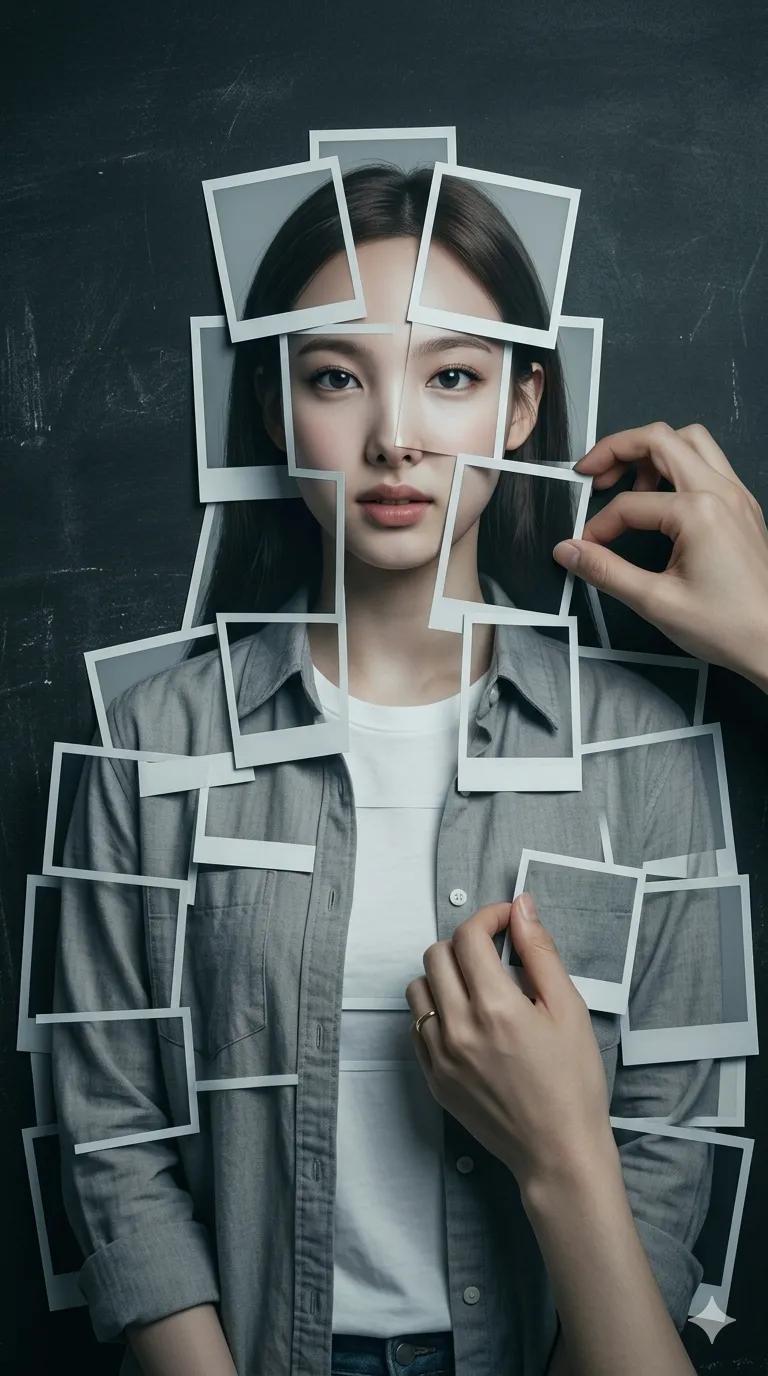
拍立得照片拼接人物超写实摄影
Enlarge

Example images

拍立得照片拼接人物超写实摄影

Prompt
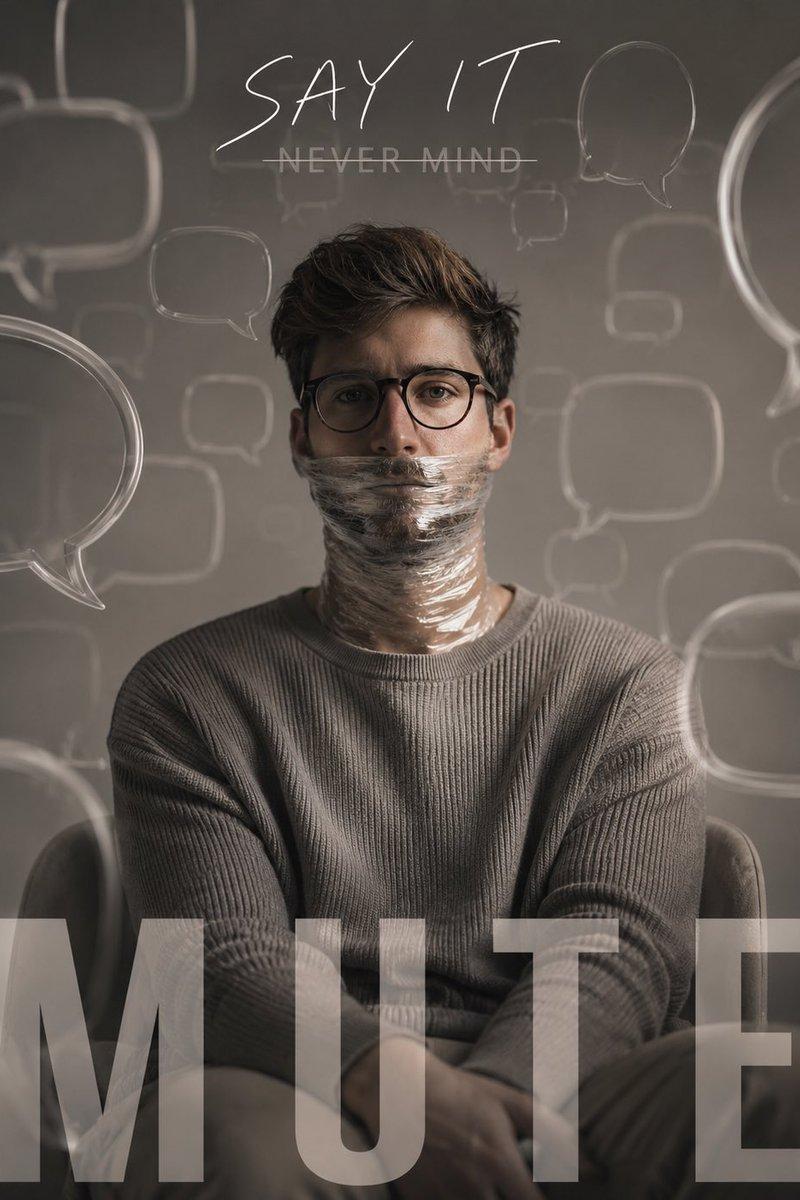
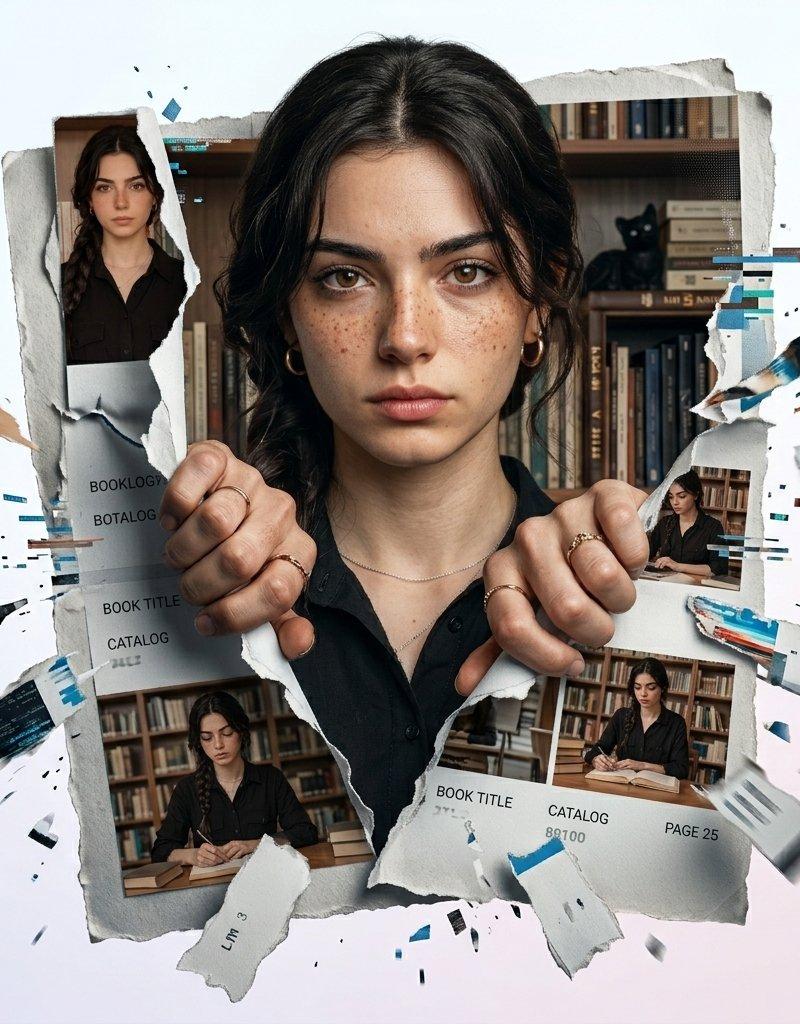
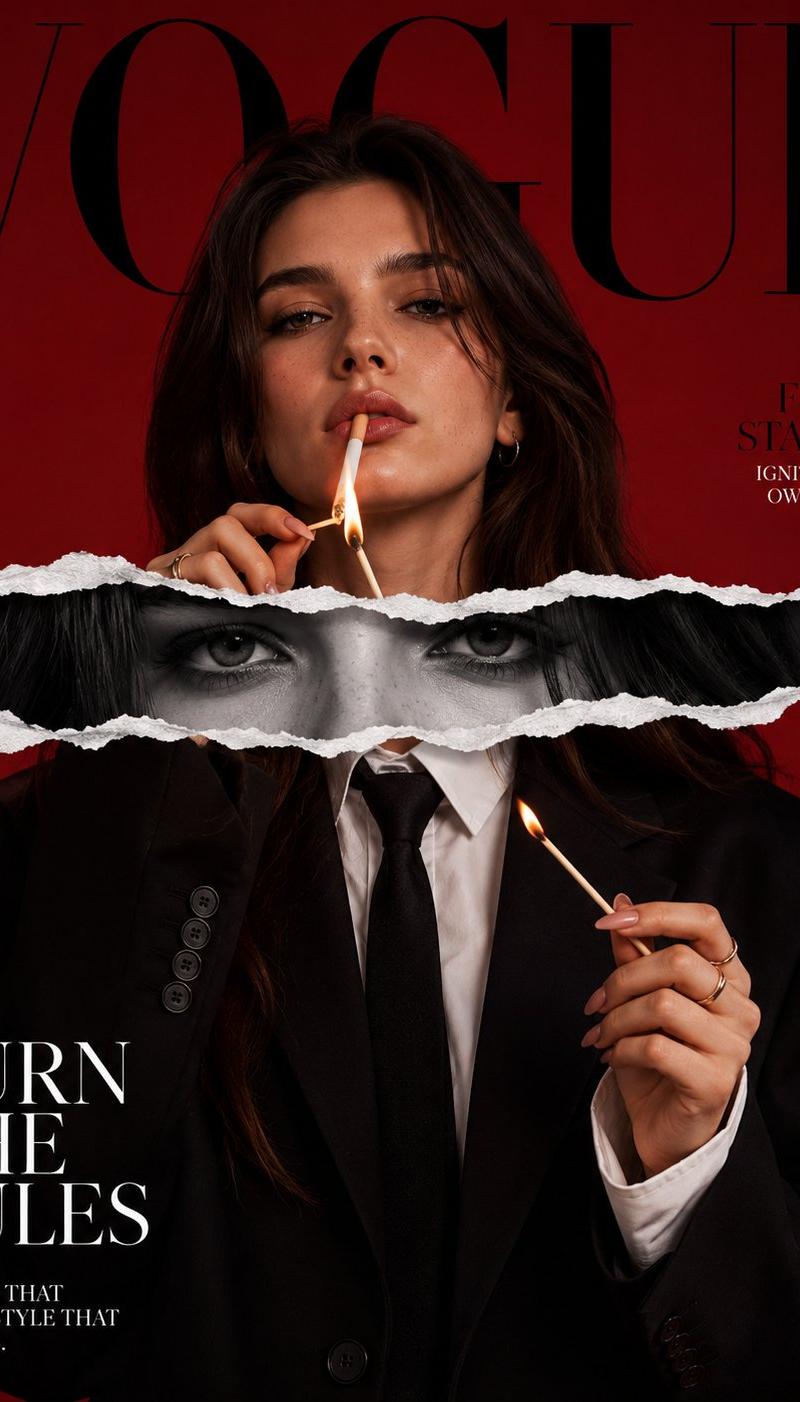
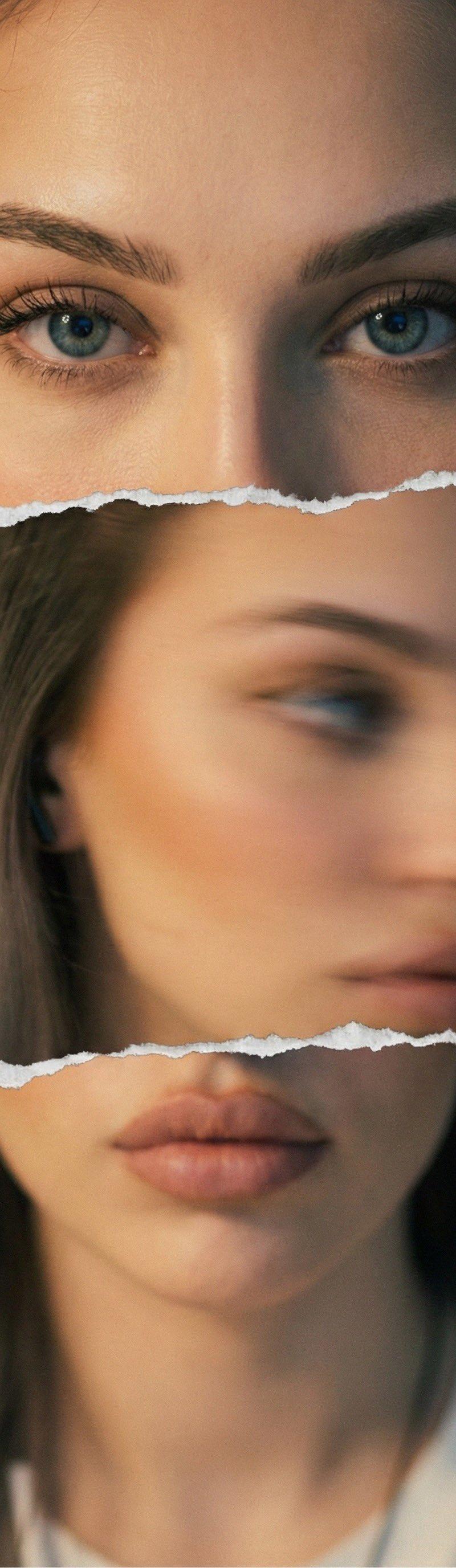
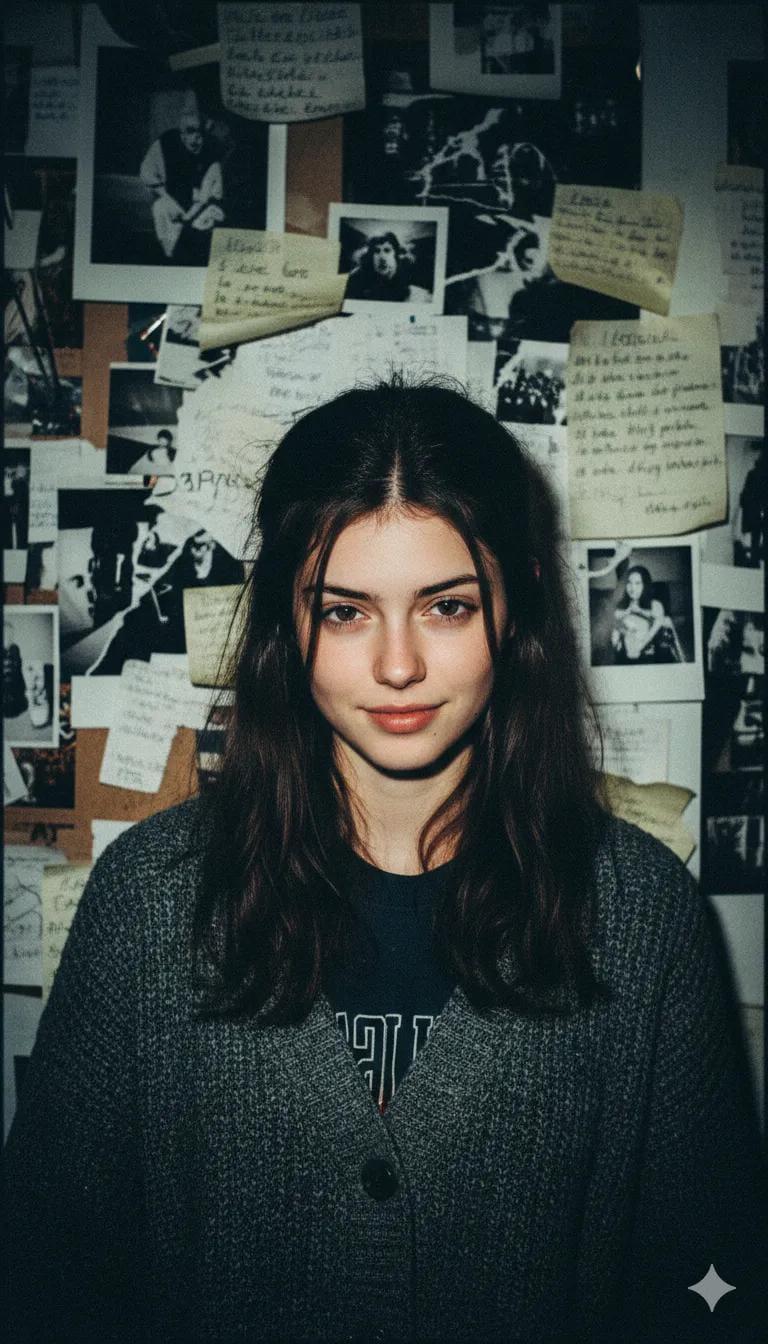
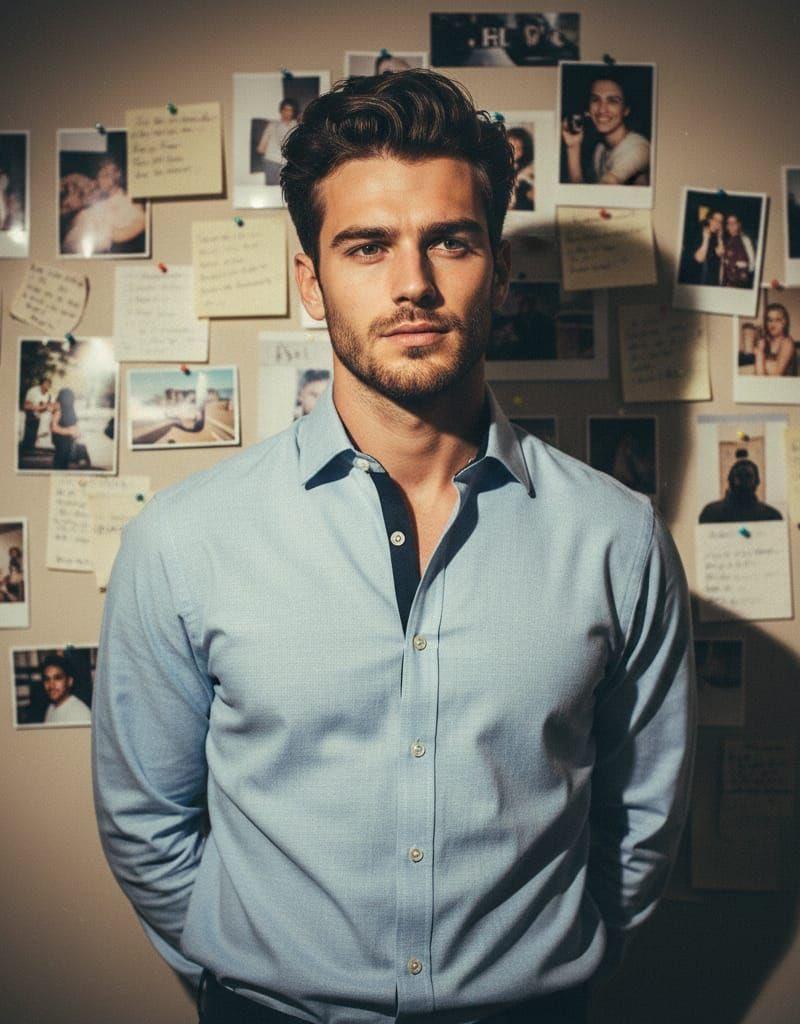
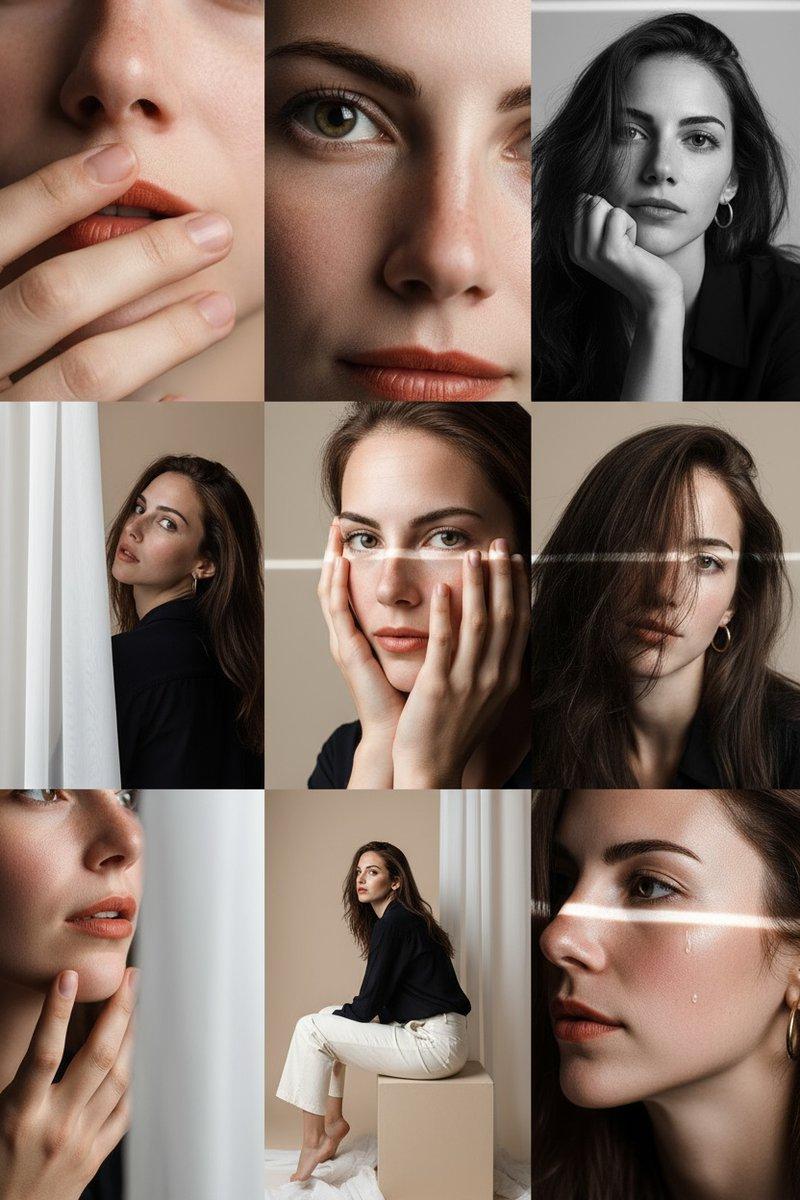
Hyperrealistic 8K photograph of a human figure composed of instant photographic prints layered on a dark, distressed, slate-textured, modern minimalist background. The figure, displaying the reference face, is meticulously assembled from approximately 20 separate photographs showing a fucsia patterned T-shirt. Two hands reach out to adjust the photos; one hand pinches the corner of a print, revealing a subtle ring. Cinematic studio lighting, soft shadows, and 3D depth. Cool and warm color palette, muted and desaturated. Medium shot, eye level, natural proportions.
Category
Charts & Infographics
Model
Nano banana pro
Creator
@Kashberg_0
Source language
zh-CN
Views77
Source ID
15736
Published
Jun 10, 2026
Studio

Guide

About "拍立得照片拼接人物超写实摄影"

What is this prompt for?

"拍立得照片拼接人物超写实摄影" AI image prompt for Nano banana pro (Charts & Infographics). 极高保真度的 8K 摄影,一个人形由层叠在深色、陈旧、板岩纹理、现代简约背景上的即时显影照片组成。该人物展示了参考面部,由大约 20 张显示一件紫红色图案 T 恤…

The full copyable prompt and example visuals above are ready for AI image generation or one-click recreate in Picva.

How to use this prompt

  1. Step 1

    Open the prompt detail

    Review the example visuals, category, and full prompt text for "拍立得照片拼接人物超写实摄影".

  2. Step 2

    Copy the prompt

    Copy the prompt body from this page, or load it directly in Studio.

  3. Step 3

    Pick a model (Nano banana pro)

    Prefer Nano banana pro. If you switch models, keep subject and composition and tweak style terms.

  4. Step 4

    Generate and export

    Recreate the look in Picva, or export into your workflow for editing and publishing.

FAQ

What is the "拍立得照片拼接人物超写实摄影" prompt?
It is an AI image-generation prompt for Nano banana pro in the Charts & Infographics category. This page includes the full prompt text, example visuals, and a one-click recreate path in Picva.
How do I use this prompt to generate an image?
Copy the prompt from this page, or use Generate / Studio. Paste it into a compatible image model, or recreate the look in Picva with optional reference images.
Which model is this prompt for?
This page lists Nano banana pro. Most descriptive prompts also transfer to nearby image models such as GPT Image, Flux, or Midjourney with light style tweaks.
Can I use the result commercially?
You can usually copy the prompt for creation, but commercial use of the final image depends on the model terms, reference-image rights, and the generated content. Follow the source author and platform rules.