19

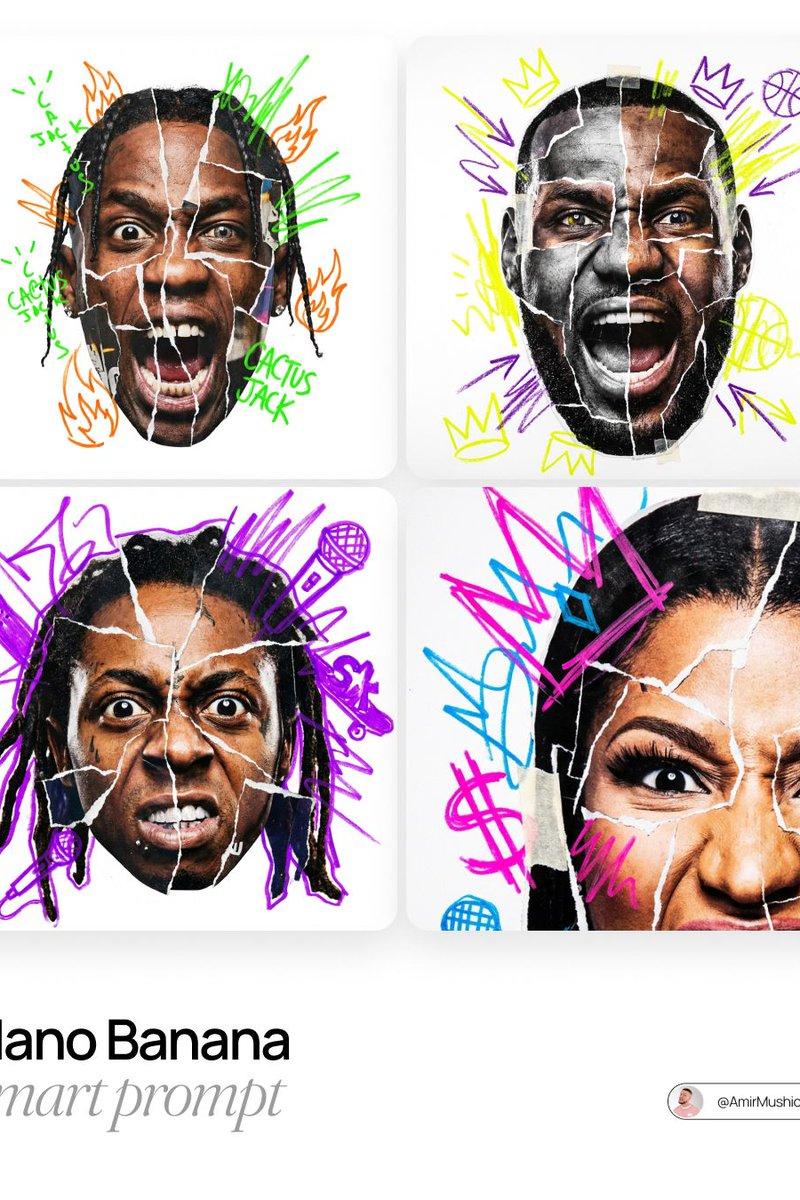
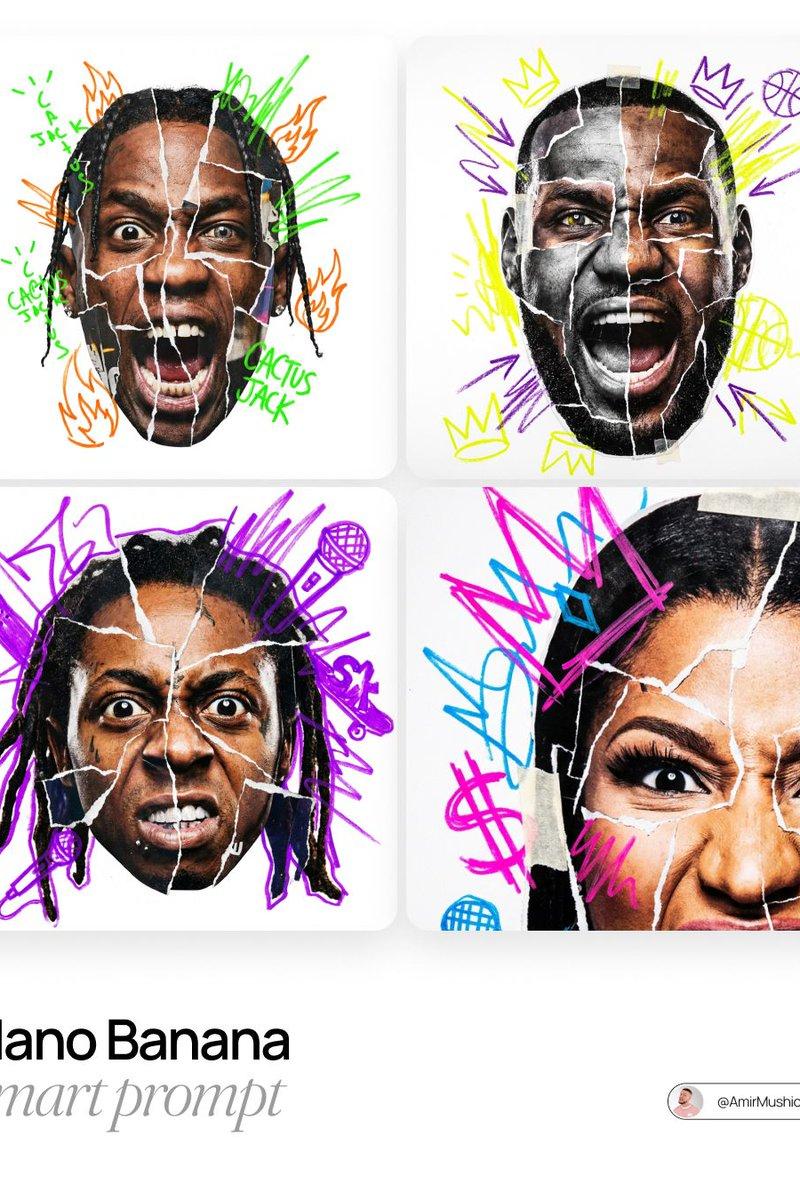
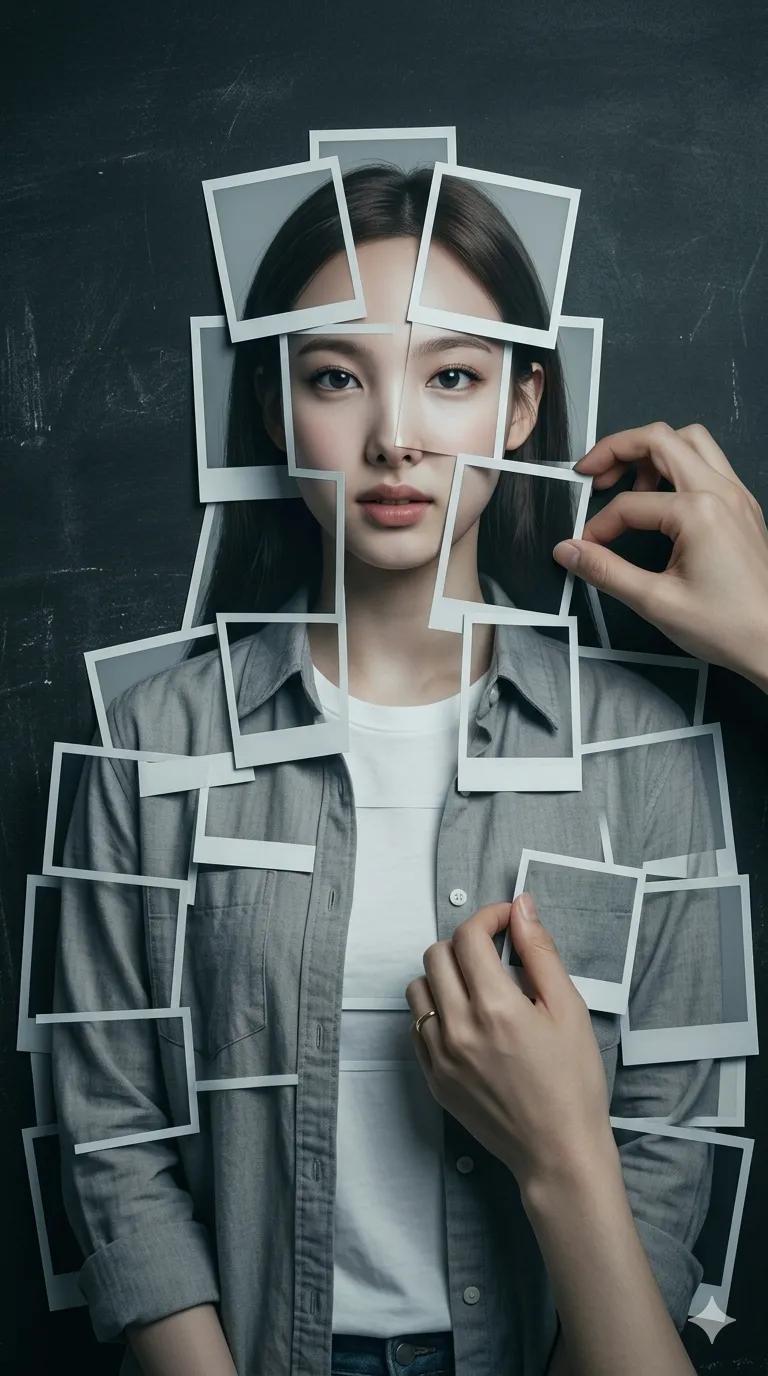
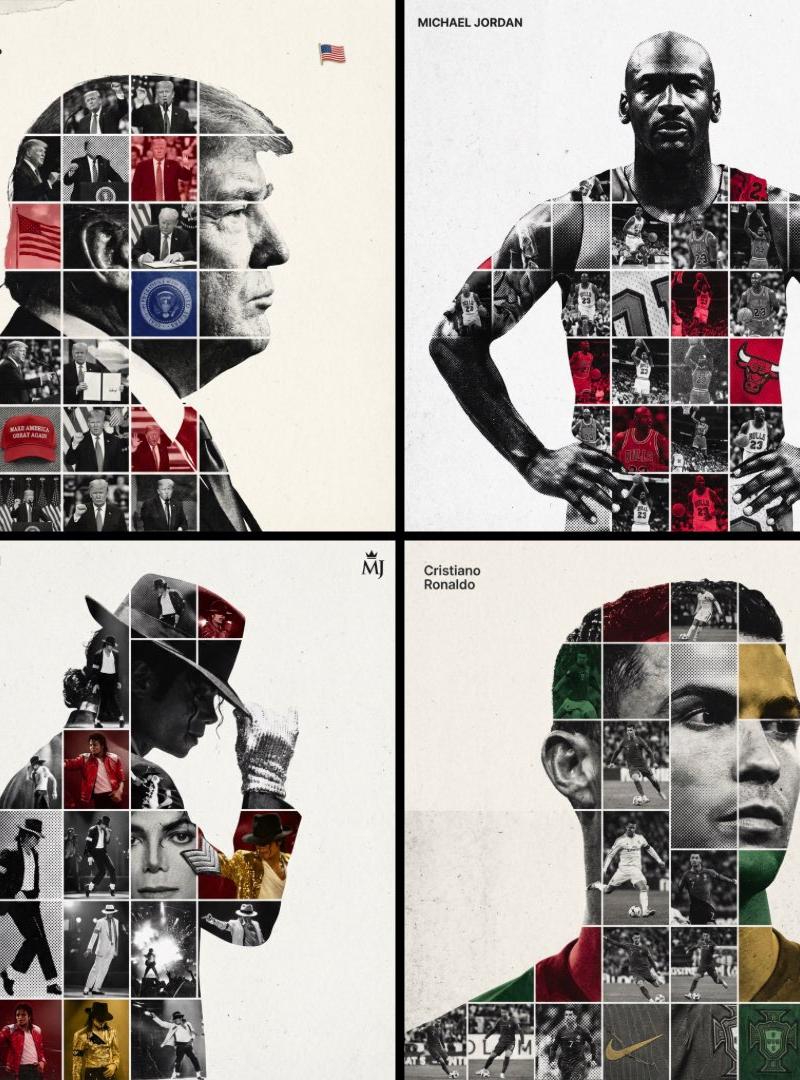
Editorial poster: GPT Image 2 prompt
Enlarge

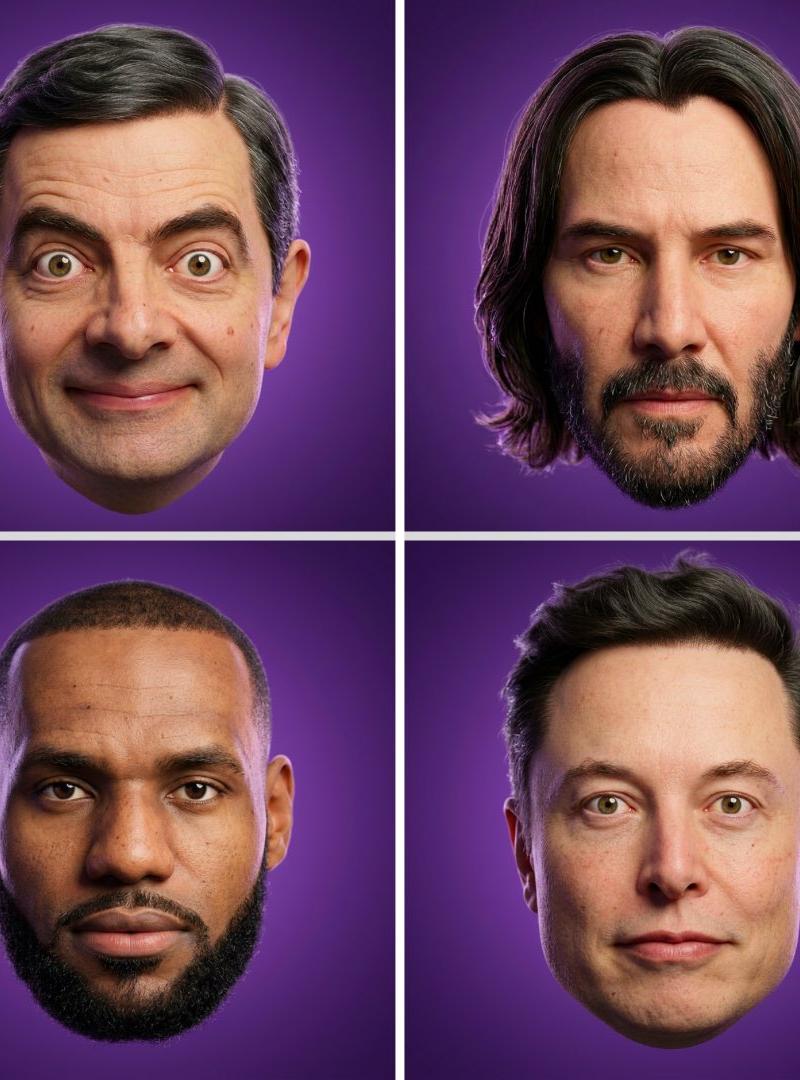
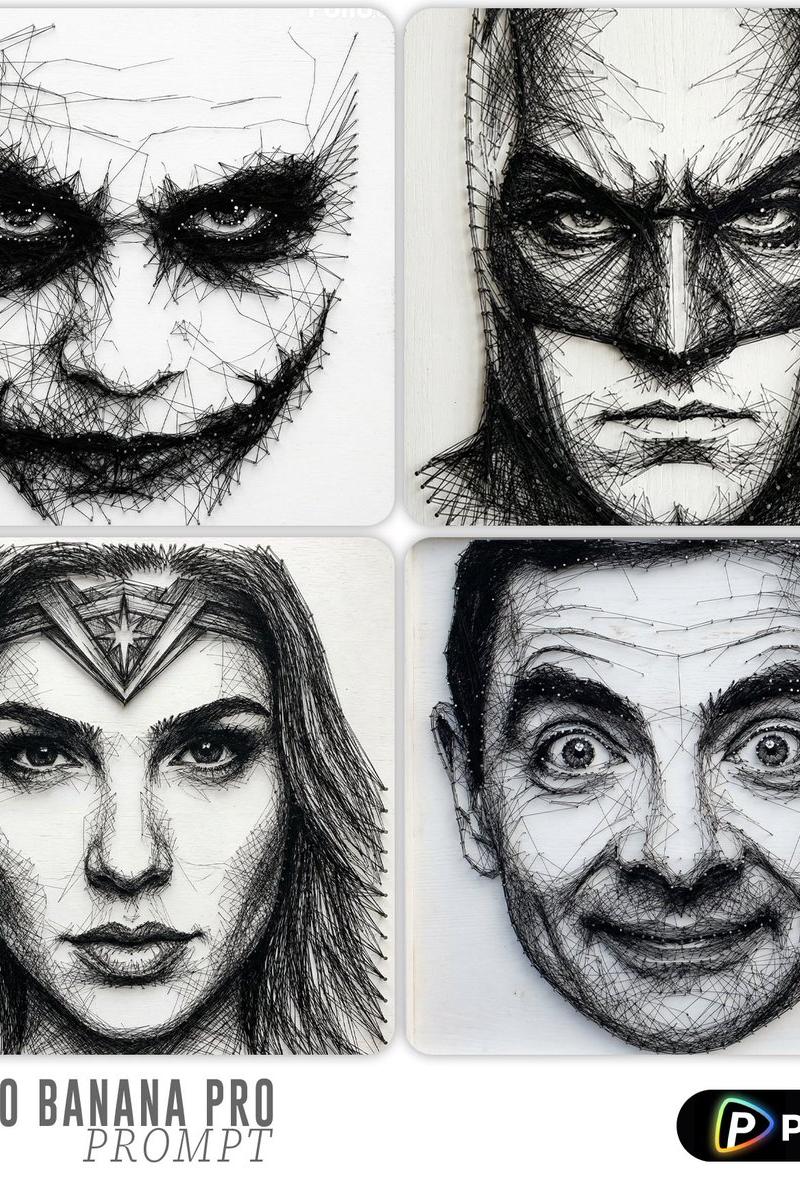
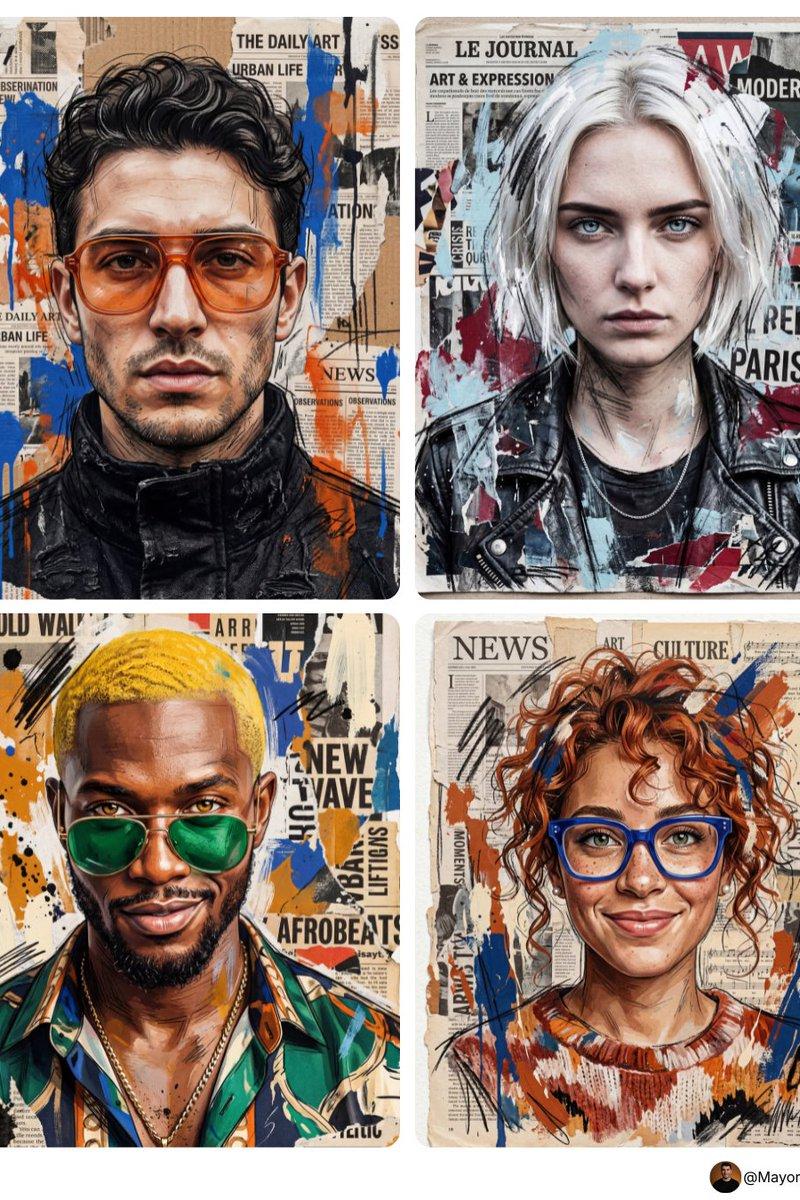
Example images

Editorial poster: GPT Image 2 prompt

Prompt
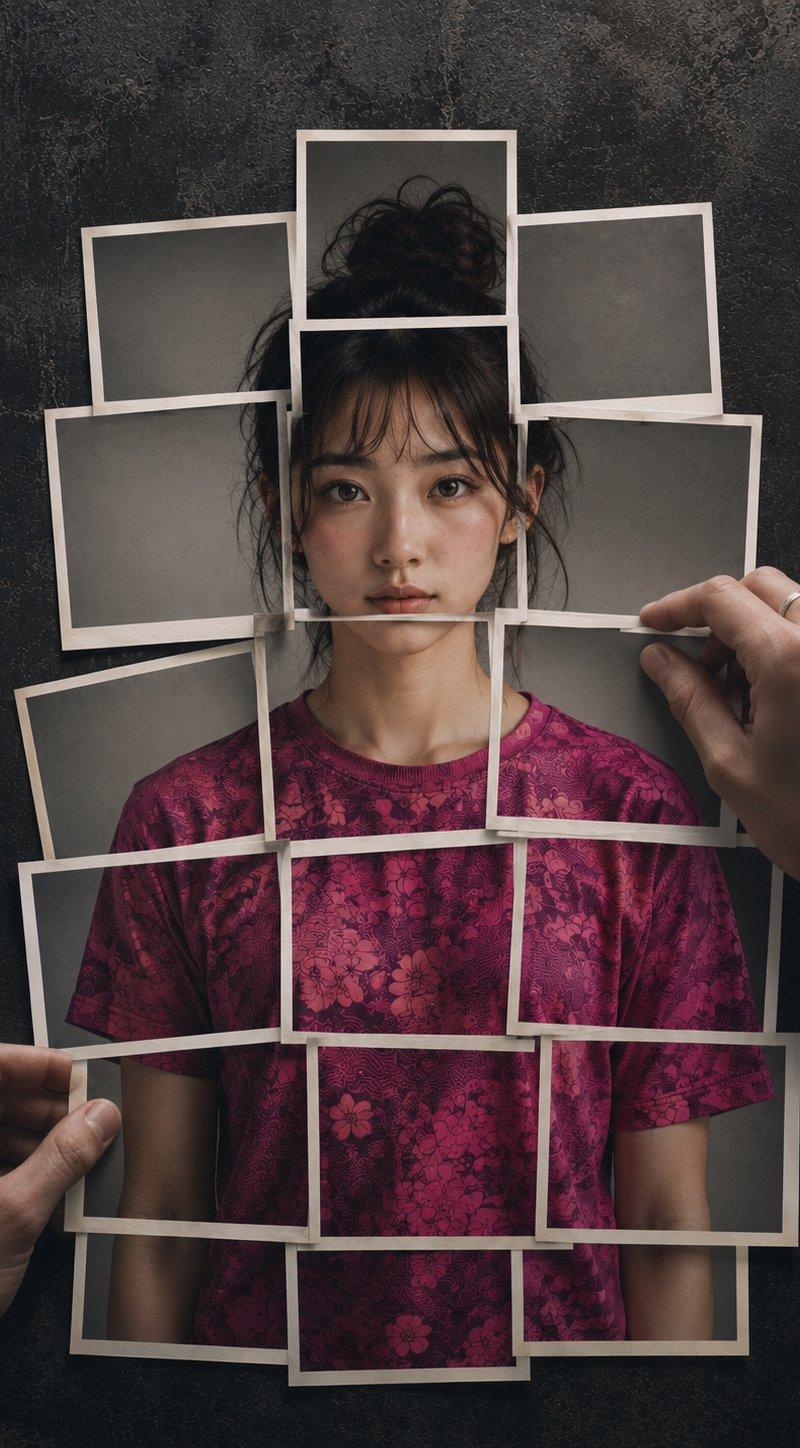
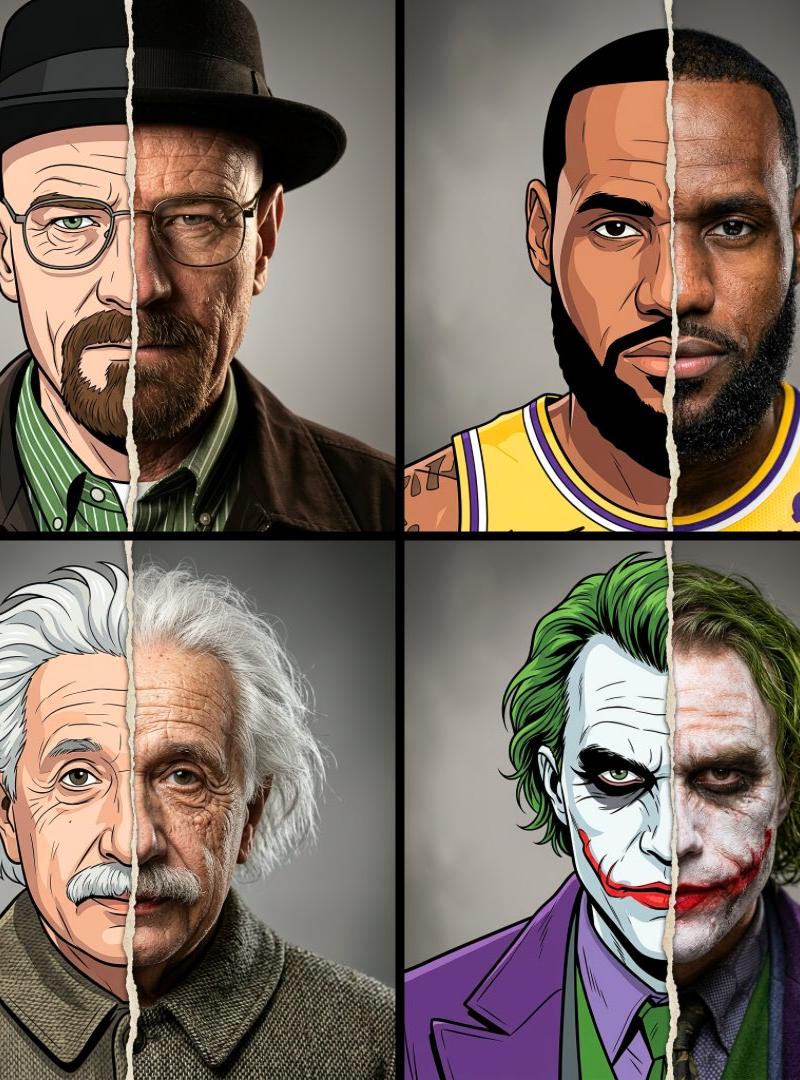
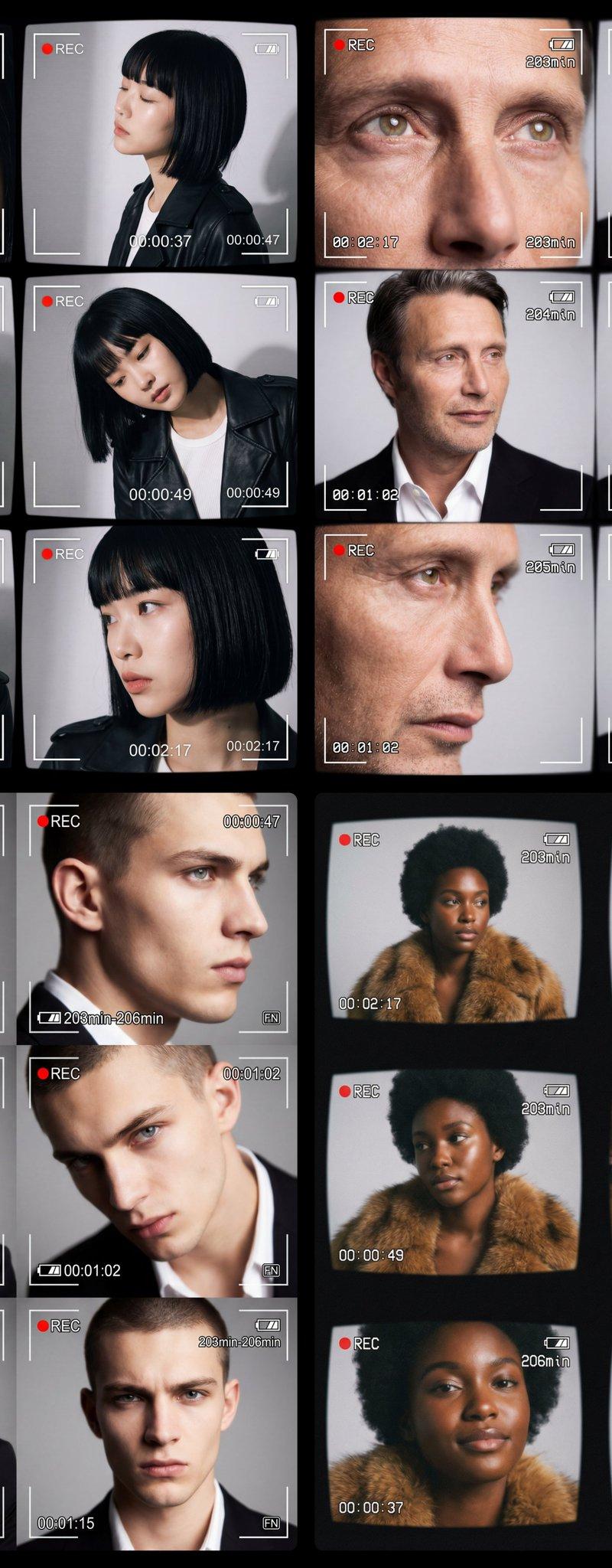
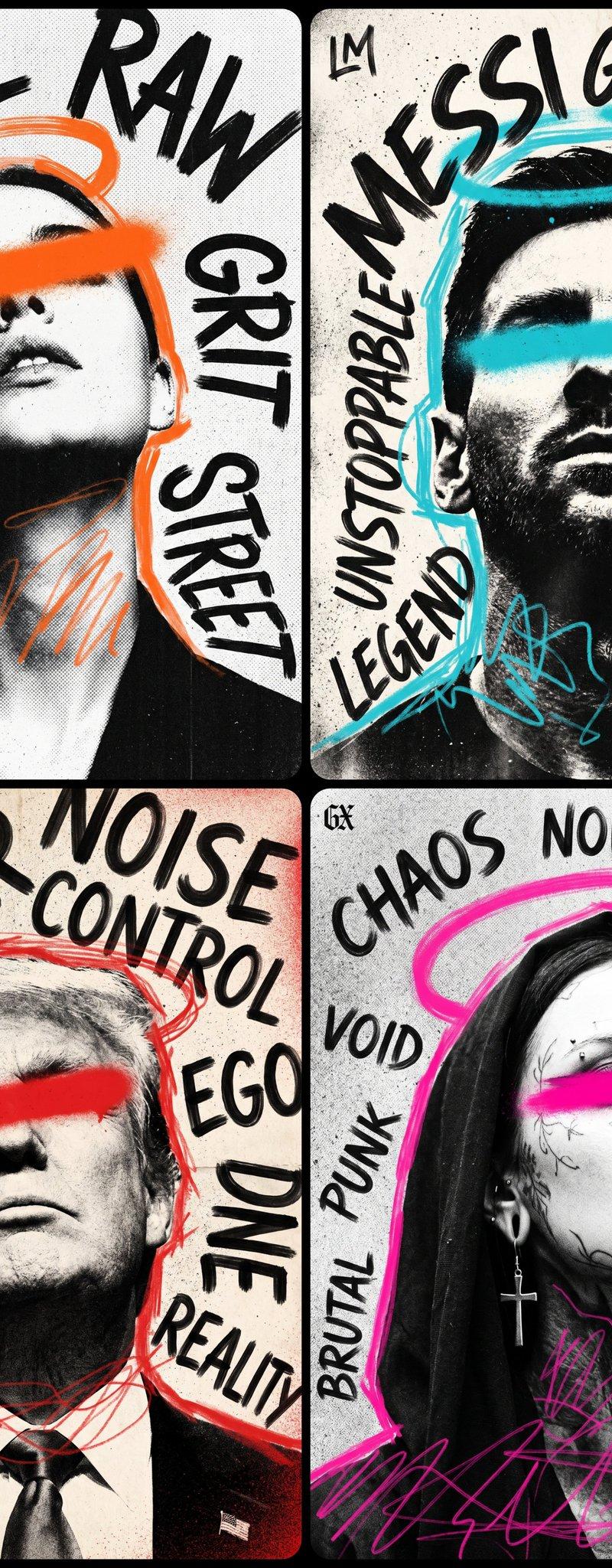
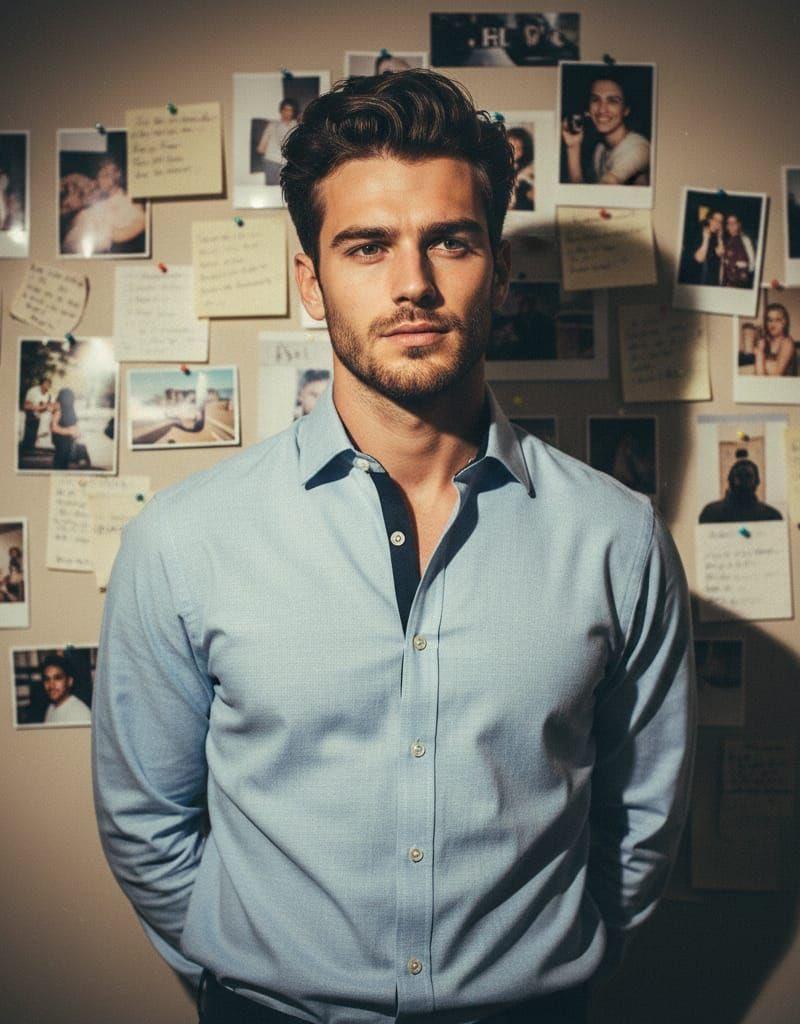
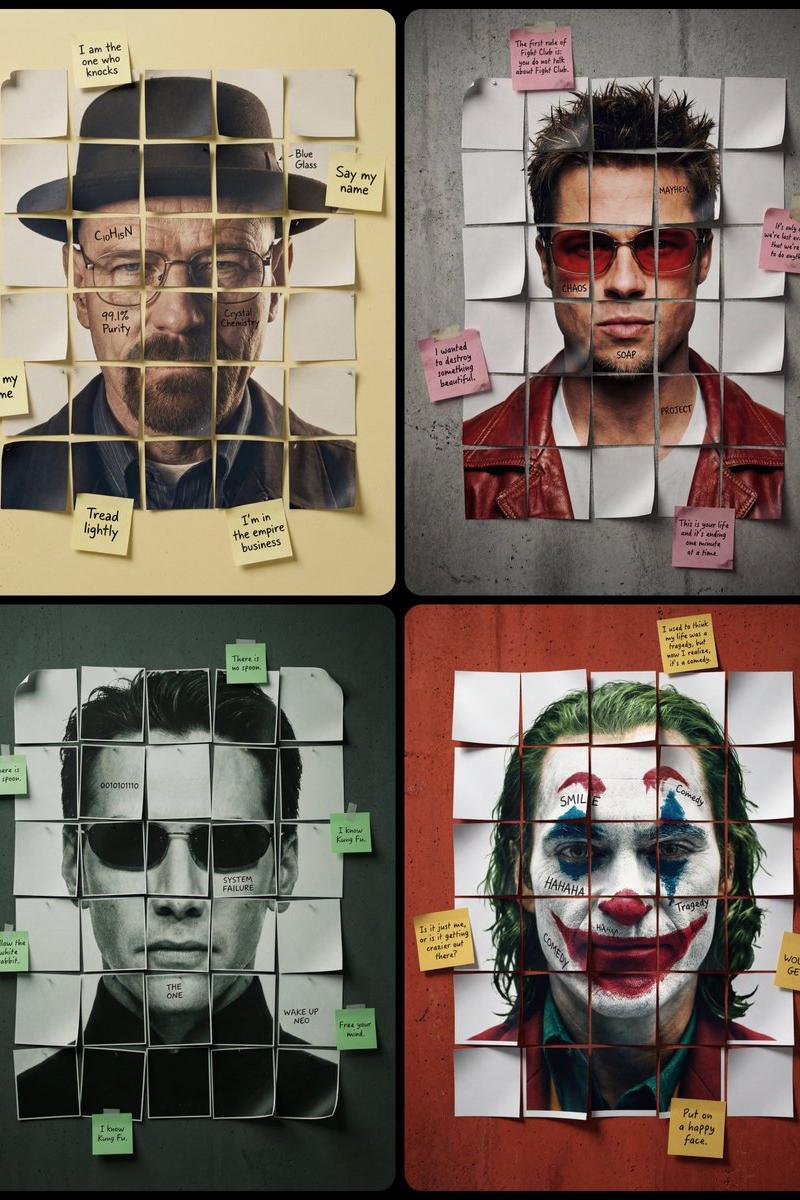
A minimalist cinematic colored poster featuring a [Character Name]’s portrait from shoulders to the top of the head. The face is reconstructed using a small number of large, square-cut paper fragments arranged in a simple grid [around 4x5 or 5x6 pieces]. Each paper fragment contains a disjointed part of the face which together reconstruct the portrait. The internal paper fragments constituting the face are not perfectly flat; many have slightly curled edges and lifted corners, casting tiny, realistic shadows that give them a three-dimensional, tacked-down appearance. 4 of these squares have subtle black handwritten [text1, text2, text3, text4] directly on the skin/image. Scattered irregularly around the outer perimeter of this central grid in various randomly placed positions (not confined to the corners), several [Sticky Note Color] sticky notes are attached to the [Color] wall, containing handwritten [External Text Content, e.g., iconic quotes]. The overall layout is slightly irregular with visible gaps between the pieces showing [Color] concrete wall background. Realistic paper texture throughout, high-end studio lighting emphasizing the lifted edges, sharp focus on ink and paper grain.
Category
Photography & Realism
Model
GPT Image 2
Creator
ΛRMIN | AI
Source language
en
Views0
Source ID
2019338808009920744
Published
Feb 5, 2026
Studio

Guide

About "Editorial poster: GPT Image 2 prompt"

What is this prompt for?

"Editorial poster: GPT Image 2 prompt" AI image prompt for GPT Image 2 (Photography & Realism). A minimalist cinematic colored poster featuring a [Character Na…

The full copyable prompt and example visuals above are ready for AI image generation or one-click recreate in Picva.

How to use this prompt

  1. Step 1

    Open the prompt detail

    Review the example visuals, category, and full prompt text for "Editorial poster: GPT Image 2 prompt".

  2. Step 2

    Copy the prompt

    Copy the prompt body from this page, or load it directly in Studio.

  3. Step 3

    Pick a model (GPT Image 2)

    Prefer GPT Image 2. If you switch models, keep subject and composition and tweak style terms.

  4. Step 4

    Generate and export

    Recreate the look in Picva, or export into your workflow for editing and publishing.

FAQ

What is the "Editorial poster: GPT Image 2 prompt" prompt?
It is an AI image-generation prompt for GPT Image 2 in the Photography & Realism category. This page includes the full prompt text, example visuals, and a one-click recreate path in Picva.
How do I use this prompt to generate an image?
Copy the prompt from this page, or use Generate / Studio. Paste it into a compatible image model, or recreate the look in Picva with optional reference images.
Which model is this prompt for?
This page lists GPT Image 2. Most descriptive prompts also transfer to nearby image models such as GPT Image, Flux, or Midjourney with light style tweaks.
Can I use the result commercially?
You can usually copy the prompt for creation, but commercial use of the final image depends on the model terms, reference-image rights, and the generated content. Follow the source author and platform rules.