17

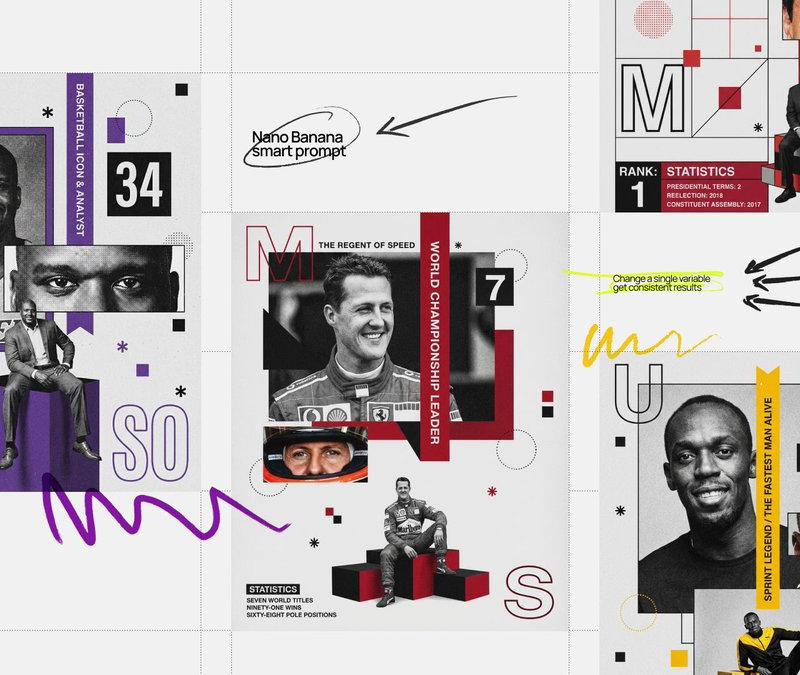
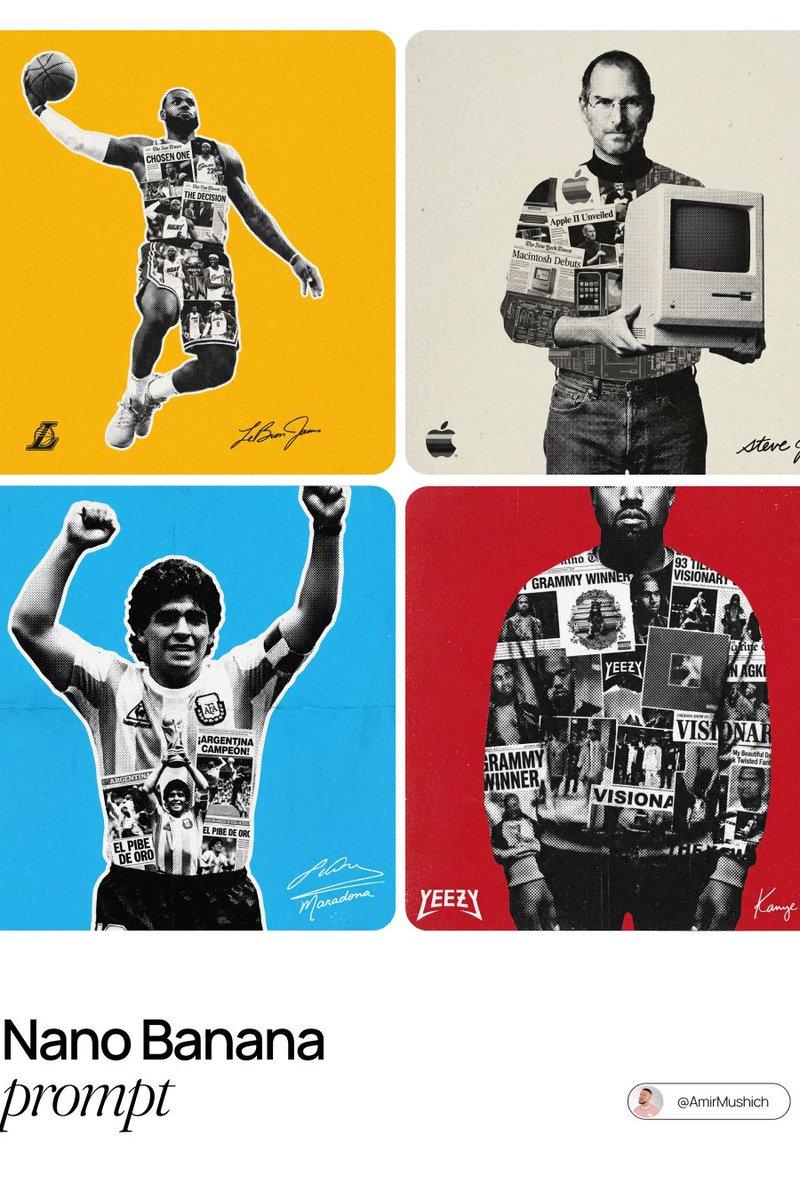
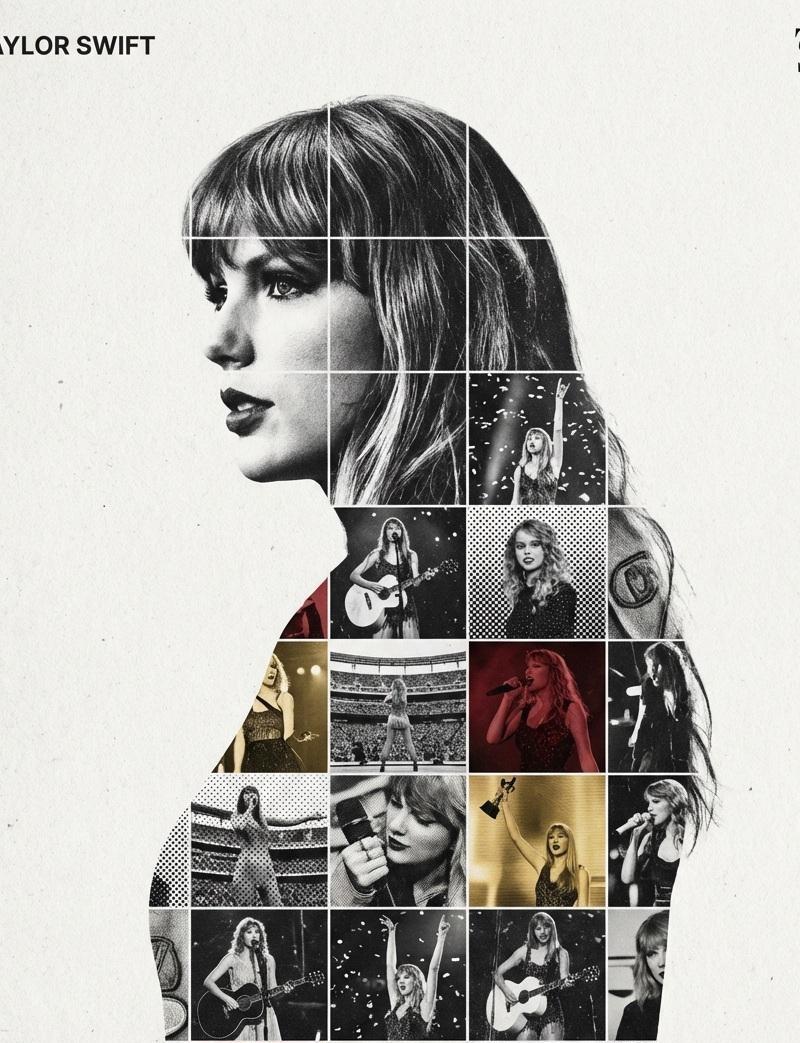
Mixed Media Sports Tribute
Enlarge

Example images

Mixed Media Sports Tribute

Prompt
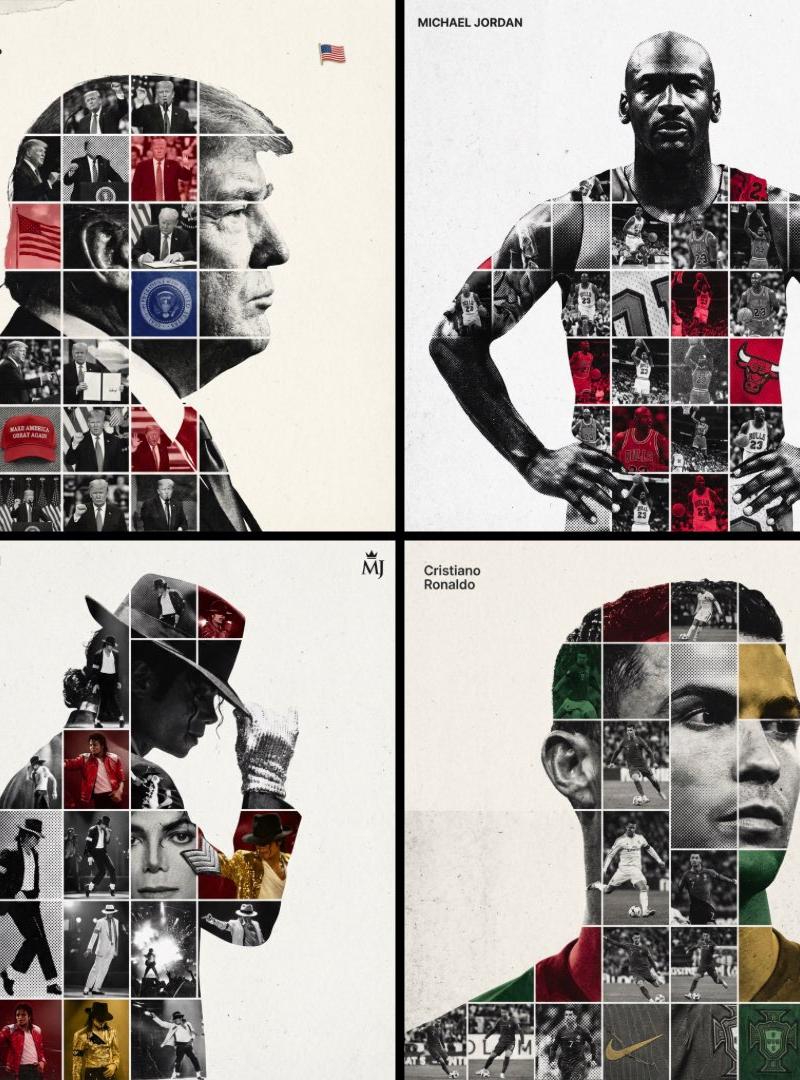
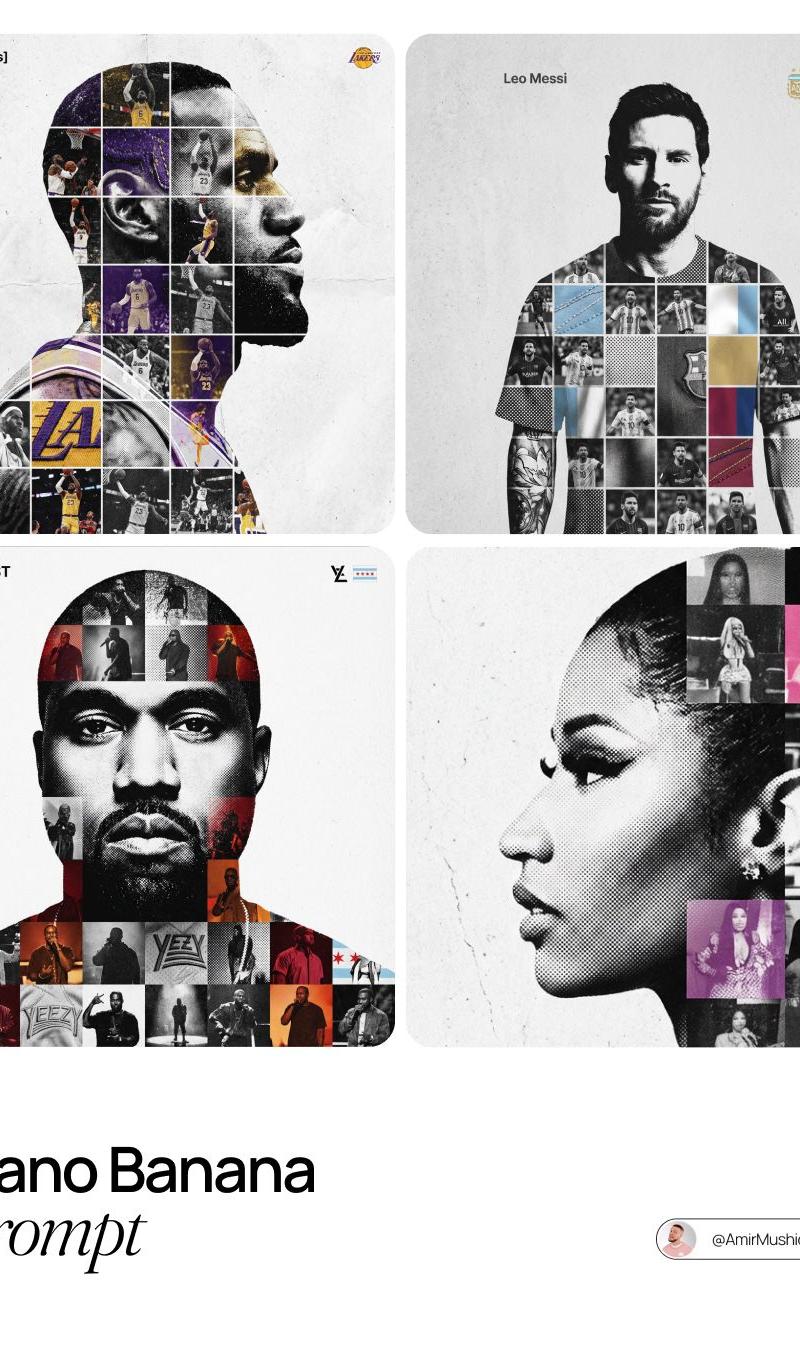
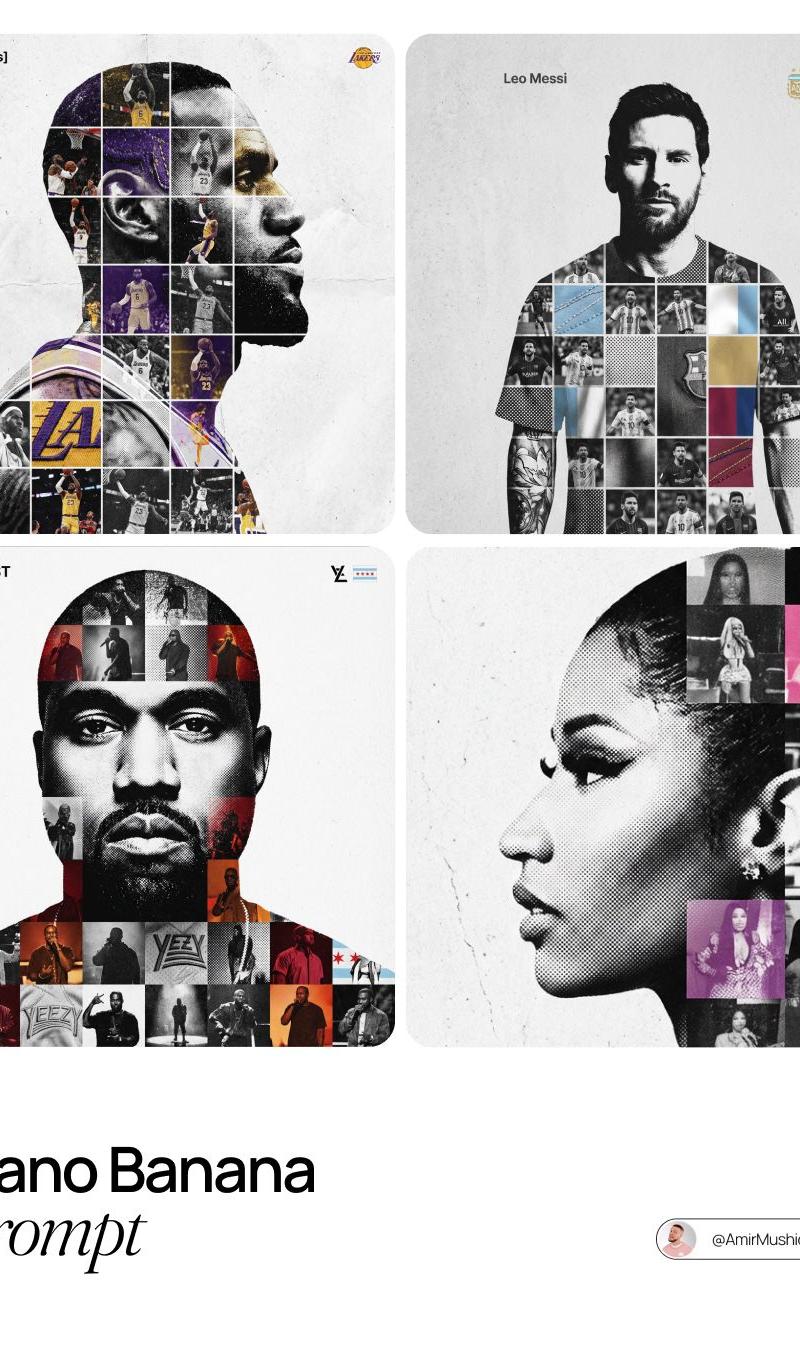
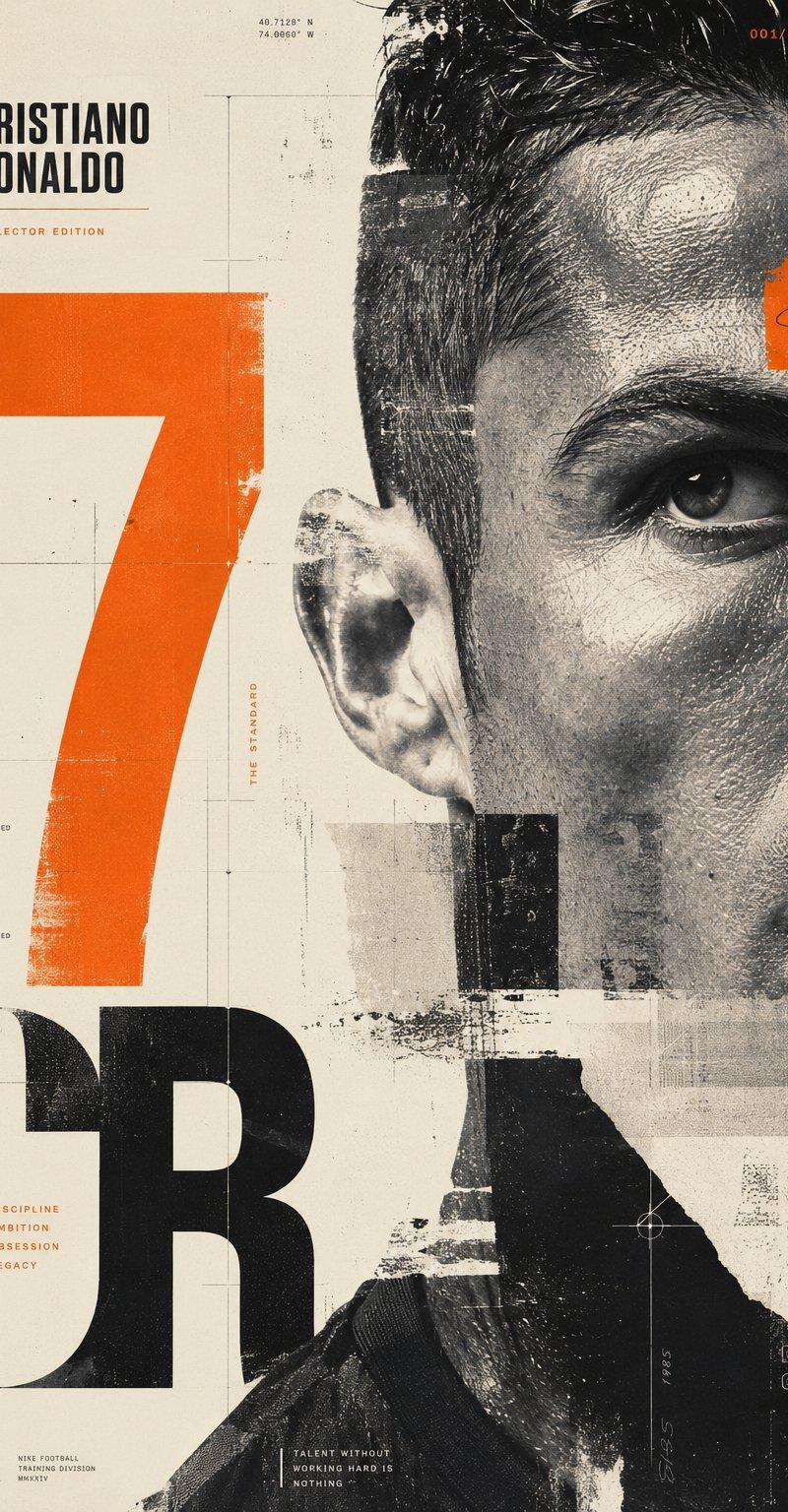
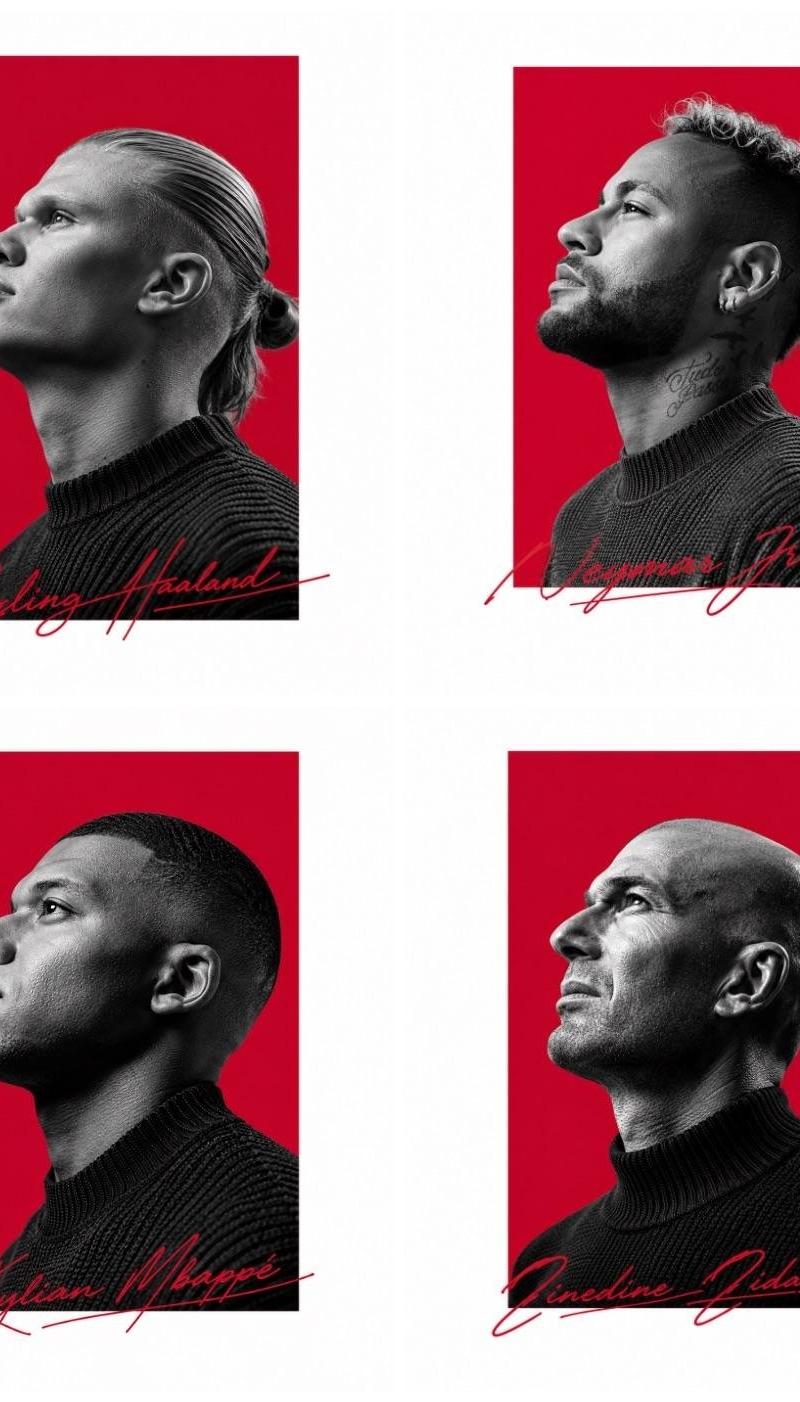
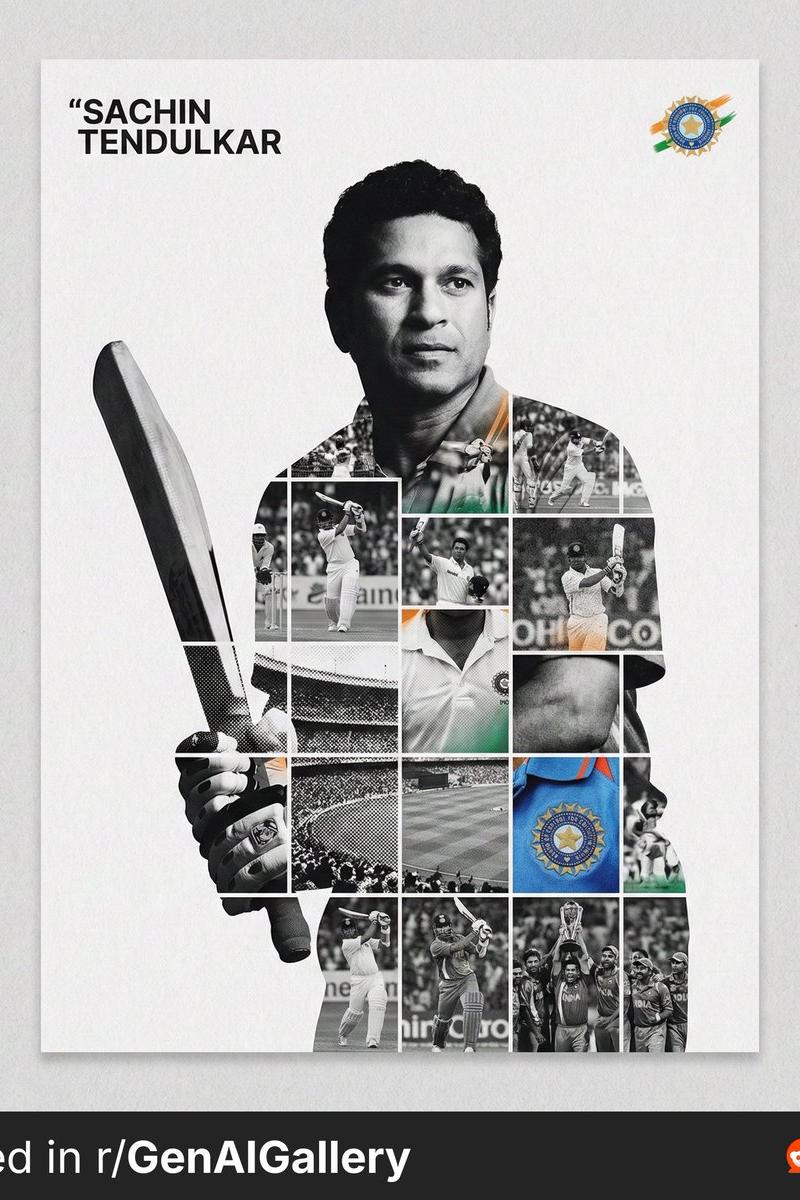
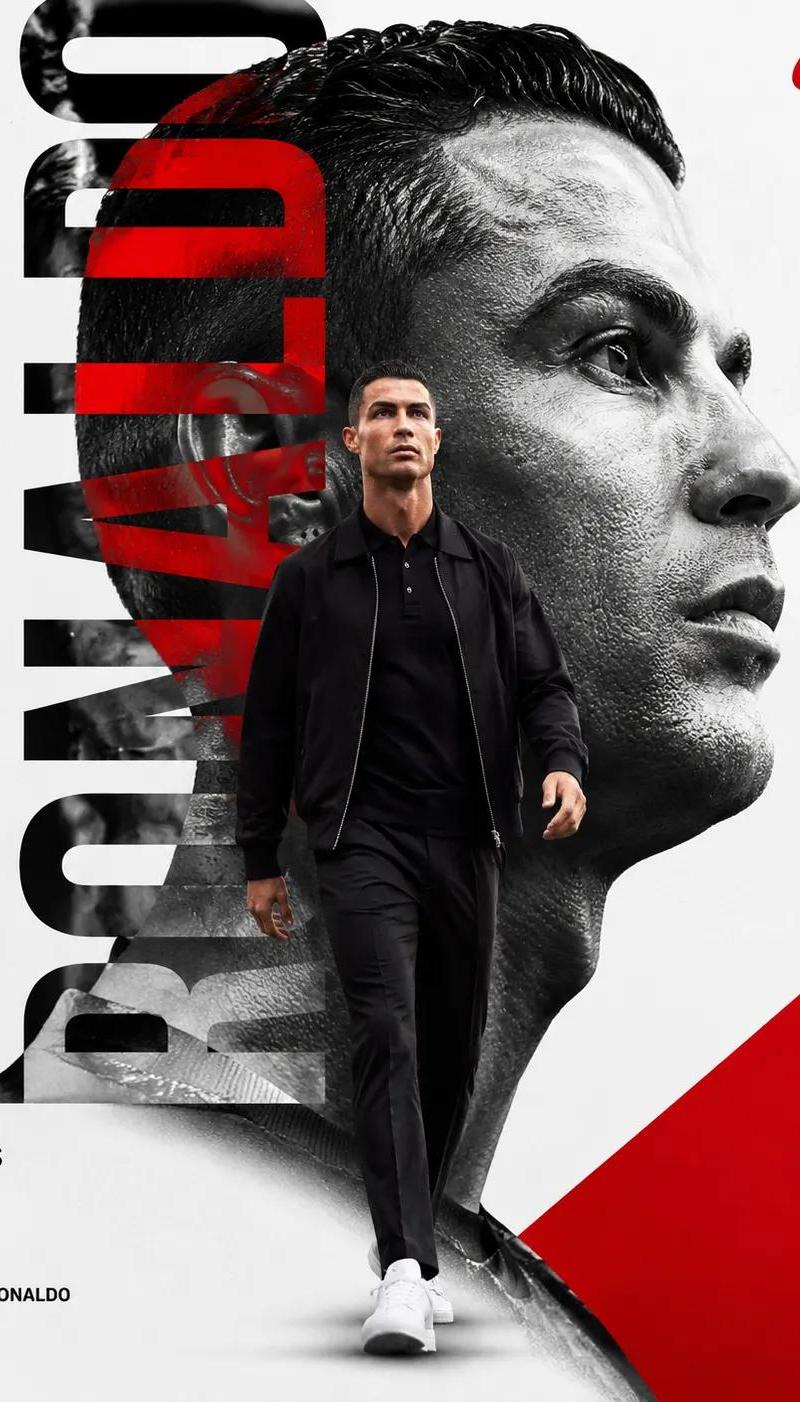
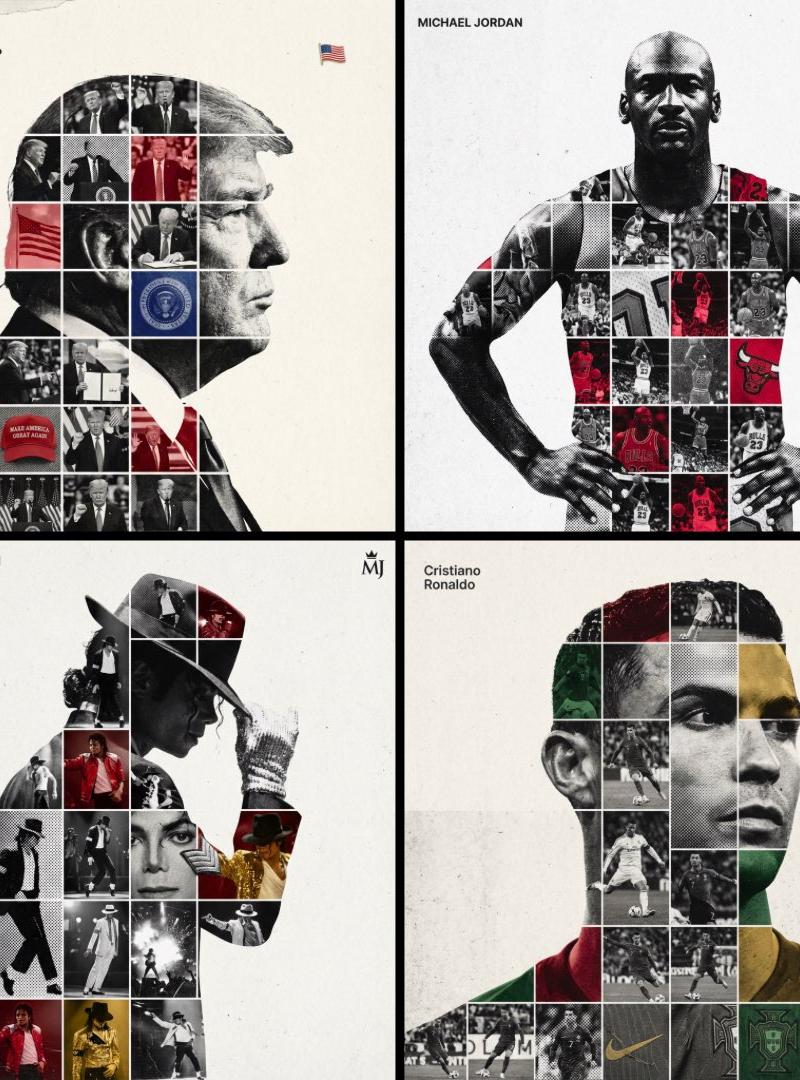
Create a high-end sports tribute poster using a dual exposure photo-grid composite style with mixed-media textures. Build a large-scale, high-contrast black and white portrait silhouette of {argument name="subject" default="[PERSON NAME]"} as the central vessel. Fill the interior with a dense photo mosaic grid of career action shots. Apply artistic textures to grid cells: halftone dots for comic-book raster, fabric or embroidery texture suggesting jersey material, and heavy film grain on select high-contrast shots. Use a monochrome base with selective {argument name="accent color" default="team or flag color"} overlays on specific cells. Typography: top left, write the name in {argument name="font" default="Inter Semibold"} with tight negative kerning (-4%), small enough to occupy max 20% canvas width. Top right: place the primary logo or flag symbol at max 10% canvas width. Background: off-white or light grey with visible paper or concrete texture, never flat digital white. Center the figure with wide negative space on all sides.
Category
Charts & Infographics
Model
GPT Image 2
Creator
PromptLab
Source language
en
Views4.3K
Source ID
24245
Published
Jun 5, 2026
Studio

Guide

About "Mixed Media Sports Tribute"

What is this prompt for?

"Mixed Media Sports Tribute" AI image prompt for GPT Image 2 (Charts & Infographics). A high-end sports poster utilizing dual exposure and photo-mosaic grids t…

The full copyable prompt and example visuals above are ready for AI image generation or one-click recreate in Picva.

How to use this prompt

  1. Step 1

    Open the prompt detail

    Review the example visuals, category, and full prompt text for "Mixed Media Sports Tribute".

  2. Step 2

    Copy the prompt

    Copy the prompt body from this page, or load it directly in Studio.

  3. Step 3

    Pick a model (GPT Image 2)

    Prefer GPT Image 2. If you switch models, keep subject and composition and tweak style terms.

  4. Step 4

    Generate and export

    Recreate the look in Picva, or export into your workflow for editing and publishing.

FAQ

What is the "Mixed Media Sports Tribute" prompt?
It is an AI image-generation prompt for GPT Image 2 in the Charts & Infographics category. This page includes the full prompt text, example visuals, and a one-click recreate path in Picva.
How do I use this prompt to generate an image?
Copy the prompt from this page, or use Generate / Studio. Paste it into a compatible image model, or recreate the look in Picva with optional reference images.
Which model is this prompt for?
This page lists GPT Image 2. Most descriptive prompts also transfer to nearby image models such as GPT Image, Flux, or Midjourney with light style tweaks.
Can I use the result commercially?
You can usually copy the prompt for creation, but commercial use of the final image depends on the model terms, reference-image rights, and the generated content. Follow the source author and platform rules.