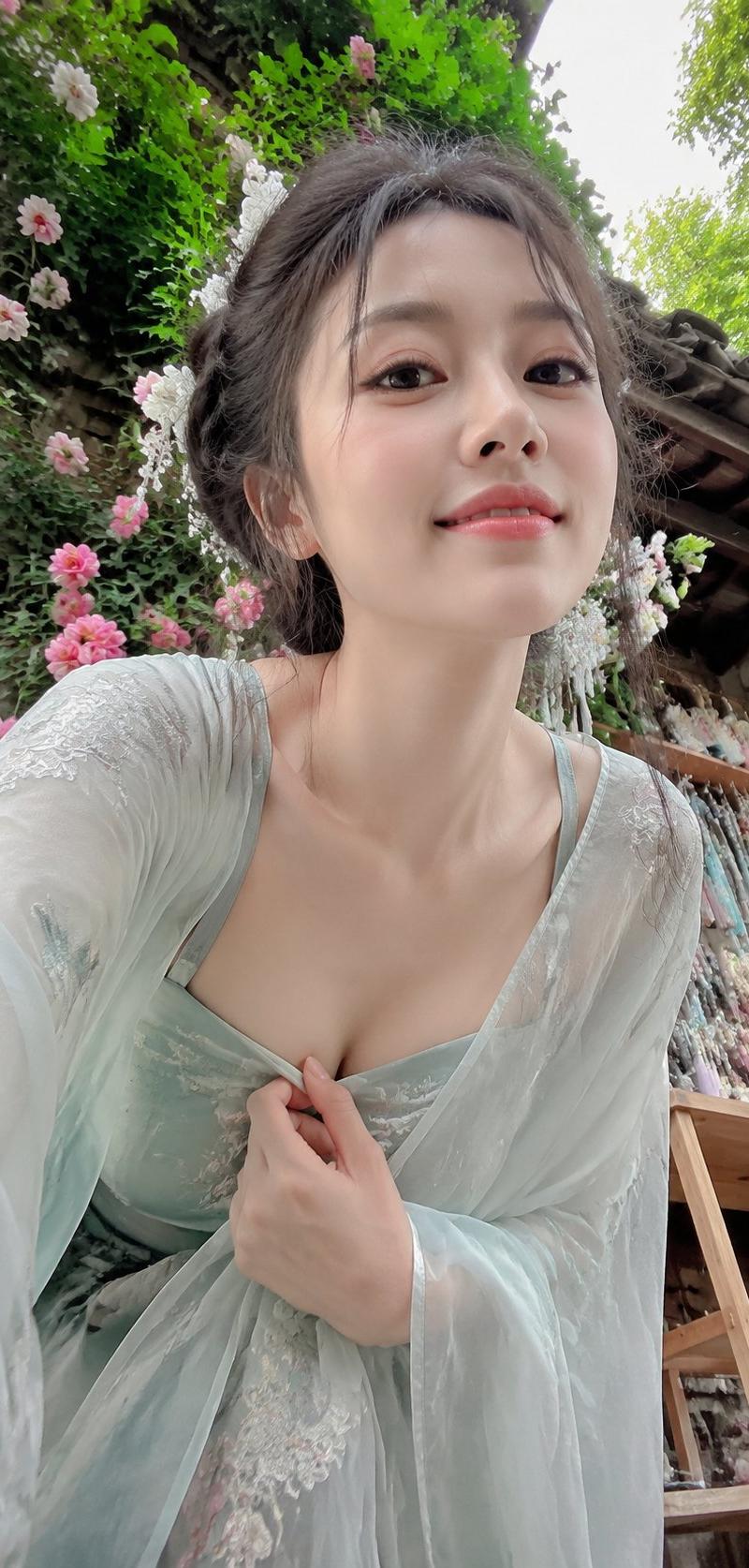
江南古镇淡紫色改良汉服自拍人像
Prompt
[Subject]
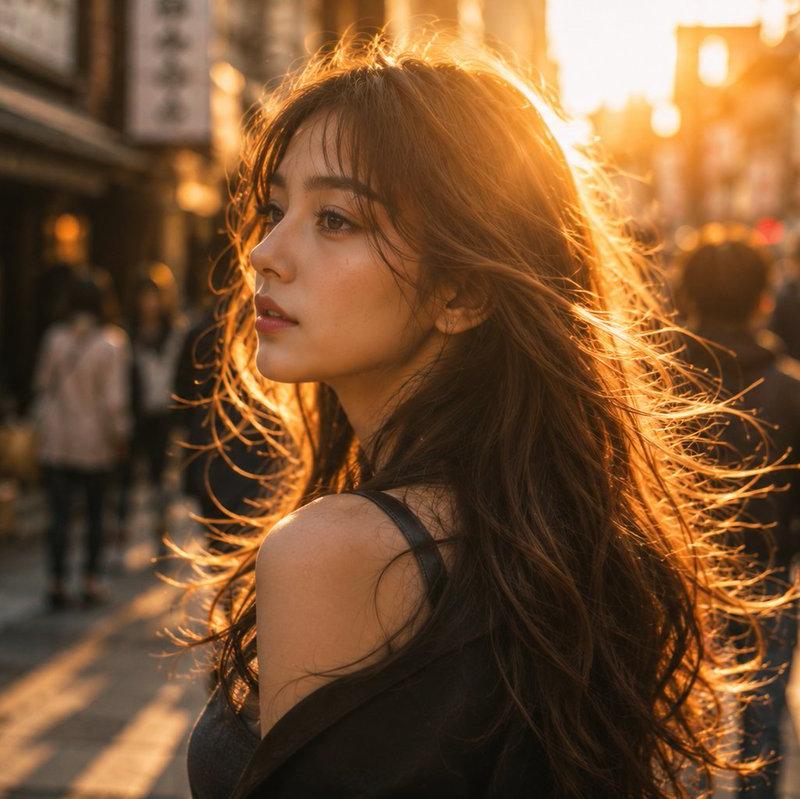
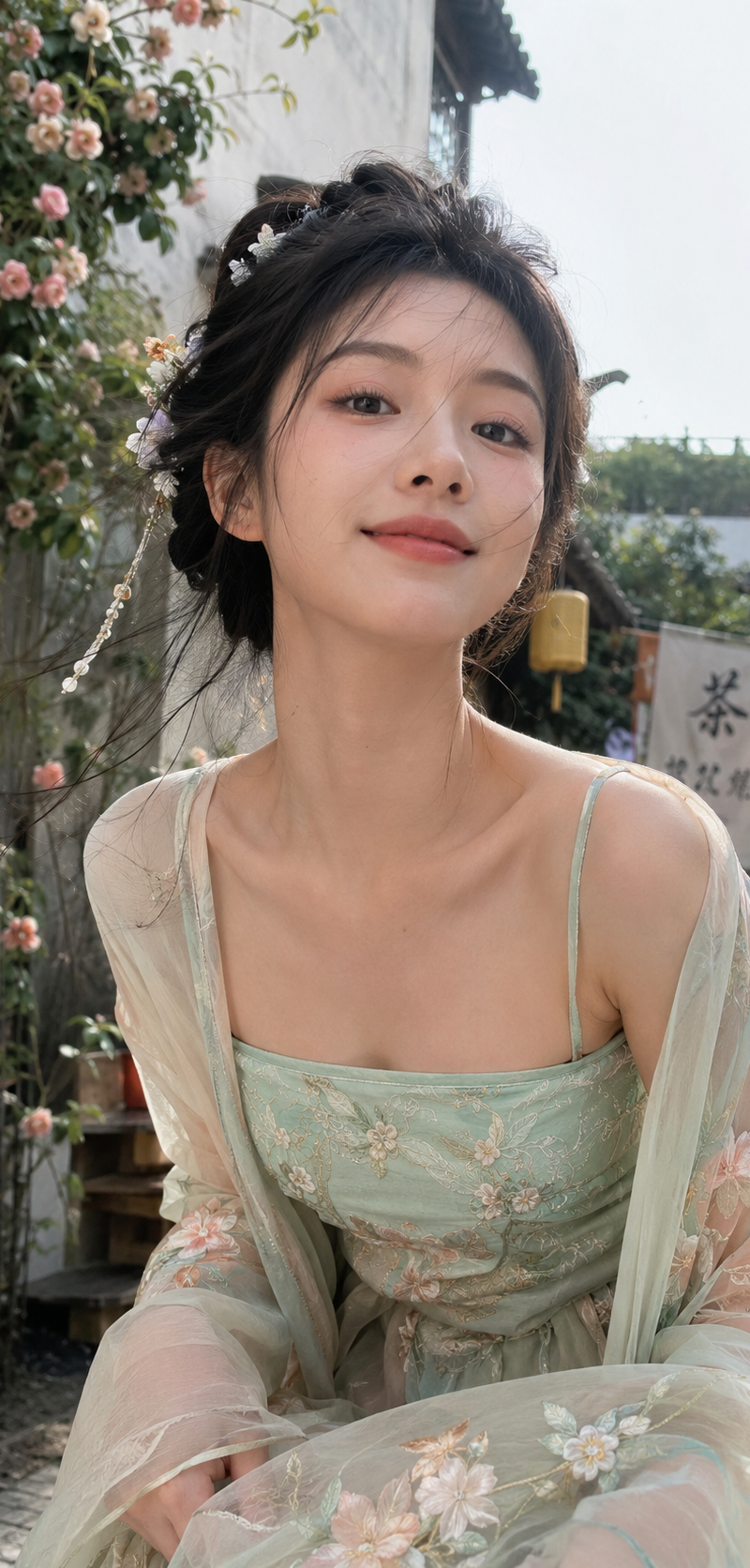
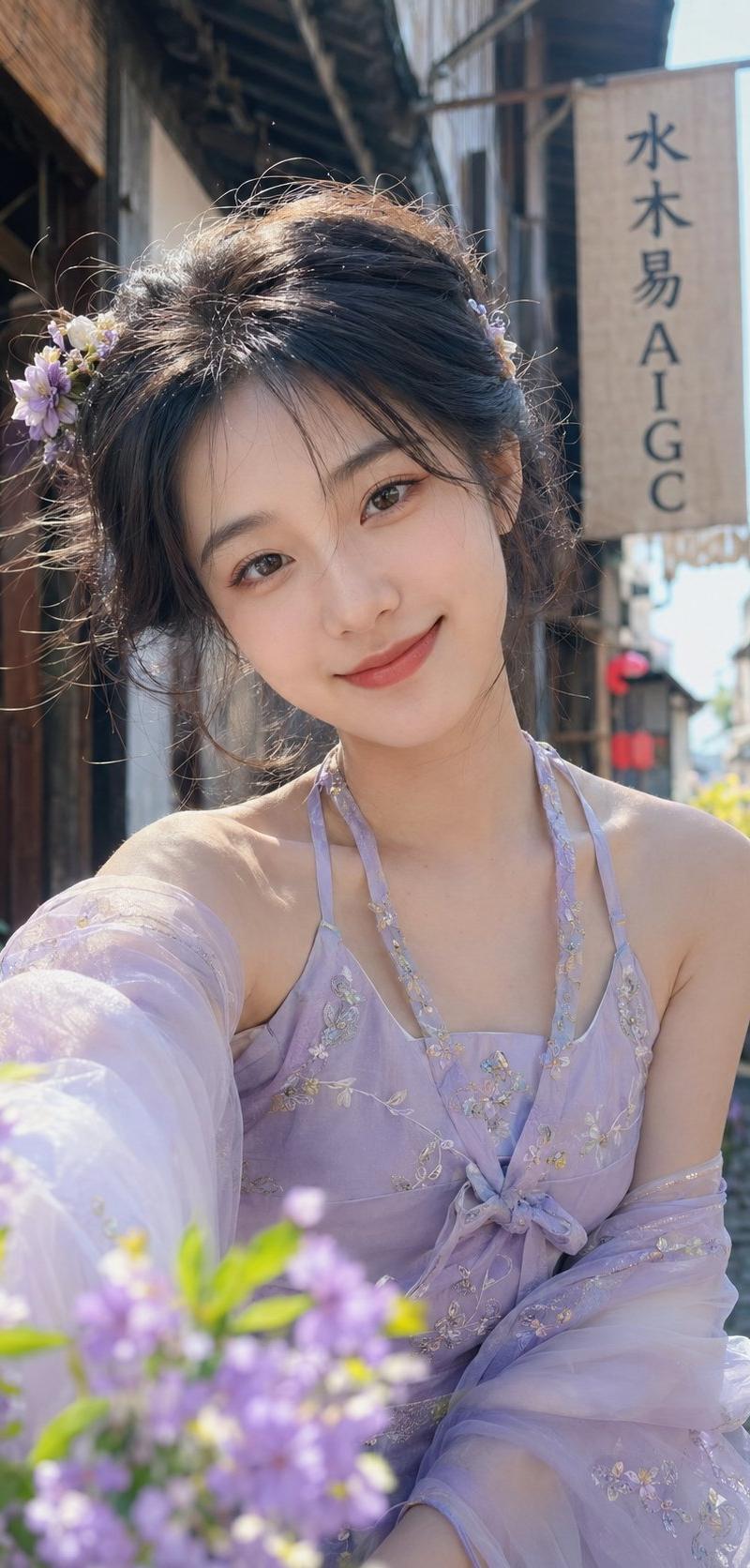
Adult East Asian female around 20 years old, ancient style portrait, light purple improved Hanfu Ru, Jiangnan ancient town street alley portrait

[Core Pose]
- Close-up low-angle selfie perspective, low-angle composition, subject centered
- Female looking at the camera, gentle smile, with a natural sense of interaction
- Head slightly tilted, pose soft and relaxed
- Refined light makeup, clear and natural skin, retaining real skin texture
- Black loose bun hair, stray hairs moving slightly with the wind
- Embellished with small flower hair ornaments, detailed but not overly gorgeous
- Wearing a light purple ancient style Hanfu Ru, modern halter neck thin strap modified version
- Paired with a gauze shawl and floral embroidery, overall temperament is soft, fresh, and elegant

[Environment]
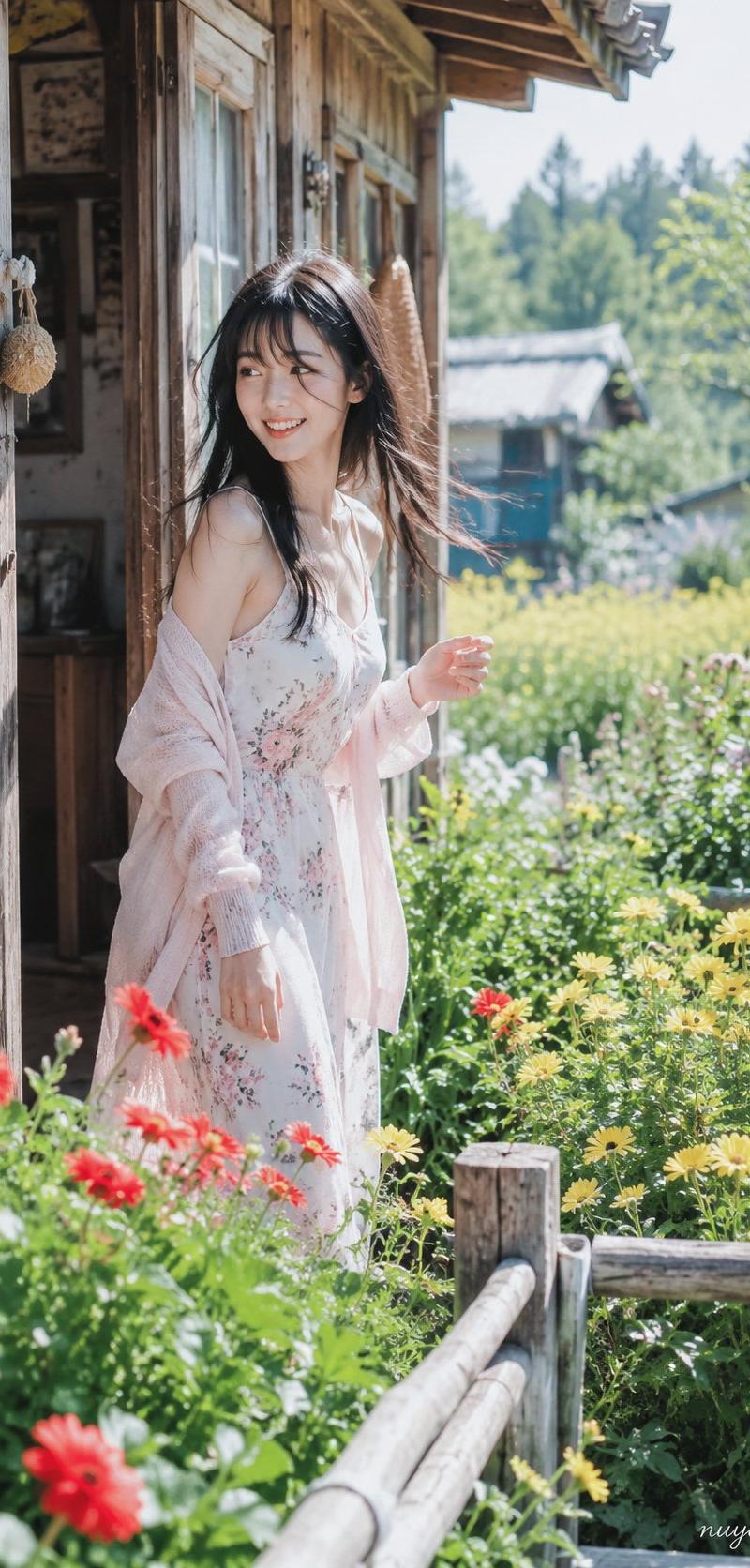
Jiangnan ancient town street alley background, wooden old shops, retro cloth banner signs (水木易AIGC), surrounded by purple flowers in the street. The environment is clean, with the atmosphere of ancient town life, not cluttered, and does not overpower the subject.

[Composition Requirements]
Vertical screen 9:16, close-up portrait composition, low-angle upward shooting selfie feel. The image naturally presents: the female face, slightly tilted head, loose bun hair, small flower hair ornaments, light purple improved Hanfu, gauze shawl, floral embroidery, purple flower foreground, and Jiangnan ancient town background.
Visual layers: Female's gaze and smile -> refined light makeup and hair accessories -> light purple Hanfu and gauze shawl -> blurred foreground flowers -> wooden old shops and retro cloth banner background.
Foreground flowers naturally blurred, shallow depth of field in the background, subject is clear, the image is fresh and dreamy but maintains real photography texture.

[Camera/Technical Parameters]
85mm portrait photography, portrait photography texture, shallow depth of field, soft bokeh, high detail and clarity of the subject, soft background blur. Ultra realistic, high resolution, cinematic portrait, real skin texture, natural pores and details, no excessive skin smoothing.

[Atmosphere/Lighting]
Sunlight natural light, soft backlighting, light is clear, warm, not overexposed. The overall atmosphere is fresh and dreamy, soft and elegant, with the poetic sense and natural intimacy of a Jiangnan ancient town.

[Style]
Real photography texture, realistic ancient style portrait, fresh, natural, dreamy, cinematic, like a high-quality portrait photo taken in reality, do not cartoonize or oil paint.

[Avoid]
Low resolution, blur, excessive skin smoothing, plastic skin, distorted facial features, facial deformity, asymmetrical eyes, finger deformity, extra fingers, extra arms, limb errors, unbalanced proportions, damaged clothes, overexposure, underexposure, noise, watermark, logo, cluttered background, strong AI feel, cartoon feel, oil painting feel.
- Category
- Charts & Infographics
- Model
- ChatGPT
- Creator
- @ohmuyi
- Source language
- zh-CN
- Source ID
- 16113
- Published
- Jun 16, 2026
Views106