19

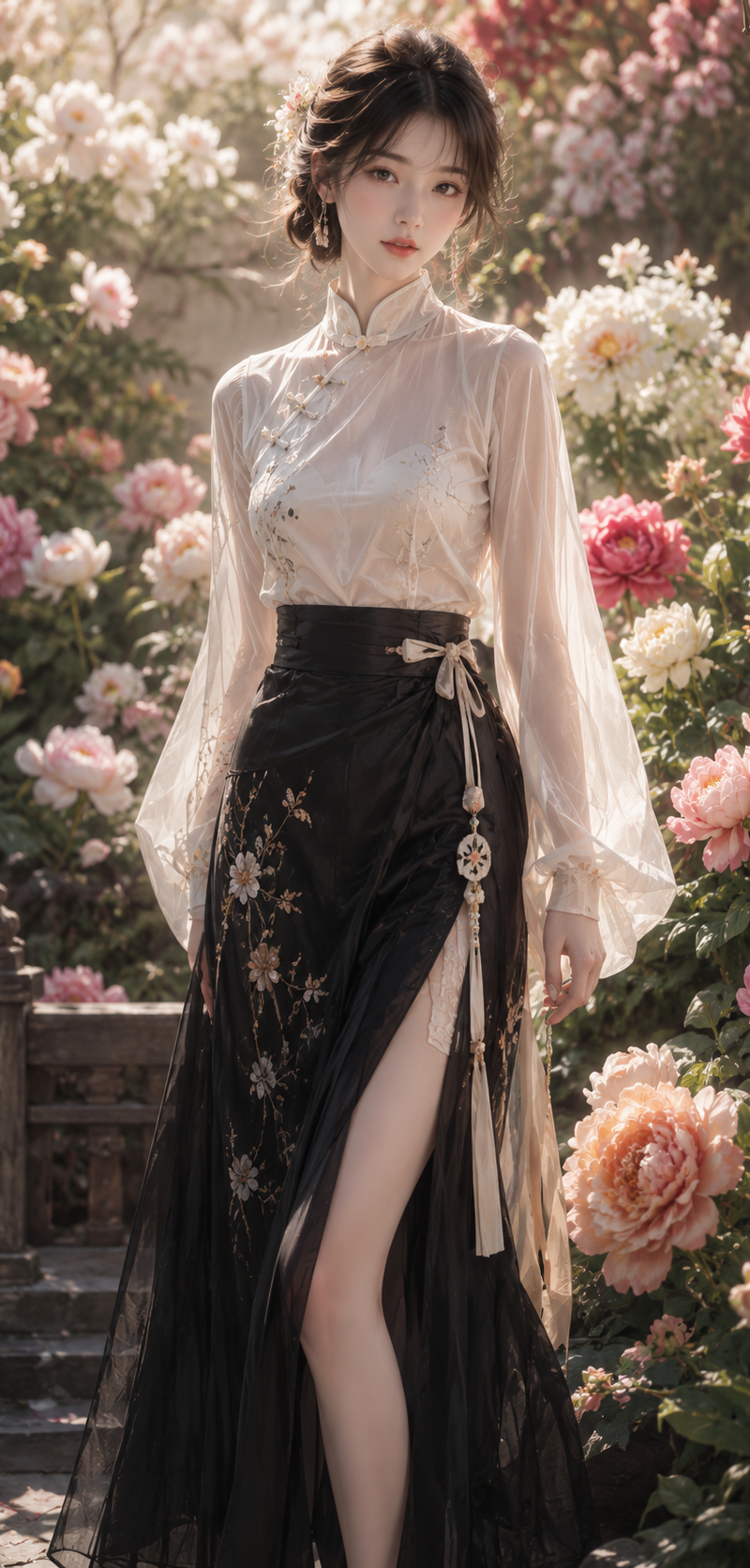
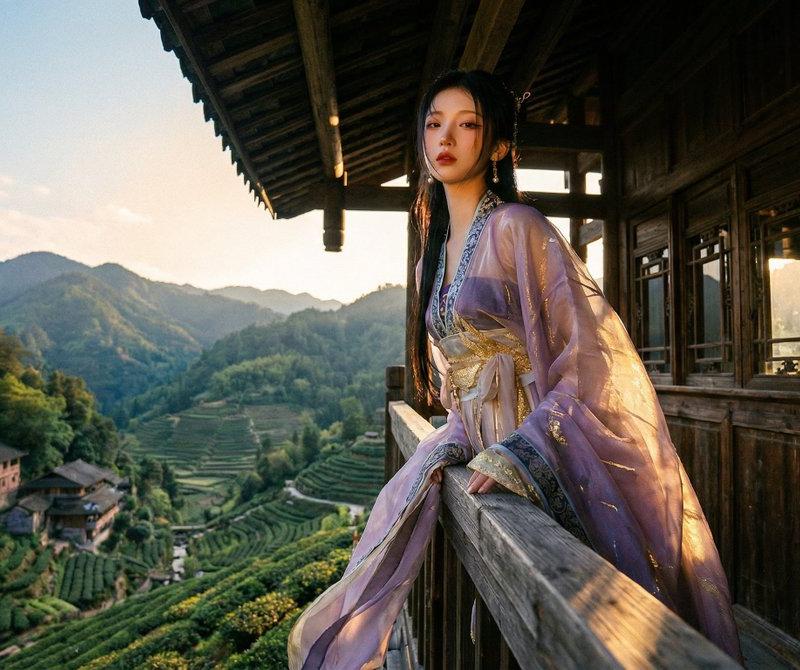
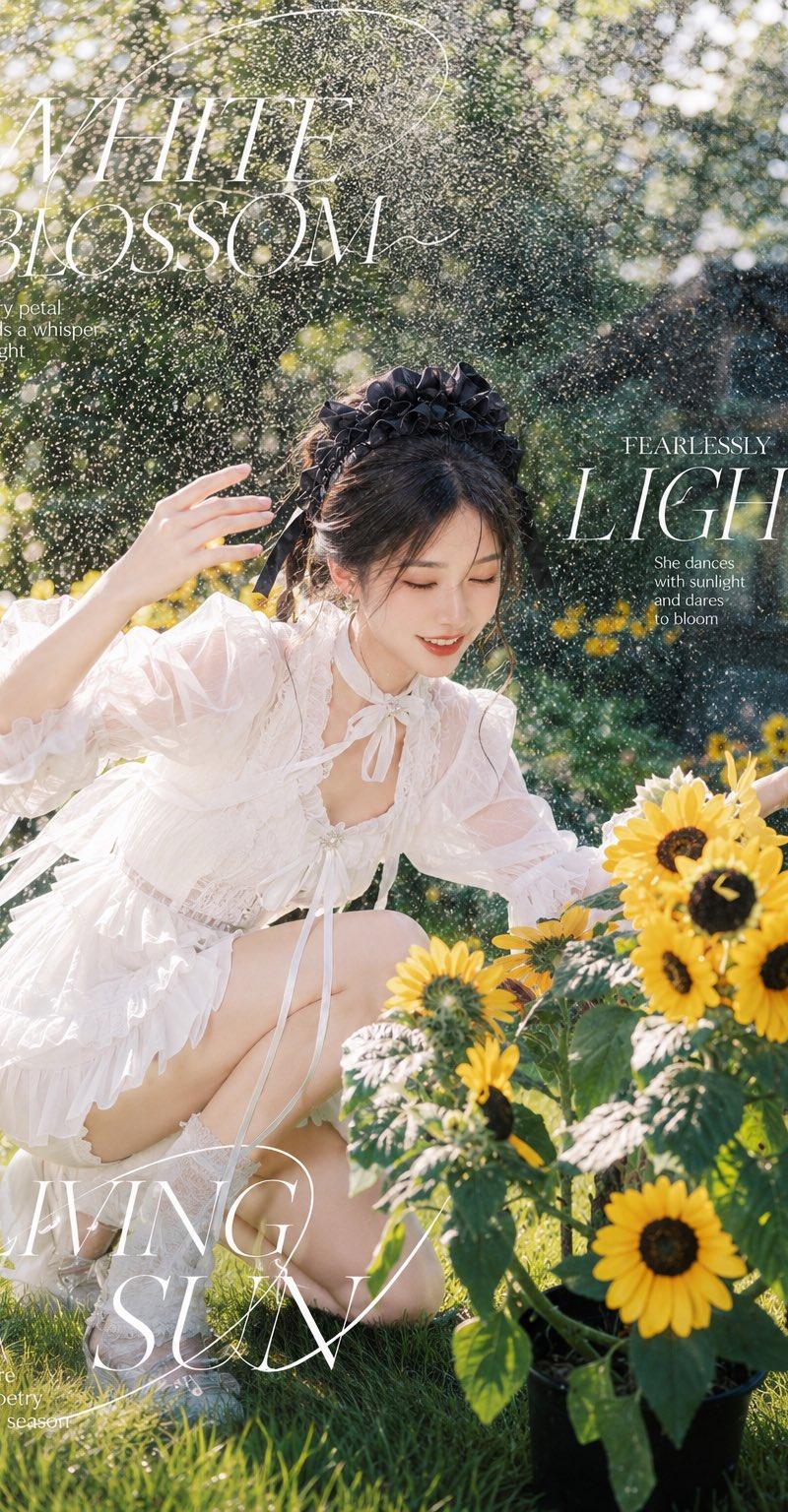
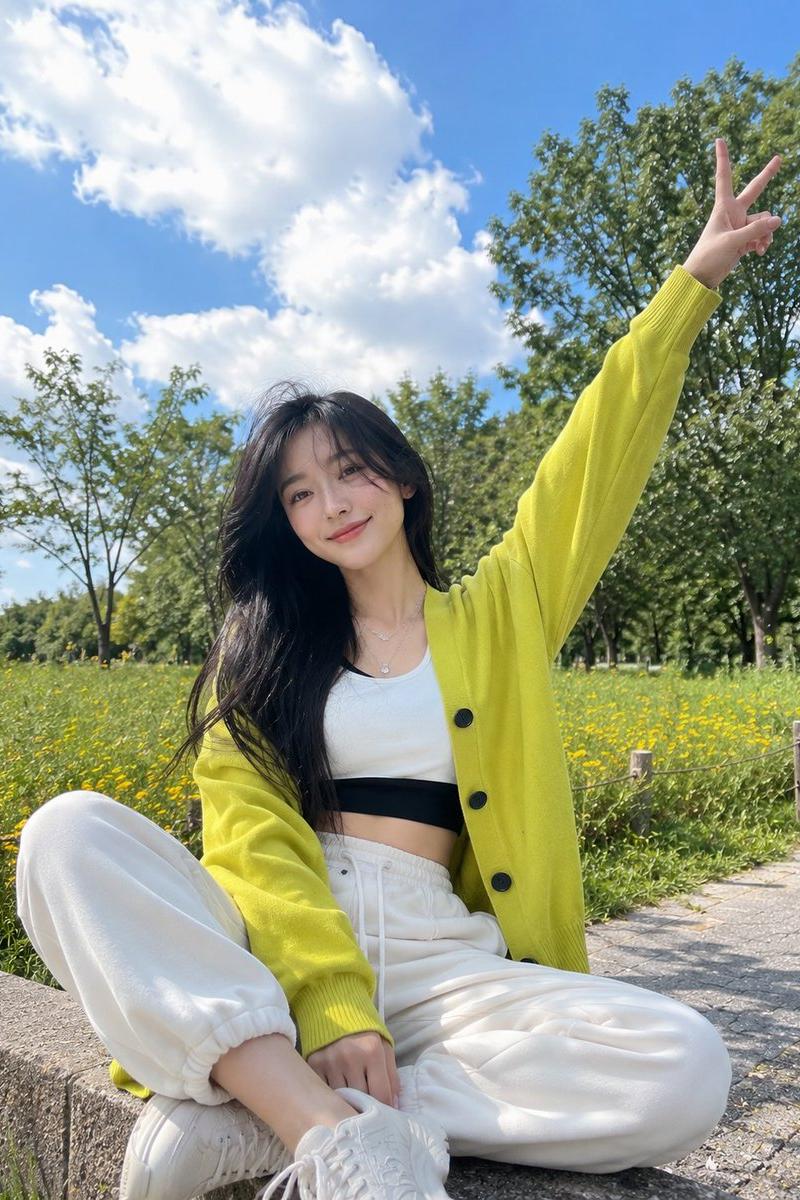
春日田园少女长焦摄影真实梦幻感
Enlarge

Example images

春日田园少女长焦摄影真实梦幻感

Prompt
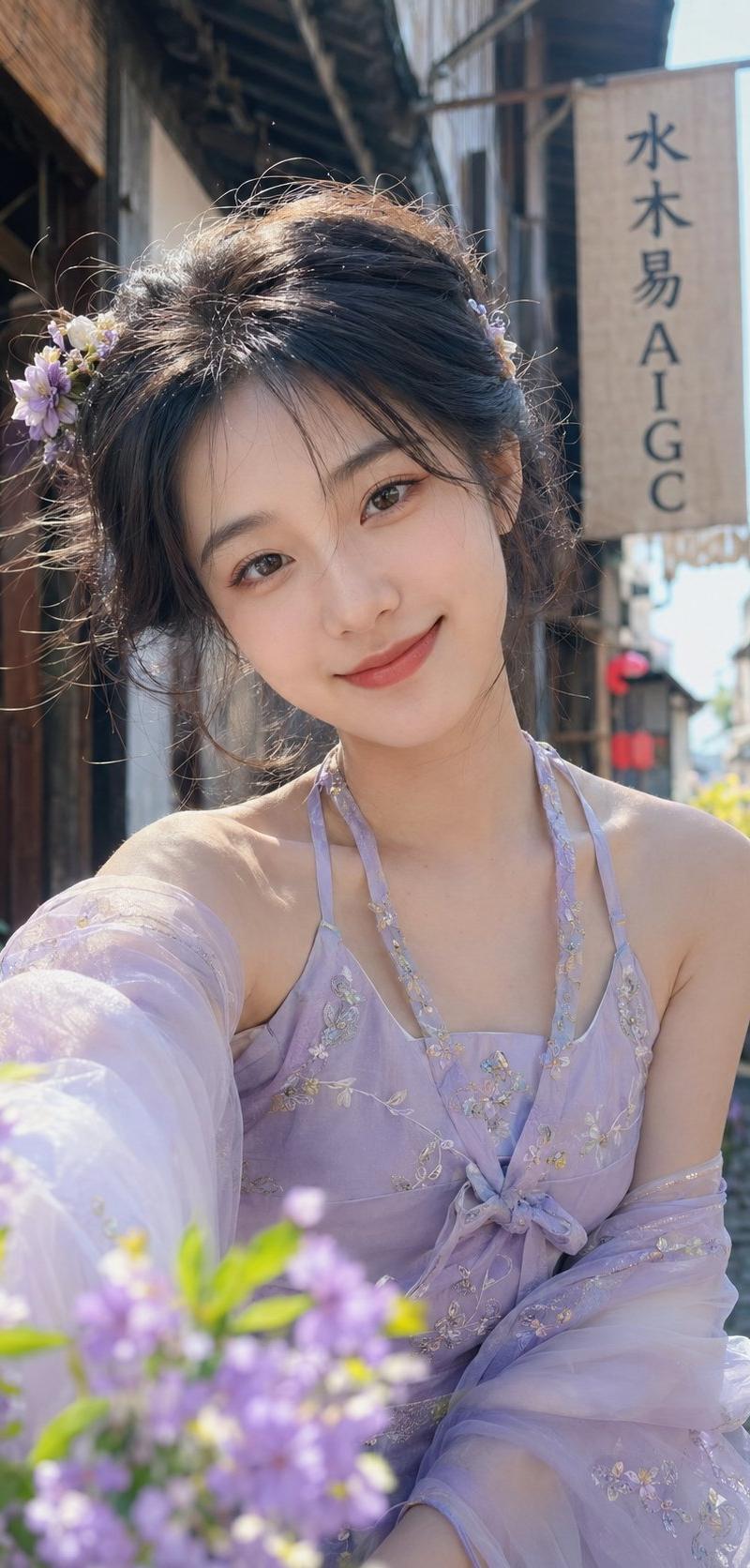
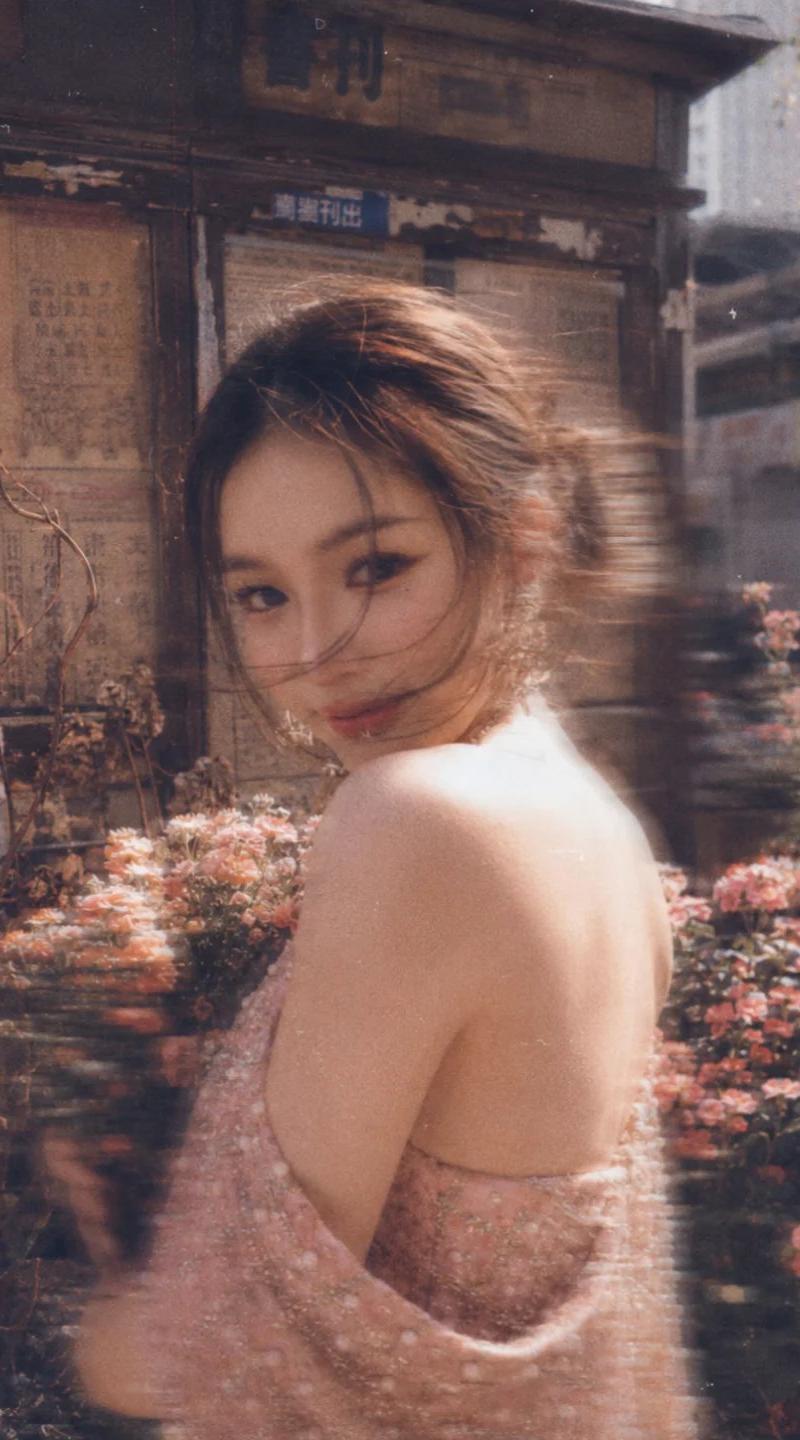
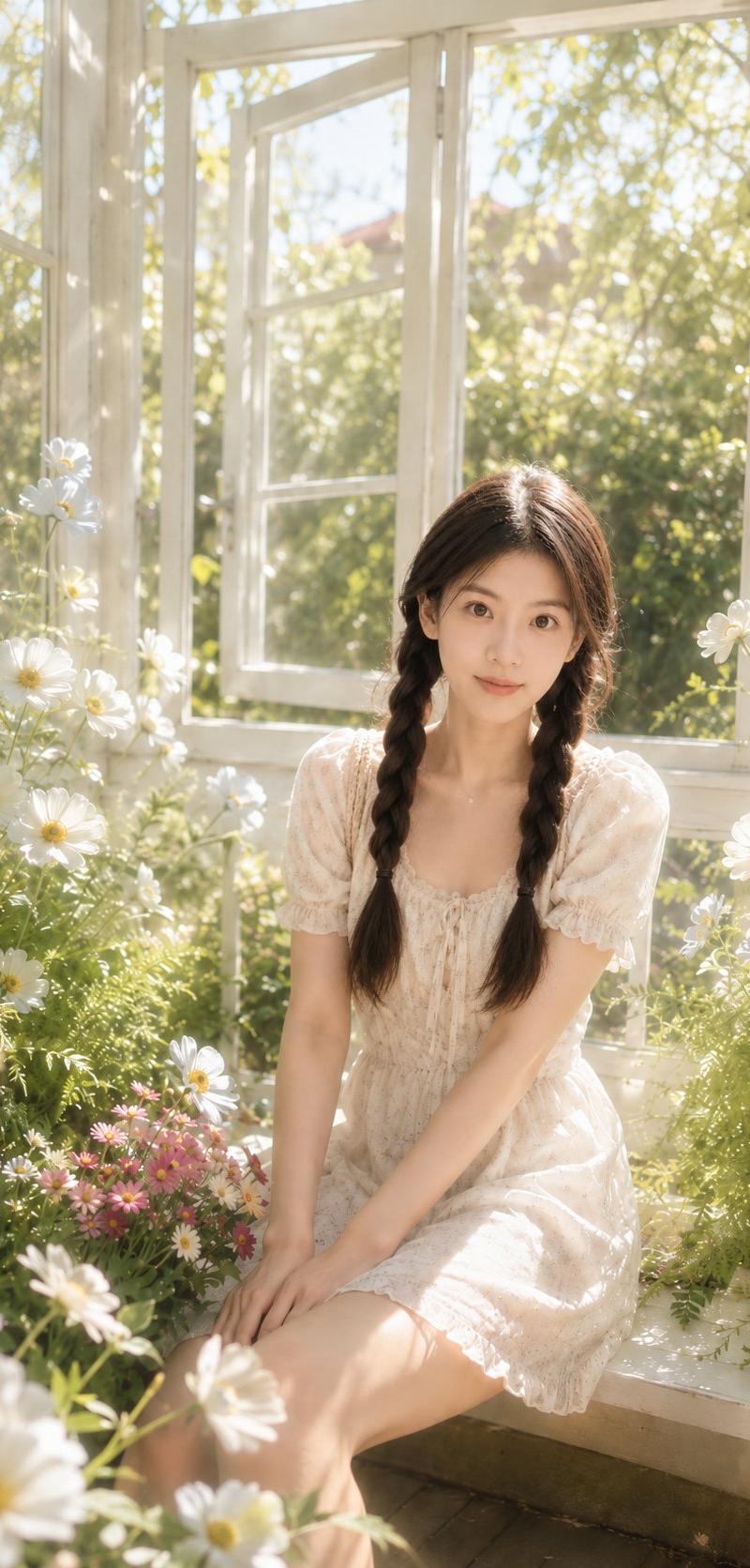
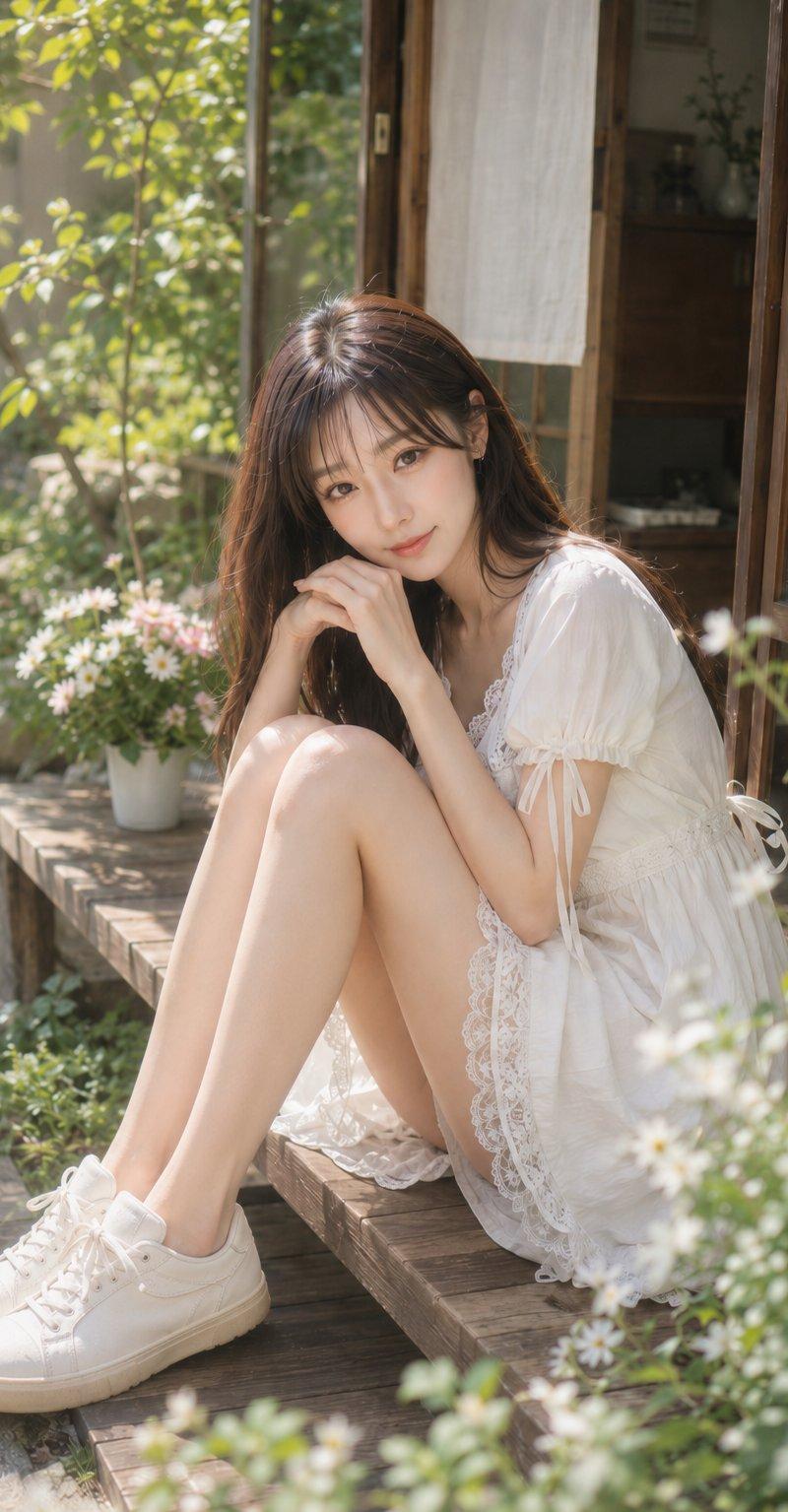
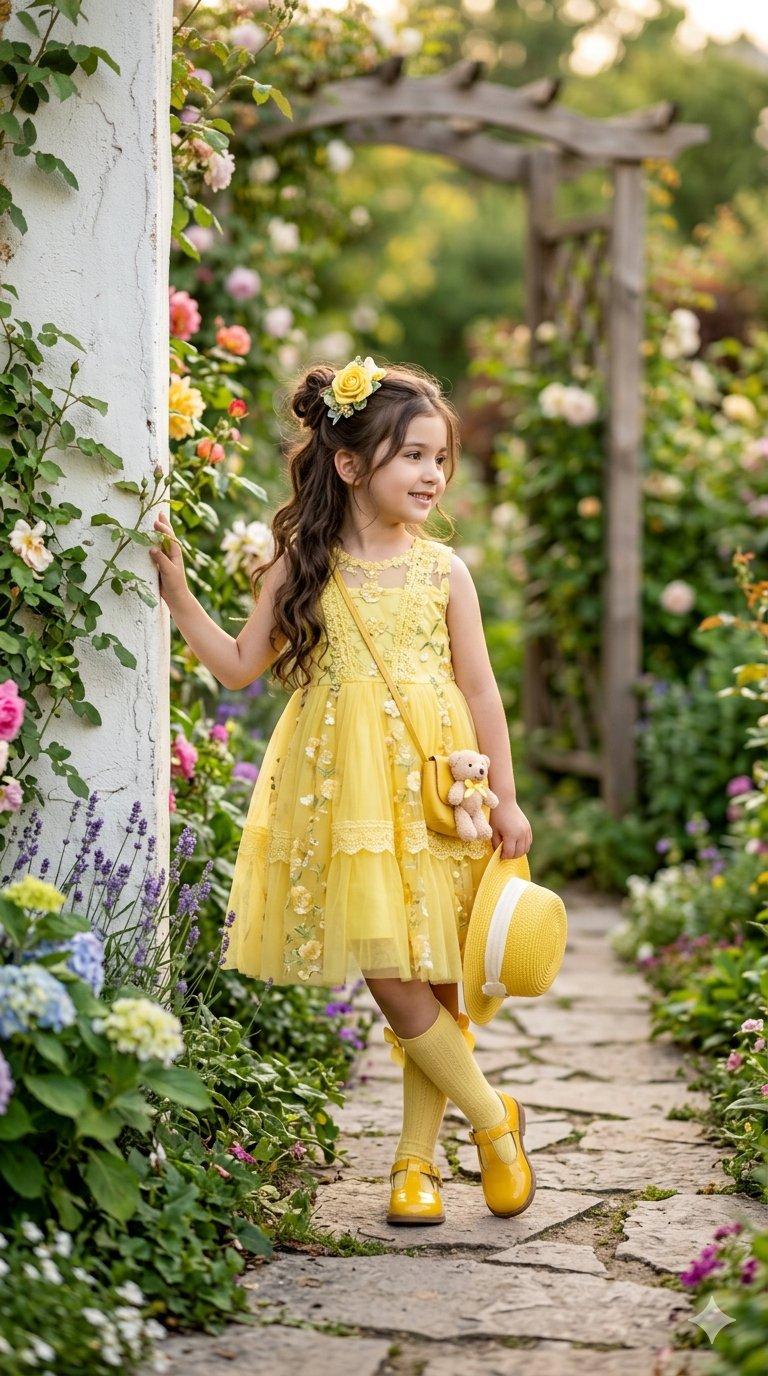
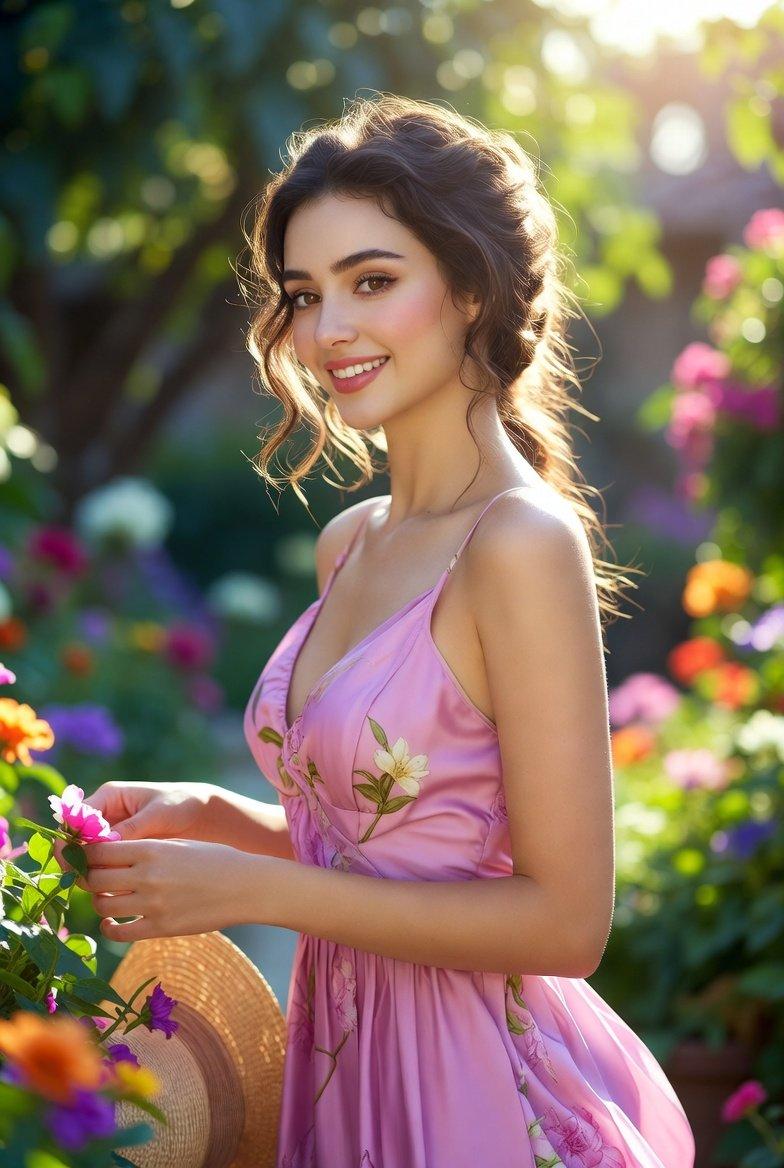
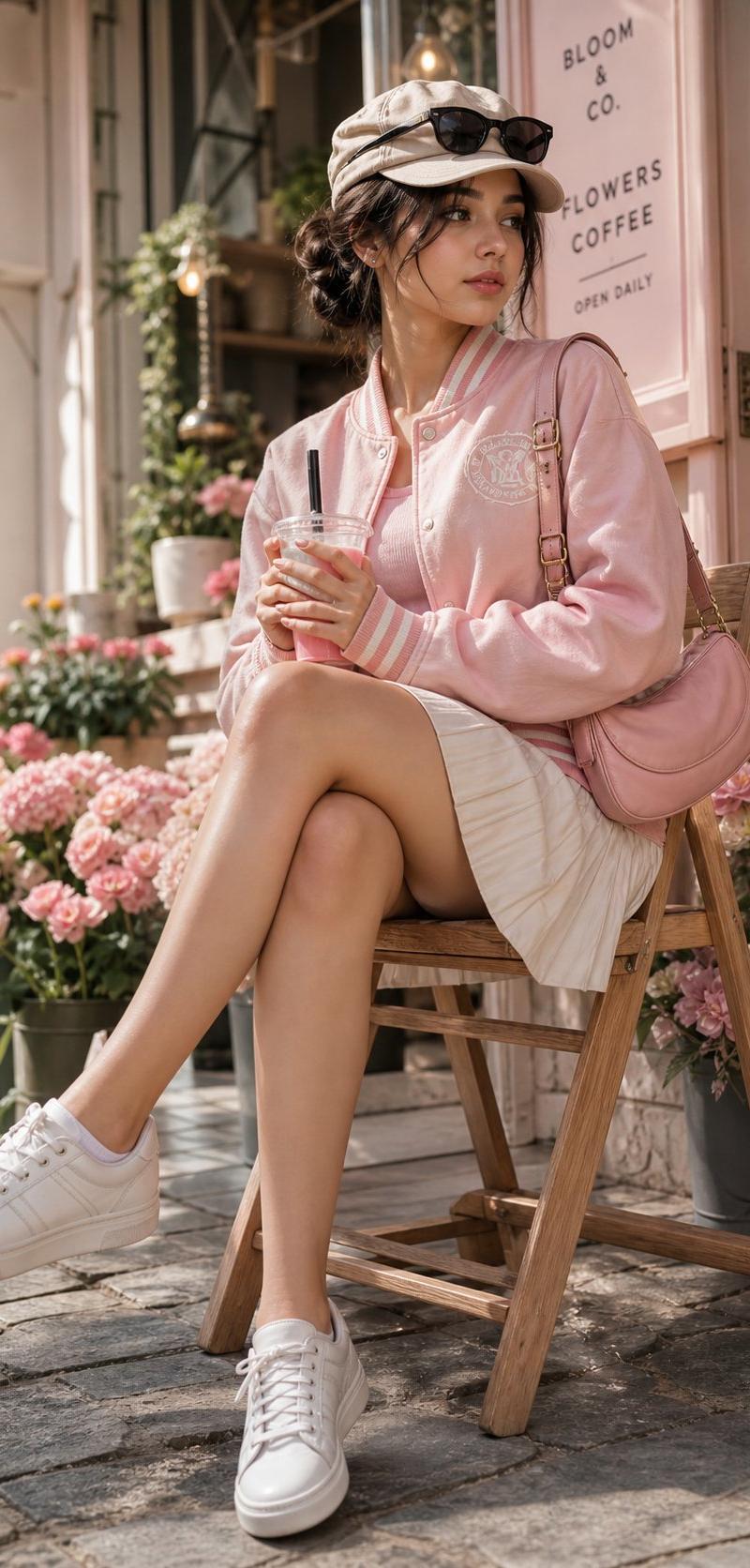
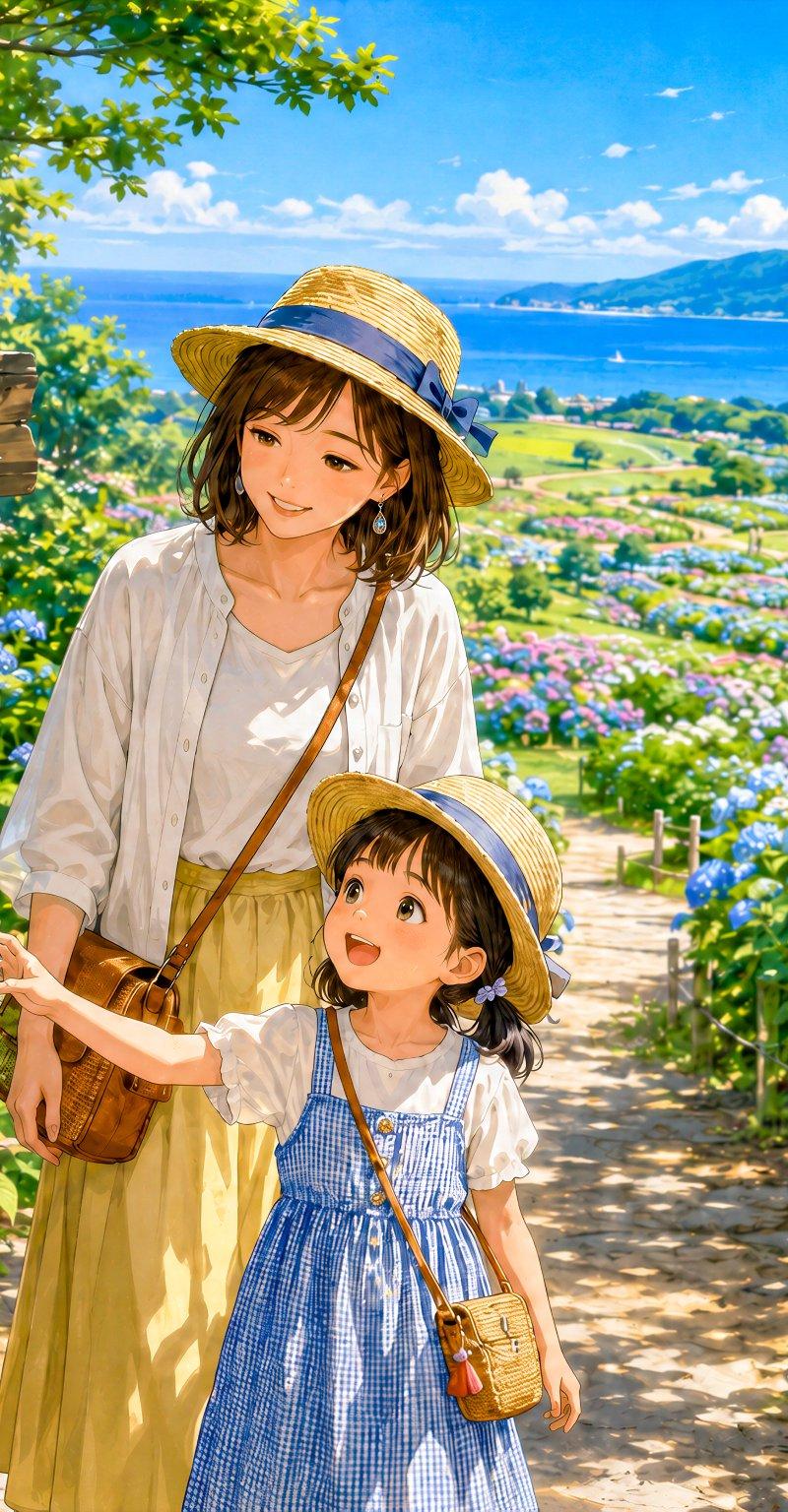
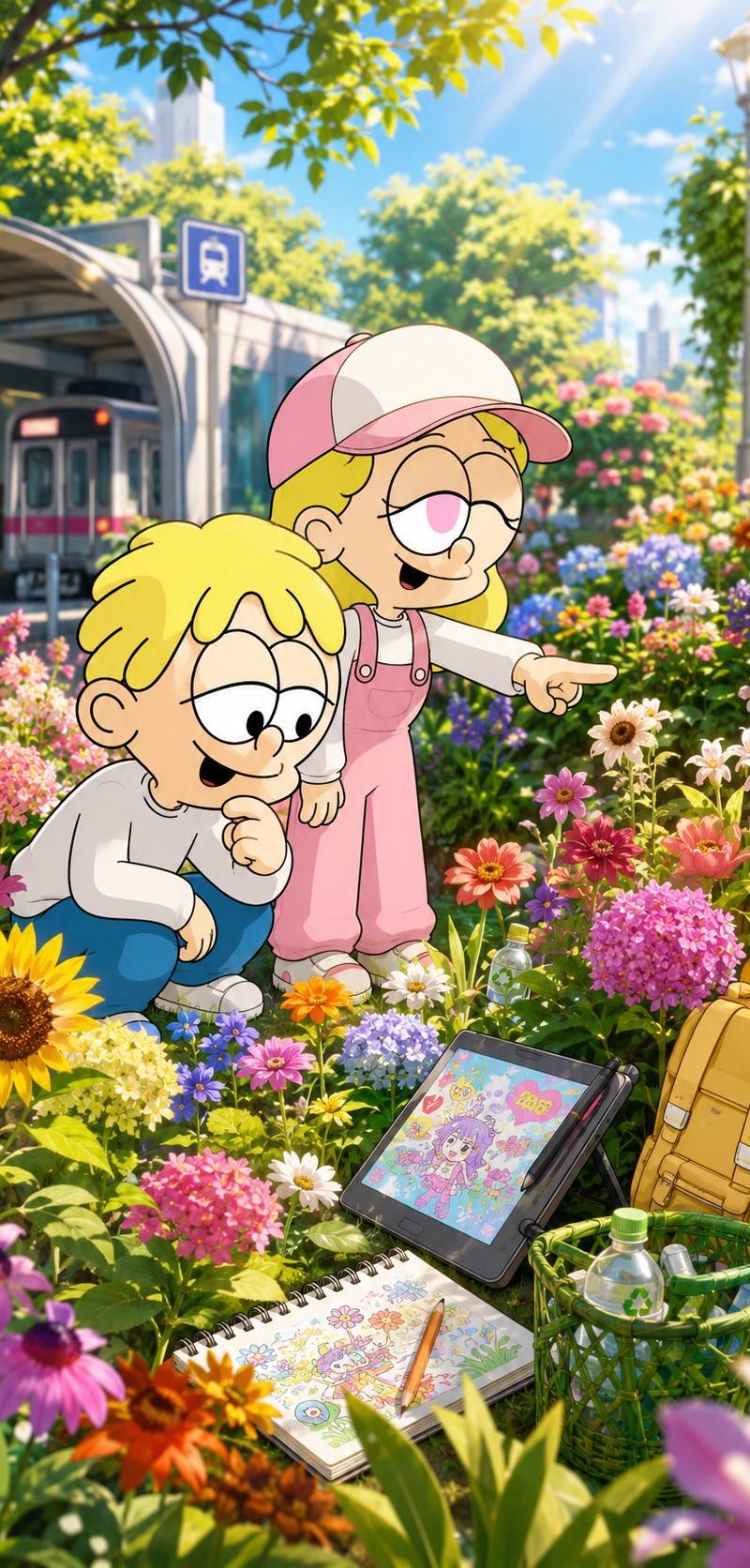
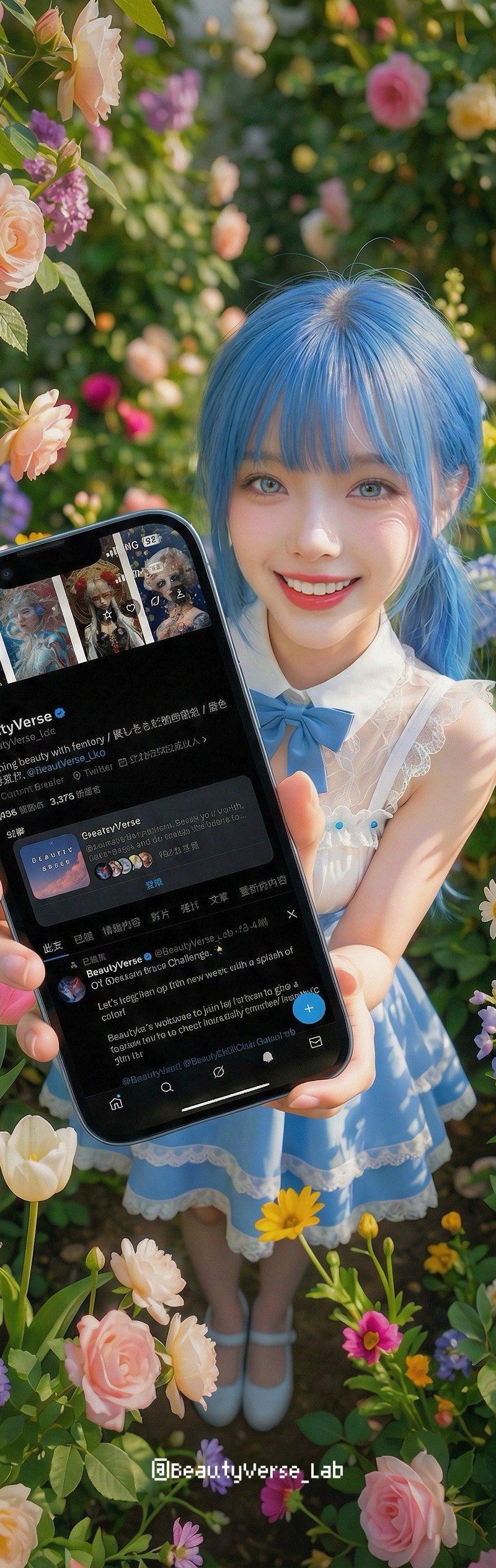
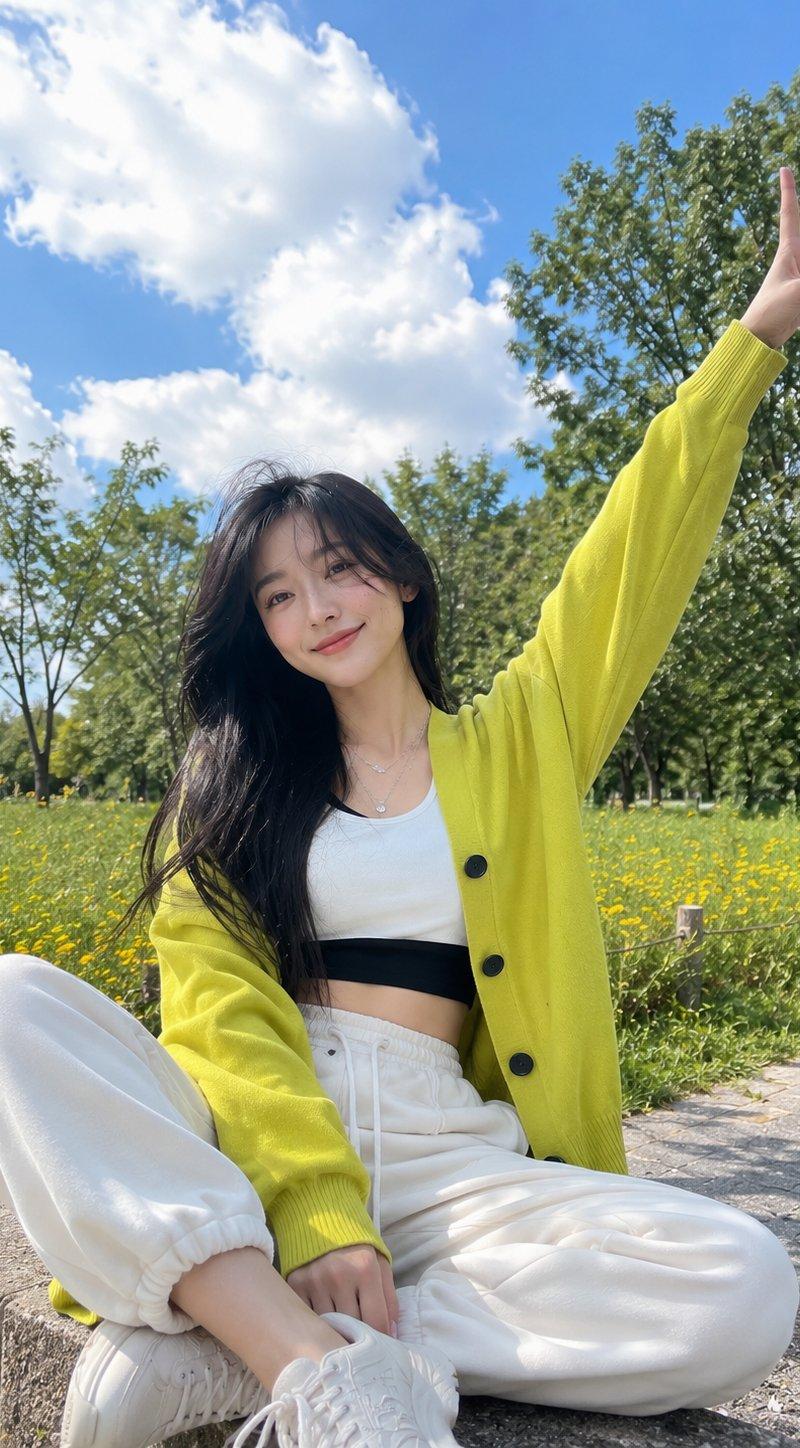
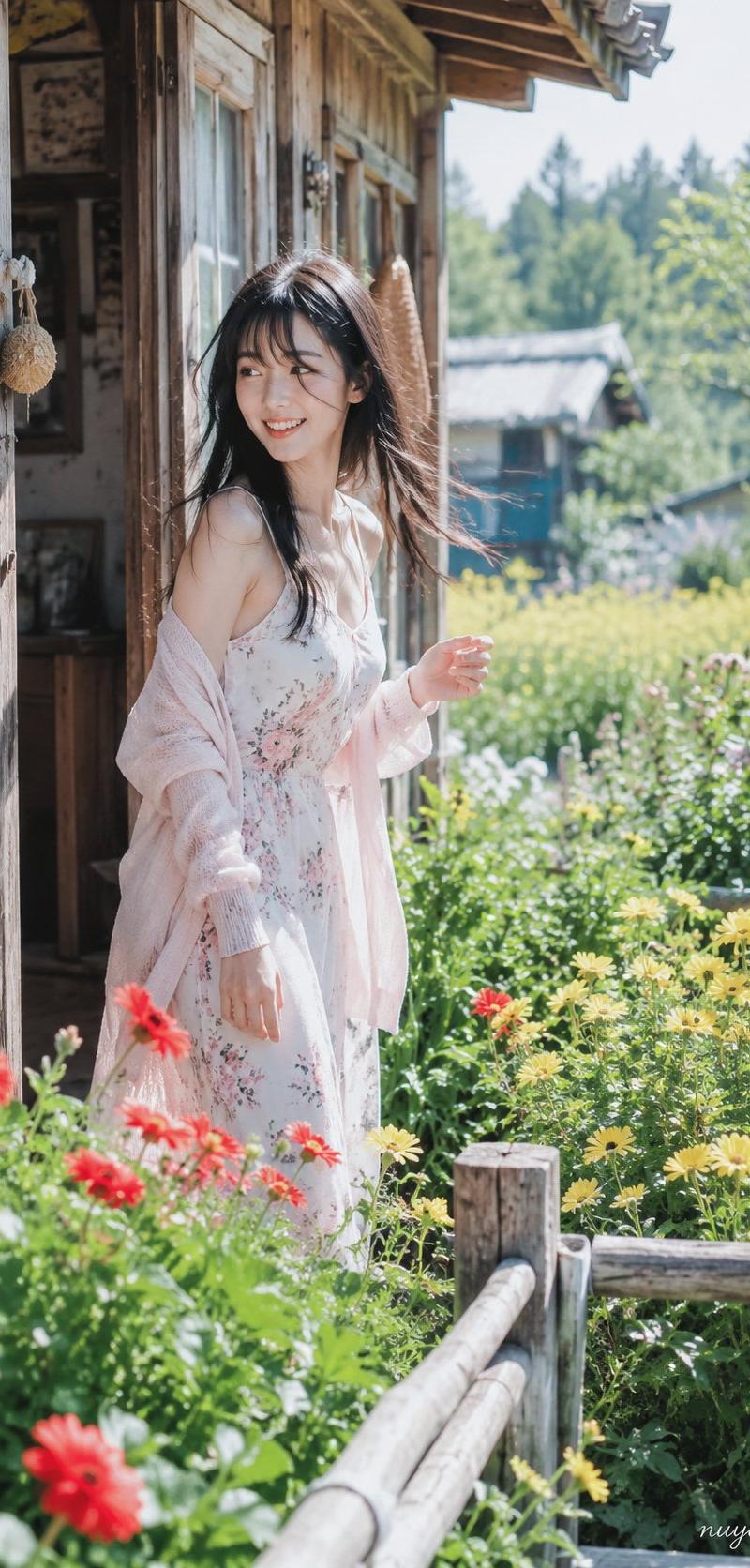
9:16, spring rural realistic photography, dreamy countryside feel, telephoto lens, clear air feel, snapshot feel. Young adult Chinese girl, black long hair, air bangs, clear light makeup, realistic skin micro-texture. Clothing: floral suspender dress, cardigan design. Possible items: vintage wooden house, sink by the window, copper faucet, wooden fence, haystack, flower field, red gerbera, yellow daisy, duckling, cat, lamb. (Select randomly, not all need to appear) Clear spring direct sunlight, cool white highlights, slight overexposure, transparent air, hair strands light-transmitting. Camera position: long shot with telephoto lens. Keywords: oxygen feel / transparency / clean / fresh / vitality / close-up / exaggerated actions and expressions / n=9
Category
Charts & Infographics
Model
ChatGPT
Creator
@nanyuan0412
Source language
zh-CN
Views189
Source ID
15839
Published
Jun 11, 2026
Studio

Guide

About "春日田园少女长焦摄影真实梦幻感"

What is this prompt for?

"春日田园少女长焦摄影真实梦幻感" AI image prompt for ChatGPT (Charts & Infographics). 9:16,春日田园真实摄影,梦幻乡村感,长焦镜头,清透空气感,抓拍感。 年轻成年中国少女,黑色长发,空气刘海,清透淡妆,真实皮肤微纹理。 服装:吊带碎花群,开衫设计 可以出现的…

The full copyable prompt and example visuals above are ready for AI image generation or one-click recreate in Picva.

How to use this prompt

  1. Step 1

    Open the prompt detail

    Review the example visuals, category, and full prompt text for "春日田园少女长焦摄影真实梦幻感".

  2. Step 2

    Copy the prompt

    Copy the prompt body from this page, or load it directly in Studio.

  3. Step 3

    Pick a model (ChatGPT)

    Prefer ChatGPT. If you switch models, keep subject and composition and tweak style terms.

  4. Step 4

    Generate and export

    Recreate the look in Picva, or export into your workflow for editing and publishing.

FAQ

What is the "春日田园少女长焦摄影真实梦幻感" prompt?
It is an AI image-generation prompt for ChatGPT in the Charts & Infographics category. This page includes the full prompt text, example visuals, and a one-click recreate path in Picva.
How do I use this prompt to generate an image?
Copy the prompt from this page, or use Generate / Studio. Paste it into a compatible image model, or recreate the look in Picva with optional reference images.
Which model is this prompt for?
This page lists ChatGPT. Most descriptive prompts also transfer to nearby image models such as GPT Image, Flux, or Midjourney with light style tweaks.
Can I use the result commercially?
You can usually copy the prompt for creation, but commercial use of the final image depends on the model terms, reference-image rights, and the generated content. Follow the source author and platform rules.