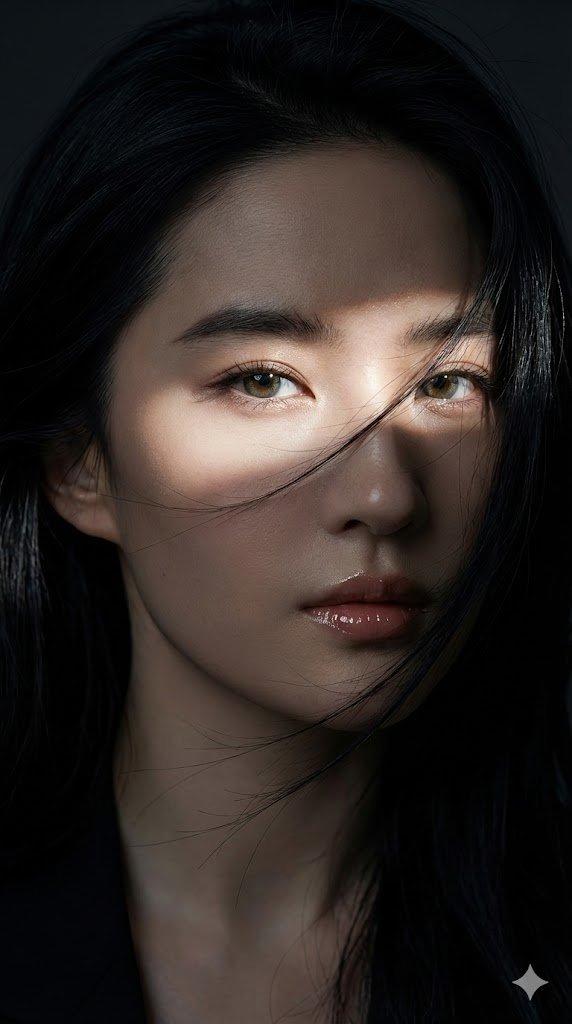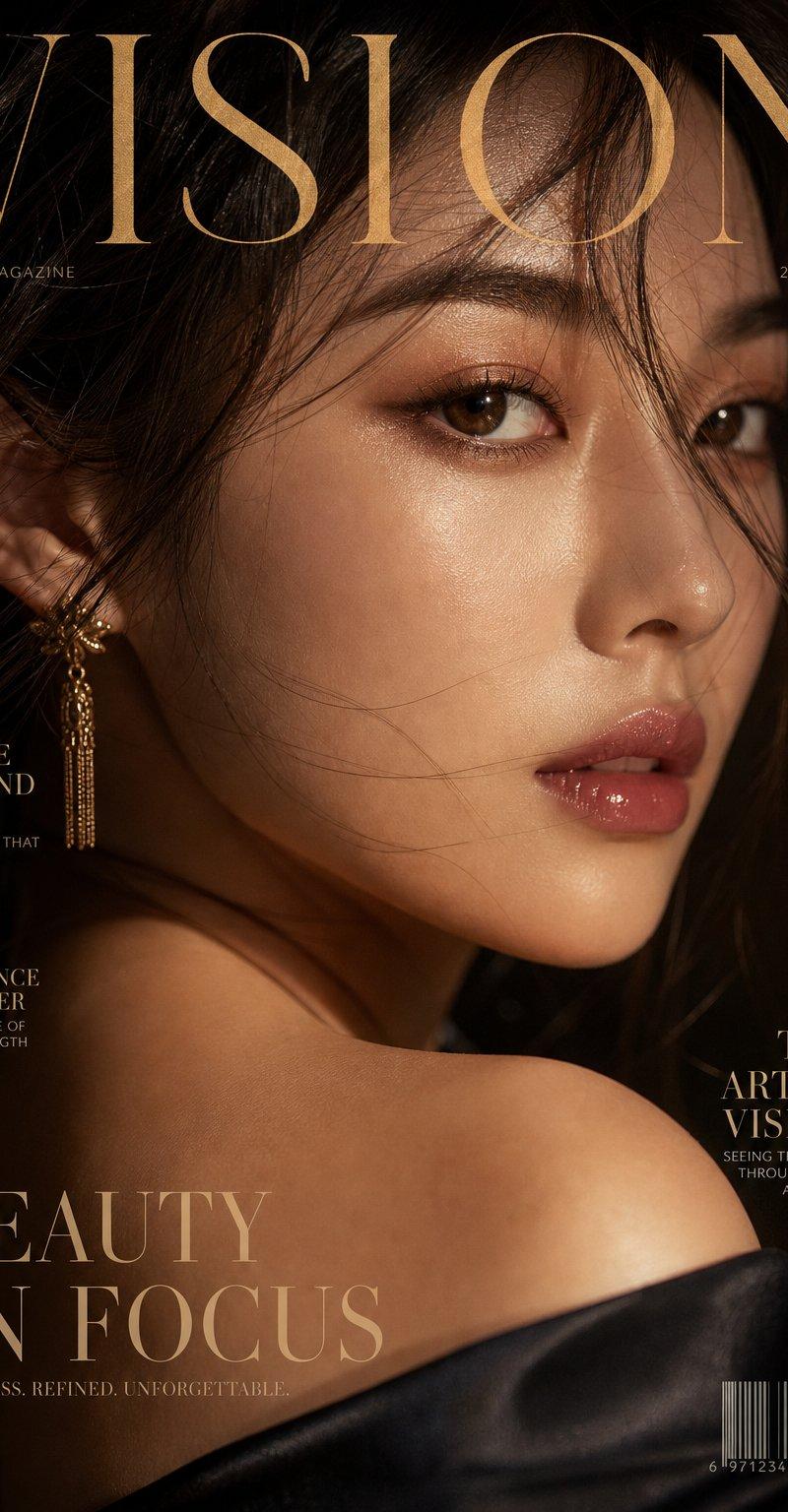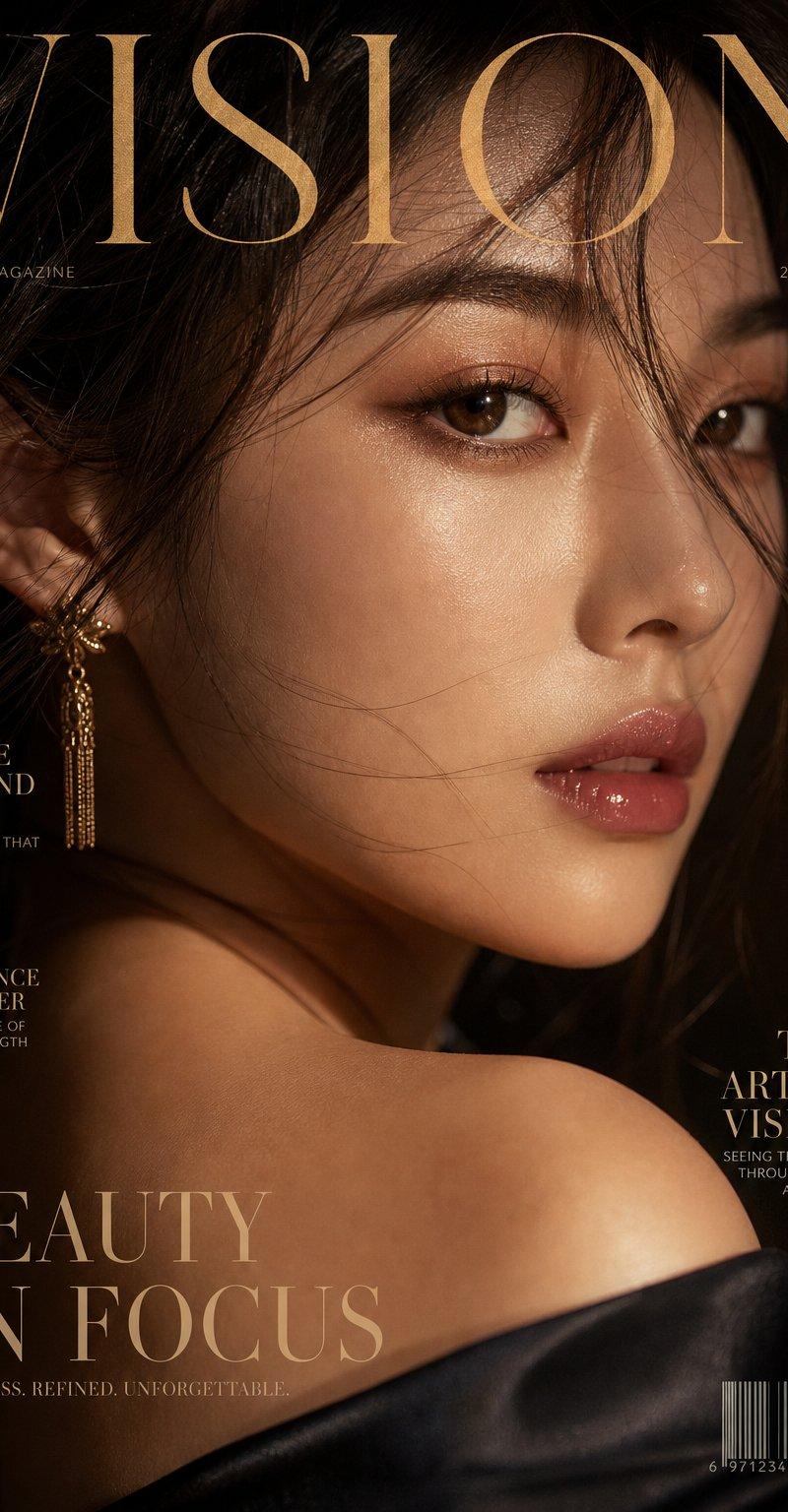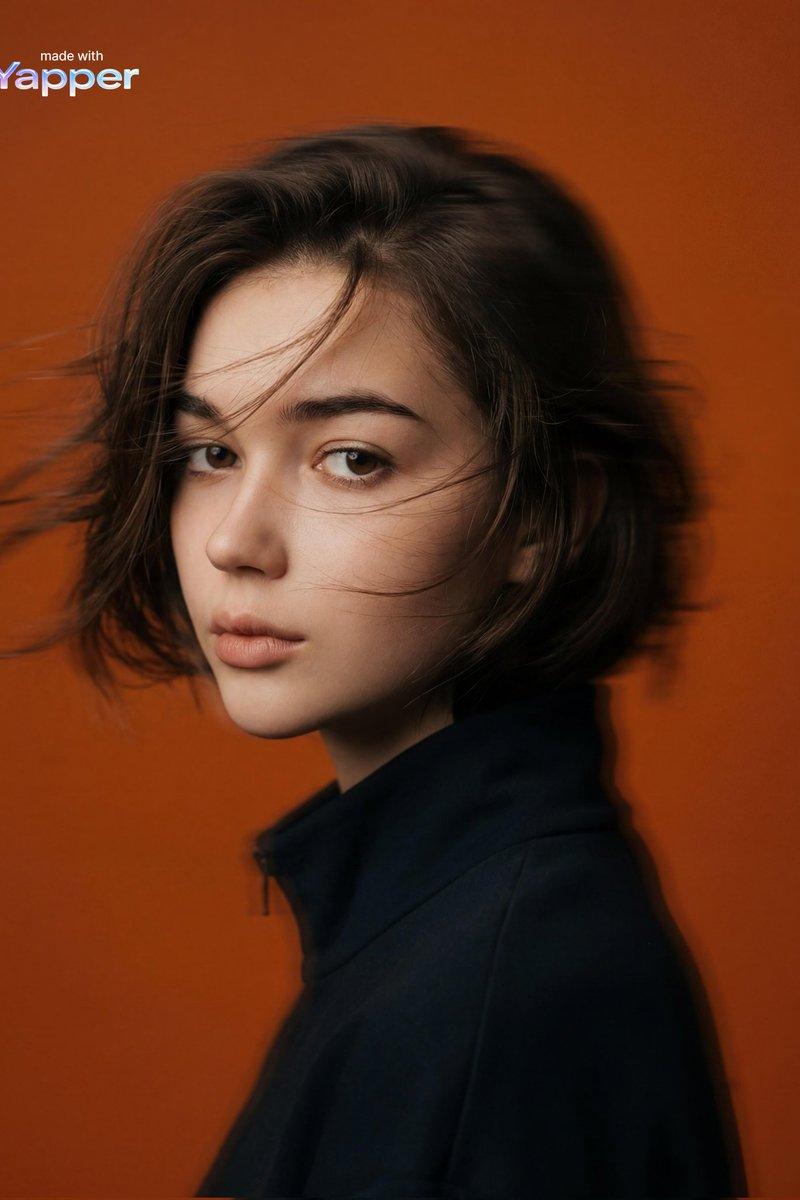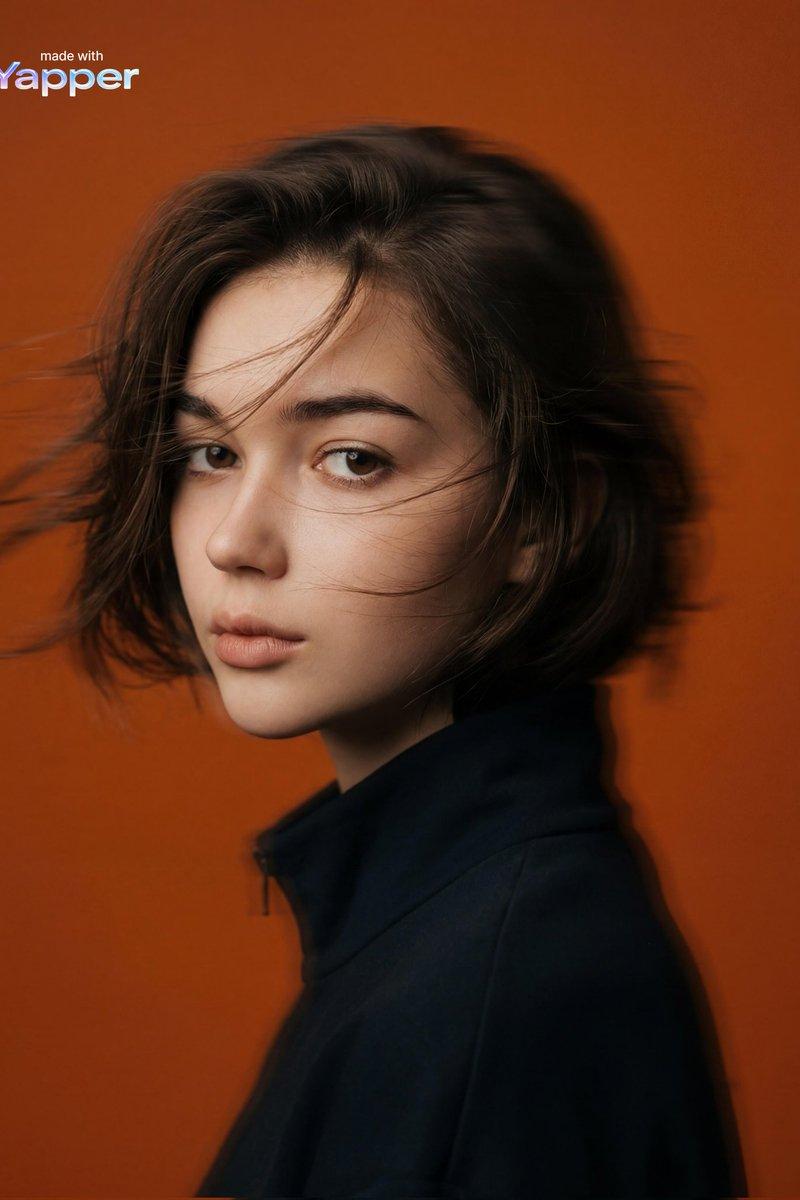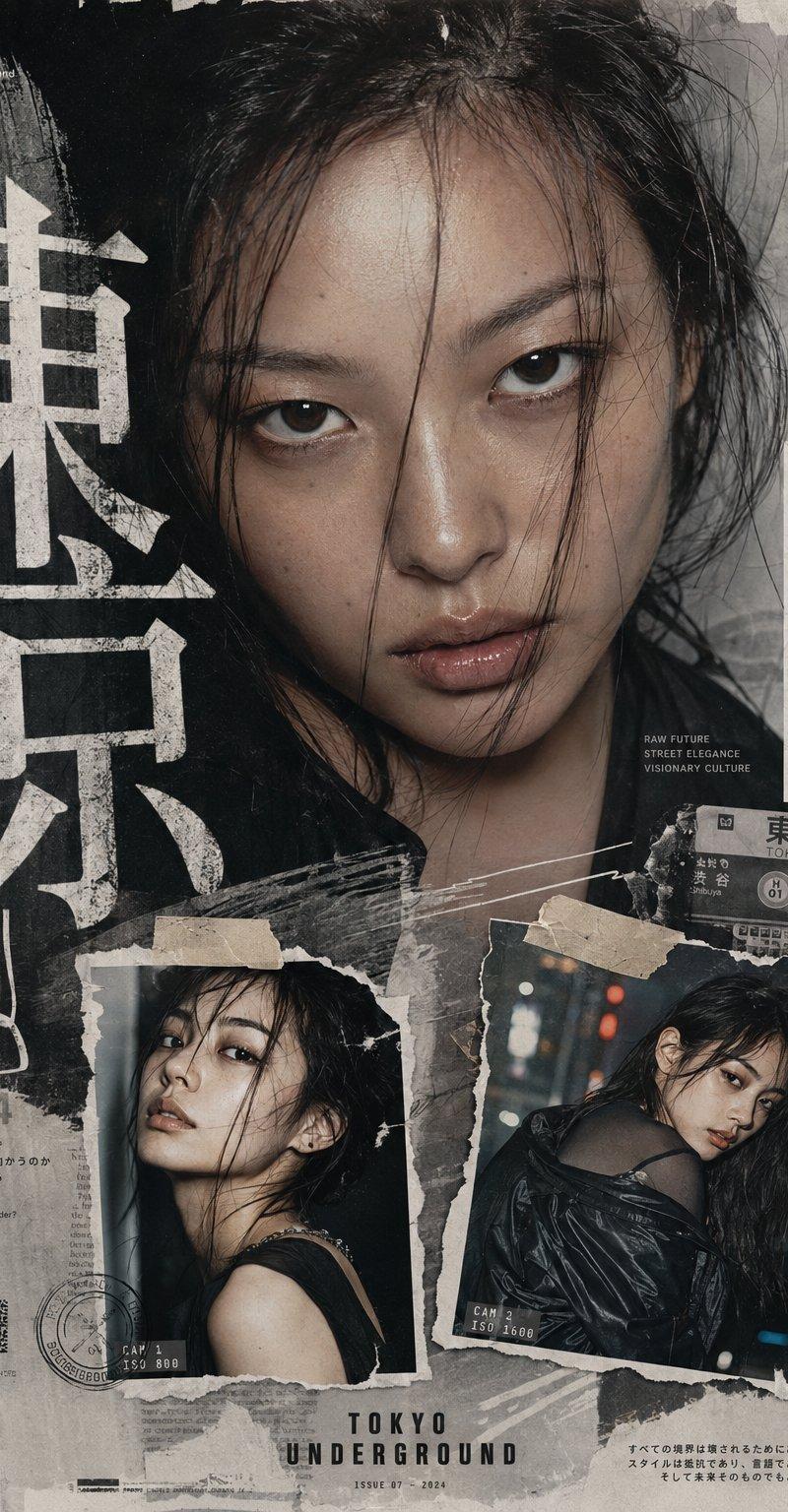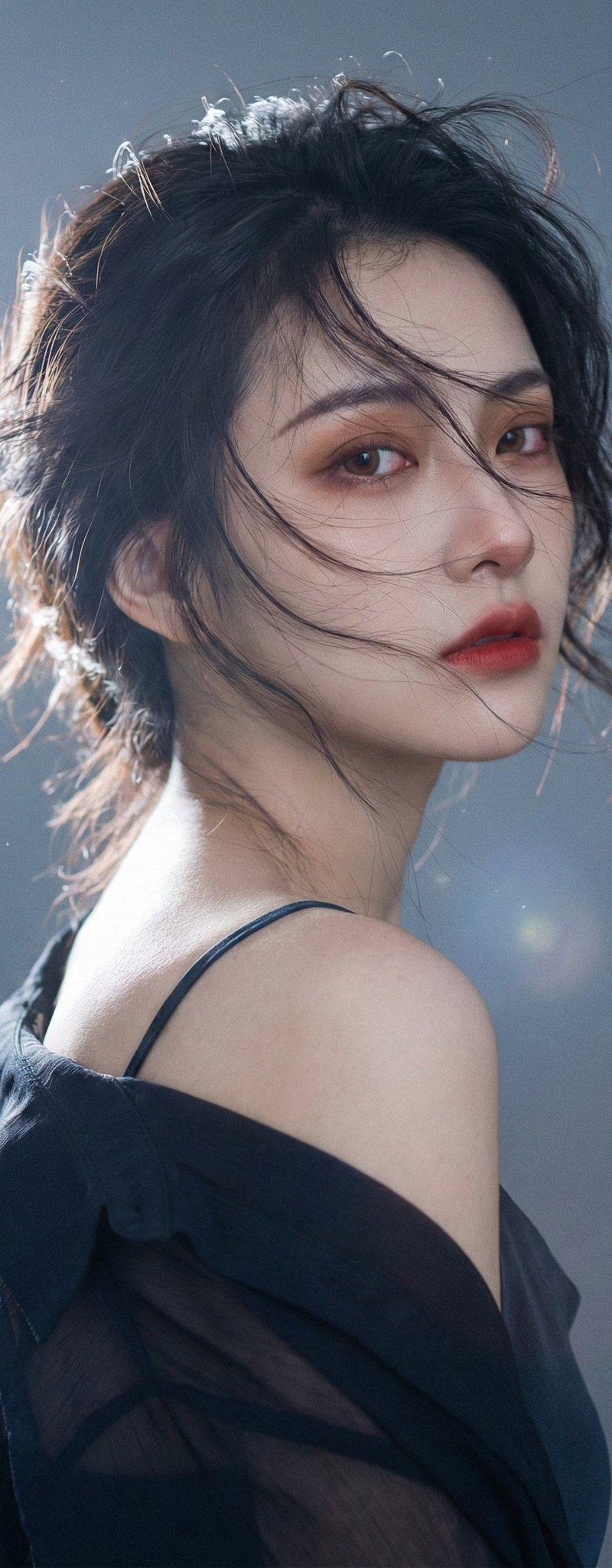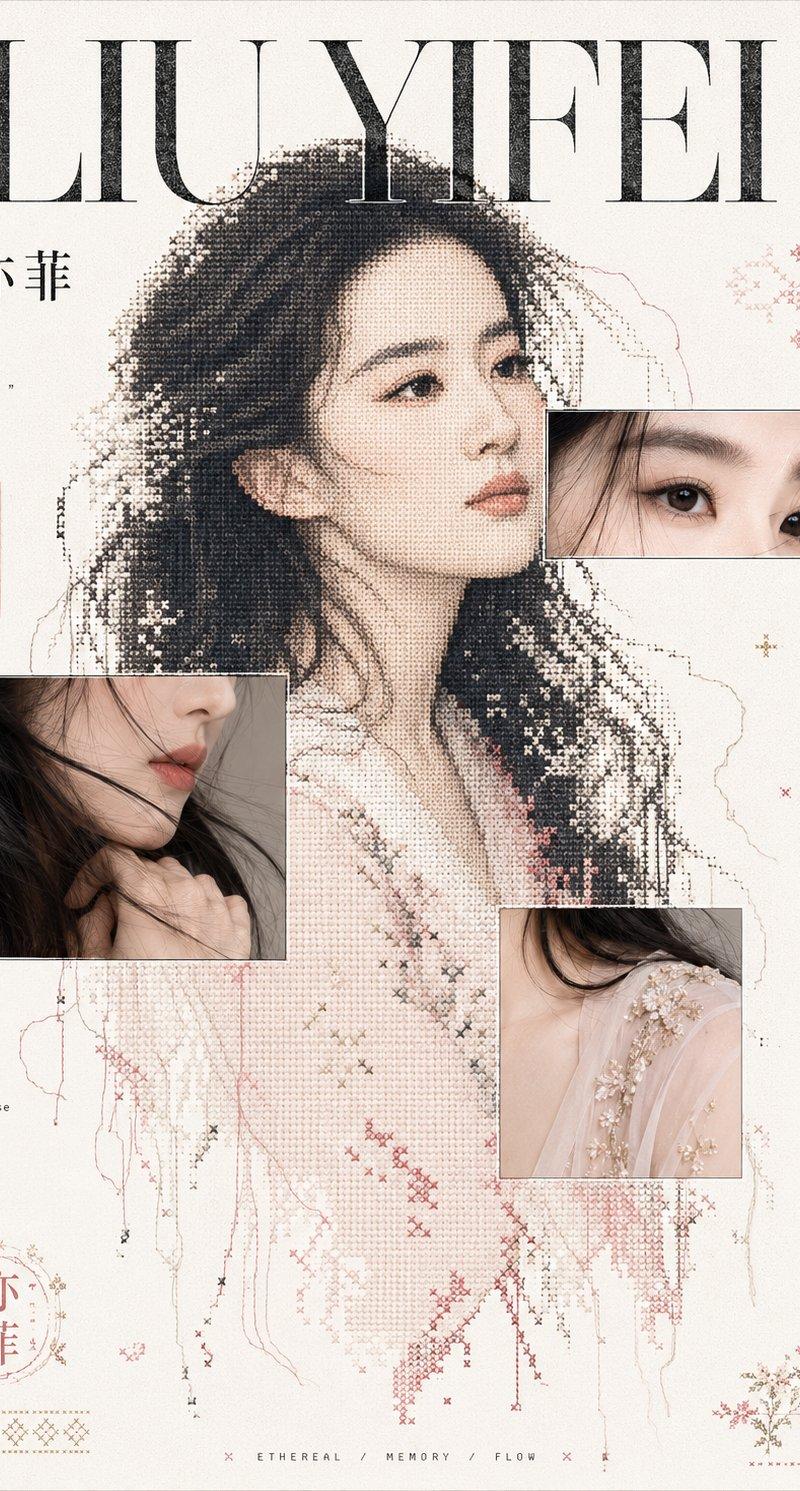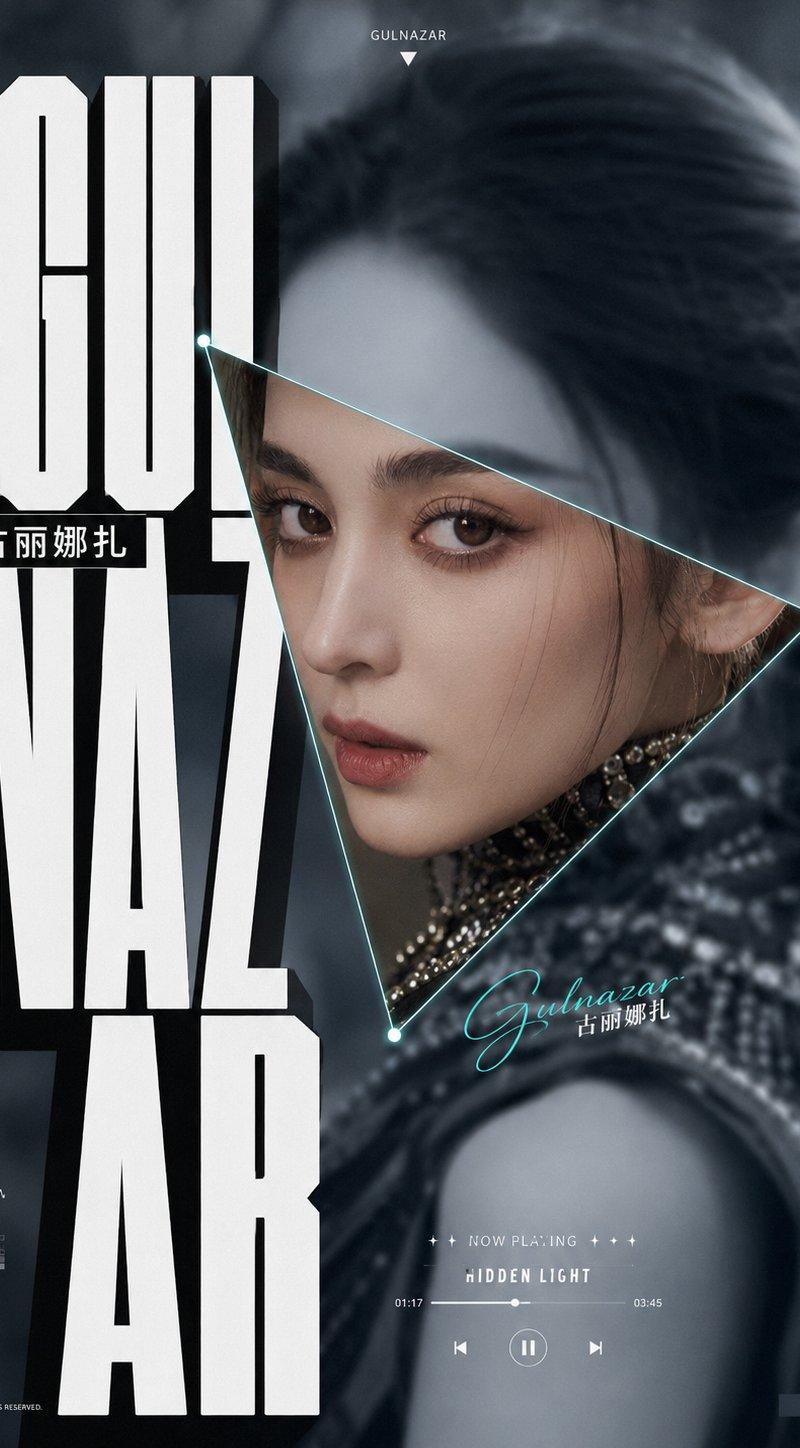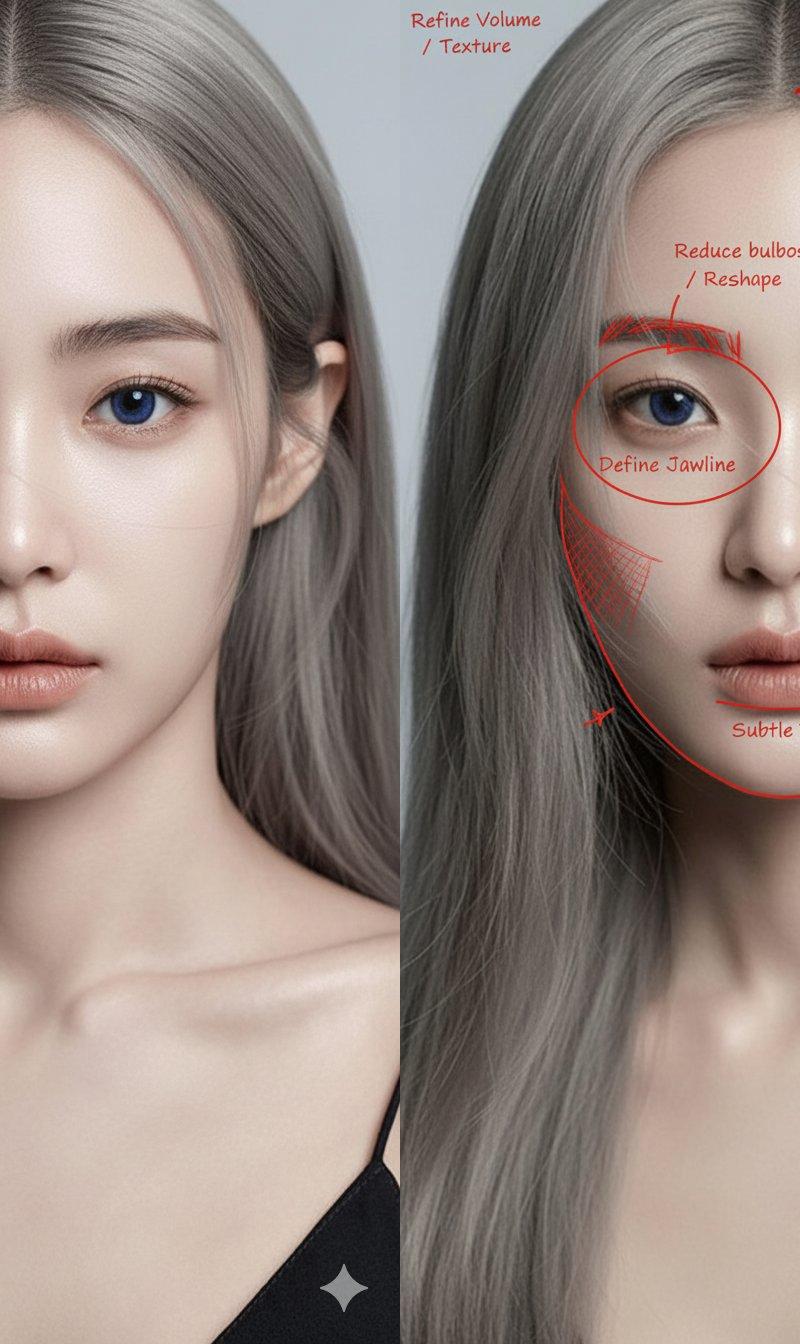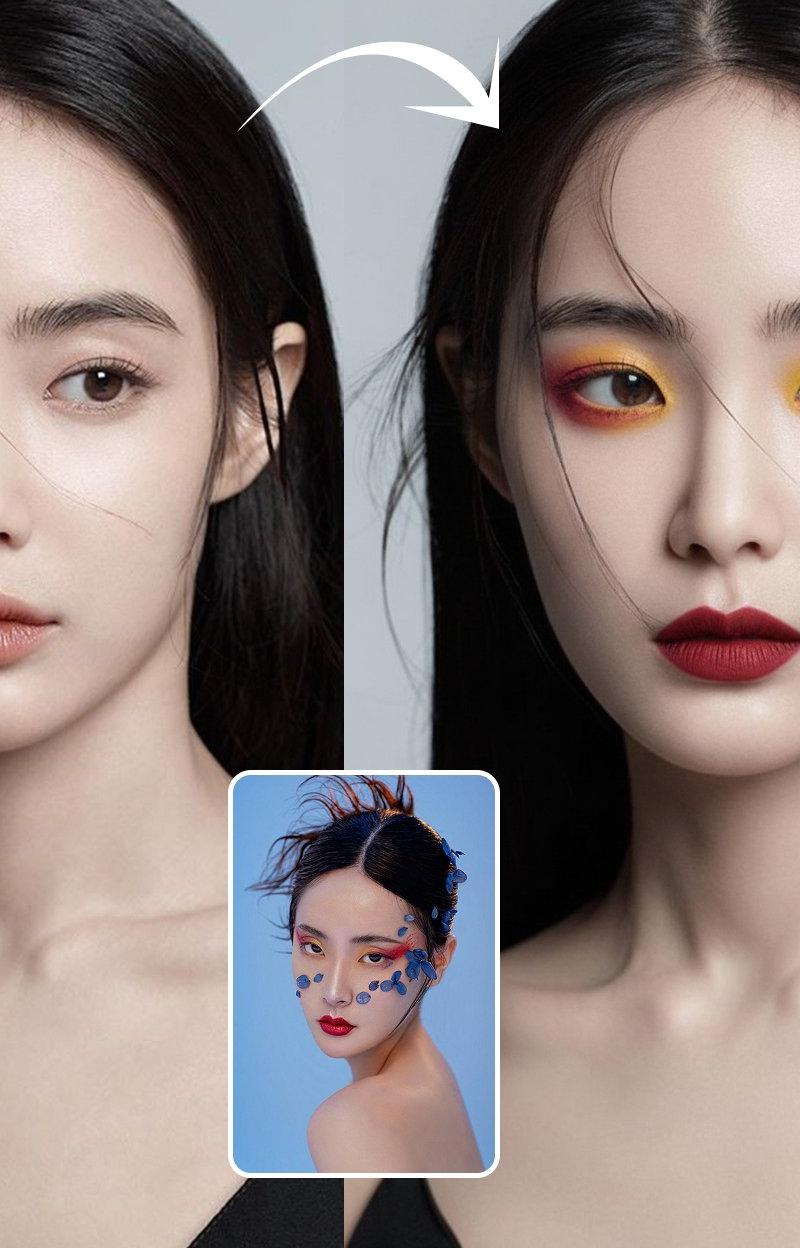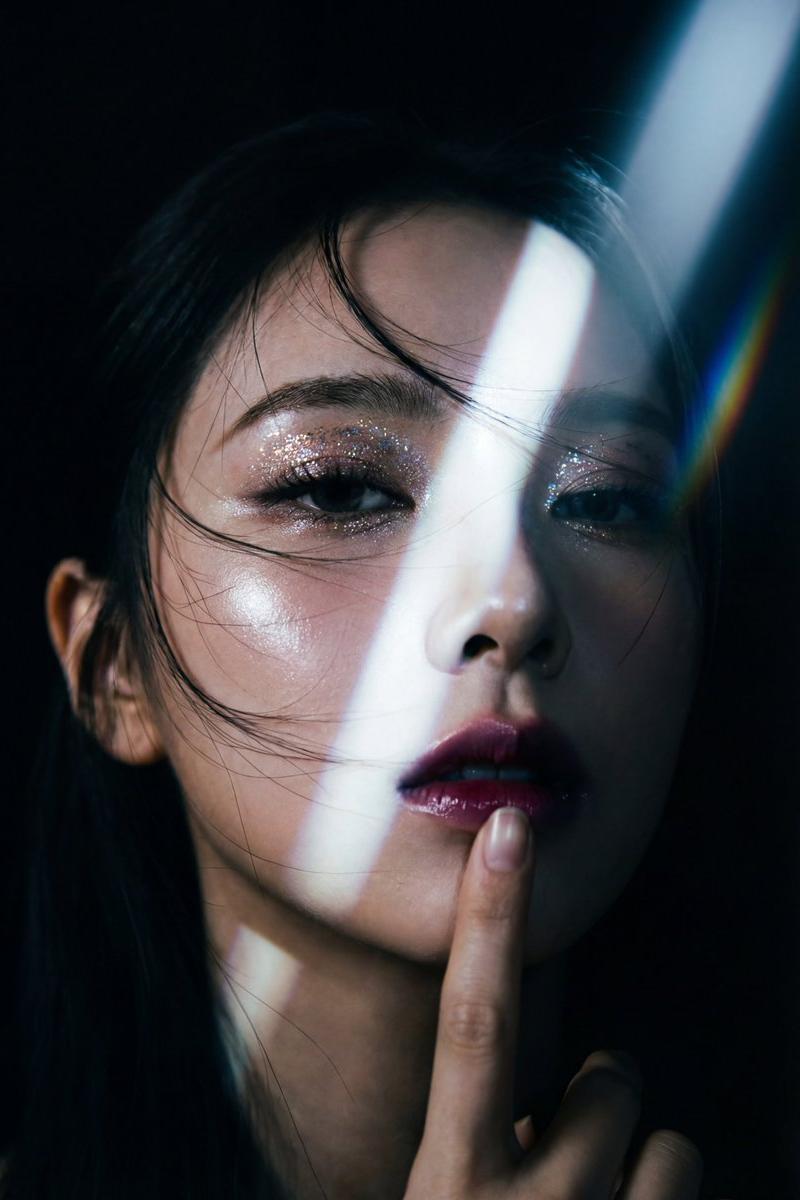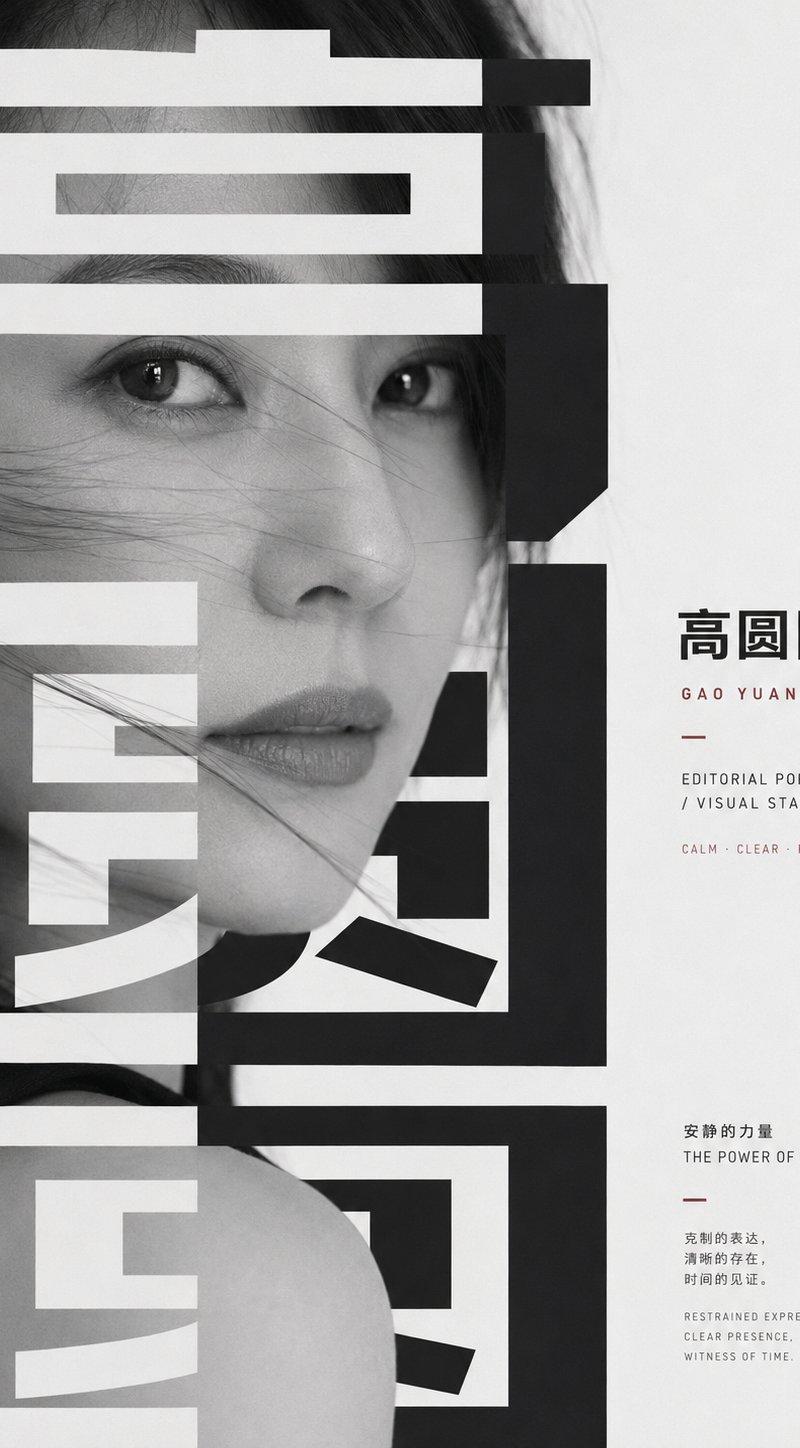
莫文蔚强图形编辑感排版影像
Prompt
Generate an image with a strong sense of graphic editing centered around any subject: the subject appears as a close-up realistic image's main form, magnified to be almost close to the viewer, partially cut off by boundaries, with the most emotional or representative details located at the visual center; the screen overlays a group of extremely bold and large title glyphs or subject symbols, making the glyphs both an information layer and a masking layer, with strokes passing through, pressing down on, and cutting through the main body, using white negative space and dark solid forms to create a tension between exposure and concealment. The primary reading order is to first see the weight of the huge abstract character blocks, then discover the key expressions, textures, or structures of the subject's main form within the gaps of the glyphs, leaving quiet empty spaces on the right or edges to place small amounts of body-text-style information, forming a rhythmic contrast between loud titles and whispered annotations. Colors are extracted from the subject's own materials, emotions, and narrative context, mapped into large areas of bright and clean background colors, clear dark structures, low-saturation image layers, and small areas of information emphasis colors; maintain high-brightness white space, calm and clear transparency, clean color gradations, and clear light-dark steps, dark colors must be clear and powerful, light colors must be airy and clean, avoiding dirty gray, smoky, retro yellowing, or turbid coverage. The overall texture should be like a mix between a serious publication and a public poster: black and white photographic feel or restrained image texture derived from the subject, hard-edged geometric glyphs, precise typography, tense white space, strong figure-ground relationship, ultimately allowing the subject to be reorganized by the textual structure into an oppressive yet sober, restrained, and memorable visual statement. Subject: Karen Mok. Aspect Ratio 16:9
- Category
- Charts & Infographics
- Model
- ChatGPT
- Creator
- @xiaoxiaodong01
- Source language
- zh-CN
- Source ID
- 16132
- Published
- Jun 16, 2026
Views63