新中式高端展览海报设计
Prompt
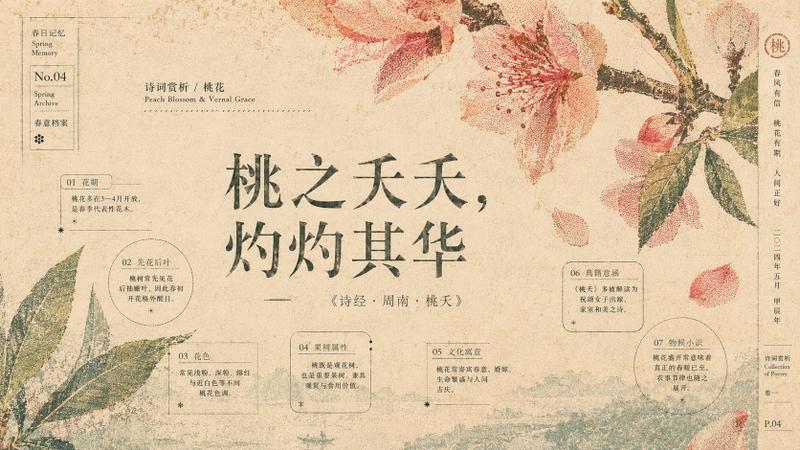
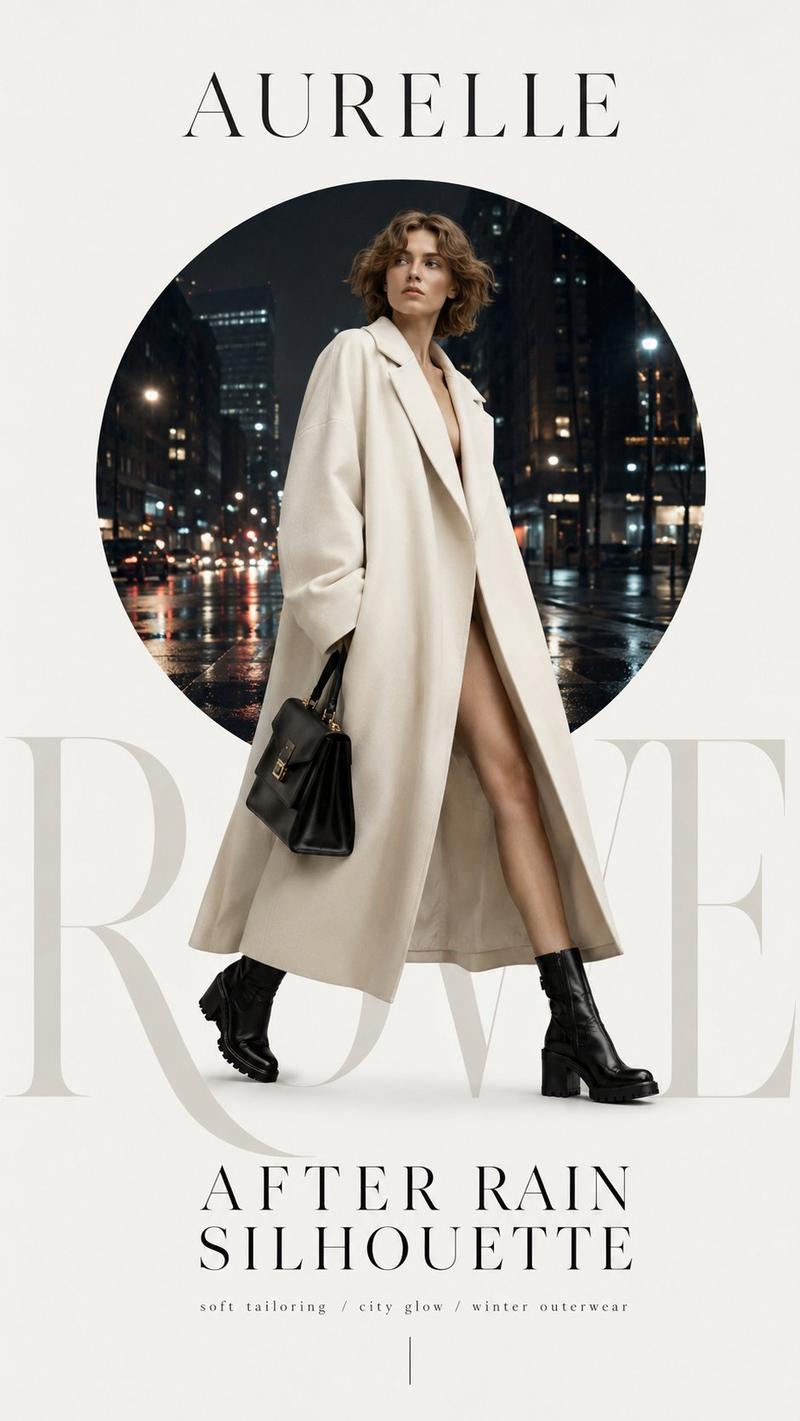
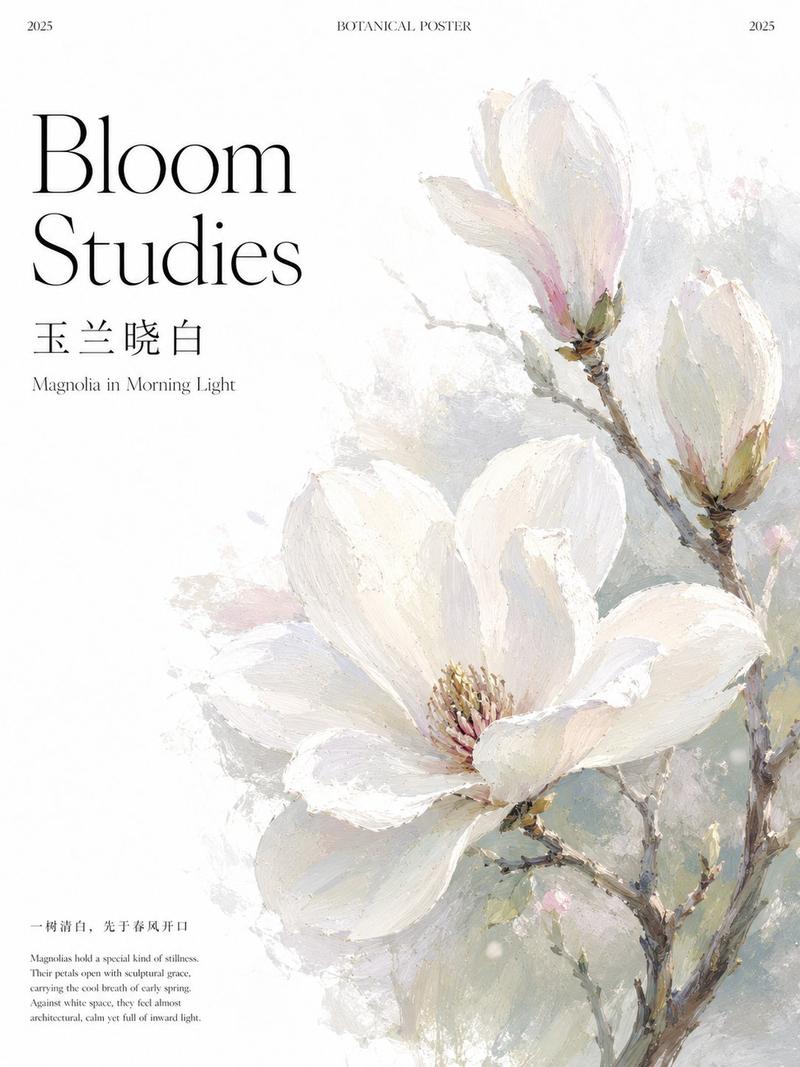
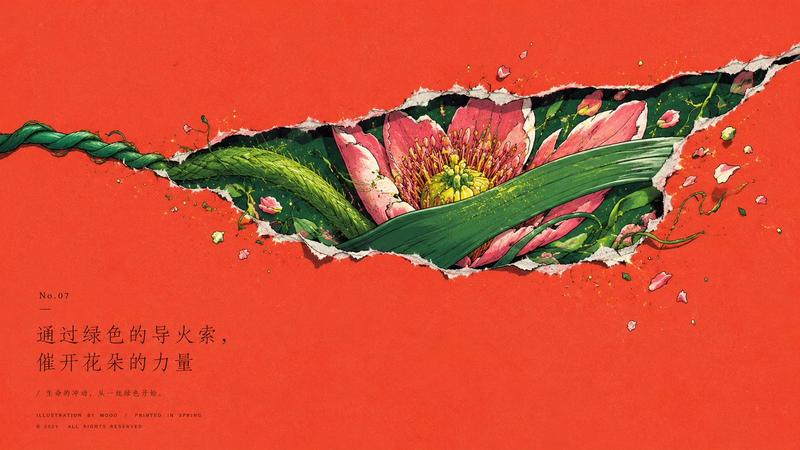
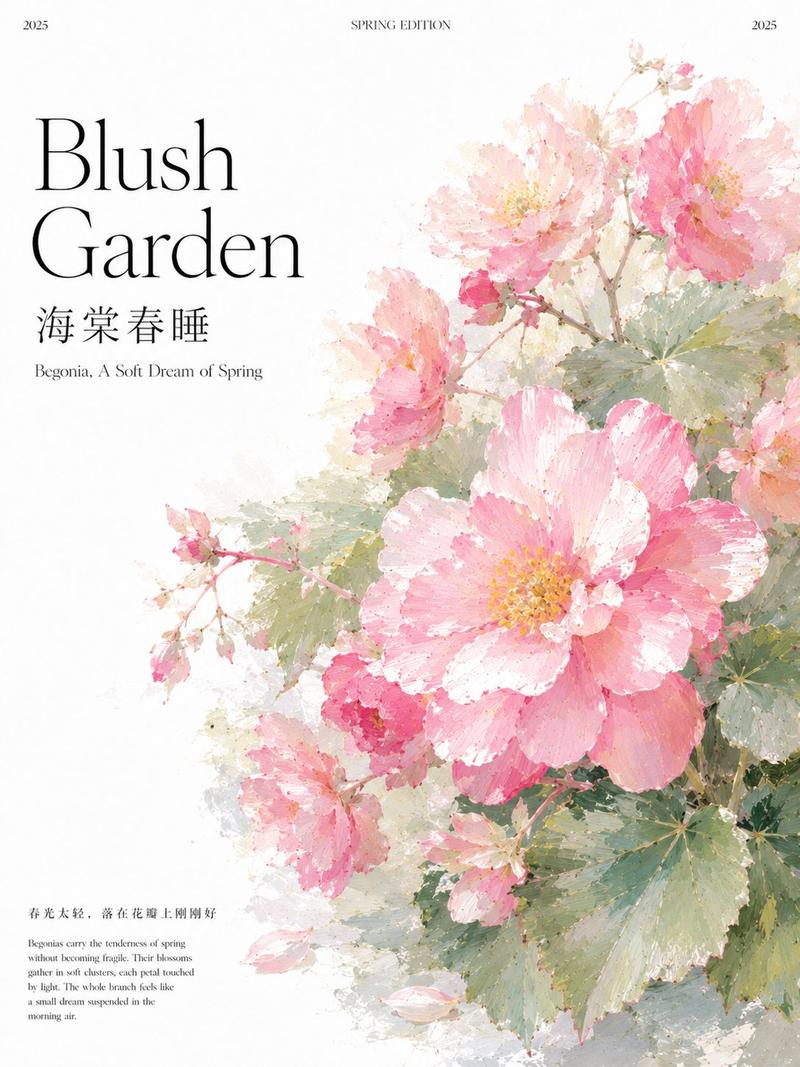
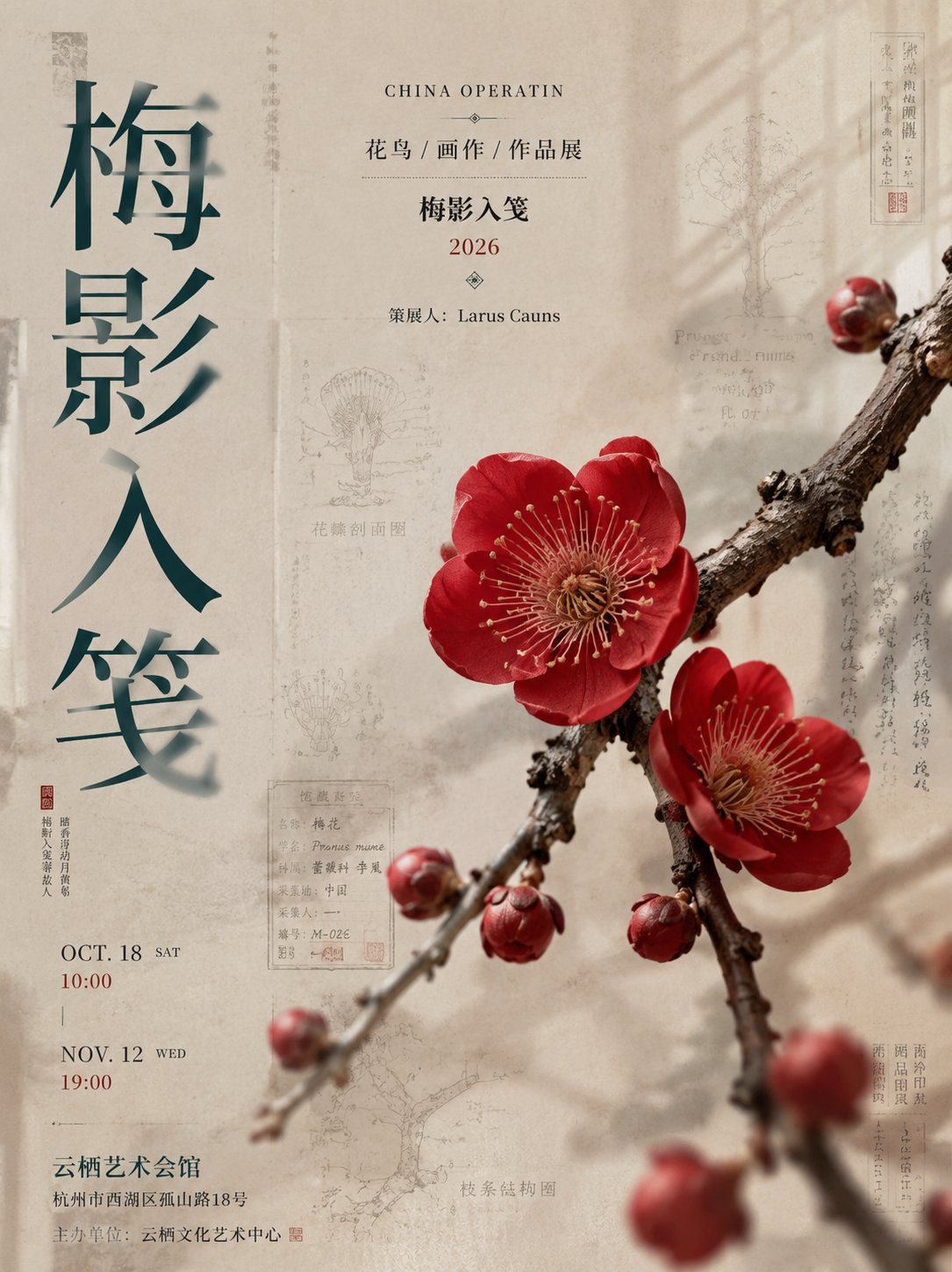
Generate a vertical 3:4 new Chinese style high-end exhibition poster with the theme [Theme Name], resembling a real boutique exhibition poster from an art museum / cultural center.

On the left, a super large vertical Chinese title [Large Title], using new Chinese modern title font design. The title is not ink wash smudging, but 'clear engraved characters + partial frosted glass blur'. The clear part dominates, about 85%–95% remains clear, with sharp edges, full colors, clean interiors, and high-end gradients of the same color system; the blurred part only accounts for 5%–15% of each character, like local frosted glass optical blurring, with different blur positions for each character as an embellishment.

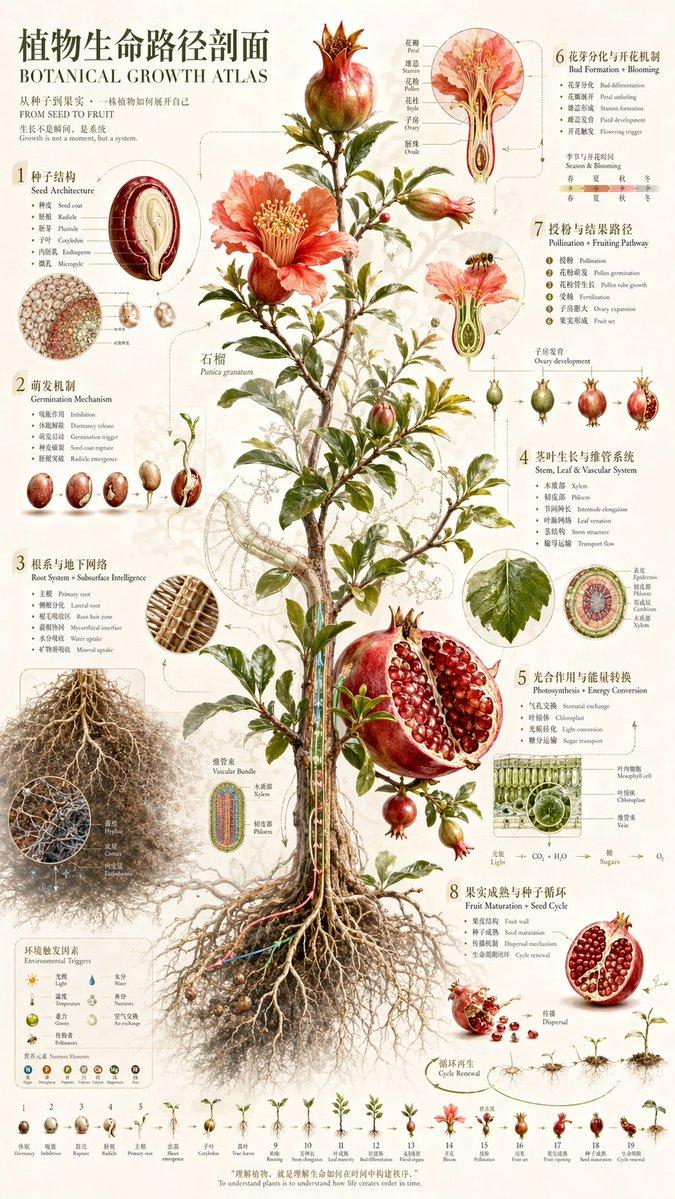
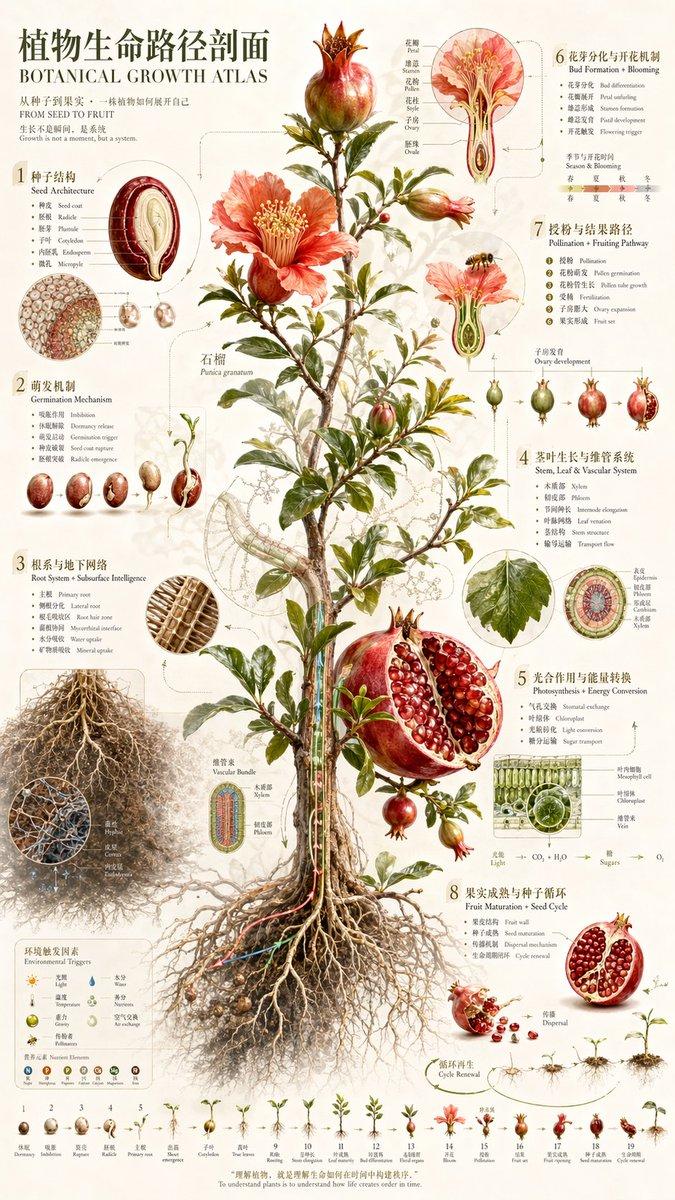
The background uses a high-end thick paper texture, with fine paper fibers, light grains, local color accumulation, and restrained aging. Add low-transparency textures echoing the theme: botanical atlas line drawings, structural diagrams, shadows of stationery, traces of postscripts, museum collection labels, catalog page borders, window shadows, and soft light and shadow. The background should have layers and weight, but not overpower the main subject.

Place the [Main Plant / Object] in the center-right of the frame, with the main subject being larger, more realistic, and clearer, somewhere between high-end botanical still-life photography and museum botanical illustrations. Add a small amount of foreground blurred elements to create a spatial hierarchy of light foreground blur, clear middle ground, and recessed background.

Upper information area:
CHINA OPERATIN
[Category / Works Exhibition]
[Theme Name]
2026
Curator:

Add the museum name, address, organizer, thin line frames, small labels, cinnabar seals, and extremely fine explanatory text at the bottom. The overall feel is high-end, quiet, Oriental, with a paper texture and a sense of museum collection.

Avoid ink titles, mottling inside characters, large area blurring of entire characters, monotonous backgrounds, subjects being too small, subjects being too illustrative, and a cheap template feel.
- Category
- Charts & Infographics
- Model
- ChatGPT
- Creator
- @MrLarus
- Source ID
- 16812
- Published
- Jun 28, 2026
Views25
![🎨 JAPANESE WATERCOLOR 🎨 Base prompt : [SUBJECT] presented in the style of a Wa](https://cdn.pixshop.app/prompt-library/tweet-2009675315010809976/preview-0-1768224759526-eyqdx2e0.jpeg)