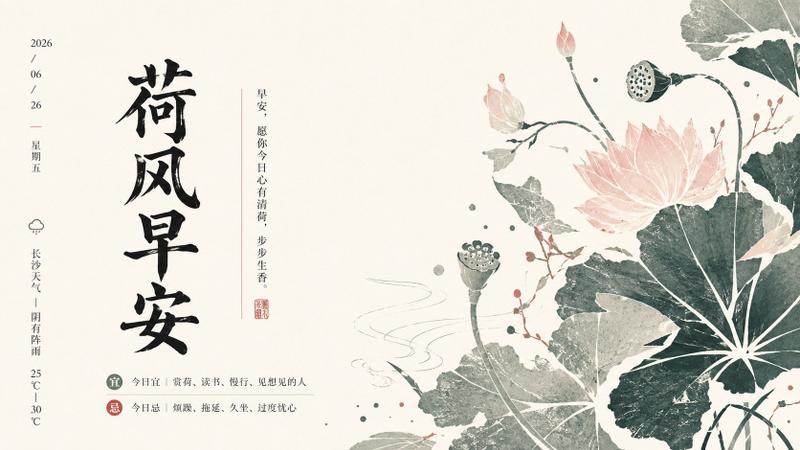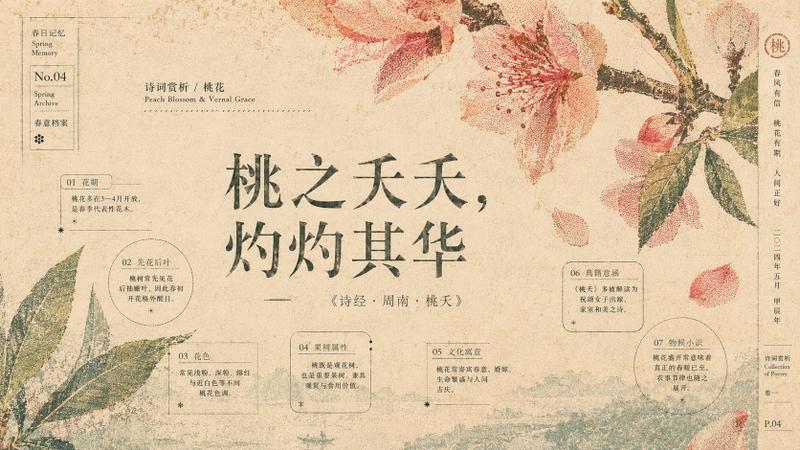
后印象派高级植物图鉴海报设计
Prompt
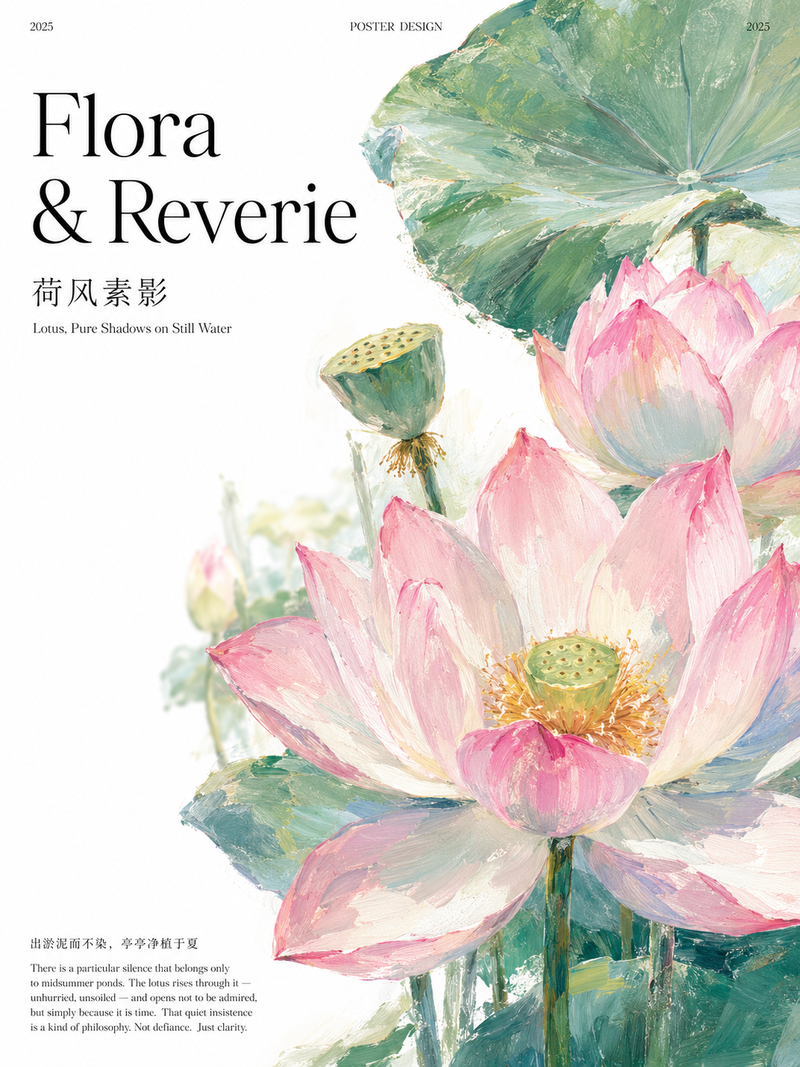
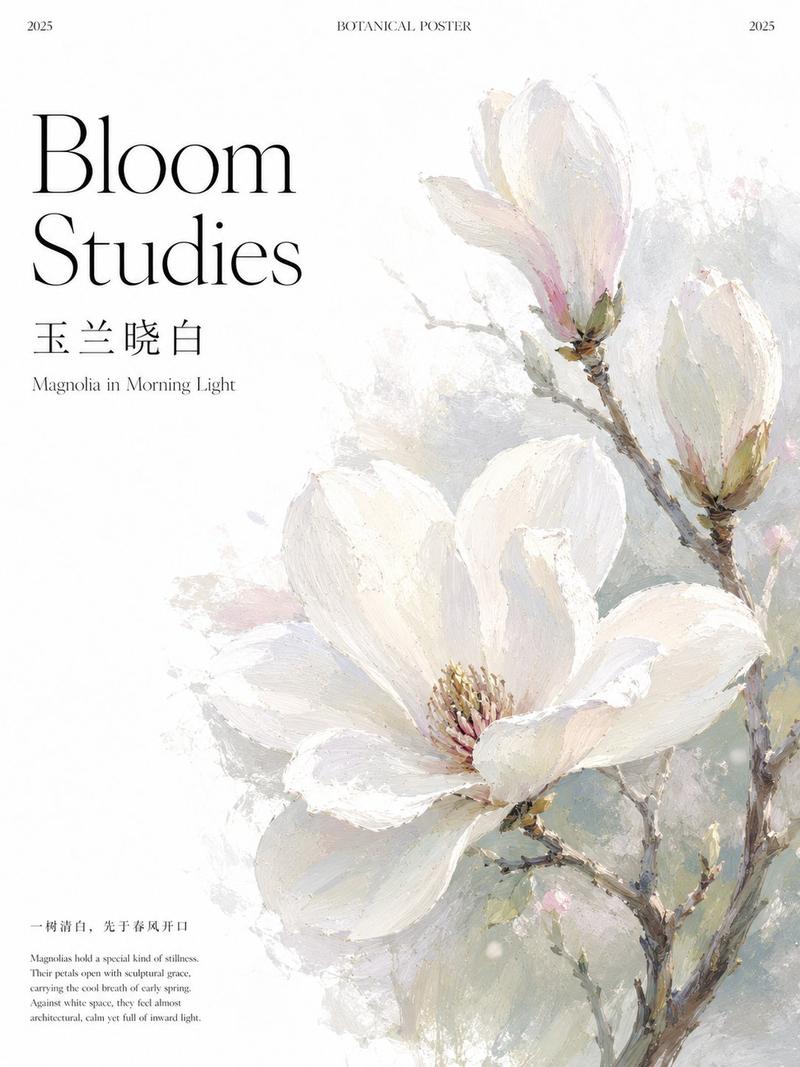
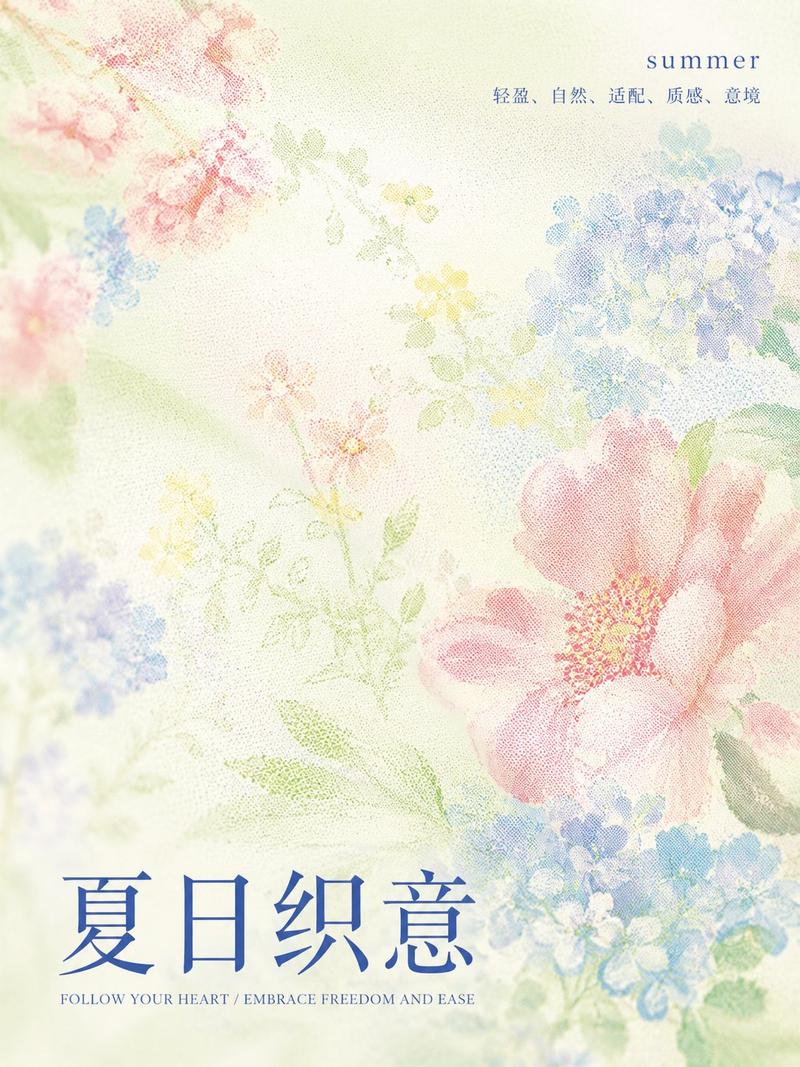
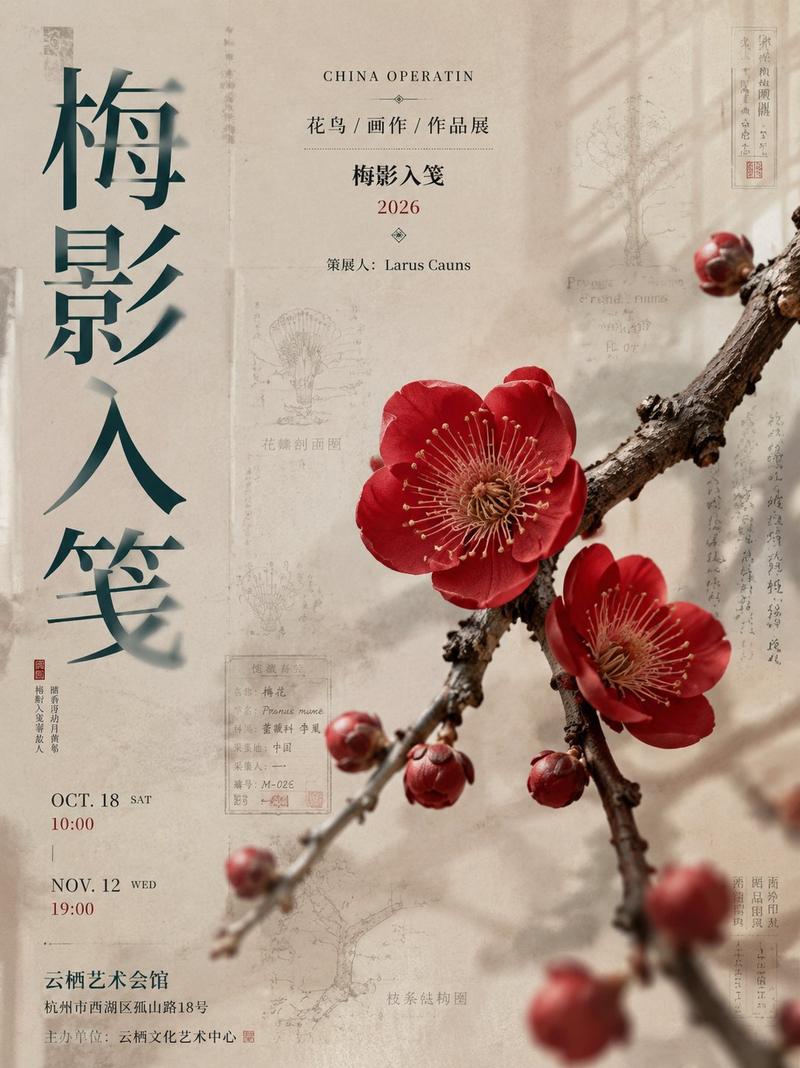
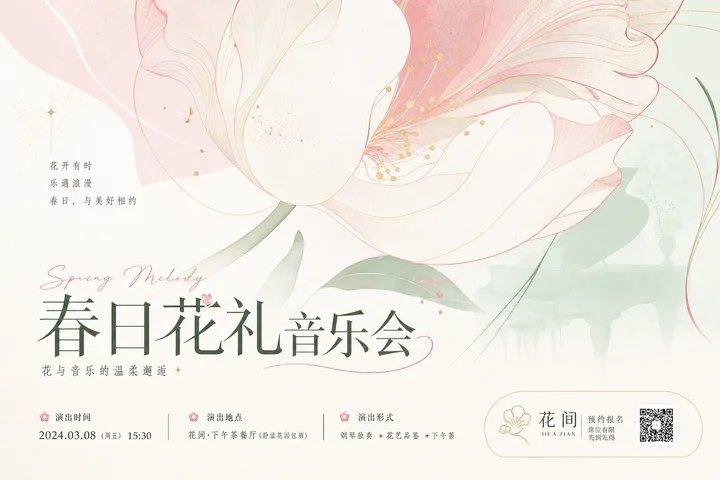
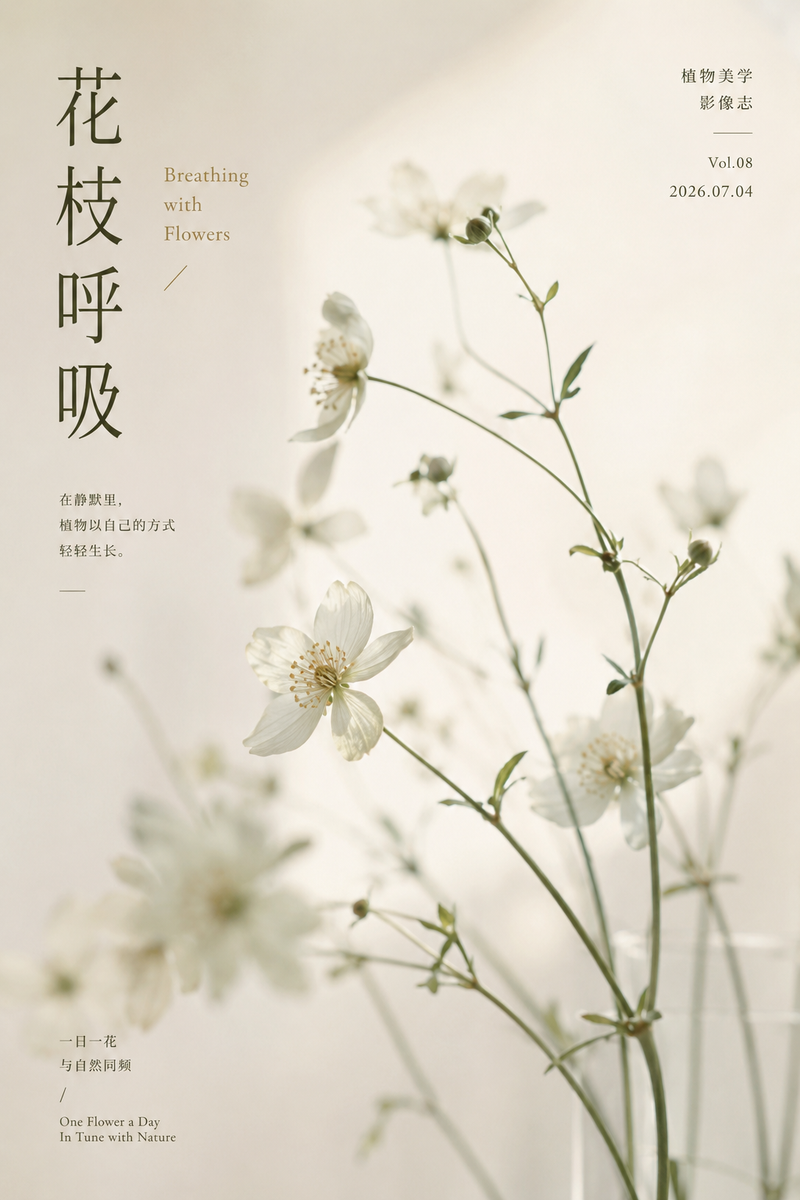
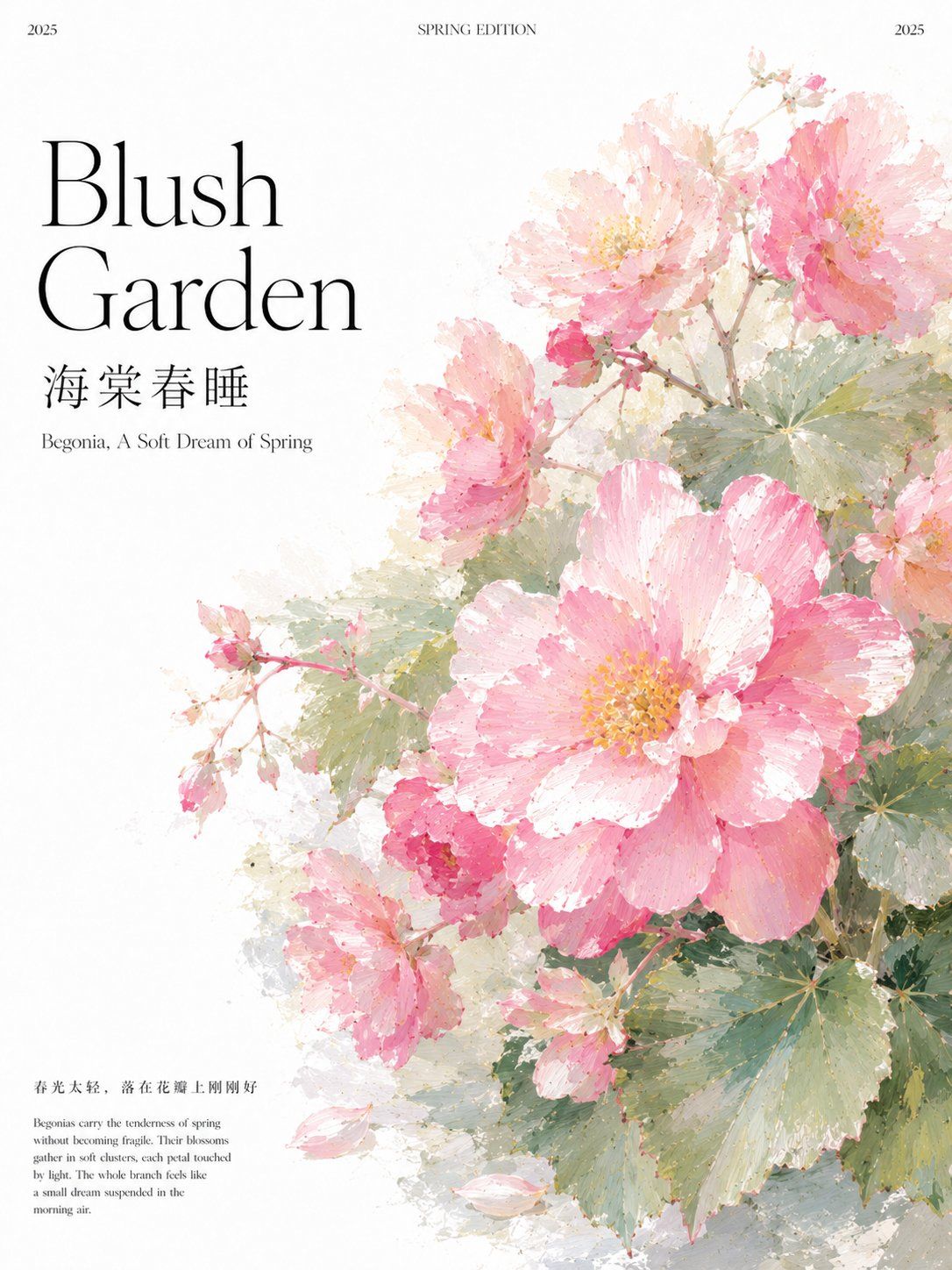
Generate a vertical 3:4 premium botanical-themed poster.

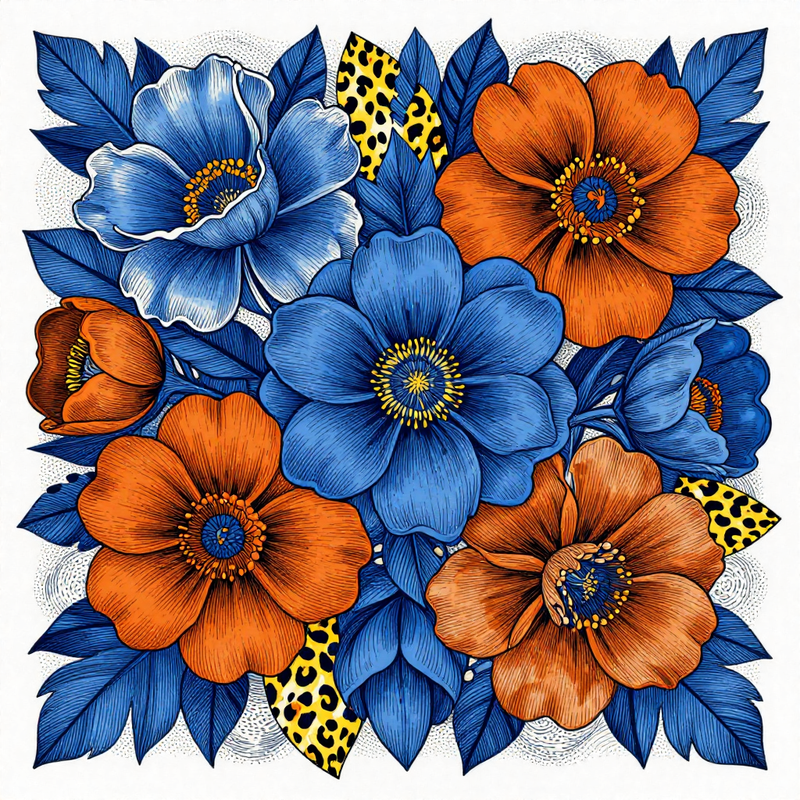
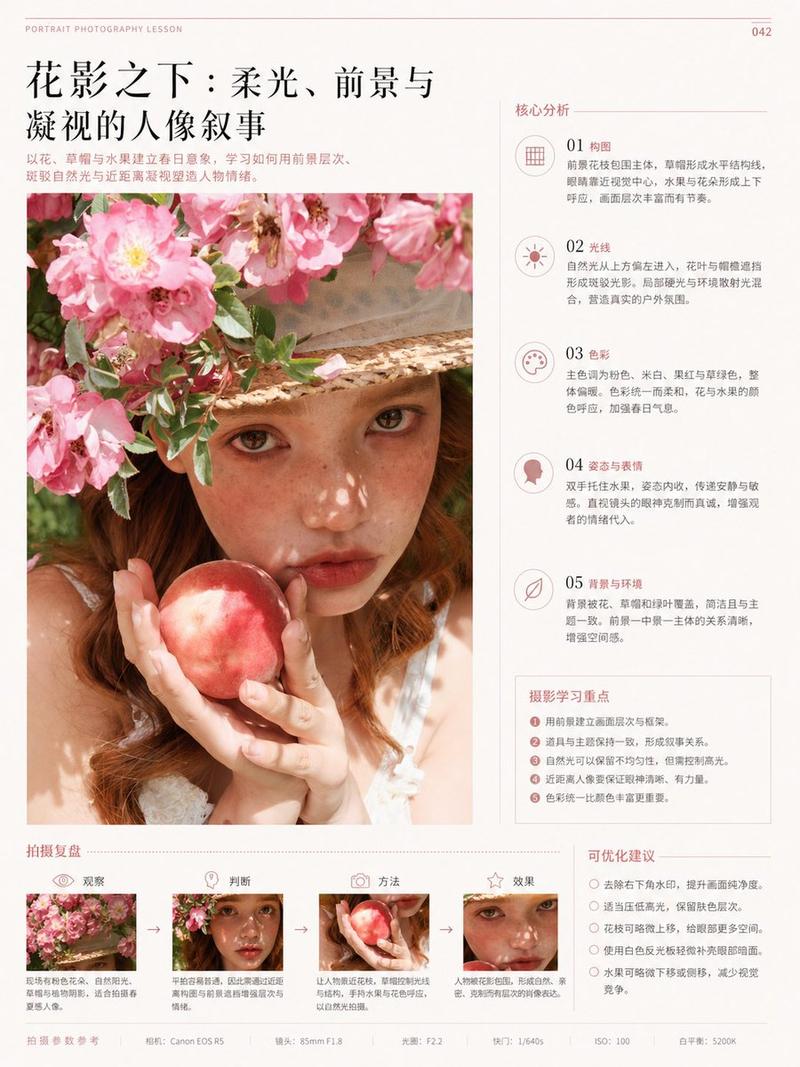
Style: Post-impressionist flat illustration, botanical illustration feel, editorial poster design, pure white background, large areas of negative space, clear, quiet, high-end.

Layout: The left side is the text information area, and the right side is the main visual of the botanical illustration. All text is left-aligned. Keep the left text area pure white and clean; the illustration should not cover the text.

Tiny serif font at the top:
Left side "[Year]"
Center "[Column English Name]"
Right side "[Year]"

Main title on the left:
Large high-end serif font, two lines:
[English Series Name Line 1]
[English Series Name Line 2]

Chinese title:
Use lightweight Songti font, clear and readable:
[Chinese Title]

English subtitle:
Thin serif font, small size:
[English Subtitle]

Chinese short phrase in the bottom left corner:
[Chinese Short Phrase]

Add a tiny English description paragraph below the Chinese short phrase:
[English Description Paragraph]

Right illustration main subject:
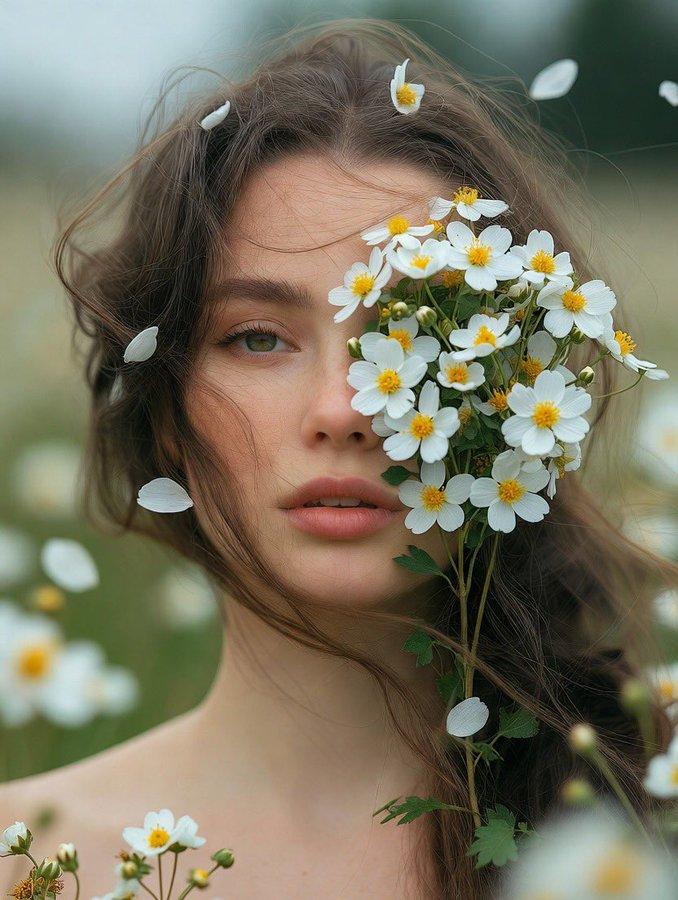
[Main Plant]. Use a close-up composition; the subject occupies 60% of the right side of the image and can bleed slightly toward the right and top edges. Include [Flower State], [Leaf Morphology], [Detail Elements].

Painting language:
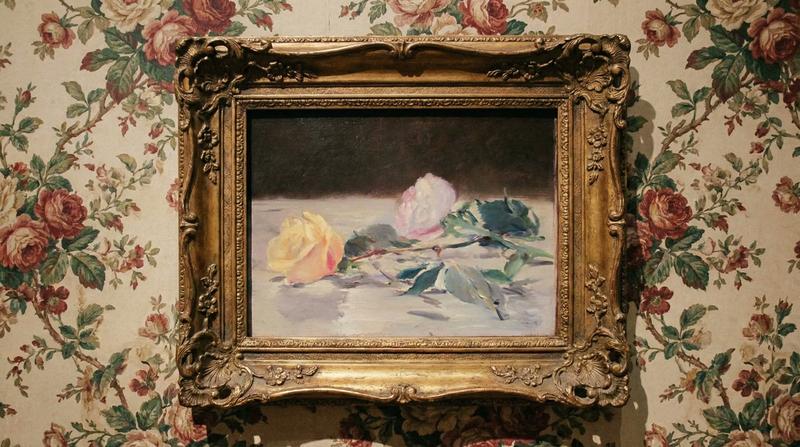
Post-impressionist outdoor sketching feel, mixed texture of watercolor and oil painting, relaxed brushstrokes, visible pigment texture and paper grain. Layered color dyeing, soft edges, local slight soft focus and airy feel.

Atmosphere:
[Season and Time], emotion is [Emotional Keywords].

Colors:
Main colors are [Main Color 1], [Main Color 2], [Main Color 3], supplemented by [Auxiliary Color]. The overall look remains transparent, glowing, and light.

Requirements:
Chinese text must be accurate and readable, no gibberish. The image looks like a page from a botanical sketchbook, elevated into a high-end editorial poster. No borders, no outer frames, no unnecessary decorations.
- Category
- Charts & Infographics
- Model
- ChatGPT
- Creator
- @XiaoKooeye
- Source ID
- 16910
- Published
- Jun 28, 2026
Views45