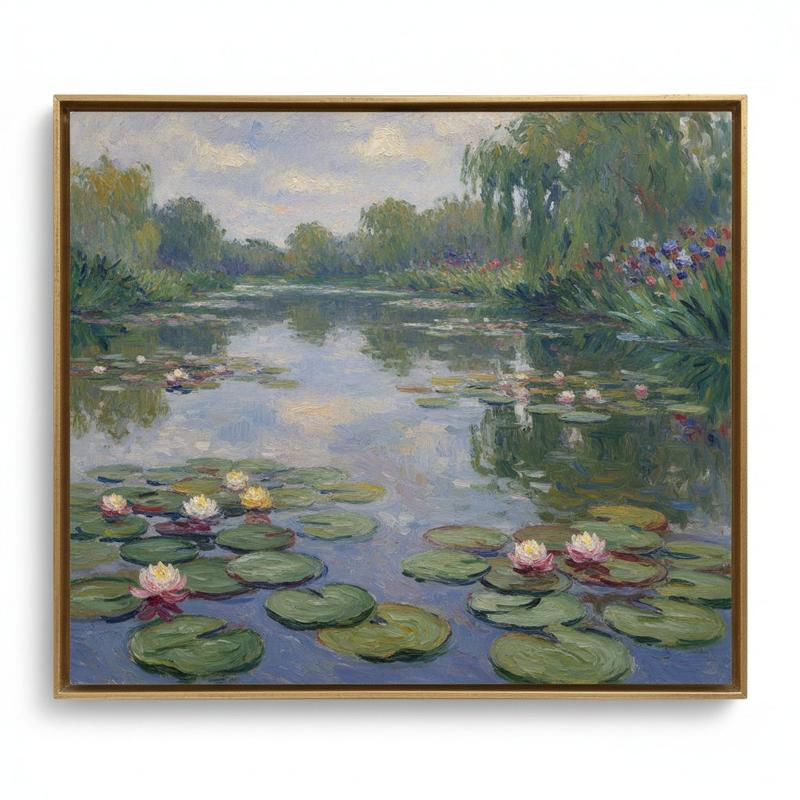
A flat illustration poster in post-impressionist style
Prompt
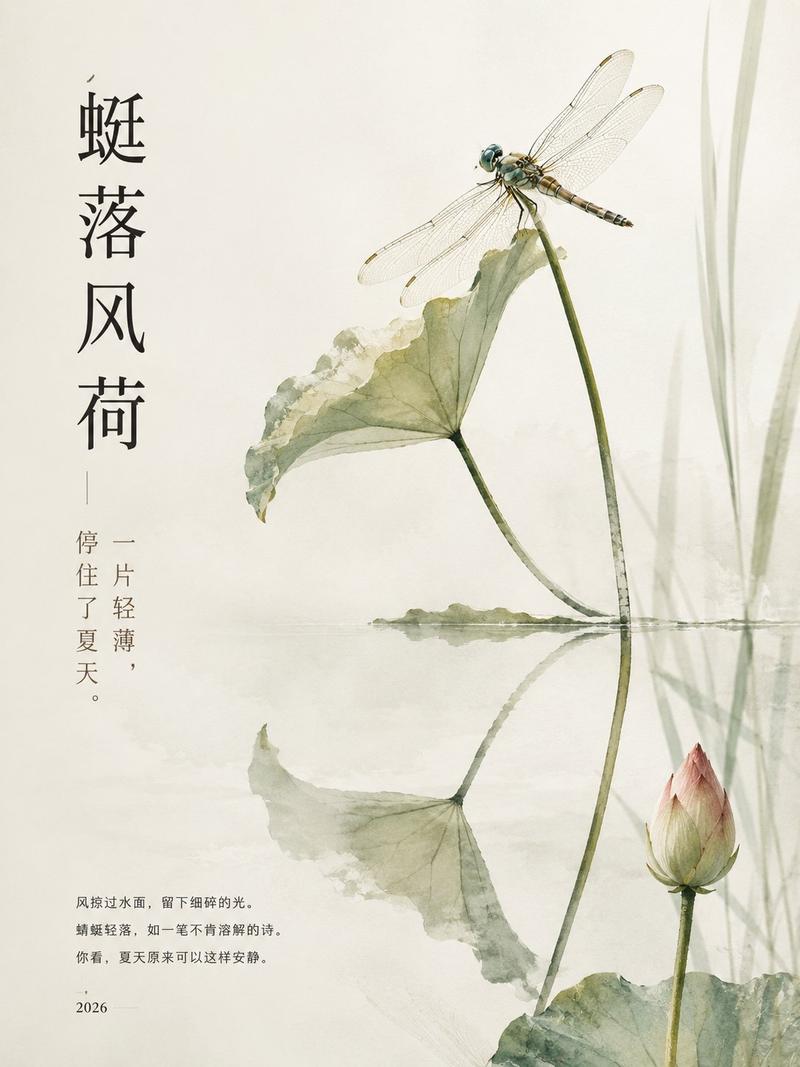
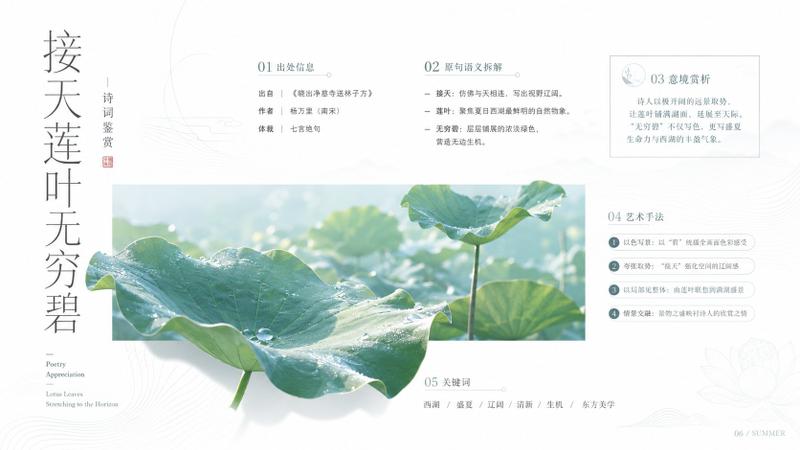
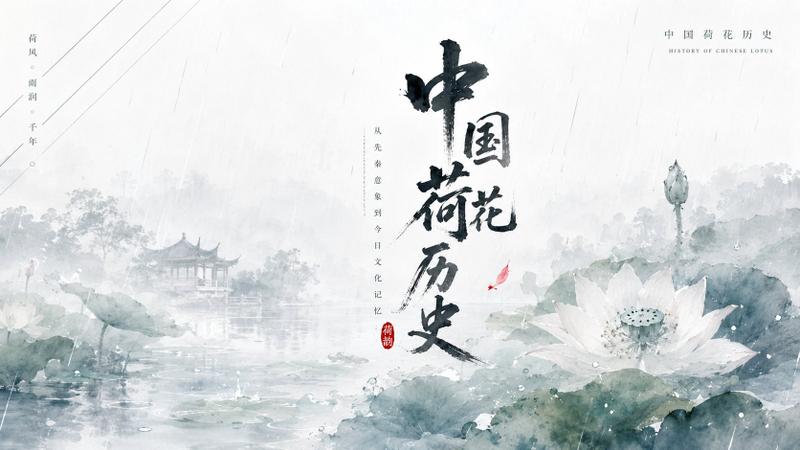
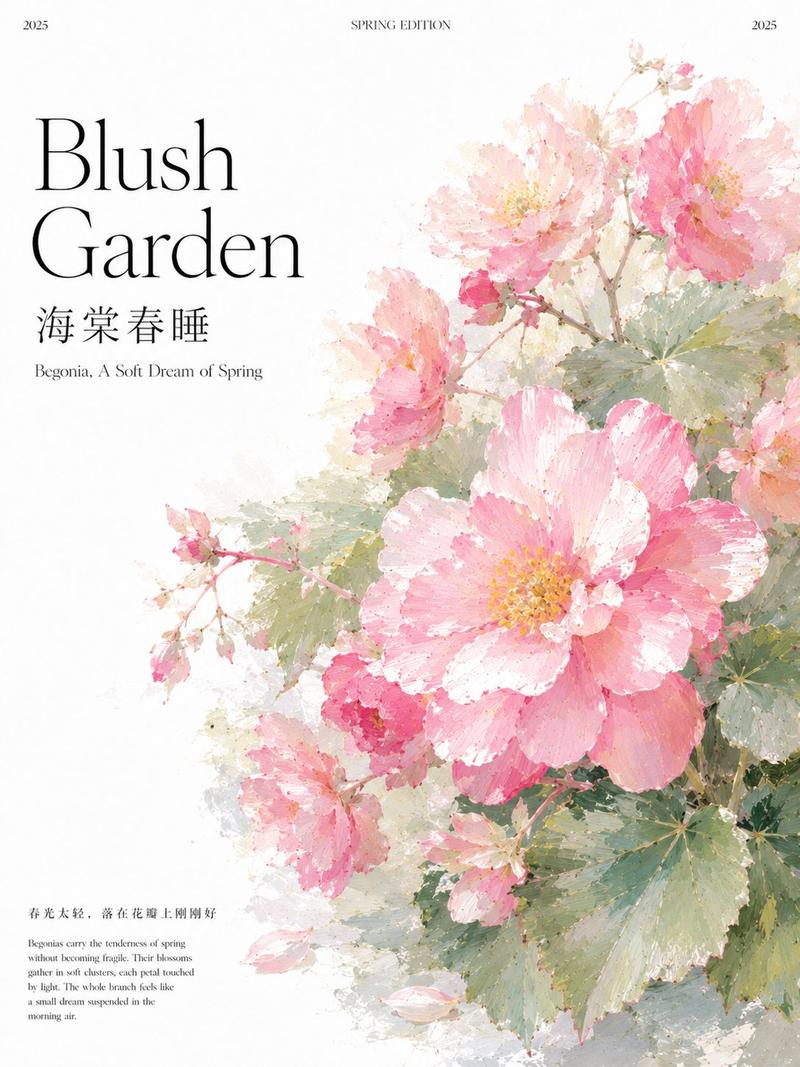
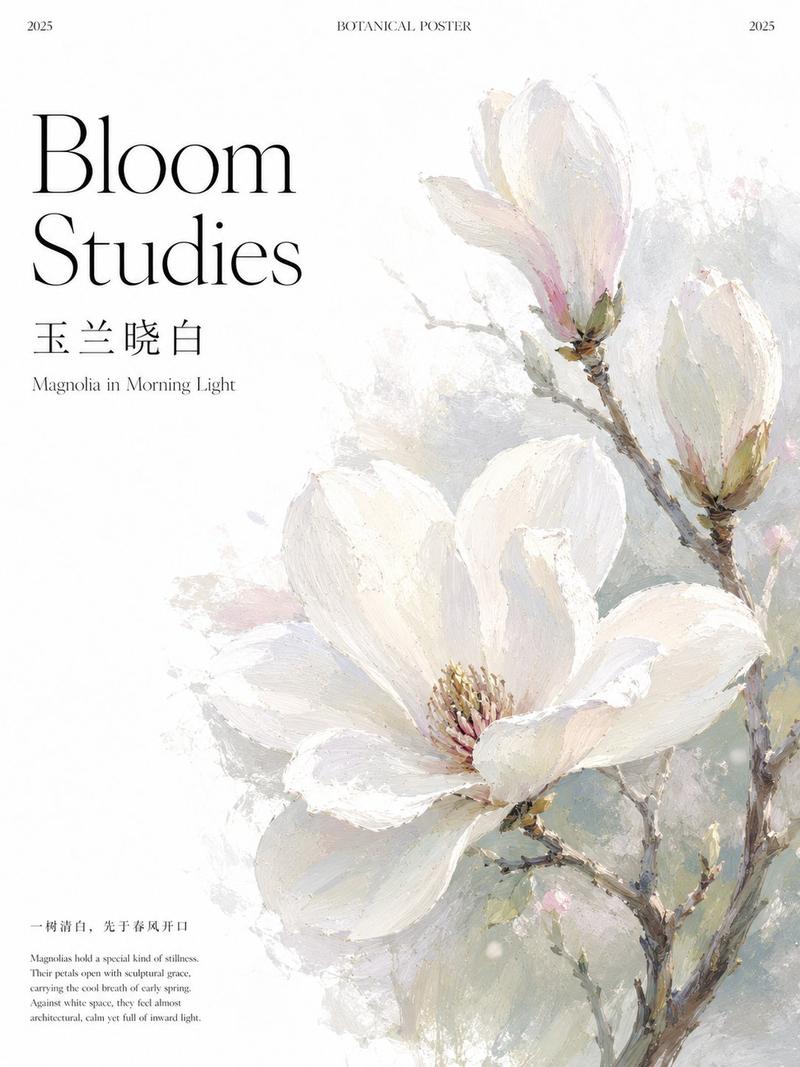
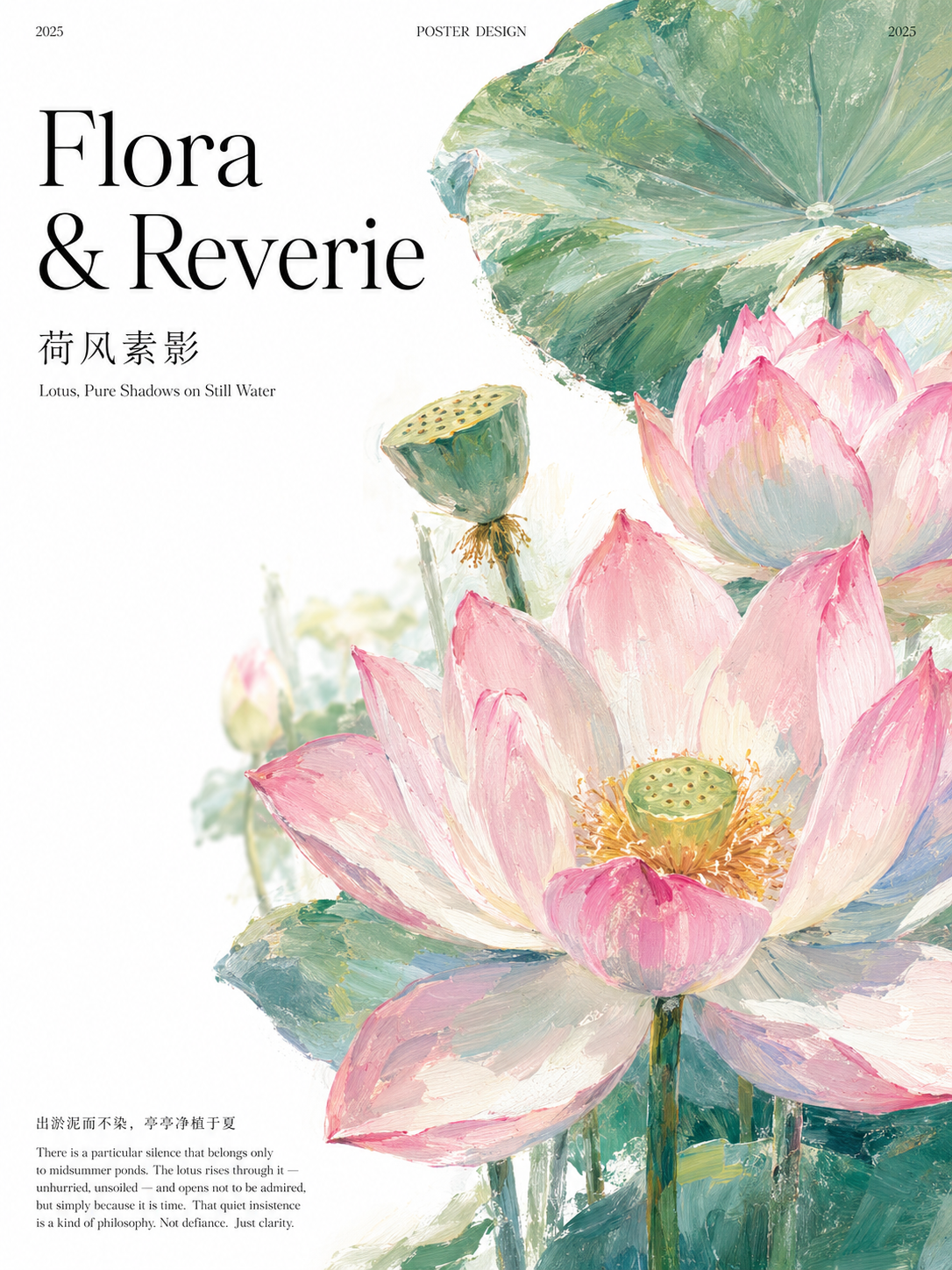
A flat illustration poster in post-impressionist style. White background with generous white space. All text is left-aligned.

[LAYOUT — TOP BAR]
At the very top of the poster, a single line with three items in the same small serif font: "2025" flush left, "POSTER DESIGN" centered, "2025" flush right. Use the smallest readable font size.

[LAYOUT — LEFT COLUMN, TOP TO BOTTOM]
1. Series name in large display serif font, two lines, left-aligned, black:
 Flora
 & Reverie

2. Chinese title in small-weight Song typeface (宋体), slightly smaller than the series name:
 荷风素影
 (render correctly as Han characters)

3. English subtitle in the same fine serif, one size smaller:
 Lotus, Pure Shadows on Still Water

[LAYOUT — BOTTOM]
4. At the very bottom left, a Chinese tagline in tiny Song typeface:
 出淤泥而不染,亭亭净植于夏
5. Below it, the smallest font size in the composition, a multi-line English paragraph, left-aligned:
 There is a particular silence that belongs only to midsummer ponds. The lotus rises through it — unhurried, unsoiled — and opens not to be admired, but simply because it is time. That quiet insistence is a kind of philosophy. Not defiance. Just clarity.

[ILLUSTRATION STYLE]
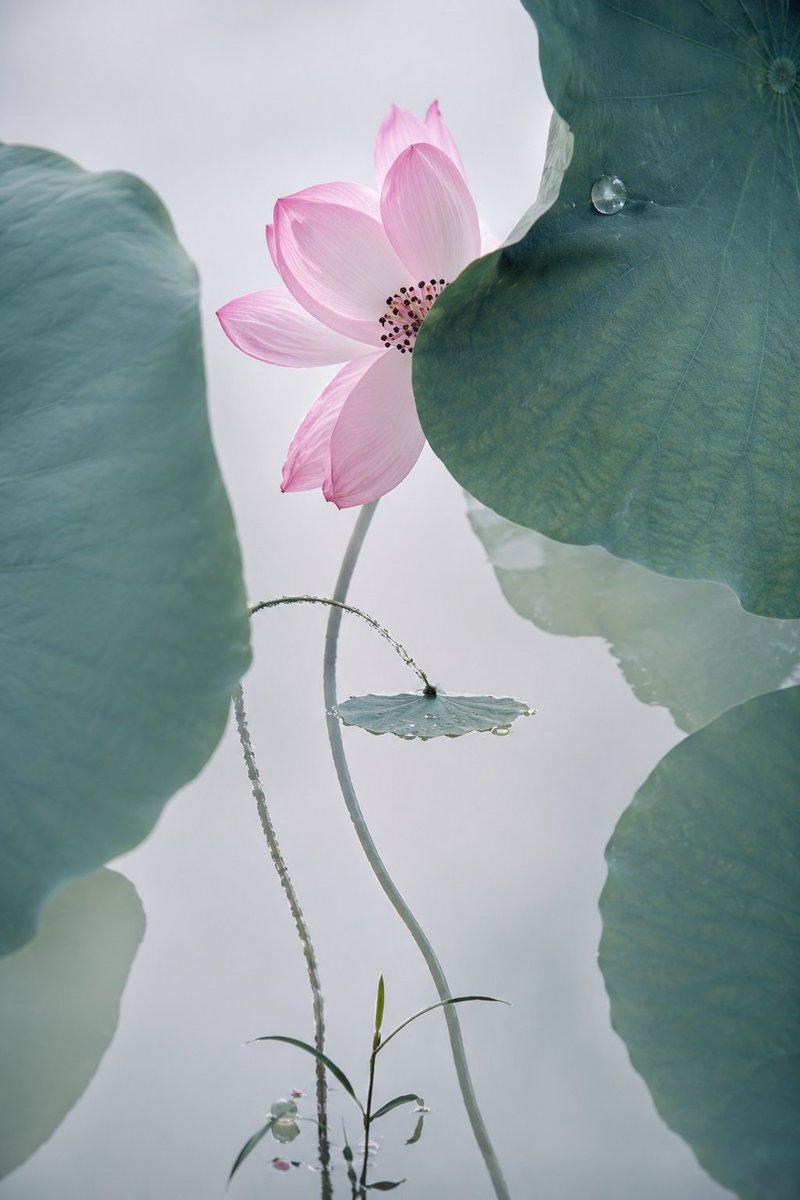
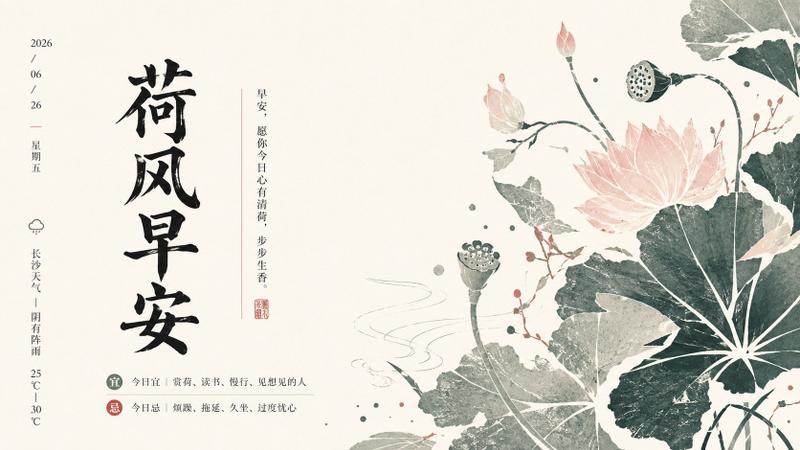
The main illustration fills the right half and center of the poster, bleeding slightly off the right and top edges. Subject: lotus flowers in full bloom with large circular leaves, one seed pod visible.

Painting style: post-impressionist, plein-air watercolor-oil hybrid. Loose, gestural brushstrokes with visible paint texture. Impressionist color mixing — petals show overlapping washes of blush pink, celadon green, ivory white. Background is pure white paper, seamlessly blending into the composition. Soft-focus bokeh effect on background elements. The overall mood is midsummer noon stillness, water-heavy air: dreamlike, cooling, luminous.

Composition: extreme close-up crop, one large fully open lotus dominant in the foreground, stem rising from below the frame. A second bloom slightly behind and to the right, partially open. One large round leaf curving at the top edge. A green seed pod in the mid-ground.

Color: bright palette dominated by blush pink, celadon green, ivory white. Blue-gray shadows in petal undersides. Deep jade green on leaf surfaces with lighter veining. No saturated backgrounds — keep everything luminous against white.

[OVERALL]
The text portion (left side) has a clean white background — no illustration overlaps the text. The illustration occupies the right 60% and top area. The poster feels like a page from a botanical sketchbook elevated to editorial design. Aspect ratio: 3:4 (portrait). No borders or frames.
- Category
- Charts & Infographics
- Model
- GPT Image 2
- Creator
- xie underwood
- Source ID
- 37077
- Published
- Jun 27, 2026
Views56