18

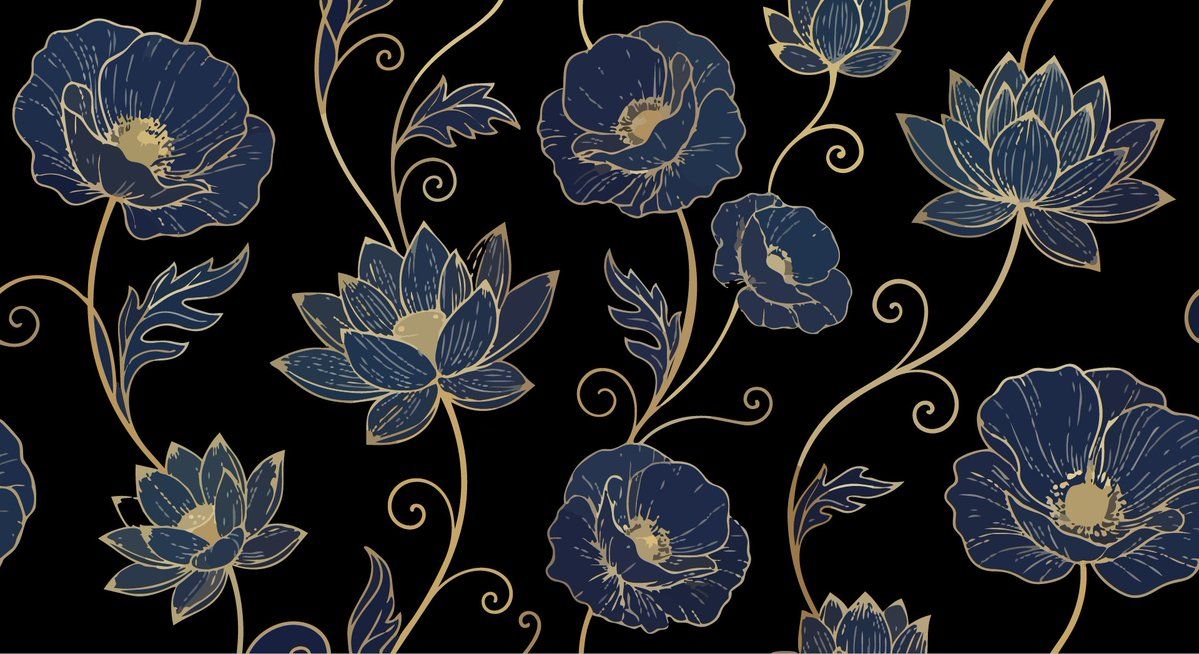
优雅奢华花卉矢量图案提示(2 种变体)
Enlarge

优雅奢华花卉矢量图案提示(2 种变体)

Prompt
Prompt 1:
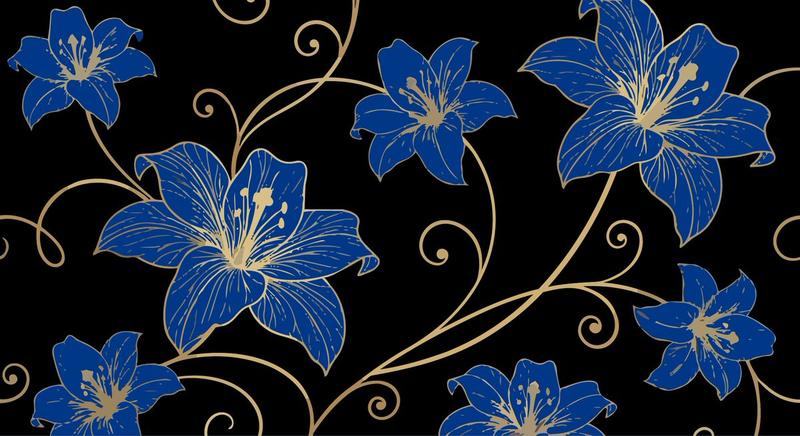
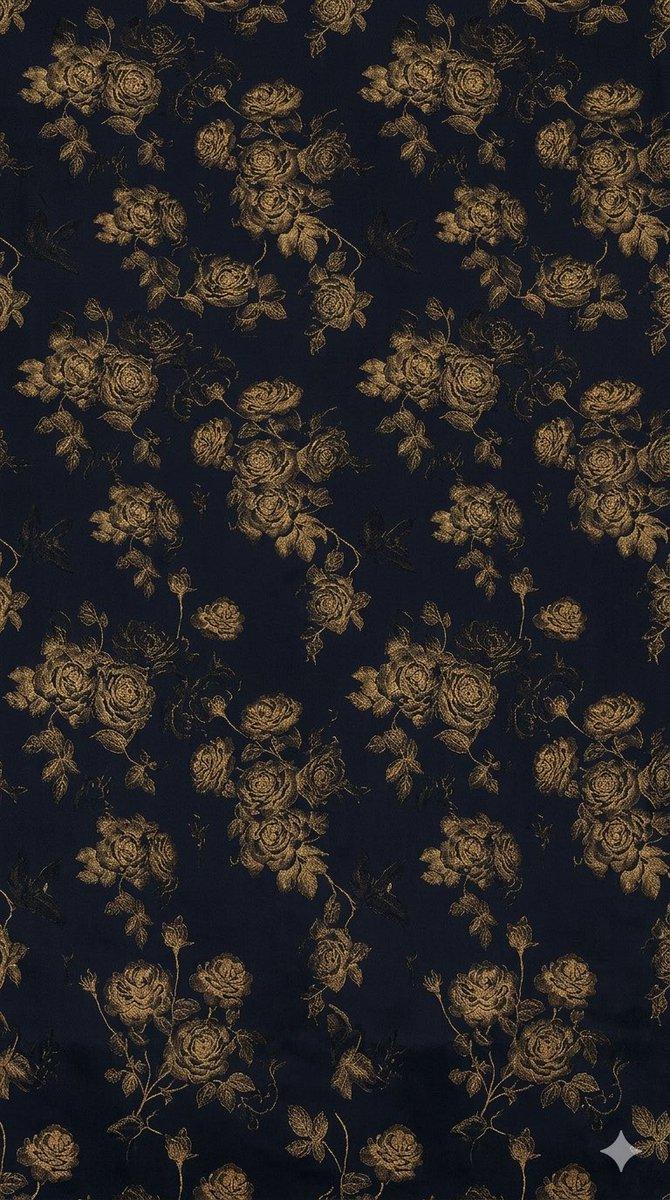
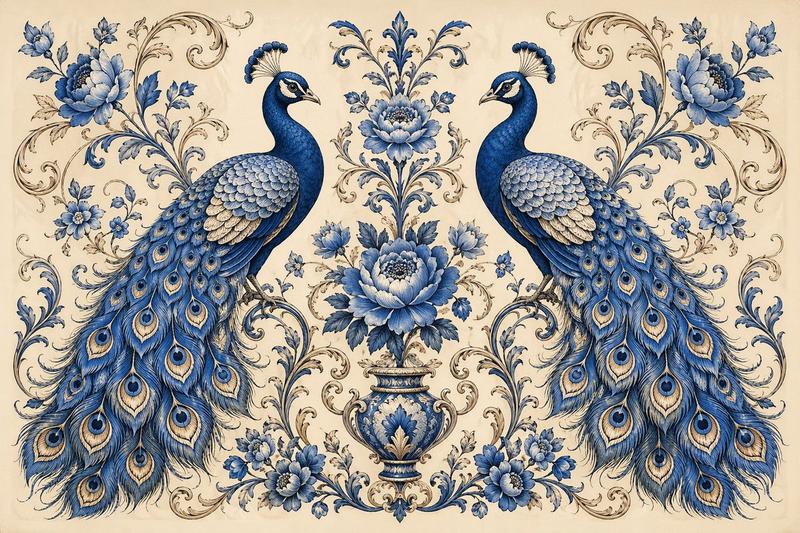
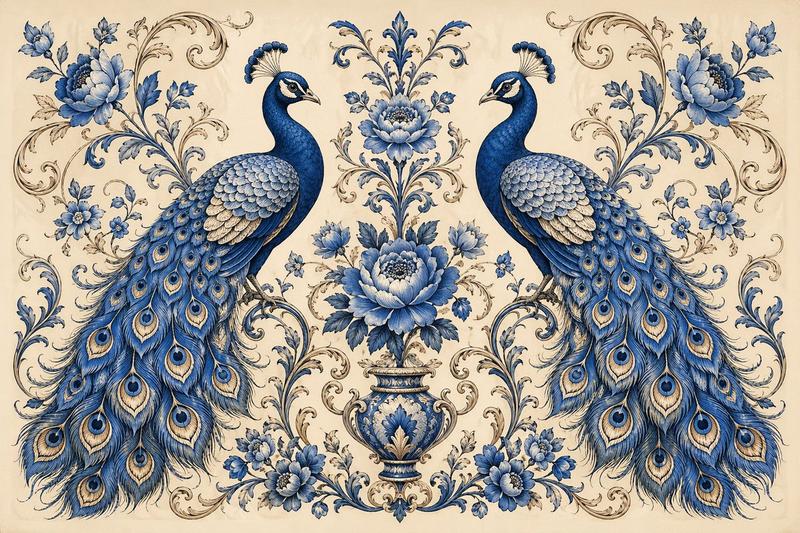
Elegant luxurious floral pattern featuring large blooming flowers ({argument name="flower type 1" default="poppy or lotus style"}) with intricate thin golden line art outlines and delicate veining on petals. Flowers in varying sizes, with detailed stamens and subtle centers, connected by flowing graceful golden stems and tendrils. Rich deep navy blue background with subtle watercolor-like texture and soft gradients for depth.

Prompt 2:
Elegant luxurious floral pattern featuring large blooming flowers ({argument name="flower type 2" default="lilies"}) with intricate thin golden line art outlines and delicate veining on petals. Flowers in varying sizes, with detailed stamens and subtle centers, connected by flowing graceful golden stems and tendrils. Rich deep navy blue background with subtle watercolor-like texture and soft gradients for depth.
Category
创意图片
Model
Nano Banana Pro
Views0
Source ID
c278b2a1-0d2b-4934-94b4-94d4928f7dbb
Published
Mar 8, 2026

Guide

About "优雅奢华花卉矢量图案提示(2 种变体)"

What is this prompt for?

"优雅奢华花卉矢量图案提示(2 种变体)" AI image prompt for Nano Banana Pro (创意图片). 以下是为文本到矢量图生成(Adobe Illustrator)设计的两个提示,旨在创建优雅、奢华的花卉图案。两者都指定了精致的金色线条艺术轮廓、细腻的纹理和带有微妙水彩纹理的浓郁深海军蓝…

The full copyable prompt and example visuals above are ready for AI image generation or one-click recreate in Picva.

How to use this prompt

  1. Step 1

    Open the prompt detail

    Review the example visuals, category, and full prompt text for "优雅奢华花卉矢量图案提示(2 种变体)".

  2. Step 2

    Copy the prompt

    Copy the prompt body from this page, or load it directly in Studio.

  3. Step 3

    Pick a model (Nano Banana Pro)

    Prefer Nano Banana Pro. If you switch models, keep subject and composition and tweak style terms.

  4. Step 4

    Generate and export

    Recreate the look in Picva, or export into your workflow for editing and publishing.

FAQ

What is the "优雅奢华花卉矢量图案提示(2 种变体)" prompt?
It is an AI image-generation prompt for Nano Banana Pro in the 创意图片 category. This page includes the full prompt text, example visuals, and a one-click recreate path in Picva.
How do I use this prompt to generate an image?
Copy the prompt from this page, or use Generate / Studio. Paste it into a compatible image model, or recreate the look in Picva with optional reference images.
Which model is this prompt for?
This page lists Nano Banana Pro. Most descriptive prompts also transfer to nearby image models such as GPT Image, Flux, or Midjourney with light style tweaks.
Can I use the result commercially?
You can usually copy the prompt for creation, but commercial use of the final image depends on the model terms, reference-image rights, and the generated content. Follow the source author and platform rules.