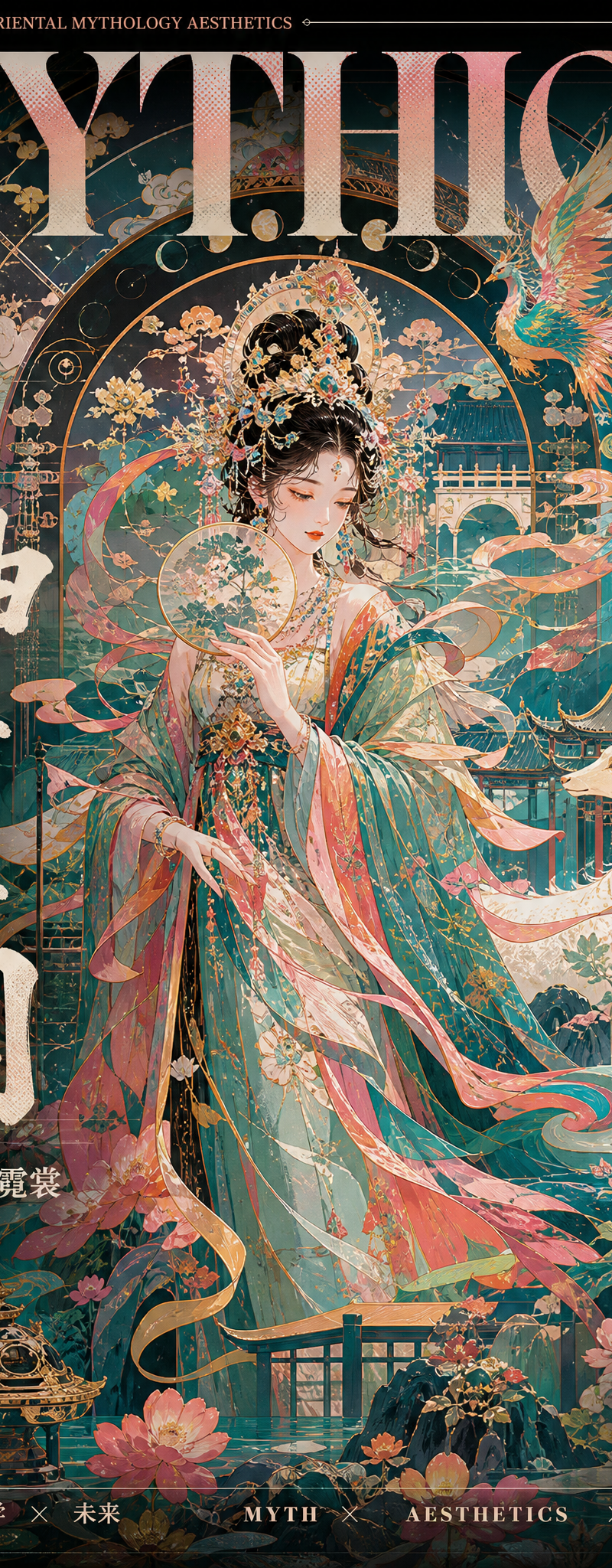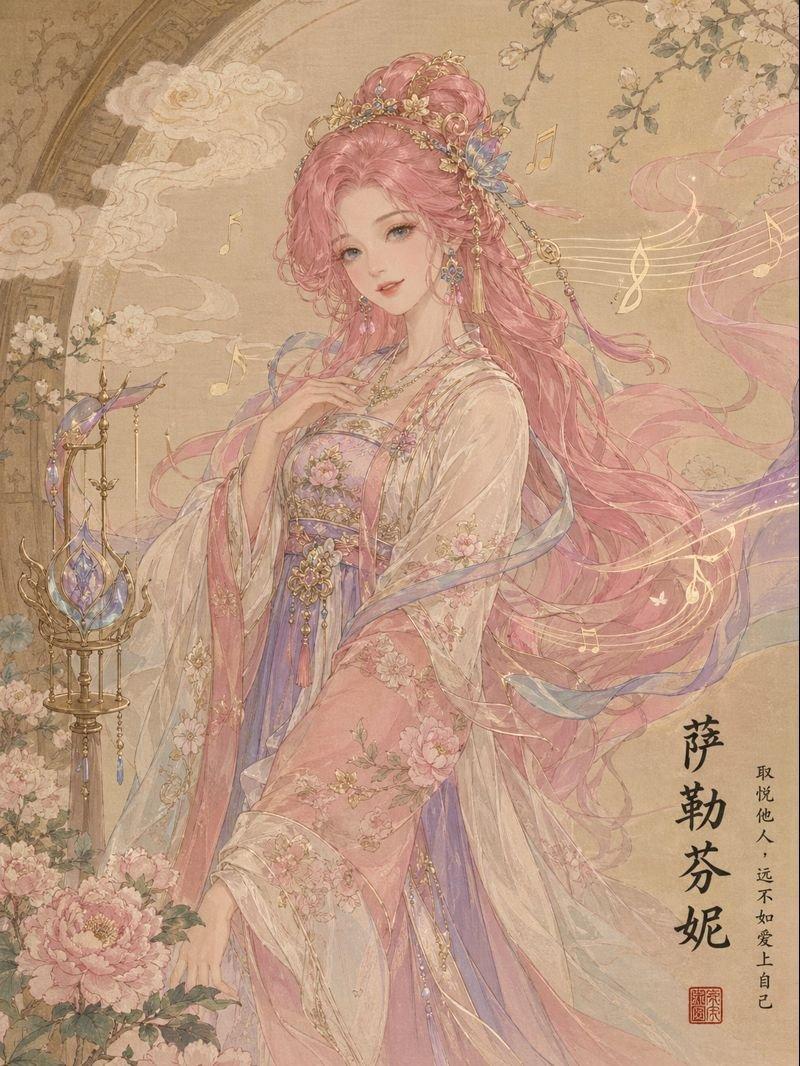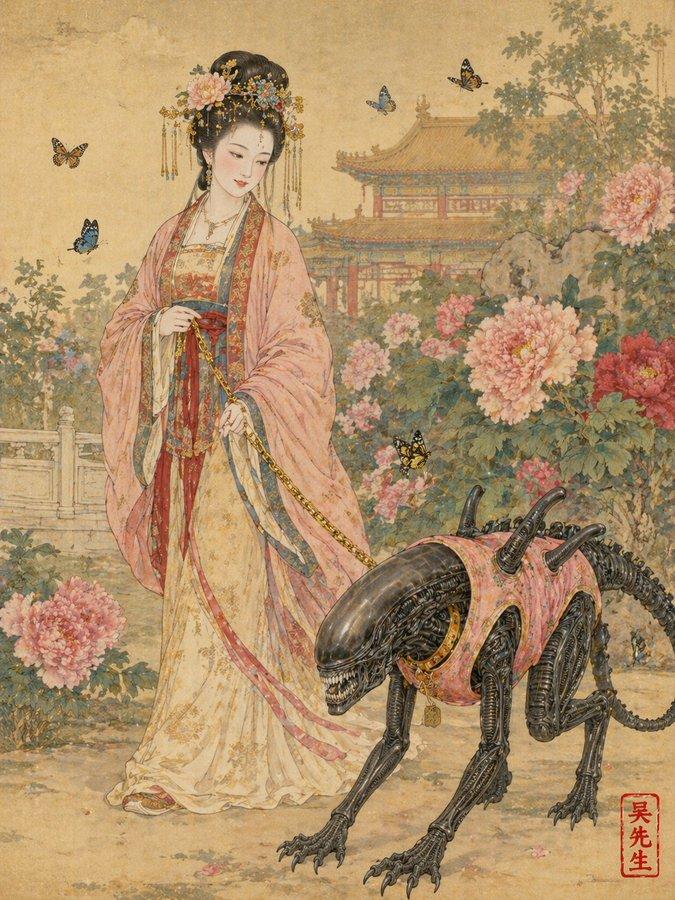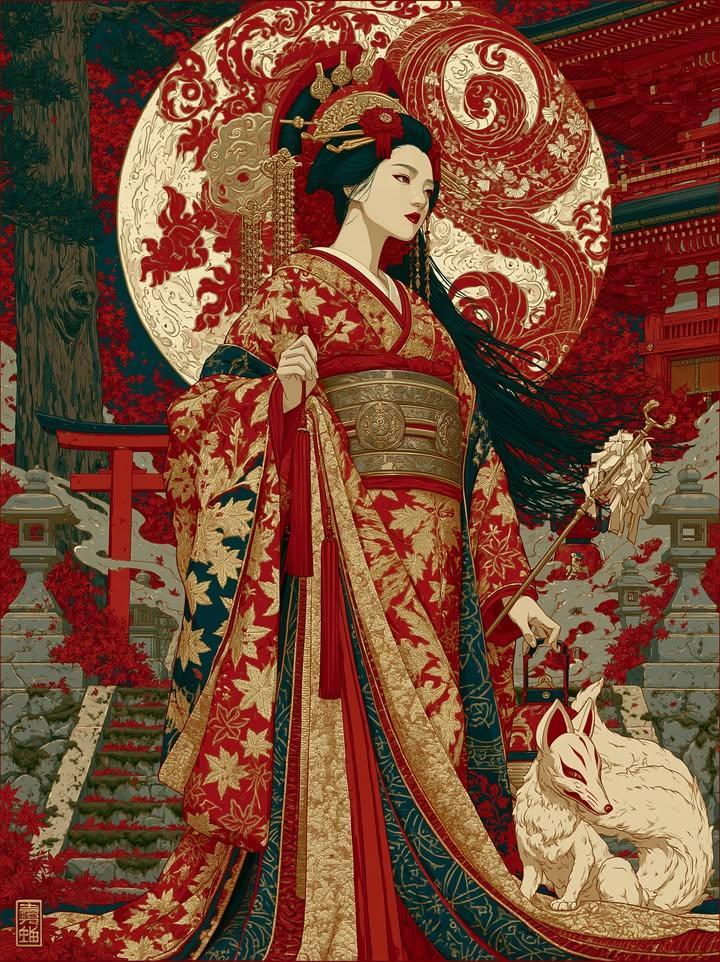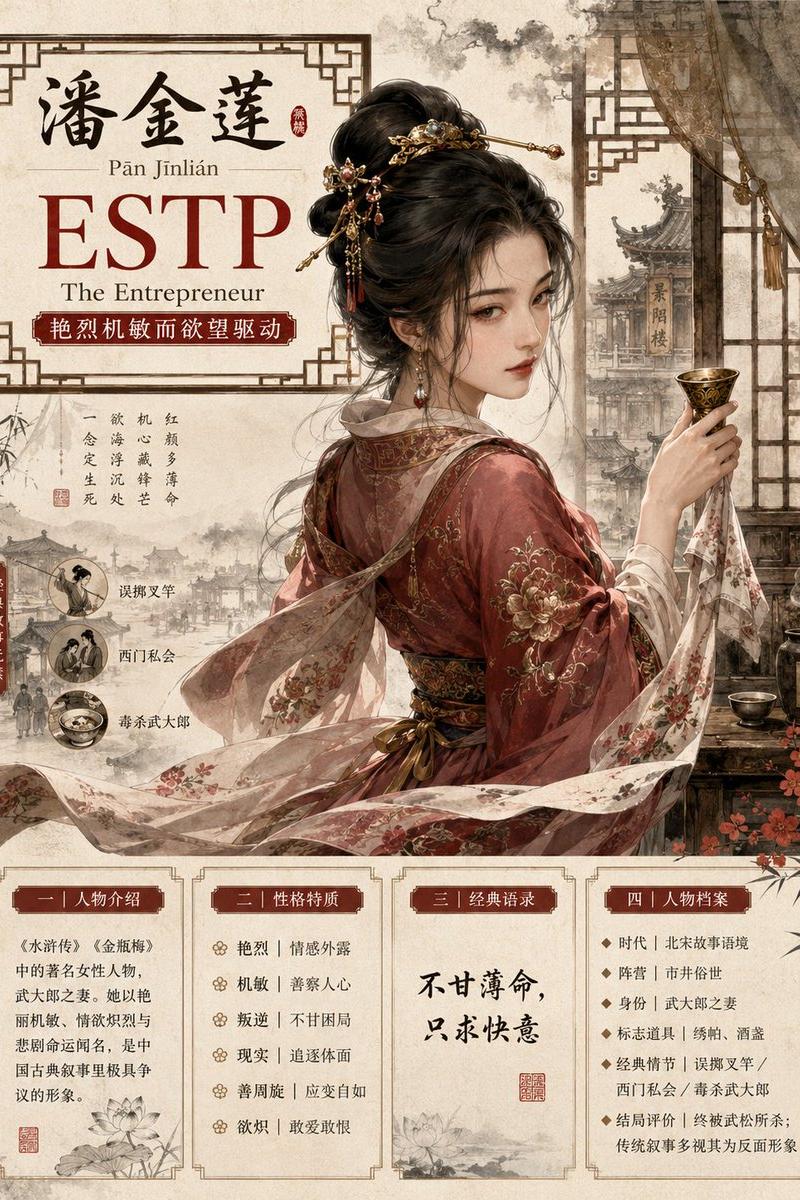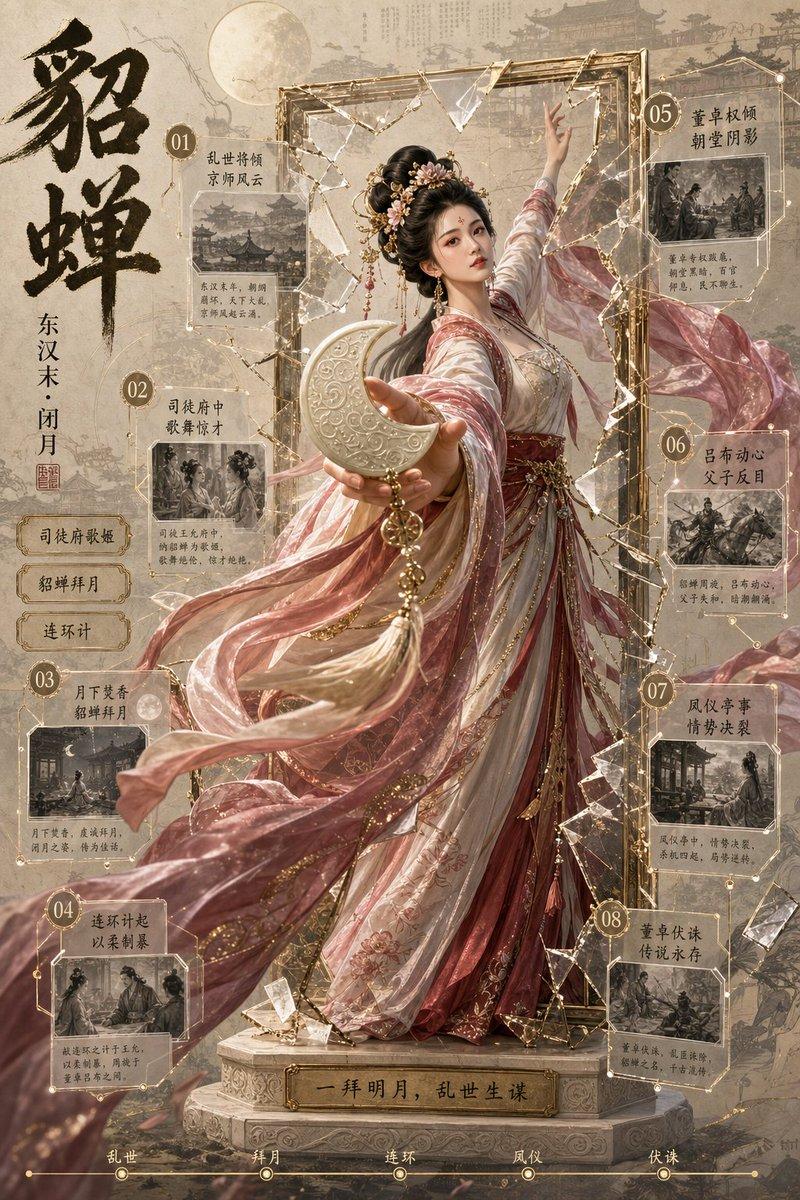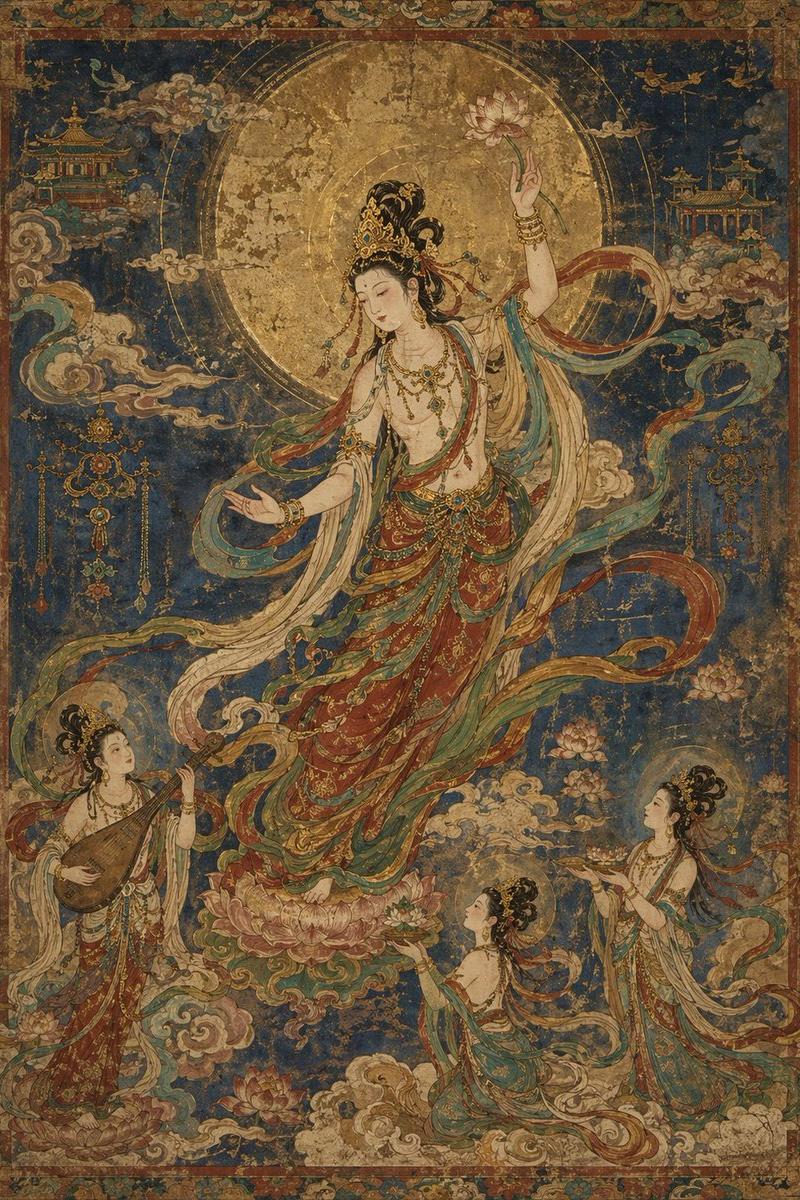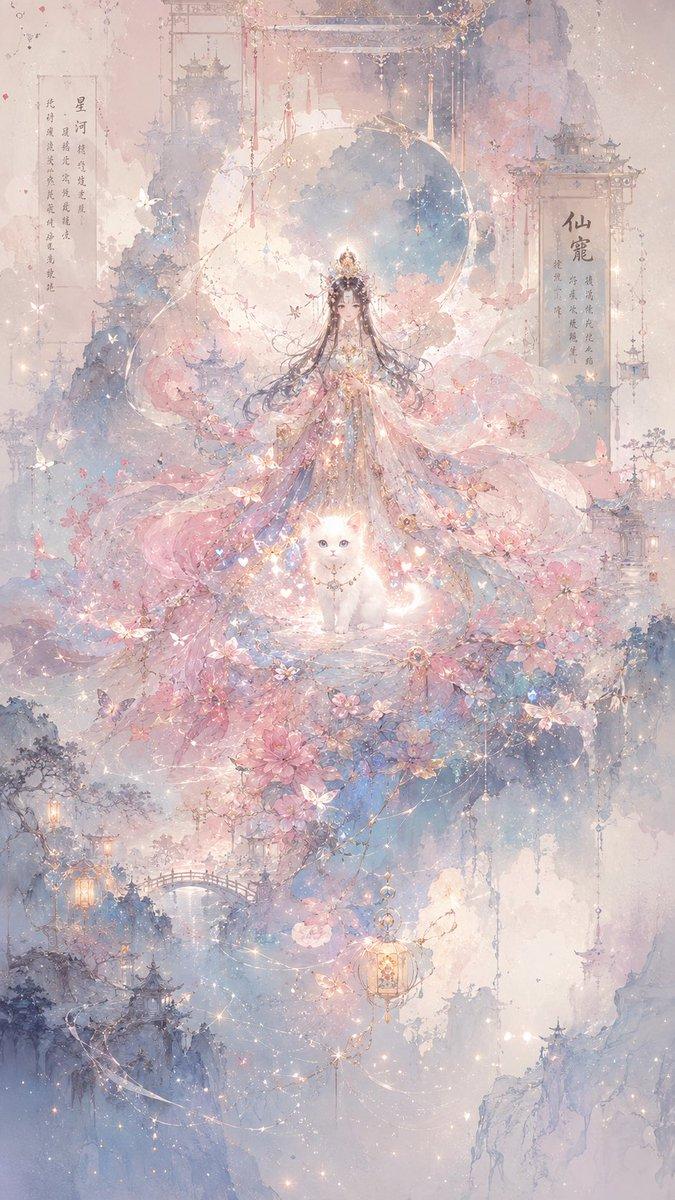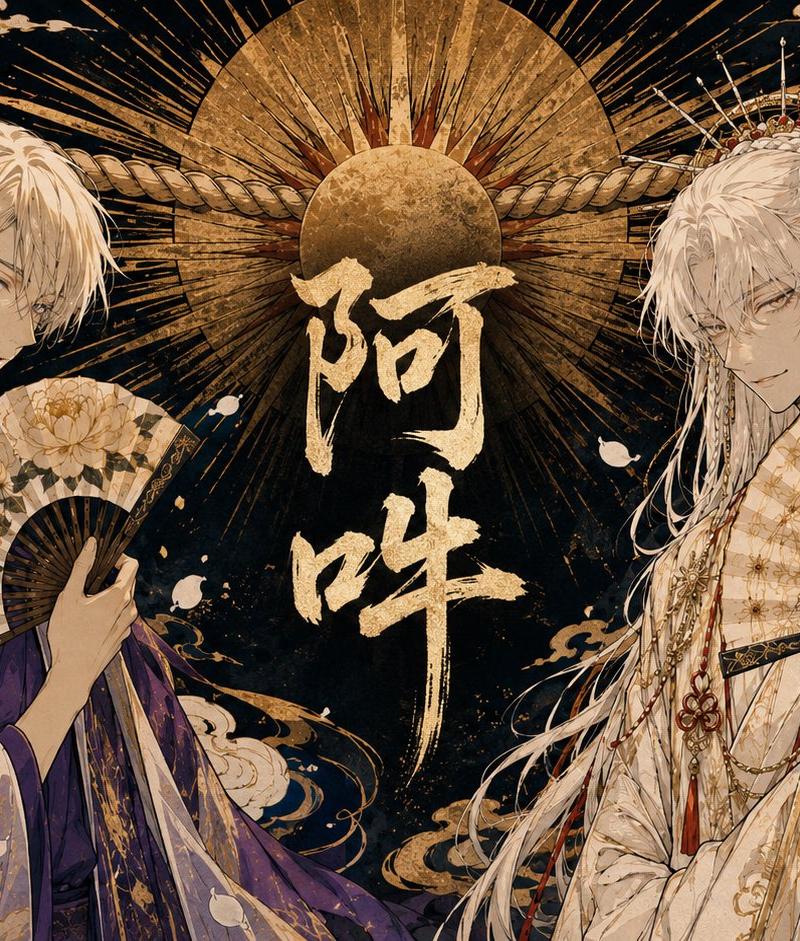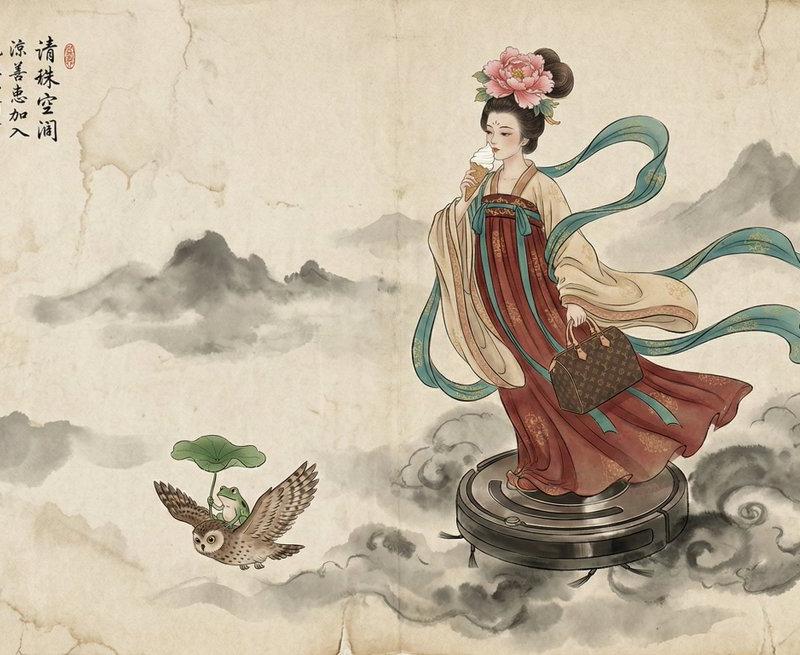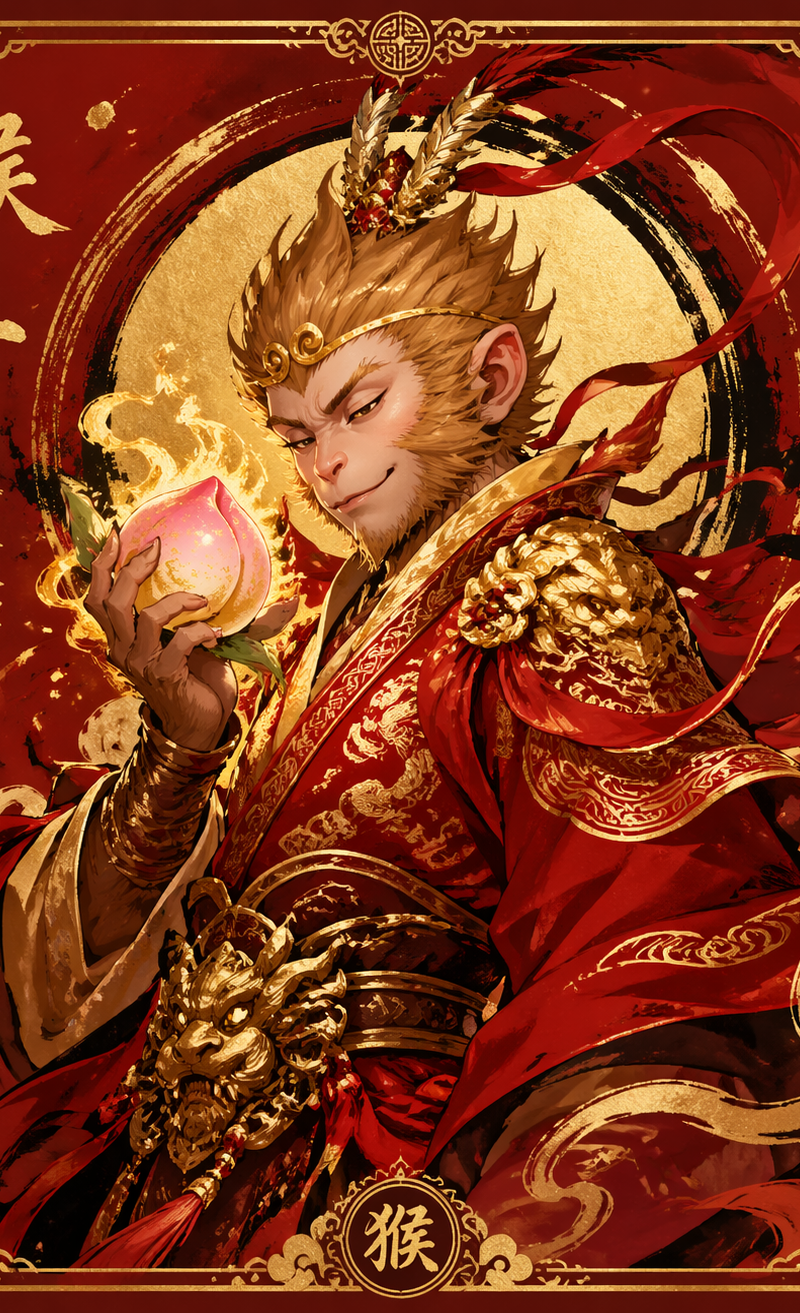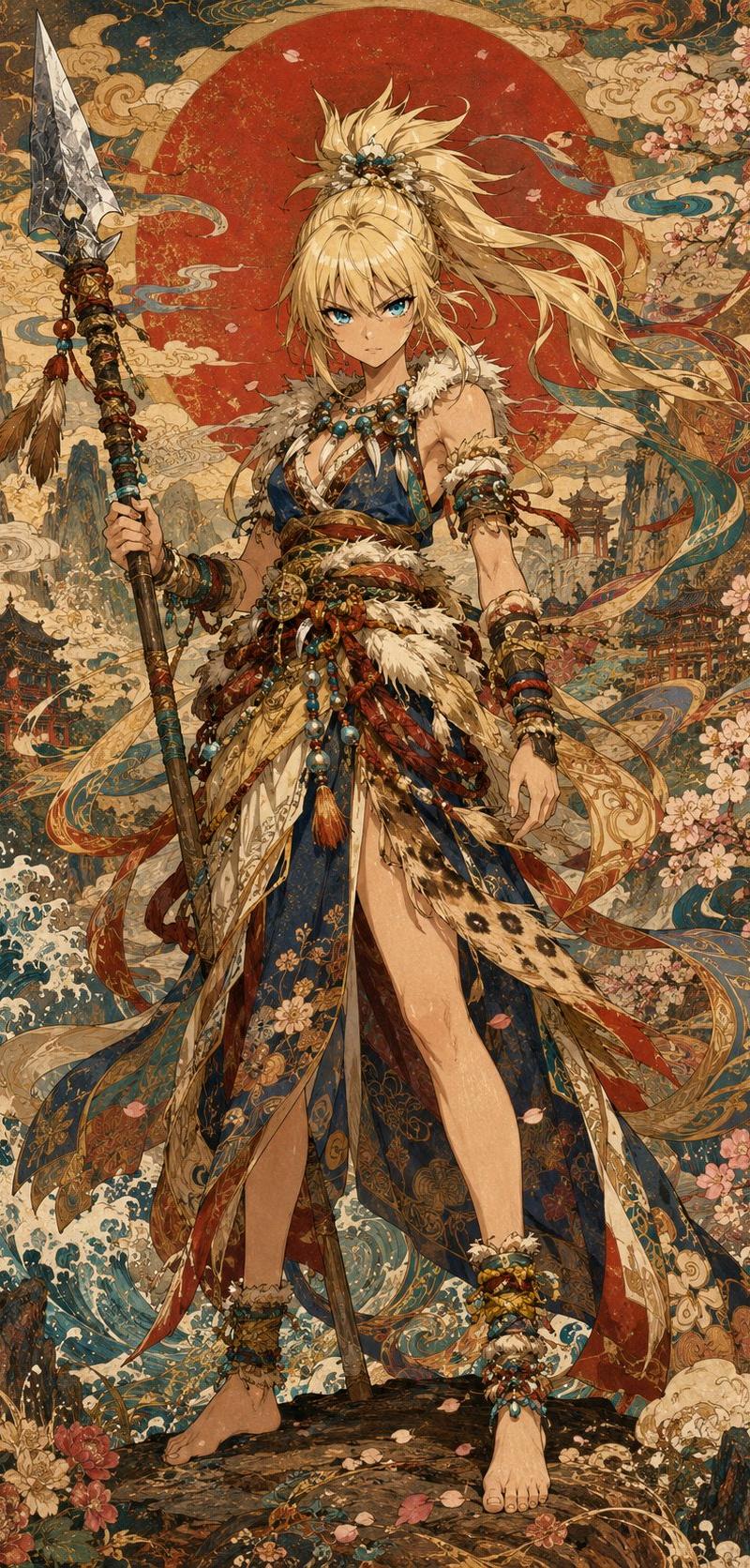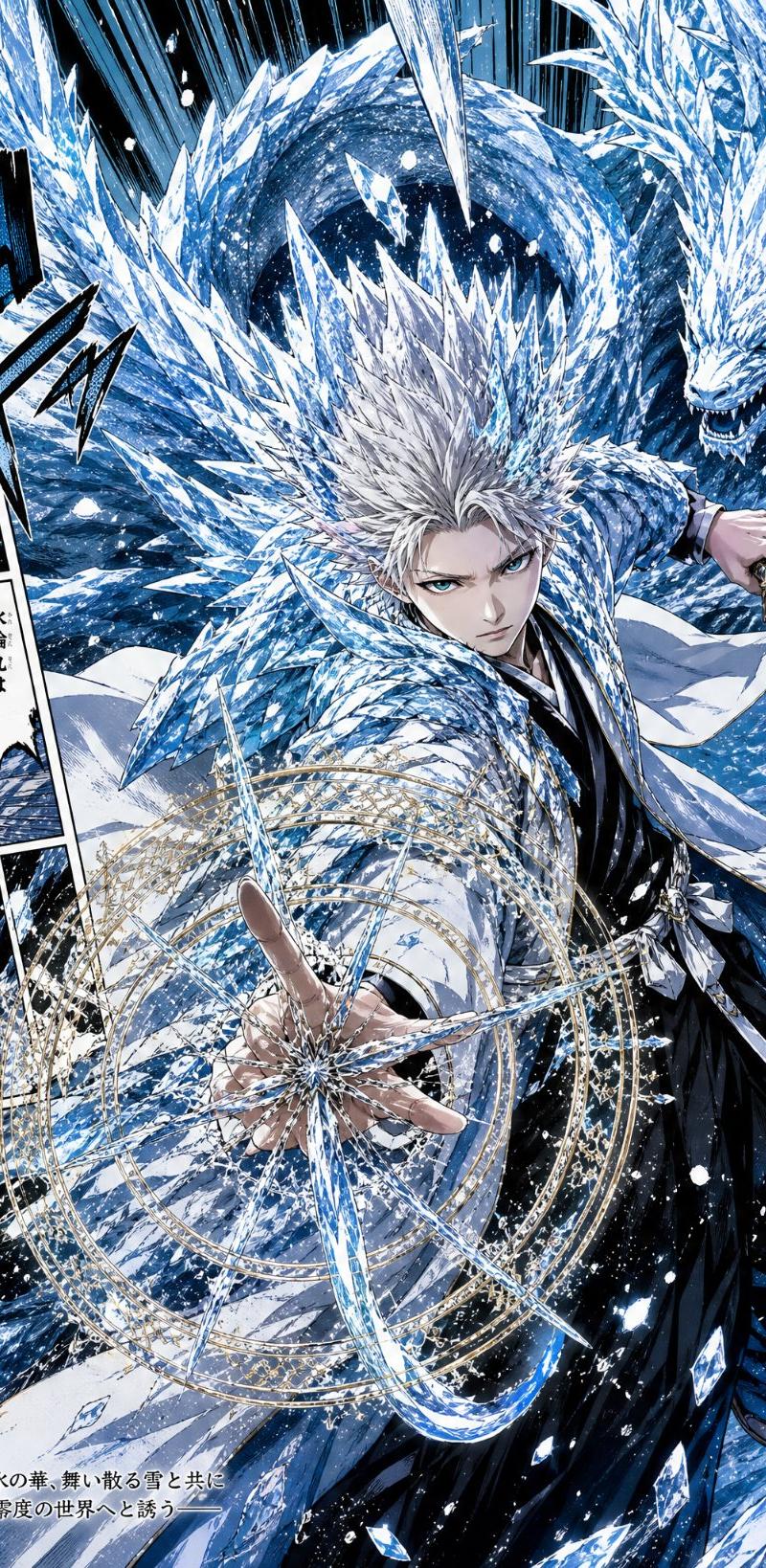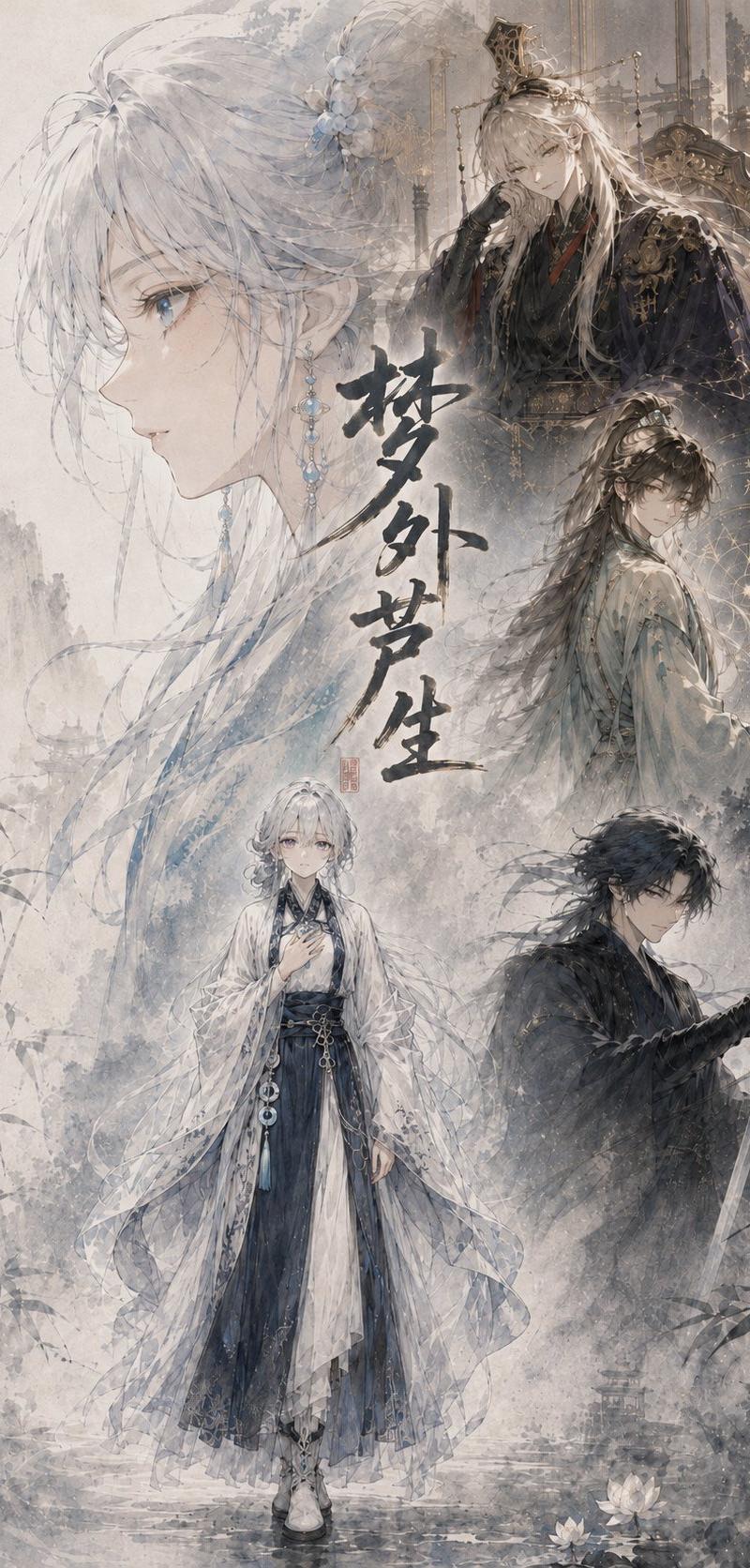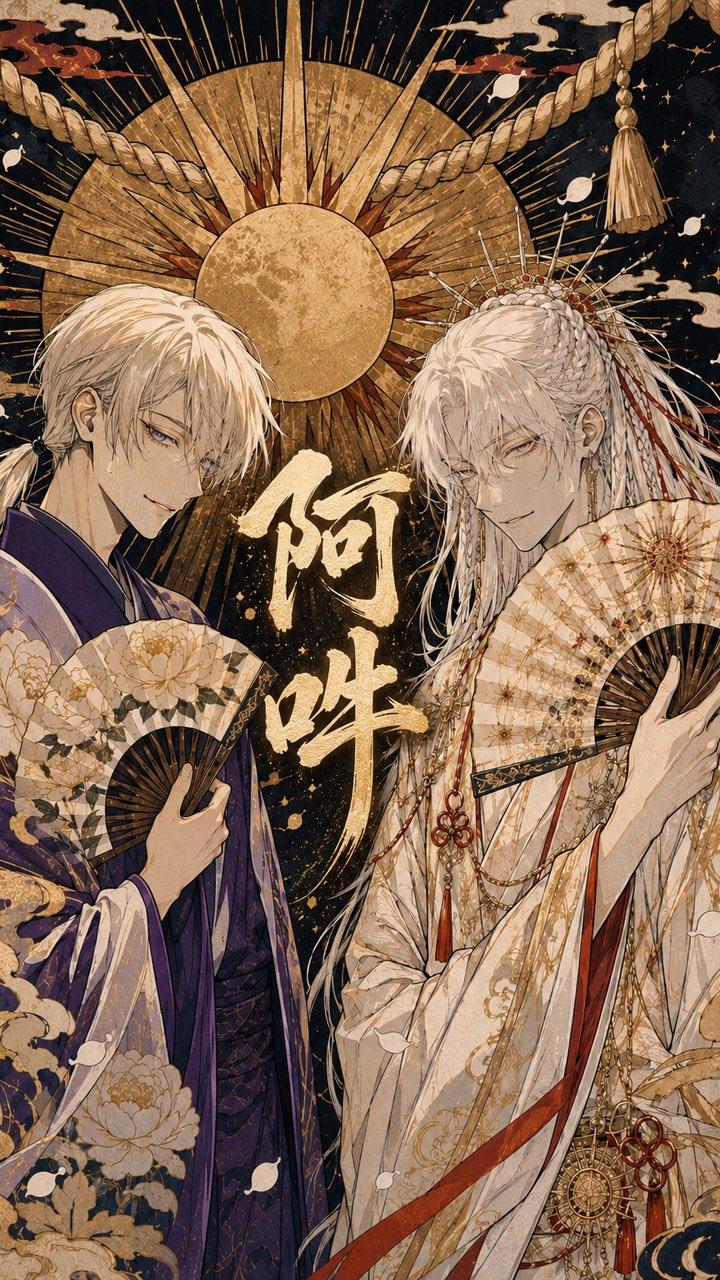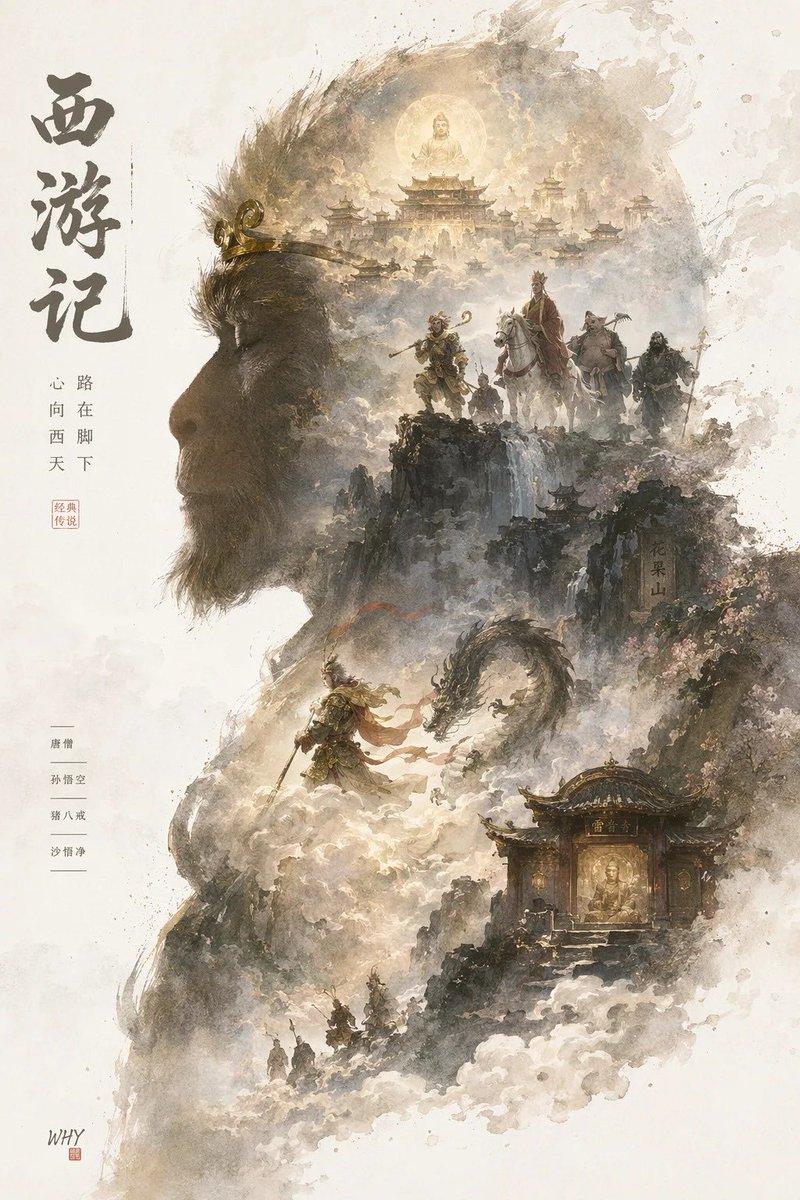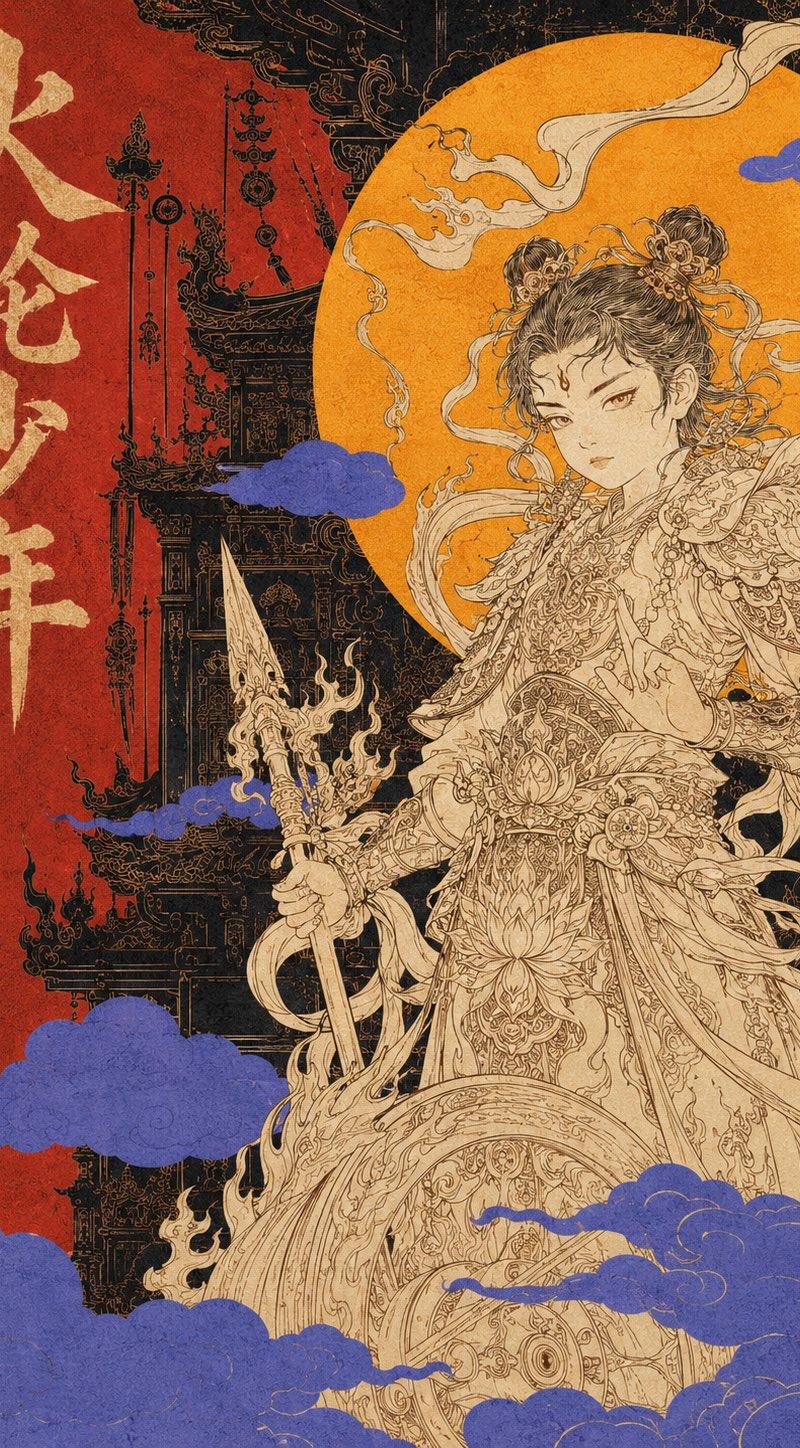
东方复古神话装饰海报
Prompt
Generate a vertical 3:4 Oriental retro mythological decorative poster with the theme "[Theme Name]".

The main subject is [Mythological Figure / Mythical Beast / Deity], located on the right side of the frame, drawn using extremely fine Oriental line drawing techniques. Clothing or body details are complex, including [Cloud patterns / Flame patterns / Dragon patterns / Ritual implements / Crowns / Ancient decorative patterns]. The subject uses cream, light gold, and off-white tones as a whole, without realistic thick impasto painting.

A huge warm golden circular sun or moon wheel is placed behind the subject, creating a halo effect like a divine statue. The background uses large areas of cinnabar red, deep black, dark green, or dark gold blocks, overlaid with silhouettes of ancient buildings, mountain outlines, sea wave patterns, talisman patterns, and decorative borders.

Add several blocks of low-saturation indigo auspicious clouds or mist in the foreground, partially obscuring the subject and background to enhance the sense of graphic composition.

The overall style is Oriental mythology, retro advertising poster, Art Deco, screen printing, old paper texture, grain noise, and color registration offset. High-end composition, clear color blocks, complex details but clear hierarchy.

On the left, add a vertical large title "[Chinese Title]", and next to it, add a small English decorative subtitle "[English Subtitle]".

No 3D, no modern neon, no chibi, no game UI, no cheap "guochao", no watermarks, no real logos.
- Category
- Charts & Infographics
- Model
- ChatGPT
- Creator
- @YangOnchain
- Source language
- zh-CN
- Source ID
- 16624
- Published
- Jun 23, 2026
Views53