16

传统的中国工笔水墨画-仙女
Enlarge

Example images

传统的中国工笔水墨画-仙女

Prompt
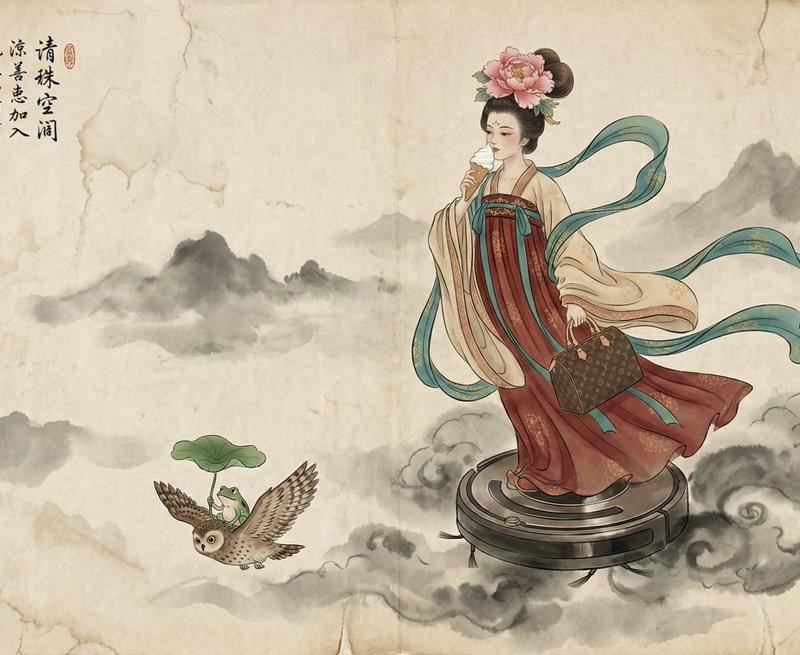
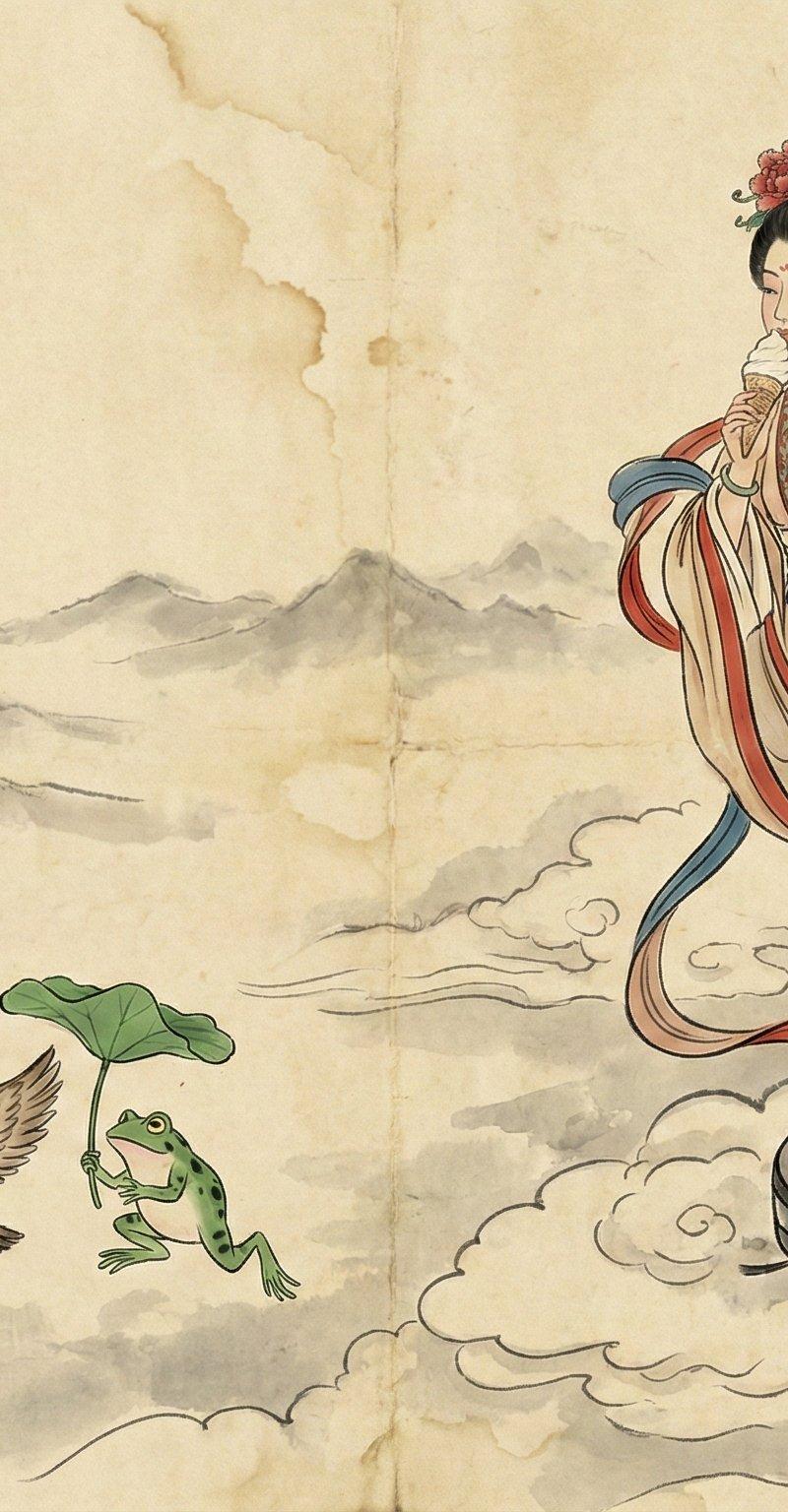
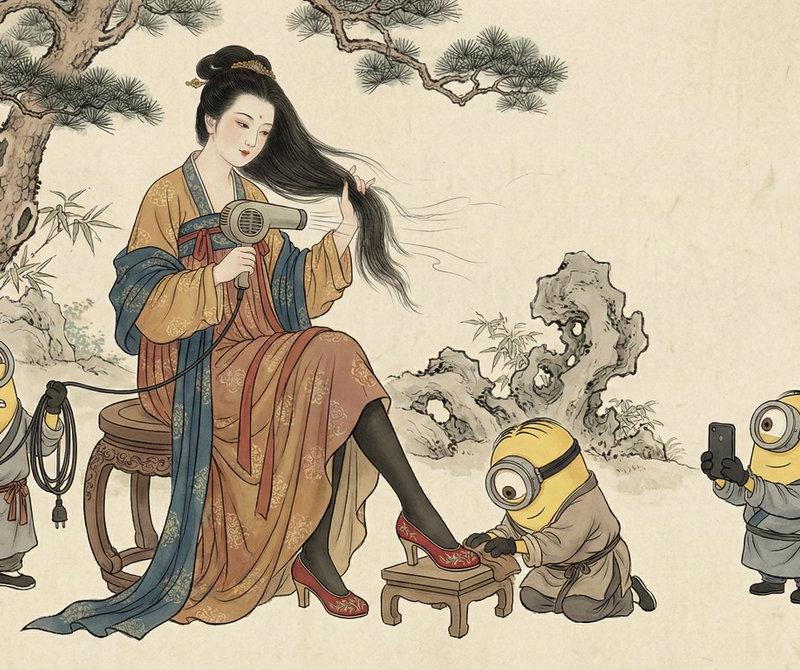
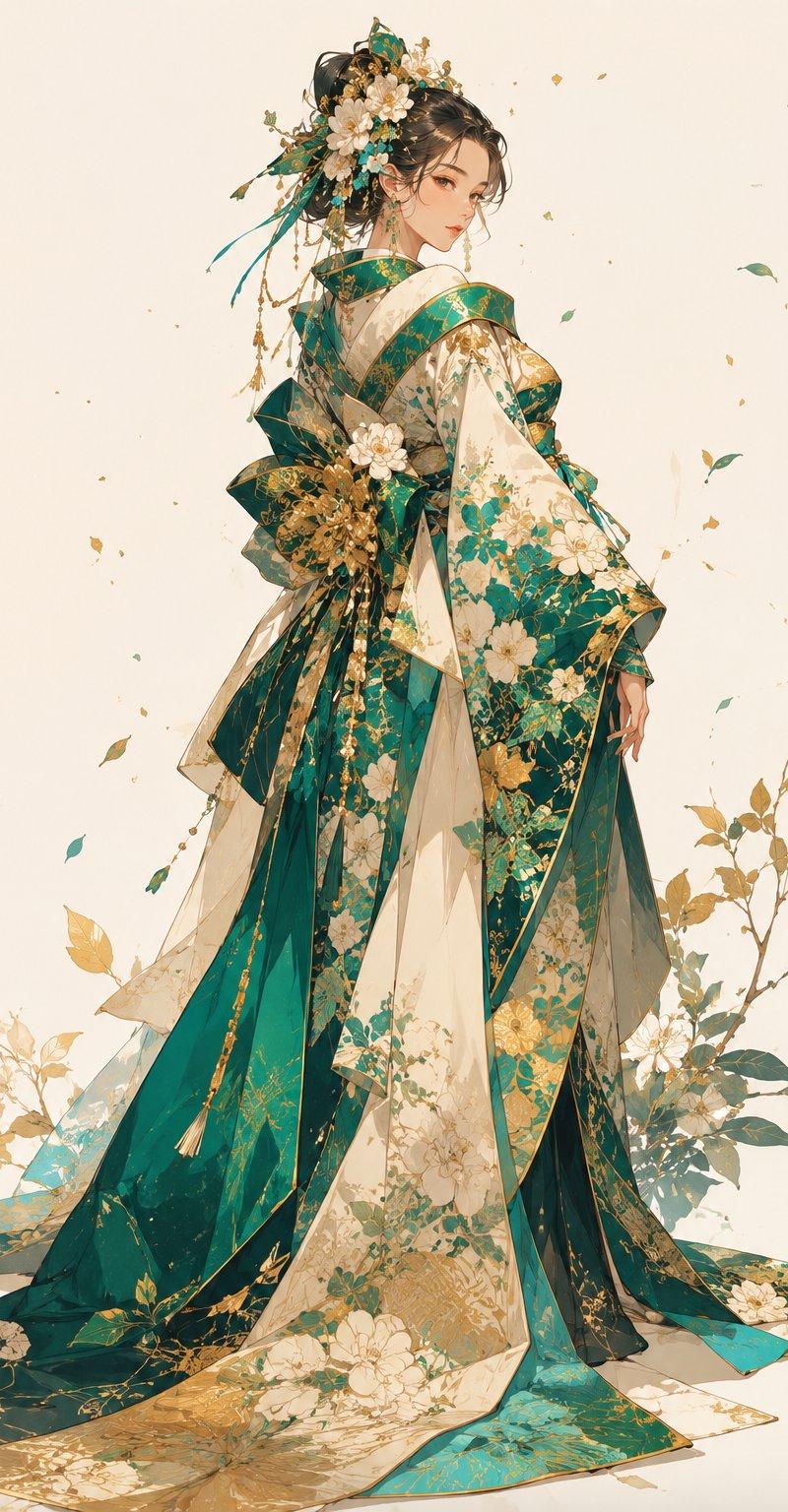
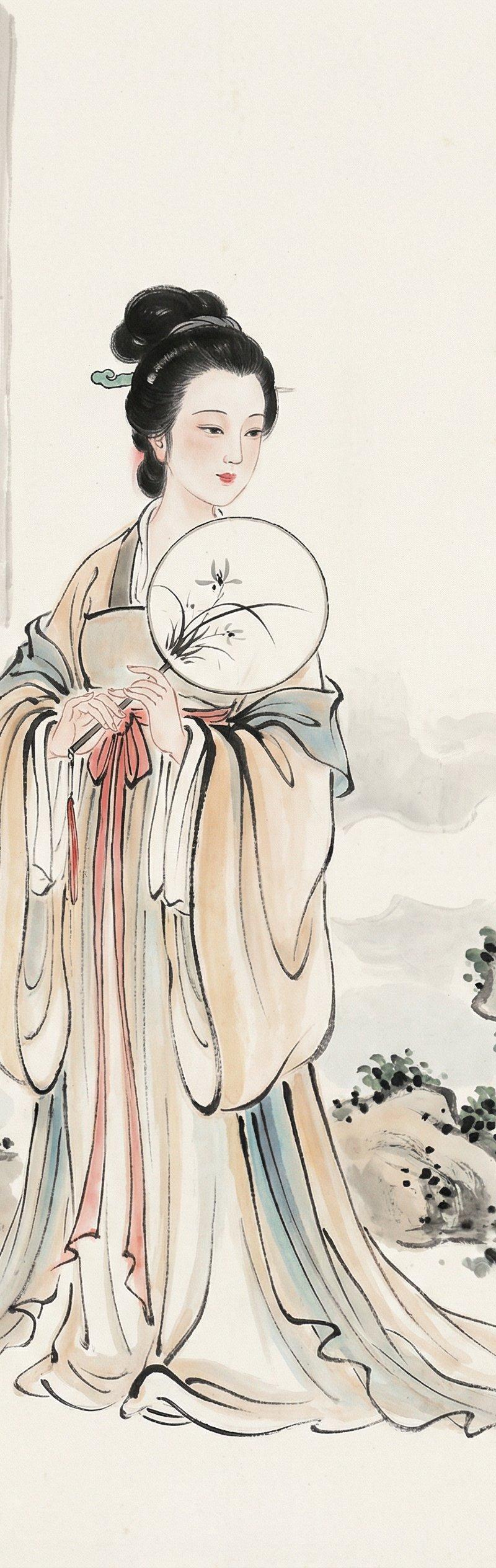
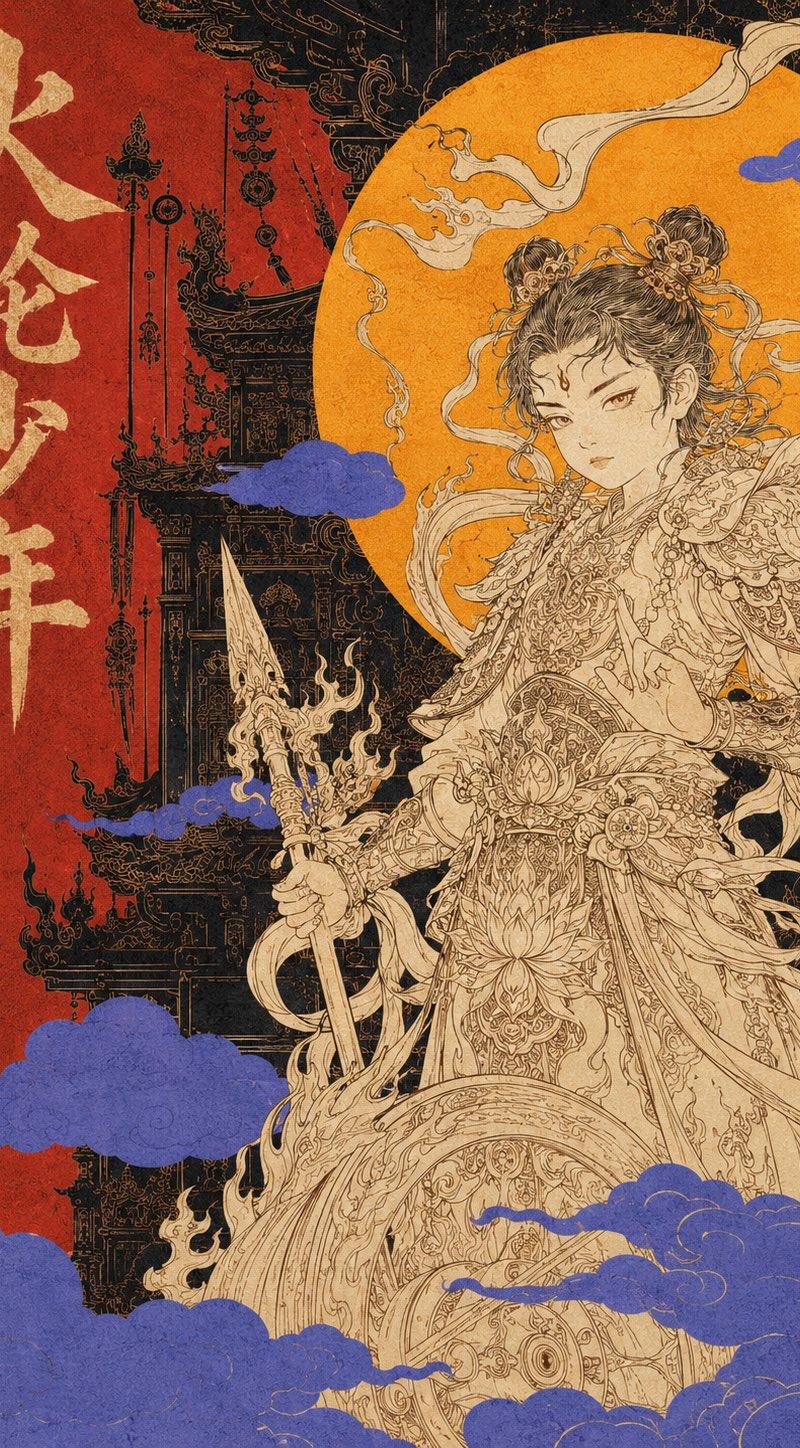
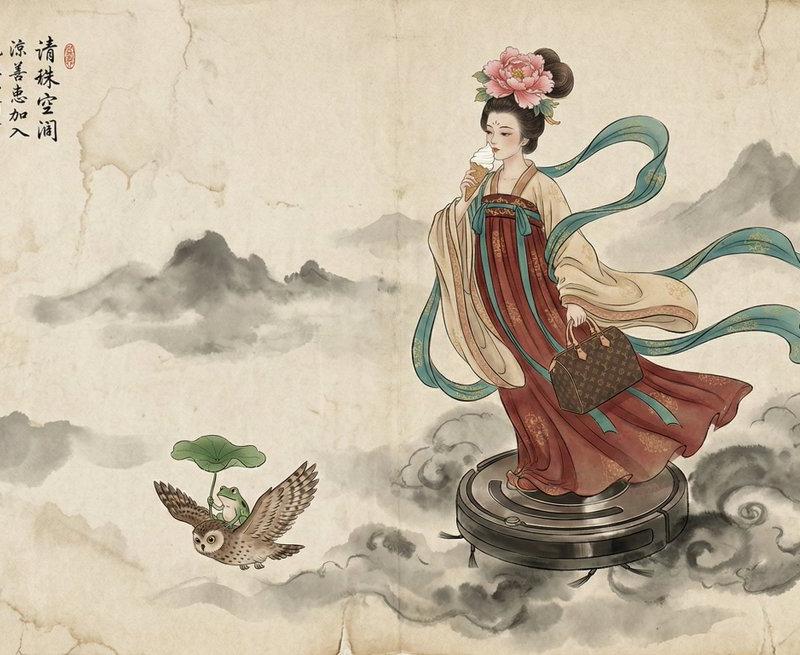
A traditional Chinese Gongbi ink and color painting on aged, textured rice paper. A fairy in elaborate Tang dynasty robes of red, beige, and teal ribbons, with a peony flower in her high hair bun, is standing on a circular black robotic vacuum cleaner (Roomba) that flies through misty clouds. \n\nShe is eating a vanilla ice cream cone held in her right hand. In her left hand, she holds a brown Louis Vuitton monogram handbag. Below her, a small owl flies with a green frog holding a lotus leaf umbrella on its back. The background is a wash of ink clouds and distant mountains. \n\nIn the top left corner, there is calligraphy and a red rectangular artist seal that reads "寶玉".
这是一幅传统的中国工笔水墨画,画在古旧的纹理宣纸上。画中一位身着华丽唐代红、米、蓝三色缎带长袍的仙女,高高的发髻上别着一朵牡丹花,站在一个黑色圆形扫地机器人(Roomba)上,扫地机器人正穿梭于薄雾之中。\n\n她右手拿着一个香草冰淇淋甜筒,左手拎着一个棕色的路易威登Monogram帆布手提包。在她下方,一只小猫头鹰背上驮着一只绿色的青蛙,青蛙撑着一把荷叶伞。背景是墨色的云朵和远处的群山。\n\n左上角有书法题字,并印有红色长方形艺术家印章,上面写着“宝玉”。
Category
UI & Interfaces
Model
Unknown
Creator
宝玉
Source language
zh-CN
Views0
Source ID
traditional-chinese-gongbi-ink-painting-fairy
Studio

Guide

About "传统的中国工笔水墨画-仙女"

What is this prompt for?

"传统的中国工笔水墨画-仙女" AI image prompt for Unknown (UI & Interfaces). A traditional Chinese Gongbi ink and color painting on aged, textured rice paper. A fairy in ela…

The full copyable prompt and example visuals above are ready for AI image generation or one-click recreate in Picva.

How to use this prompt

  1. Step 1

    Open the prompt detail

    Review the example visuals, category, and full prompt text for "传统的中国工笔水墨画-仙女".

  2. Step 2

    Copy the prompt

    Copy the prompt body from this page, or load it directly in Studio.

  3. Step 3

    Pick a model (Unknown)

    Prefer Unknown. If you switch models, keep subject and composition and tweak style terms.

  4. Step 4

    Generate and export

    Recreate the look in Picva, or export into your workflow for editing and publishing.

FAQ

What is the "传统的中国工笔水墨画-仙女" prompt?
It is an AI image-generation prompt for Unknown in the UI & Interfaces category. This page includes the full prompt text, example visuals, and a one-click recreate path in Picva.
How do I use this prompt to generate an image?
Copy the prompt from this page, or use Generate / Studio. Paste it into a compatible image model, or recreate the look in Picva with optional reference images.
Which model is this prompt for?
This page lists Unknown. Most descriptive prompts also transfer to nearby image models such as GPT Image, Flux, or Midjourney with light style tweaks.
Can I use the result commercially?
You can usually copy the prompt for creation, but commercial use of the final image depends on the model terms, reference-image rights, and the generated content. Follow the source author and platform rules.