14

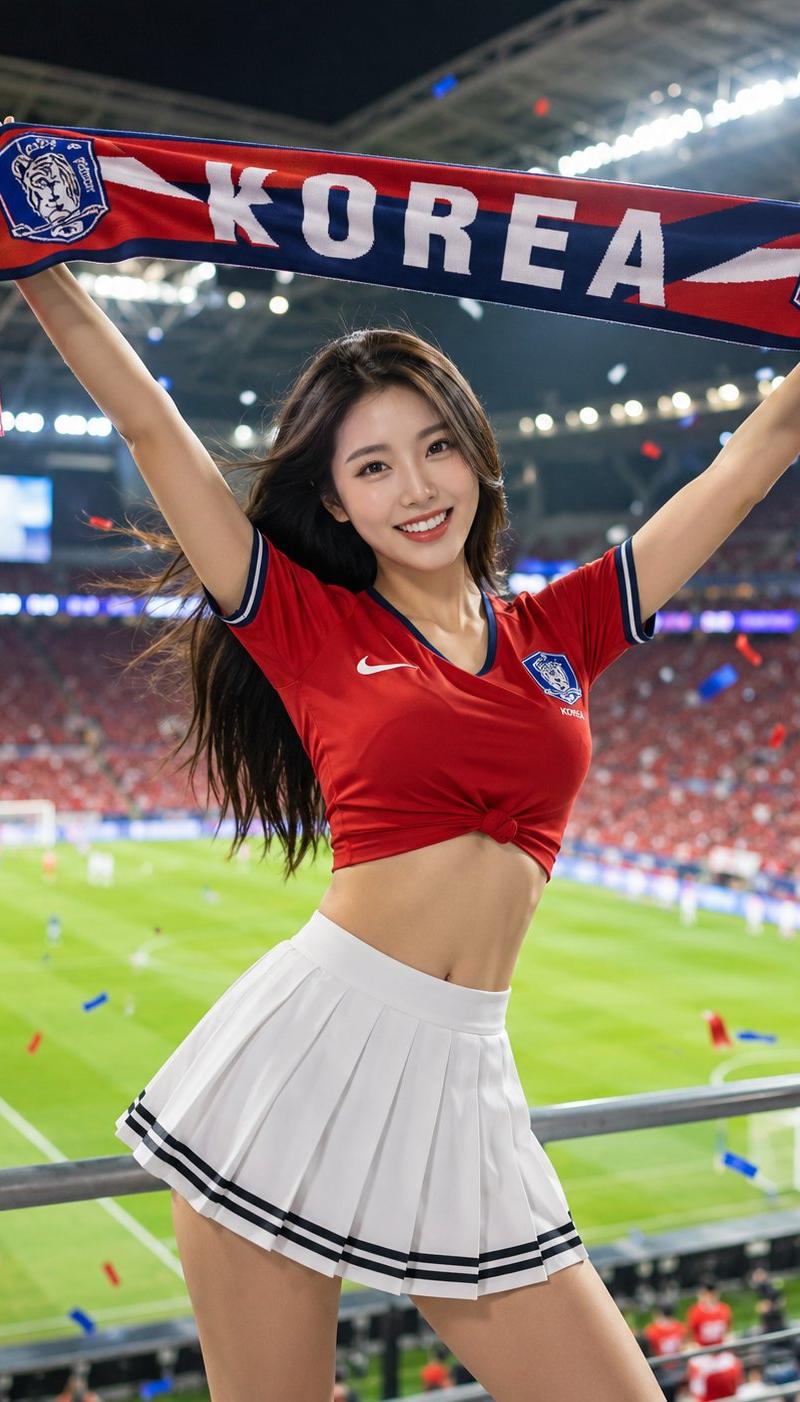
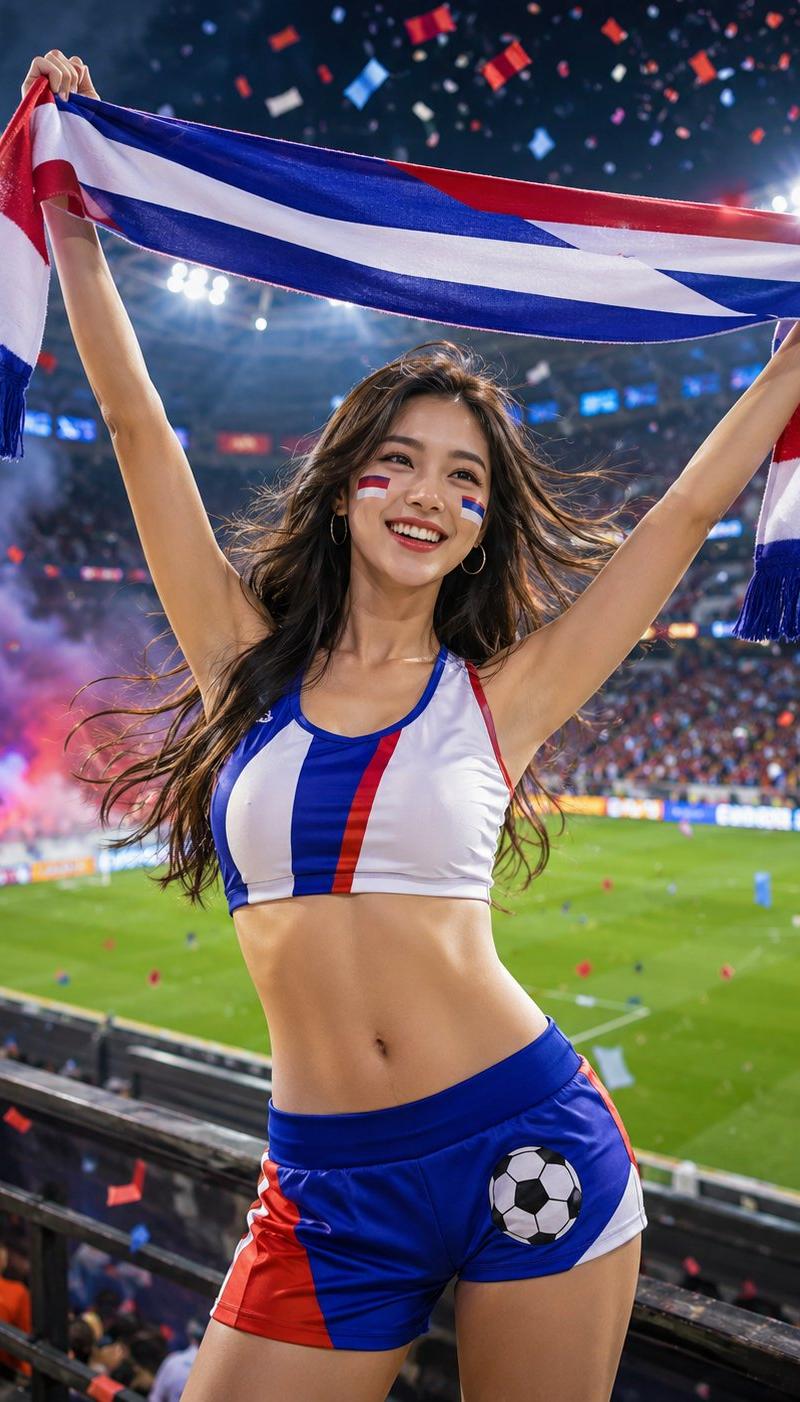
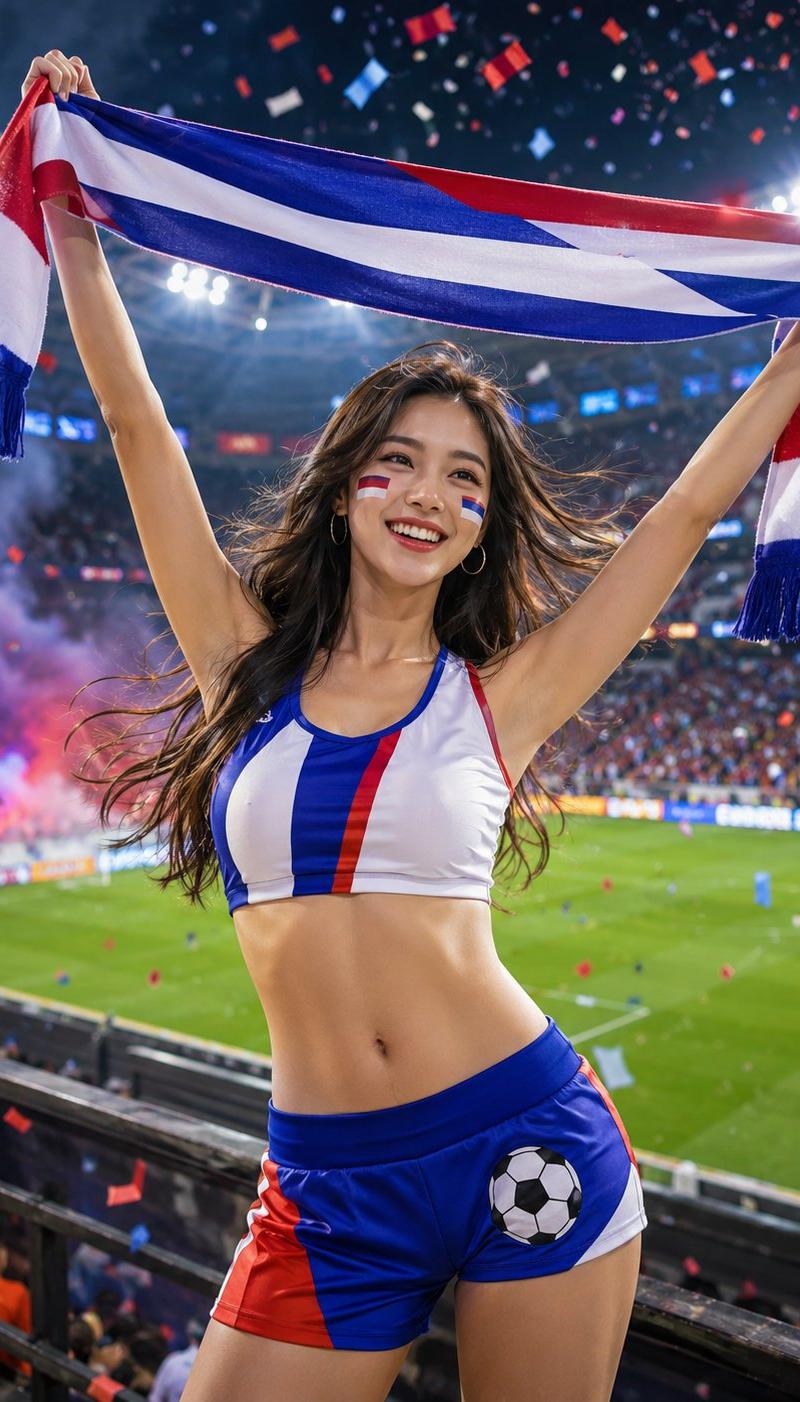
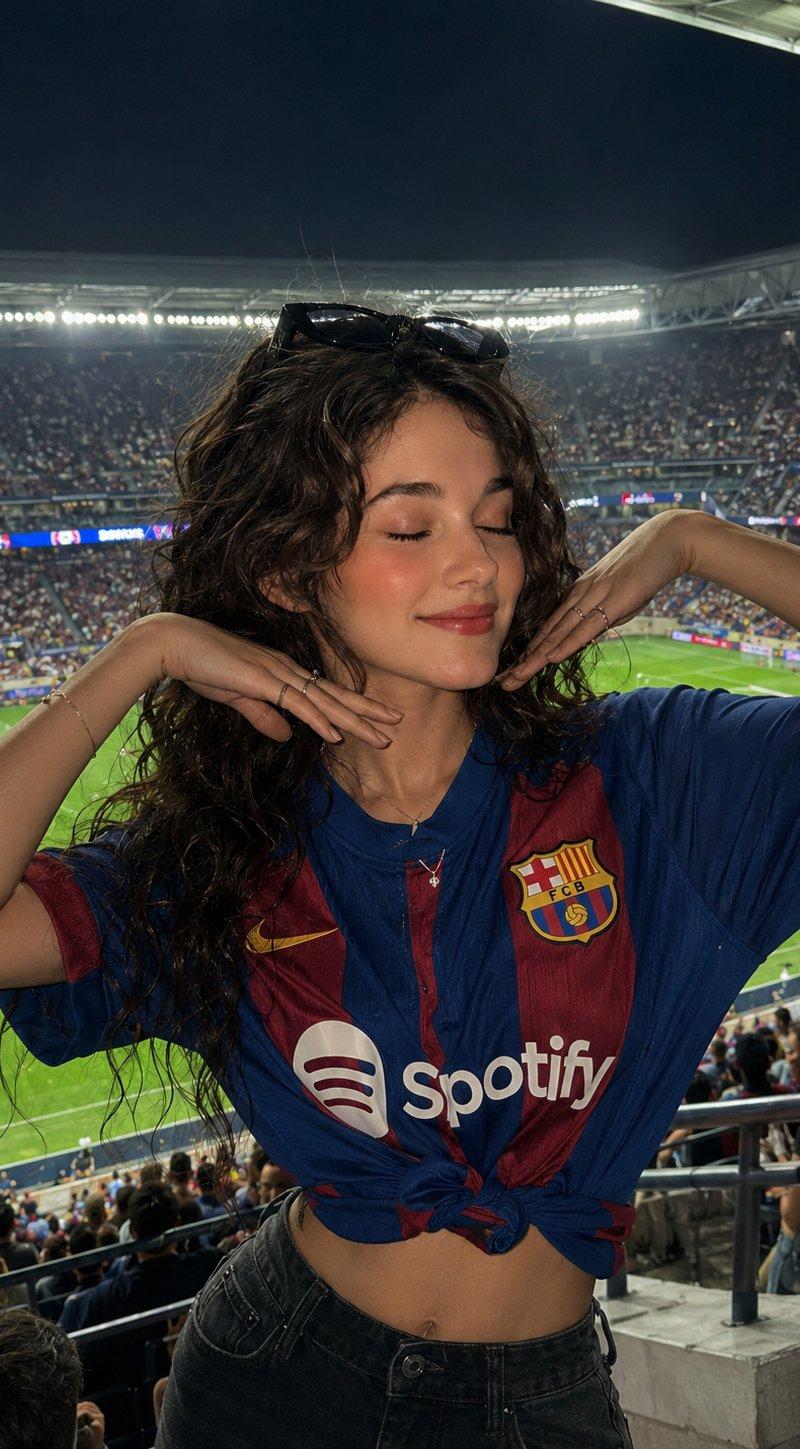
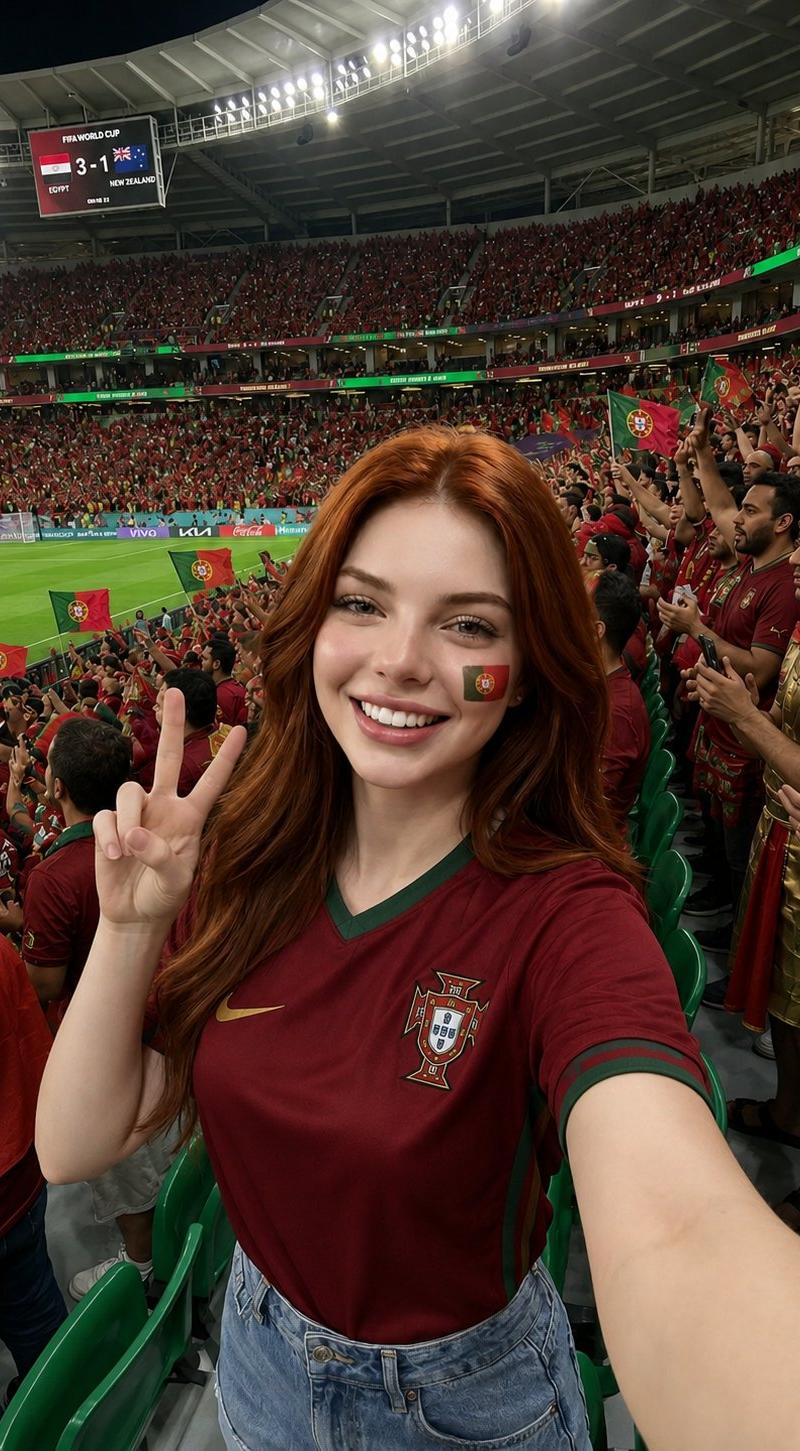
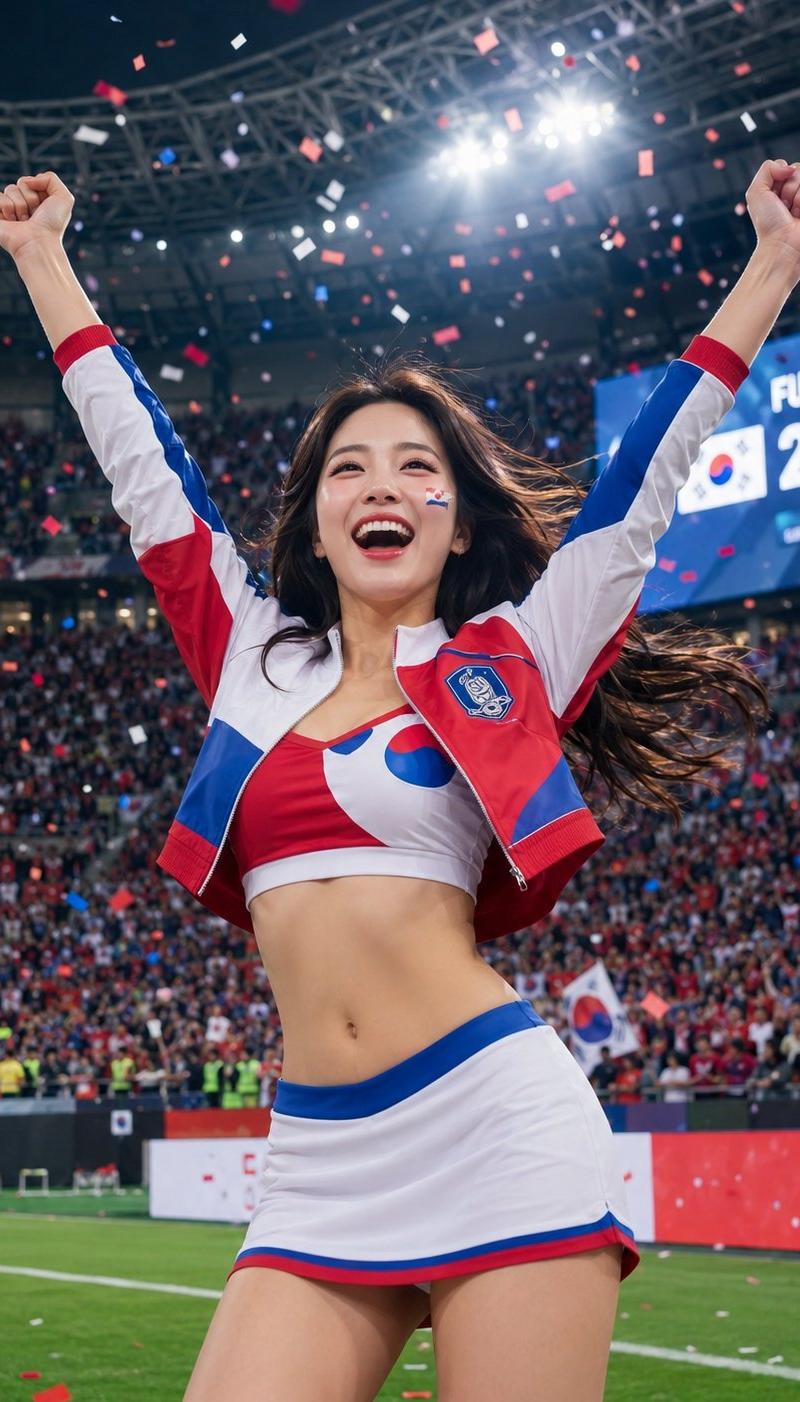
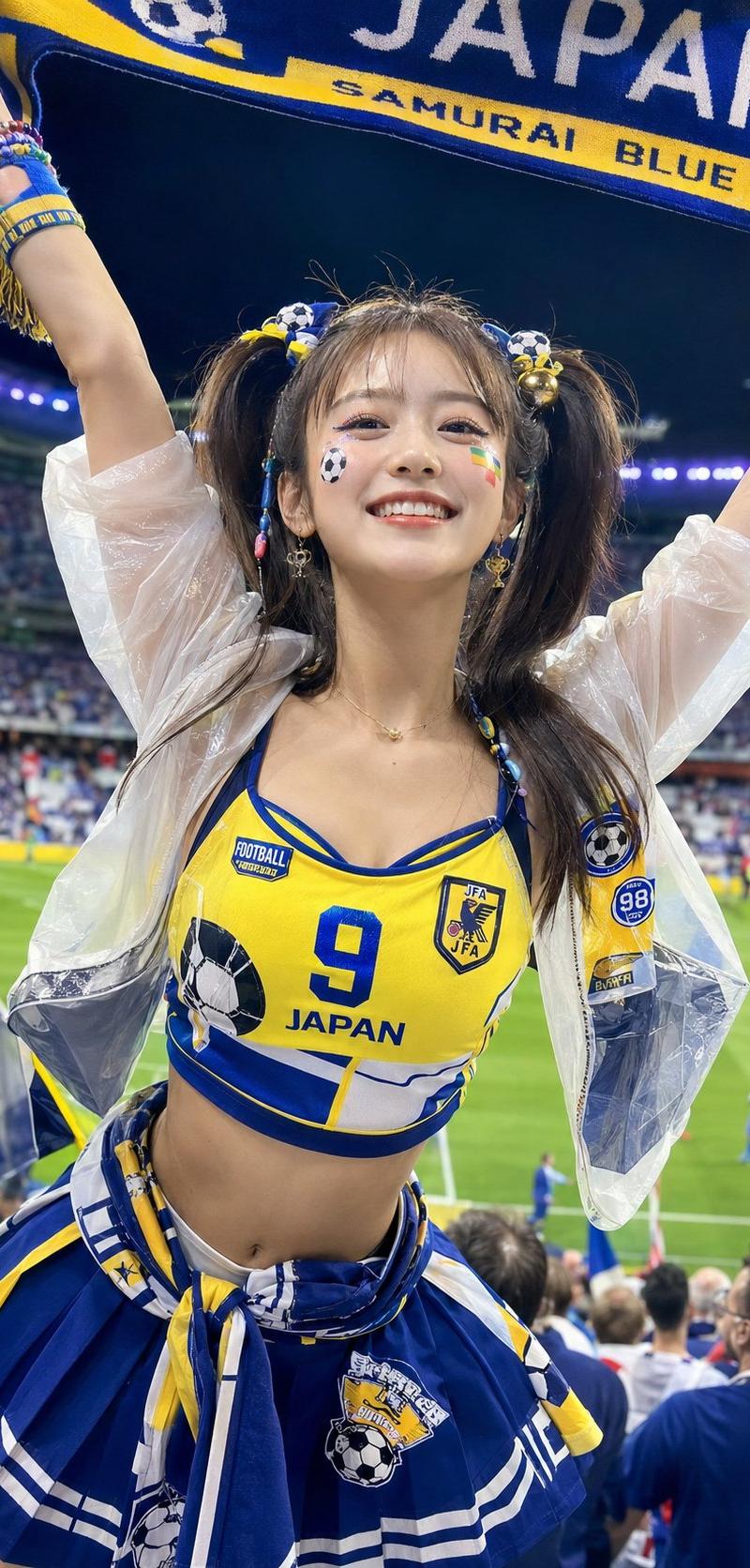
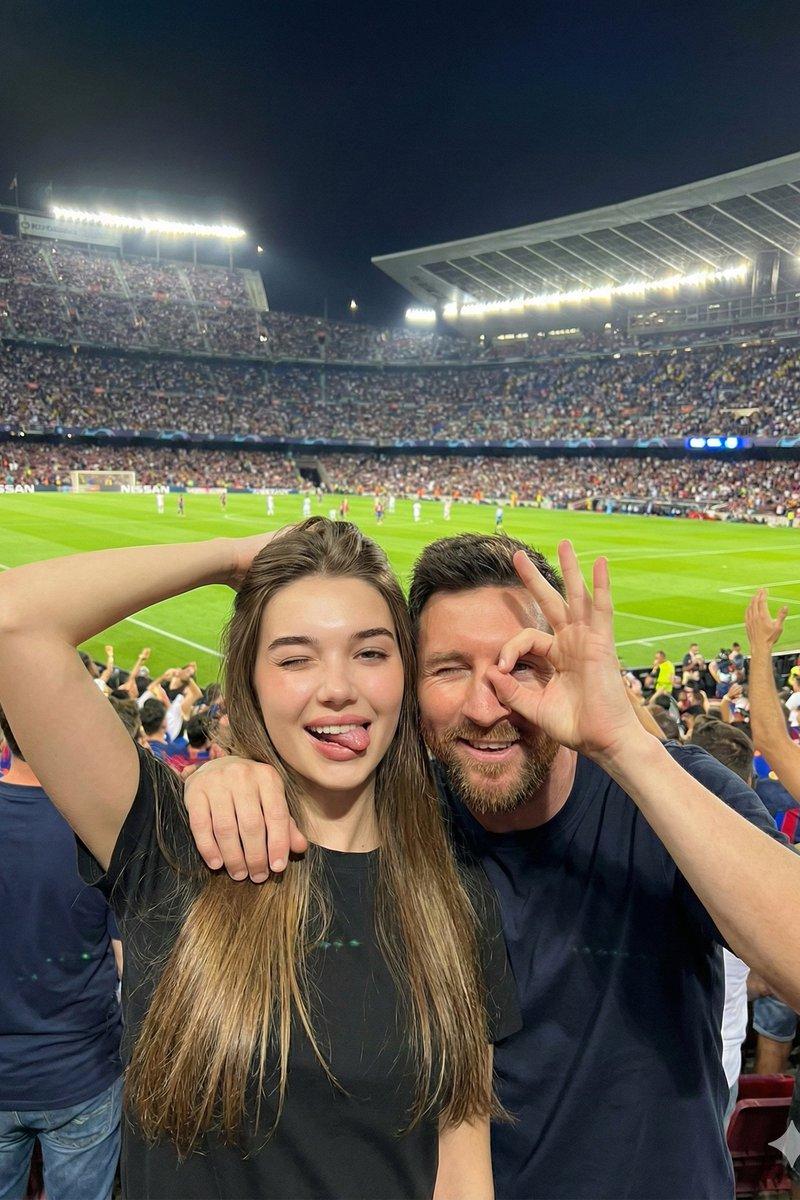
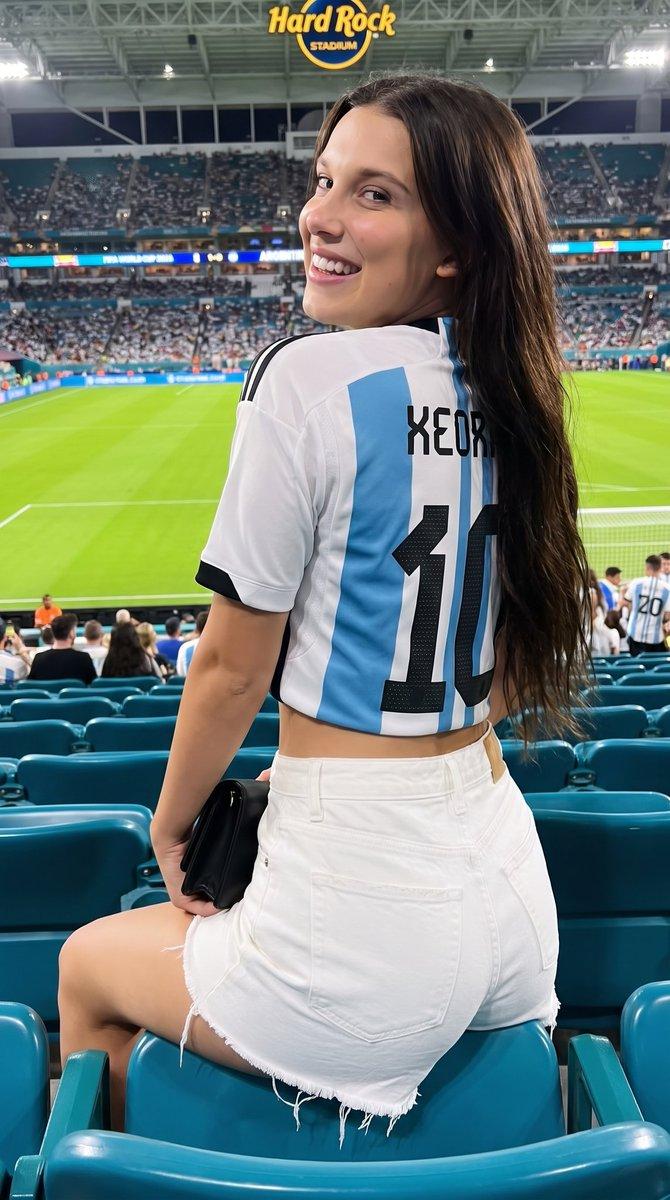
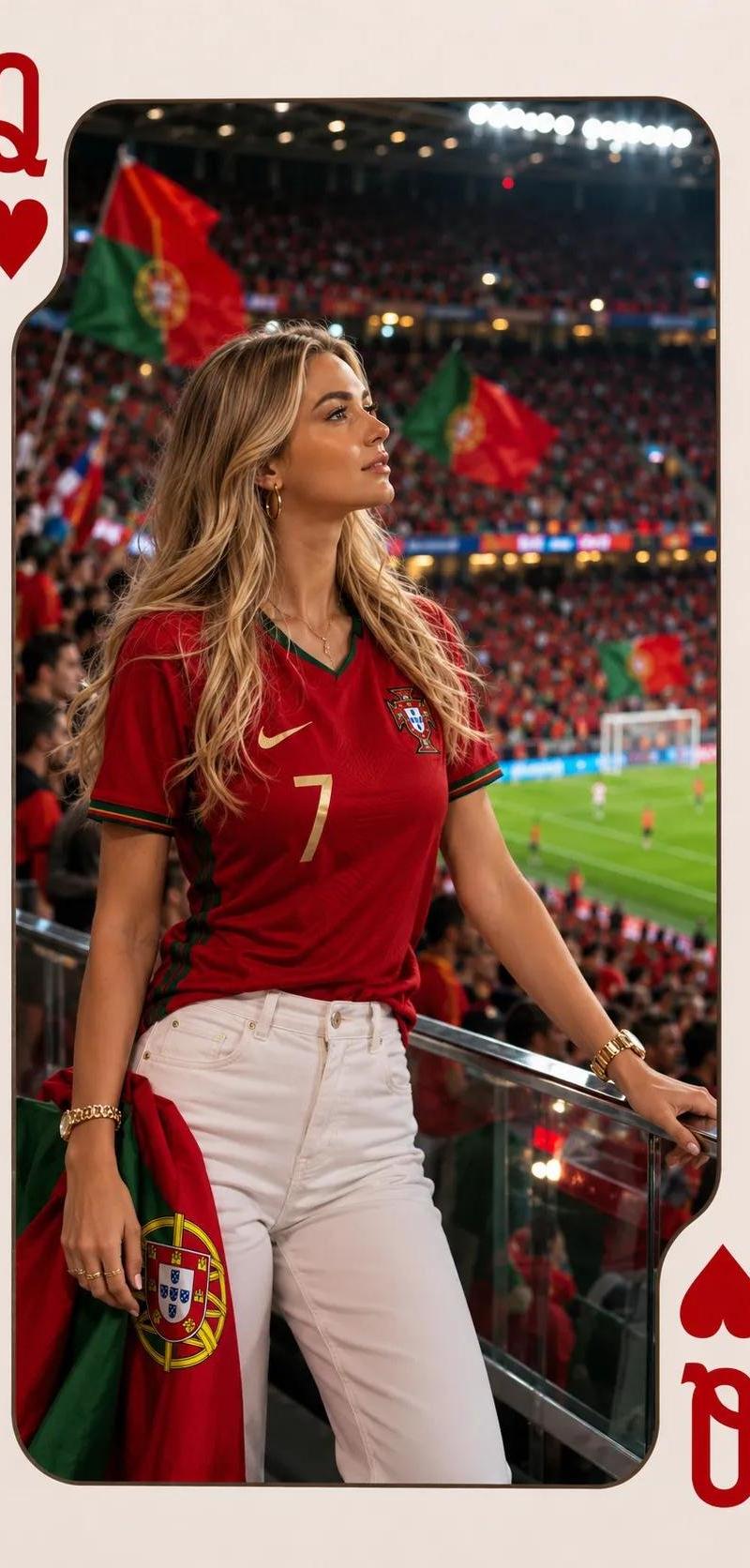
葡萄牙球衣红桃皇后扑克牌人像
Enlarge

Example images

葡萄牙球衣红桃皇后扑克牌人像

Prompt
Ultra-realistic sports fashion portrait inside a Queen of Hearts playing card design. A beautiful blonde woman standing in a packed football stadium VIP section, looking thoughtfully toward the pitch. She is wearing a Portugal national team red jersey with green trim, number 7, fitted white high-waisted jeans, gold watch, gold bracelets, and hoop earrings. Holding a Portugal flag draped at her side.Massive stadium crowd filled with red and green supporters, Portuguese flags waving, bright floodlights, shallow depth of field, cinematic bokeh. The woman is sharply focused, photorealistic skin texture, detailed hair strands, luxury fashion photography style, editorial sports magazine aesthetic. Playing card frame with large red Queen and heart symbols in opposite corners, rounded innerwindowc.
Category
Charts & Infographics
Model
ChatGPT
Creator
@Kashberg_0
Source language
zh-CN
Views30
Source ID
16508
Published
Jun 21, 2026
Studio

Guide

About "葡萄牙球衣红桃皇后扑克牌人像"

What is this prompt for?

"葡萄牙球衣红桃皇后扑克牌人像" AI image prompt for ChatGPT (Charts & Infographics). 红桃皇后扑克牌设计中的超写实运动时尚肖像。一位美丽的金色头发女性站在人满为患的足球场 VIP 区,若有所思地望着球场。她穿着一件葡萄牙国家队的红色球衣,带有绿色边饰,号码为 7…

The full copyable prompt and example visuals above are ready for AI image generation or one-click recreate in Picva.

How to use this prompt

  1. Step 1

    Open the prompt detail

    Review the example visuals, category, and full prompt text for "葡萄牙球衣红桃皇后扑克牌人像".

  2. Step 2

    Copy the prompt

    Copy the prompt body from this page, or load it directly in Studio.

  3. Step 3

    Pick a model (ChatGPT)

    Prefer ChatGPT. If you switch models, keep subject and composition and tweak style terms.

  4. Step 4

    Generate and export

    Recreate the look in Picva, or export into your workflow for editing and publishing.

FAQ

What is the "葡萄牙球衣红桃皇后扑克牌人像" prompt?
It is an AI image-generation prompt for ChatGPT in the Charts & Infographics category. This page includes the full prompt text, example visuals, and a one-click recreate path in Picva.
How do I use this prompt to generate an image?
Copy the prompt from this page, or use Generate / Studio. Paste it into a compatible image model, or recreate the look in Picva with optional reference images.
Which model is this prompt for?
This page lists ChatGPT. Most descriptive prompts also transfer to nearby image models such as GPT Image, Flux, or Midjourney with light style tweaks.
Can I use the result commercially?
You can usually copy the prompt for creation, but commercial use of the final image depends on the model terms, reference-image rights, and the generated content. Follow the source author and platform rules.