16

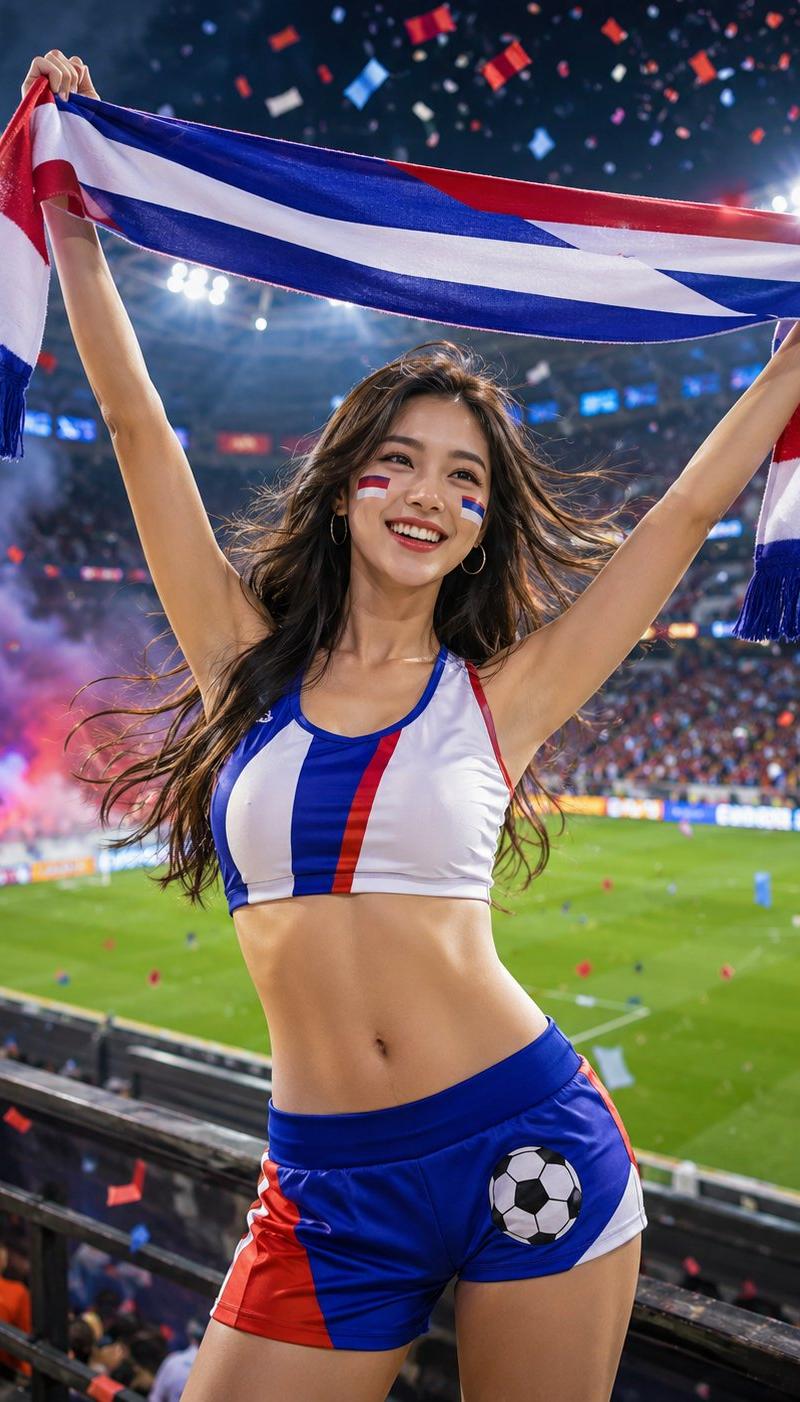
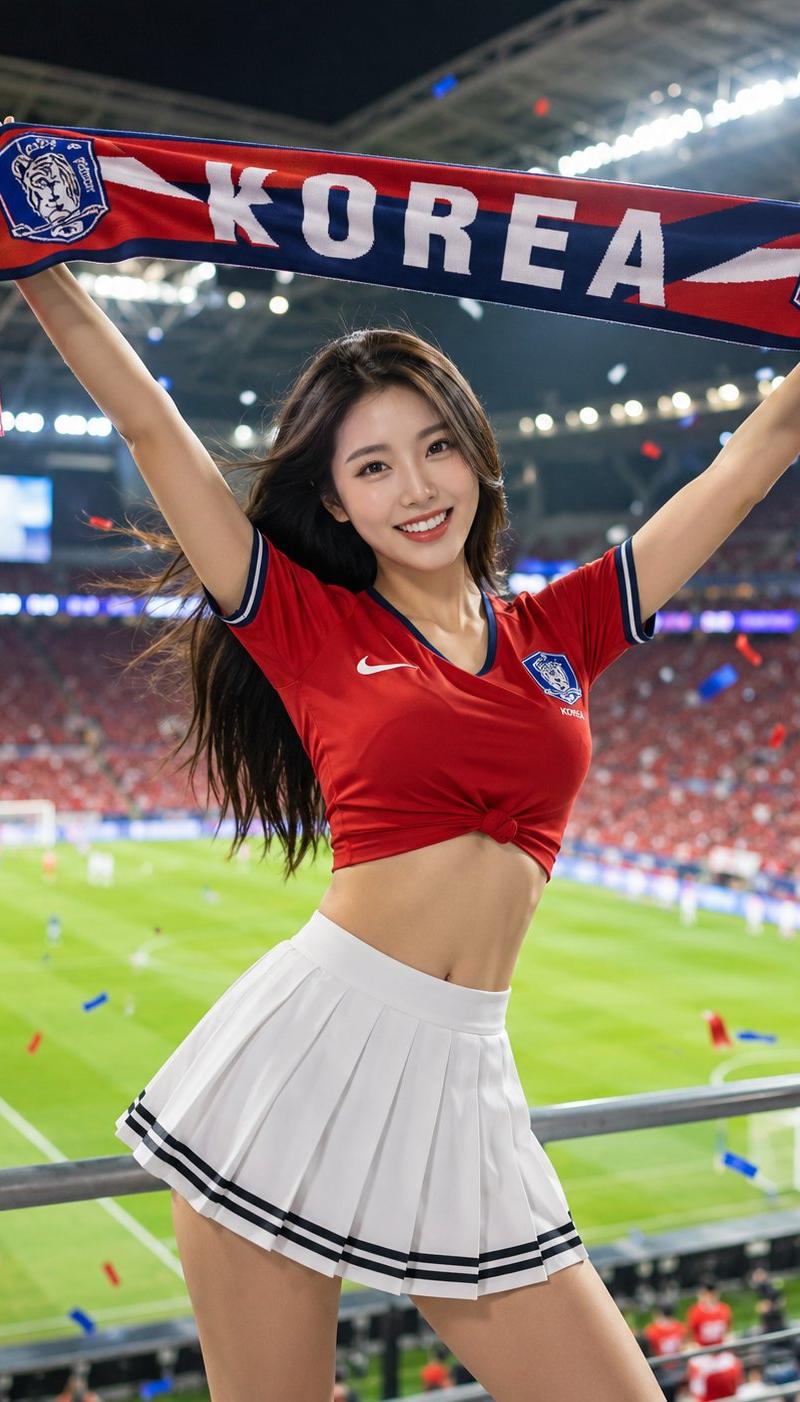
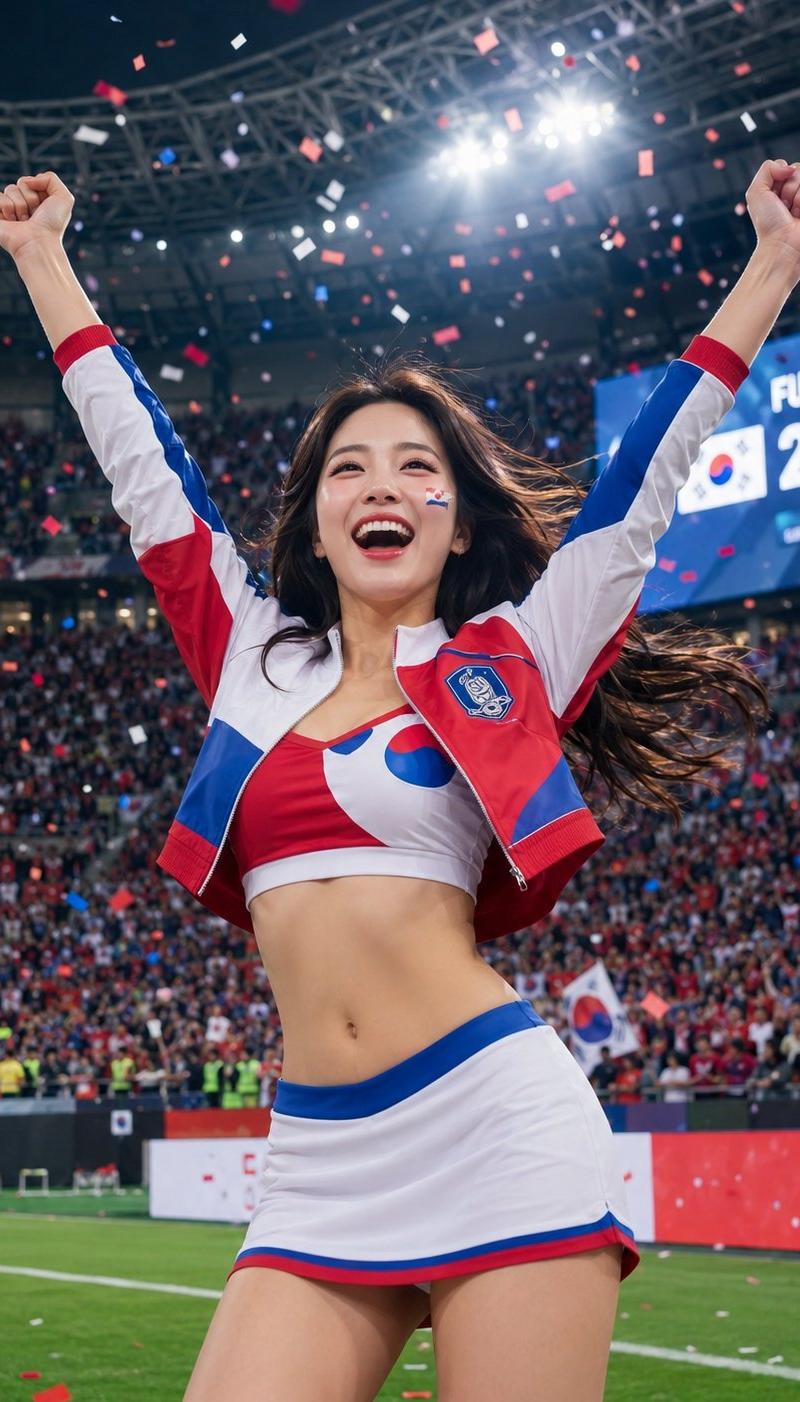
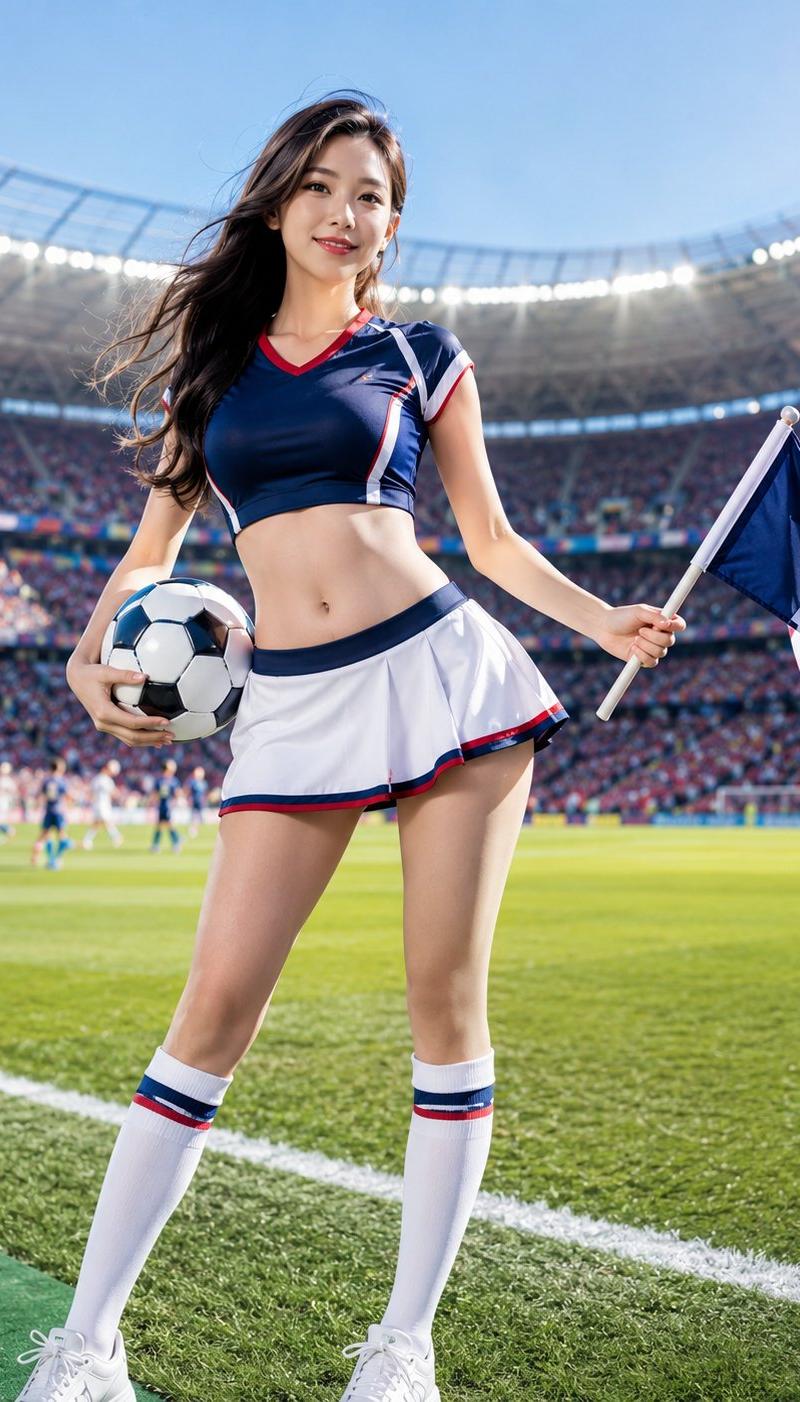
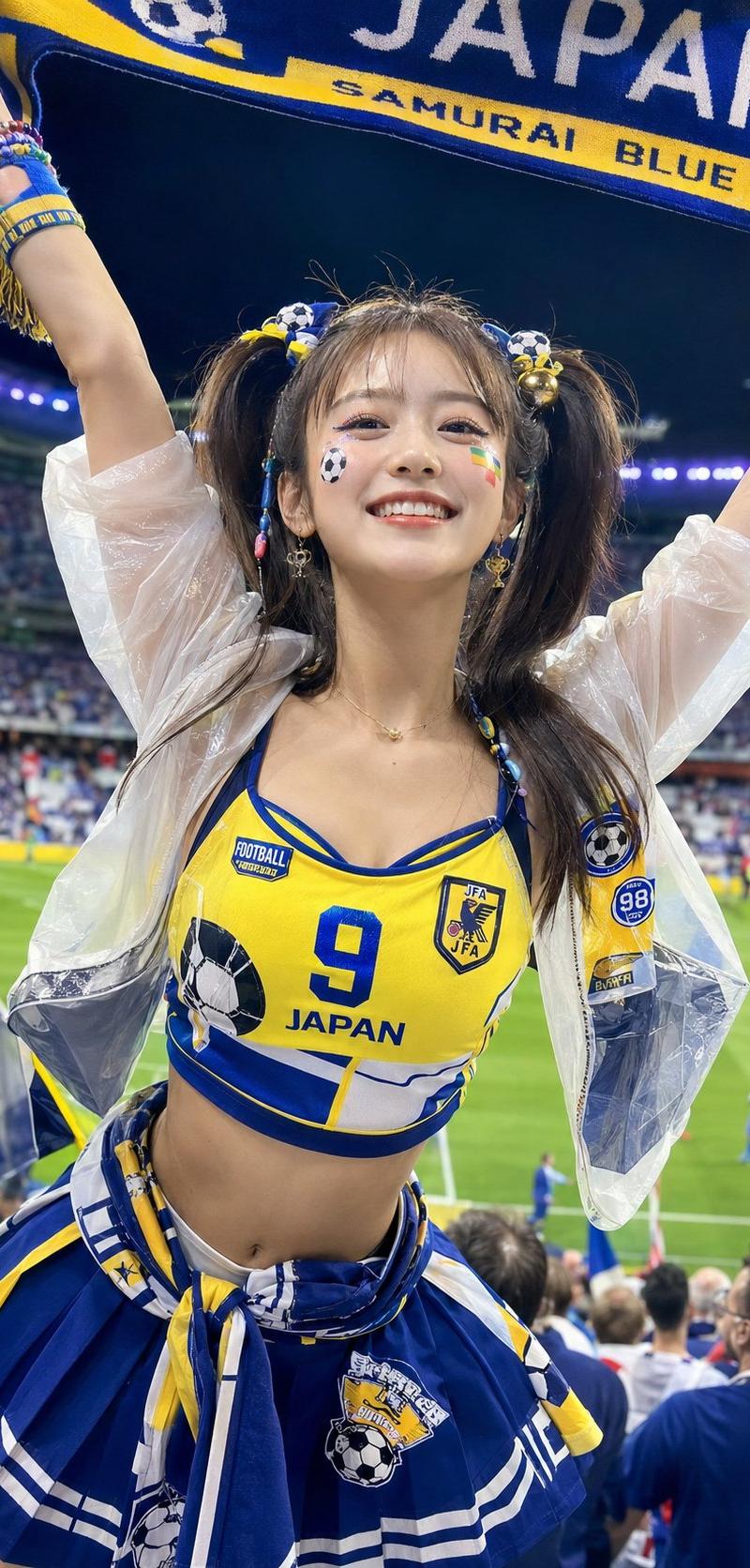
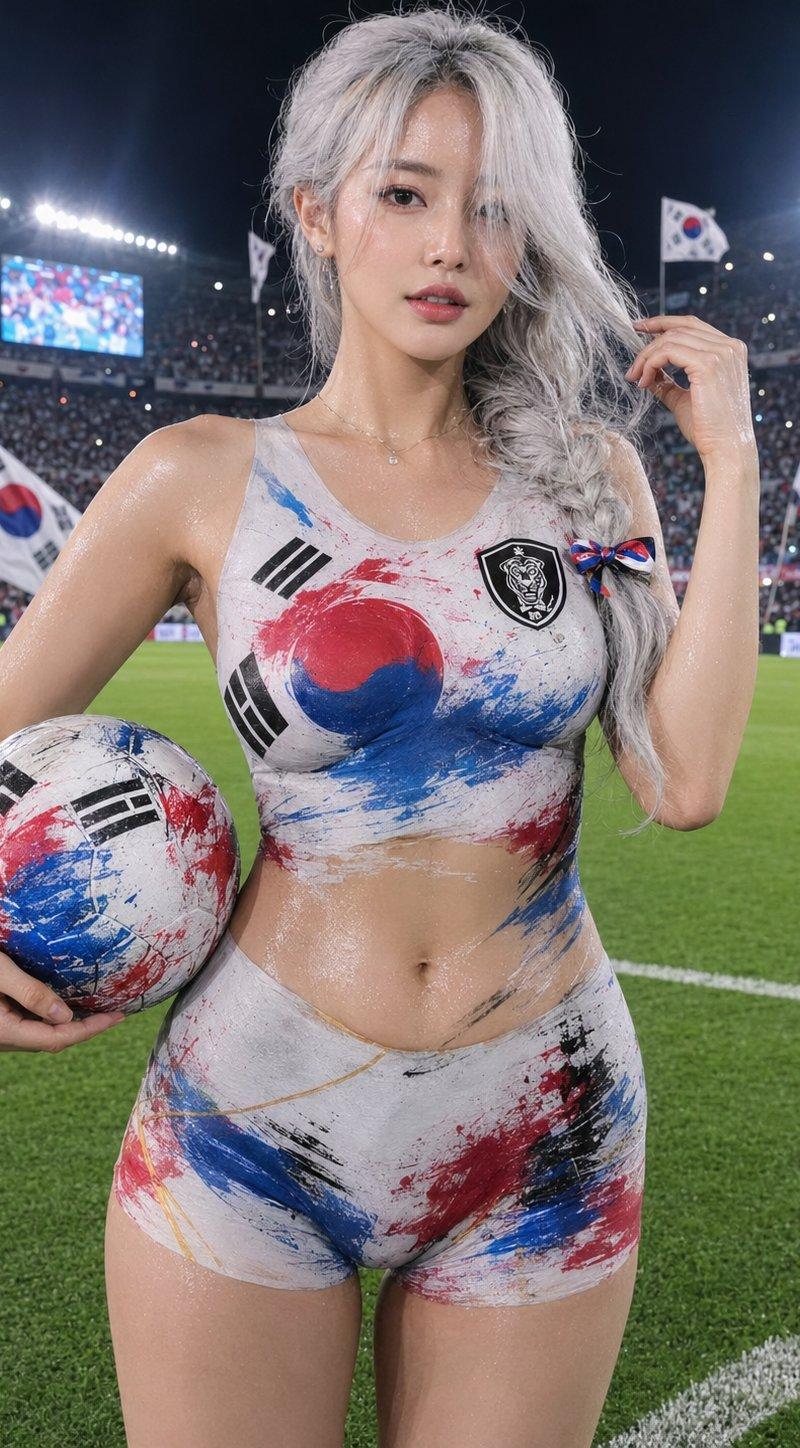
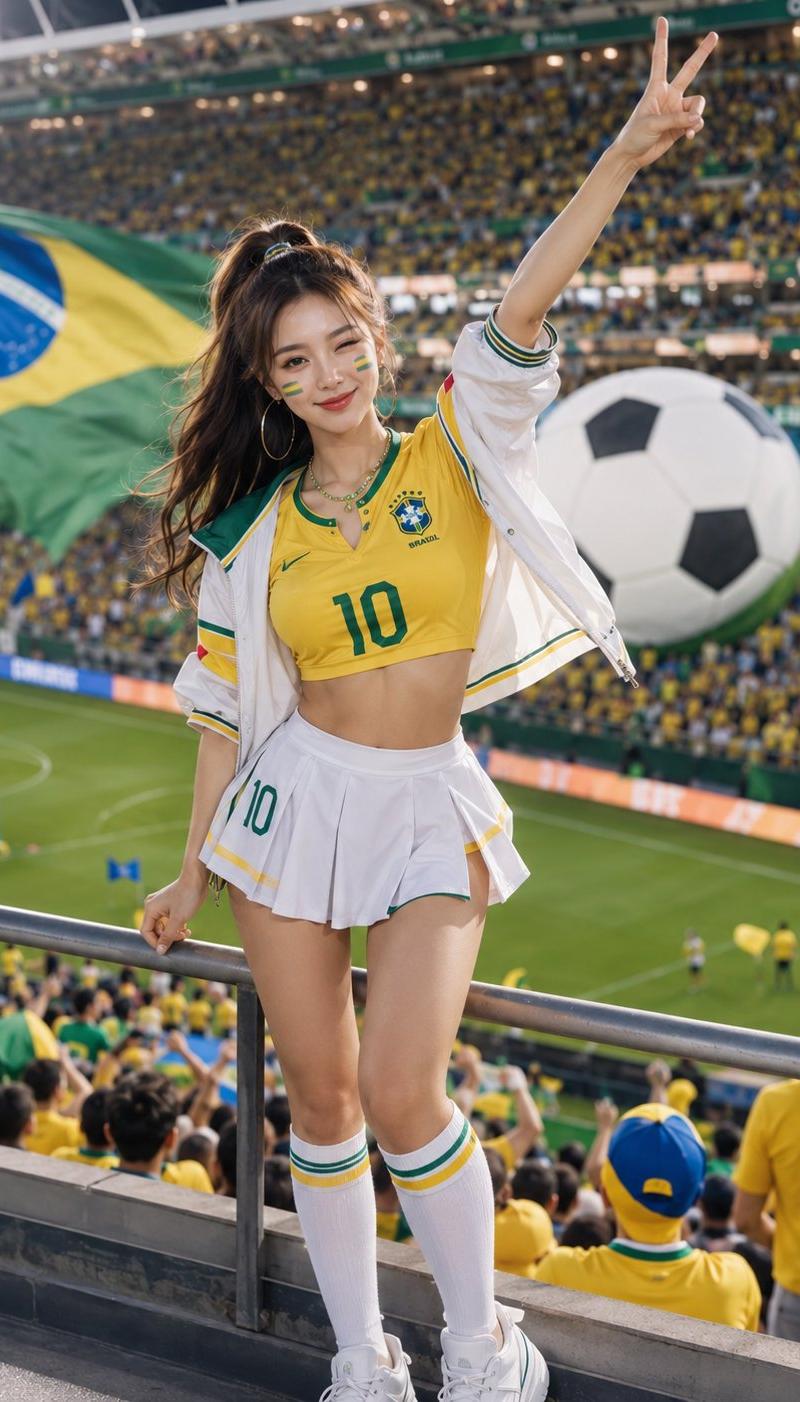
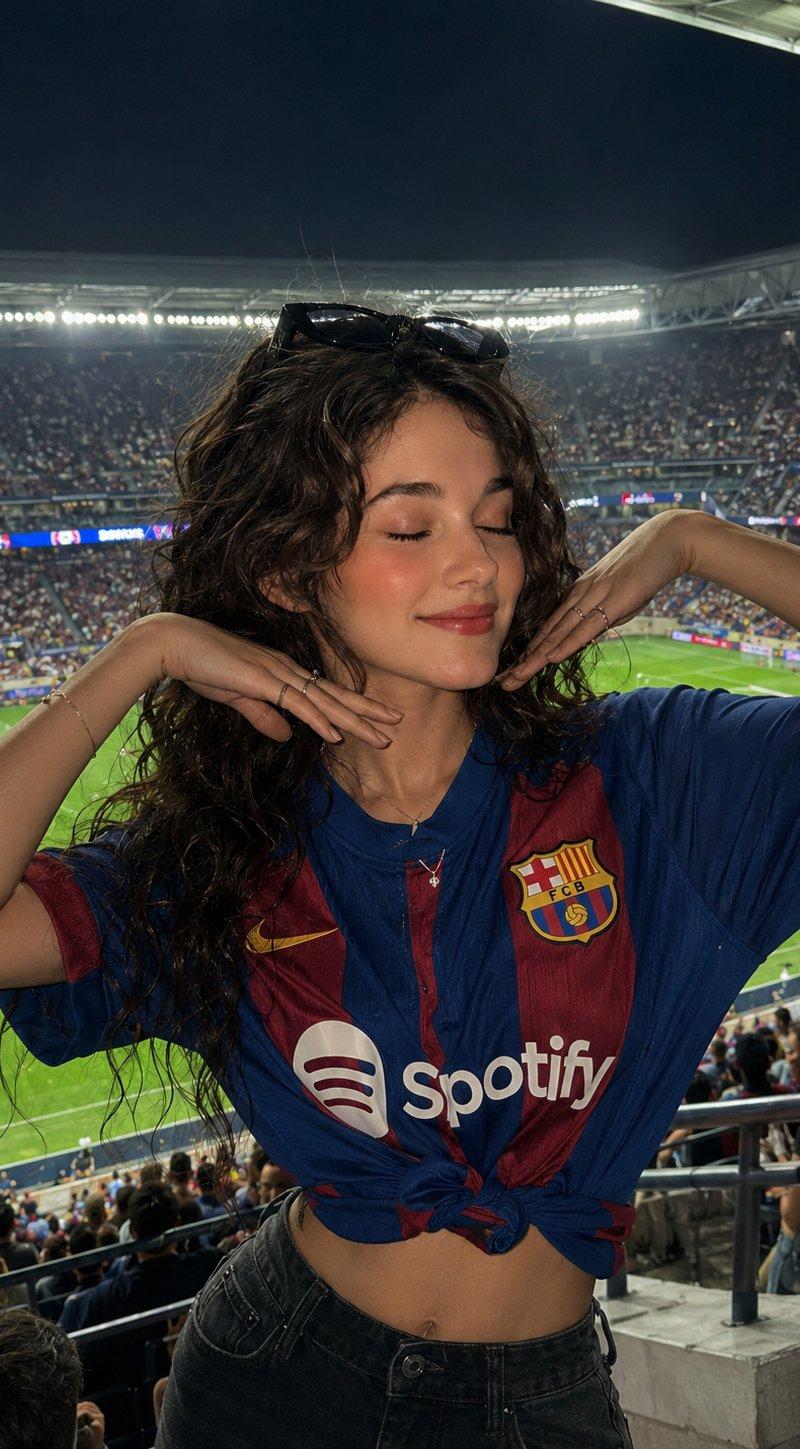
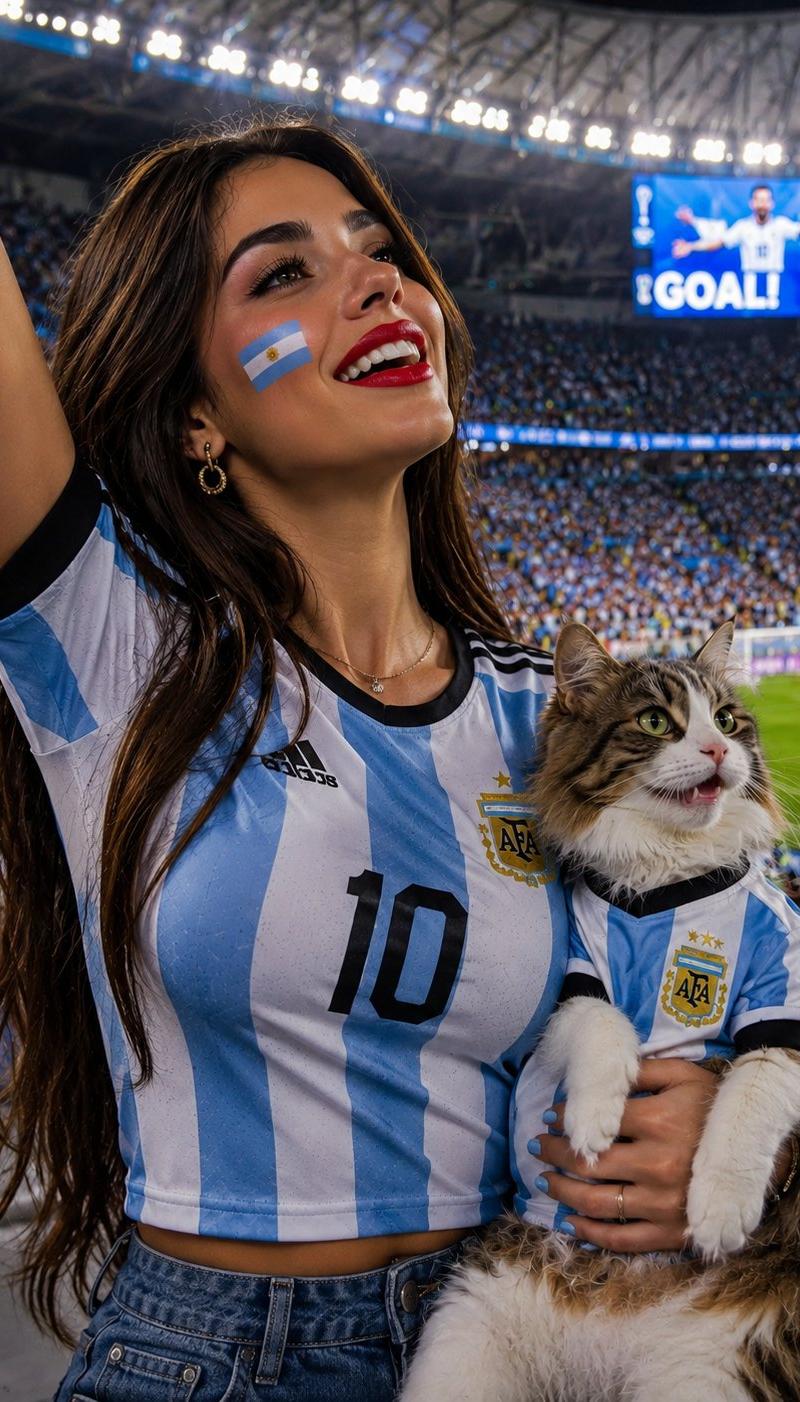
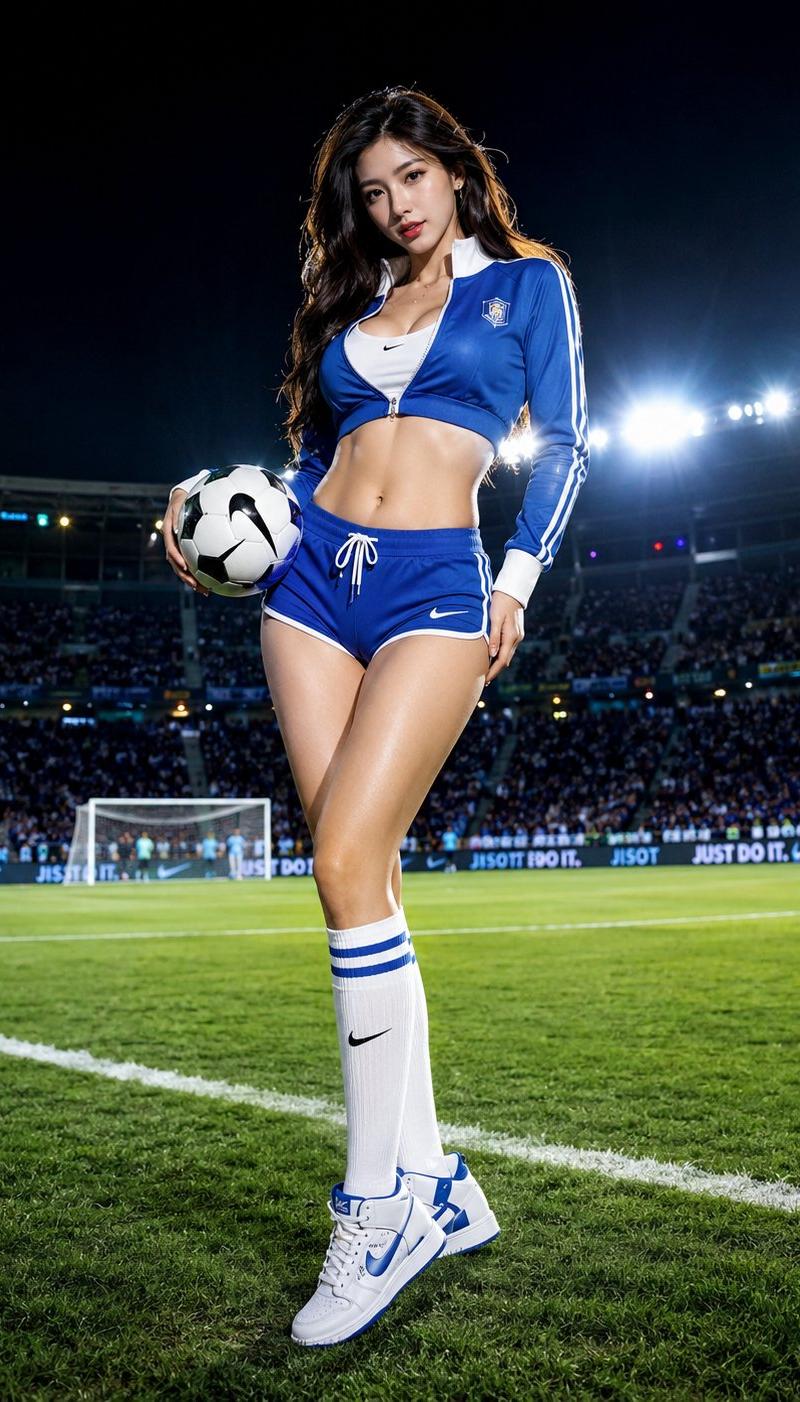
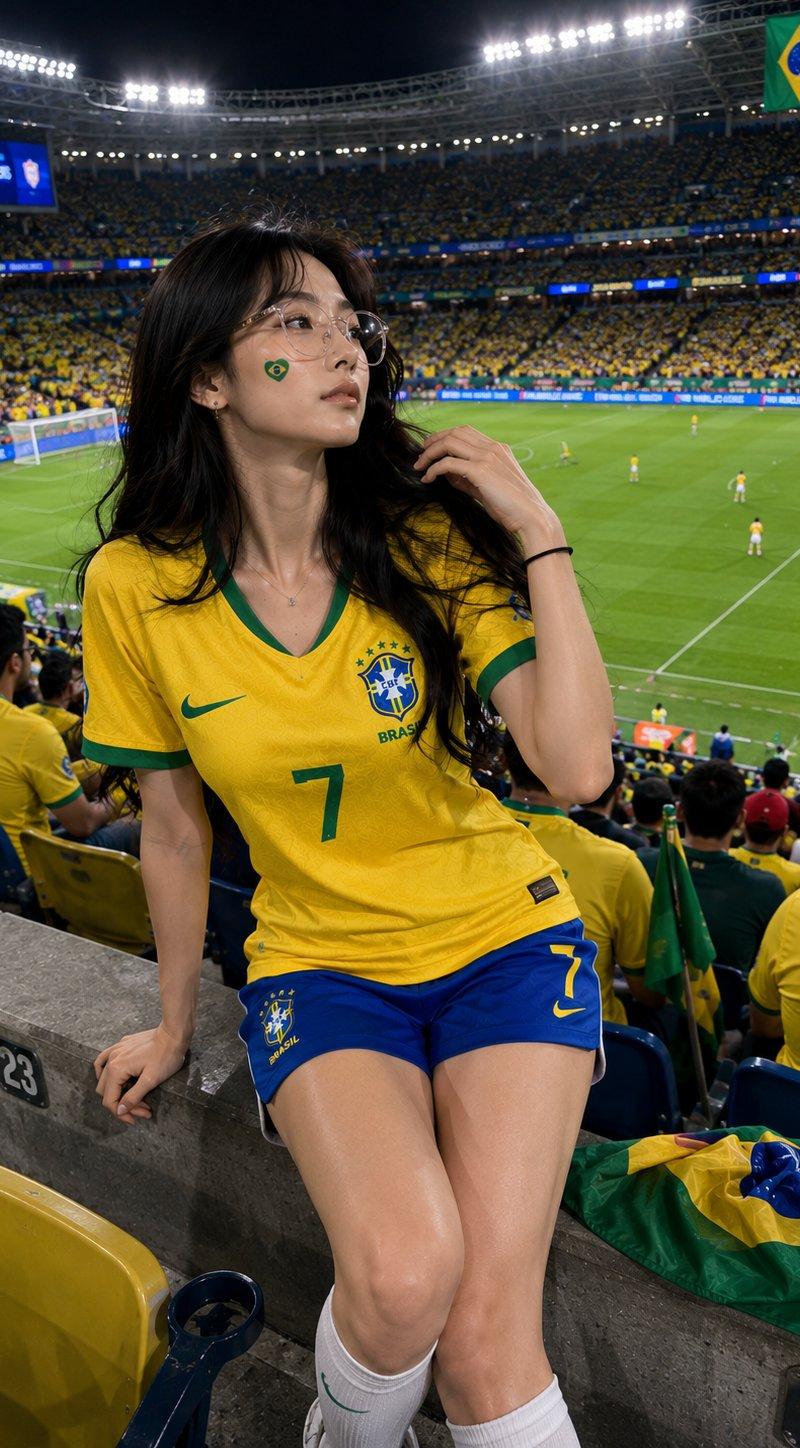
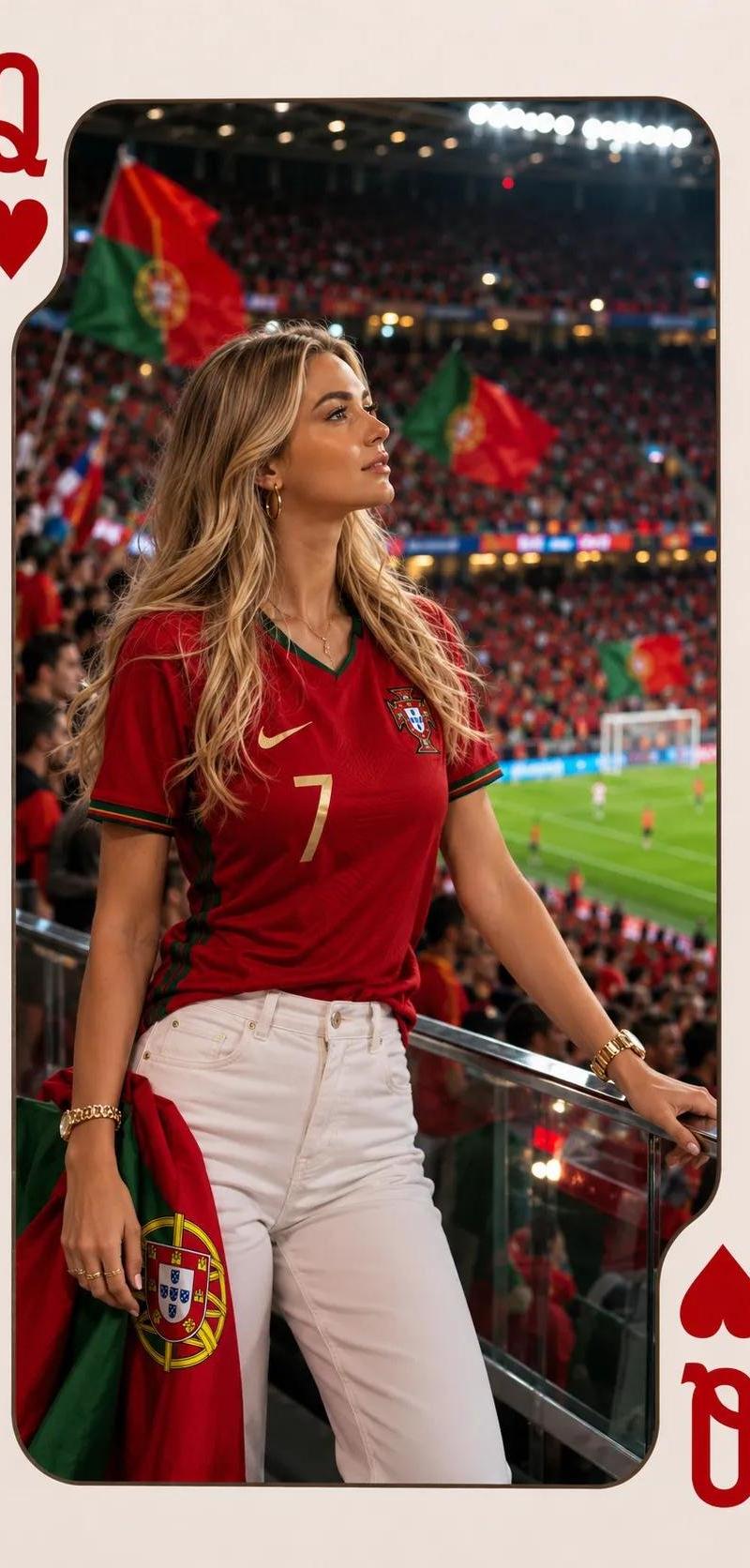
世界杯足球宝贝看台应援海报
Enlarge

Example images

世界杯足球宝贝看台应援海报

Prompt
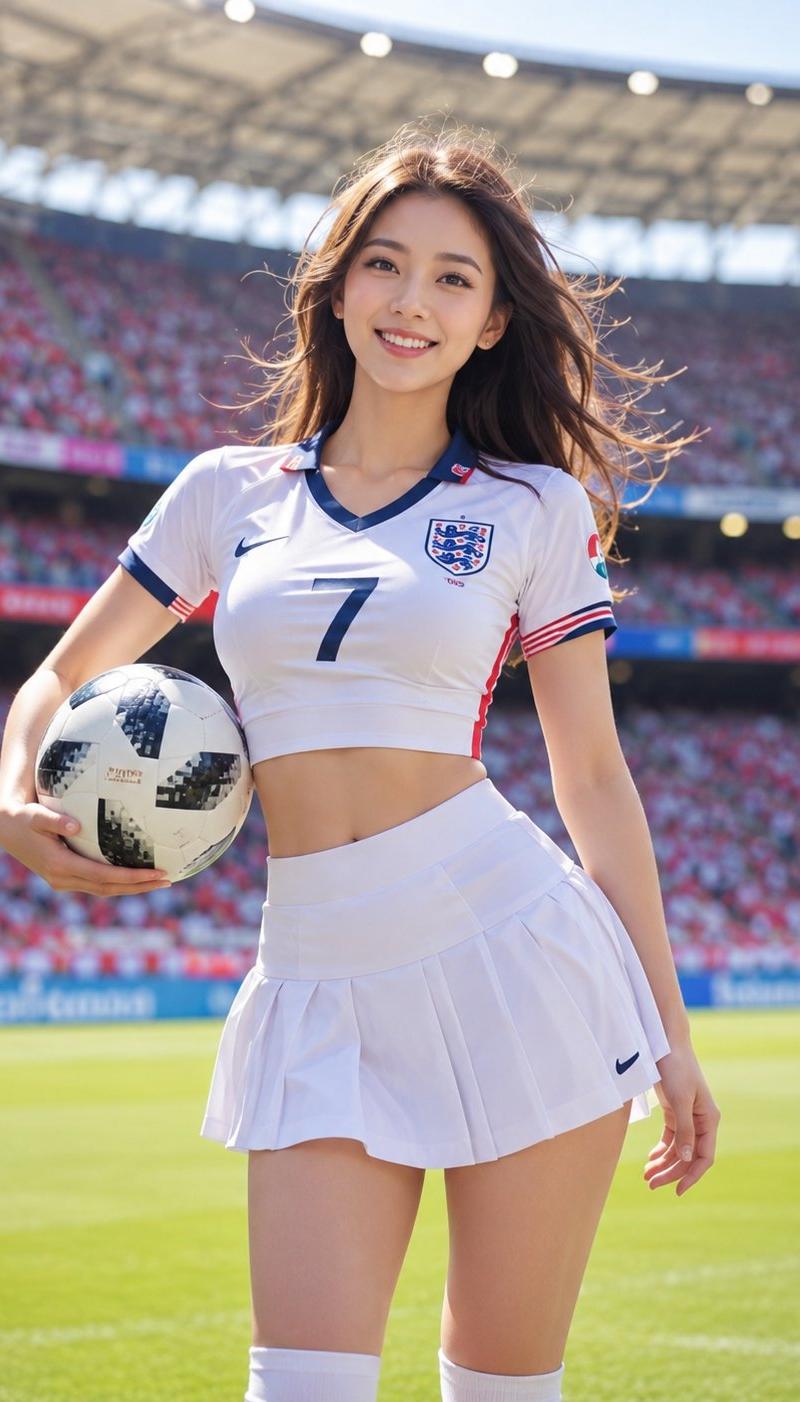
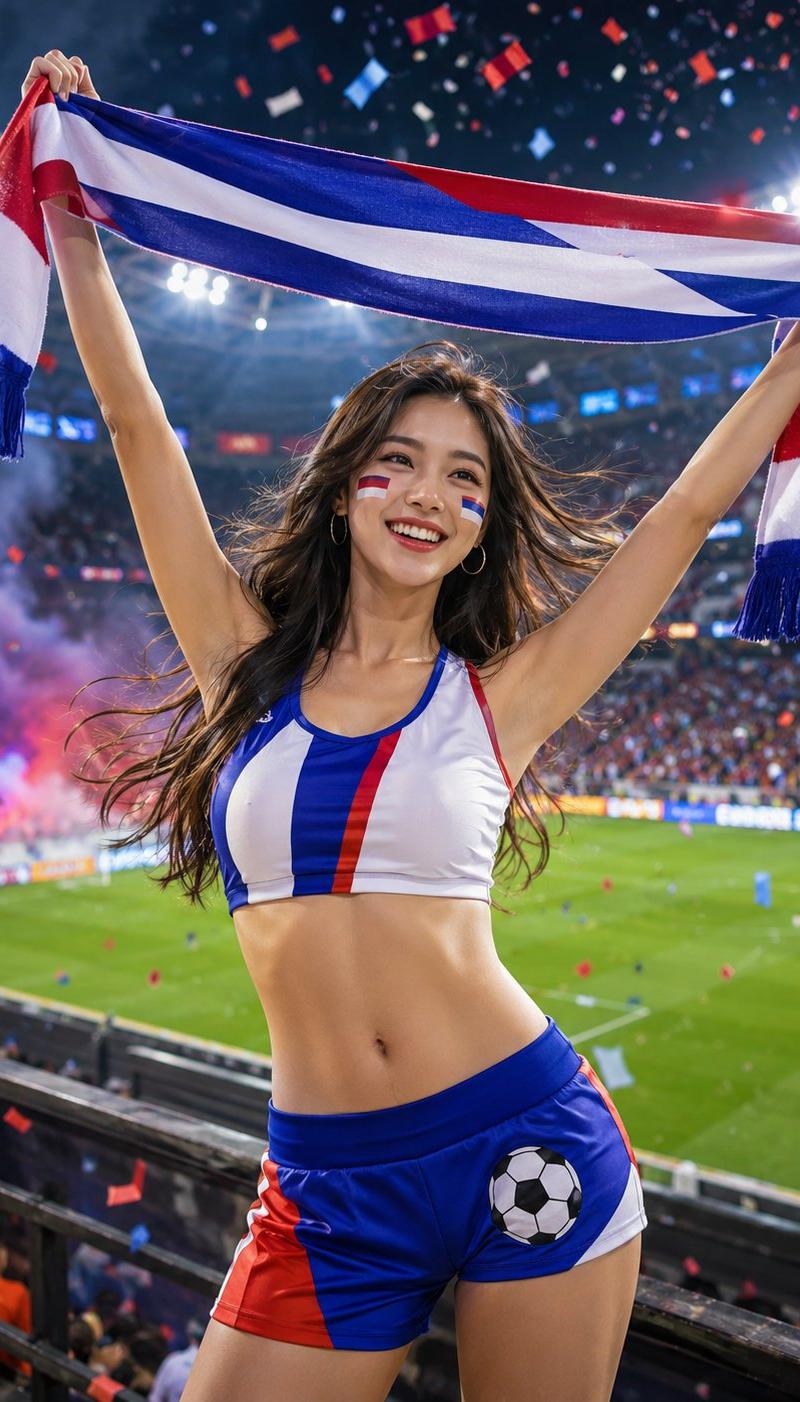
An adult female soccer cheerleader stands in front of the World Cup stadium stands, with a confident and bright smile, waving a cheering scarf in the colors of the national team, wearing fashionable cheering clothes with soccer elements, the overall look is youthful, healthy, and full of vitality, long hair gently blowing in the wind, the posture is natural and powerful, the background is a brightly lit modern football stadium, spectator stands and green turf, there are ribbons and light smoke atmosphere in the air, the picture is full of the warm atmosphere of large-scale international football events, commercial sports poster style, high-definition realistic photography texture, vivid colors, strong dynamic.
Category
Charts & Infographics
Model
ChatGPT
Creator
@Mrpinecone888
Source language
zh-CN
Views119
Source ID
15866
Published
Jun 11, 2026
Studio

Guide

About "世界杯足球宝贝看台应援海报"

What is this prompt for?

"世界杯足球宝贝看台应援海报" AI image prompt for ChatGPT (Charts & Infographics). 一位成年女性足球宝贝站在世界杯赛场看台前,面带自信灿烂笑容,挥舞国家队配色的应援围巾,穿着带有足球元素的时尚应援服装,整体造型青春、健康、活力十足,长发在风中轻轻扬起,姿态自然有力…

The full copyable prompt and example visuals above are ready for AI image generation or one-click recreate in Picva.

How to use this prompt

  1. Step 1

    Open the prompt detail

    Review the example visuals, category, and full prompt text for "世界杯足球宝贝看台应援海报".

  2. Step 2

    Copy the prompt

    Copy the prompt body from this page, or load it directly in Studio.

  3. Step 3

    Pick a model (ChatGPT)

    Prefer ChatGPT. If you switch models, keep subject and composition and tweak style terms.

  4. Step 4

    Generate and export

    Recreate the look in Picva, or export into your workflow for editing and publishing.

FAQ

What is the "世界杯足球宝贝看台应援海报" prompt?
It is an AI image-generation prompt for ChatGPT in the Charts & Infographics category. This page includes the full prompt text, example visuals, and a one-click recreate path in Picva.
How do I use this prompt to generate an image?
Copy the prompt from this page, or use Generate / Studio. Paste it into a compatible image model, or recreate the look in Picva with optional reference images.
Which model is this prompt for?
This page lists ChatGPT. Most descriptive prompts also transfer to nearby image models such as GPT Image, Flux, or Midjourney with light style tweaks.
Can I use the result commercially?
You can usually copy the prompt for creation, but commercial use of the final image depends on the model terms, reference-image rights, and the generated content. Follow the source author and platform rules.