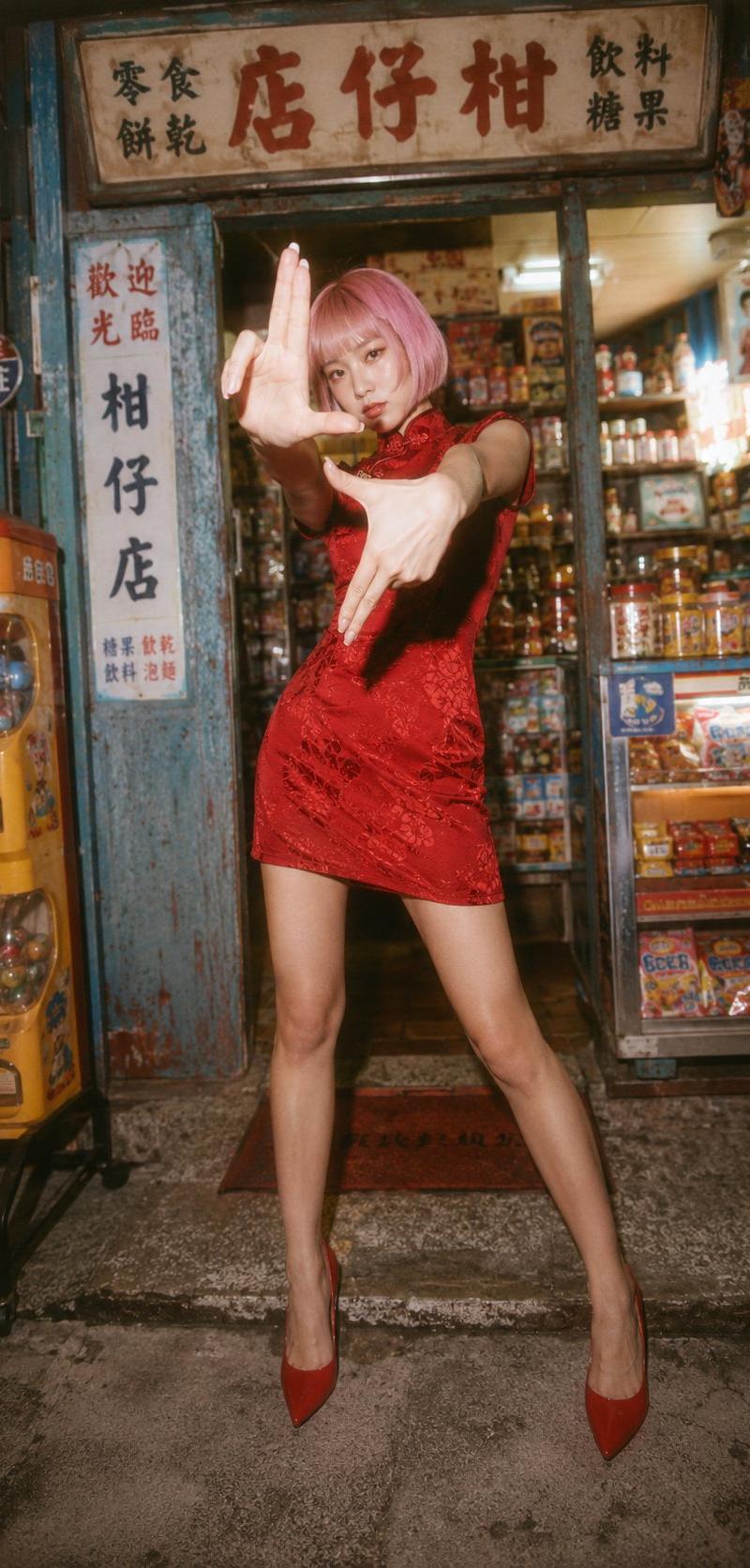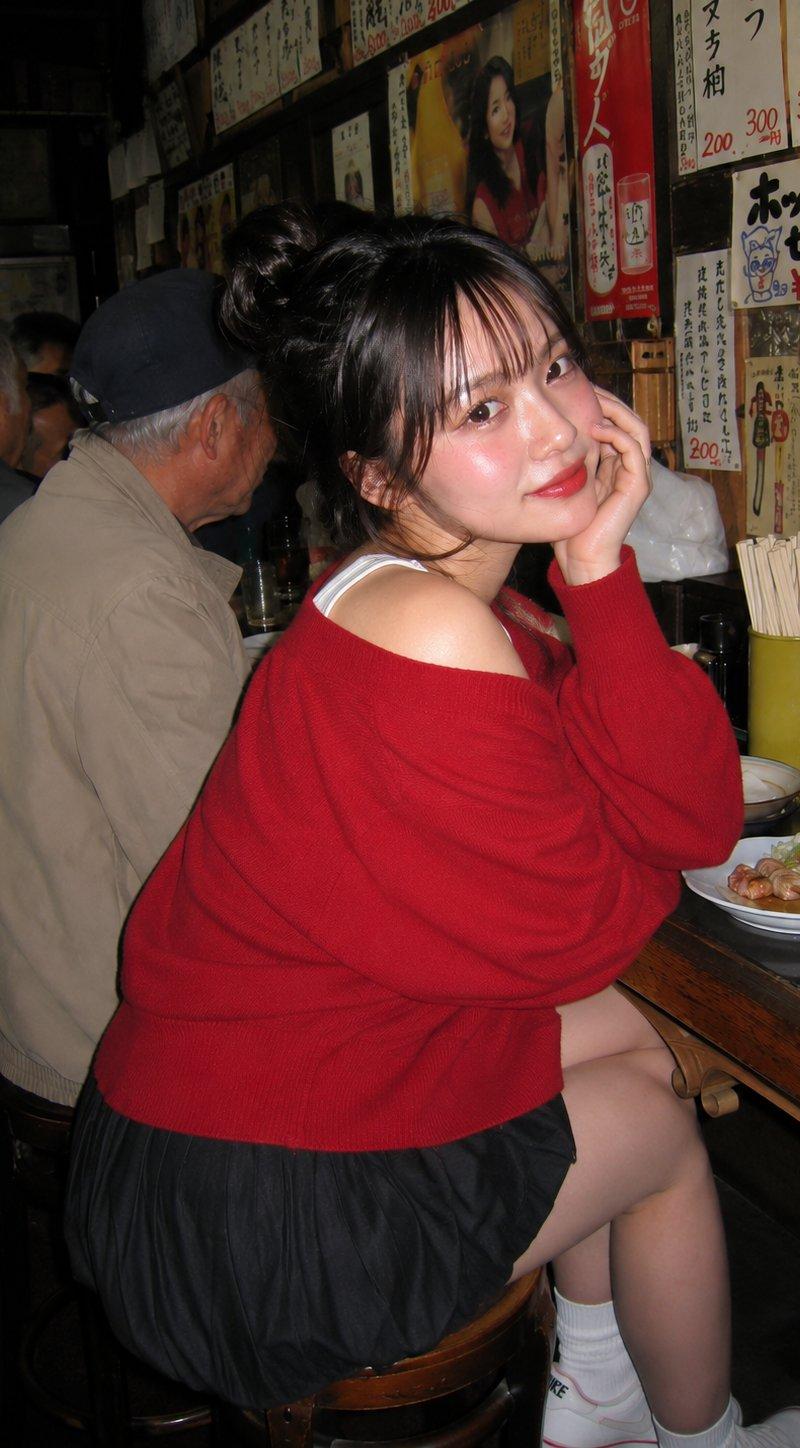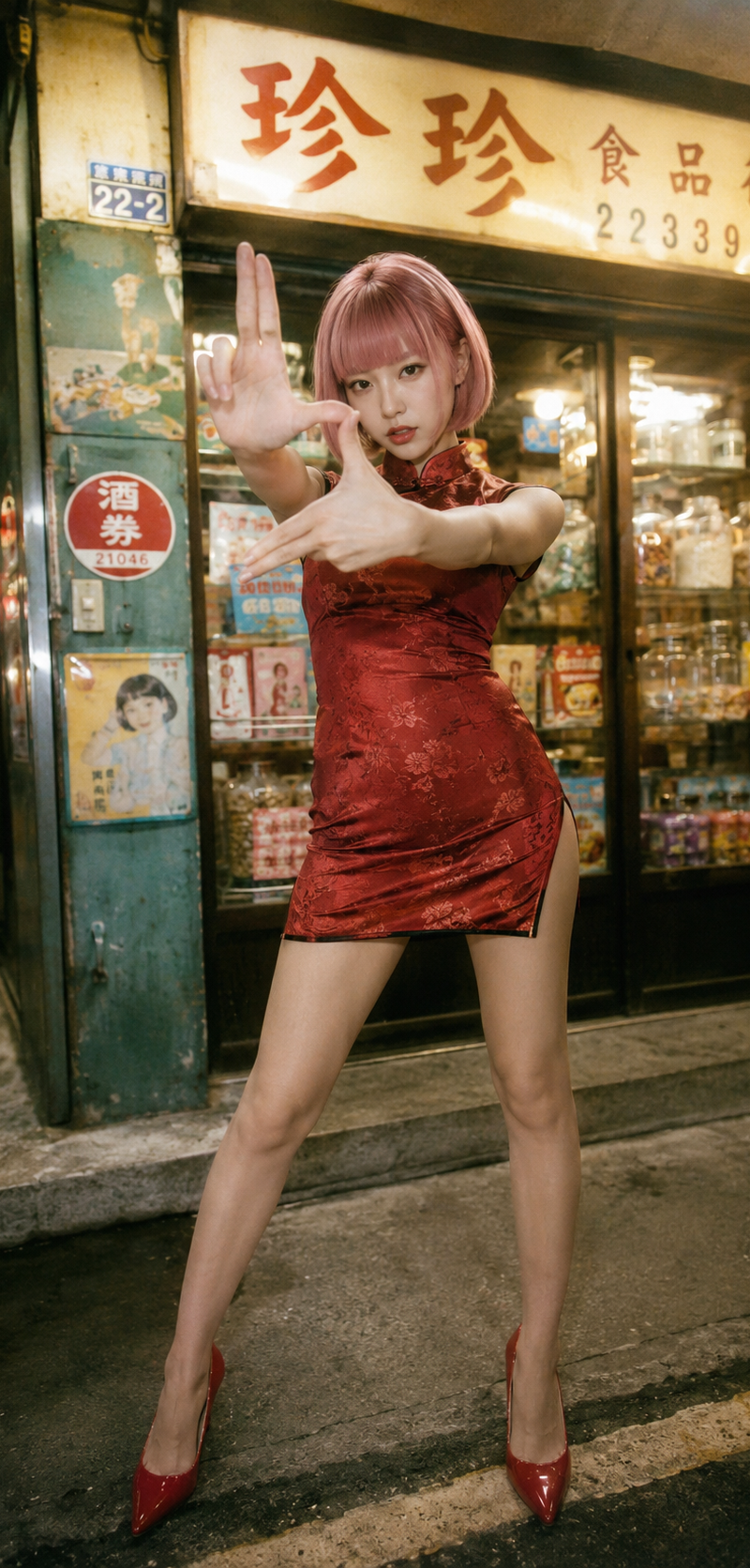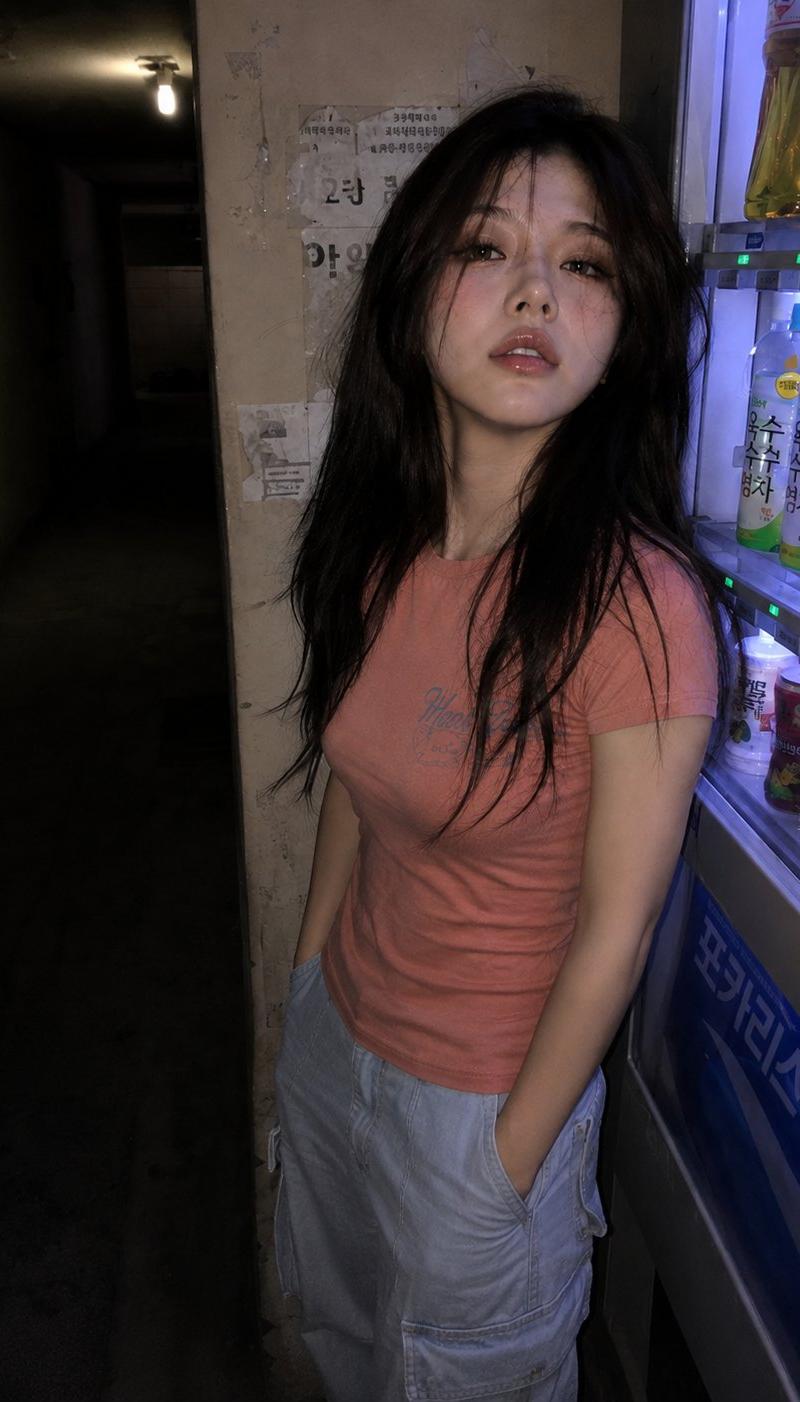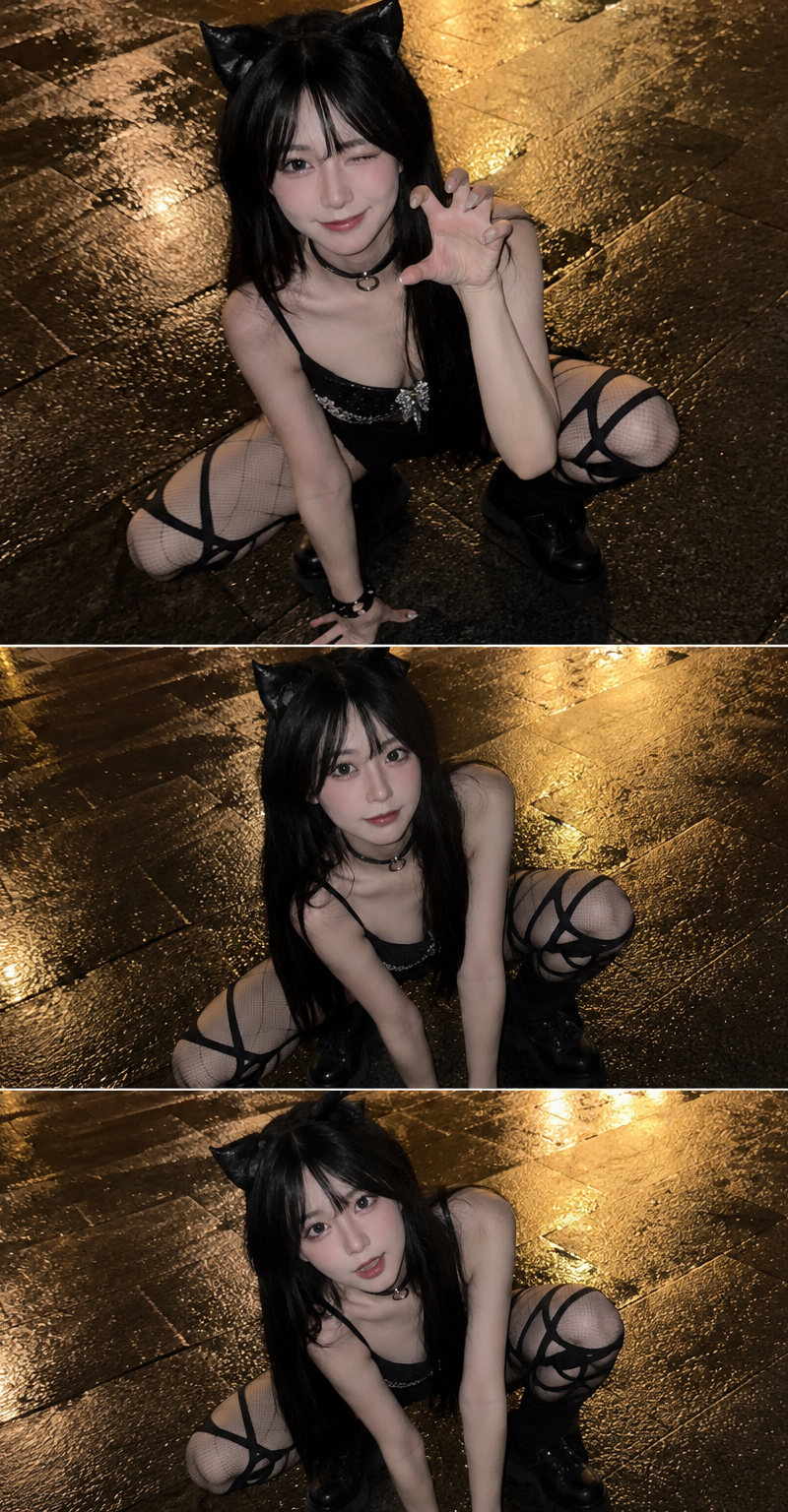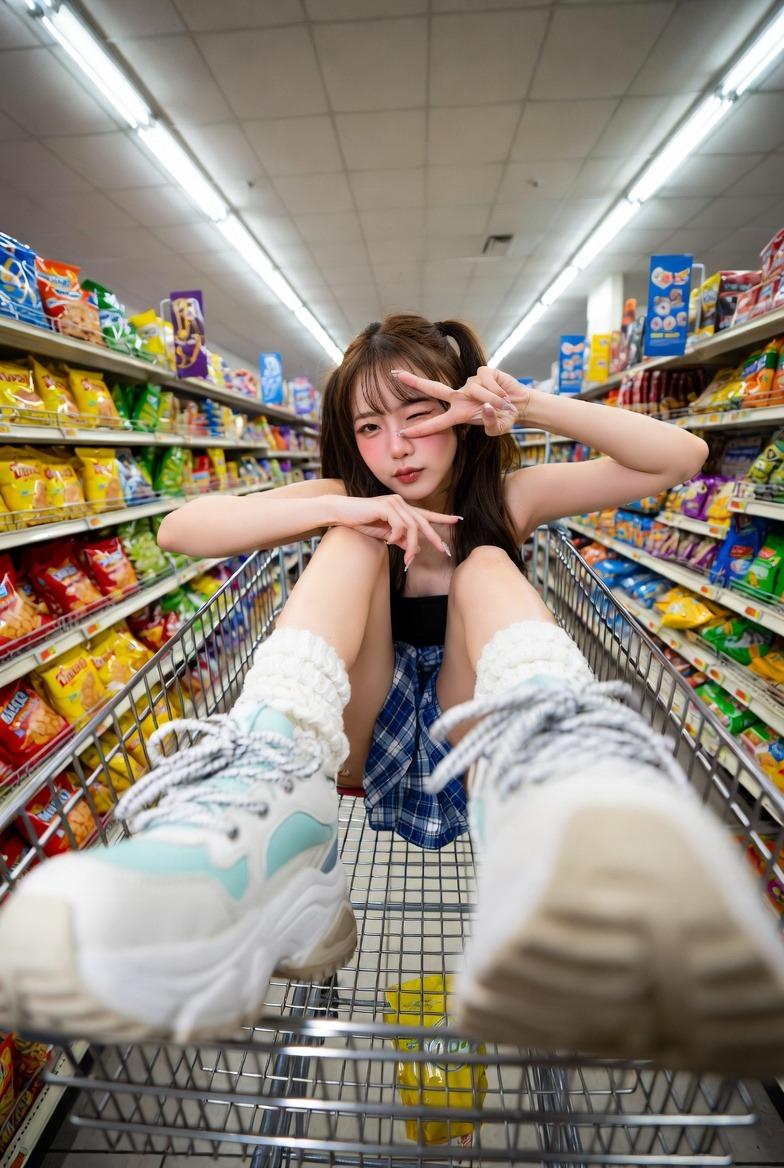
索尼爱立信手机复古抓拍人像
Prompt
use the attached image as the main facial reference with high precision. Preserve exact facial structure, natural asymmetry, skin tone, facial proportions, and recognizable identity.

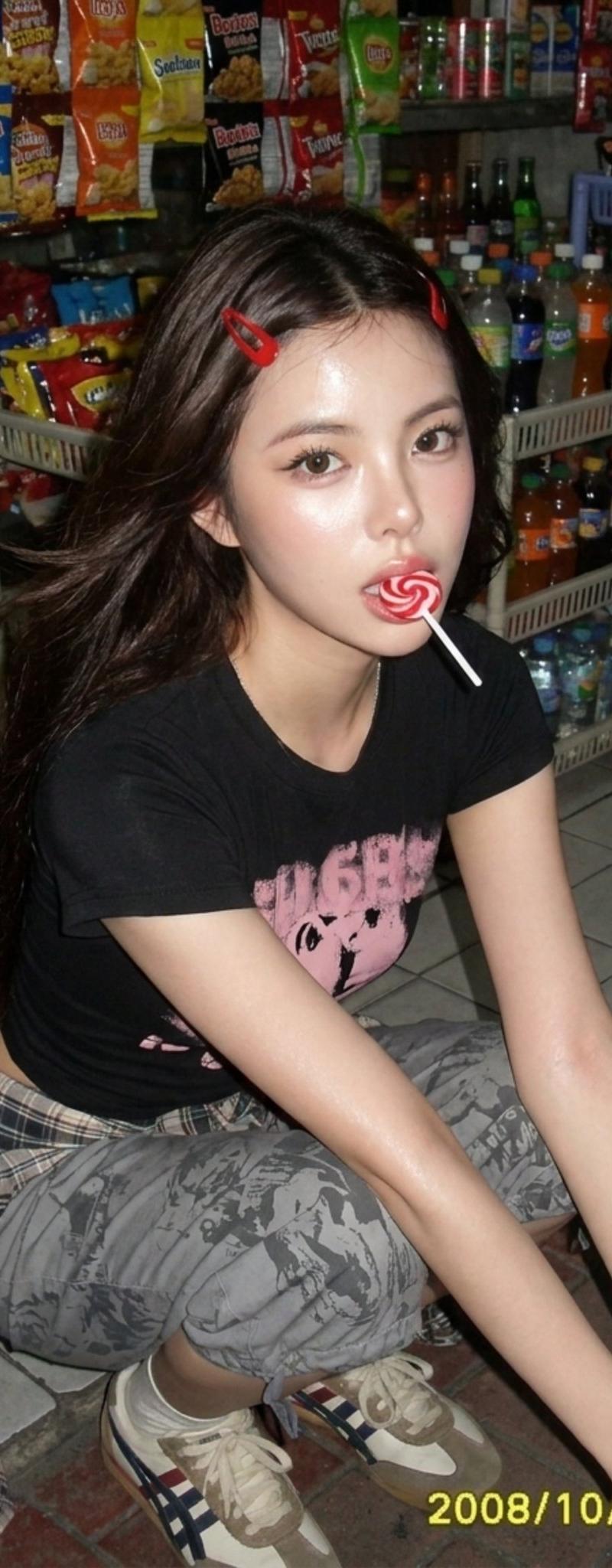
A candid late-2000s Sony Ericsson K800i Cyber-shot phone-camera snapshot outside a tiny neighborhood sari-sari / convenience stall at night. The subject is crouching low on the tiled sidewalk in front of a crowded snack display, caught mid-suck on a red-and-white swirl lollipop while looking up toward the camera with a real curious expression, relaxed cheeks, slightly parted lips around the candy, and natural wide eyes. Her pose feels spontaneous and human, like a friend suddenly took the photo while she was choosing snacks, not an AI-stiff pose.

She wears a fitted black baby tee with a faded pink graphic print, thin black spaghetti-strap layer peeking at the shoulders, loose gray printed wide-leg capri pants with visible black doodle-style text and sketch graphics, beige-and-white retro sneakers, and a plaid shirt tied around her waist with visible blue-gray and white checks. Accessories include two red snap hair clips on one side, small hoop earrings, layered silver necklaces with a tiny charm pendant, colorful beaded bracelets, and glossy pale pink manicured nails.

Her hair is long, dark brown, smooth, and naturally windswept, falling over both shoulders with soft moving strands near the cheeks. Avoid frizzy, rough, overly textured, or messy hair.

Sony Ericsson K800i Cyber-shot aesthetic: authentic 2006 phone-camera photo, crisp autofocus, vivid but natural colors, neutral-cool white balance, strong microcontrast, compact digital camera sharpness, early JPEG compression, mild sharpening halos around hair and clothing edges, slight sensor noise in shadows, bright xenon flash illumination, cool flash hotspot on forehead, nose bridge, cheeks, lips, and lollipop, strong subject separation, crushed dark background falloff, glossy skin reflection, and late-2000s Friendster snapshot energy.

Composition: handheld Dutch tilt, high-angle close snapshot, off-center crop, slightly awkward crouching perspective. A blurred foreground strip of colorful candy wrappers and hanging snack packs passes close to the lens along the upper-left edge, matching the stall scene and adding depth without covering the face. Background is packed with Thai-style snack bags, bottled drinks, hanging candy, plastic shelves, and dim shop shadows.

--ar 4:5

Negative prompt: AI-stiff pose, mannequin expression, fake smile, frozen hands, awkward crouch anatomy, extra fingers, extra hands, broken wrists, detached hands, frizzy hair, rough messy hair, beauty filter, waxy skin, modern iPhone HDR, cinematic bokeh, DSLR blur, film grain, disposable camera effect, distorted face, unreadable face.
- Category
- Charts & Infographics
- Model
- ChatGPT
- Creator
- @Chryzleenprompt
- Source language
- zh-CN
- Source ID
- 16023
- Published
- Jun 16, 2026
Views76