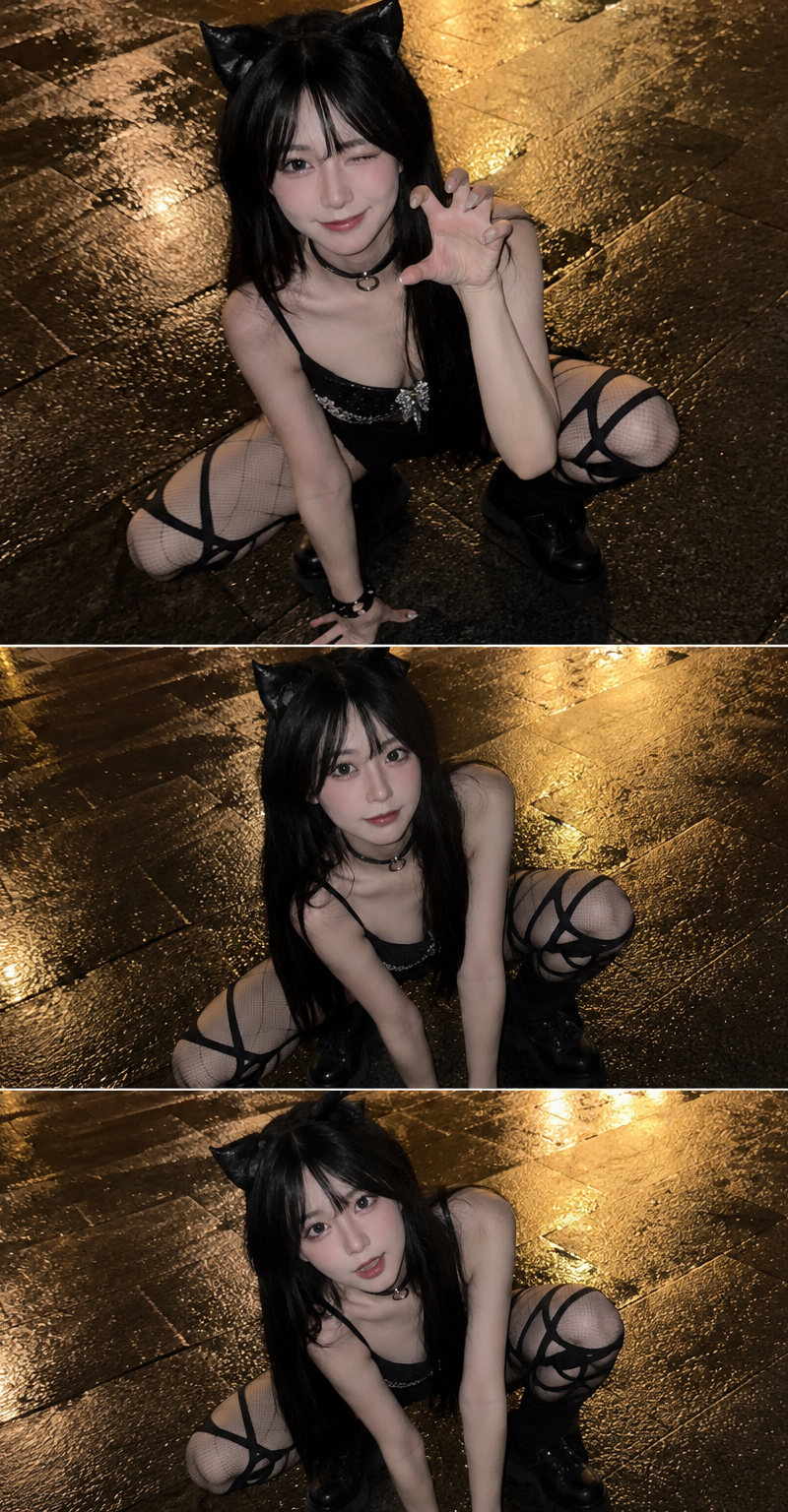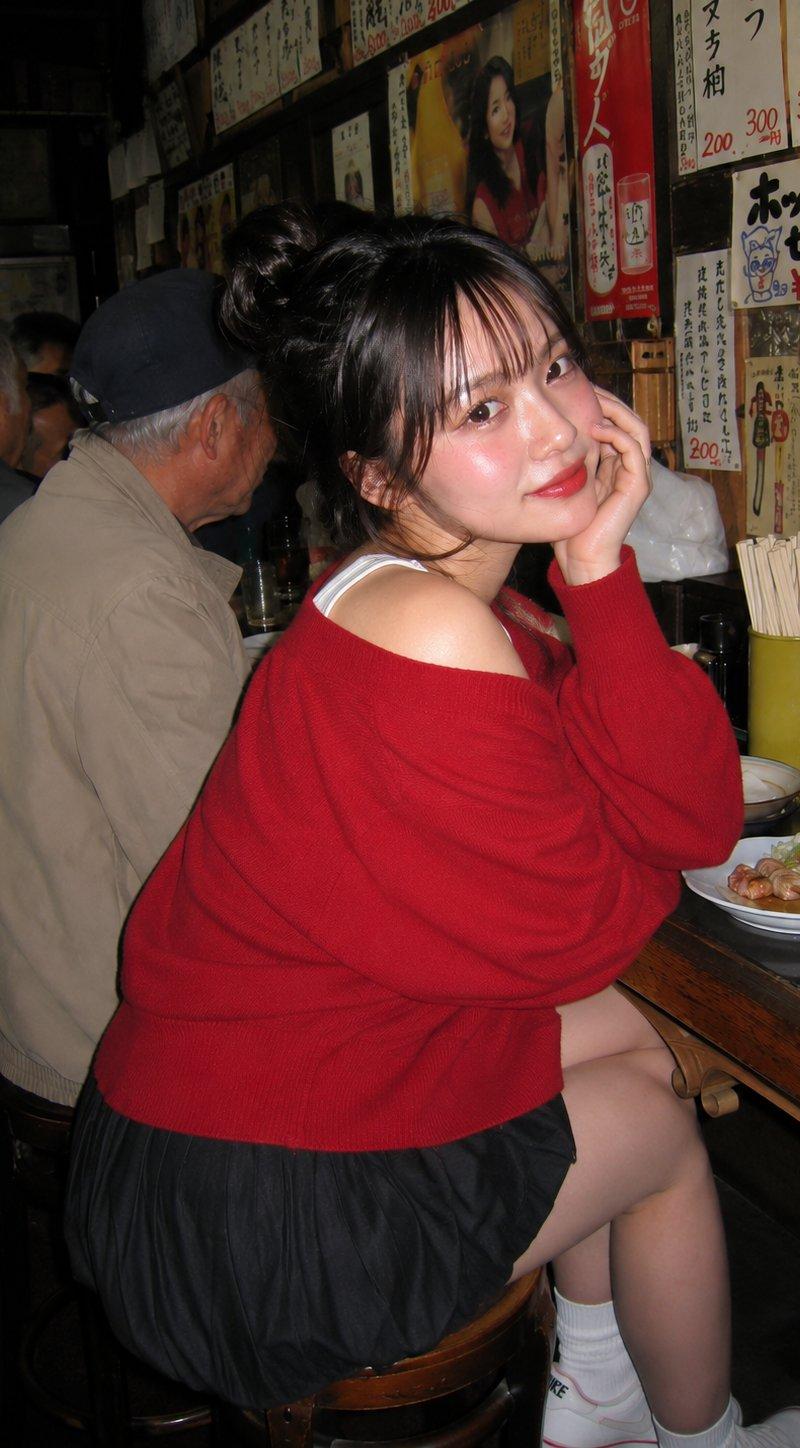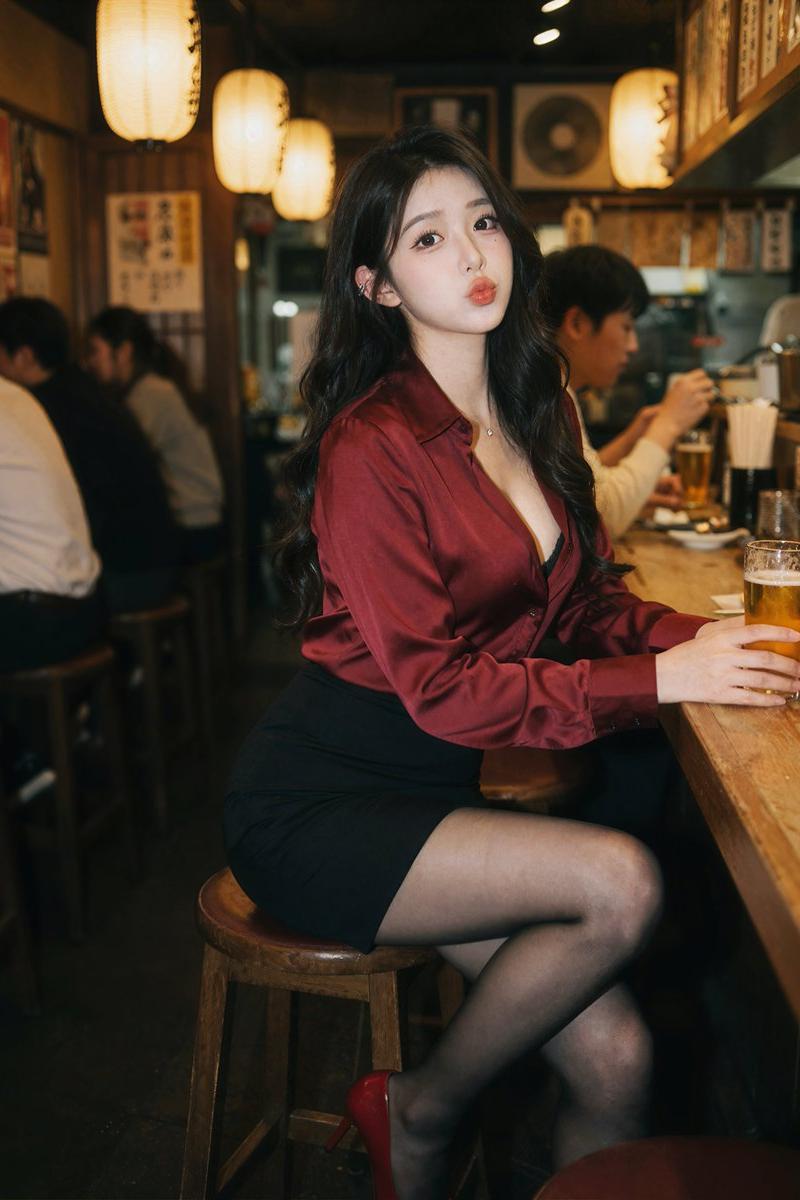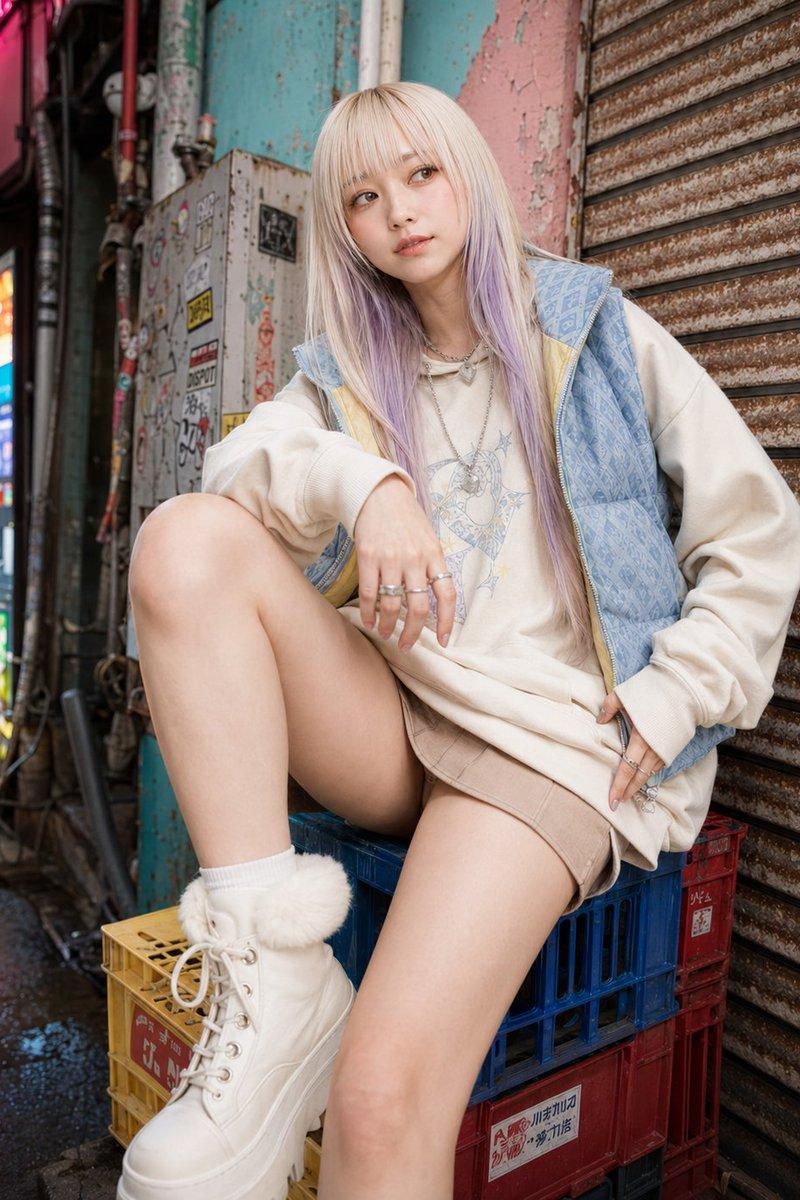
17

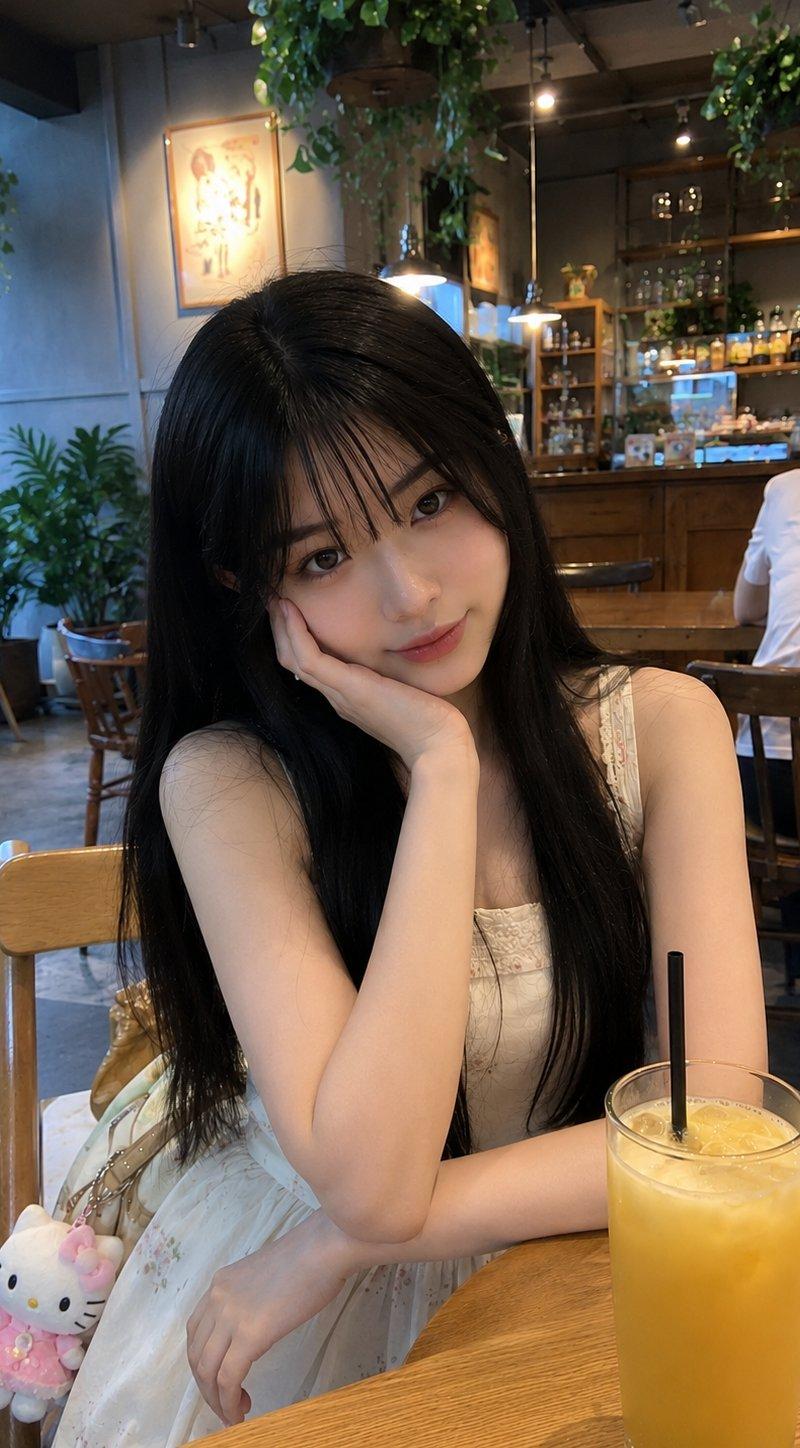
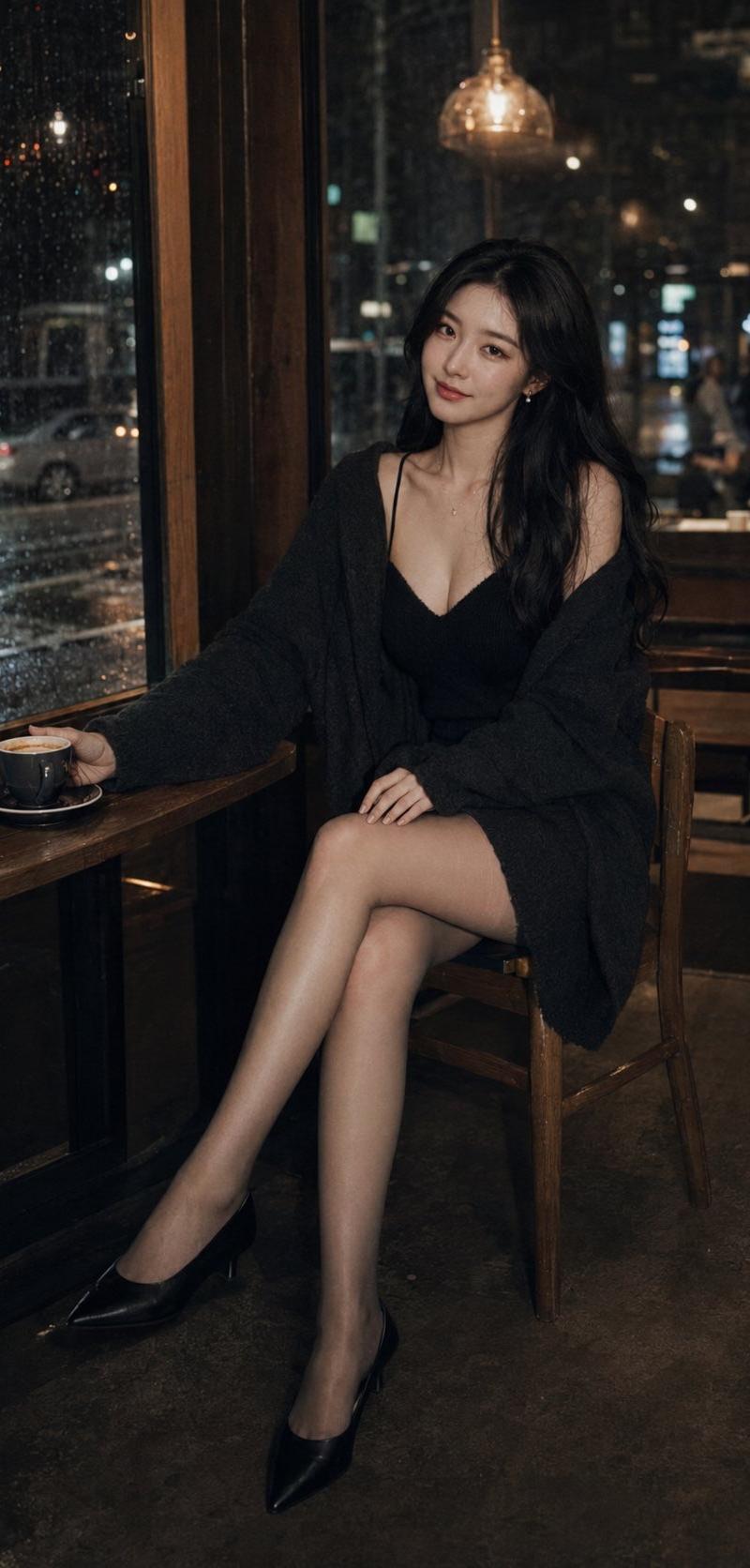
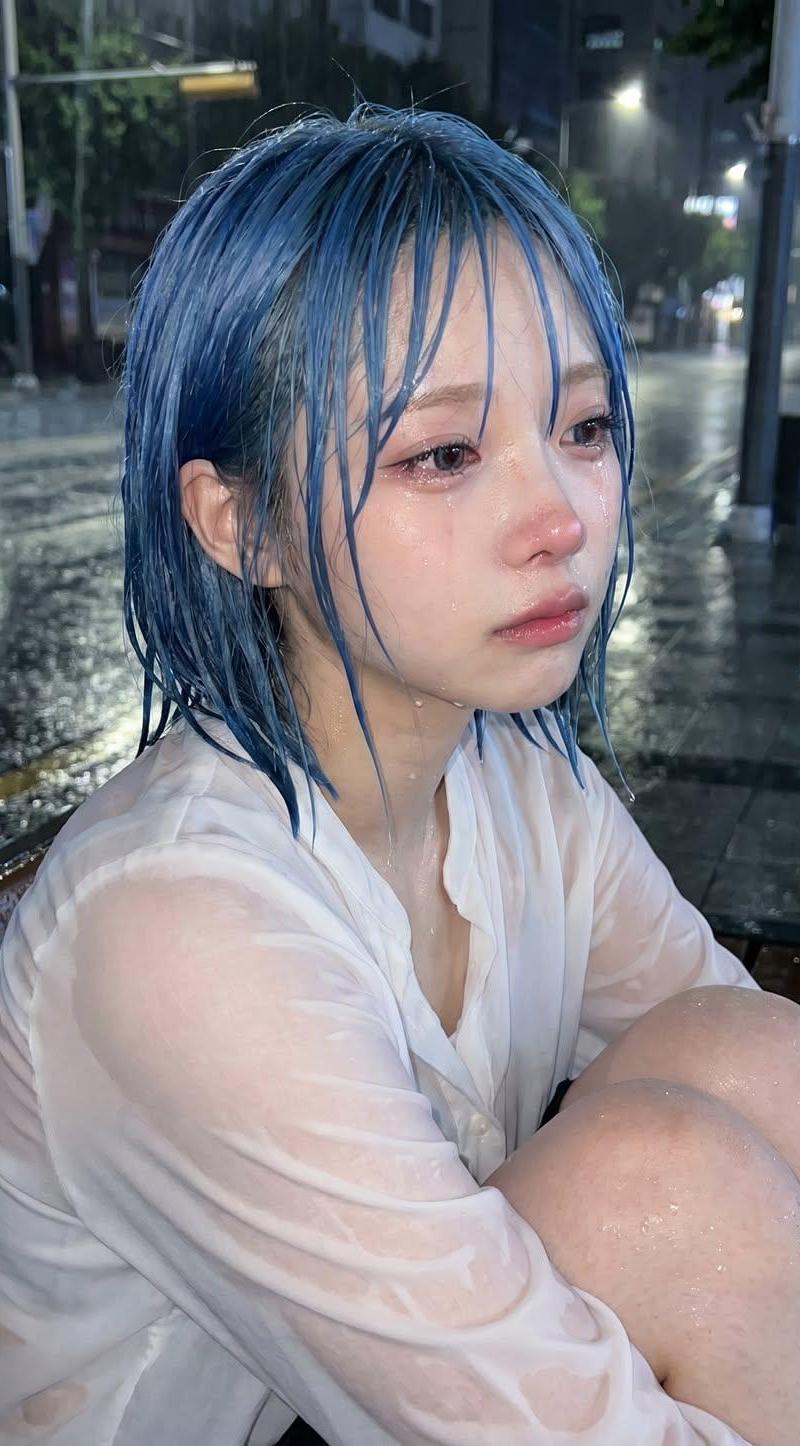
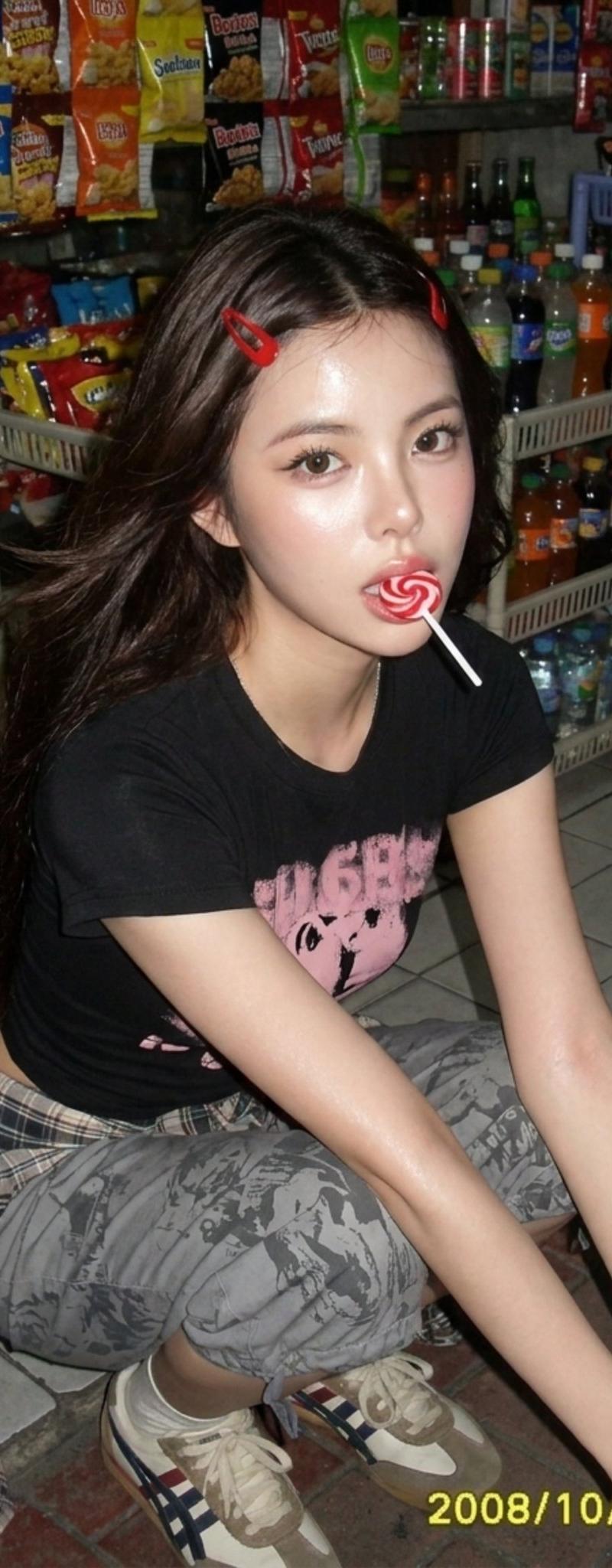
使用上传的参考照片创建图像,不要改变面部特征 主体:一位皮肤白皙、带有自然红润肤色的年轻女性,鼻梁和脸颊上散布着细微的自然雀斑,赋予她一种纯真而...
Enlarge

Example images

使用上传的参考照片创建图像,不要改变面部特征 主体:一位皮肤白皙、带有自然红润肤色的年轻女性,鼻梁和脸颊上散布着细微的自然雀斑,赋予她一种纯真而...

Prompt
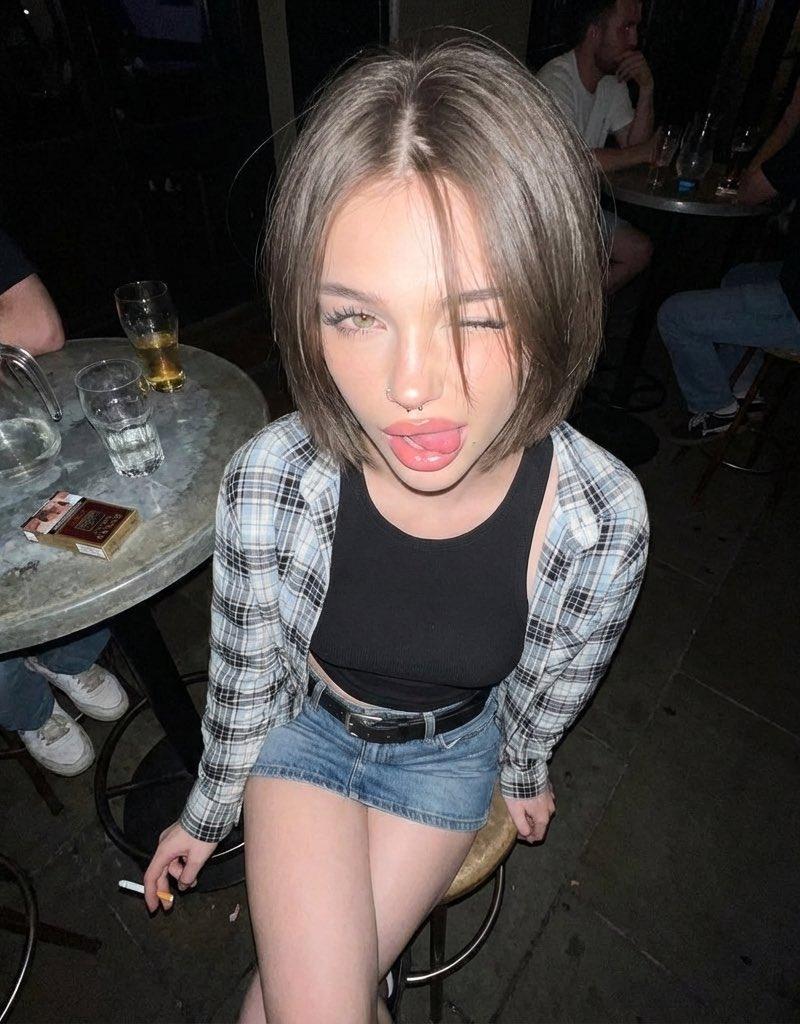
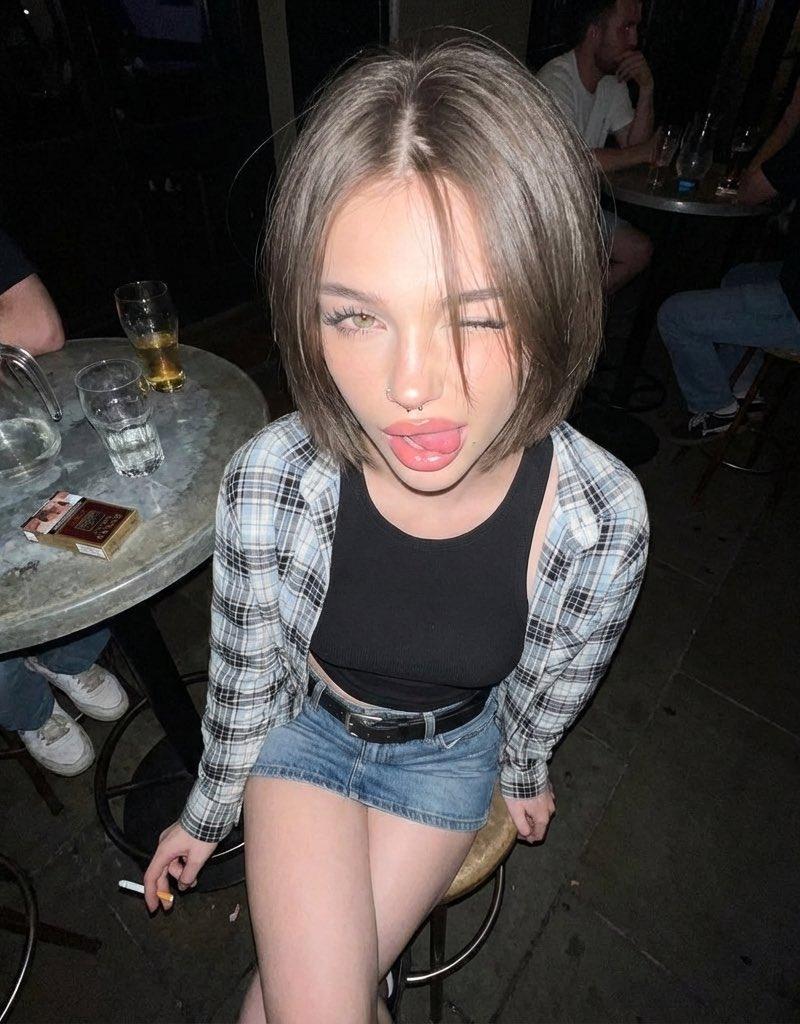
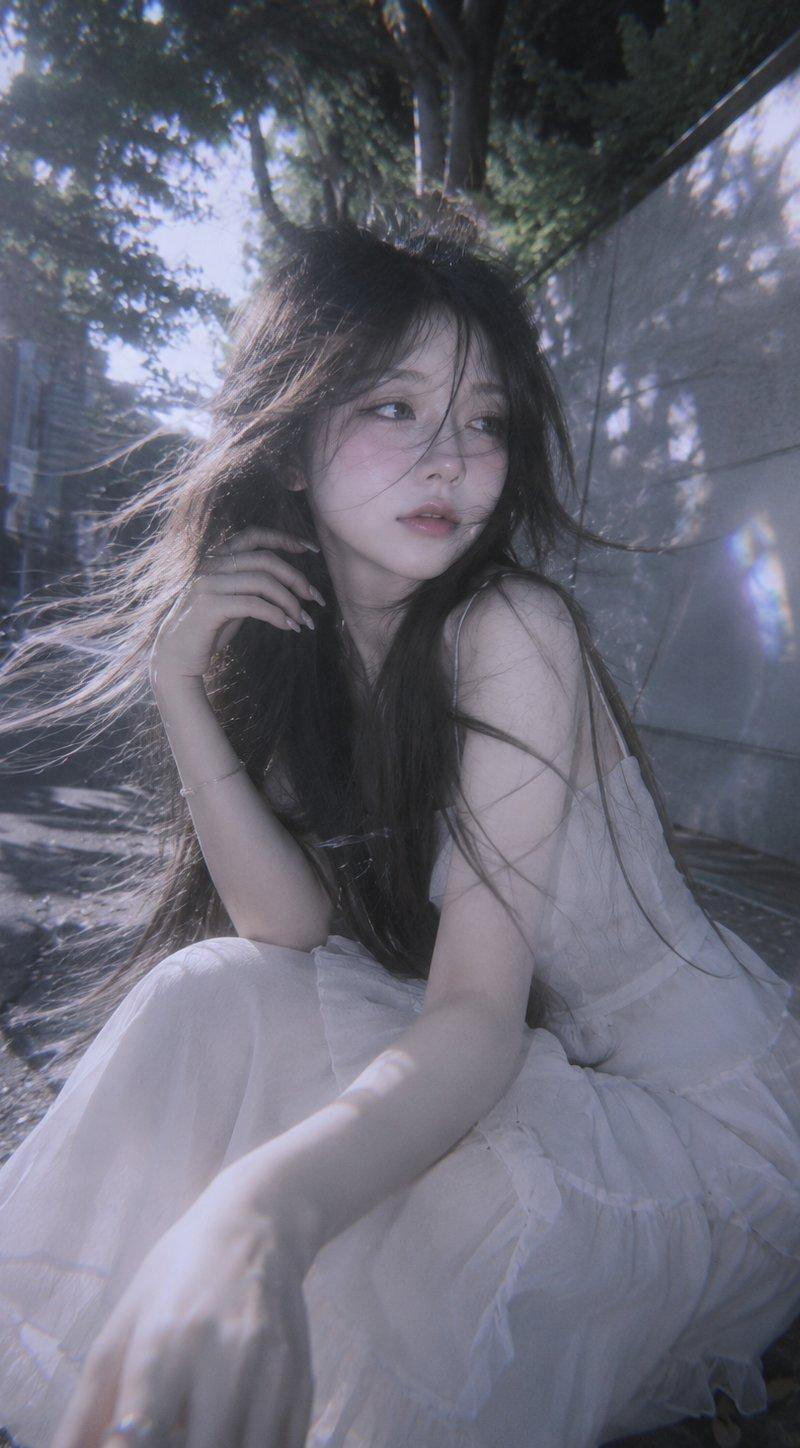
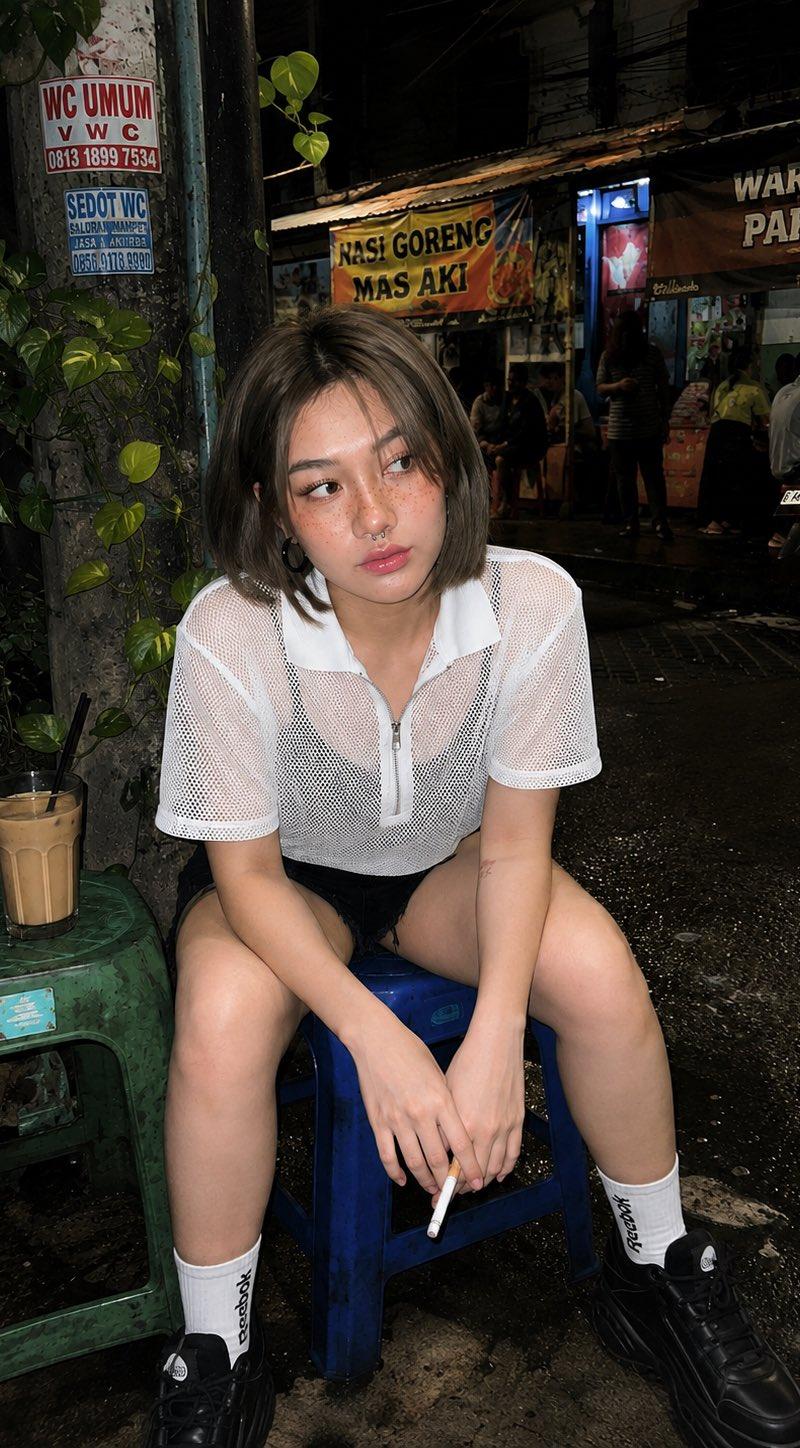
使用上传的参考照片创建图像,不要改变面部特征 主体:一位皮肤白皙、带有自然红润肤色的年轻女性,鼻梁和脸颊上散布着细微的自然雀斑,赋予她一种纯真而青春的外貌。她留着齐肩层次感的灰棕色鲍勃短发,中分发型,几缕松散的发丝垂落在脸部和额头的一部分。她最引人注目的特征是浅棕色眼睛和自然卷翘的睫毛。她拥有自然粉红、柔软、丰满、光泽的嘴唇,并佩戴鼻中隔穿孔。她穿着第二张参考图像中所示的服装。完全保留主体的面部身份,与上传的参考照片完全一致,包括所有面部特征、比例、肤色、发型、文身和穿孔。 姿势:主体随意地坐在一个小蓝色的塑料凳子上。她的双腿微微分开,双手放在膝盖上或拿着香烟。她带着一丝微笑或轻轻笑着,目光看向左侧(画面外),营造出一种放松、自然且真实的表达。 相机角度:齐眼高度拍摄。 背景:繁忙的印度尼西亚城市小巷或社区街道。她旁边有一根电线杆或广告牌,部分被绿色的攀爬藤蔓覆盖。她身后是小型路边食品摊位或小亭子,挂着彩色横幅,还有几辆停放的摩托车。她左侧的绿色塑料凳子上放着一杯冰咖啡。地面看起来尘土飞扬或略微湿润,增添了真实的街头氛围。 照明:强烈的直接闪光摄影,产生主体身后鲜明、轮廓分明的阴影,并导致她皮肤的部分区域略微过曝,从而营造出一种原始、真实的人像快照美学。 生成另一个姿势
Category
创意图片
Model
GPT Image 2
Creator
@Naiknelofar788
Source language
zh-CN
Views3
Source ID
2084827784007008557
Published
Aug 8, 2026
Studio

Guide

About "使用上传的参考照片创建图像,不要改变面部特征 主体:一位皮肤白皙、带有自然红润肤色的年轻女性,鼻梁和脸颊上散布着细微的自然雀斑,赋予她一种纯真而..."

What is this prompt for?

"使用上传的参考照片创建图像,不要改变面部特征 主体:一位皮肤白皙、带有自然红润肤色的年轻女性,鼻梁和脸颊上散布着细微的自然雀斑,赋予她一种纯真而..." AI image prompt for GPT Image 2 (创意图片). Saved from X post by @Naiknelofar788. GPT…

The full copyable prompt and example visuals above are ready for AI image generation or one-click recreate in Picva.

How to use this prompt

  1. Step 1

    Open the prompt detail

    Review the example visuals, category, and full prompt text for "使用上传的参考照片创建图像,不要改变面部特征 主体:一位皮肤白皙、带有自然红润肤色的年轻女性,鼻梁和脸颊上散布着细微的自然雀斑,赋予她一种纯真而...".

  2. Step 2

    Copy the prompt

    Copy the prompt body from this page, or load it directly in Studio.

  3. Step 3

    Pick a model (GPT Image 2)

    Prefer GPT Image 2. If you switch models, keep subject and composition and tweak style terms.

  4. Step 4

    Generate and export

    Recreate the look in Picva, or export into your workflow for editing and publishing.

FAQ

What is the "使用上传的参考照片创建图像,不要改变面部特征 主体:一位皮肤白皙、带有自然红润肤色的年轻女性,鼻梁和脸颊上散布着细微的自然雀斑,赋予她一种纯真而..." prompt?
It is an AI image-generation prompt for GPT Image 2 in the 创意图片 category. This page includes the full prompt text, example visuals, and a one-click recreate path in Picva.
How do I use this prompt to generate an image?
Copy the prompt from this page, or use Generate / Studio. Paste it into a compatible image model, or recreate the look in Picva with optional reference images.
Which model is this prompt for?
This page lists GPT Image 2. Most descriptive prompts also transfer to nearby image models such as GPT Image, Flux, or Midjourney with light style tweaks.
Can I use the result commercially?
You can usually copy the prompt for creation, but commercial use of the final image depends on the model terms, reference-image rights, and the generated content. Follow the source author and platform rules.