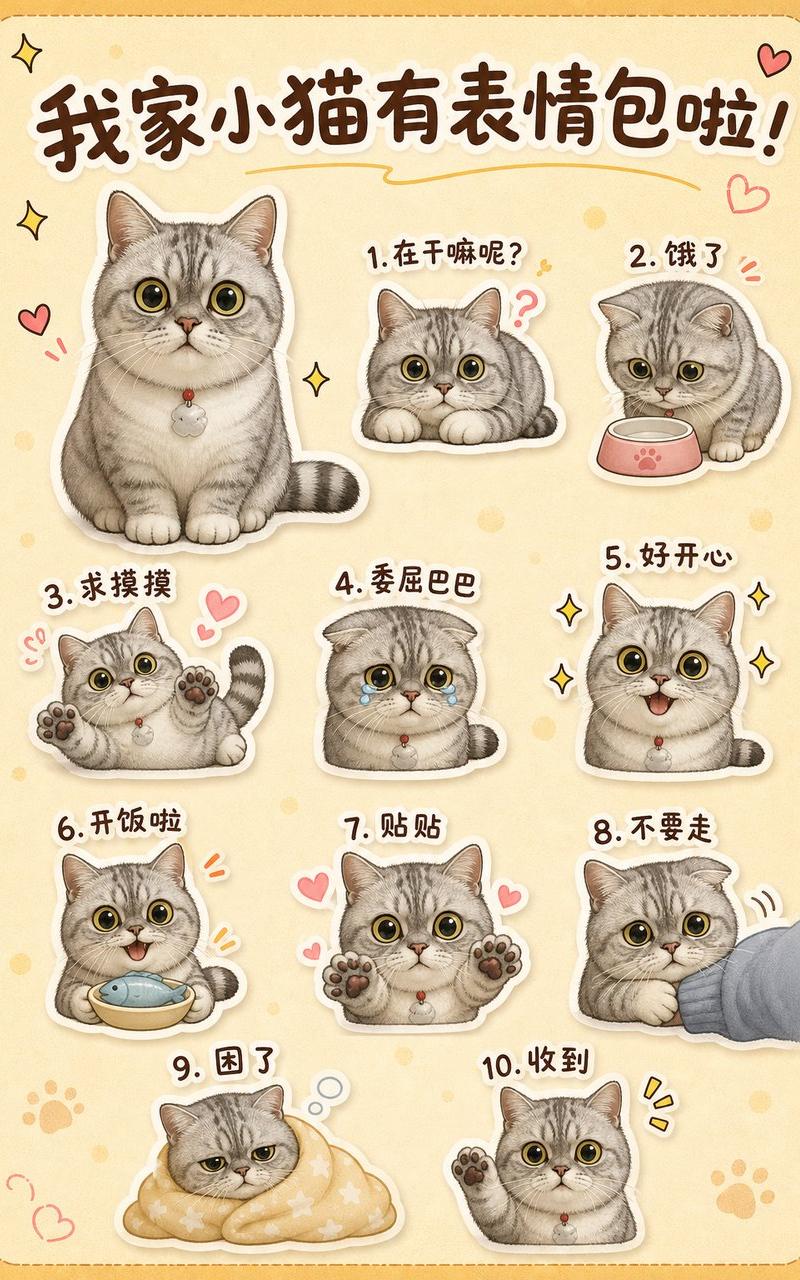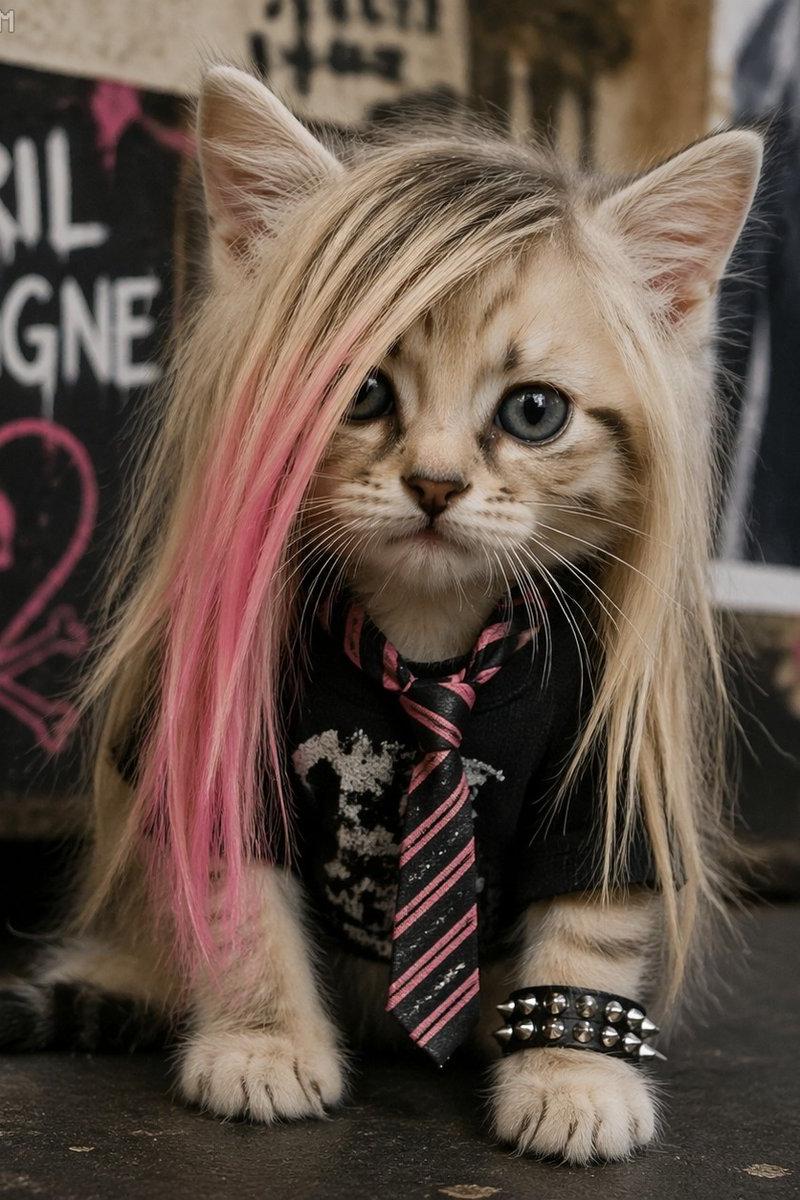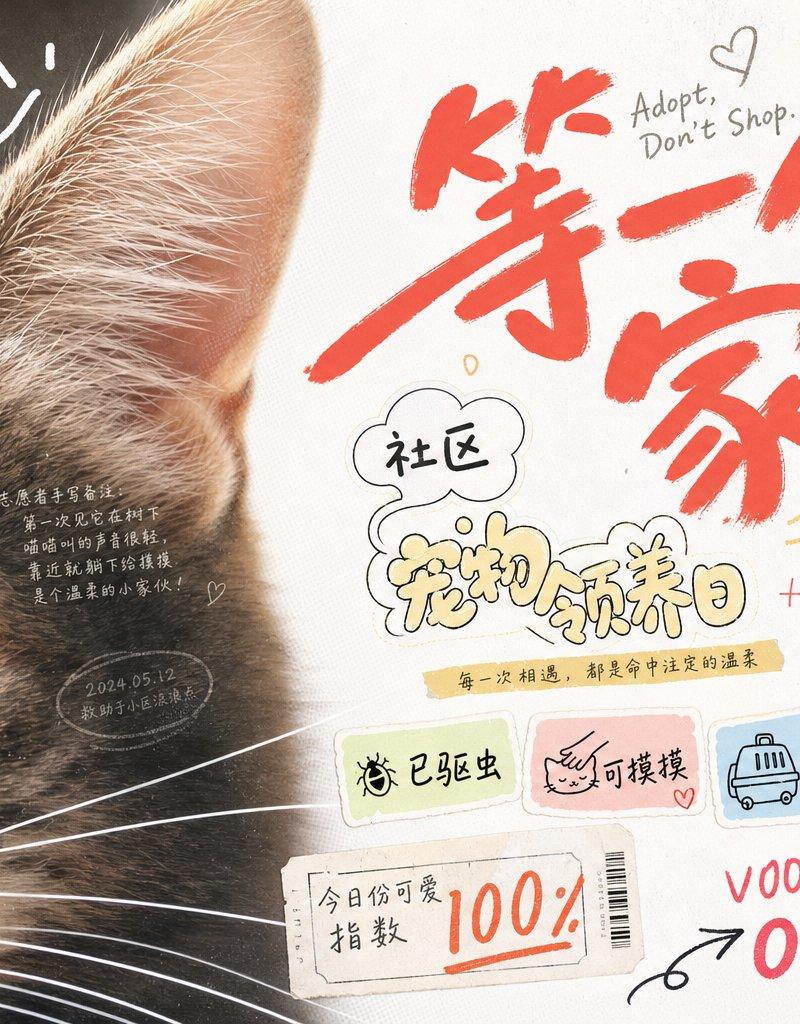
街舞社团拼贴风视觉图像
Prompt
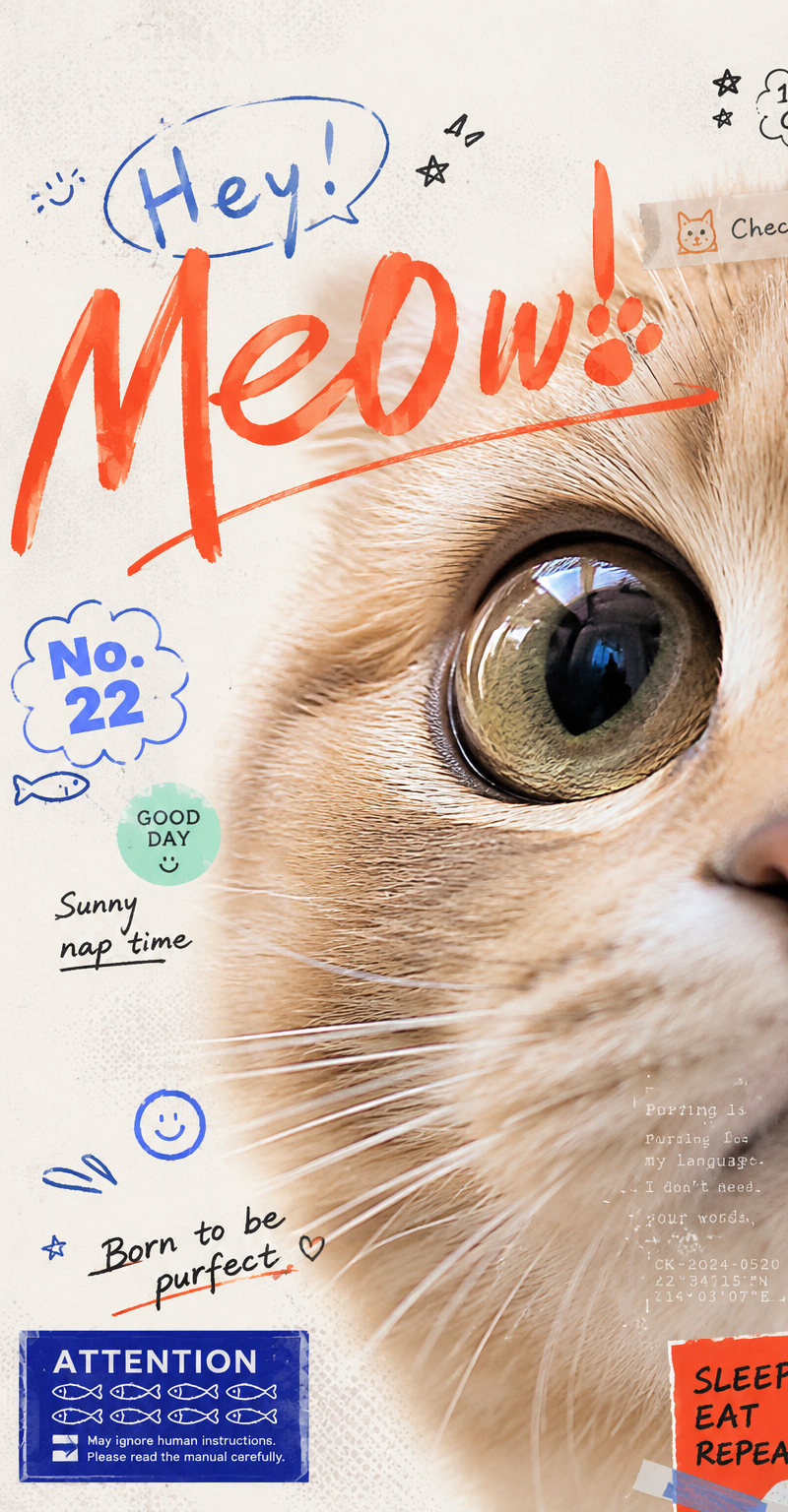
Generate a visual image with a strong sense of graphic collage around any subject: the subject enters the frame at an extremely close range, occupying the main visual weight on one side, revealing only the most recognizable partial edges, surfaces, outlines, or core details, while the other side retains a clean, airy background and includes a narrow information bar forming a spine-like sense of order. Overlay multiple sets of theme-derived text, symbols, and small graphic markers between the subject's surface and the negative space, like stickers, handwritten signatures, graffiti numbers, and miniature explanatory text floating on the same level; text size jumps significantly, the main identifier should have a quick, handwritten sweeping stroke, secondary text should be rounder, looser, and more bubble-like, and tiny text with low transparency is buried in the shadows or textures of the subject, providing only density and rhythm without stealing the main visual. The composition should make the first glance read the heavily cropped subject part and the largest handwritten identifier, and the second glance discover the surrounding sticker numbers, sidebar text, and semi-hidden information, forming a light pressure mix of youth magazine clippings, record liners, and journal stickers. Colors are extracted from the material, emotion, and cultural semantics of the subject: large areas of the background remain high-brightness, clear, and clean, the subject uses the main material color or structural color of the theme, text information uses clear light and dark scales to establish readable layers, and a small amount of high-saturation accent colors only fall on handwritten identifiers, numbers, or small stickers to create bright, lively moments; the overall feel should be bright and light, boundaries clear, dark parts kept clean, without old, cloudy, or gray-dirty processing. The image texture carries slight scanning dots, printing grains, and sticker edges, but the subject part remains fine and clear, with images and text blocking, interspersing, and overlapping each other, like carefully typeset casual scribbling rather than neat templates or ordinary information posters. ---- Recruitment scene: Make a 16:9 horizontal cover for a youth street dance club recruitment, the frame only closely crops the sneaker tip, loose pant cuffs, and floor reflections, making the action look like it just stepped into the frame. Main text processing: Large handwritten identifier says 'Come dance for a bit', sticker small text interspersed with 'Friday 7 PM', 'Zero foundation welcome', 'Rehearsal Room B1'. Needs to appear: A wrinkled-edge registration sticker, a circular team logo, and several graffiti lines like rehearsal numbers, with text pasted at the junction of the shoe edge and the blank space.
- Category
- Charts & Infographics
- Model
- ChatGPT
- Creator
- @xiaoxiaodong01
- Source language
- zh-CN
- Source ID
- 15808
- Published
- Jun 11, 2026
Views48