19

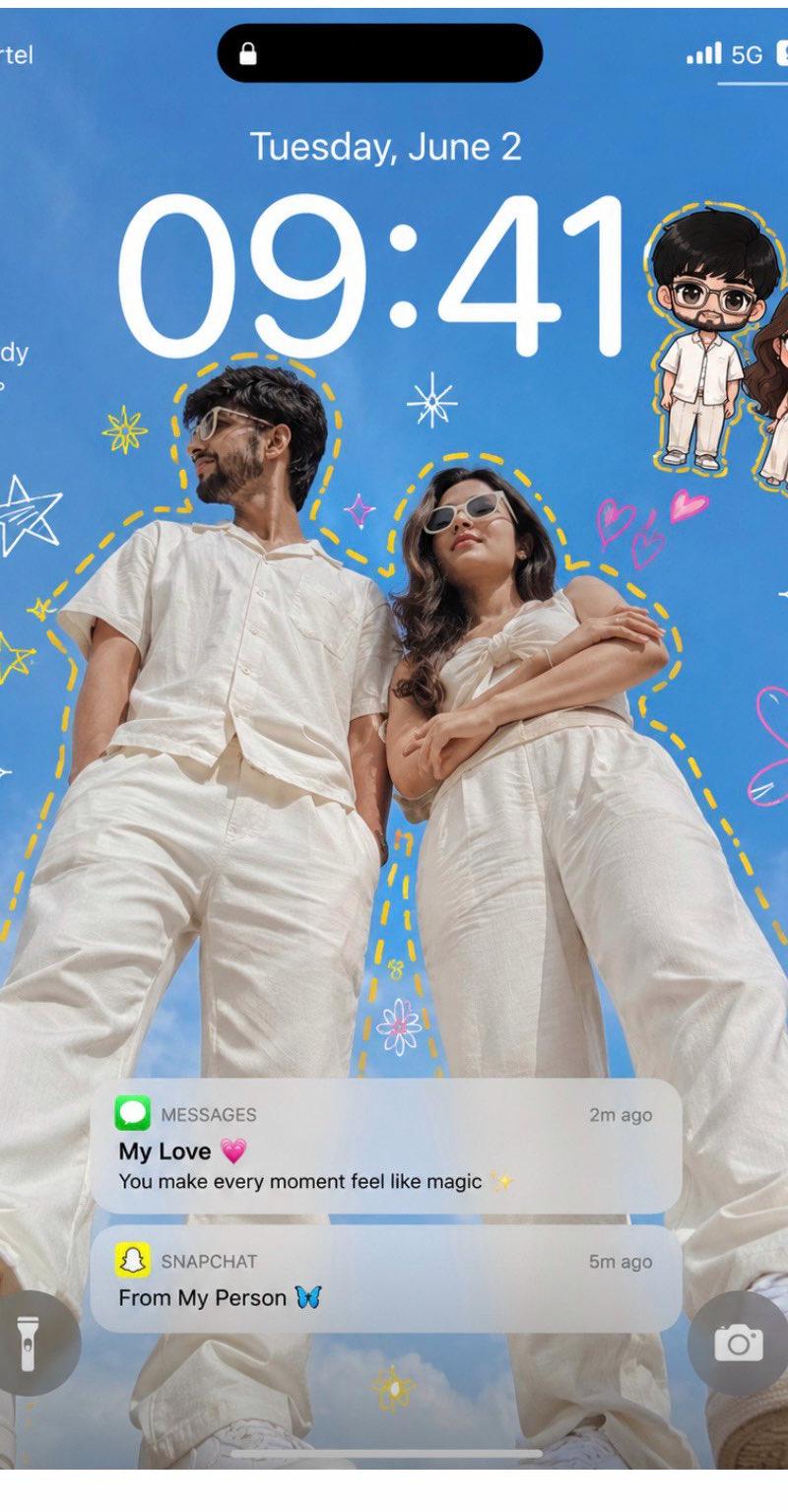
超现实苹果风情侣涂鸦手机锁屏壁纸
Enlarge

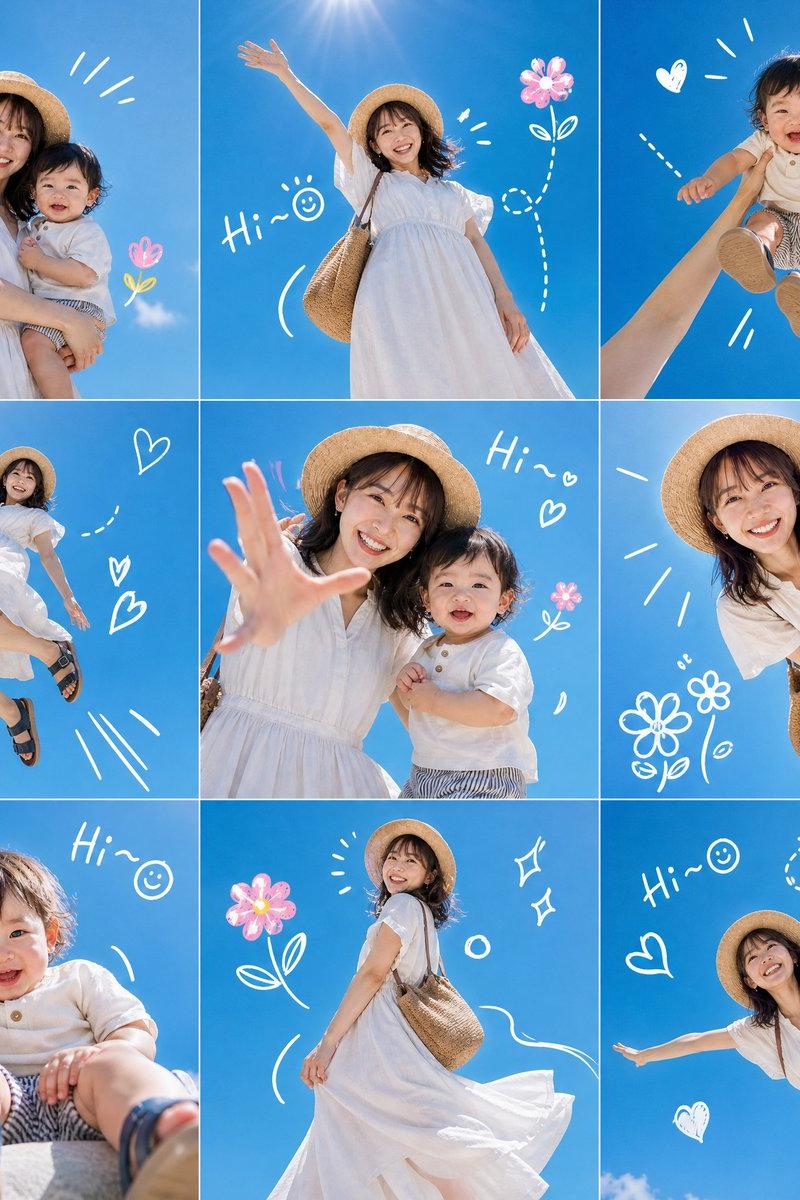
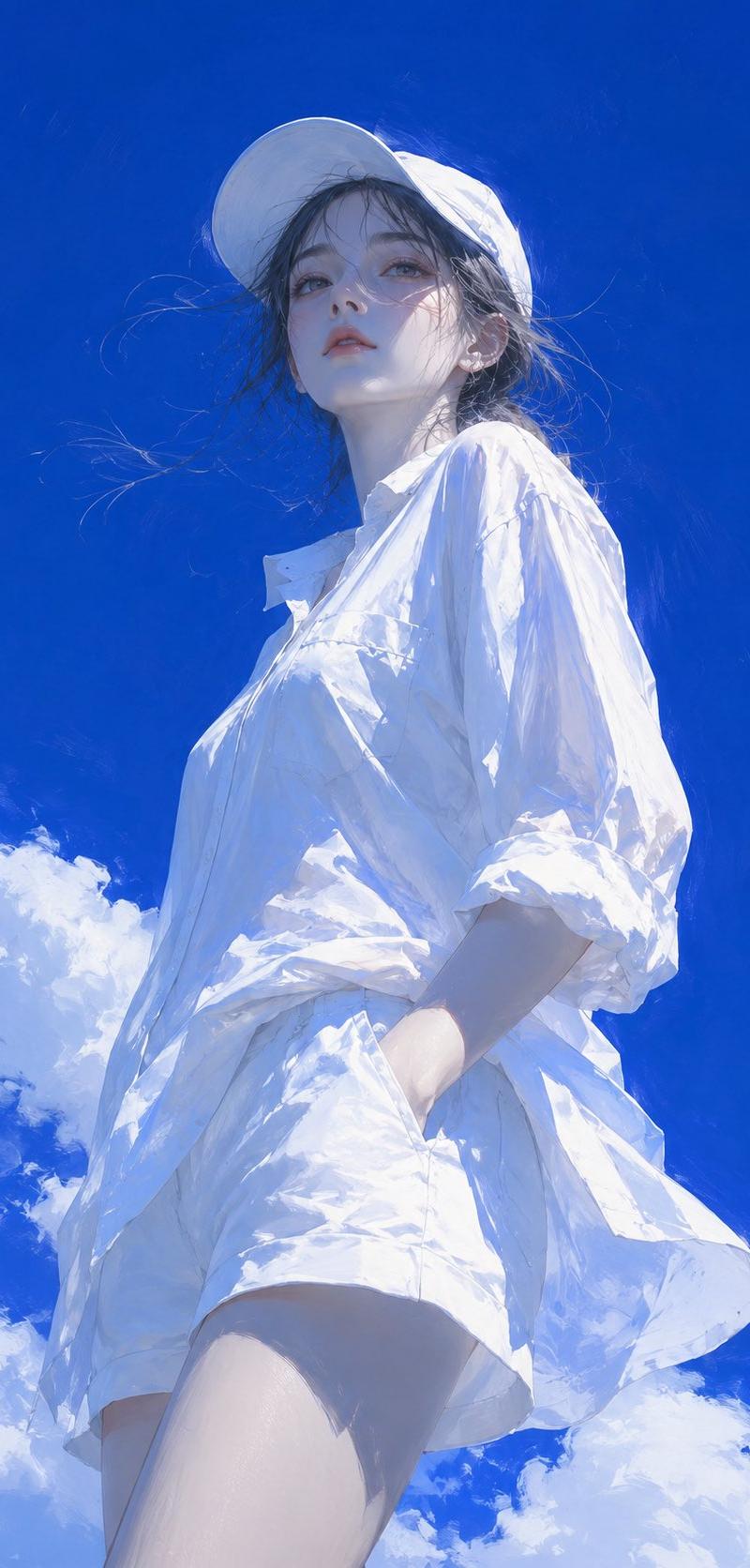
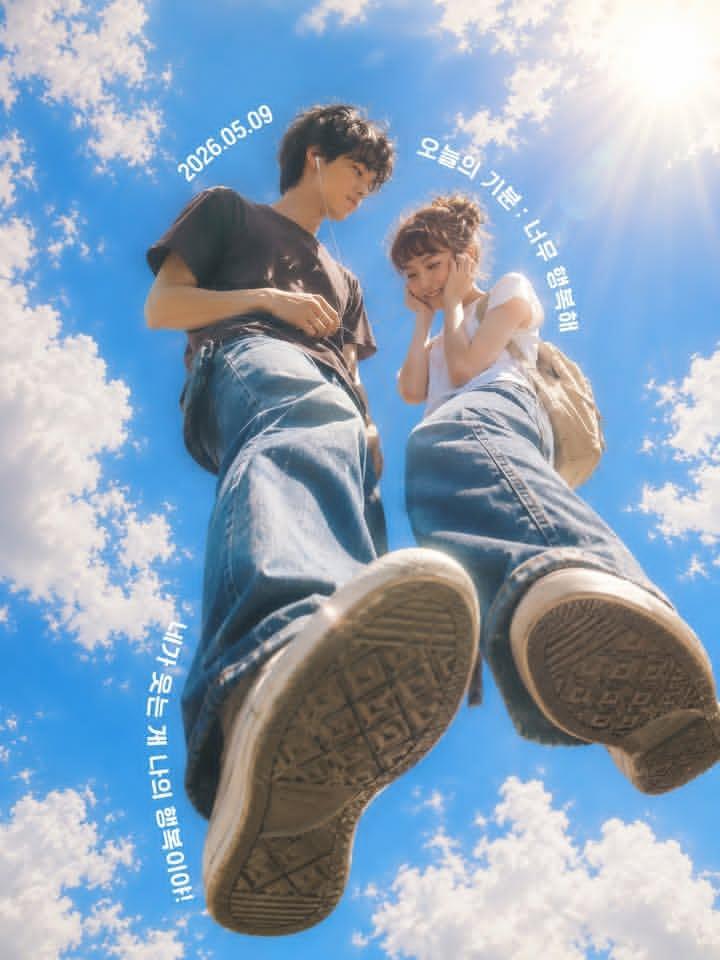
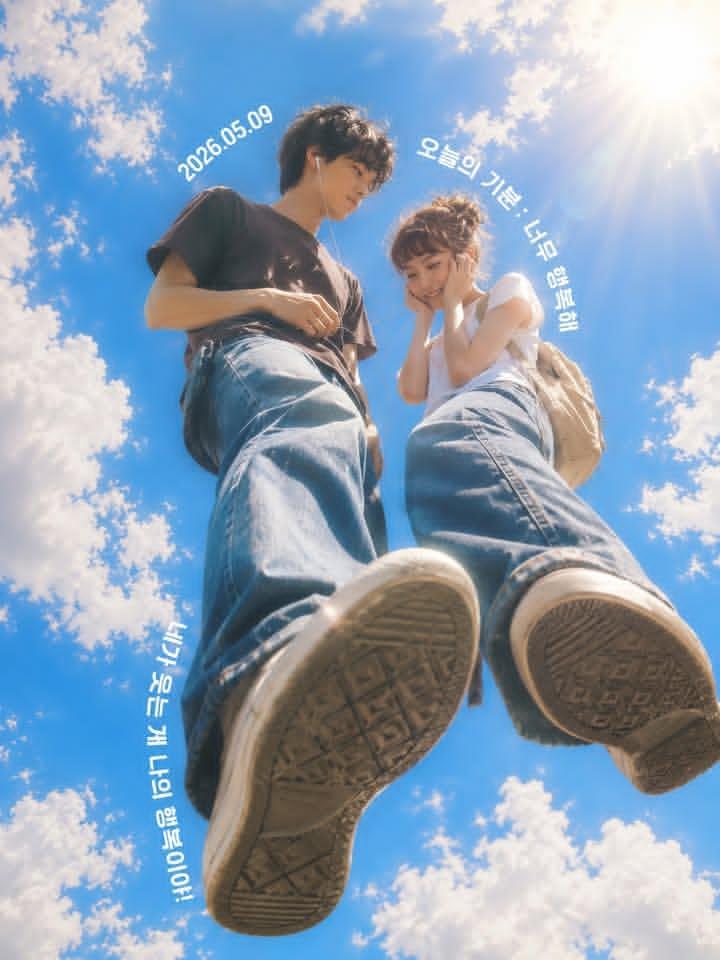
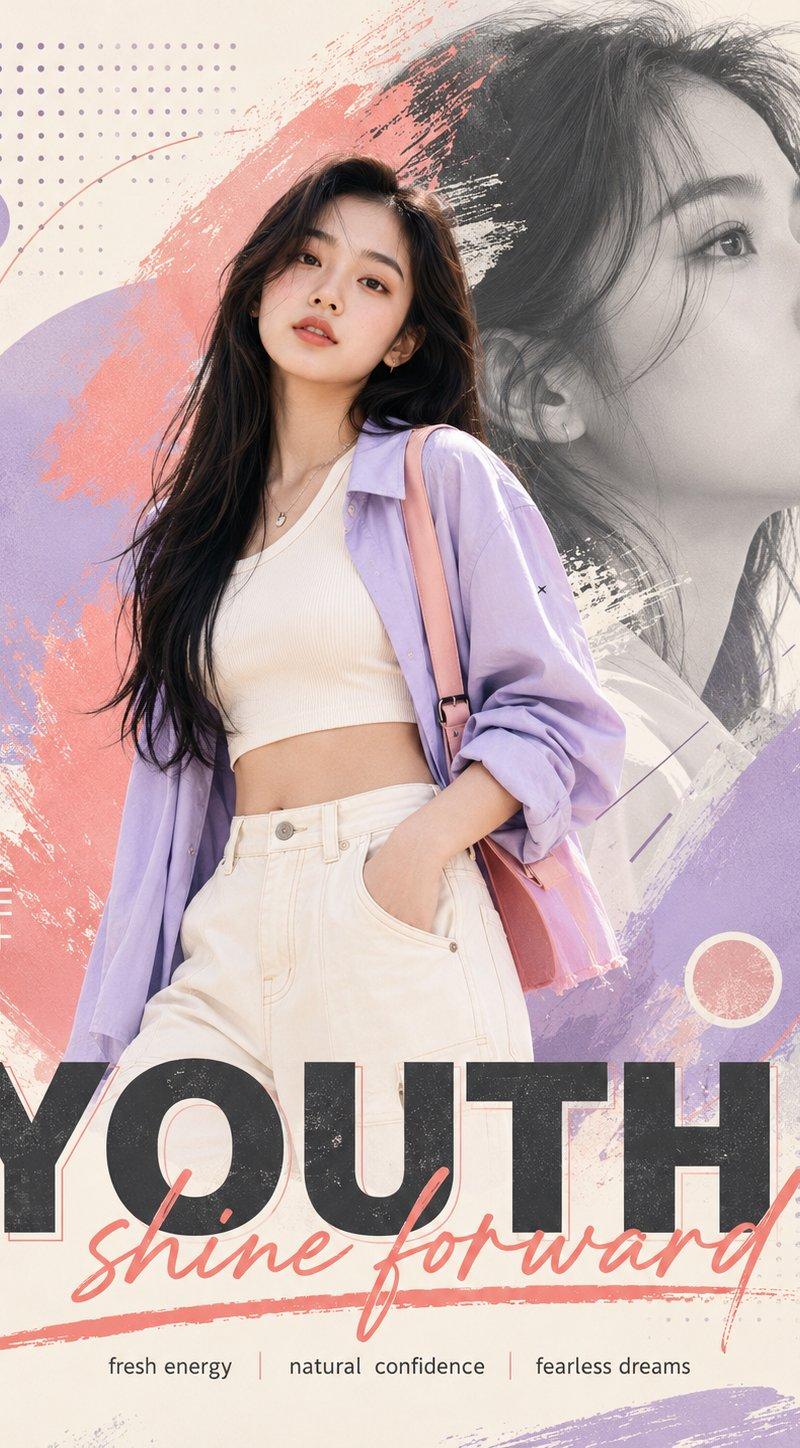
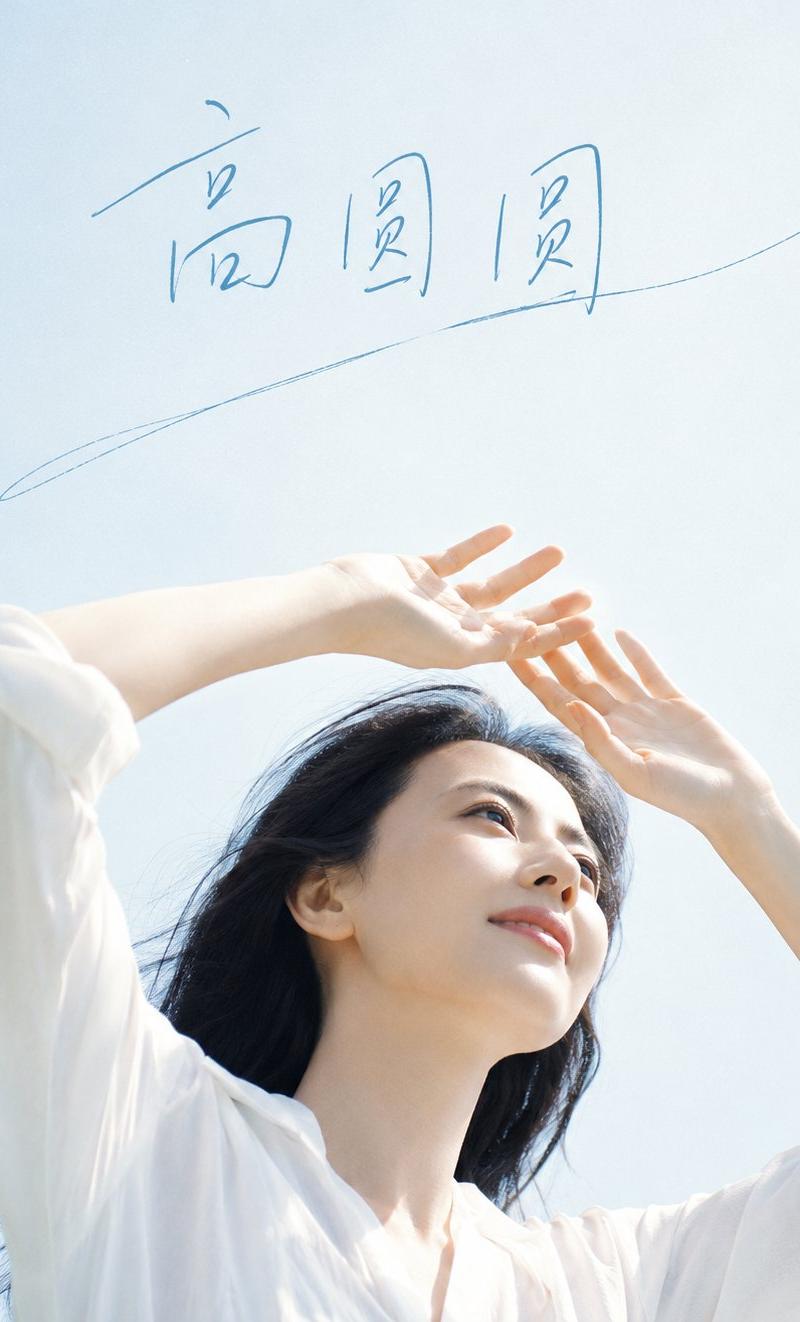
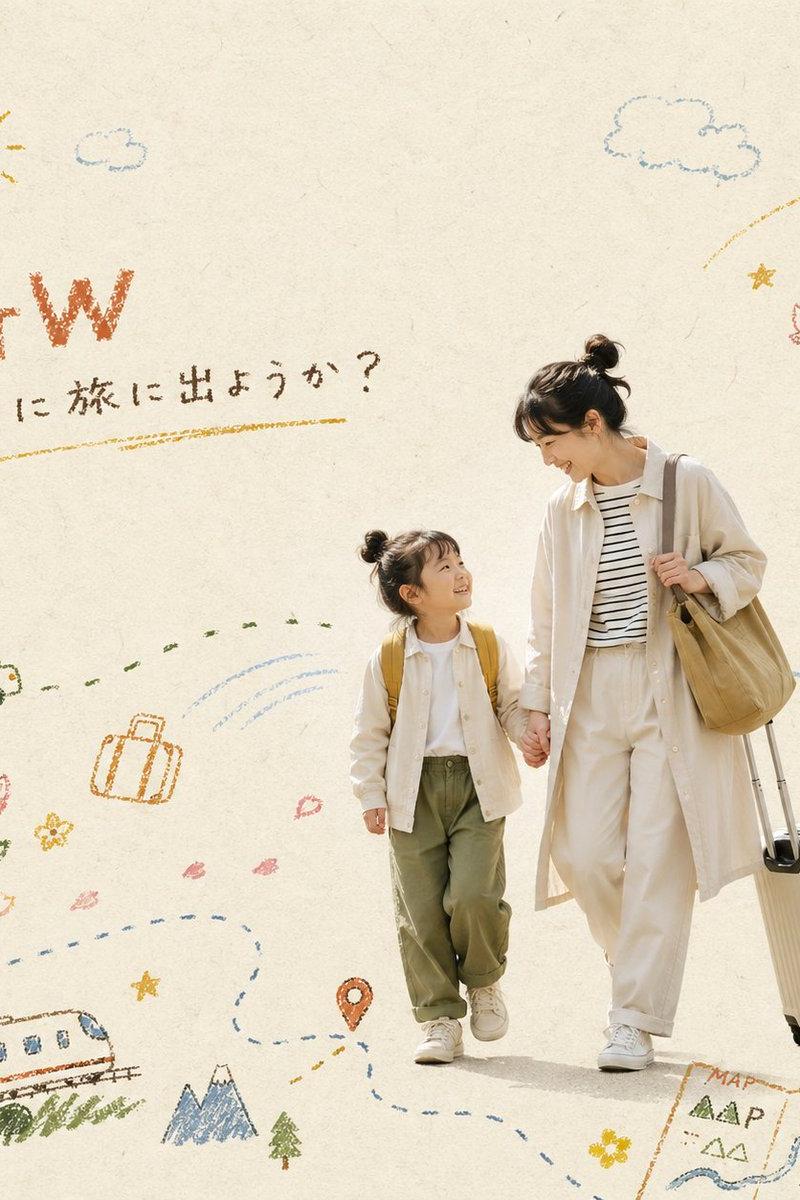
Example images

超现实苹果风情侣涂鸦手机锁屏壁纸

Prompt
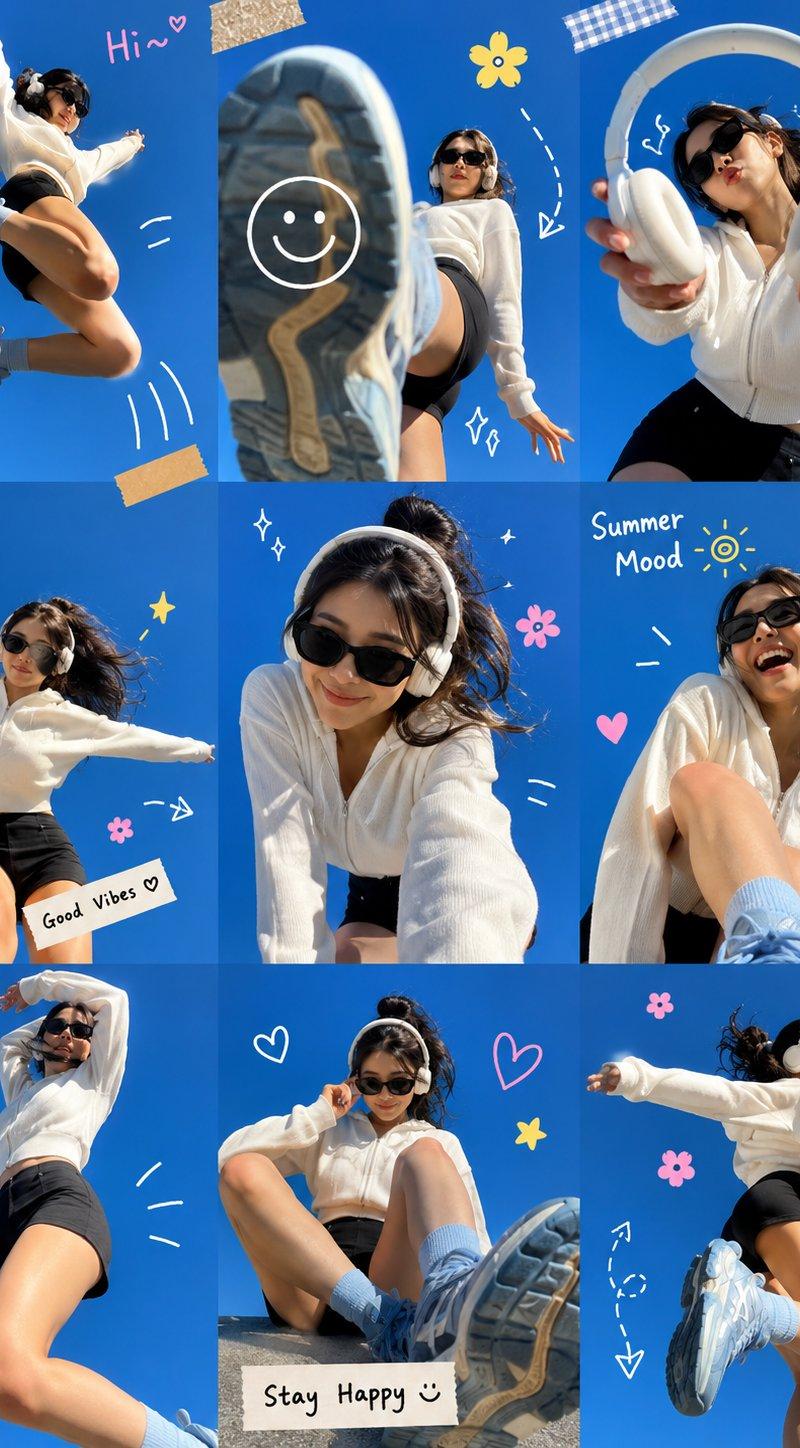
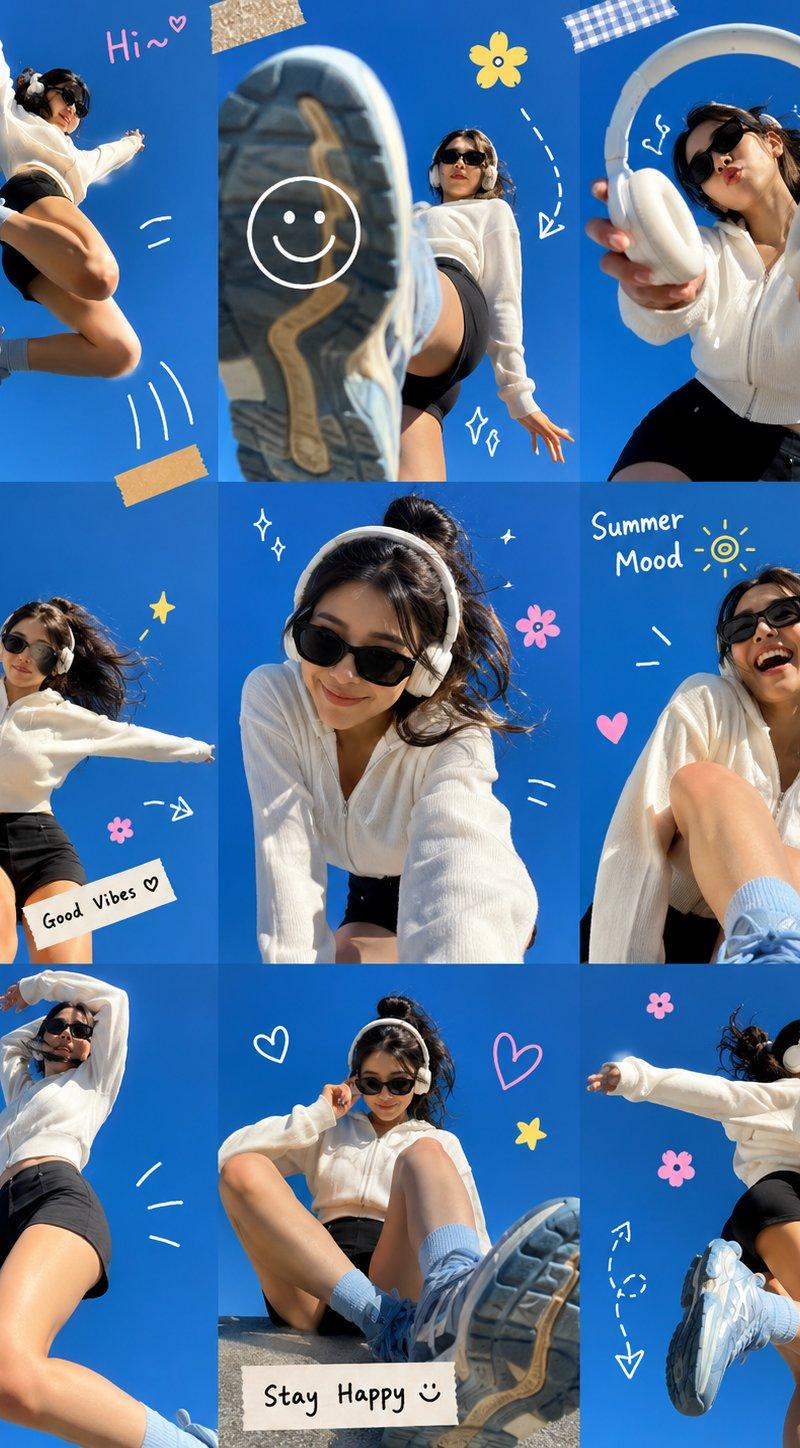
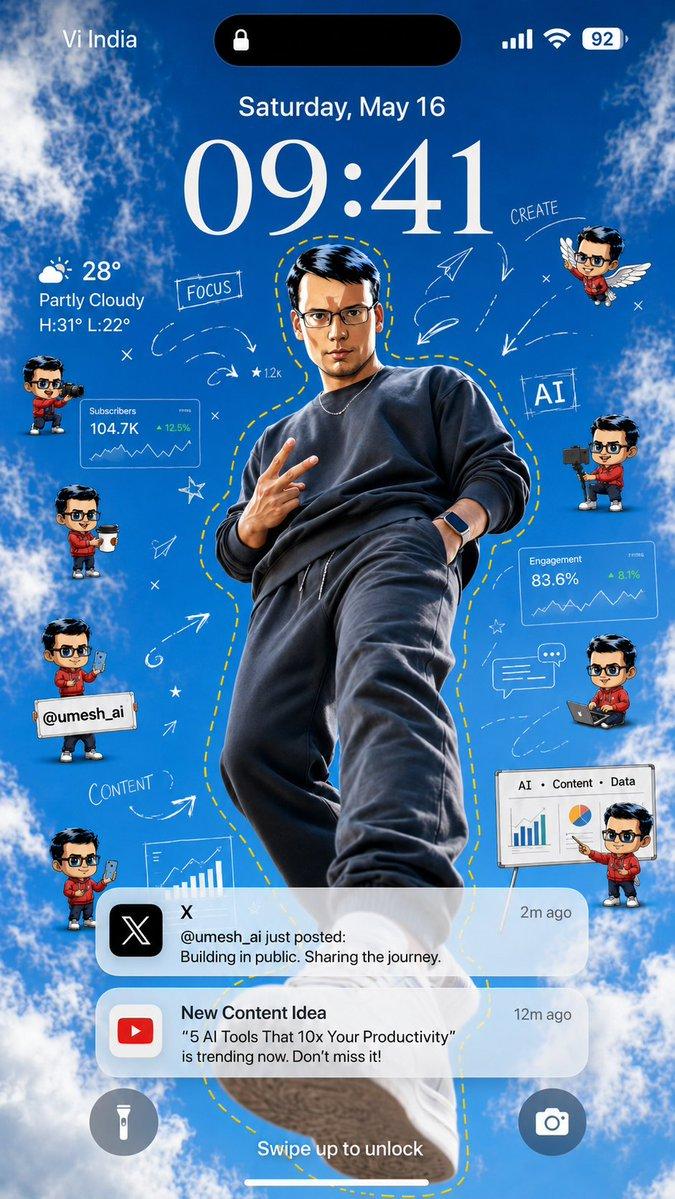
Create an ultra-realistic iPhone lockscreen wallpaper.
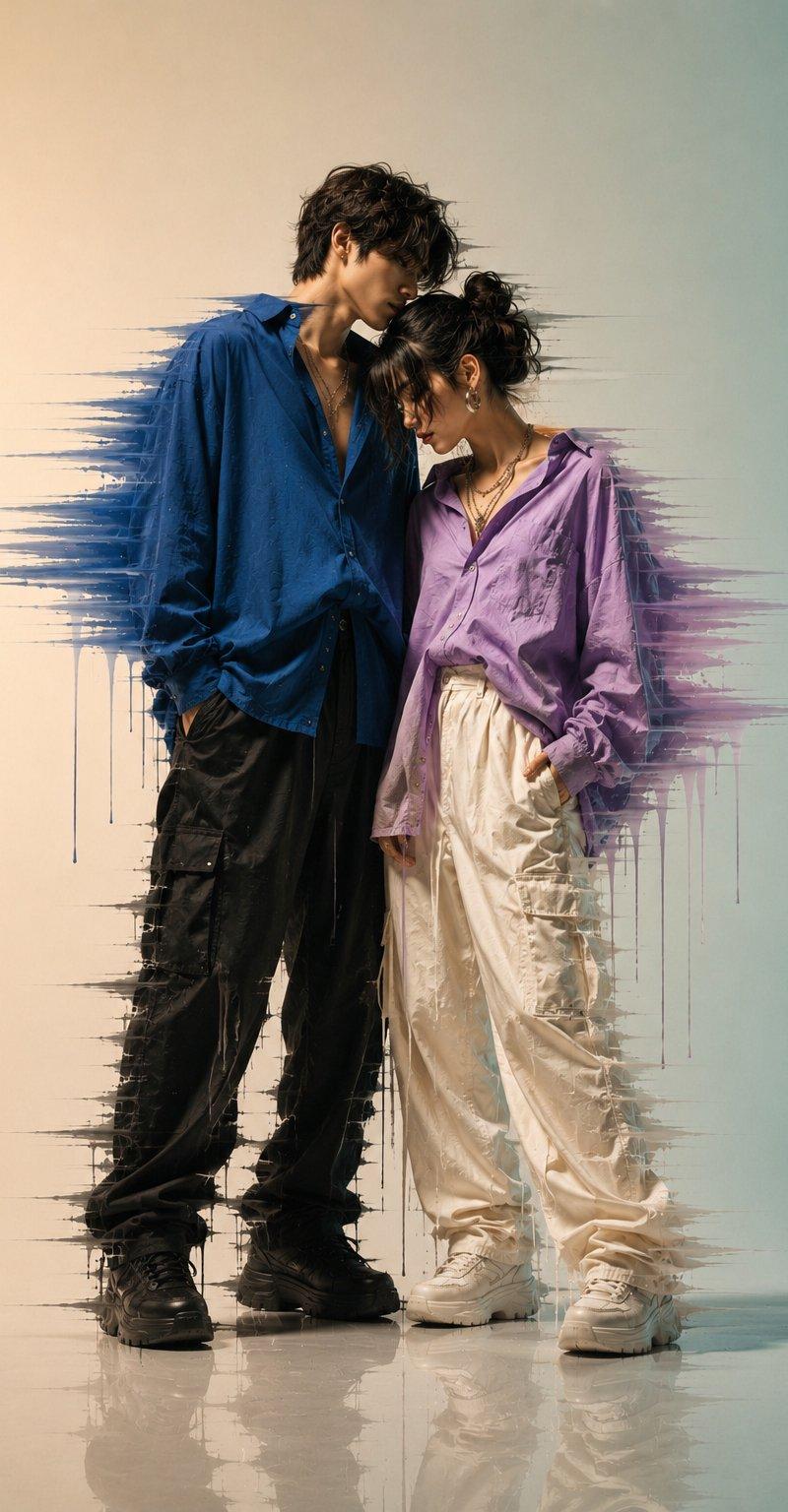
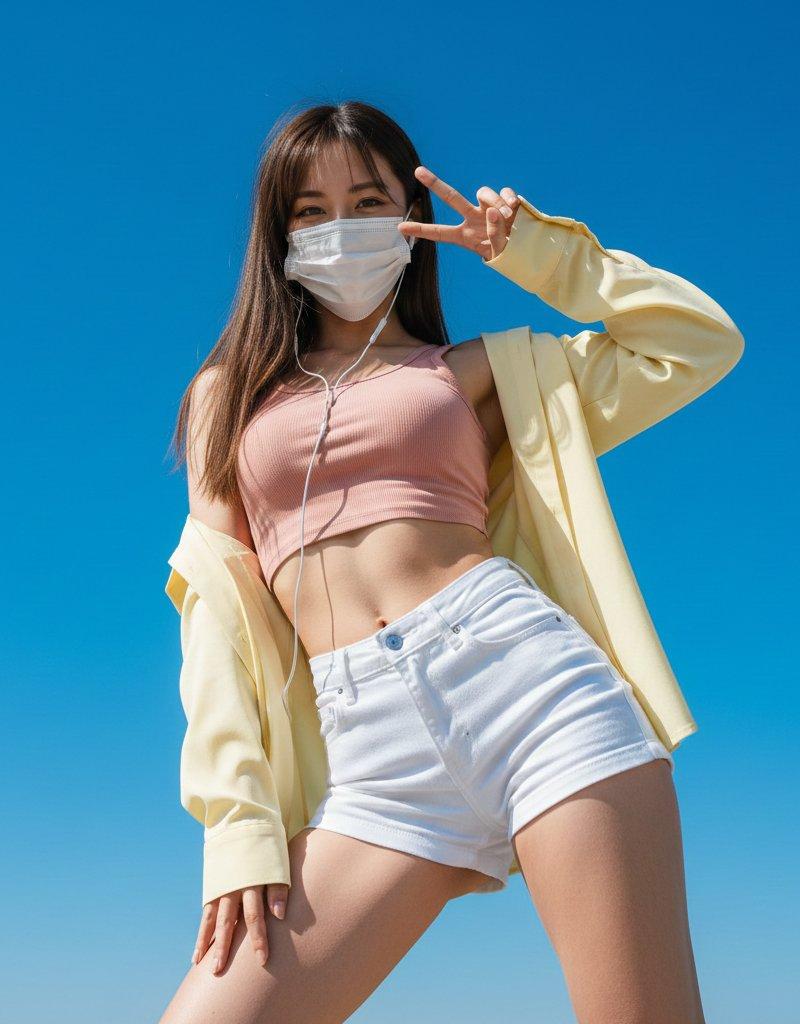
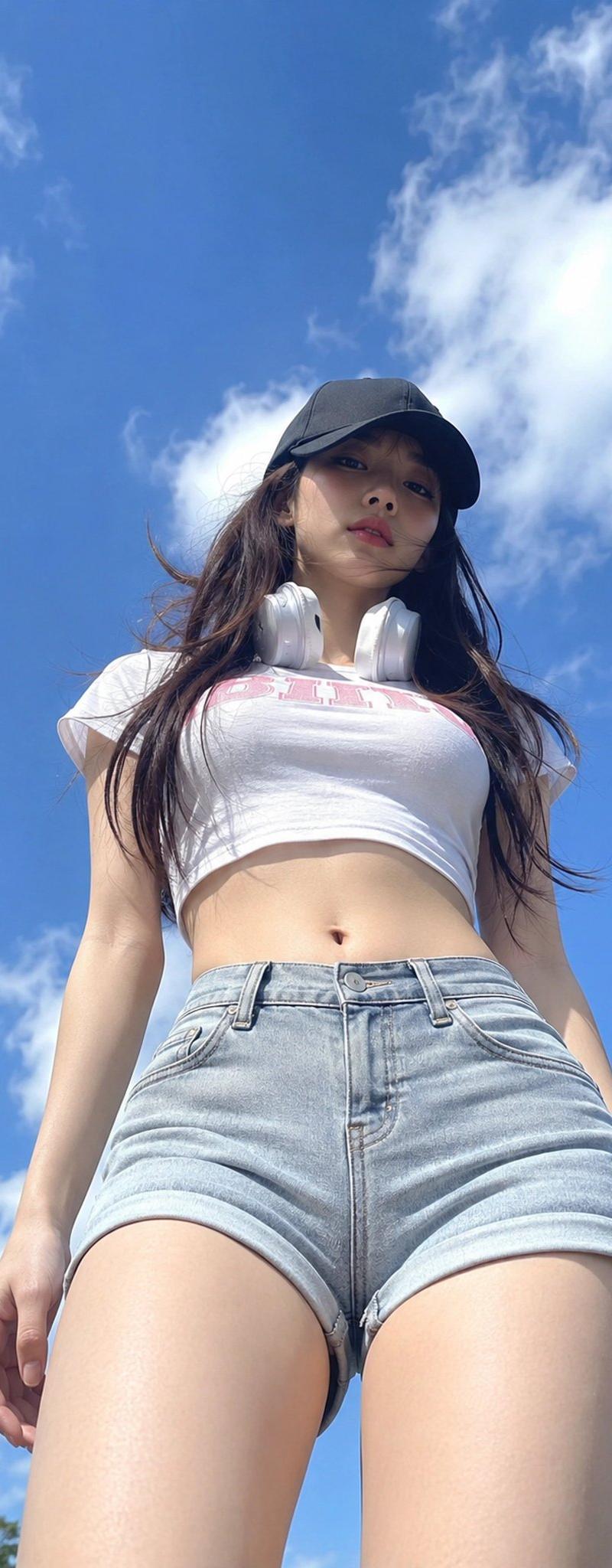
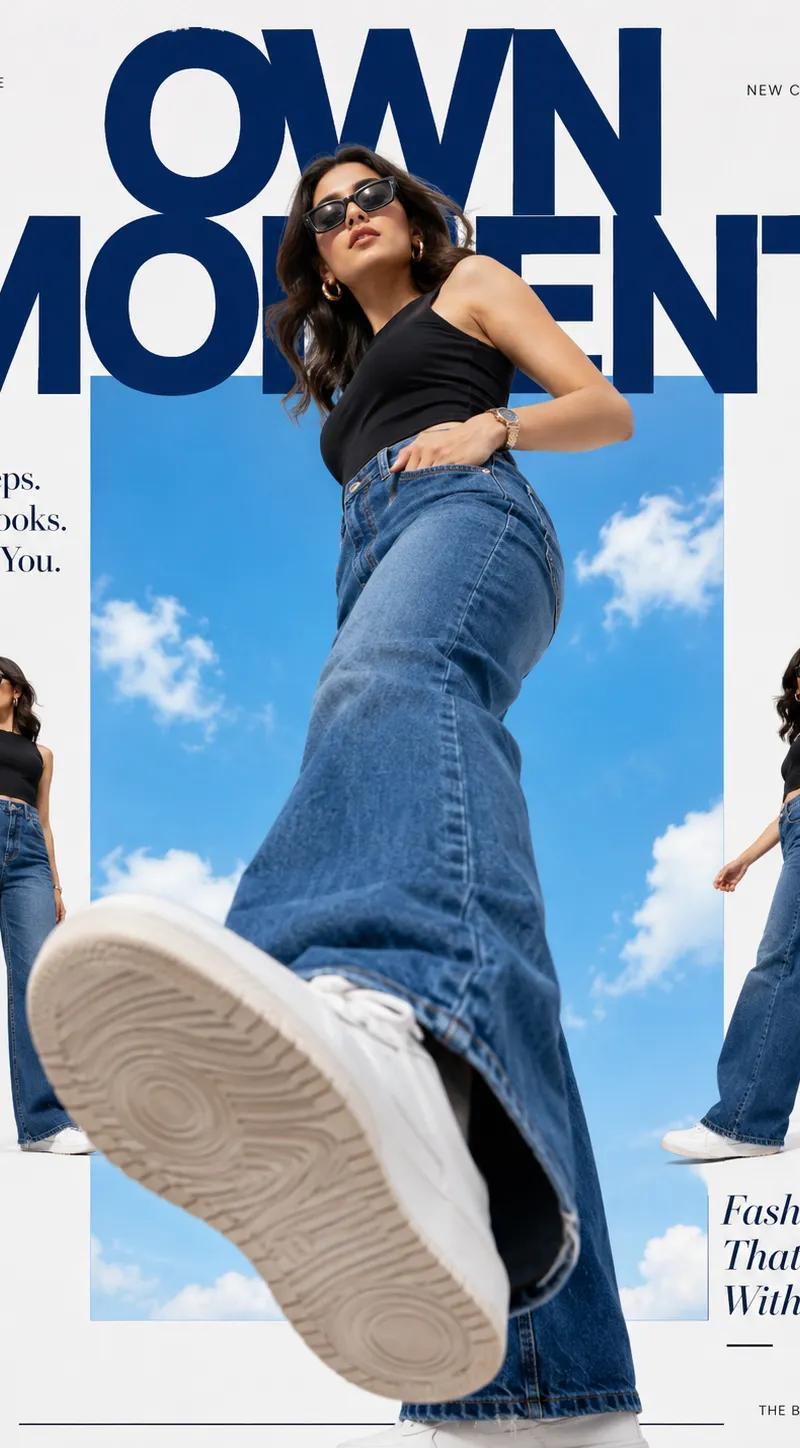
Transform the couple into trendy main characters photographed
from an extreme low-angle perspective
as if the camera is placed
on the ground looking upward. Keep the exact same faces and facial features. Do not change identity.
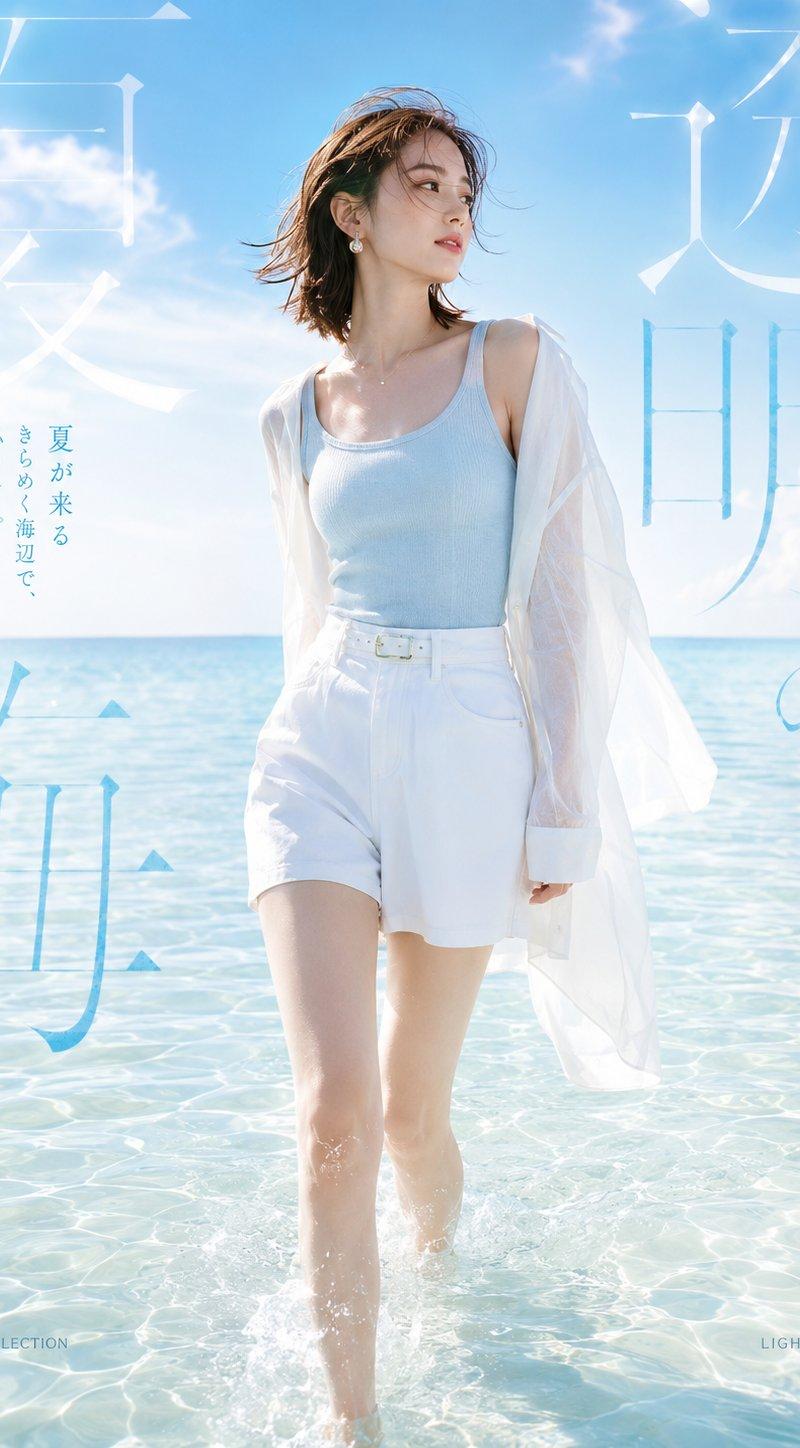
Bright blue sky background.
Stylish matching outfits.
Fashion campaign aesthetic.
White sneakers.
Confident poses
Add colorful doodle flowers, sketch stars, sparkles, hearts, playful sticker elements and hand-drawn graphics around the couple.
Add a yellow dashed outline surrounding both people. Add tiny chibi versions of the couple near the clock area.
Include a realistic iPhone lockscreen overlay:
• Dynamic Island
• Lock icon
• Large clock showing 09:41
• Date: Tuesday, June 2
• Battery indicator
• Weather widget
• Realistic notification cards
Apple keynote quality.
Pinterest aesthetic.
Luxury lifestyle photography.
Ultra-realistic skin texture.
Natural lighting.
Photorealistic.
Wallpaper quality.
Vibrant colors.
Looks like a premium lockscreen designed by Apple.
Instagram 4:5 ratio.
Ultra sharp.
8K masterpiece.
Category
Charts & Infographics
Model
ChatGPT
Creator
@im_shahid7
Source language
zh-CN
Views58
Source ID
15919
Published
Jun 12, 2026
Studio

Guide

About "超现实苹果风情侣涂鸦手机锁屏壁纸"

What is this prompt for?

"超现实苹果风情侣涂鸦手机锁屏壁纸" AI image prompt for ChatGPT (Charts & Infographics). 创建一个超现实的 iPhone 锁屏壁纸。将这对情侣转变为时尚的主角,从极低的角度拍摄,仿佛相机放置在地面上向上看。保持完全相同的面部和面部特征。不要改变身份。明亮的蓝天背景…

The full copyable prompt and example visuals above are ready for AI image generation or one-click recreate in Picva.

How to use this prompt

  1. Step 1

    Open the prompt detail

    Review the example visuals, category, and full prompt text for "超现实苹果风情侣涂鸦手机锁屏壁纸".

  2. Step 2

    Copy the prompt

    Copy the prompt body from this page, or load it directly in Studio.

  3. Step 3

    Pick a model (ChatGPT)

    Prefer ChatGPT. If you switch models, keep subject and composition and tweak style terms.

  4. Step 4

    Generate and export

    Recreate the look in Picva, or export into your workflow for editing and publishing.

FAQ

What is the "超现实苹果风情侣涂鸦手机锁屏壁纸" prompt?
It is an AI image-generation prompt for ChatGPT in the Charts & Infographics category. This page includes the full prompt text, example visuals, and a one-click recreate path in Picva.
How do I use this prompt to generate an image?
Copy the prompt from this page, or use Generate / Studio. Paste it into a compatible image model, or recreate the look in Picva with optional reference images.
Which model is this prompt for?
This page lists ChatGPT. Most descriptive prompts also transfer to nearby image models such as GPT Image, Flux, or Midjourney with light style tweaks.
Can I use the result commercially?
You can usually copy the prompt for creation, but commercial use of the final image depends on the model terms, reference-image rights, and the generated content. Follow the source author and platform rules.