18

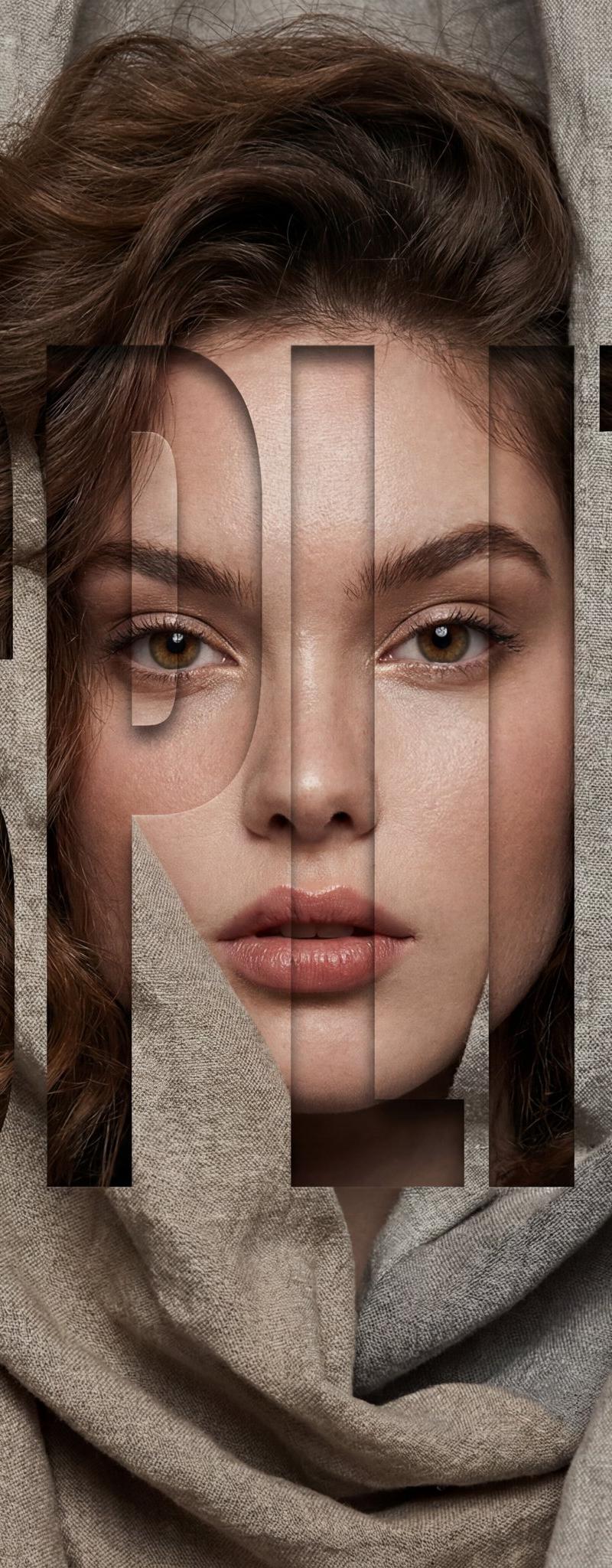
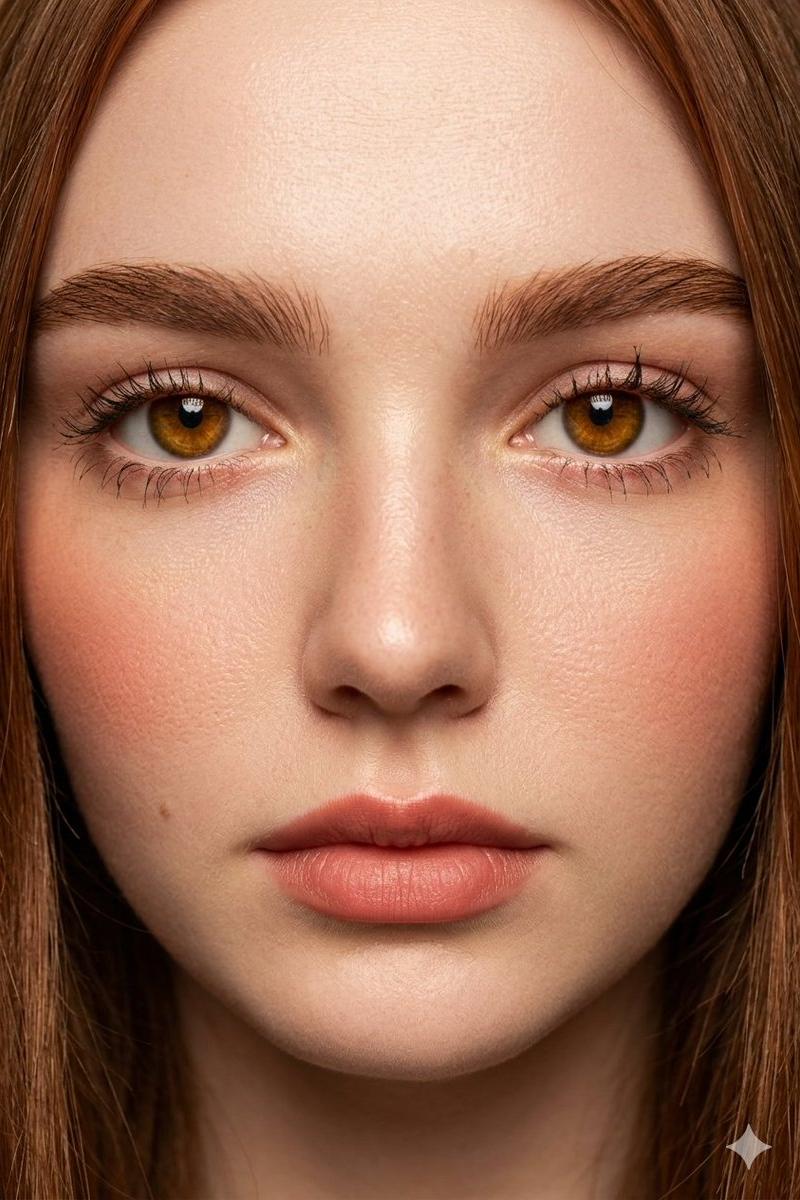
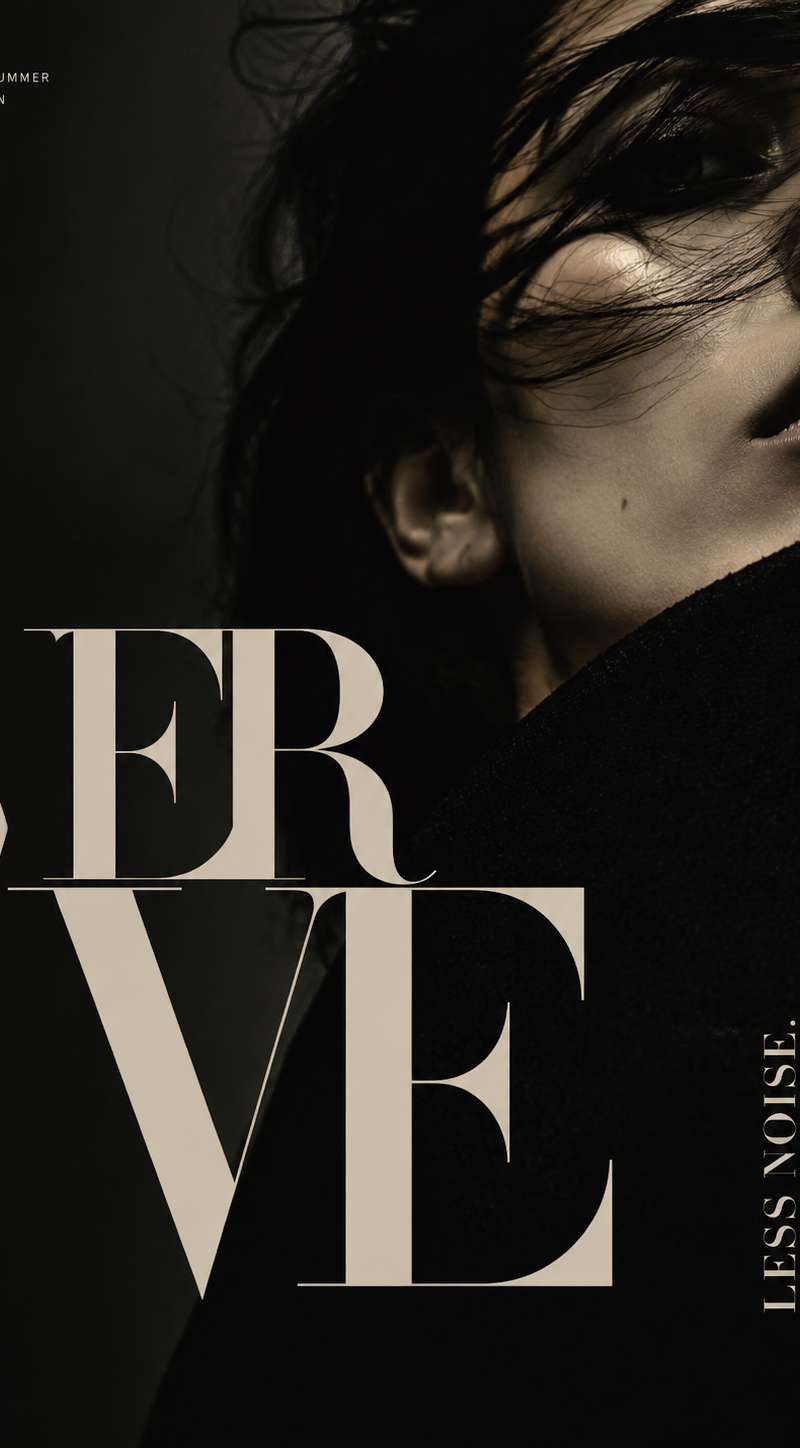
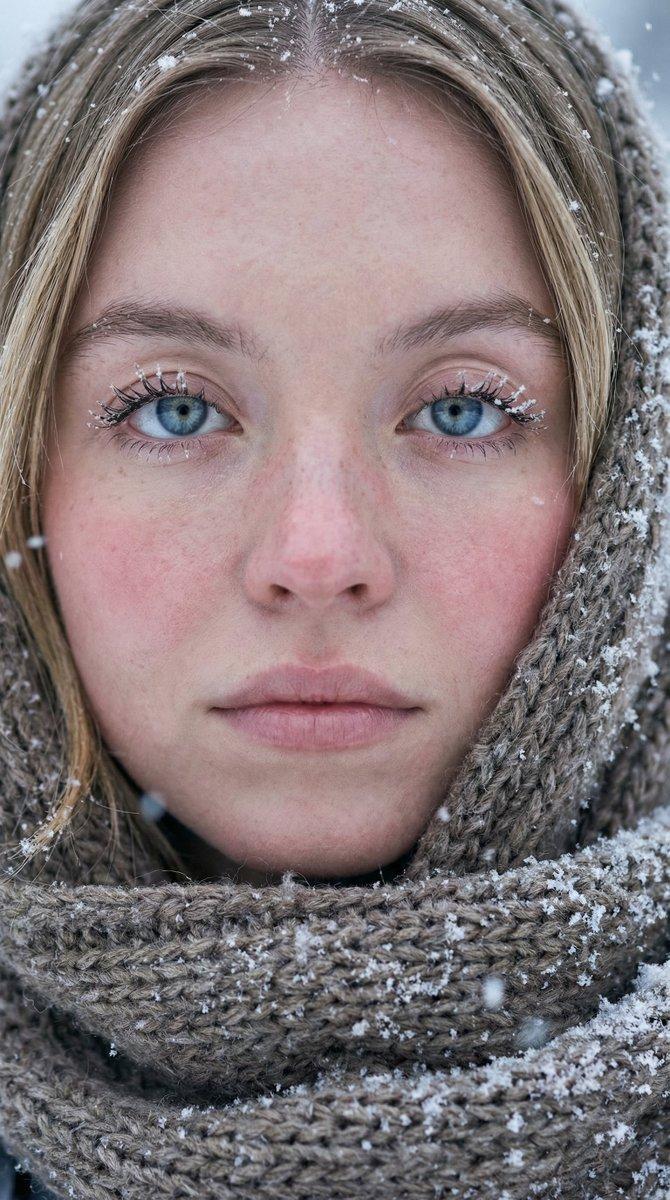
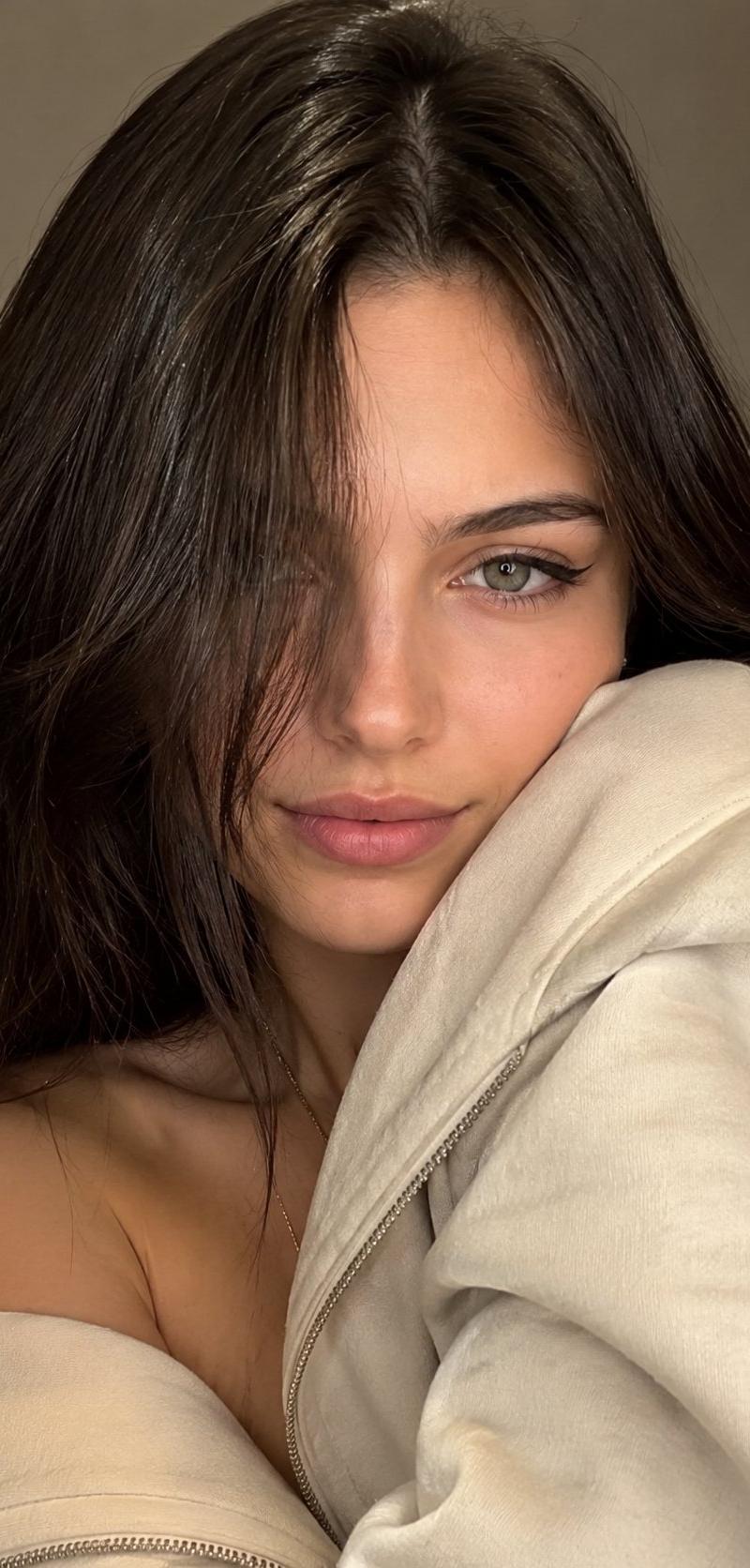
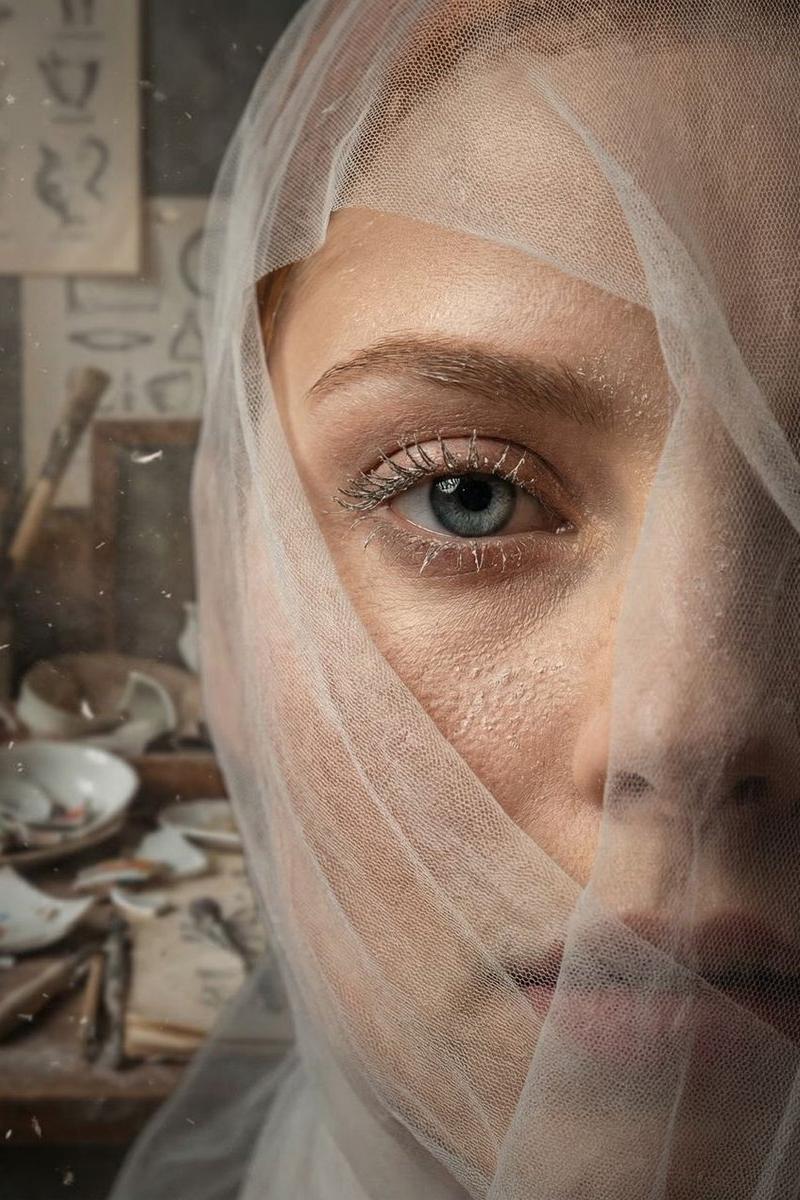
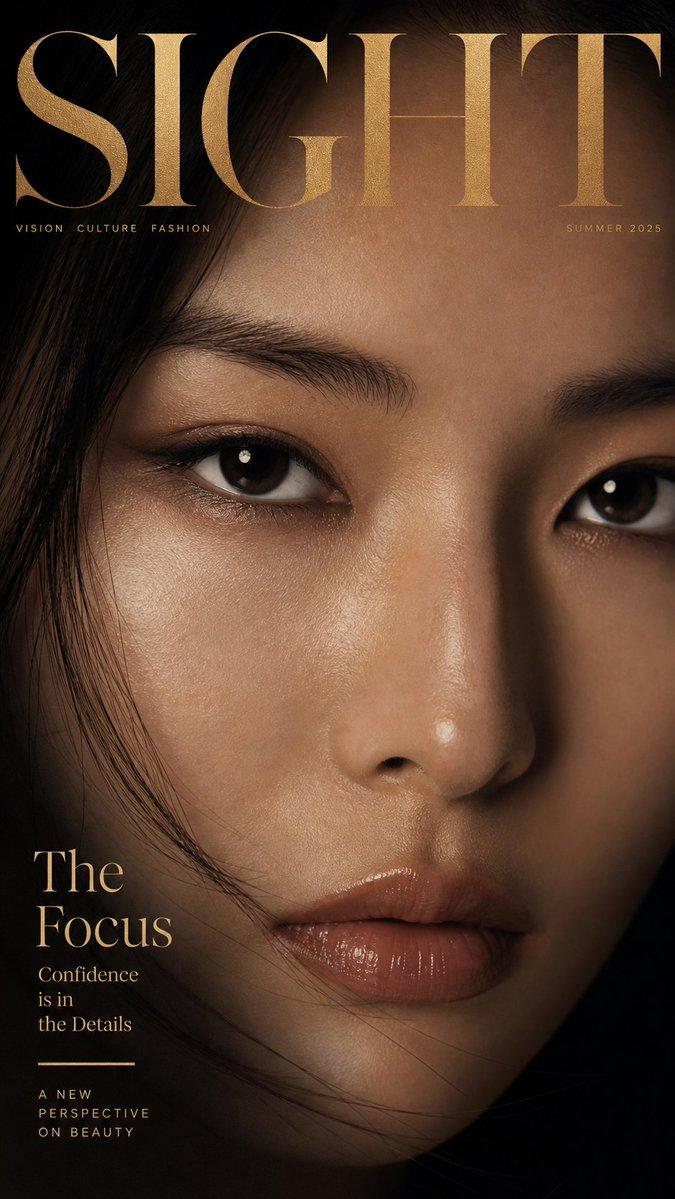
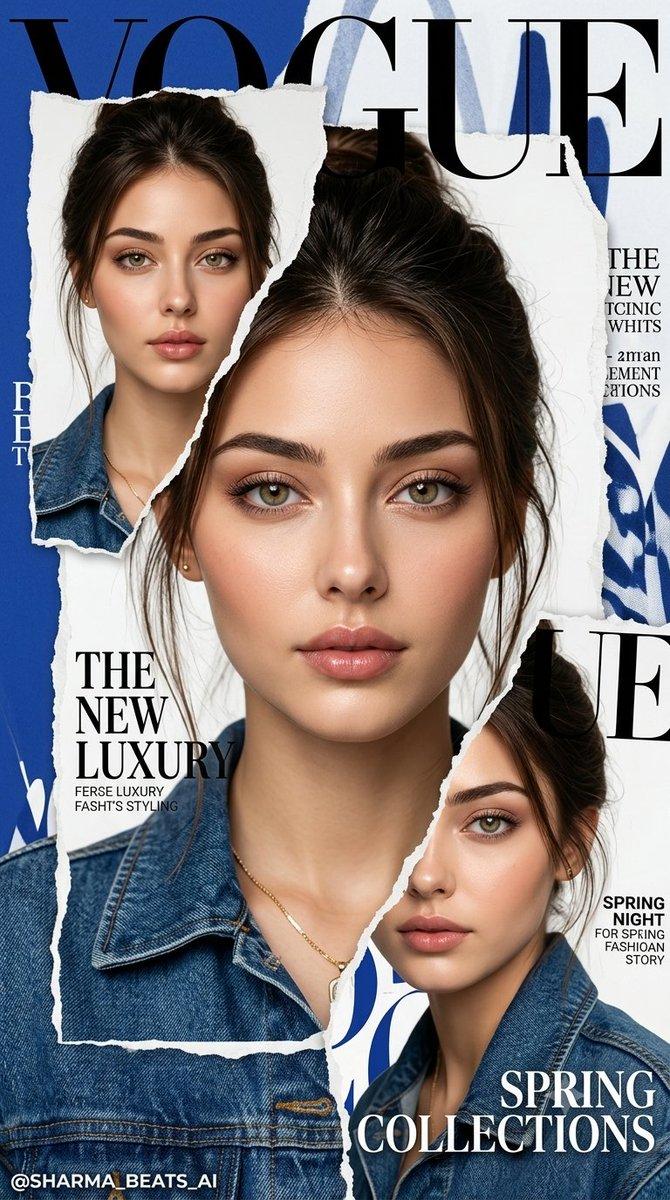
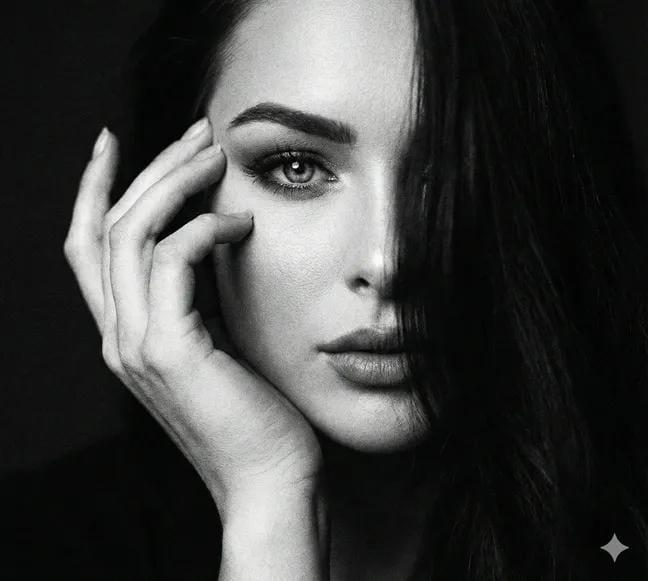
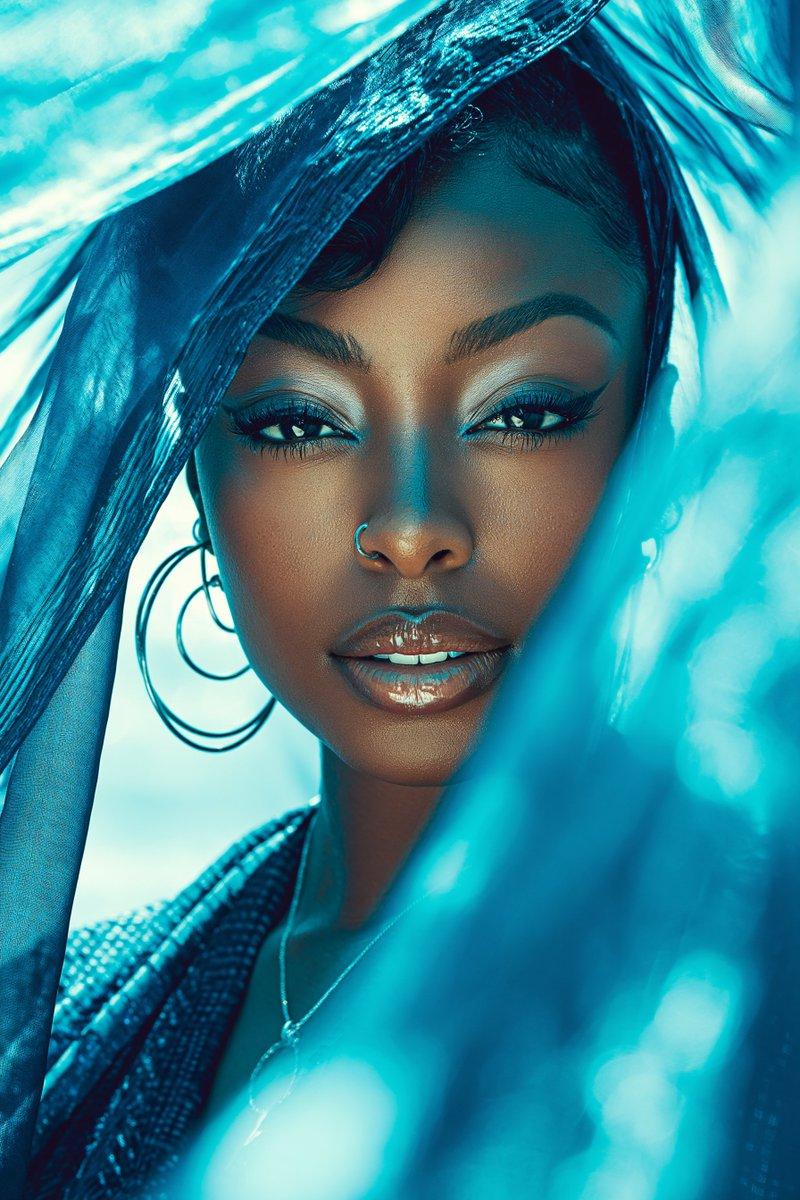
竖版时尚杂志封面肖像海报
Enlarge

Example images

竖版时尚杂志封面肖像海报

Prompt
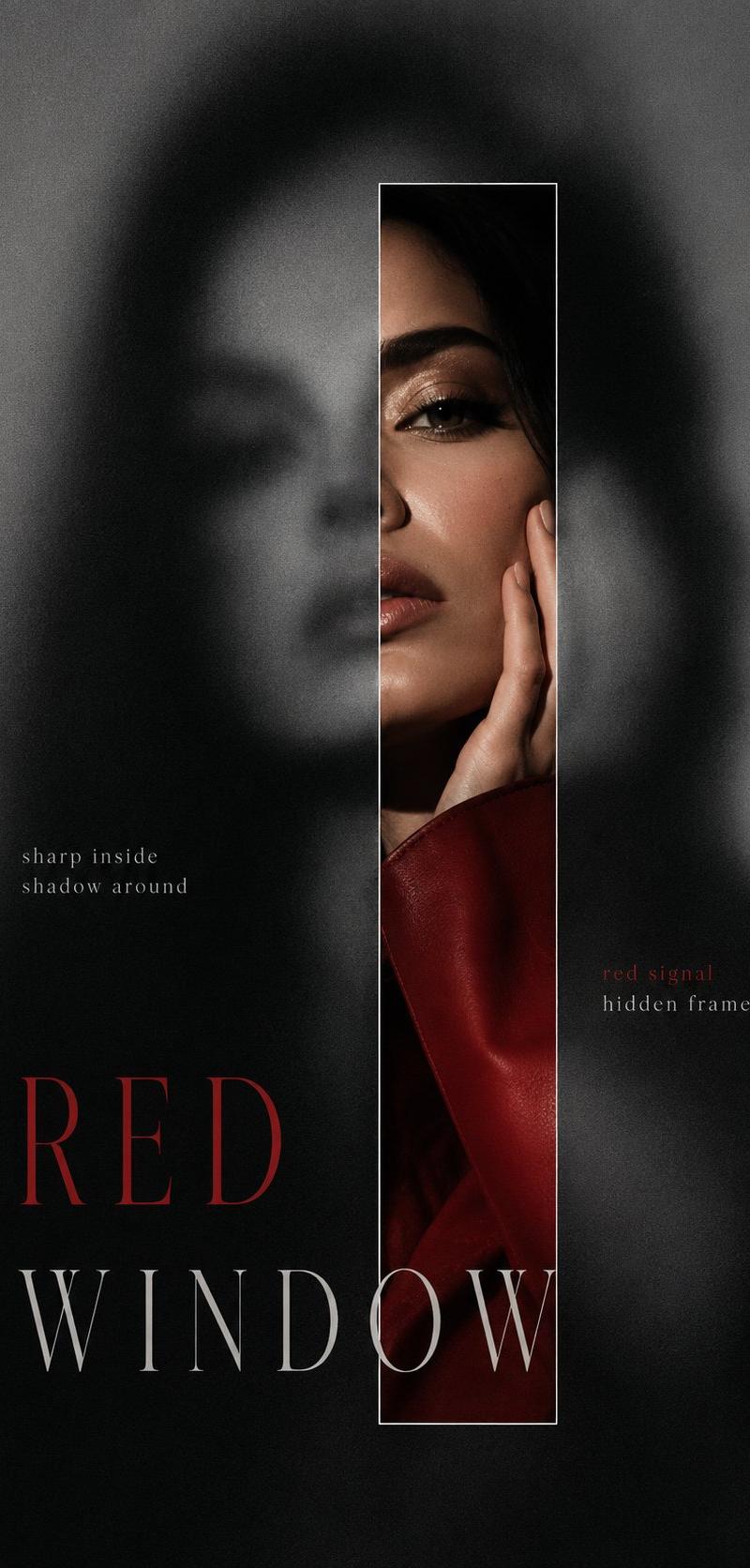
Vertical editorial poster portrait of [CHARACTER] with [HAIR], face tightly framed behind crumpled [FABRIC], oversized bold condensed sans-serif typography cut through the fabric spelling “[SPLIT]” in stacked syllables across the whole image, eyes, nose and lips visible through the letter openings, small vertical side word “[SIDE]”, tiny barcode block near the lower right, high-fashion beauty lighting, realistic skin texture, soft shadows in the folds, muted [PALETTE], clean magazine-cover composition, sharp typography hierarchy, premium print finish, no extra words, no messy layout, no cartoon style, no 3D render, ar 4:5
Category
Charts & Infographics
Model
ChatGPT
Creator
@SimplyAnnisa
Source language
zh-CN
Views25
Source ID
16684
Published
Jun 24, 2026
Studio

Guide

About "竖版时尚杂志封面肖像海报"

What is this prompt for?

"竖版时尚杂志封面肖像海报" AI image prompt for ChatGPT (Charts & Infographics). [CHARACTER] 的竖版编辑海报肖像,留着 [HAIR],脸部紧凑地构图在褶皱的 [FABRIC] 后面,超大加粗紧凑型无衬线字体穿透织物,在整个图像上以堆叠音节拼写出“[SP…

The full copyable prompt and example visuals above are ready for AI image generation or one-click recreate in Picva.

How to use this prompt

  1. Step 1

    Open the prompt detail

    Review the example visuals, category, and full prompt text for "竖版时尚杂志封面肖像海报".

  2. Step 2

    Copy the prompt

    Copy the prompt body from this page, or load it directly in Studio.

  3. Step 3

    Pick a model (ChatGPT)

    Prefer ChatGPT. If you switch models, keep subject and composition and tweak style terms.

  4. Step 4

    Generate and export

    Recreate the look in Picva, or export into your workflow for editing and publishing.

FAQ

What is the "竖版时尚杂志封面肖像海报" prompt?
It is an AI image-generation prompt for ChatGPT in the Charts & Infographics category. This page includes the full prompt text, example visuals, and a one-click recreate path in Picva.
How do I use this prompt to generate an image?
Copy the prompt from this page, or use Generate / Studio. Paste it into a compatible image model, or recreate the look in Picva with optional reference images.
Which model is this prompt for?
This page lists ChatGPT. Most descriptive prompts also transfer to nearby image models such as GPT Image, Flux, or Midjourney with light style tweaks.
Can I use the result commercially?
You can usually copy the prompt for creation, but commercial use of the final image depends on the model terms, reference-image rights, and the generated content. Follow the source author and platform rules.