18

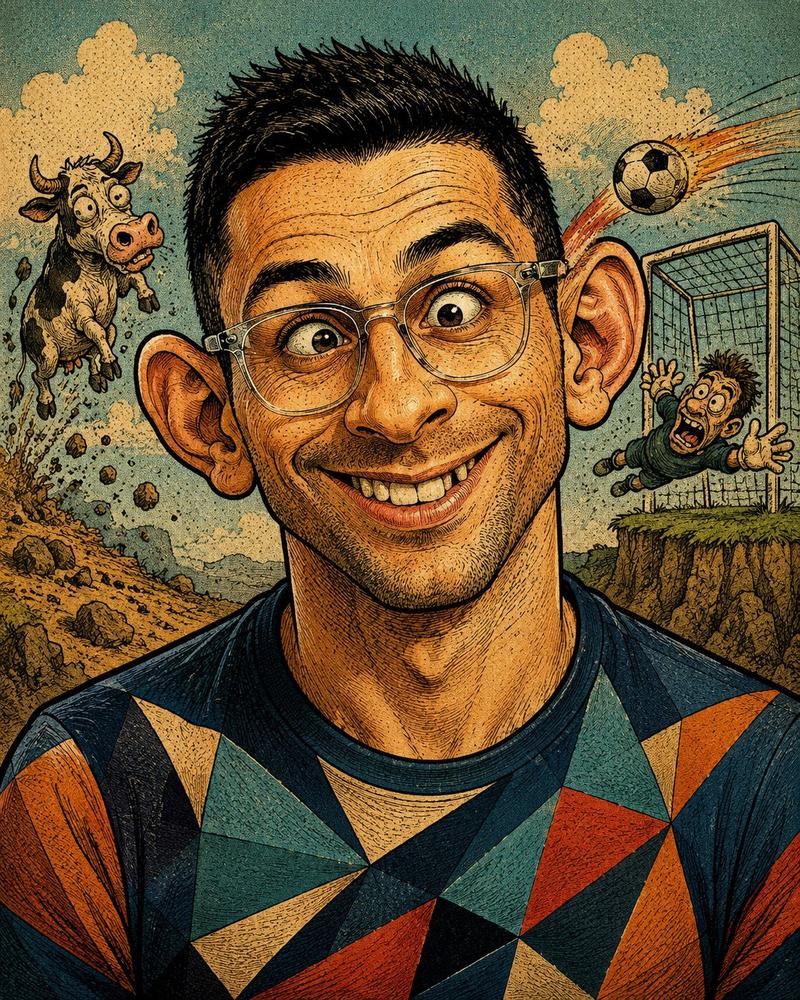
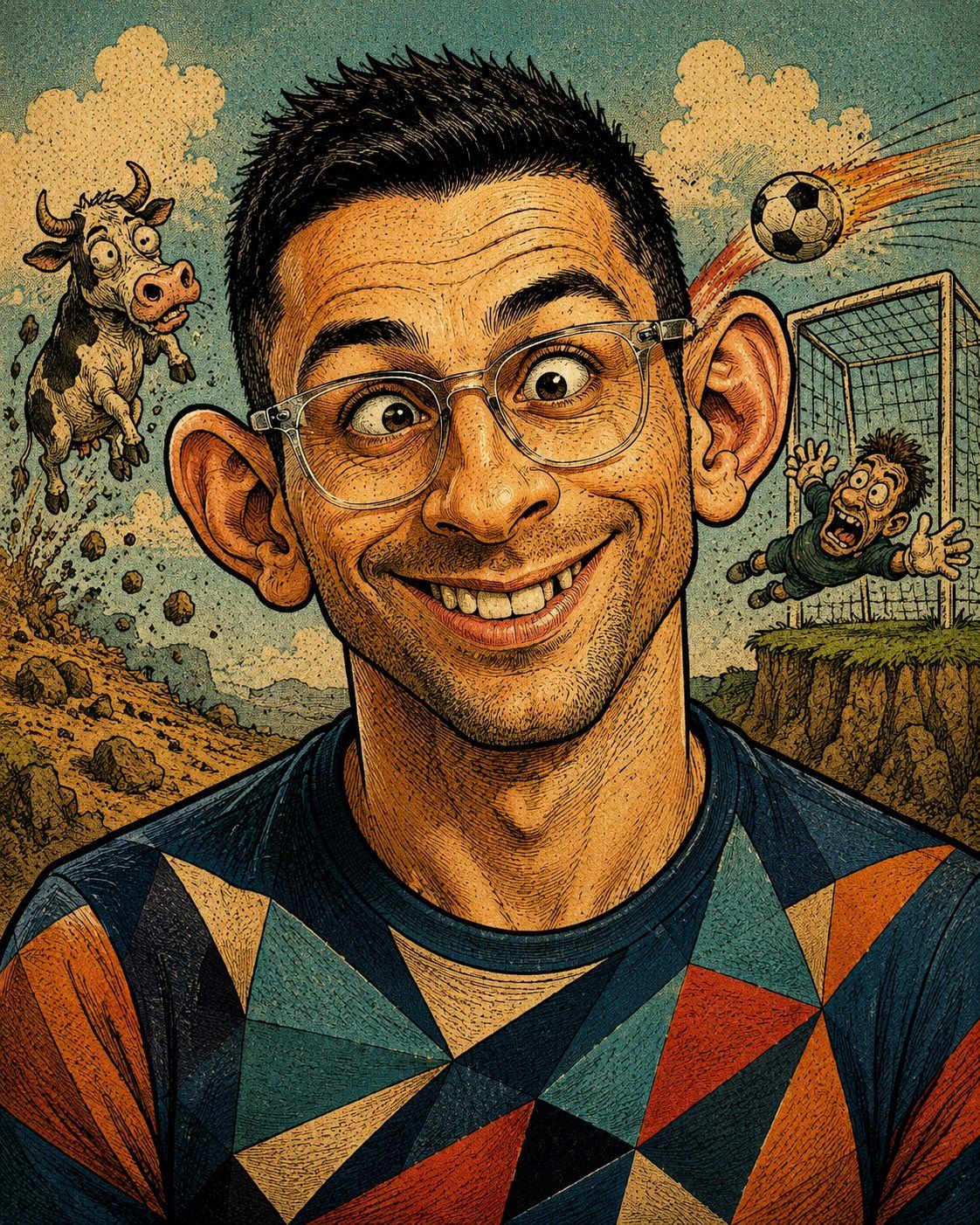
复古讽刺杂志夸张漫画肖像
Enlarge

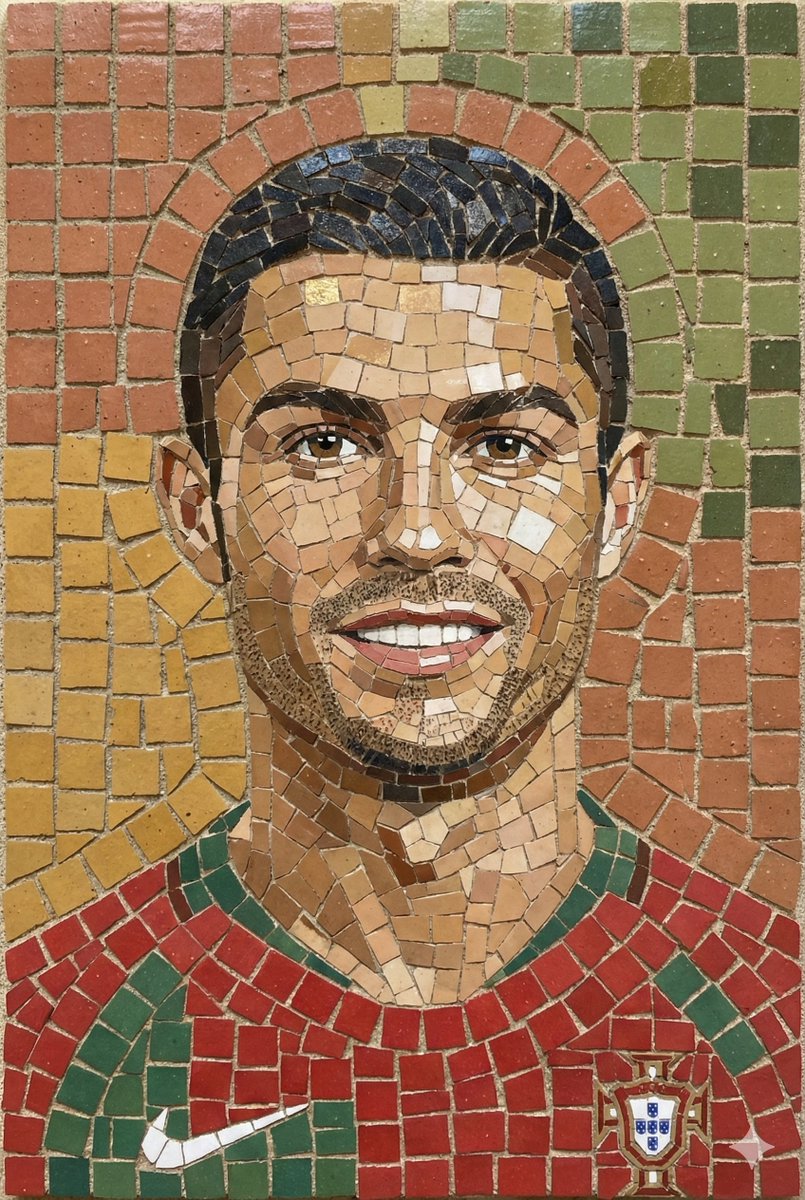
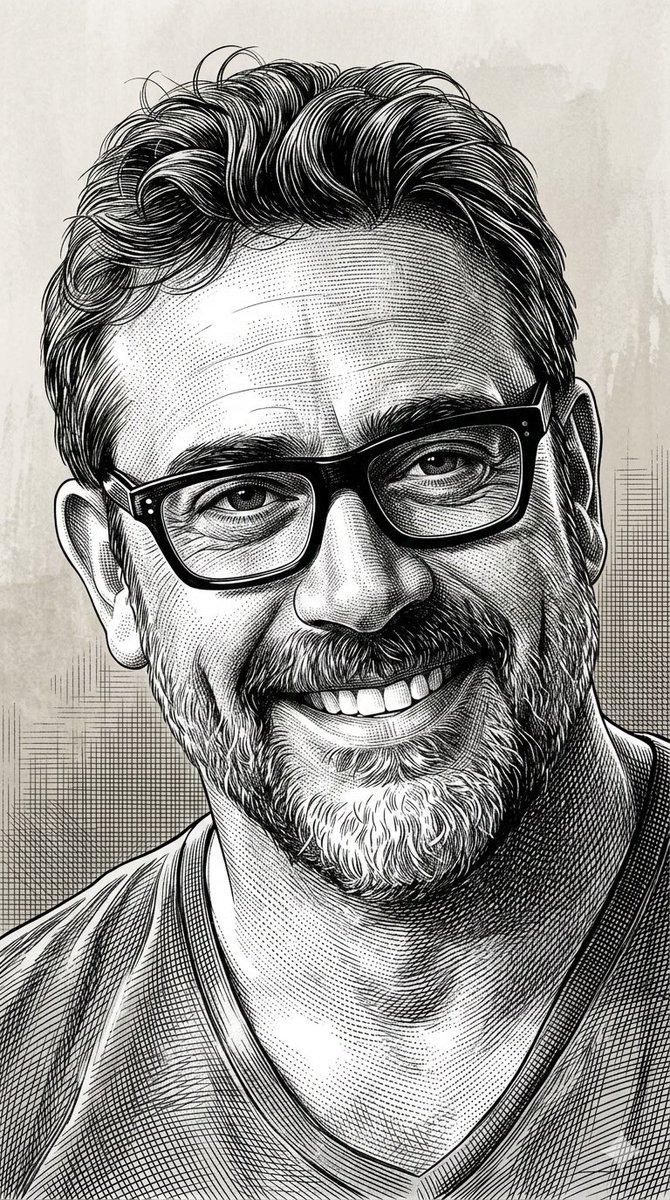
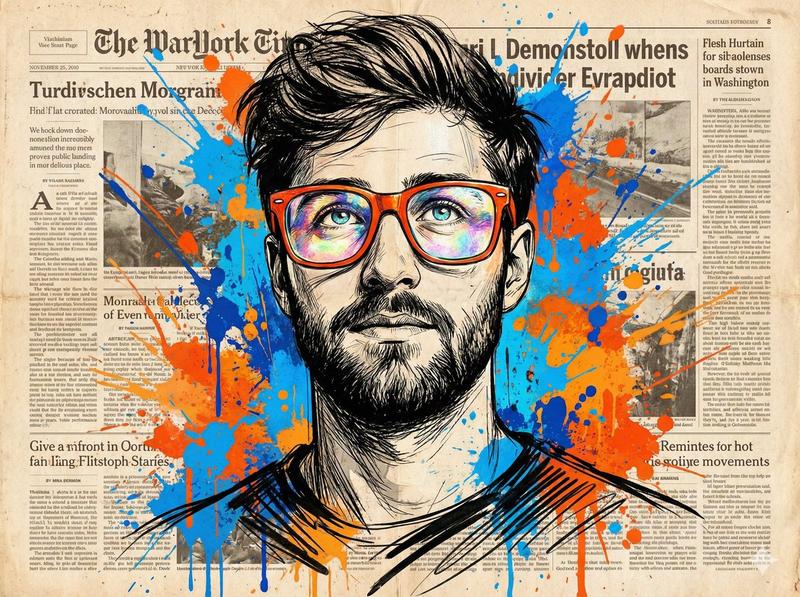
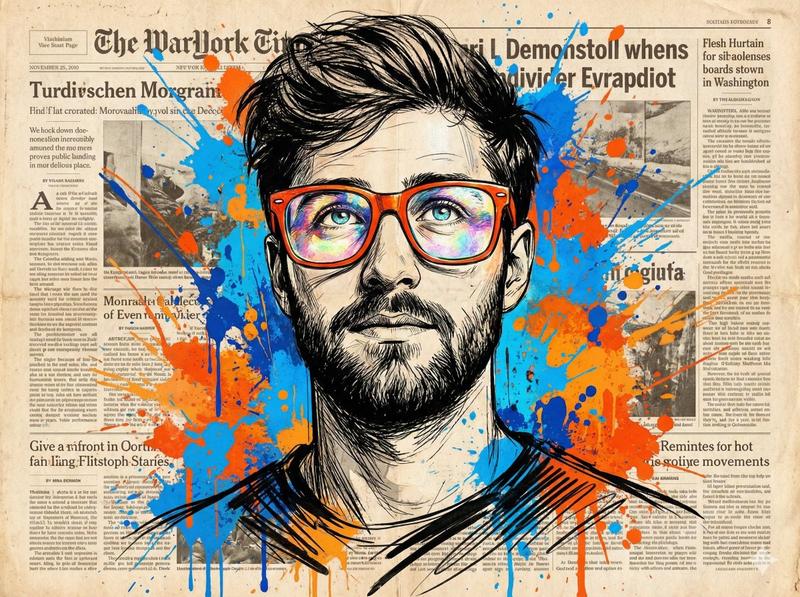
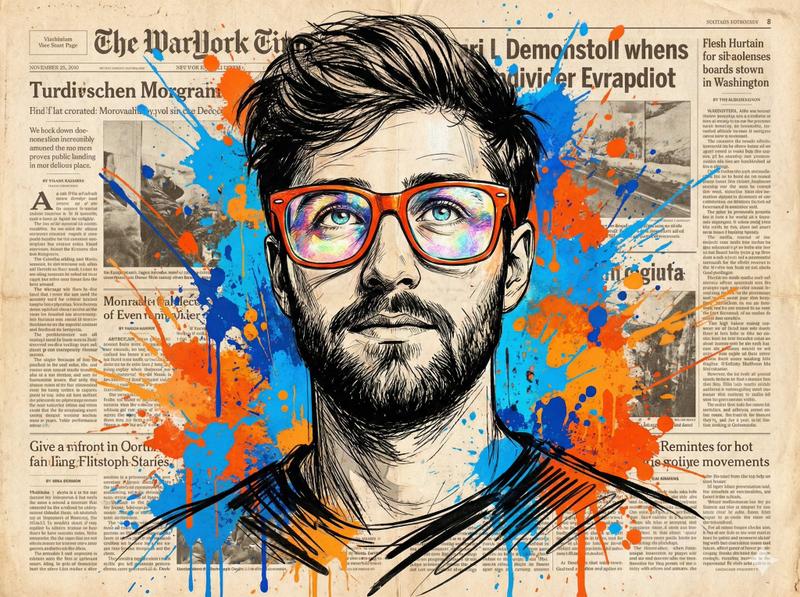
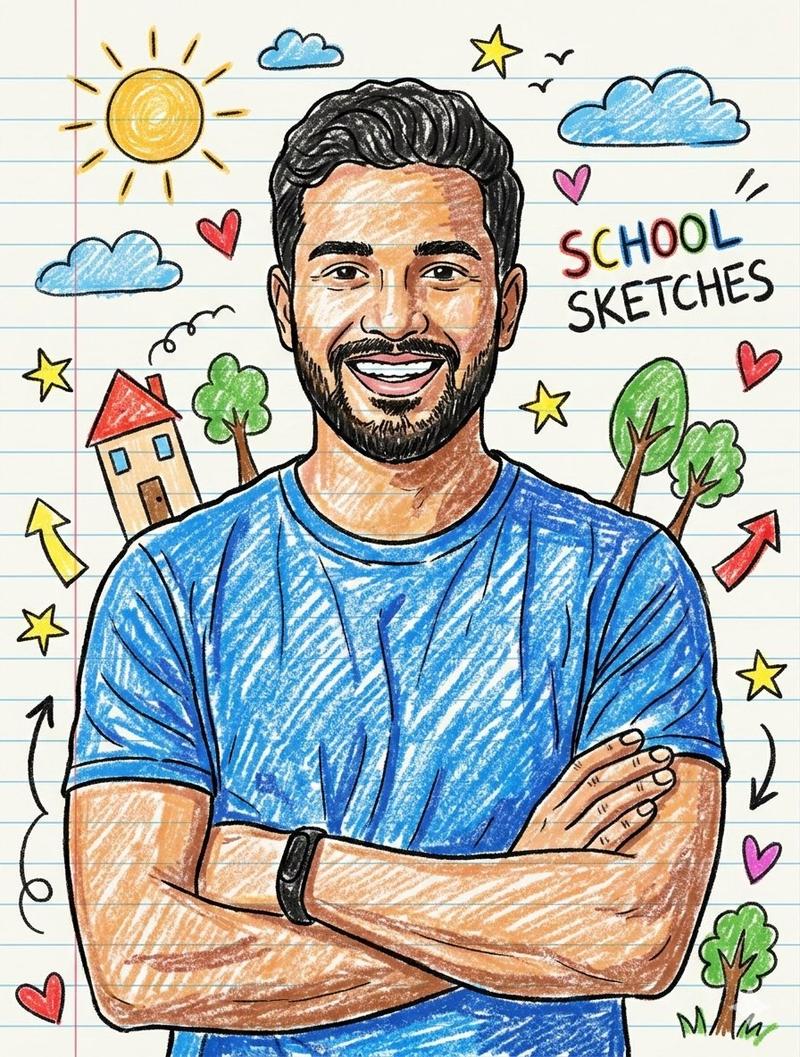
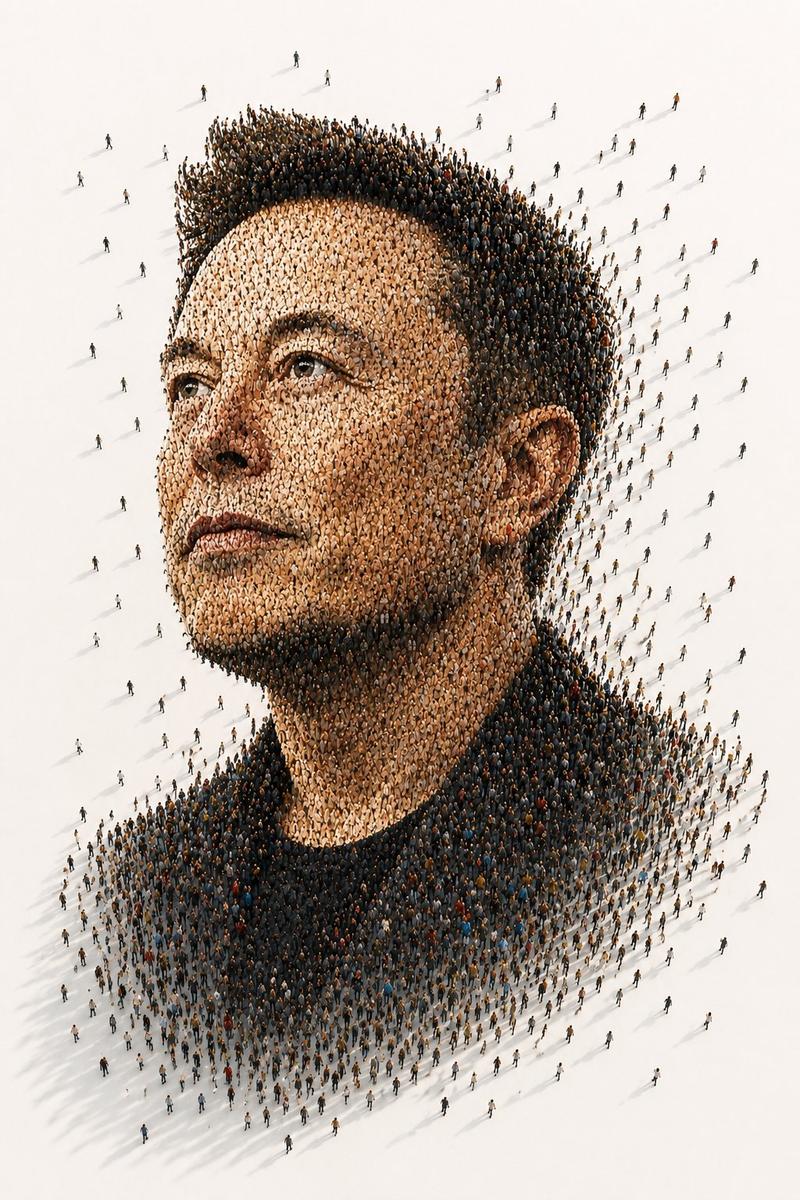
Example images

复古讽刺杂志夸张漫画肖像

Prompt
Vintage satirical magazine caricature portrait of [CHARACTER], shown as a complete head and upper-shoulders portrait with [CLOTHING]. Give the face an exaggerated goofy expression with a wide uneven grin, big ears, freckles, rounded cheeks, slightly crossed mischievous eyes, a small crooked nose, simple teeth, messy hair, and rubbery comic proportions. Use [COLORS] with flat retro magazine color blocks, bold black ink outlines, rough crosshatching, halftone dots, visible newsprint grain, imperfect screen registration, and hand-painted cover-art texture. Set the character against [BACKGROUND], drawn as an absurd editorial scenery backdrop with simple graphic shapes, comic perspective, playful visual irony, and loud vintage parody energy. Clean centered composition, full face visible, no text, no logos, aspect ratio 4:5.
Category
Charts & Infographics
Model
ChatGPT
Views13
Source ID
16871
Published
Jun 28, 2026

Guide

About "复古讽刺杂志夸张漫画肖像"

What is this prompt for?

"复古讽刺杂志夸张漫画肖像" AI image prompt for ChatGPT (Charts & Infographics). [CHARACTER] 的复古讽刺杂志夸张漫画肖像,显示为带有 [CLOTHING] 的完整头部和上肩肖像。给面部一个夸张且傻气的表情,带有宽阔且不均匀的露齿笑、大耳朵、雀斑、圆润的…

The full copyable prompt and example visuals above are ready for AI image generation or one-click recreate in Picva.

How to use this prompt

  1. Step 1

    Open the prompt detail

    Review the example visuals, category, and full prompt text for "复古讽刺杂志夸张漫画肖像".

  2. Step 2

    Copy the prompt

    Copy the prompt body from this page, or load it directly in Studio.

  3. Step 3

    Pick a model (ChatGPT)

    Prefer ChatGPT. If you switch models, keep subject and composition and tweak style terms.

  4. Step 4

    Generate and export

    Recreate the look in Picva, or export into your workflow for editing and publishing.

FAQ

What is the "复古讽刺杂志夸张漫画肖像" prompt?
It is an AI image-generation prompt for ChatGPT in the Charts & Infographics category. This page includes the full prompt text, example visuals, and a one-click recreate path in Picva.
How do I use this prompt to generate an image?
Copy the prompt from this page, or use Generate / Studio. Paste it into a compatible image model, or recreate the look in Picva with optional reference images.
Which model is this prompt for?
This page lists ChatGPT. Most descriptive prompts also transfer to nearby image models such as GPT Image, Flux, or Midjourney with light style tweaks.
Can I use the result commercially?
You can usually copy the prompt for creation, but commercial use of the final image depends on the model terms, reference-image rights, and the generated content. Follow the source author and platform rules.