19

Editorial style king: GPT Image 2 prompt
Enlarge

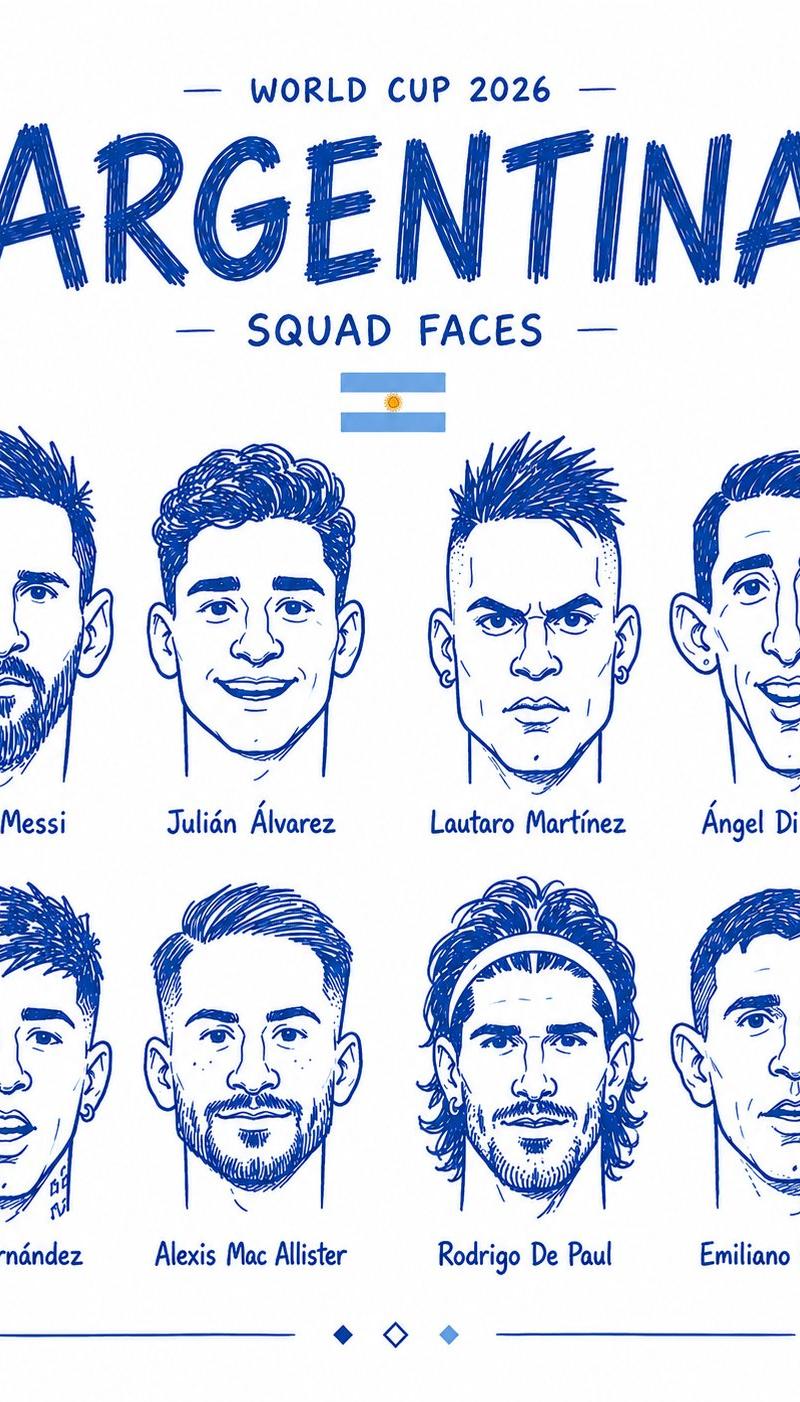
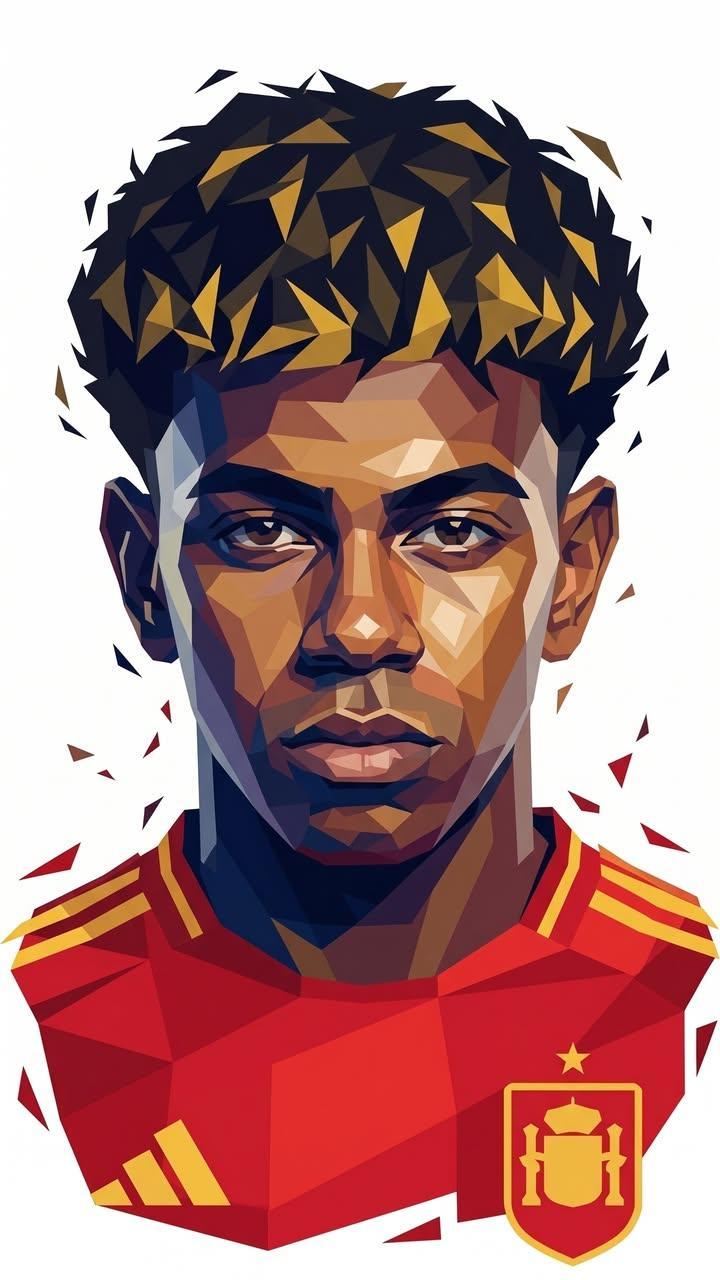
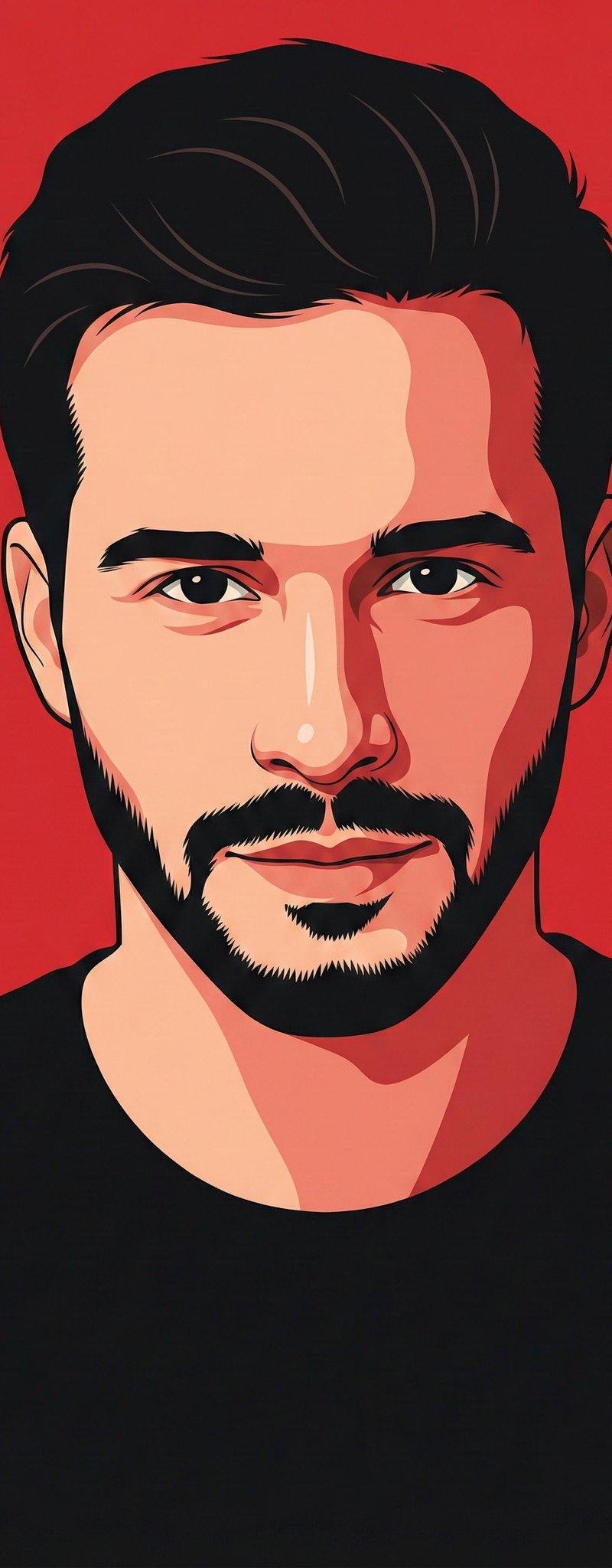
Example images

Editorial style king: GPT Image 2 prompt

Prompt
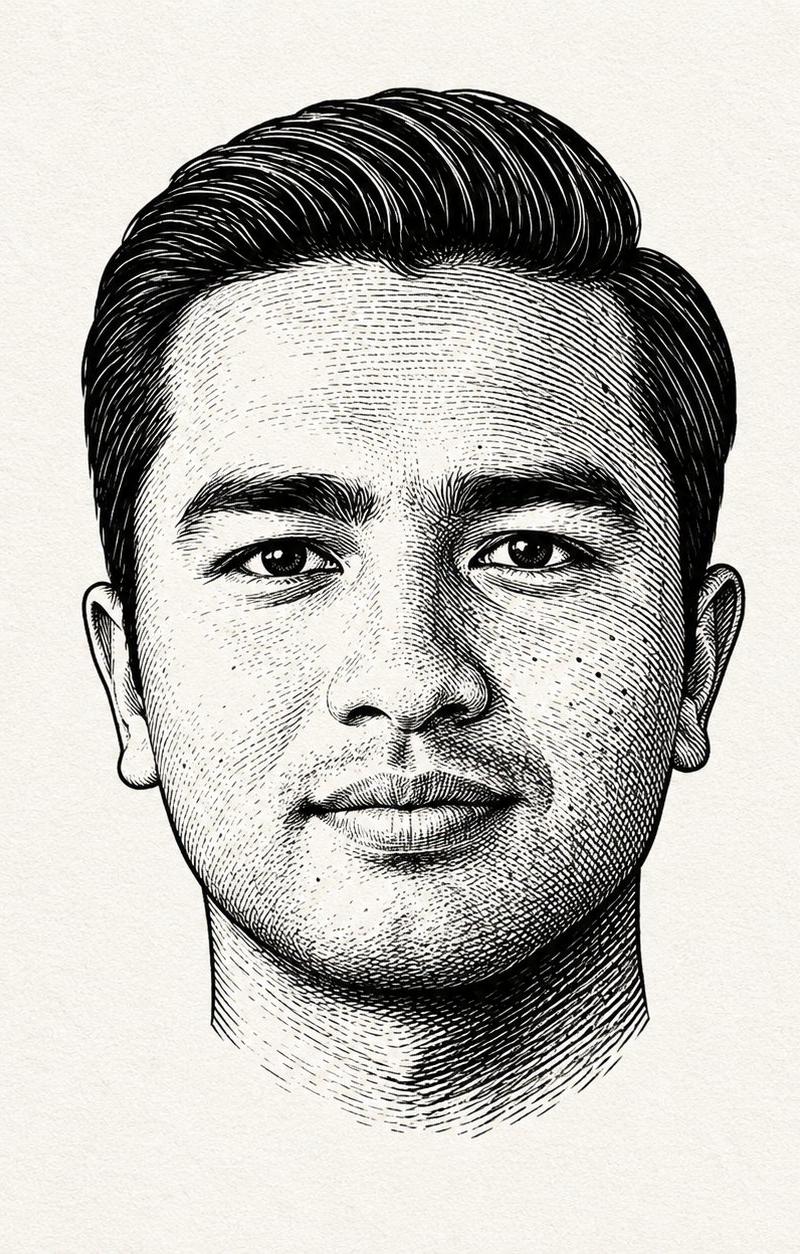
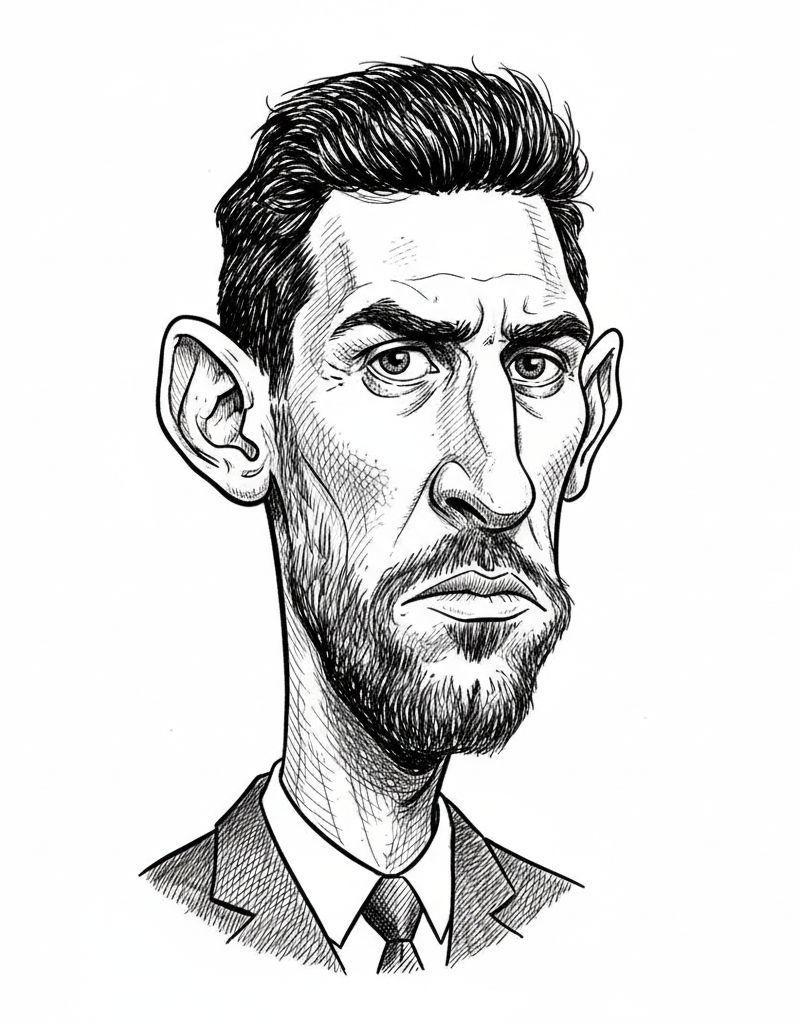
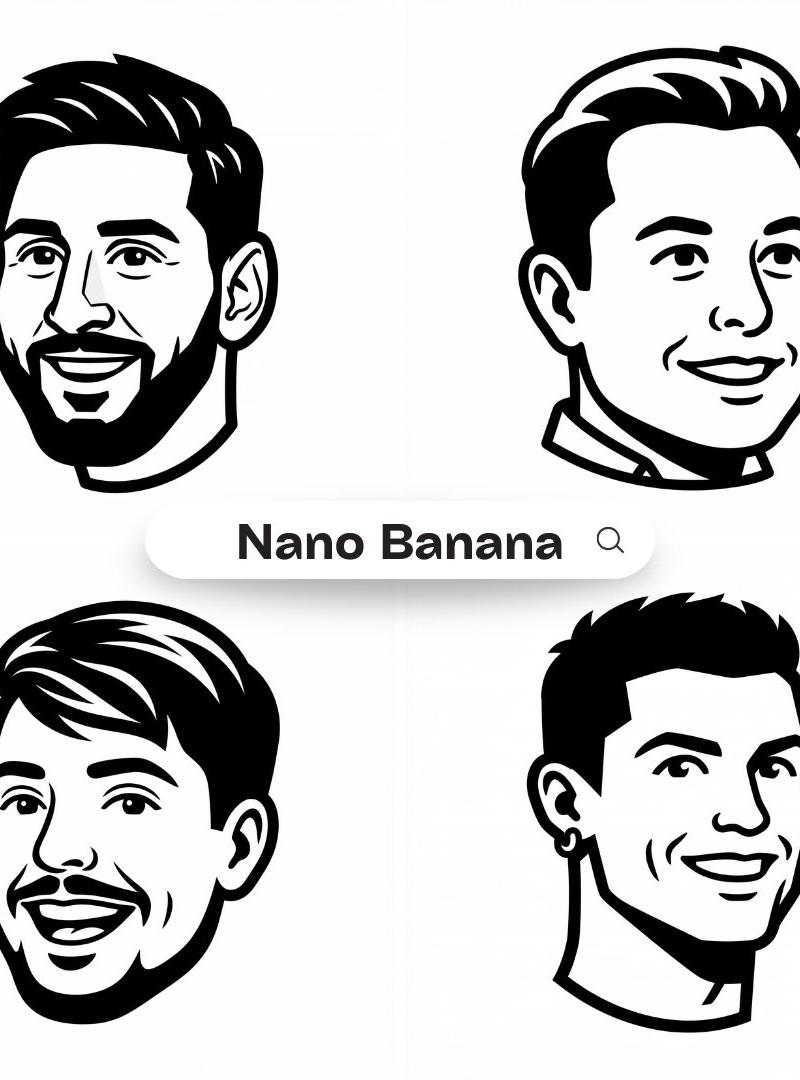
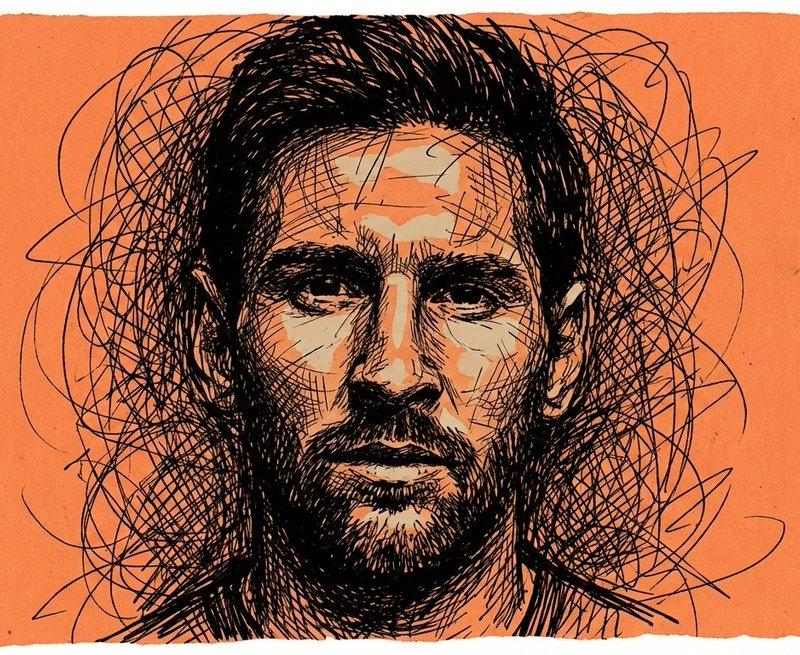
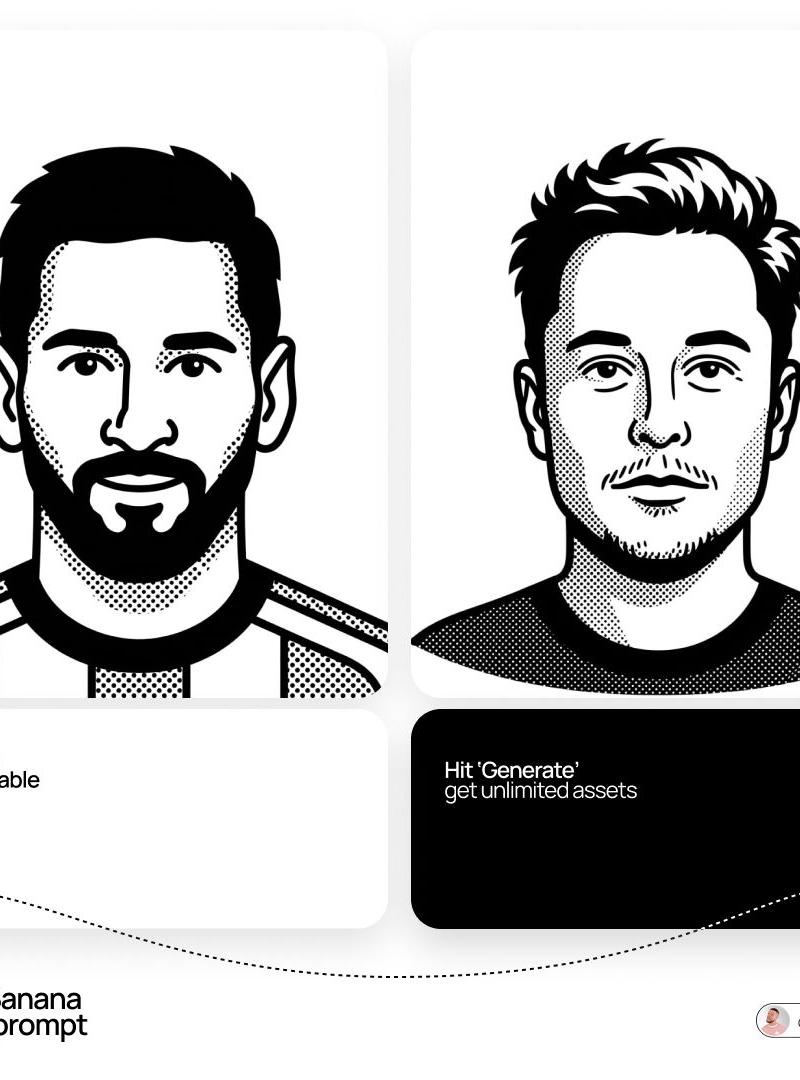
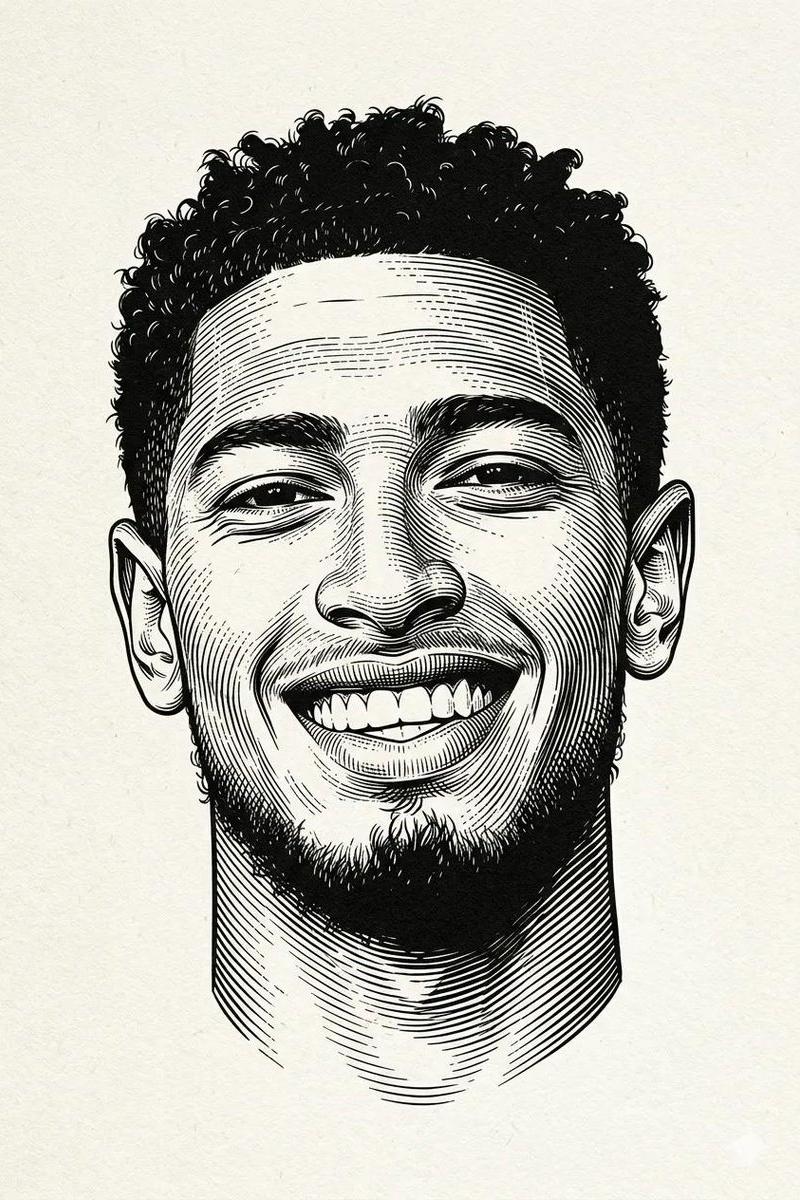
Black and white engraved portrait illustration of a person.
Drawn in classic woodcut / linocut engraving style, high contrast black ink on textured off-white paper background. Fine cross-hatching and line shading to create depth and shadow, bold black ink shadows under chin and around hair, strong contour lines, traditional printmaking aesthetic.
Minimal composition, centered portrait, no body visible, clean negative space, vintage editorial illustration style, ultra detailed linework, sharp crisp ink strokes, professional vector-ready engraving look, monochrome palette, dramatic contrast.
Negative Prompt:
color, watercolor, soft shading, blurred lines, low contrast, realistic photography, 3D render, anime style, cartoon style, messy sketch, thick uneven strokes, background objects, noisy texture, pixelated, distorted face, extra eyes, extra ears, bad anatomy, modern digital painting, glossy skin, overexposed highlights
Category
Photography & Realism
Model
GPT Image 2
Creator
simeon-sanai
Source language
en
Views0
Source ID
2042785774245154868
Published
Apr 11, 2026
Studio

Guide

About "Editorial style king: GPT Image 2 prompt"

What is this prompt for?

"Editorial style king: GPT Image 2 prompt" AI image prompt for GPT Image 2 (Photography & Realism). Black and white engraved portrait illustration of a person.…

The full copyable prompt and example visuals above are ready for AI image generation or one-click recreate in Picva.

How to use this prompt

  1. Step 1

    Open the prompt detail

    Review the example visuals, category, and full prompt text for "Editorial style king: GPT Image 2 prompt".

  2. Step 2

    Copy the prompt

    Copy the prompt body from this page, or load it directly in Studio.

  3. Step 3

    Pick a model (GPT Image 2)

    Prefer GPT Image 2. If you switch models, keep subject and composition and tweak style terms.

  4. Step 4

    Generate and export

    Recreate the look in Picva, or export into your workflow for editing and publishing.

FAQ

What is the "Editorial style king: GPT Image 2 prompt" prompt?
It is an AI image-generation prompt for GPT Image 2 in the Photography & Realism category. This page includes the full prompt text, example visuals, and a one-click recreate path in Picva.
How do I use this prompt to generate an image?
Copy the prompt from this page, or use Generate / Studio. Paste it into a compatible image model, or recreate the look in Picva with optional reference images.
Which model is this prompt for?
This page lists GPT Image 2. Most descriptive prompts also transfer to nearby image models such as GPT Image, Flux, or Midjourney with light style tweaks.
Can I use the result commercially?
You can usually copy the prompt for creation, but commercial use of the final image depends on the model terms, reference-image rights, and the generated content. Follow the source author and platform rules.