17

Notion-style monoline avatar: GPT Image 2 prompt
Enlarge

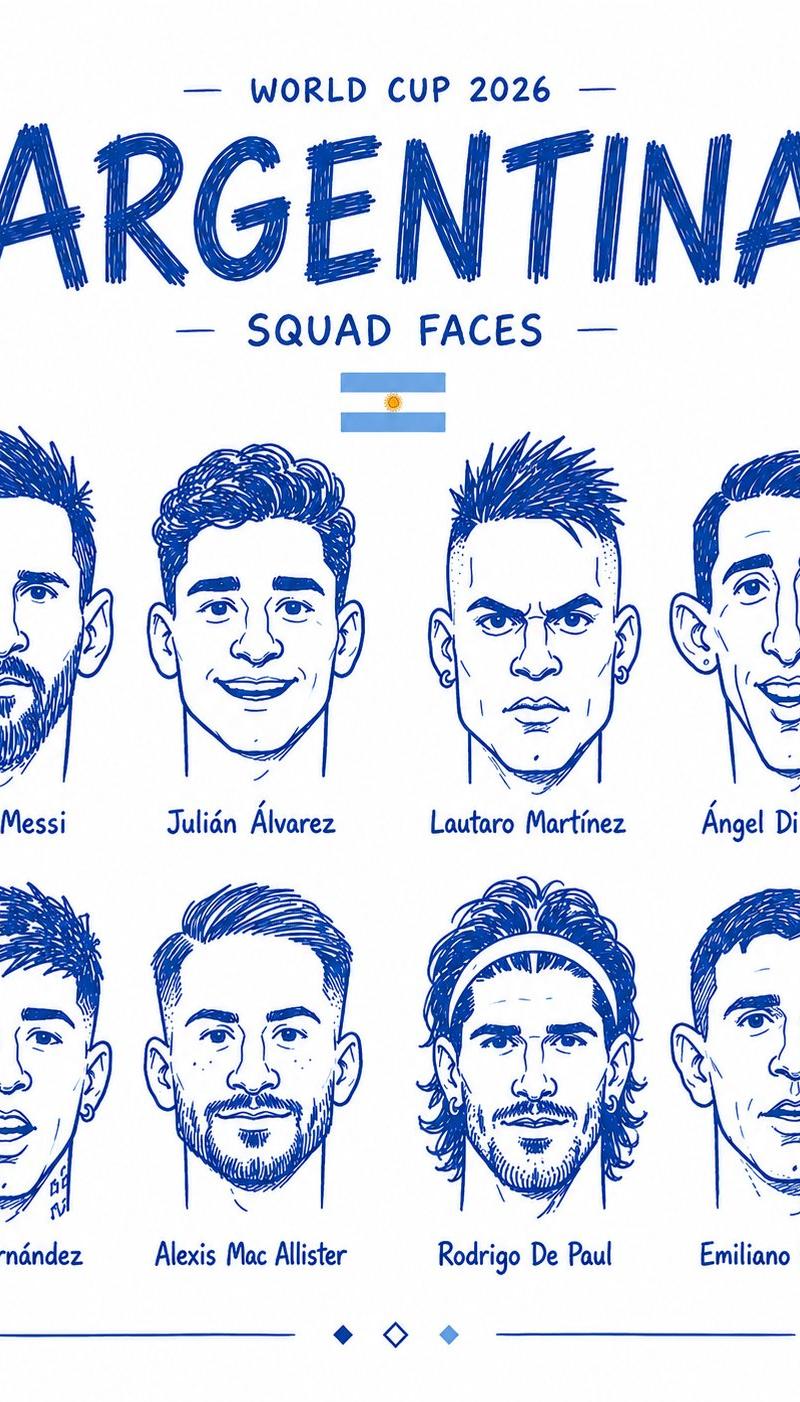
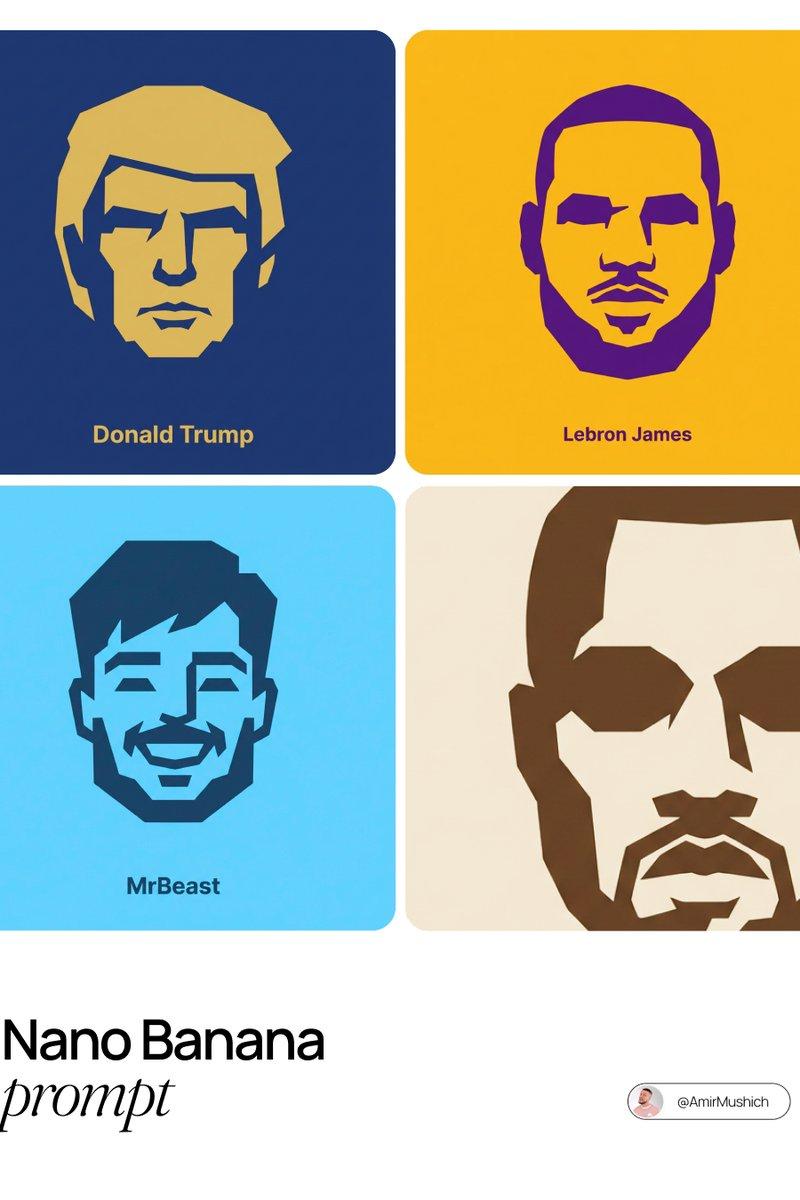
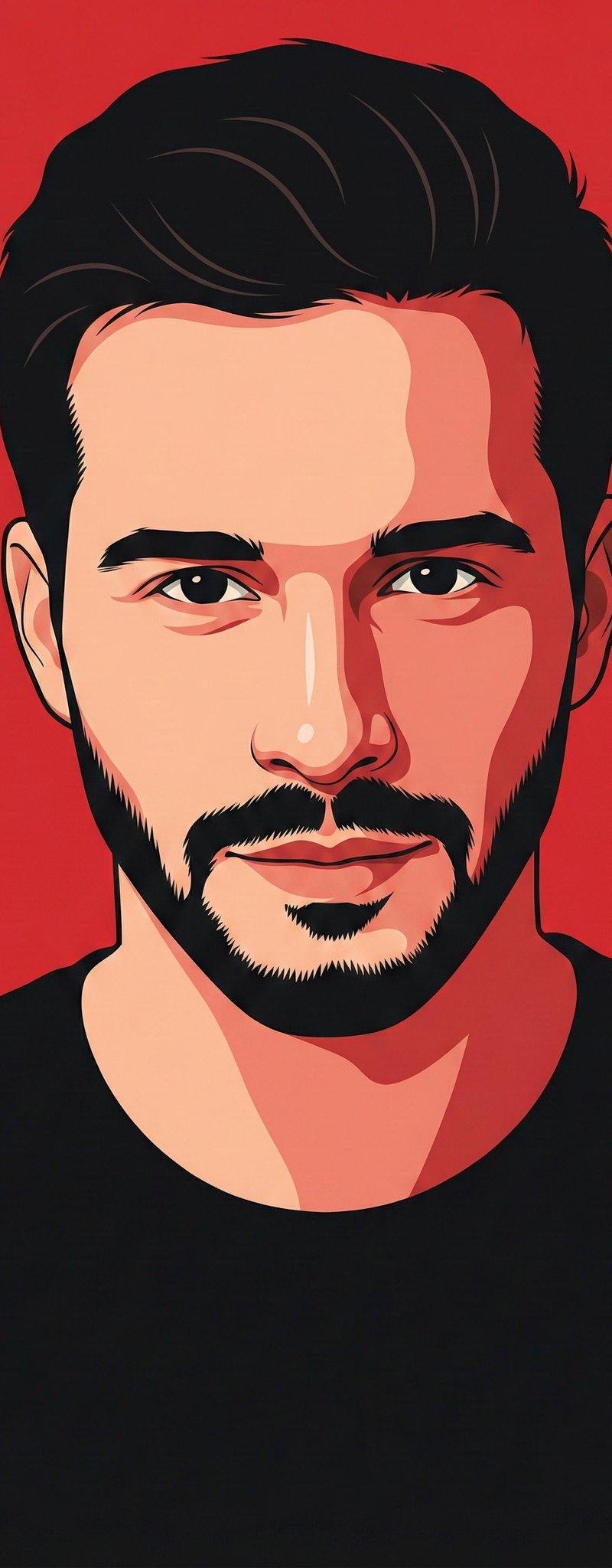
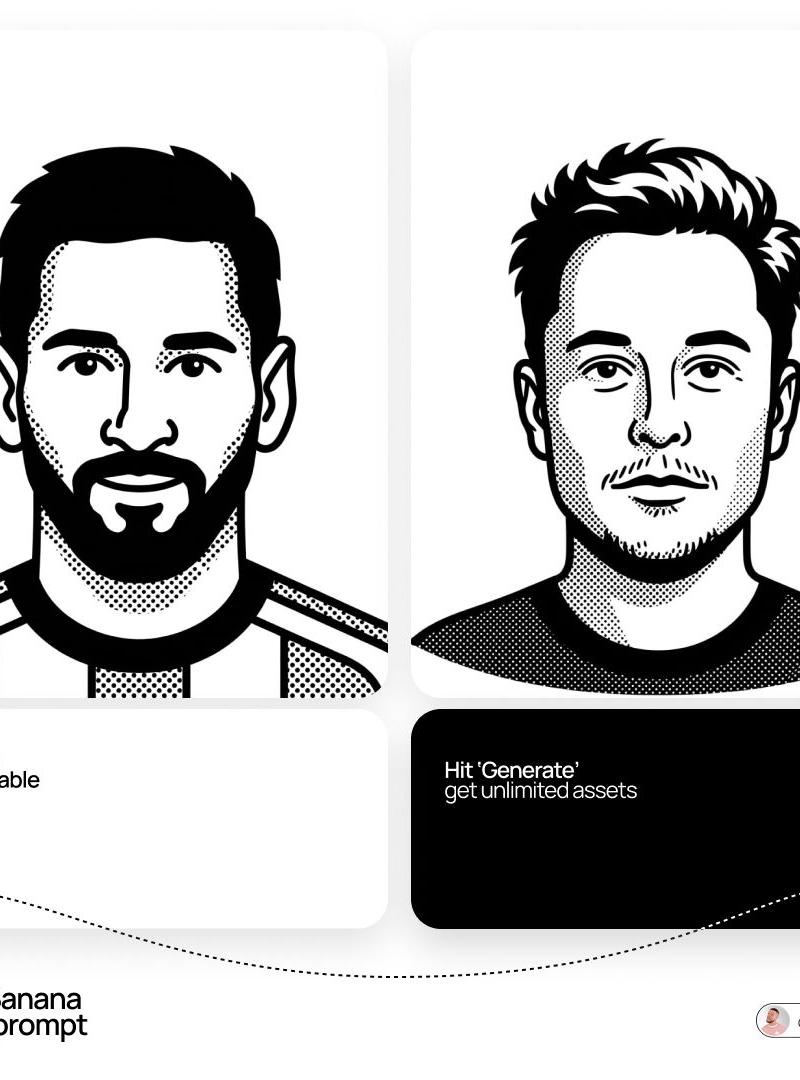
Example images

Notion-style monoline avatar: GPT Image 2 prompt

Prompt
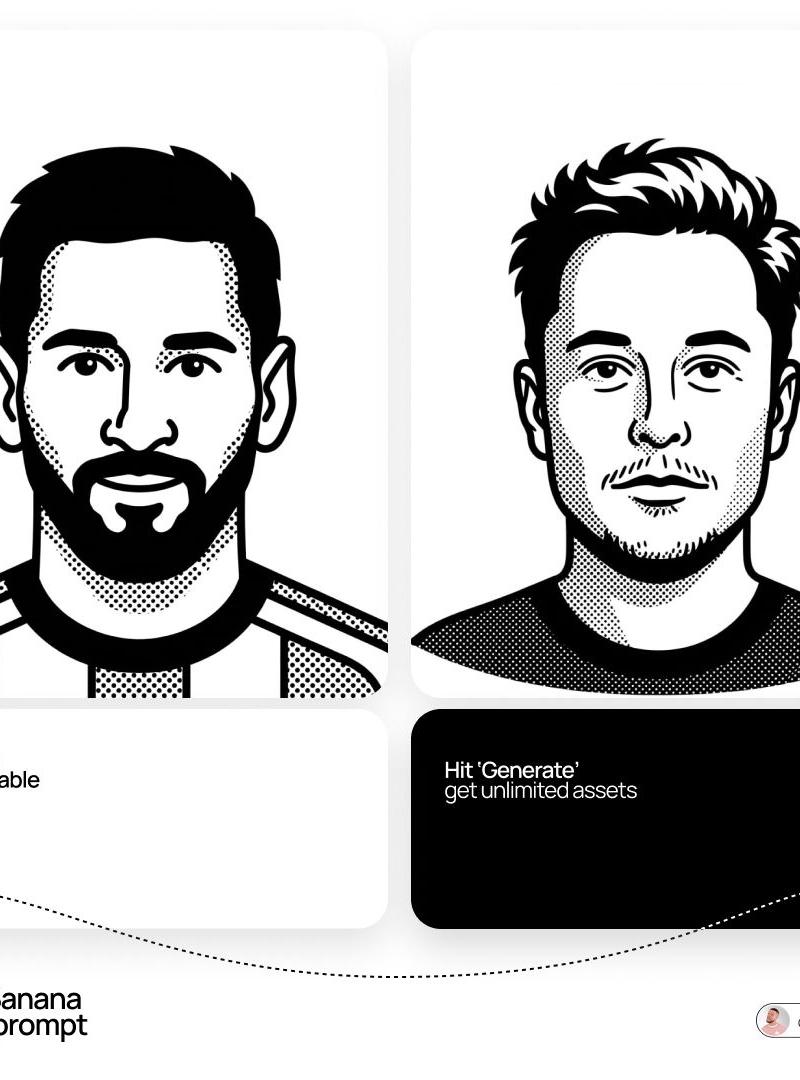
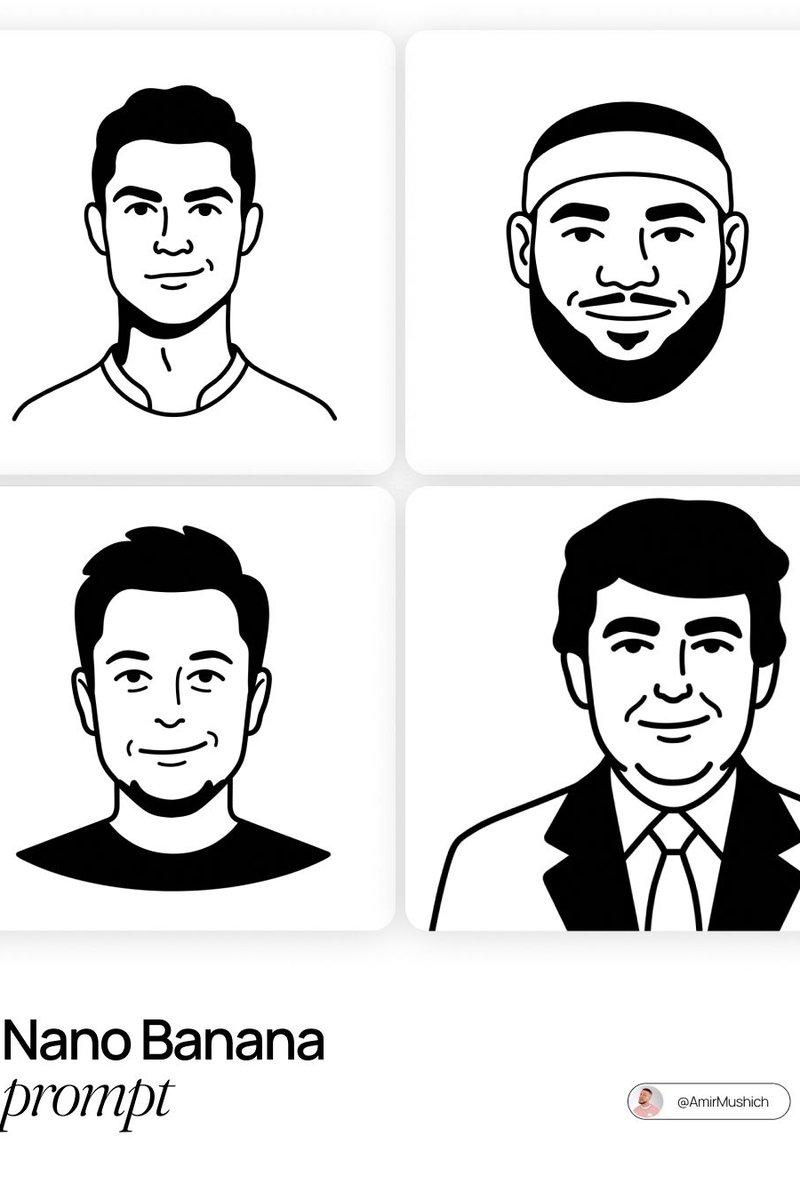
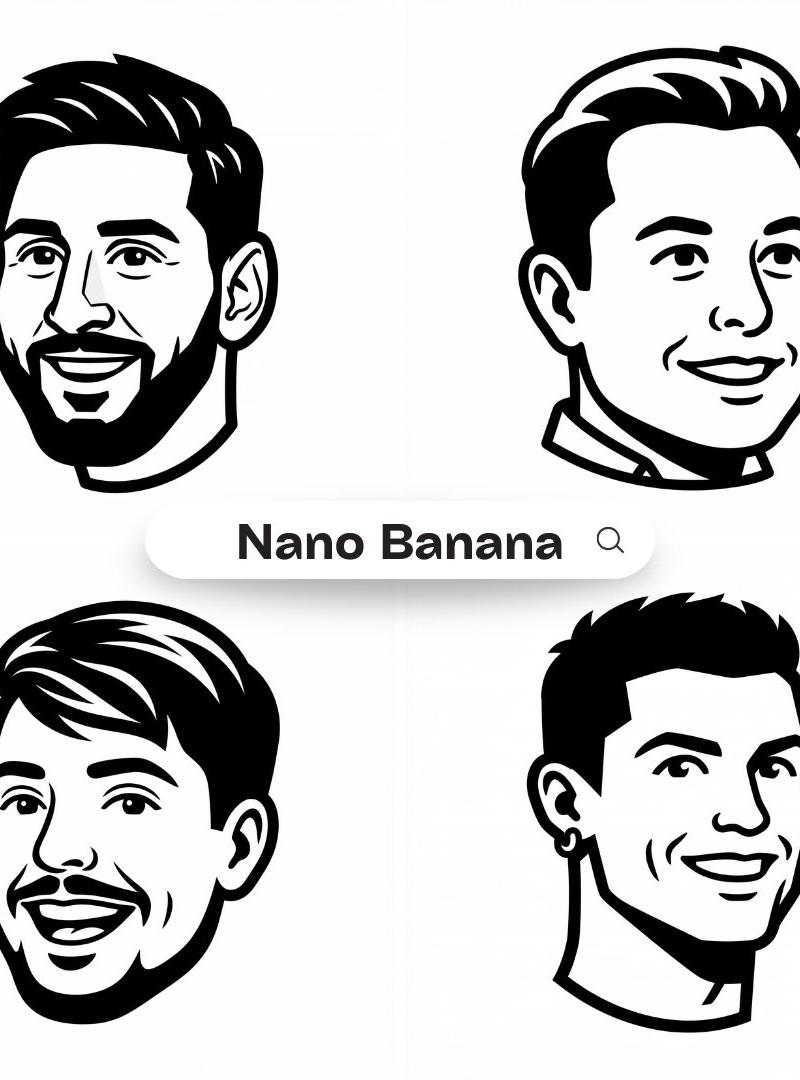
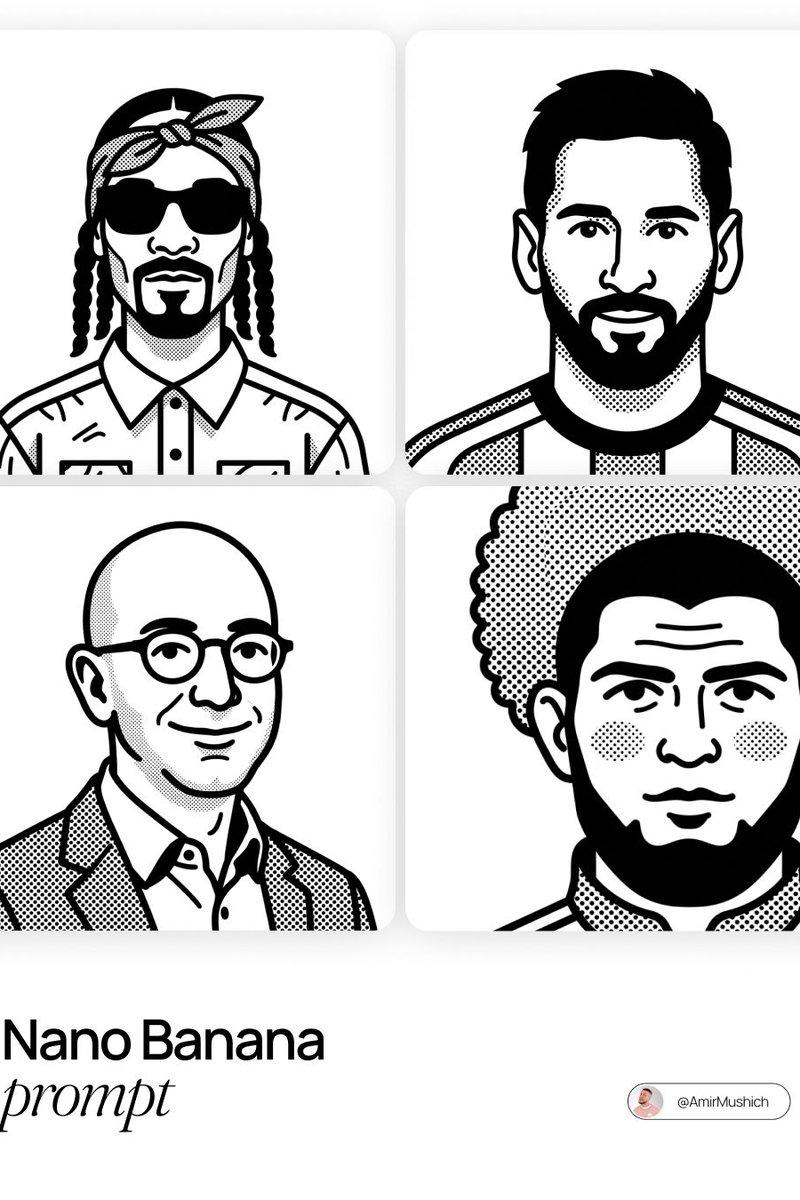
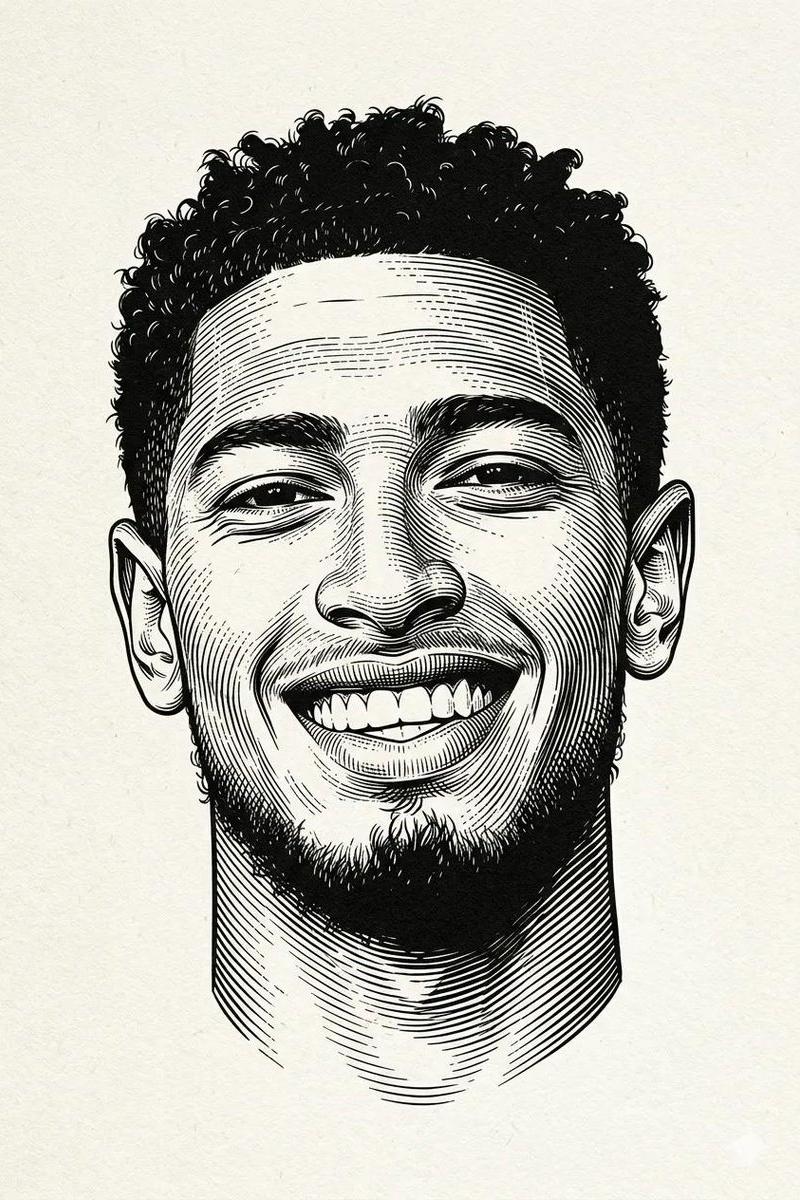
A minimalist, black-and-white flat vector illustration portrait of [NAME], rendered in the expressive "Notion avatar" art style.
LINE WORK & VIBE:
Style: Use THICK, UNIFORM black outlines (monoline weight). The lines should feel organic, smooth, and confident, not rigidly geometric or robotic like generic icons.
Vibe: The character should have a distinct personality and a relaxed, cool, or friendly expression. Focus on stylized features, unique hairstyles, and defining accessories to convey character.
SELECTIVE BLACK FILLS (CRITICAL):
Unlike pure outline icons, utilize Solid Black Fills selectively and strategically.
Where to Fill: Use solid black for prominent hair masses, beards, eyebrows, sunglasses, or dark clothing elements.
Where to Keep White: The skin, main face area, and lighter elements must remain pure flat white inside the thick outlines.
COMPOSITION & TECHNICAL:
No shading, no gray tones, no gradients. Only pure Black and pure White.
Clean bust or headshot composition centered on a white background.
High contrast, clean 2D vector graphics.
Category
Photography & Realism
Model
GPT Image 2
Creator
AmirMušić
Source language
en
Views0
Source ID
2035793669911896120
Published
Mar 22, 2026
Studio

Guide

About "Notion-style monoline avatar: GPT Image 2 prompt"

What is this prompt for?

"Notion-style monoline avatar: GPT Image 2 prompt" AI image prompt for GPT Image 2 (Photography & Realism). A minimalist, black-and-white flat vector illustrat…

The full copyable prompt and example visuals above are ready for AI image generation or one-click recreate in Picva.

How to use this prompt

  1. Step 1

    Open the prompt detail

    Review the example visuals, category, and full prompt text for "Notion-style monoline avatar: GPT Image 2 prompt".

  2. Step 2

    Copy the prompt

    Copy the prompt body from this page, or load it directly in Studio.

  3. Step 3

    Pick a model (GPT Image 2)

    Prefer GPT Image 2. If you switch models, keep subject and composition and tweak style terms.

  4. Step 4

    Generate and export

    Recreate the look in Picva, or export into your workflow for editing and publishing.

FAQ

What is the "Notion-style monoline avatar: GPT Image 2 prompt" prompt?
It is an AI image-generation prompt for GPT Image 2 in the Photography & Realism category. This page includes the full prompt text, example visuals, and a one-click recreate path in Picva.
How do I use this prompt to generate an image?
Copy the prompt from this page, or use Generate / Studio. Paste it into a compatible image model, or recreate the look in Picva with optional reference images.
Which model is this prompt for?
This page lists GPT Image 2. Most descriptive prompts also transfer to nearby image models such as GPT Image, Flux, or Midjourney with light style tweaks.
Can I use the result commercially?
You can usually copy the prompt for creation, but commercial use of the final image depends on the model terms, reference-image rights, and the generated content. Follow the source author and platform rules.