18

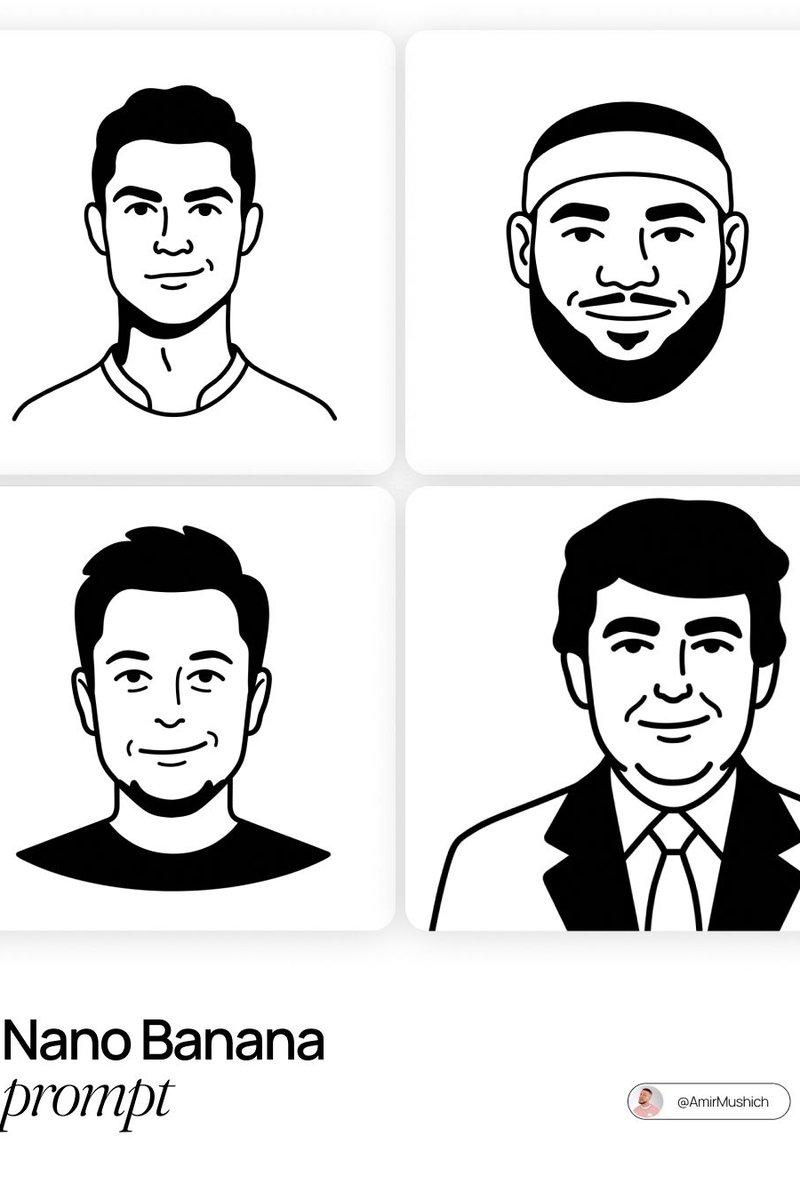
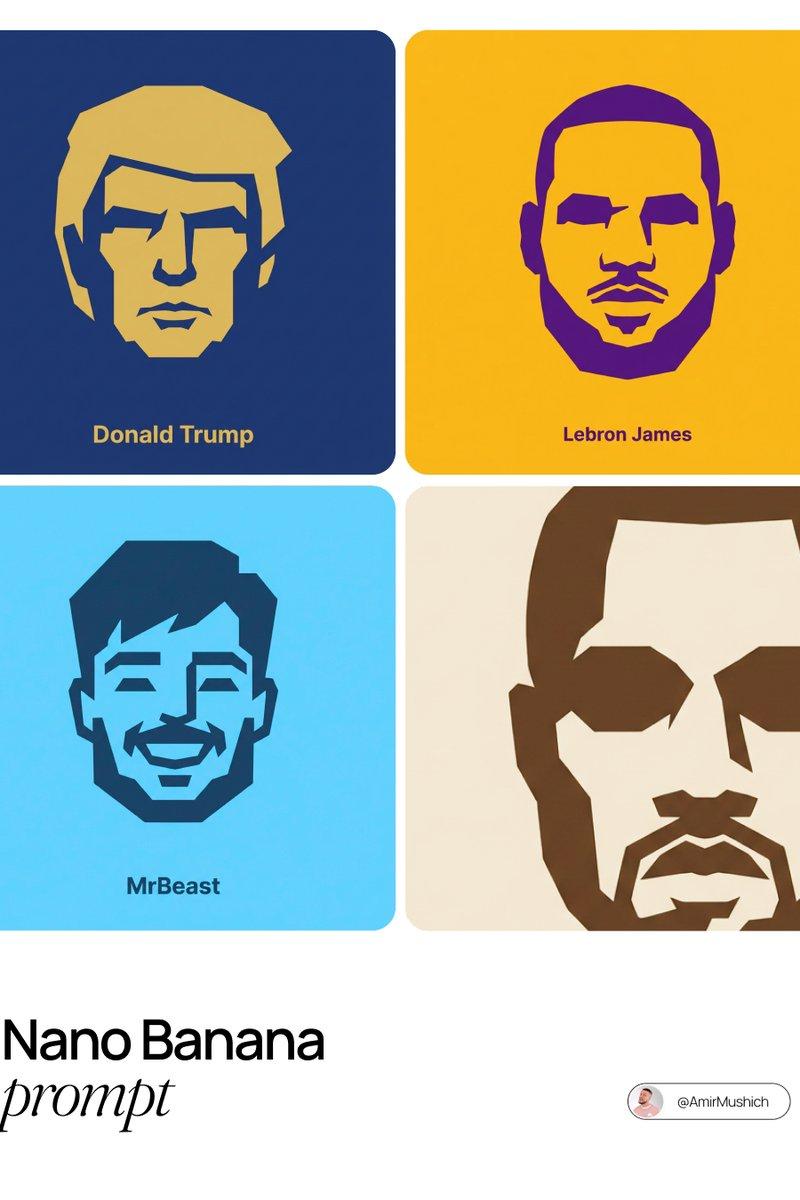
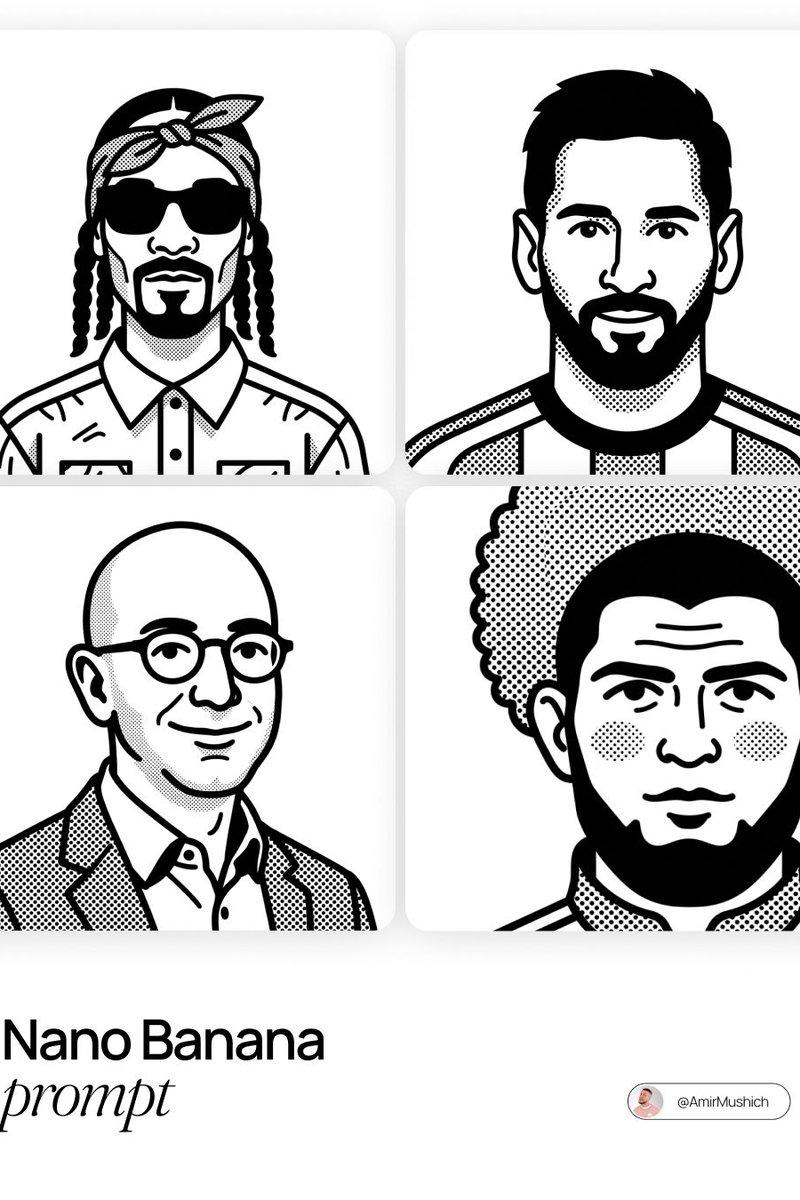
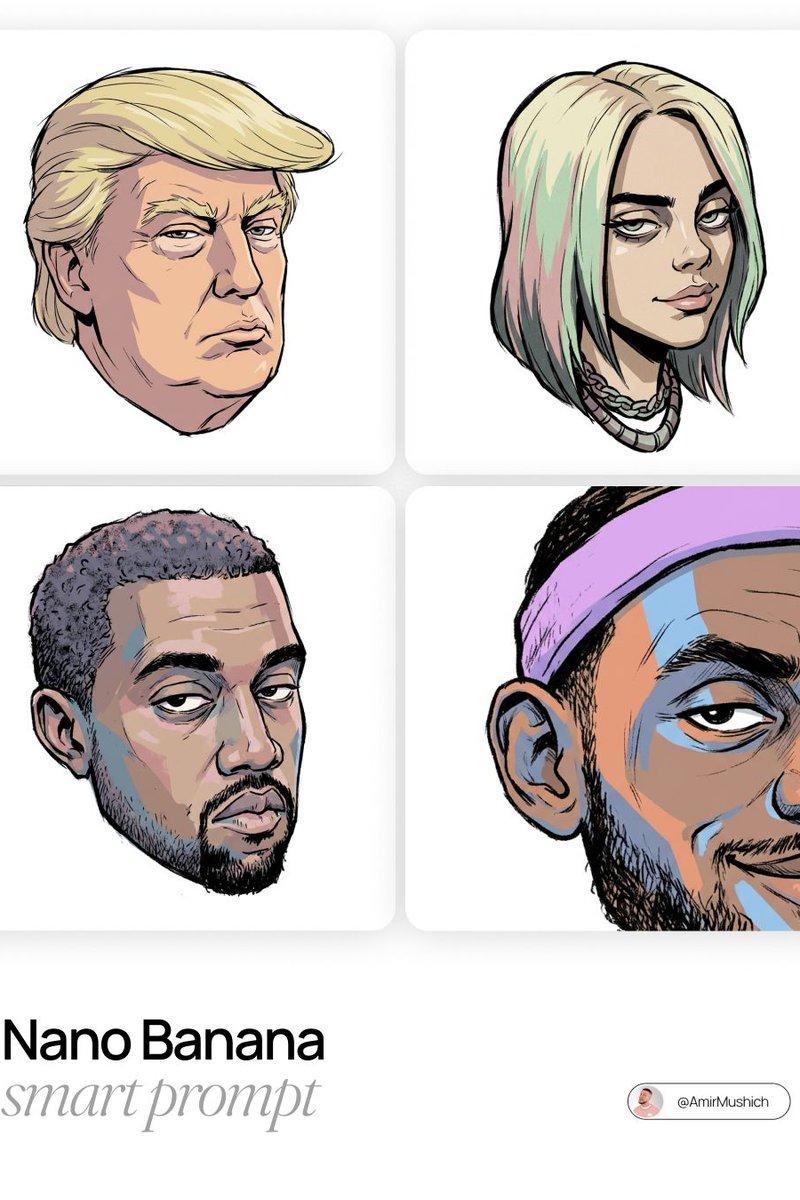
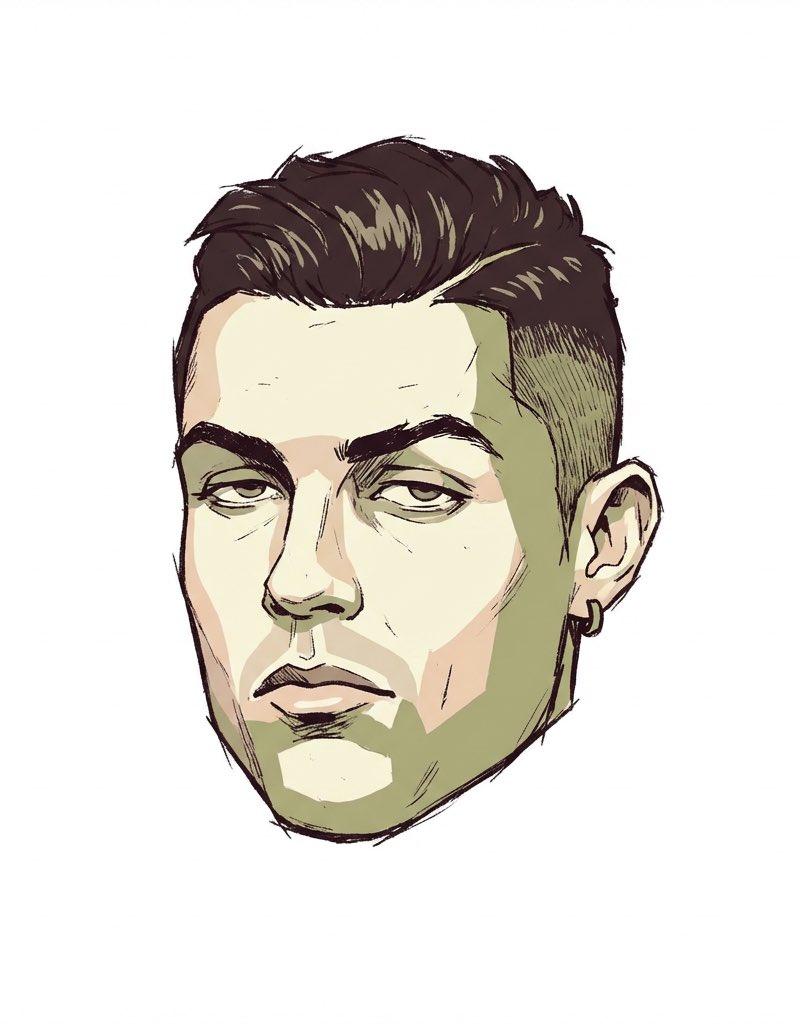
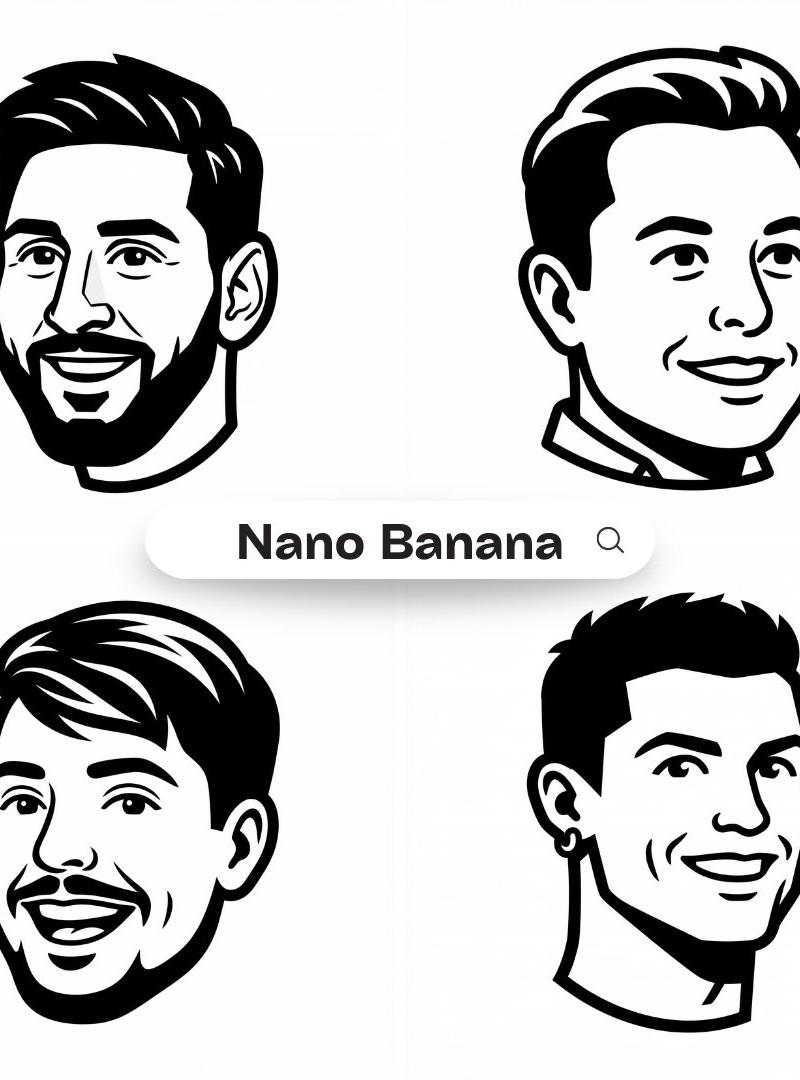
Notion mascot head icon: GPT Image 2 prompt
Enlarge

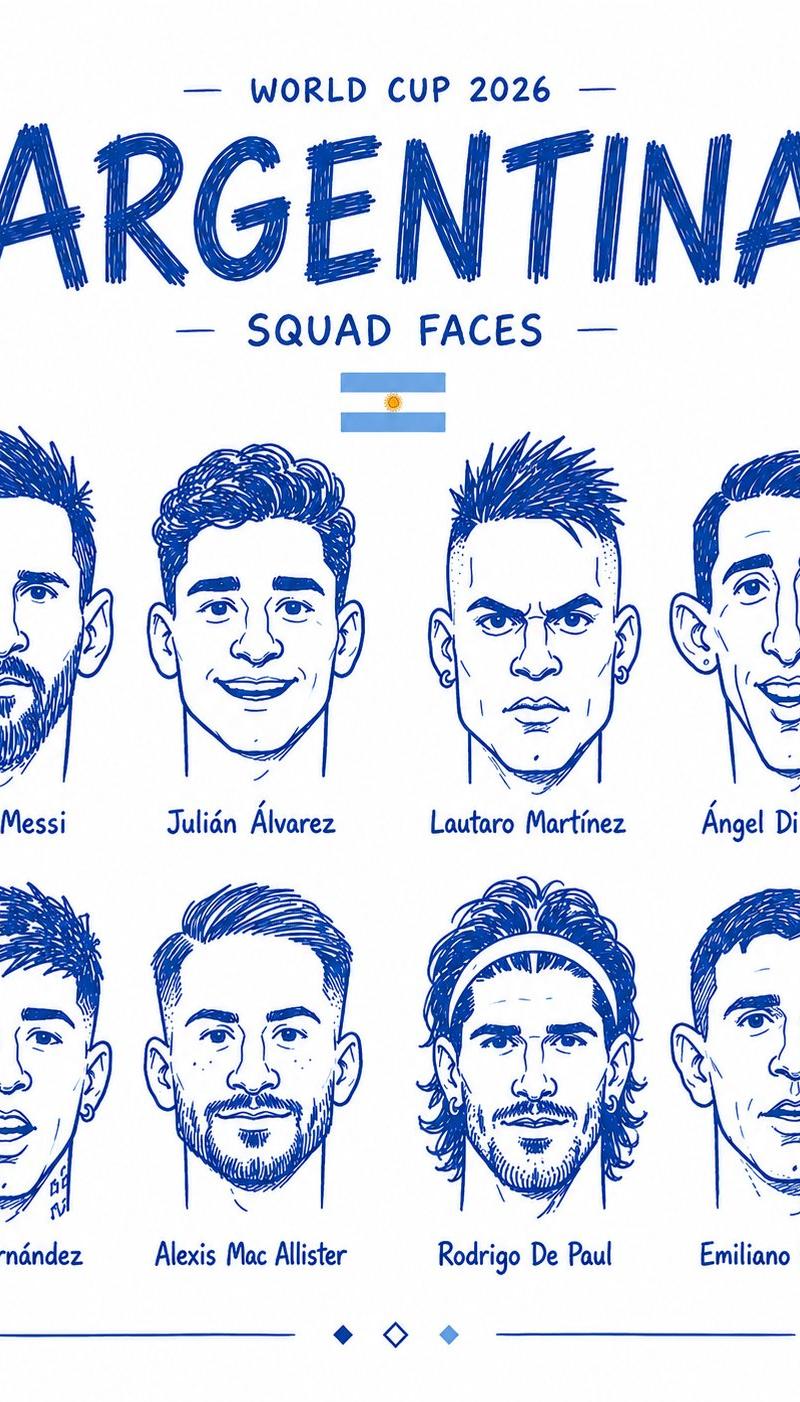
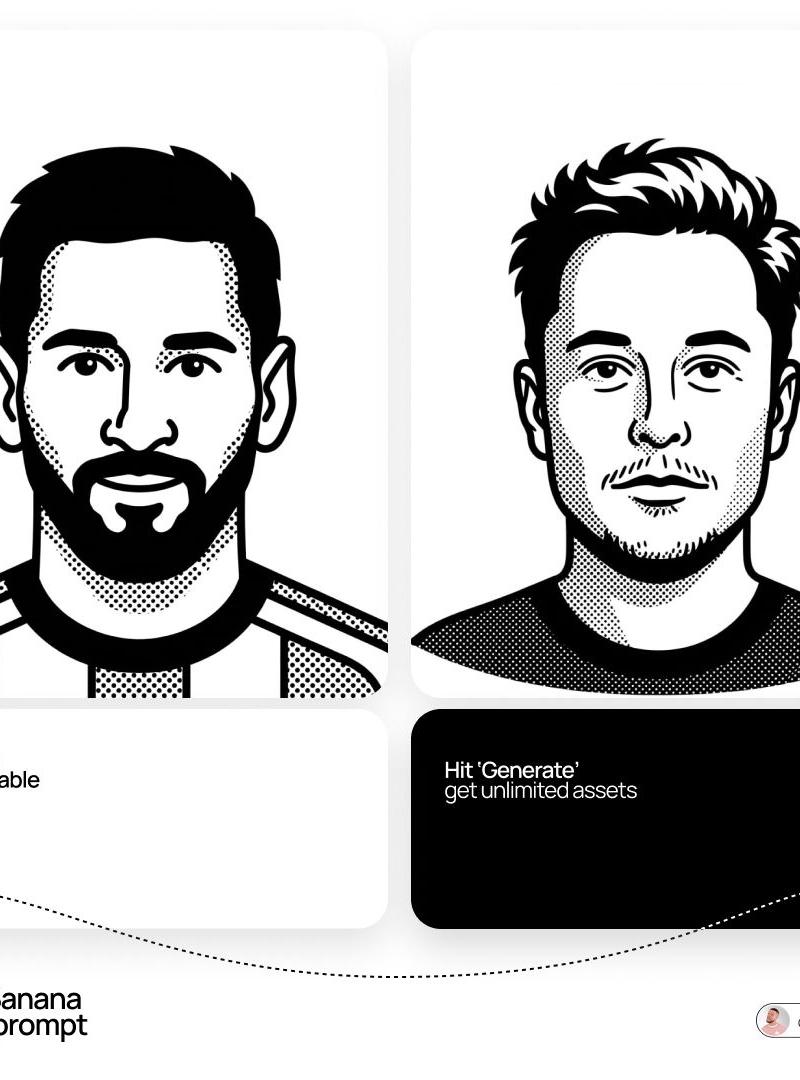
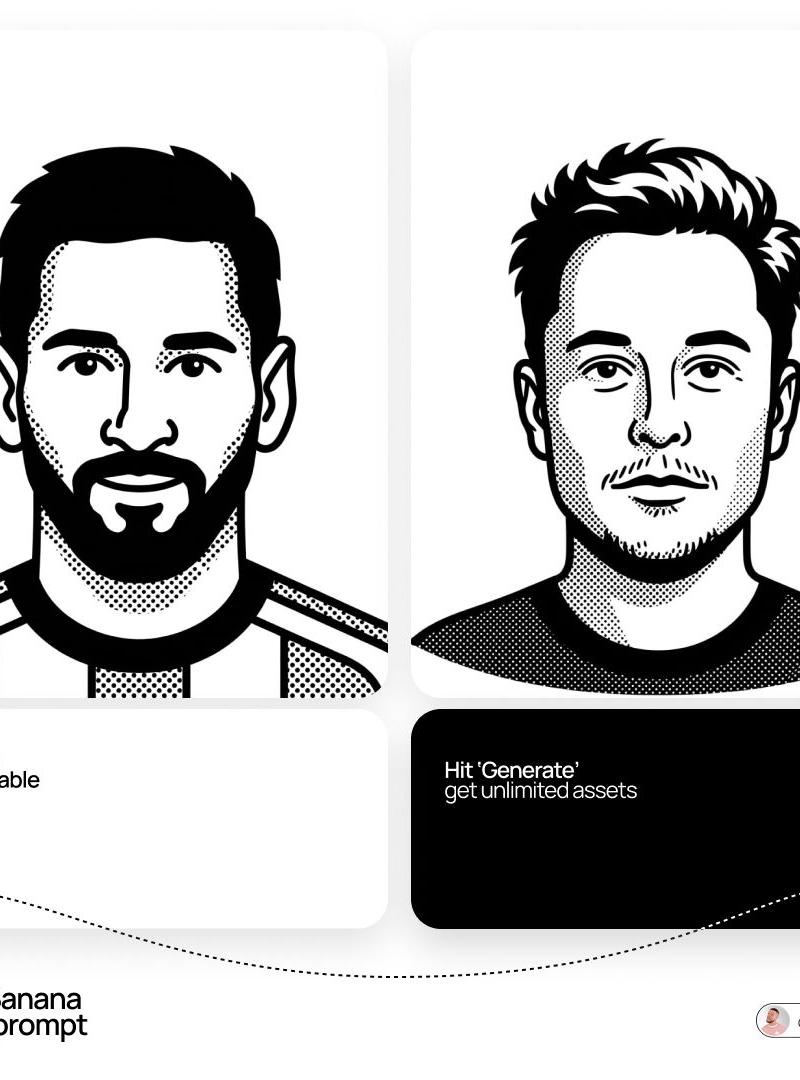
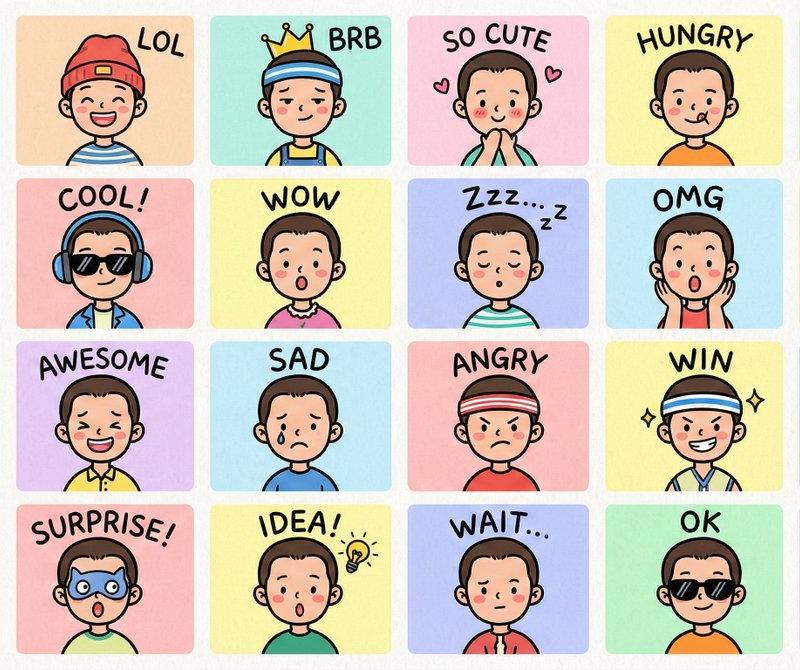
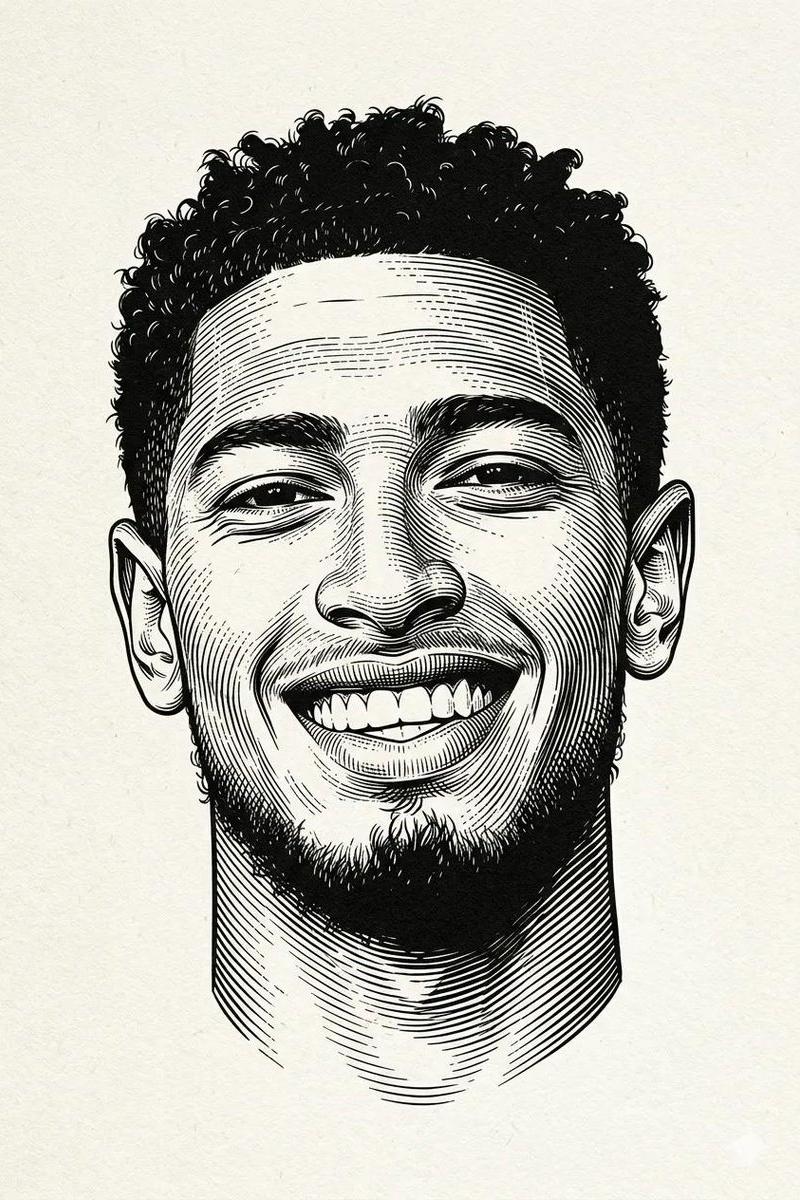
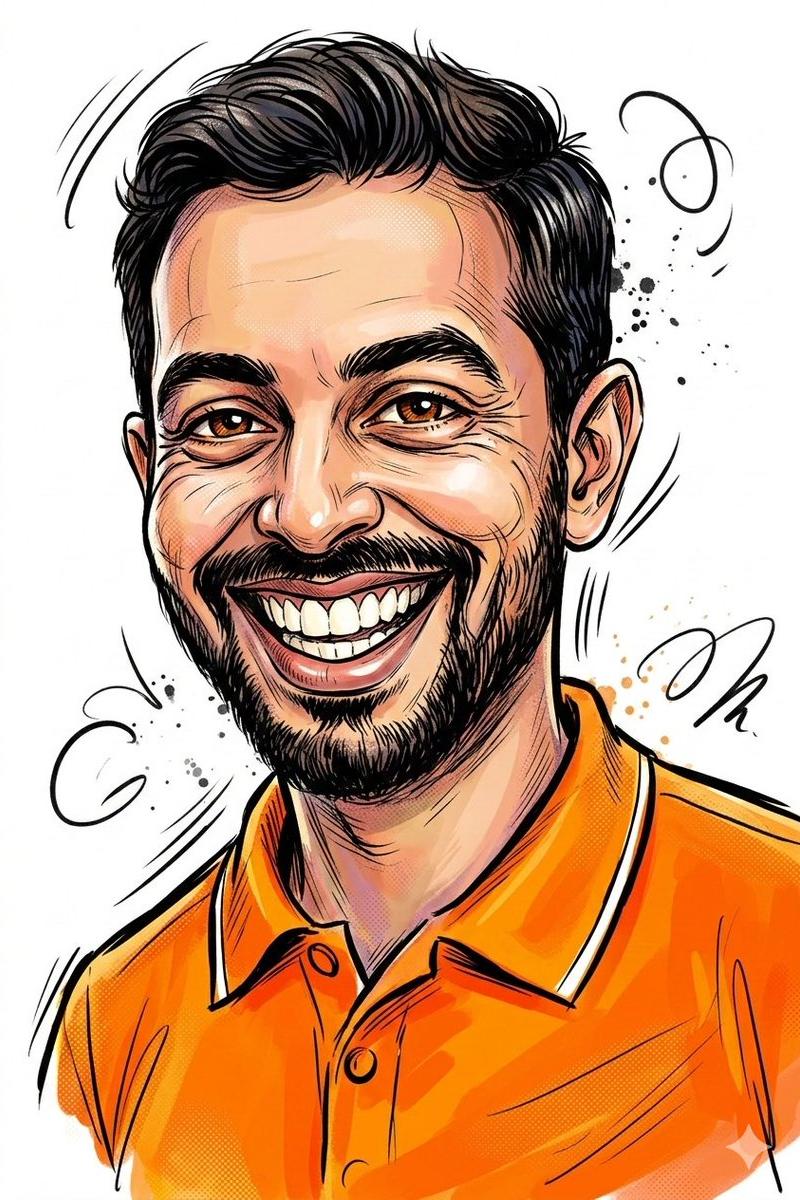
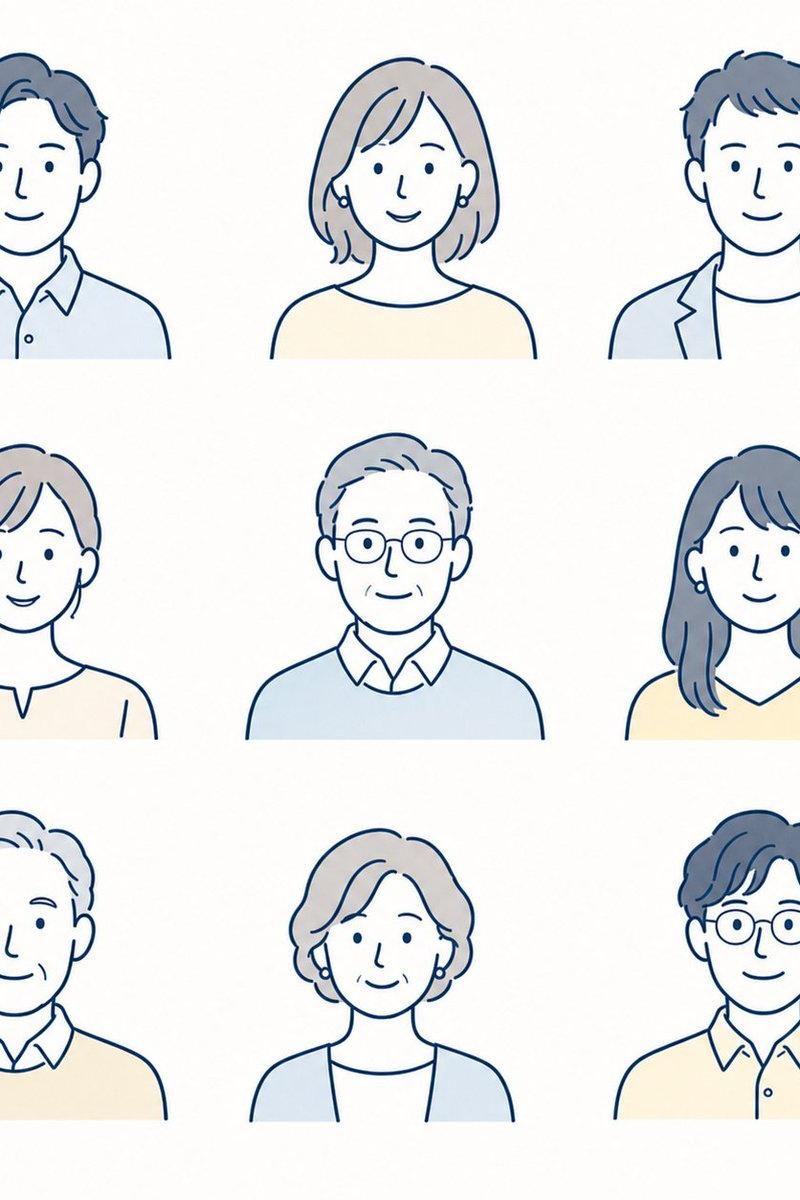
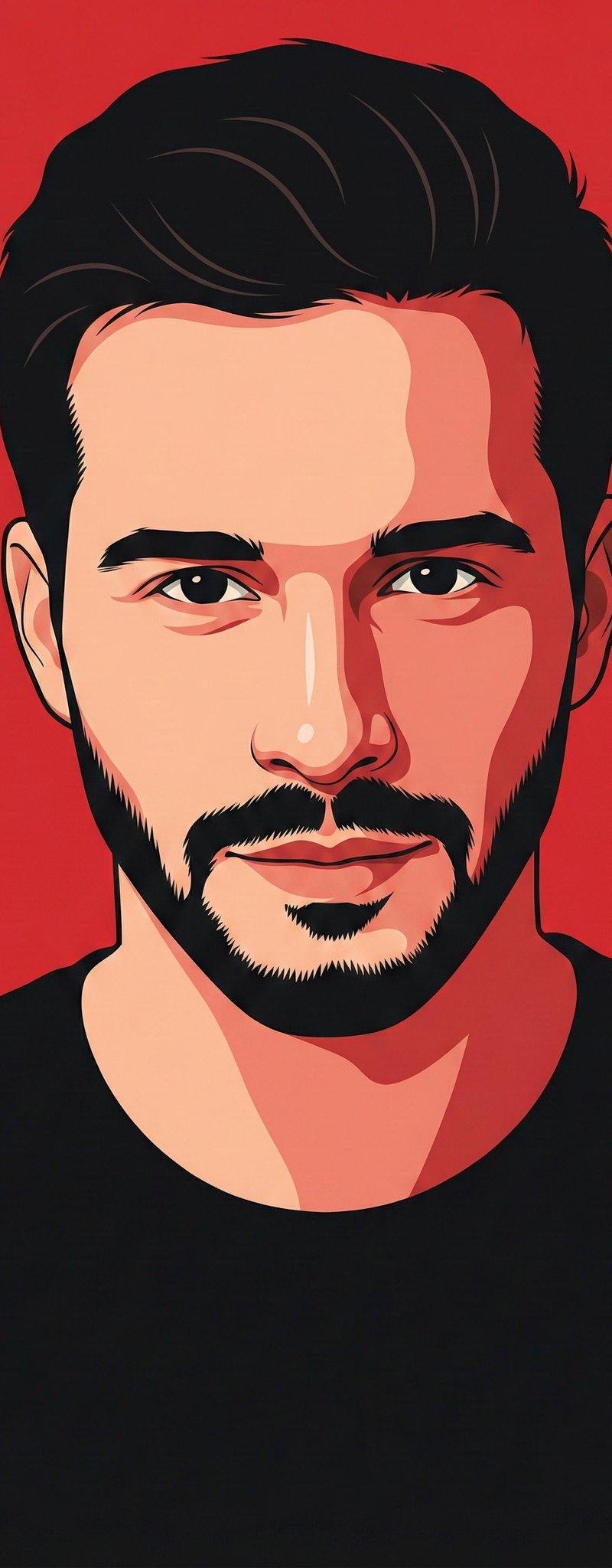
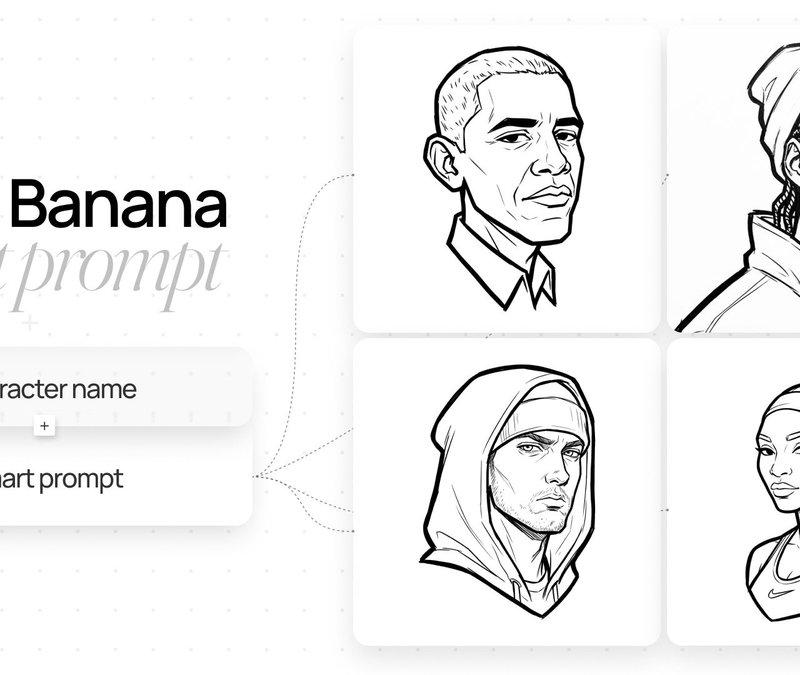
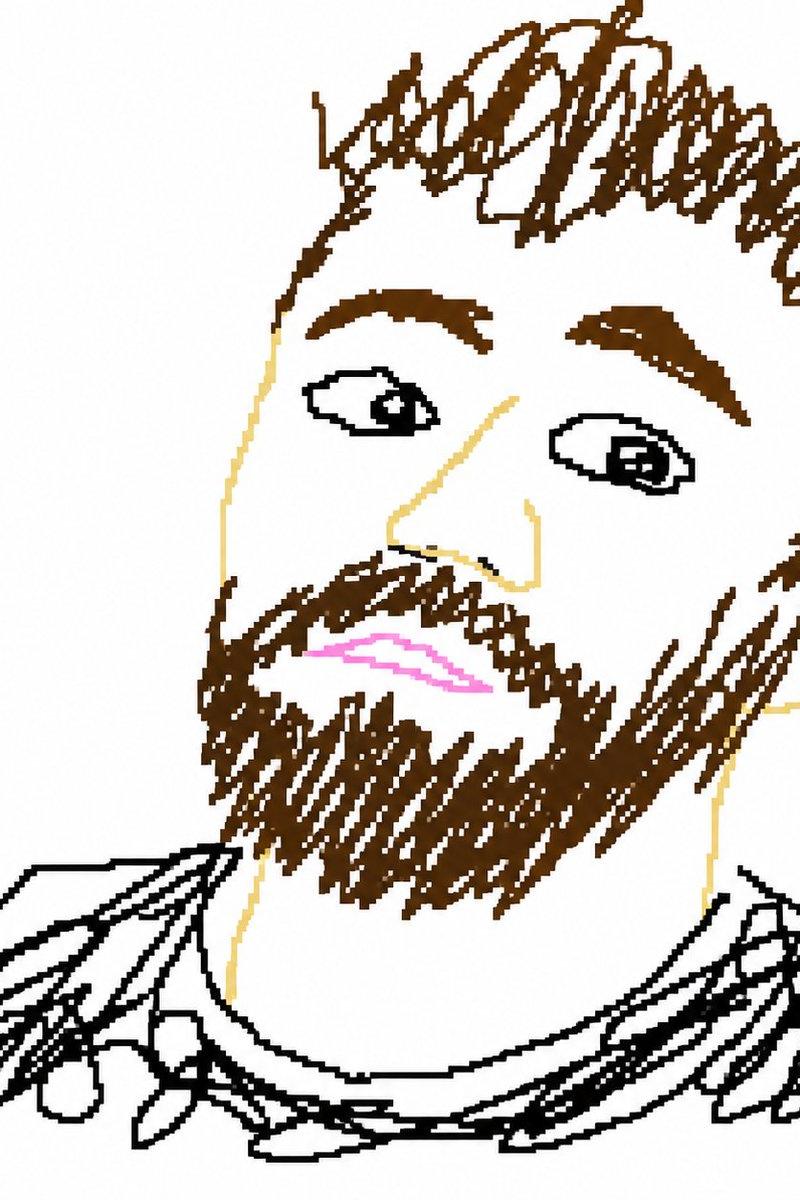
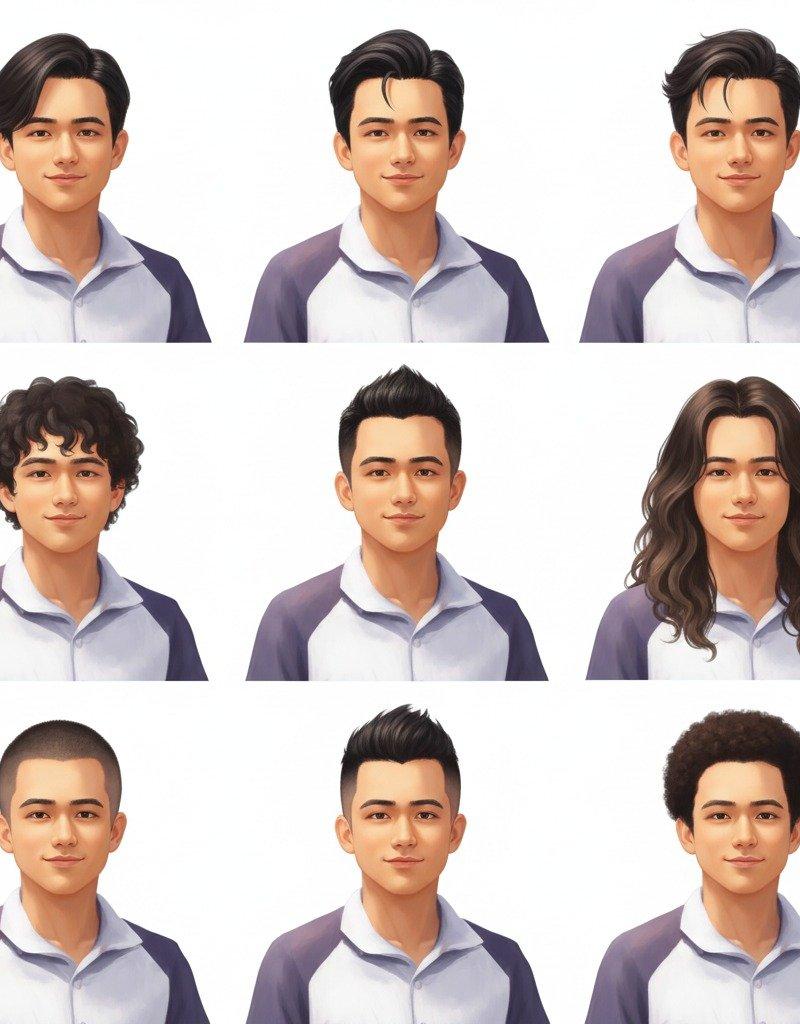
Example images

Notion mascot head icon: GPT Image 2 prompt

Prompt
Create a clean high-contrast vector mascot icon in Notion-style artwork based on [person description]. Show only the head in a 3/4 view. Use very thick bold black outer outlines and slightly thinner inner detail lines. Flat monochrome fill. Simplify facial features into strong geometric shapes while preserving recognizable traits such as bald head or hairstyle, beard shape, glasses shape, eyebrows, and smile. Expression should be friendly and slightly exaggerated. Teeth are simplified into clean flat blocks. pure white background. Modern startup mascot logo aesthetic, clean SVG vector look, crisp edges, black and white only, high contrast, symmetrical balance, square composition, 1:1 aspect ratio
Category
Brand & Logos
Model
GPT Image 2
Creator
Amira Zairi
Source language
en
Views0
Source ID
2032819091485110500
Published
Mar 14, 2026
Studio

Guide

About "Notion mascot head icon: GPT Image 2 prompt"

What is this prompt for?

"Notion mascot head icon: GPT Image 2 prompt" AI image prompt for GPT Image 2 (Brand & Logos). Create a clean high-contrast vector mascot icon in Notion-style…

The full copyable prompt and example visuals above are ready for AI image generation or one-click recreate in Picva.

How to use this prompt

  1. Step 1

    Open the prompt detail

    Review the example visuals, category, and full prompt text for "Notion mascot head icon: GPT Image 2 prompt".

  2. Step 2

    Copy the prompt

    Copy the prompt body from this page, or load it directly in Studio.

  3. Step 3

    Pick a model (GPT Image 2)

    Prefer GPT Image 2. If you switch models, keep subject and composition and tweak style terms.

  4. Step 4

    Generate and export

    Recreate the look in Picva, or export into your workflow for editing and publishing.

FAQ

What is the "Notion mascot head icon: GPT Image 2 prompt" prompt?
It is an AI image-generation prompt for GPT Image 2 in the Brand & Logos category. This page includes the full prompt text, example visuals, and a one-click recreate path in Picva.
How do I use this prompt to generate an image?
Copy the prompt from this page, or use Generate / Studio. Paste it into a compatible image model, or recreate the look in Picva with optional reference images.
Which model is this prompt for?
This page lists GPT Image 2. Most descriptive prompts also transfer to nearby image models such as GPT Image, Flux, or Midjourney with light style tweaks.
Can I use the result commercially?
You can usually copy the prompt for creation, but commercial use of the final image depends on the model terms, reference-image rights, and the generated content. Follow the source author and platform rules.