20

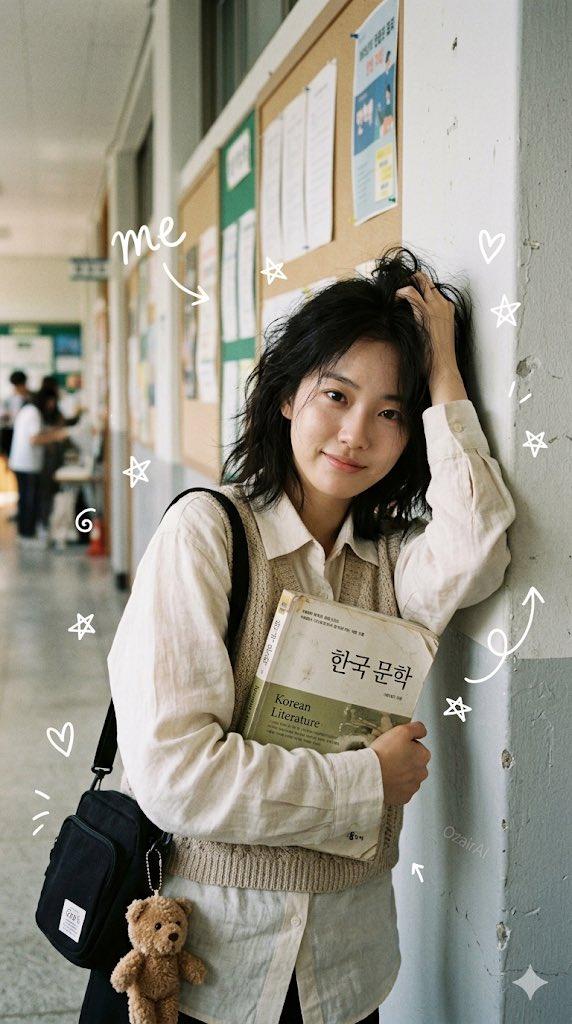
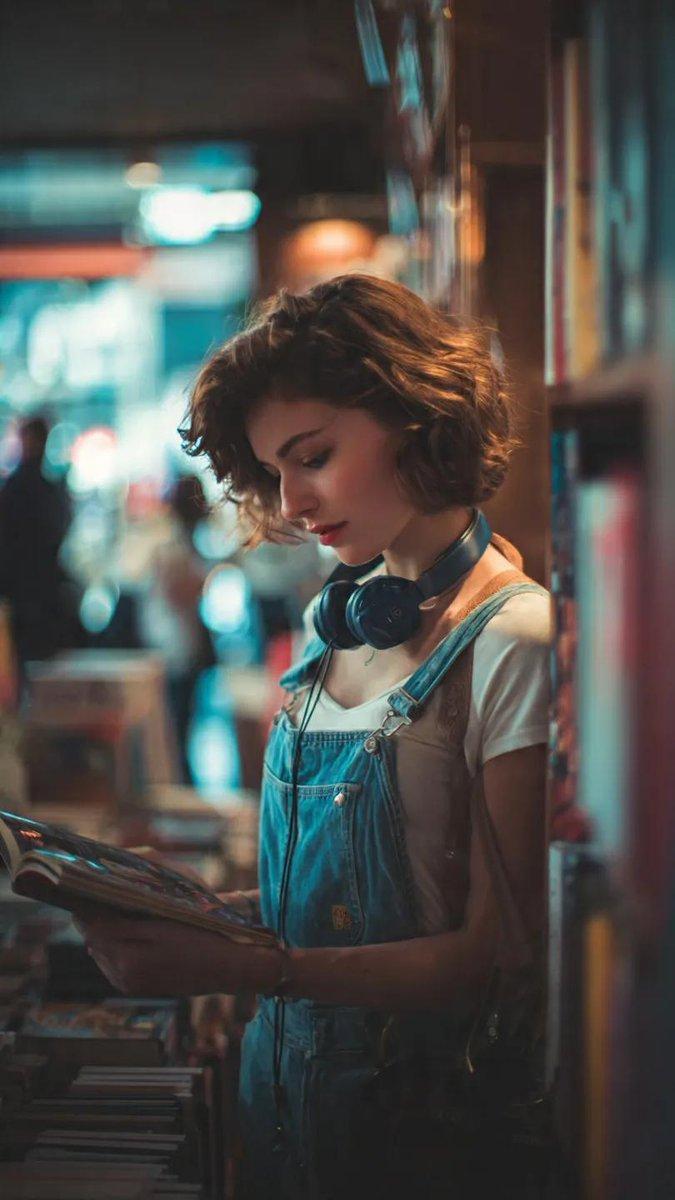
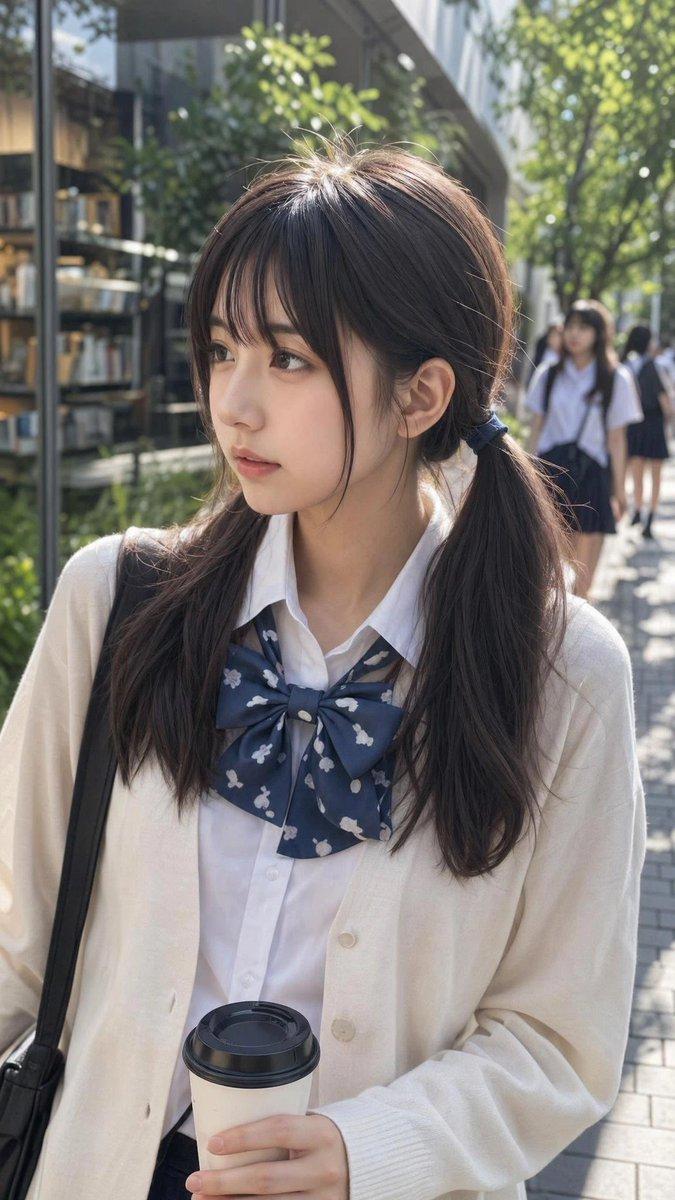
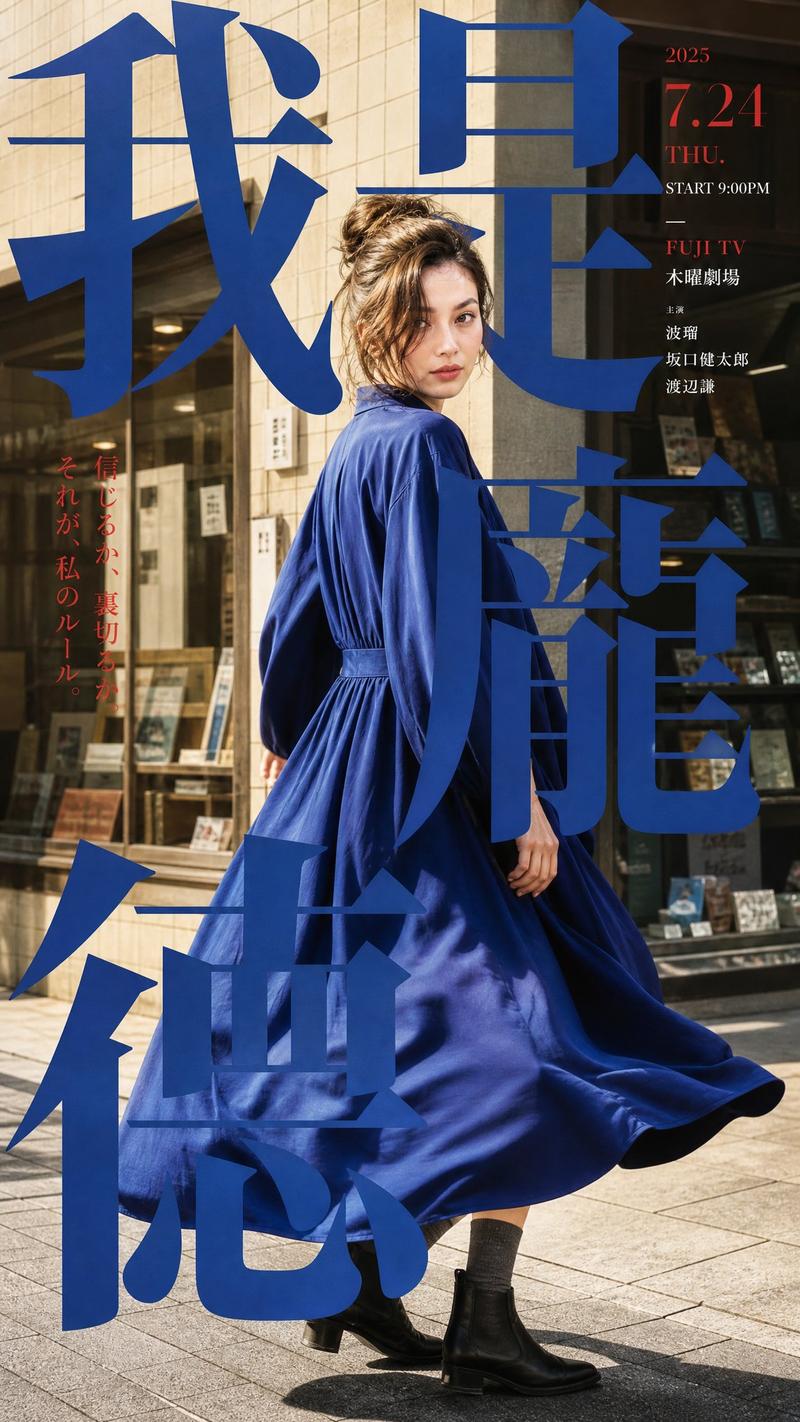
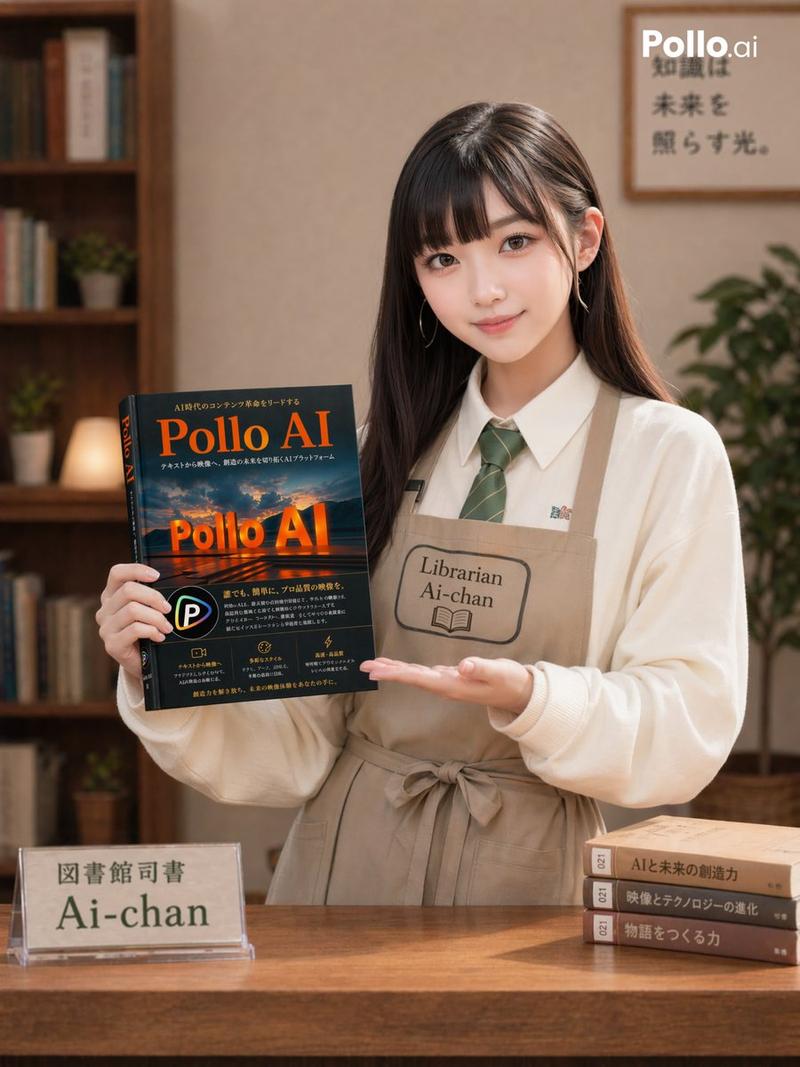
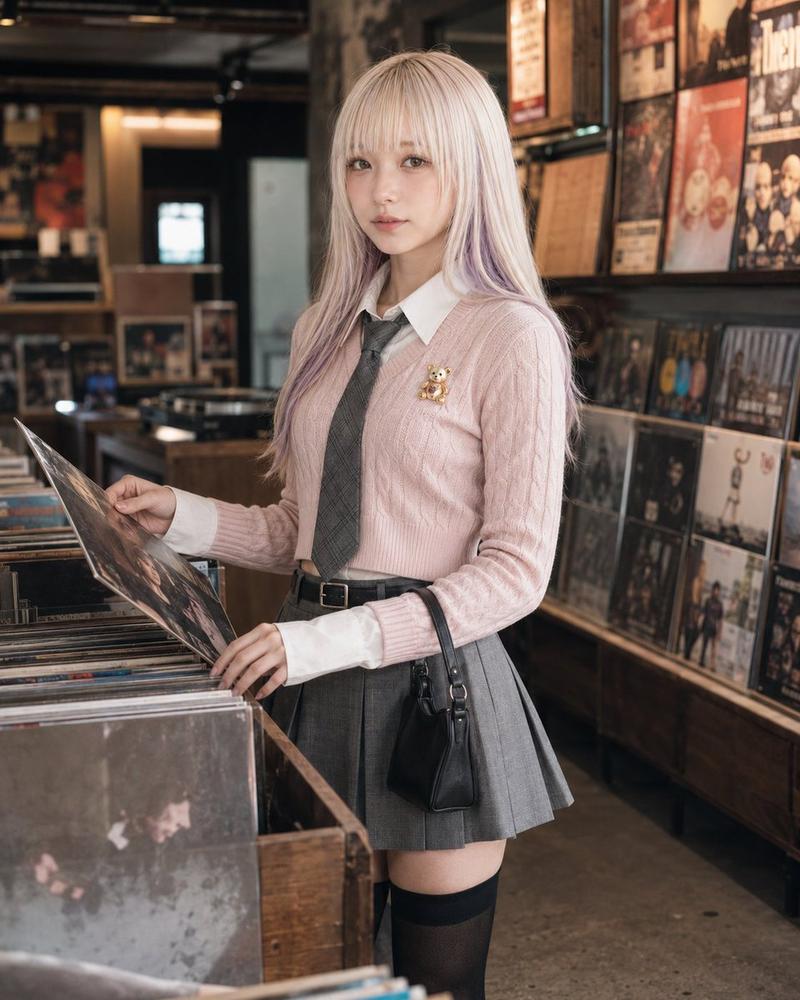
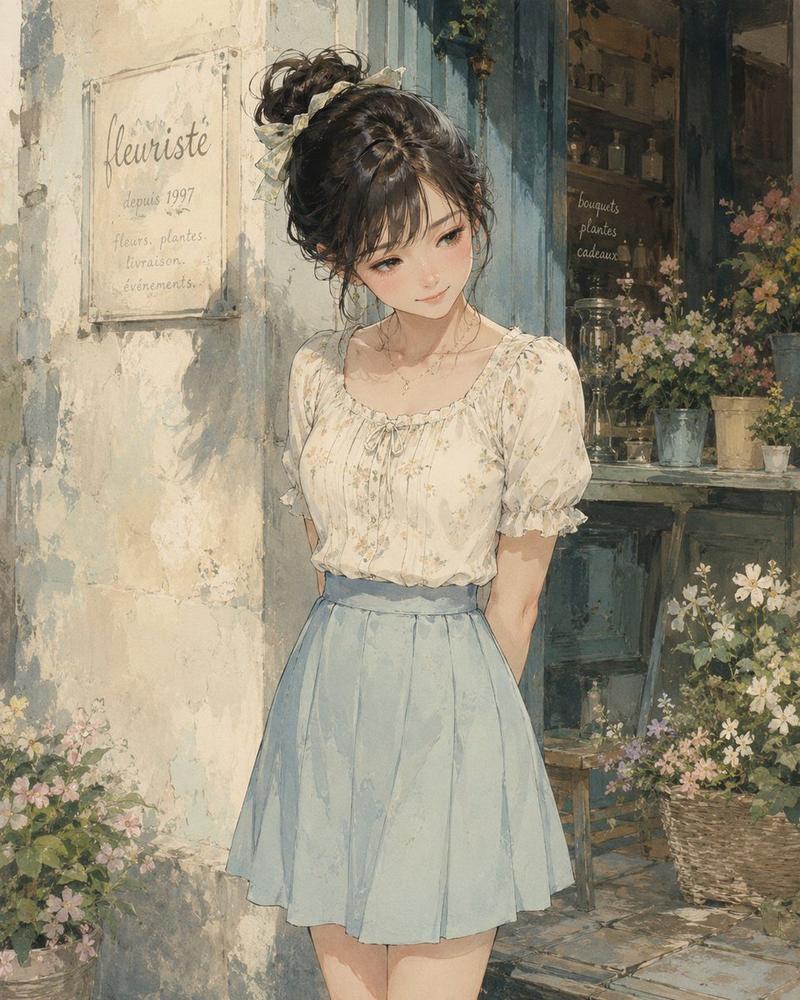
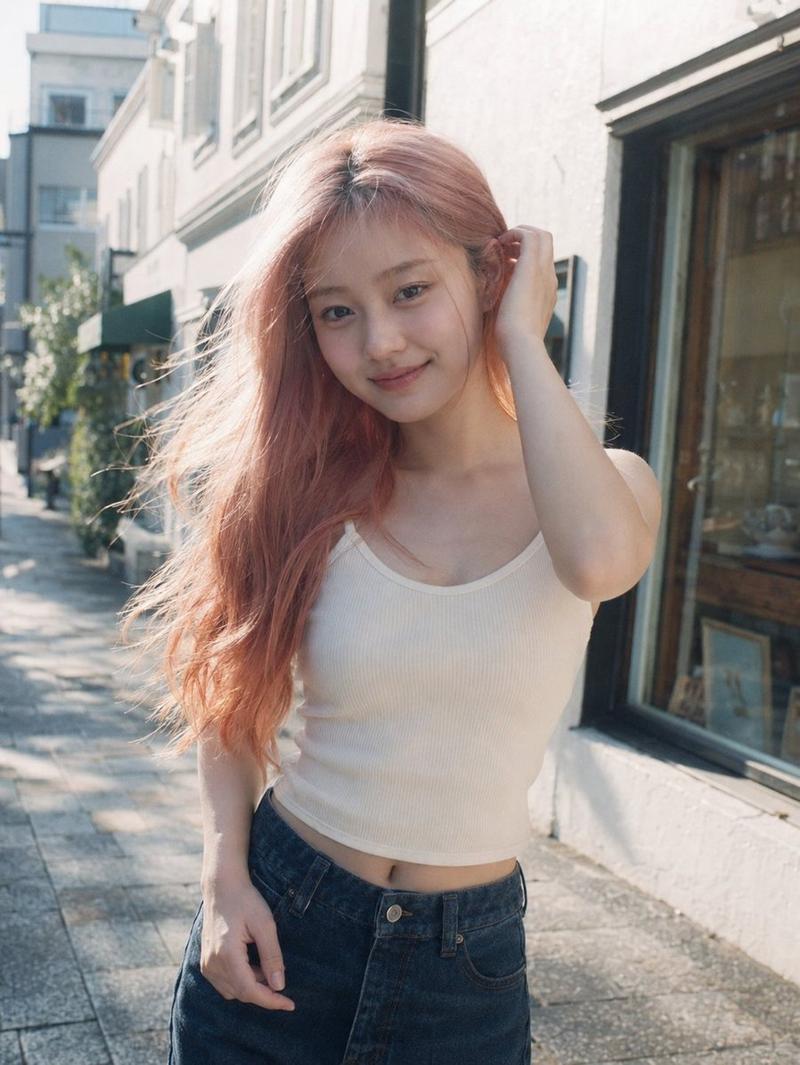
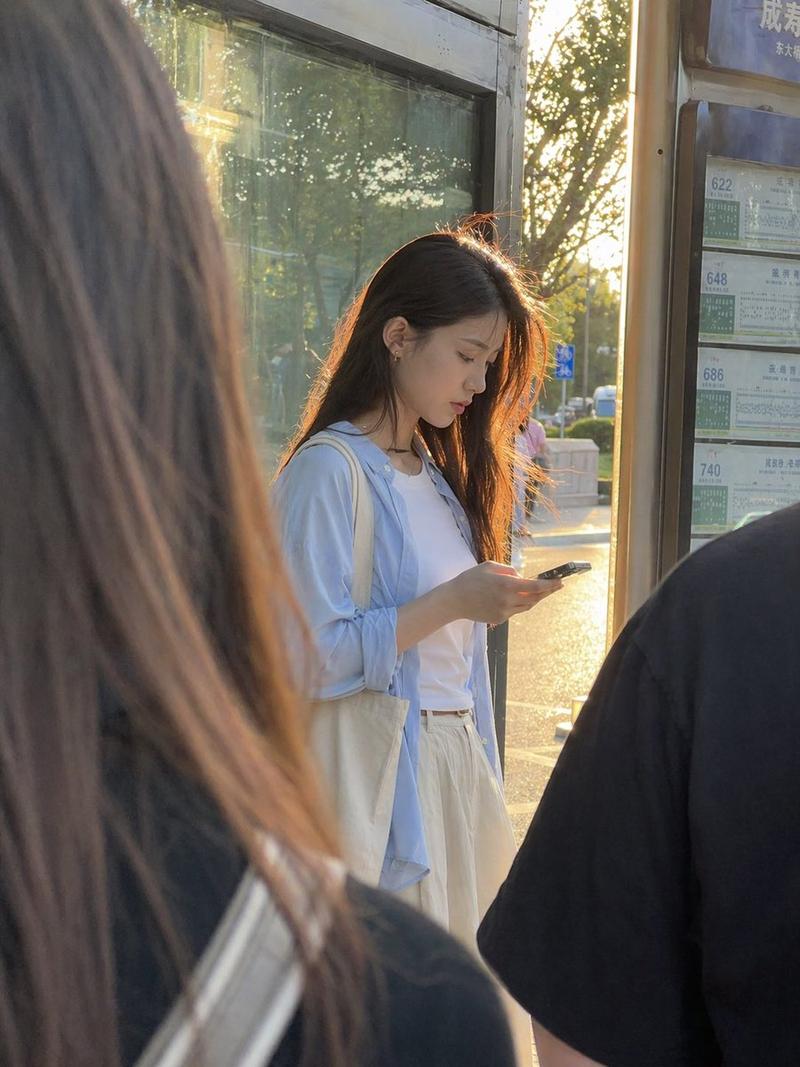
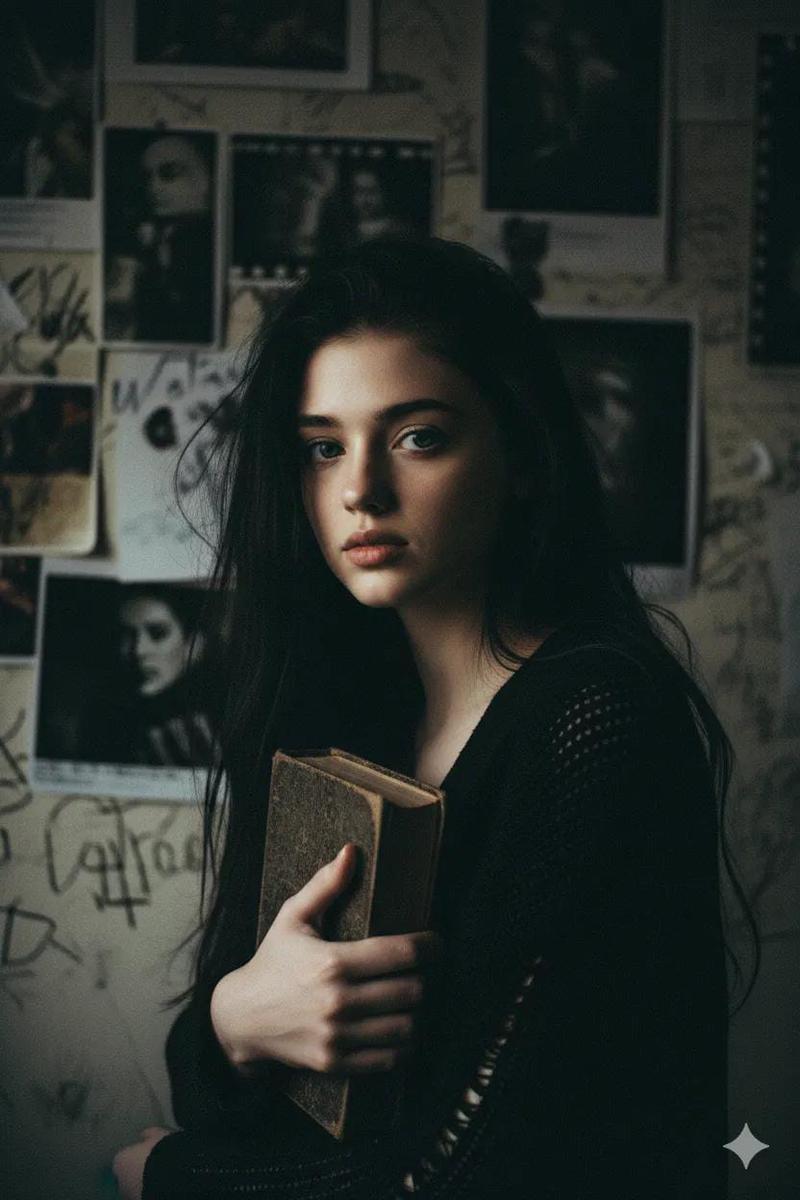
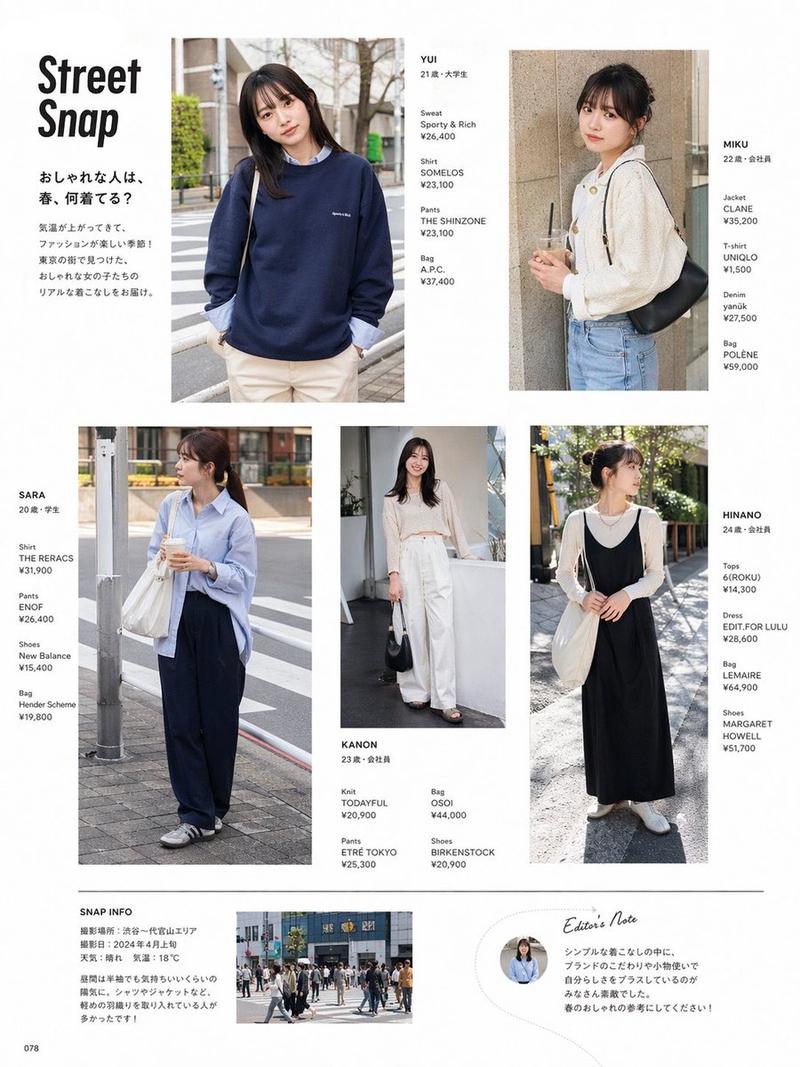
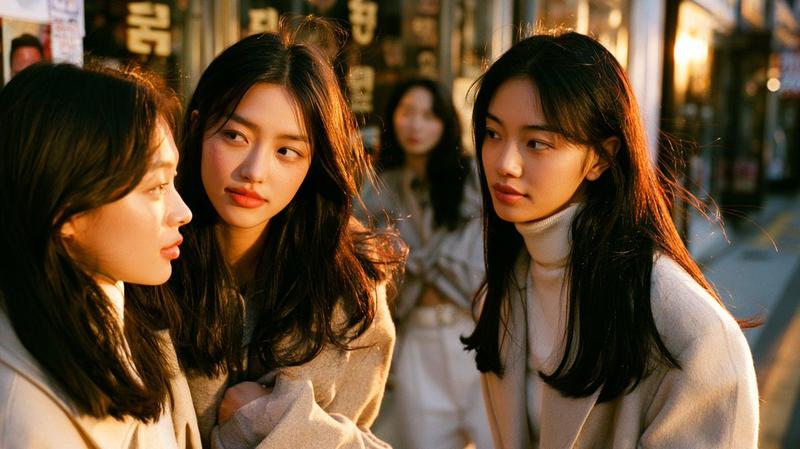
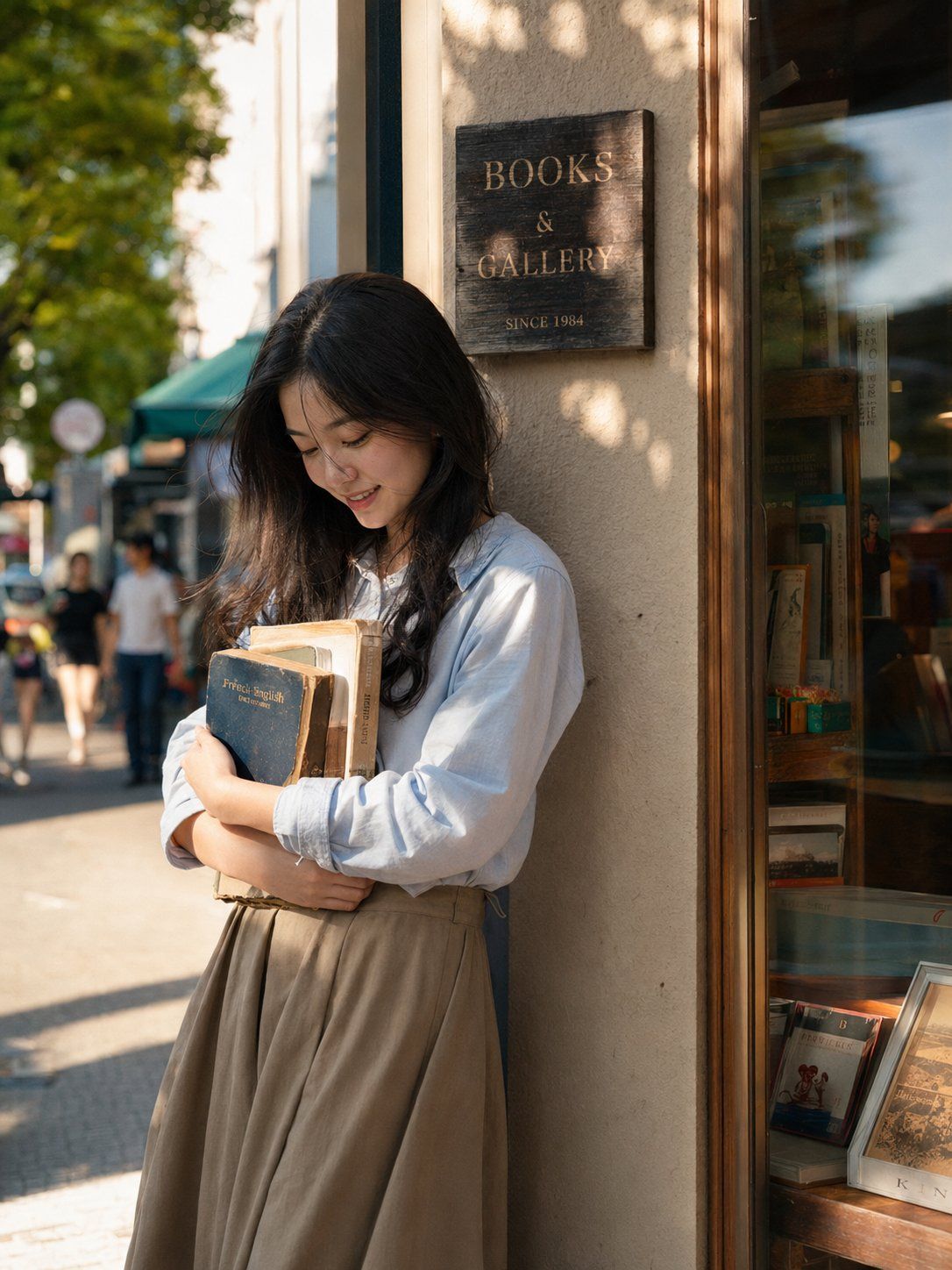
书店门口抱书的亚洲年轻女性
Enlarge

Example images

书店门口抱书的亚洲年轻女性

Prompt
Young beautiful Asian female, 24 years old, long black hair slightly curled, clean and natural makeup. Wearing a light blue shirt and a khaki long skirt, holding several old books in her arms. Standing at the entrance of an independent bookstore, the wooden sign and glass window reflecting soft light. 4 PM sunlight shining into the street, tree leaf shadows falling on the wall and shoulders. A breeze blowing through hair strands. Captured moment, gently bowing head and smiling. Background is blurred streets and pedestrians. Facial features refer to the uploaded image without changes, real skin texture, retaining pores and fine imperfections, real fabric texture and natural folds. 85mm lens, shallow depth of field, Kodak Portra film colors, Japanese lifestyle magazine photography, high-end editorial portrait style, photorealistic.
Category
Charts & Infographics
Model
ChatGPT
Views36
Source ID
16557
Published
Jun 23, 2026

Guide

About "书店门口抱书的亚洲年轻女性"

What is this prompt for?

"书店门口抱书的亚洲年轻女性" AI image prompt for ChatGPT (Charts & Infographics). 年轻亚洲漂亮女性,24岁,长黑发微卷,干净自然妆容。穿浅蓝色衬衫和卡其色长裙,怀里抱着几本旧书。站在独立书店门口,木质招牌和玻璃橱窗映出柔和反光。下午四点阳光照进街道,树叶阴影落在…

The full copyable prompt and example visuals above are ready for AI image generation or one-click recreate in Picva.

How to use this prompt

  1. Step 1

    Open the prompt detail

    Review the example visuals, category, and full prompt text for "书店门口抱书的亚洲年轻女性".

  2. Step 2

    Copy the prompt

    Copy the prompt body from this page, or load it directly in Studio.

  3. Step 3

    Pick a model (ChatGPT)

    Prefer ChatGPT. If you switch models, keep subject and composition and tweak style terms.

  4. Step 4

    Generate and export

    Recreate the look in Picva, or export into your workflow for editing and publishing.

FAQ

What is the "书店门口抱书的亚洲年轻女性" prompt?
It is an AI image-generation prompt for ChatGPT in the Charts & Infographics category. This page includes the full prompt text, example visuals, and a one-click recreate path in Picva.
How do I use this prompt to generate an image?
Copy the prompt from this page, or use Generate / Studio. Paste it into a compatible image model, or recreate the look in Picva with optional reference images.
Which model is this prompt for?
This page lists ChatGPT. Most descriptive prompts also transfer to nearby image models such as GPT Image, Flux, or Midjourney with light style tweaks.
Can I use the result commercially?
You can usually copy the prompt for creation, but commercial use of the final image depends on the model terms, reference-image rights, and the generated content. Follow the source author and platform rules.