16

复古装饰艺术西装专题
Enlarge

复古装饰艺术西装专题

Prompt
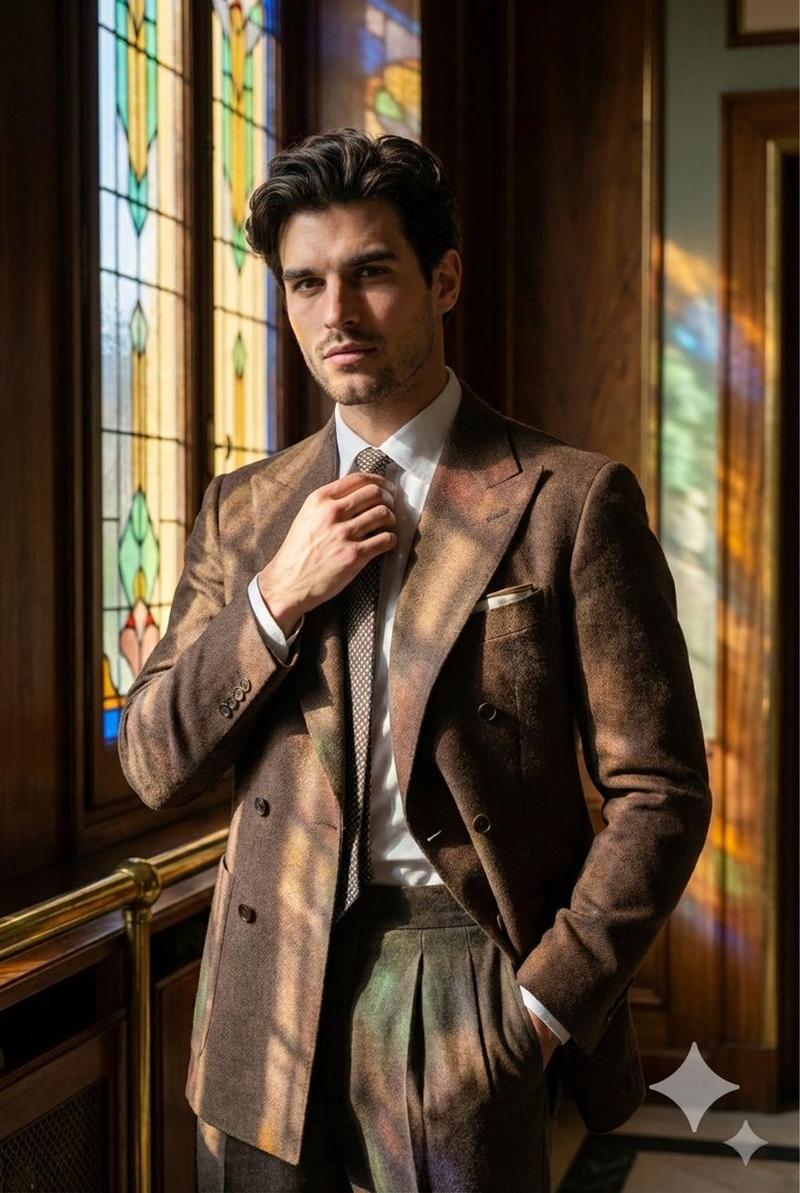
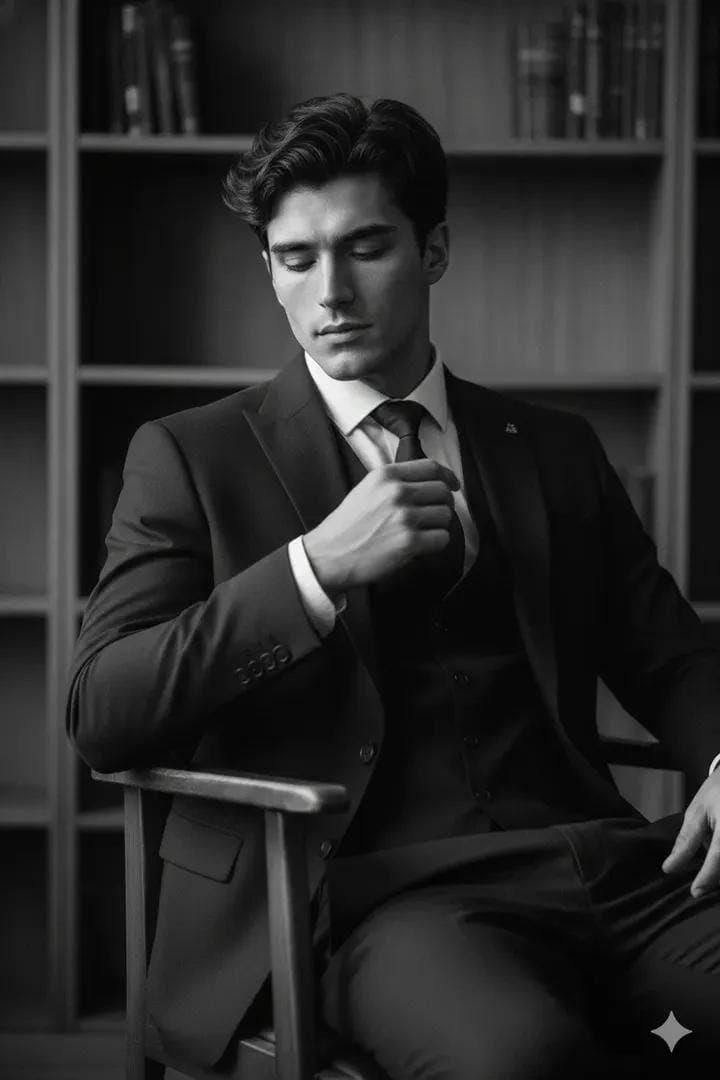
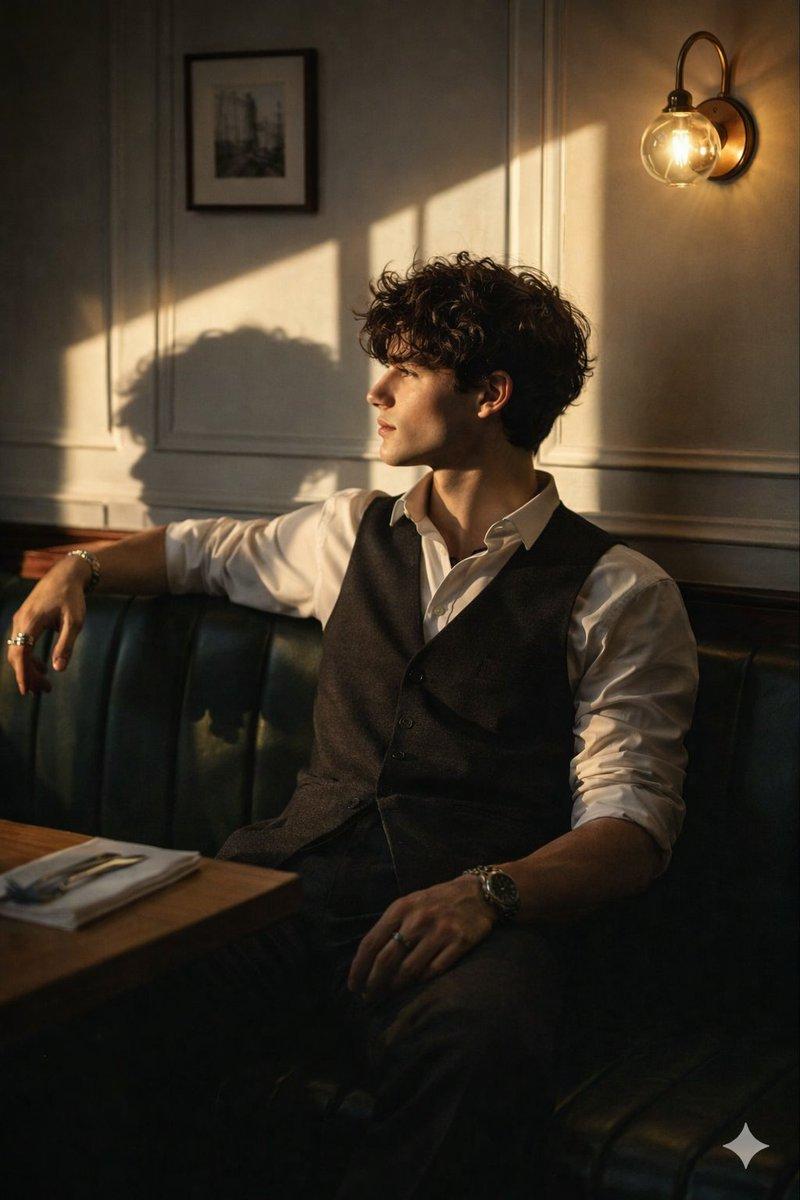
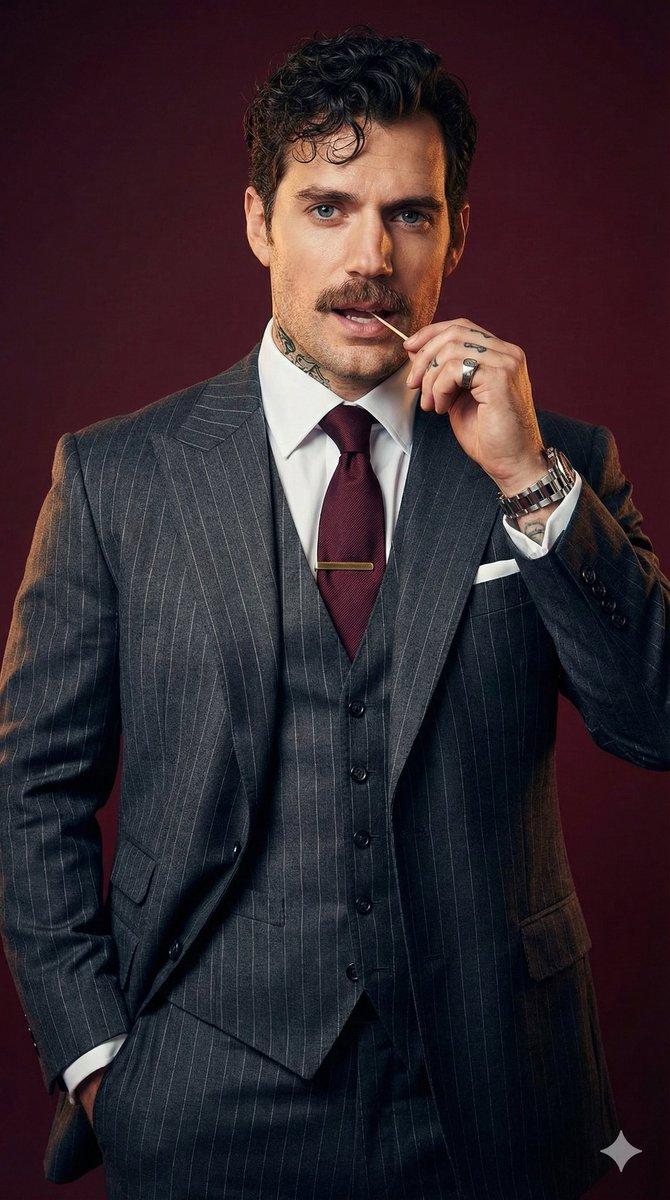
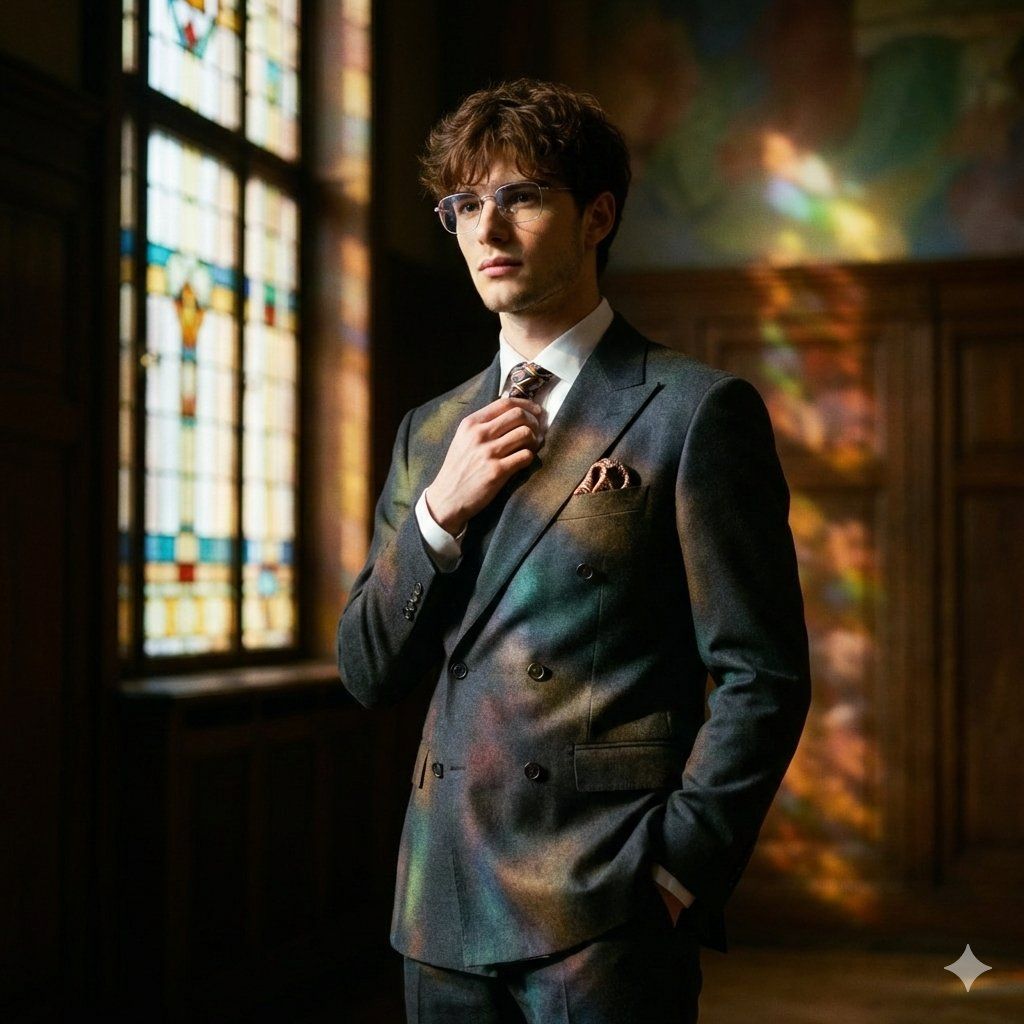
Shot on a Hasselblad 907X 50C with an XCD 90mm f/2.5 lens, aperture f/2.8 shallow depth of field emphasizes the precision fit of the suit while the background dissolves into painterly color patches; captured in 16-bit RAW with high dynamic range and soft film grain to preserve wool texture and the glow of colored light without "harsh" digital sharpness. Frame a tight portrait cropped to mid-chest, at eye level, with a slight three-quarter turn; the model is offset from center so the stained-glass pattern reads in the negative space. The pose is calm and composed: shoulders open, posture confident but without tension; one hand neatly adjusts the tie knot or collar line, the other is in the trouser pocket, slightly opening the jacket and revealing the layered styling. Expression restrained and thoughtful; the gaze passes just past the lens, as if distant music is playing. Outfit a man in a suit with a retro accent: a structured double-breasted wool blazer with sharp lapels, high-waisted pleated trousers, a white shirt and narrow tie, polished Oxfords, and a minimal pocket square. Location a retro Art Deco hall with dark wood, brass, and a tall stained-glass window projecting jewel-like geometry onto the suit and background. Light warm practical fill from one side and colored stained-glass light from the other, cinematic contrast, "stained-glass" shadows. Result -retro editorial: graphic, refined, expensive, and timeless
Category
创意图片
Model
Nano Banana Pro
Creator
Harboriis
Views0
Source ID
b71ac90a-9ca2-45d4-83a5-7989862b2874
Published
Mar 8, 2026

Guide

About "复古装饰艺术西装专题"

What is this prompt for?

"复古装饰艺术西装专题" AI image prompt for Nano Banana Pro (创意图片). 一个高度技术性的提示,用于生成一张复古装饰艺术风格的男性编辑肖像,他身穿结构化的双排扣羊毛西装外套,强调电影般的对比度以及彩色玻璃窗投射到西装和背景上的彩色光线效果。 --- 使用哈苏 907X 50C…

The full copyable prompt and example visuals above are ready for AI image generation or one-click recreate in Picva.

How to use this prompt

  1. Step 1

    Open the prompt detail

    Review the example visuals, category, and full prompt text for "复古装饰艺术西装专题".

  2. Step 2

    Copy the prompt

    Copy the prompt body from this page, or load it directly in Studio.

  3. Step 3

    Pick a model (Nano Banana Pro)

    Prefer Nano Banana Pro. If you switch models, keep subject and composition and tweak style terms.

  4. Step 4

    Generate and export

    Recreate the look in Picva, or export into your workflow for editing and publishing.

FAQ

What is the "复古装饰艺术西装专题" prompt?
It is an AI image-generation prompt for Nano Banana Pro in the 创意图片 category. This page includes the full prompt text, example visuals, and a one-click recreate path in Picva.
How do I use this prompt to generate an image?
Copy the prompt from this page, or use Generate / Studio. Paste it into a compatible image model, or recreate the look in Picva with optional reference images.
Which model is this prompt for?
This page lists Nano Banana Pro. Most descriptive prompts also transfer to nearby image models such as GPT Image, Flux, or Midjourney with light style tweaks.
Can I use the result commercially?
You can usually copy the prompt for creation, but commercial use of the final image depends on the model terms, reference-image rights, and the generated content. Follow the source author and platform rules.