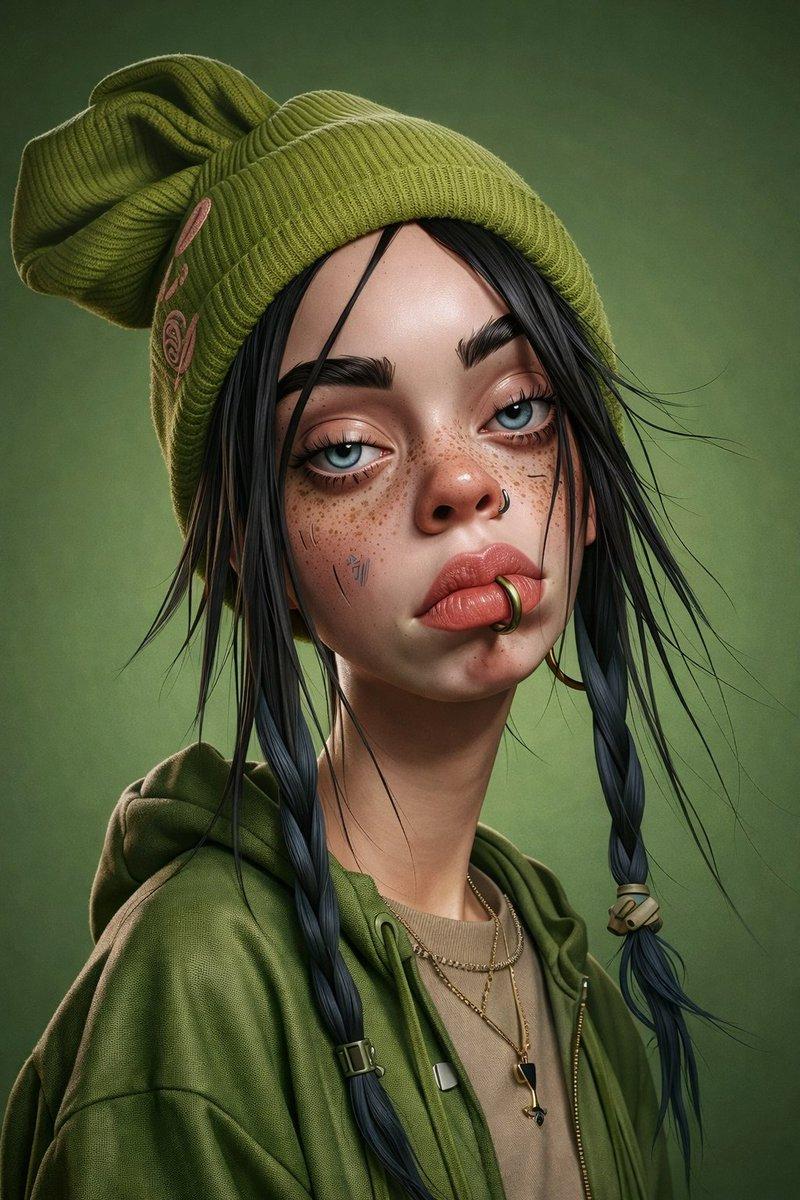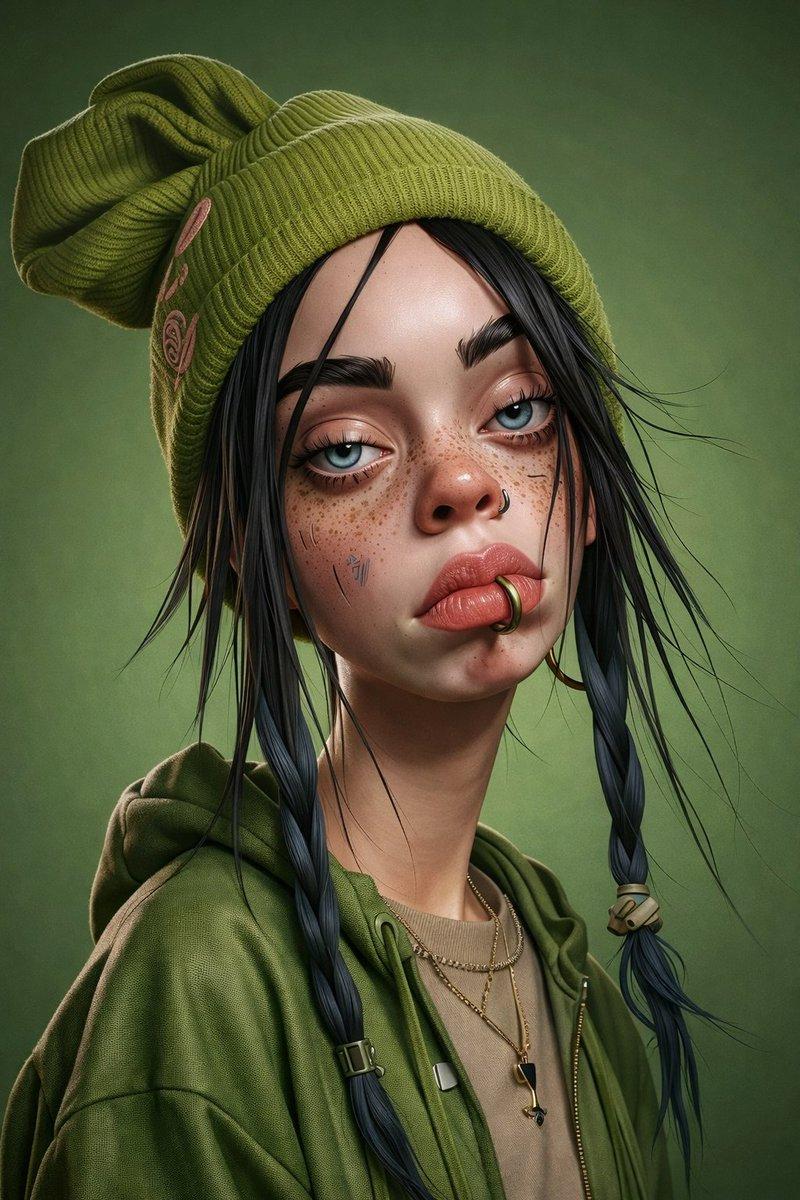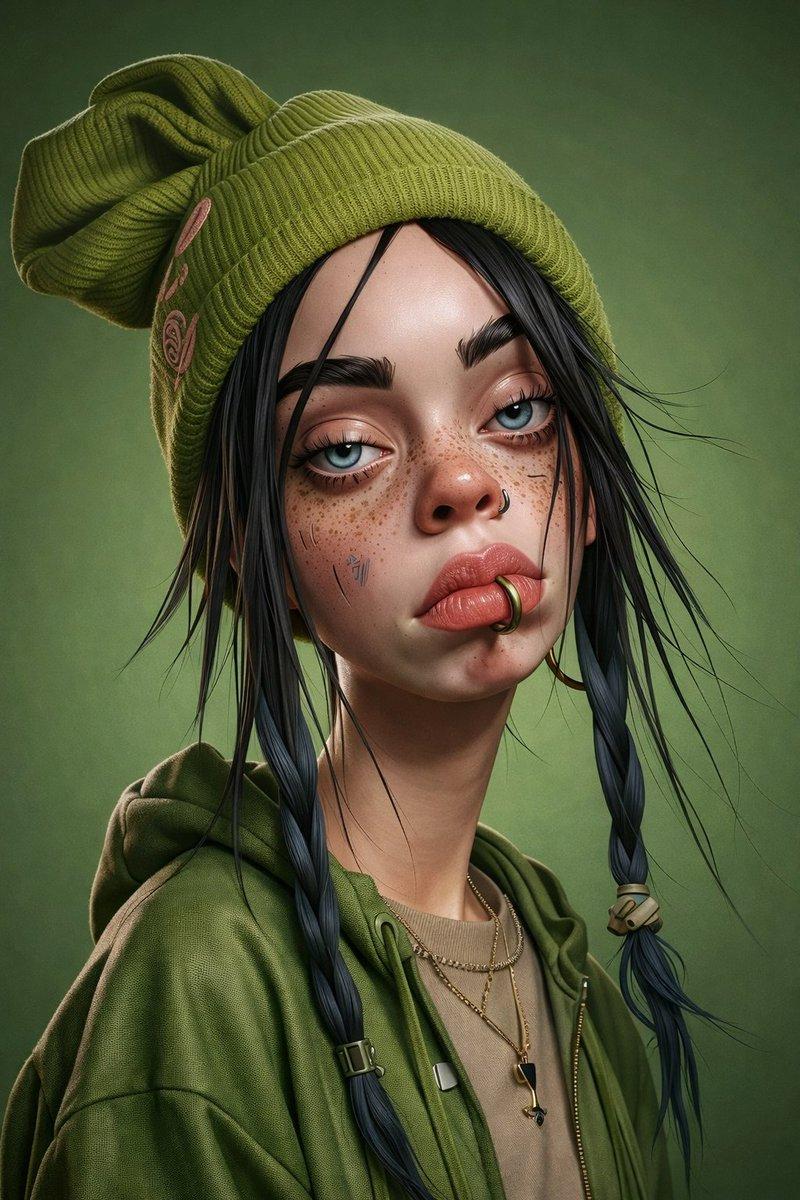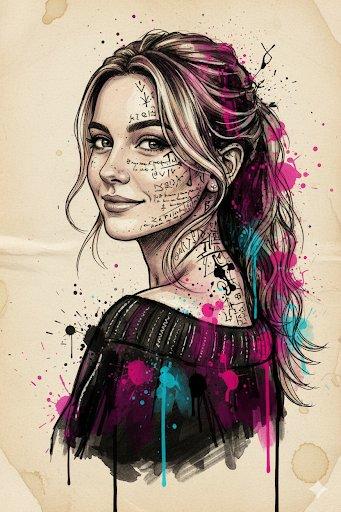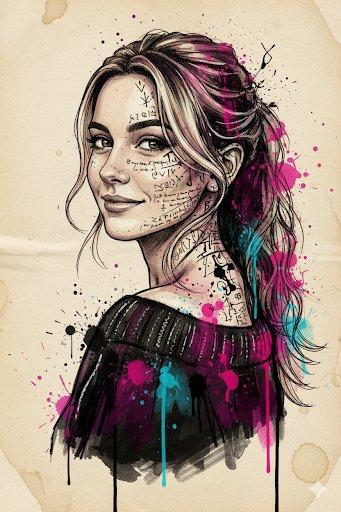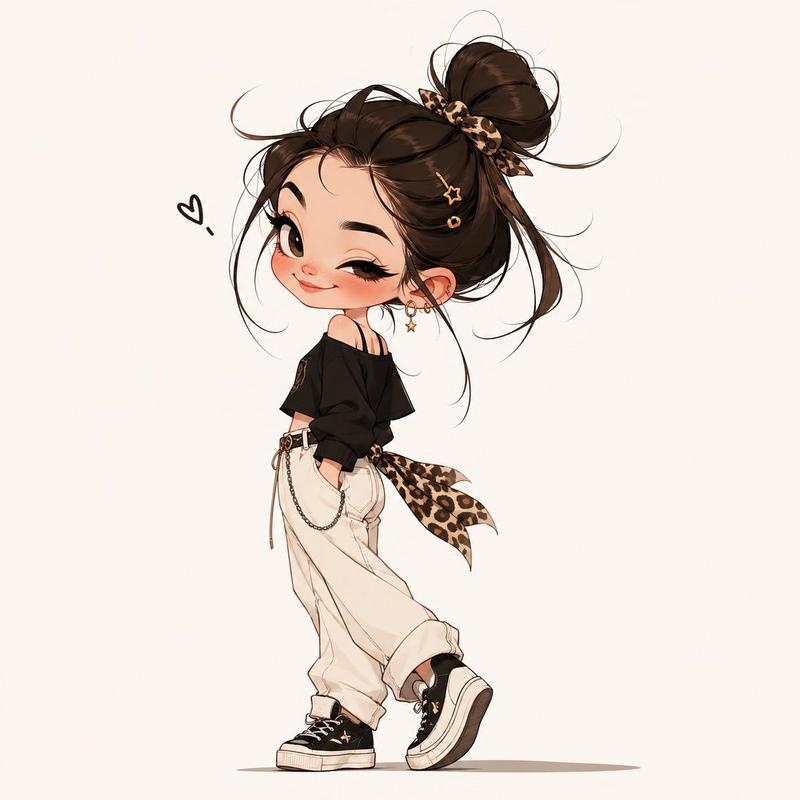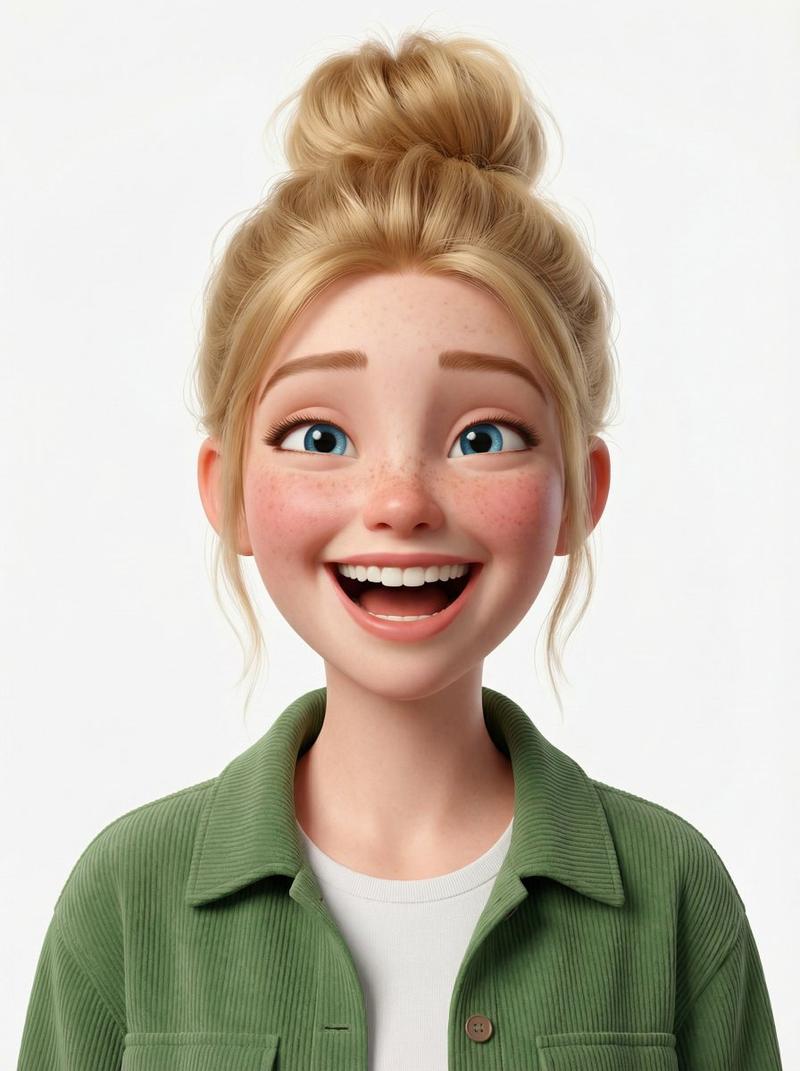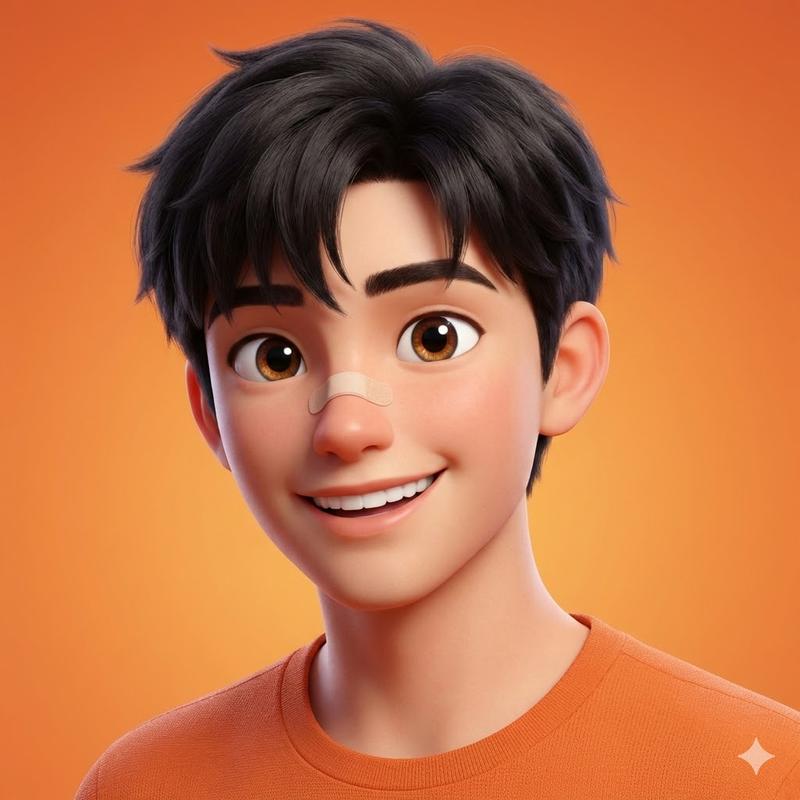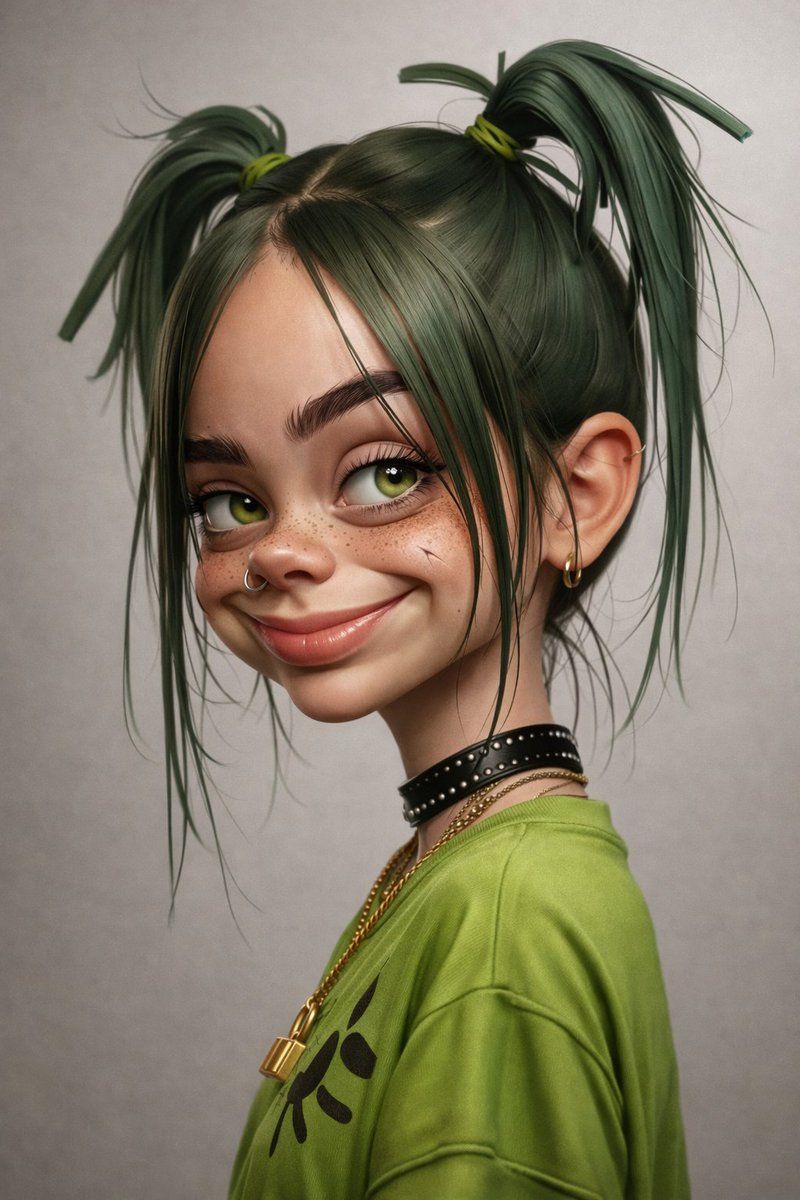
3D 渲染的 Billie Eilish 卡通肖像
Prompt
{
  "image_type": "3D-rendered digital portrait",
  "resolution_target": "8K",
  "aspect_ratio": "3:4",
  "camera_framing": {
    "shot_type": "medium close-up",
    "orientation": "vertical",
    "subject_position": "subject occupies center-left frame",
    "crop": "head to upper torso visible"
  },
  "camera_angle": {
    "head_pose": "three-quarter profile",
    "face_direction": "turned to the viewer’s right",
    "eye_direction": "looking slightly toward the camera"
  },
  "subject": {
    "gender_presentation": "female",
    "age_appearance": "young adult",
    "skin_tone": "light skin tone",
    "facial_features": {
      "face_shape": "slightly elongated with soft contours",
      "forehead": "smooth, broad",
      "eyes": {
        "color": "green",
        "shape": "large, rounded",
        "eyelashes": "visible, natural thickness"
      },
      "eyebrows": "dark, thick, naturally arched",
      "nose": {
        "shape": "small to medium",
        "piercing": "silver hoop nose ring on left nostril"
      },
      "mouth": {
        "expression": "subtle smirk",
        "lips": "medium fullness, natural pink tone"
      },
      "freckles": "visible freckles across nose and cheeks",
      "marks": "small scratch-like mark on right cheek"
    }
  },
  "hair": {
    "color": "dark green",
    "style": "two high pigtails",
    "parting": "center part",
    "texture": "smooth with loose flyaway strands",
    "hair_ties": "green bands",
    "loose_strands": "multiple thin strands framing the face"
  },
  "ears_and_jewelry": {
    "ears_visible": true,
    "ear_piercings": "small gold hoop earring visible on right ear",
    "neckwear": [
      {
        "type": "choker",
        "material": "black leather",
        "details": "silver studs"
      }
    ],
    "necklaces": [
      {
        "material": "gold",
        "style": "thin chain",
        "pendant": "small circular ring"
      },
      {
        "material": "gold",
        "style": "thicker chain",
        "pendant": "padlock-shaped charm"
      }
    ]
  },
  "clothing": {
    "top": {
      "type": "oversized t-shirt",
      "color": "green",
      "fabric_appearance": "soft cotton",
      "graphics": "black abstract symbol on chest",
      "fit": "loose"
    }
  },
  "pose_and_body": {
    "shoulders": "slightly angled",
    "neck": "elongated, relaxed",
    "posture": "upright with casual tilt"
  },
  "lighting": {
    "type": "soft studio lighting",
    "direction": "front-left",
    "shadows": "gentle shadows defining facial contours",
    "contrast": "moderate"
  },
  "background": {
    "color": "neutral light gray",
    "texture": "smooth gradient",
    "depth": "shallow depth of field",
    "distractions": "none"
  },
  "render_style": {
    "style": "semi-realistic 3D character render",
    "skin_detail": "highly detailed skin texture",
    "material_quality": "realistic fabric and metal shaders",
"edg- Category
- 创意图片
- Model
- Nano Banana Pro
- Creator
- ShaHid WaNii
- Source ID
- 9c6e8515-09a7-4e9a-8d7e-922dde5b6005
- Published
- Mar 8, 2026
Views0