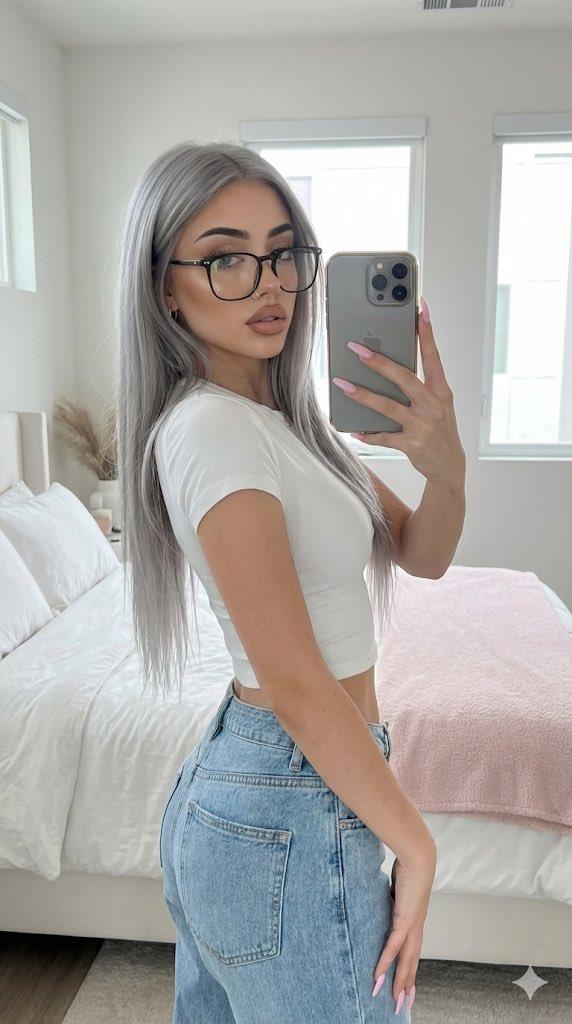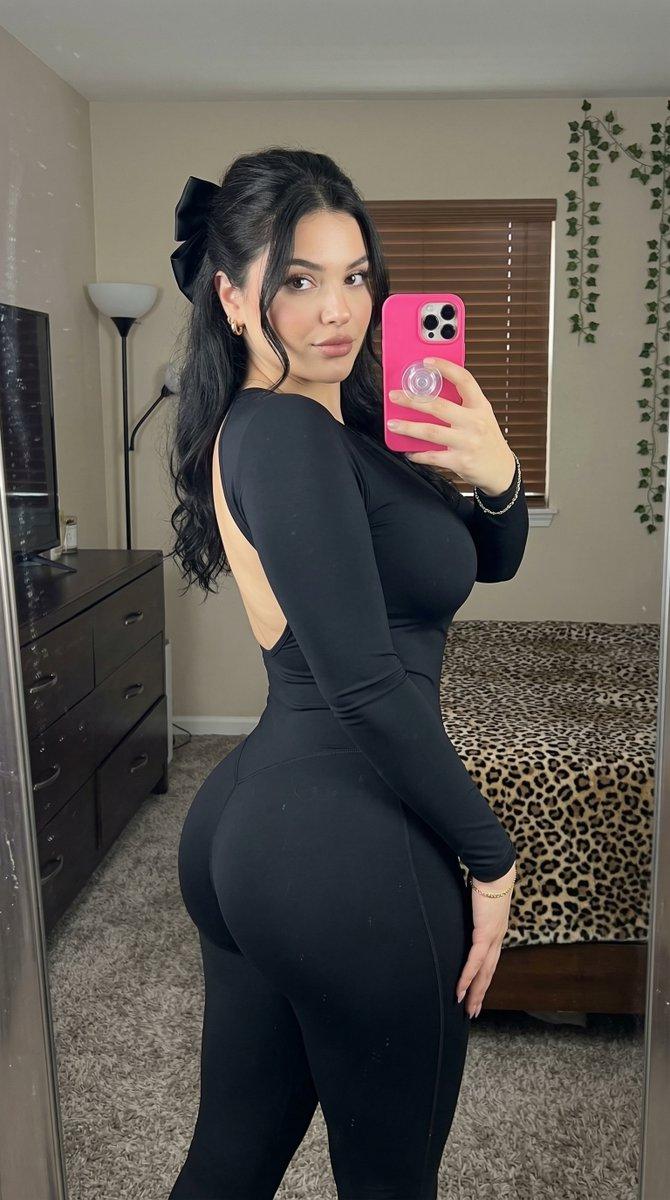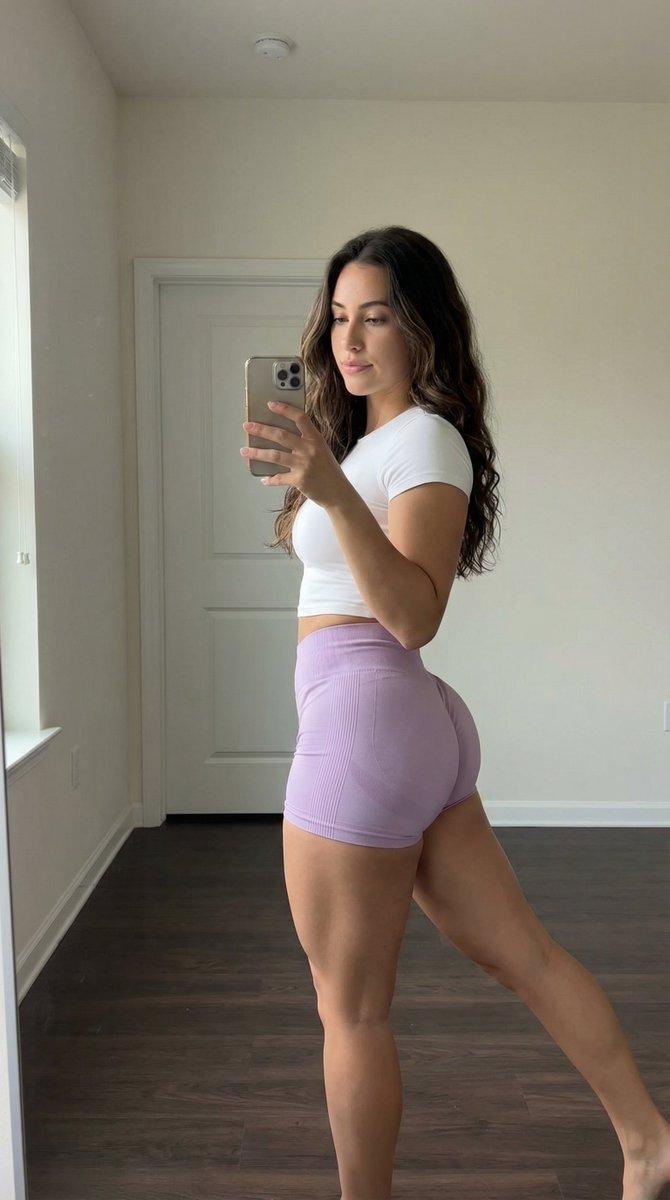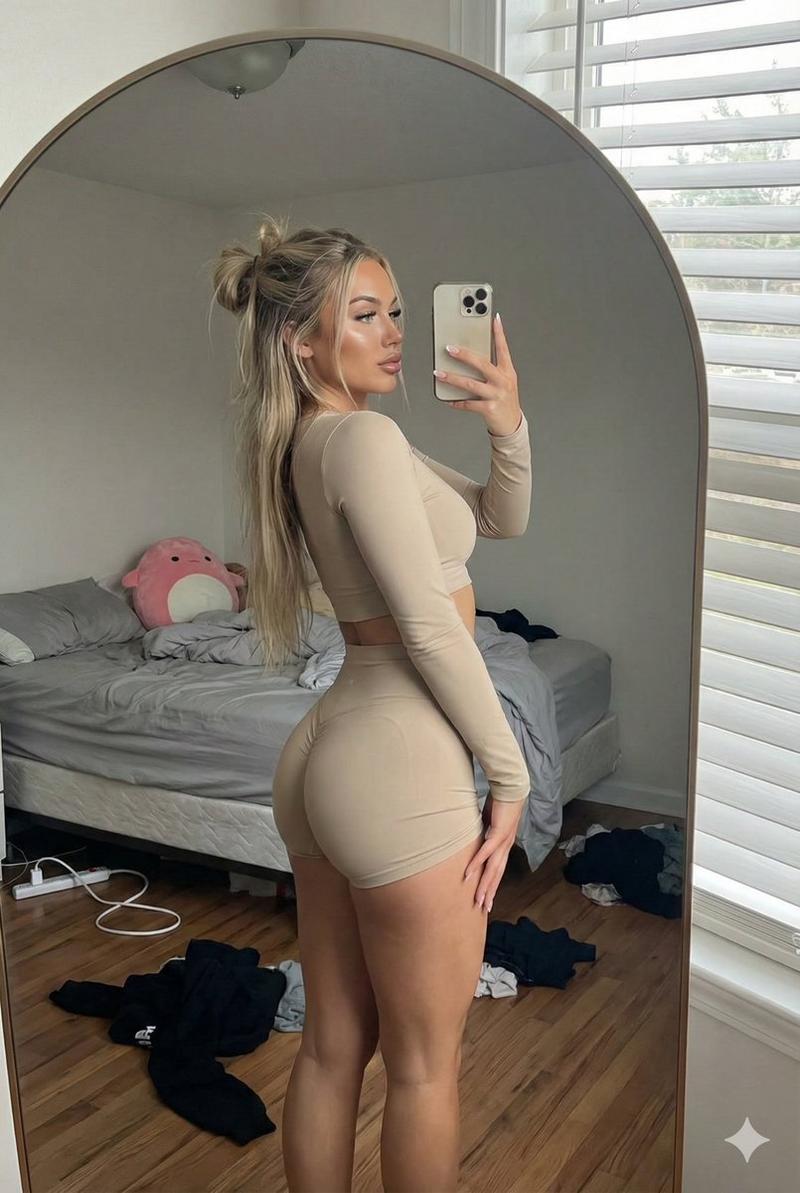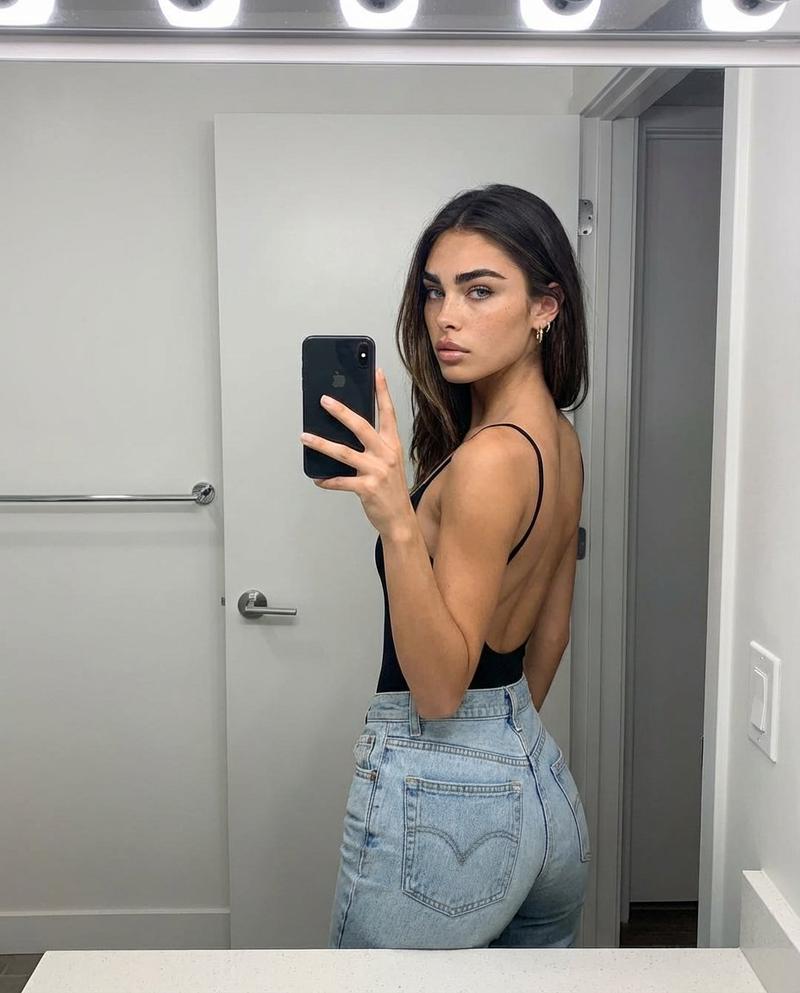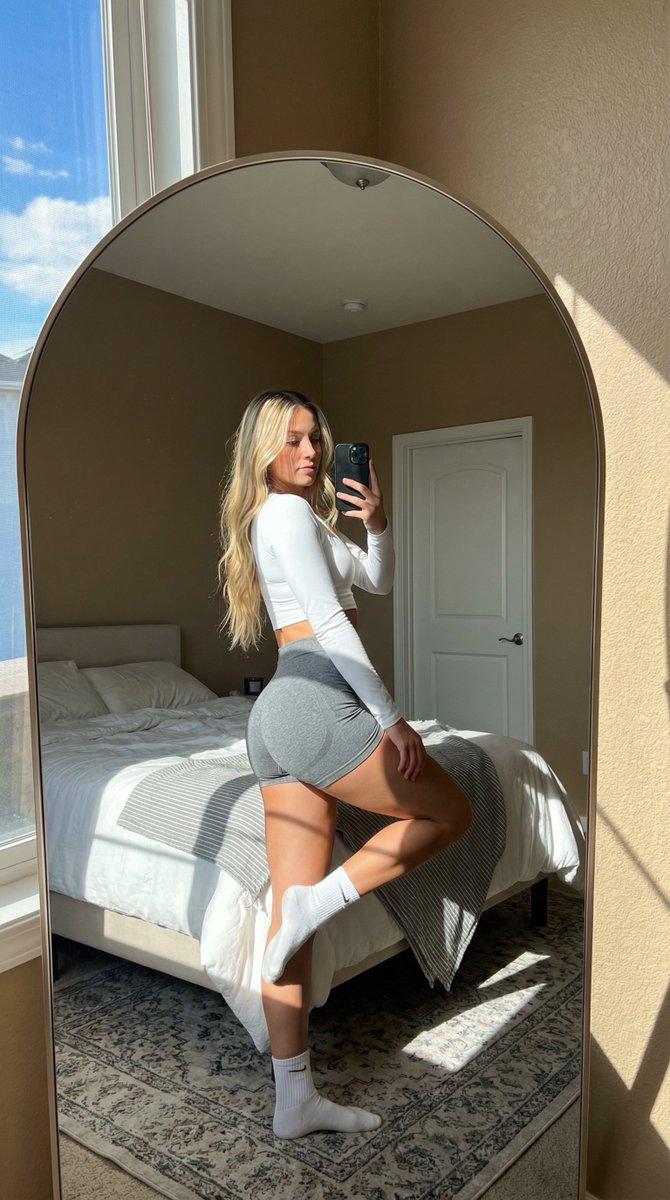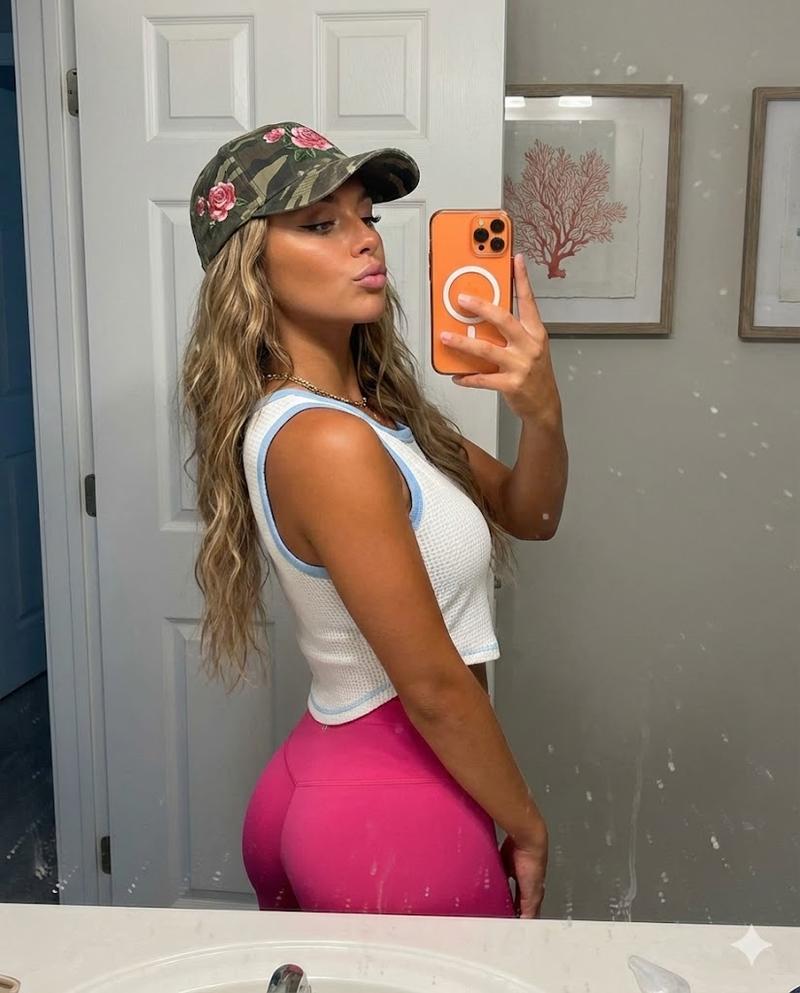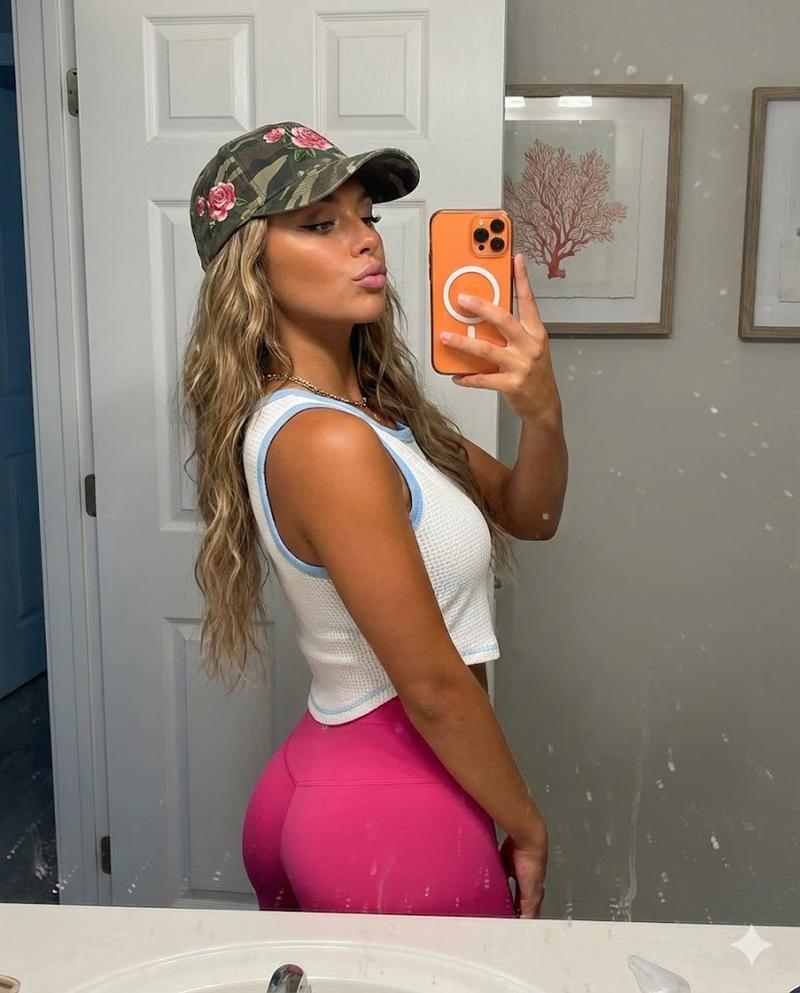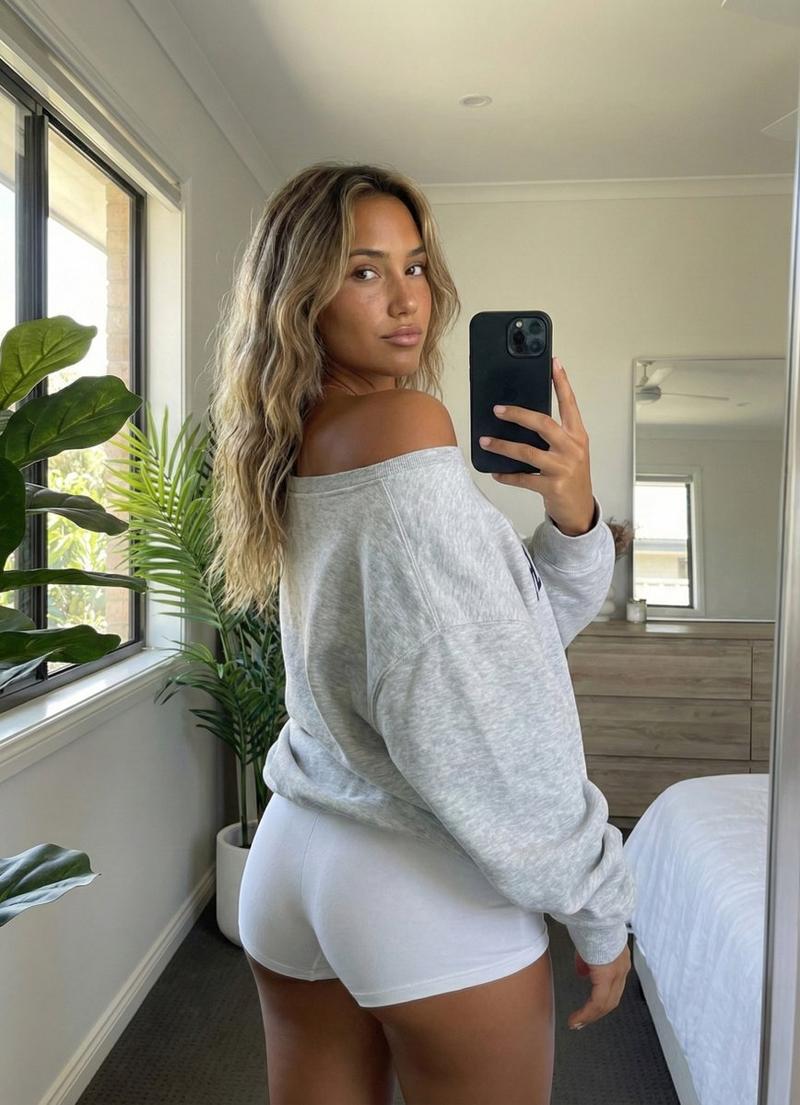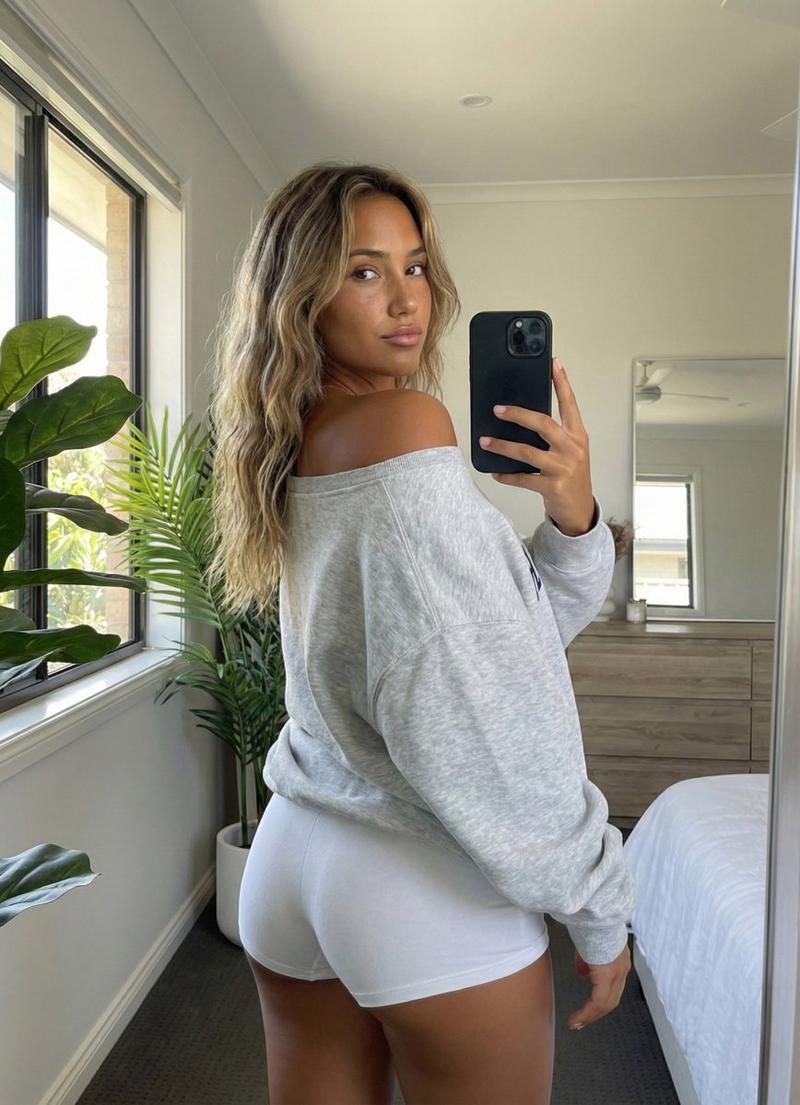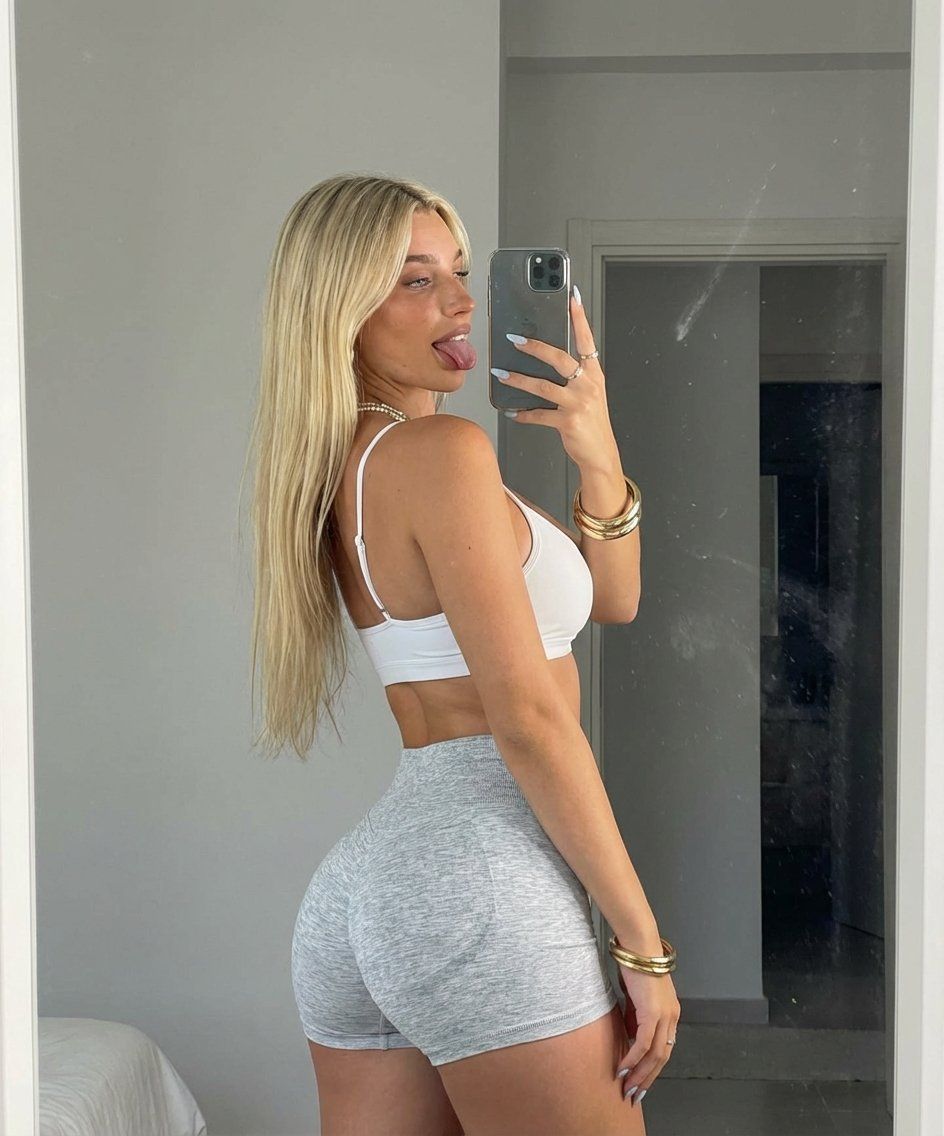
镜子自拍:表情俏皮,体格健美
Prompt
{
"subject": {
"description": "Young woman with an athletic, fit physique captured in a mirror reflection.",
"hair": "Long, voluminous blonde hair with loose, soft waves cascading down the back to the waist. Roots are slightly darker, transitioning to bright blonde.",
"face": "Profile view of face, tongue sticking out playfully to the side, gaze directed at the phone screen in the mirror. Defined jawline, groomed eyebrows, makeup visible including lashes and lip color.",
"body_type": "Curvaceous and muscular fitness build. Visible muscle definition in the shoulders (deltoids) and arms. Slim waist, flat stomach, hips widened by pose, prominent and round glutes, full bust visible in profile.",
"skin": "Fair skin tone with realistic texture, subtle shadows defining muscle tone on the arm and back.",
"clothing": "White spaghetti-strap sports bra or crop top. Light heather grey tight booty shorts (knit texture) that sit low on the waist."
},
"pose": {
"type": "Standing mirror selfie, 3/4 rear angle.",
"details": "Body is angled away from the camera (3/4 back view). Torso is twisted slightly to the left to face the mirror. Back is arched (anterior pelvic tilt) to accentuate the glutes. Head is turned over the left shoulder. Left arm is bent, holding a smartphone up to take the photo. Right arm is relaxed by the side, slightly bent at the elbow. Legs are cut off at the mid-thigh by the frame bottom.",
"gesture": "Tongue sticking out in a cheeky, playful manner. Hand holding phone shows rings on fingers."
},
"environment": {
"setting": "Indoor room, likely a bedroom or changing area.",
"background": "Plain, light grey or off-white wall. To the left, a vertical seam or doorframe edge is visible. The surface is a mirror, evidenced by a smudge mark on the glass to the left of the phone.",
"lighting_interaction": "Shadow of the subject is cast on the wall behind them."
},
"camera": {
"shot_type": "Mirror selfie, medium shot.",
"perspective": "Eye-level relative to the reflection. The camera is the phone seen in the image.",
"device_visible": "Apple iPhone Pro model (triple lens) with a silver/clear case held in the left hand.",
"focal_length": "24-28mm equivalent (standard smartphone wide).",
"framing": "Vertical framing, cutting off at the top of the head and mid-thighs."
},
"lighting": {
"type": "Soft indoor ambient lighting.",
"direction": "Overhead and slightly frontal relative to the subject.",
"quality": "Diffused, creating soft shadows on the wall and defining the muscle structure on the arm and back.",
"shadows": "Distinct shadow of the subject's profile cast on the wall behind the left shoulder.",
"highlights": "Soft highlights on the blonde hair, shoulders, and cheek."
},
"mood_and_expression": {
"mood": "Playful, confident, flirtatious, casual.",
"expression": "Cheeky gesture with tongue out, confident body language showcasing fitness progress."
},
"style_and_realism": {- Category
- 创意图片
- Model
- Nano Banana Pro
- Creator
- Ella
- Source ID
- 4402678d-5fd6-4d6e-a63f-e411362d3803
- Published
- Mar 8, 2026
Views0