20

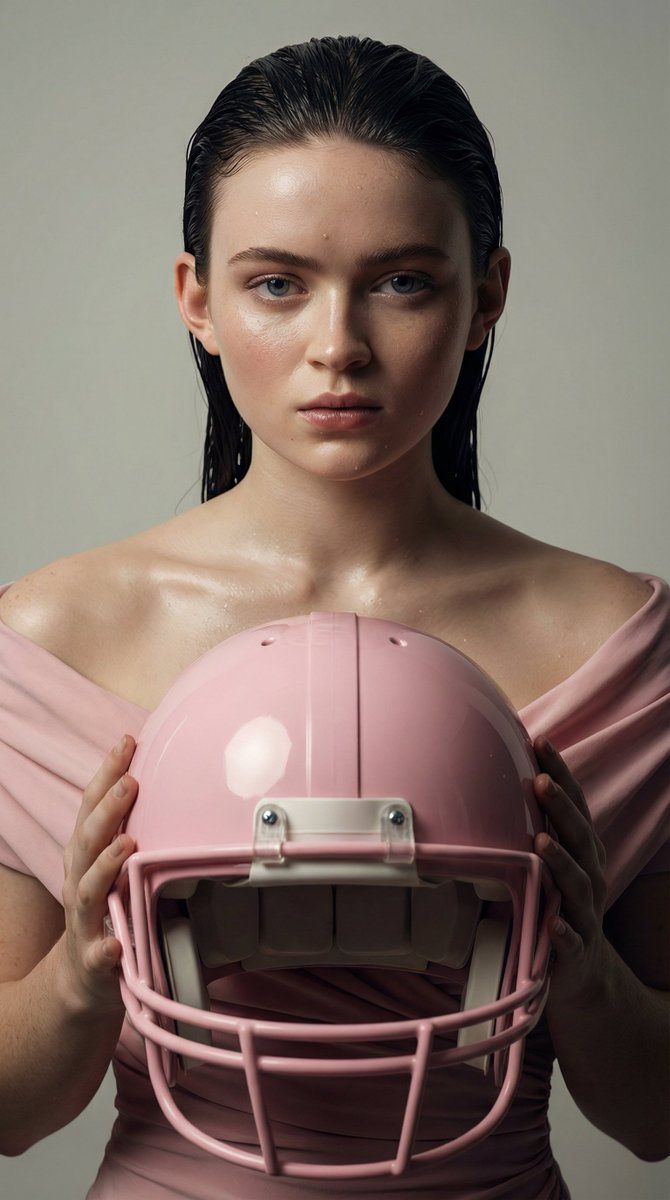
Sadie Sink 高级时装肖像提示词
Enlarge

Sadie Sink 高级时装肖像提示词

Prompt
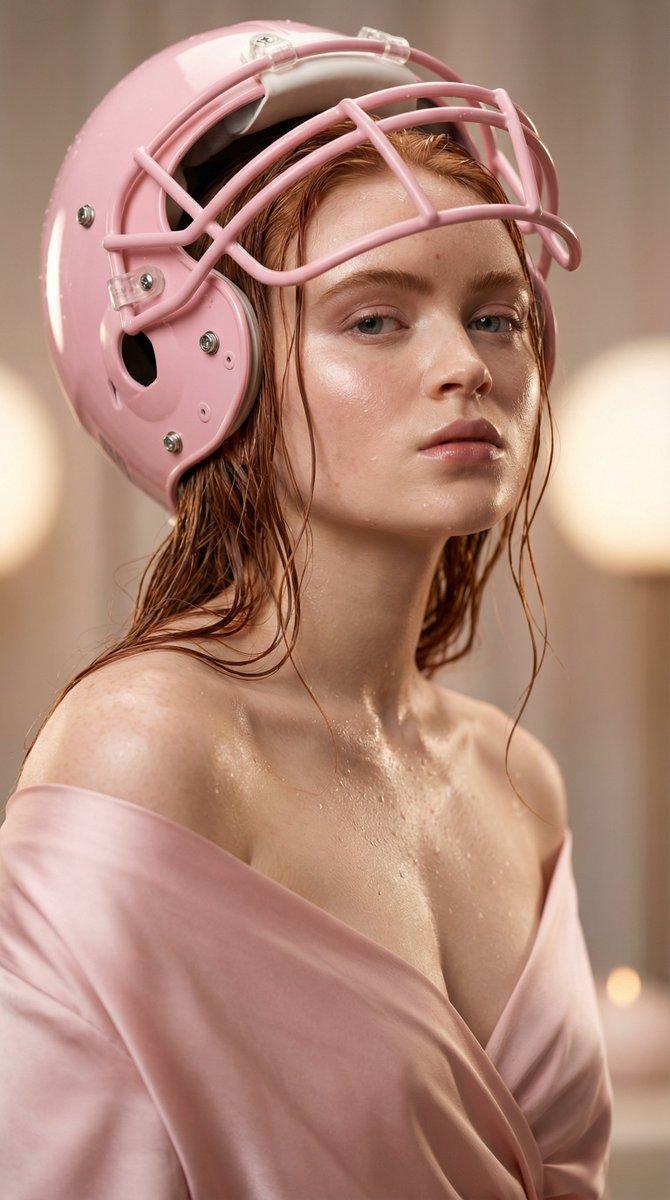
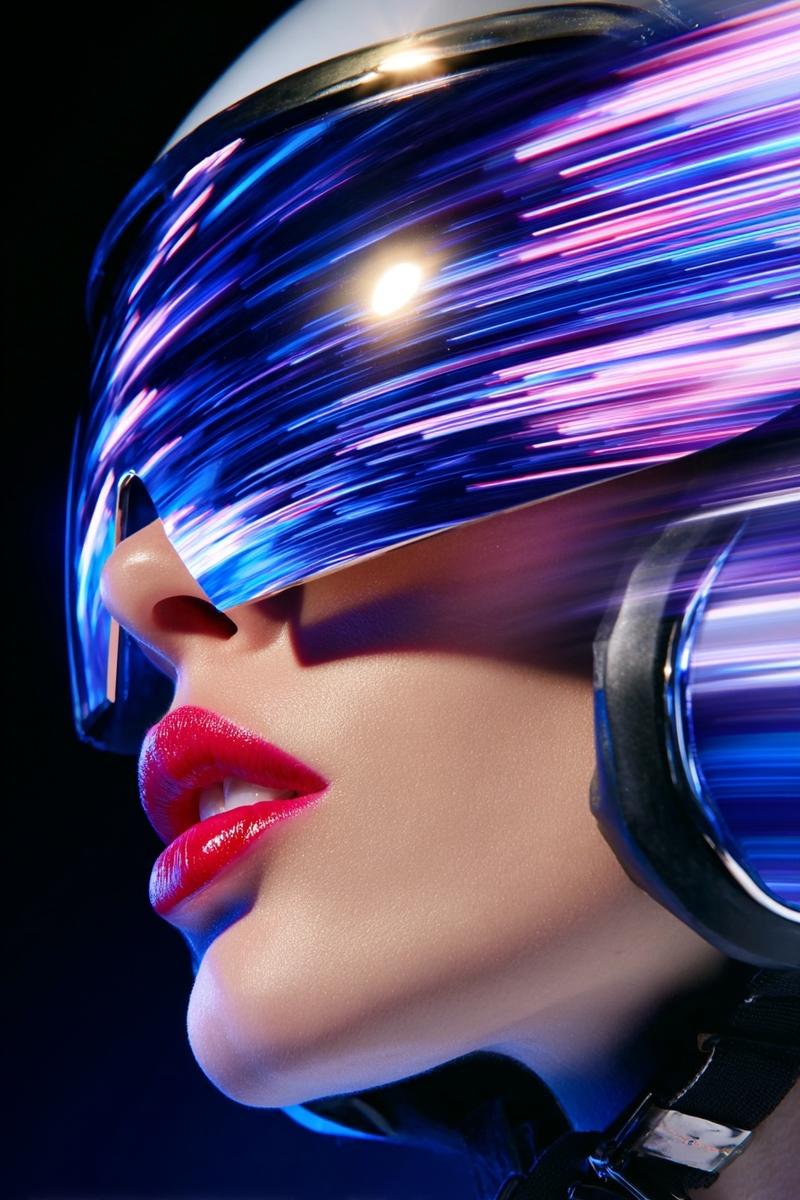
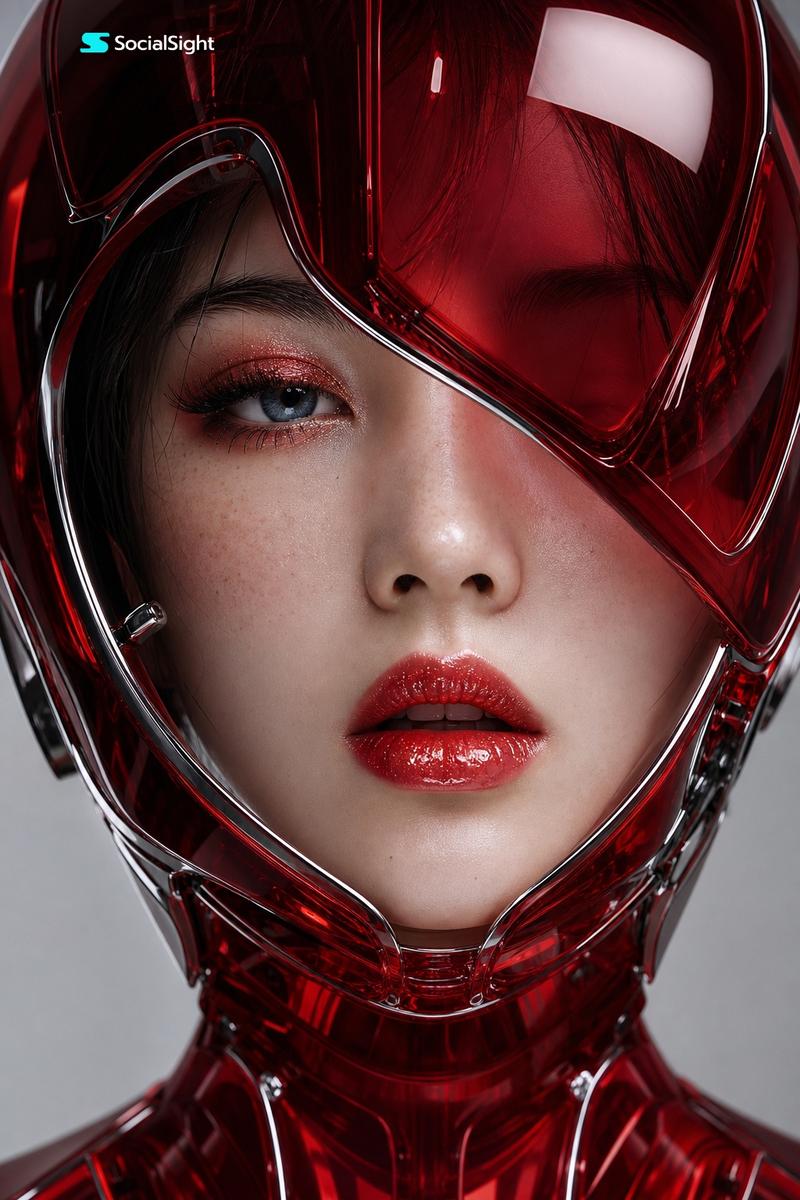
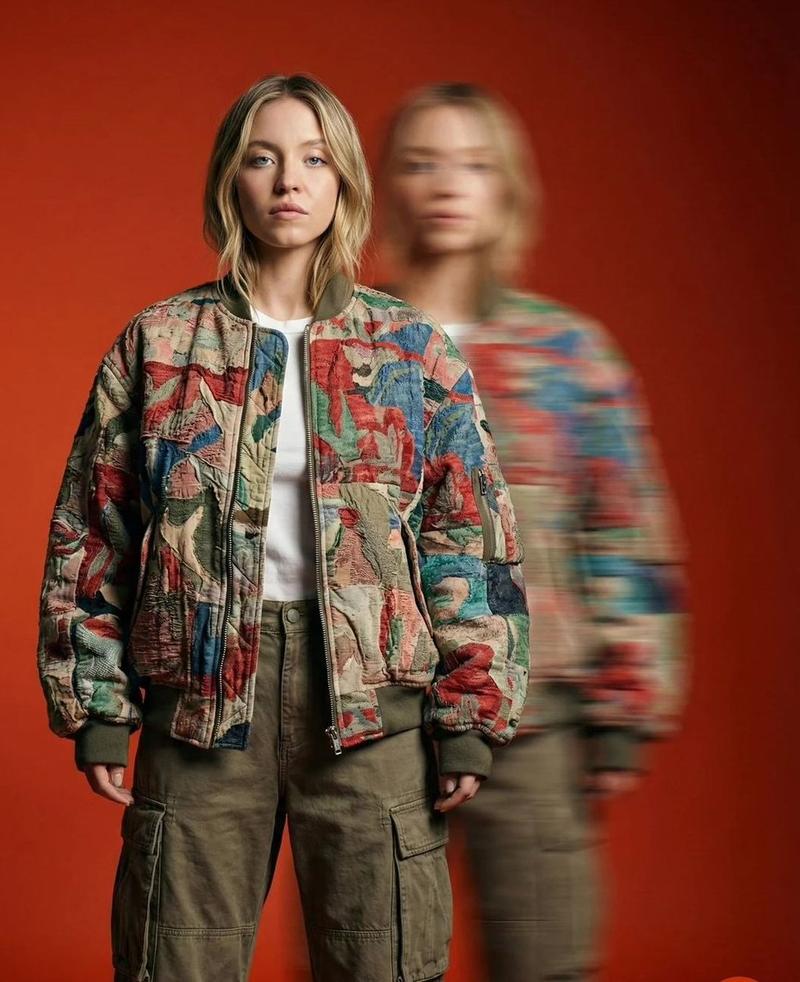
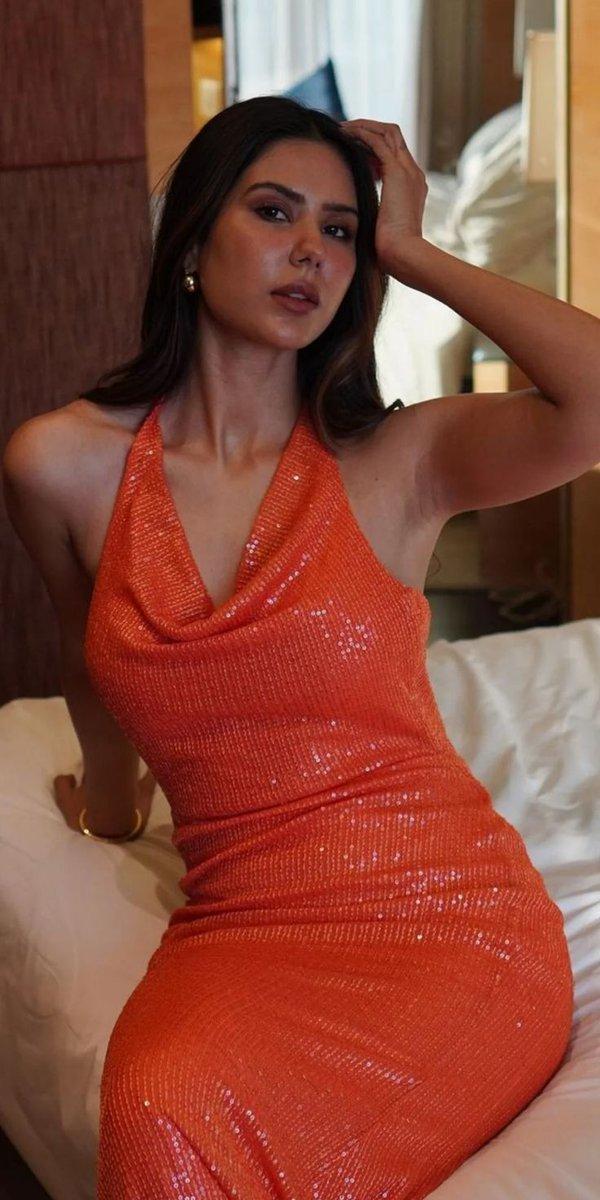
"Ultra-photorealistic high-fashion portrait of {argument name="subject" default="Sadie Sink"} wear a glossy pastel pink football helmet , wet slicked-back hair, dewy glowing skin with visible pores and water droplets, soft natural glam makeup, confident direct eye contact, off-shoulder pastel pink outfit, luxury editorial studio background, cinematic beauty lighting, extremely sharp focus",

  "image_quality": {
    "resolution": "8K ultra-detailed",
    "focus": "ultra-sharp",
    "depth_of_field": "shallow",
    "texture_detail": "high, realistic skin, hair, fabric"
  },

  "lighting": {
    "type": "soft studio lighting",
    "shadows": "gentle, soft",
    "contrast": "cinematic"
  },

  "parameters": {
    "aspect_ratio": "9:16",
    "steps": 50,
    "cfg_scale": 9.5,
    "style": "Photorealistic"
  }
}
Category
创意图片
Model
Nano Banana Pro
Views0
Source ID
501593f5-cd96-4ad2-be11-233740ae99a5
Published
Mar 8, 2026

Guide

About "Sadie Sink 高级时装肖像提示词"

What is this prompt for?

"Sadie Sink 高级时装肖像提示词" AI image prompt for Nano Banana Pro (创意图片). 这是一条为 Nano Banana Pro 设计的结构化提示,要求生成一张萨迪·辛克 (Sadie Sink) 佩戴亮面淡粉色橄榄球头盔的超写实、高级时尚肖像。提示强调湿润的后梳发型、…

The full copyable prompt and example visuals above are ready for AI image generation or one-click recreate in Picva.

How to use this prompt

  1. Step 1

    Open the prompt detail

    Review the example visuals, category, and full prompt text for "Sadie Sink 高级时装肖像提示词".

  2. Step 2

    Copy the prompt

    Copy the prompt body from this page, or load it directly in Studio.

  3. Step 3

    Pick a model (Nano Banana Pro)

    Prefer Nano Banana Pro. If you switch models, keep subject and composition and tweak style terms.

  4. Step 4

    Generate and export

    Recreate the look in Picva, or export into your workflow for editing and publishing.

FAQ

What is the "Sadie Sink 高级时装肖像提示词" prompt?
It is an AI image-generation prompt for Nano Banana Pro in the 创意图片 category. This page includes the full prompt text, example visuals, and a one-click recreate path in Picva.
How do I use this prompt to generate an image?
Copy the prompt from this page, or use Generate / Studio. Paste it into a compatible image model, or recreate the look in Picva with optional reference images.
Which model is this prompt for?
This page lists Nano Banana Pro. Most descriptive prompts also transfer to nearby image models such as GPT Image, Flux, or Midjourney with light style tweaks.
Can I use the result commercially?
You can usually copy the prompt for creation, but commercial use of the final image depends on the model terms, reference-image rights, and the generated content. Follow the source author and platform rules.