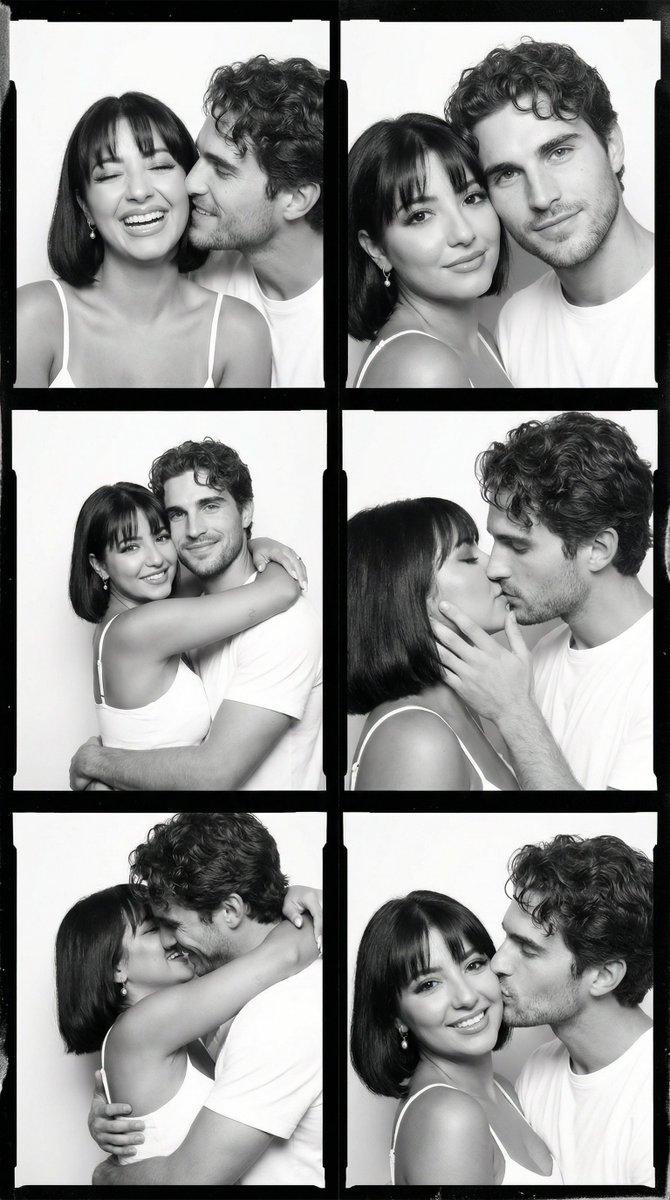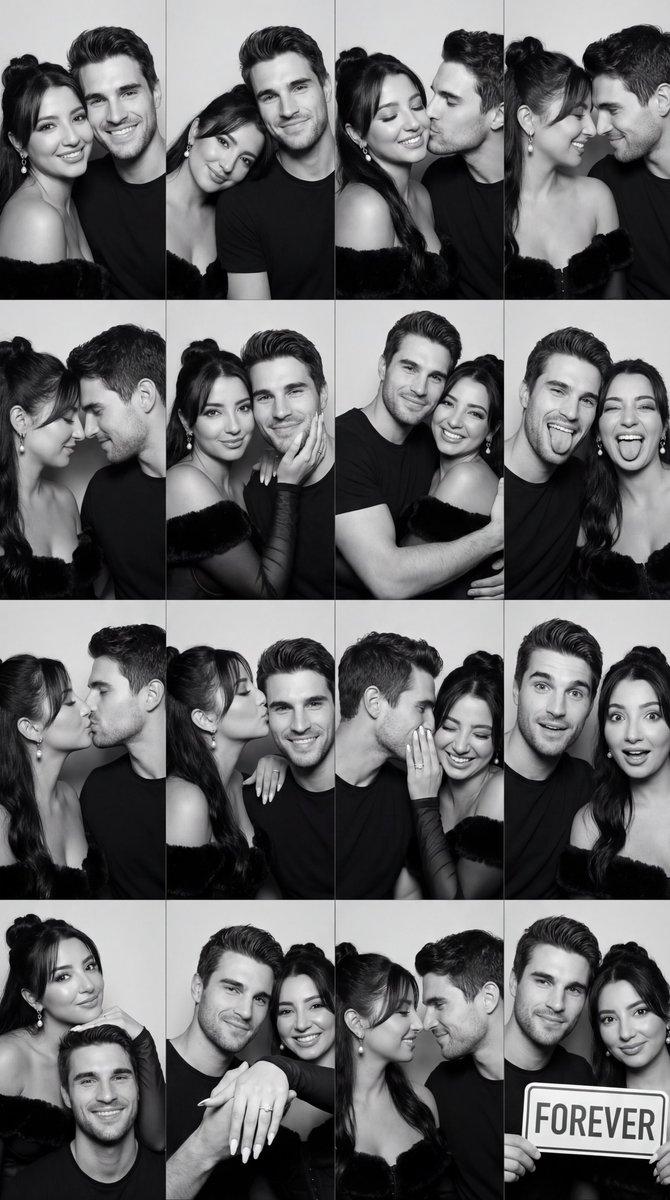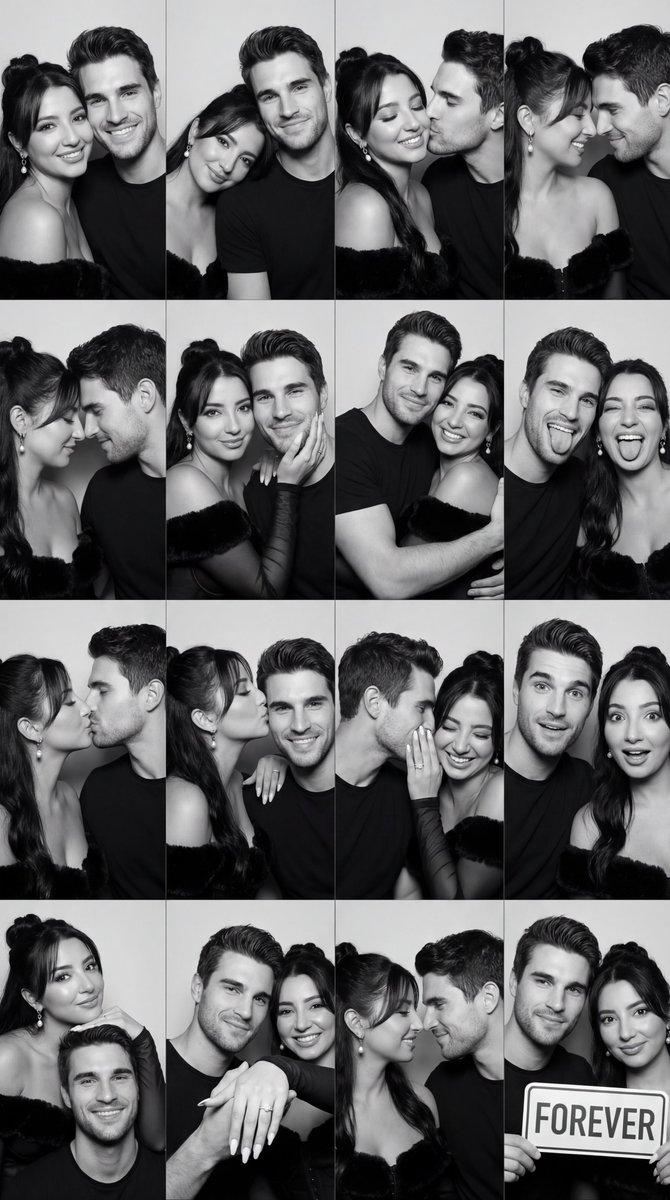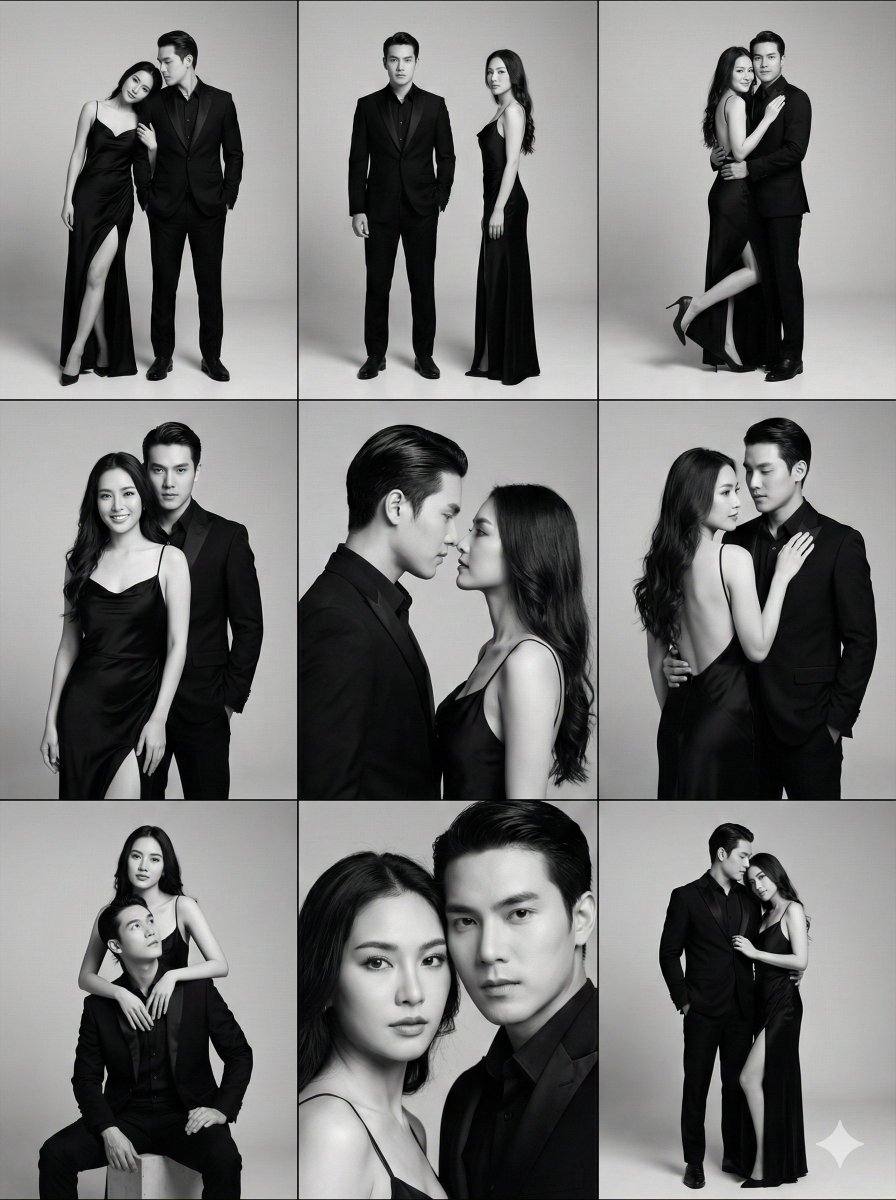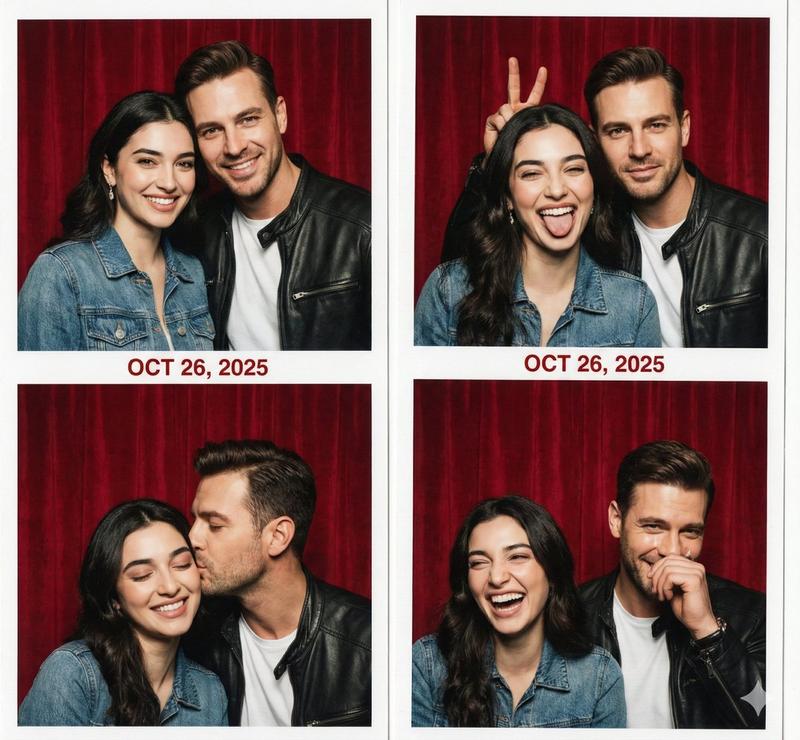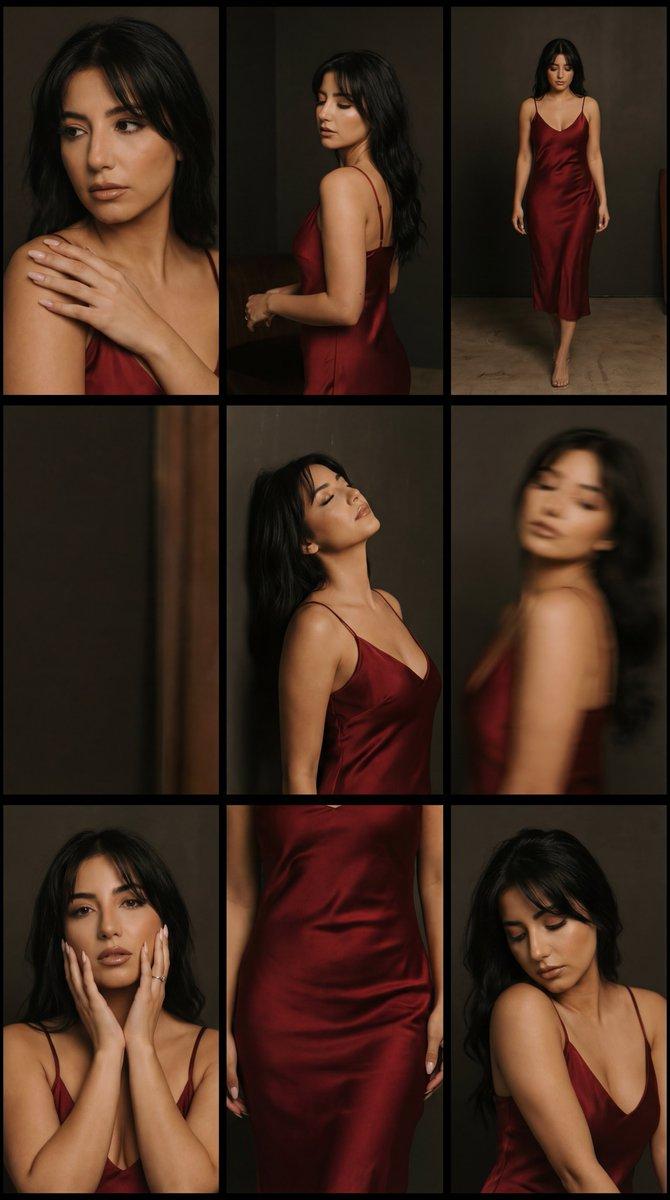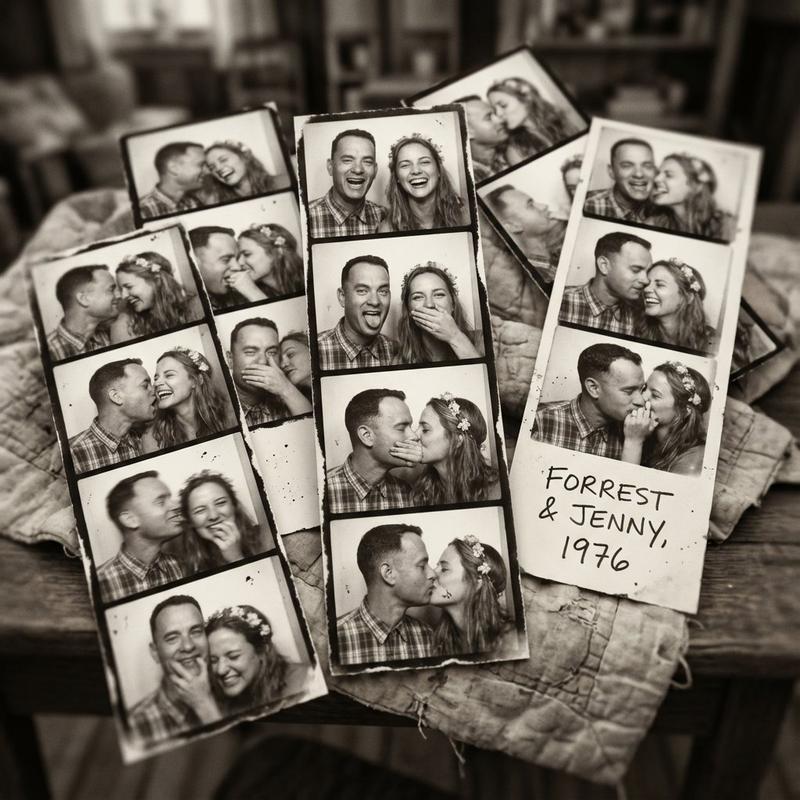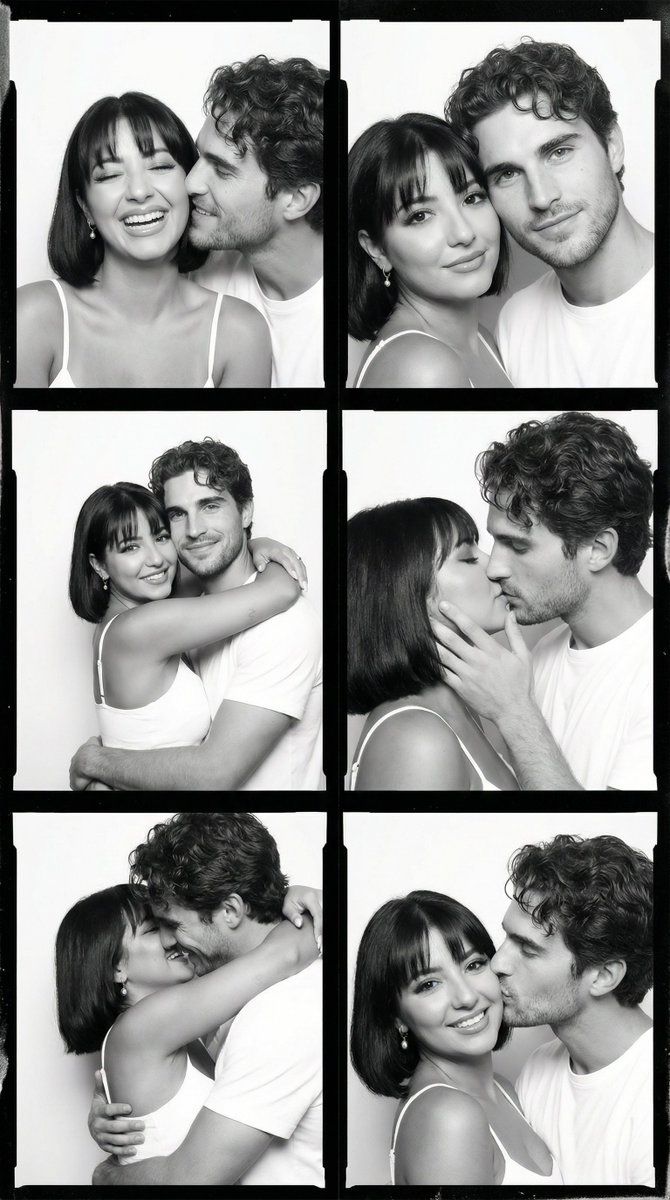
亲密情侣的黑白胶片印样
Prompt
{
  "generation_request": {
    "meta_data": {
      "task_type": "bw_couple_contact_sheet_intimate",
      "language": "en",
      "priority": "highest",
      "version": "v1.0_BW_FILM_COUPLE_GRID"
    },

    "input": {
      "mode": "text_to_image",
      "notes": "Create a 2x3 black and white film contact sheet grid of the same young adult couple. Identity must remain perfectly consistent across all frames. Intimate, playful, candid studio moments. No text, no watermark."
    },

    "output": {
      "aspect_ratio": "3:4",
      "resolution": "ultra_high",
      "num_images": 1,
      "layout": {
        "type": "grid",
        "rows": 3,
        "cols": 2,
        "gutter": "thick_black_film_border",
        "outer_border": "black_frame"
      },
      "sharpness": "filmic_crisp",
      "grain": "true_35mm_film"
    },

    "scene": {
      "environment": "minimal white studio backdrop",
      "lighting": {
        "style": "soft frontal diffused light",
        "contrast": "medium",
        "shadow": "gentle natural falloff",
        "look": "documentary photo booth aesthetic"
      },
      "camera": {
        "shot_type": "tight portrait",
        "framing": "head and shoulders",
        "lens": "50mm natural perspective",
        "depth_of_field": "moderate, both faces sharp"
      },
      "color_grade": {
        "mode": "black_and_white",
        "contrast": "classic film contrast",
        "blacks": "rich but not crushed",
        "highlights": "soft rolloff"
      }
    },

    "subject": {
      "couple": {
        "woman": {
          "hair": "short bob with straight bangs",
          "wardrobe": "white thin strap top",
          "makeup": "natural, subtle glow",
          "expression_variations": [
            "laughing with eyes closed",
            "smiling softly",
            "playful wink",
            "leaning into partner"
          ]
        },
        "man": {
          "hair": "medium-length curly hair, slightly messy",
          "wardrobe": "black jacket over dark shirt",
          "expression_variations": [
            "smiling gently",
            "kissing her cheek",
            "leaning forehead close",
            "hugging from behind"
          ]
        }
      },

      "pose_variations": [
        "woman laughing while man nuzzles her cheek",
        "both looking at camera closely side by side",
        "woman hugging man tightly",
        "intimate kiss with hands on face",
        "playful embrace hiding faces",
        "man kissing woman on cheek while she smiles"
      ]
    },

    "effects": {
      "film_border": {
        "enabled": true,
        "look": "analog contact sheet frame",
        "edge_wear": "subtle"
      },
      "film_grain": "authentic",
      "micro_contrast": "slight"
    },

"negative_prompt": "color image, oversharpened, oversmoothed skin, bad anatomy, extra fingers, deformed hands, inconsistent faces between frames, text overlay, wate"- Category
- 创意图片
- Model
- Nano Banana Pro
- Creator
- Özge Döner
- Source ID
- d2db22ce-994d-445e-8dc3-b368d560906c
- Published
- Mar 8, 2026
Views7