17

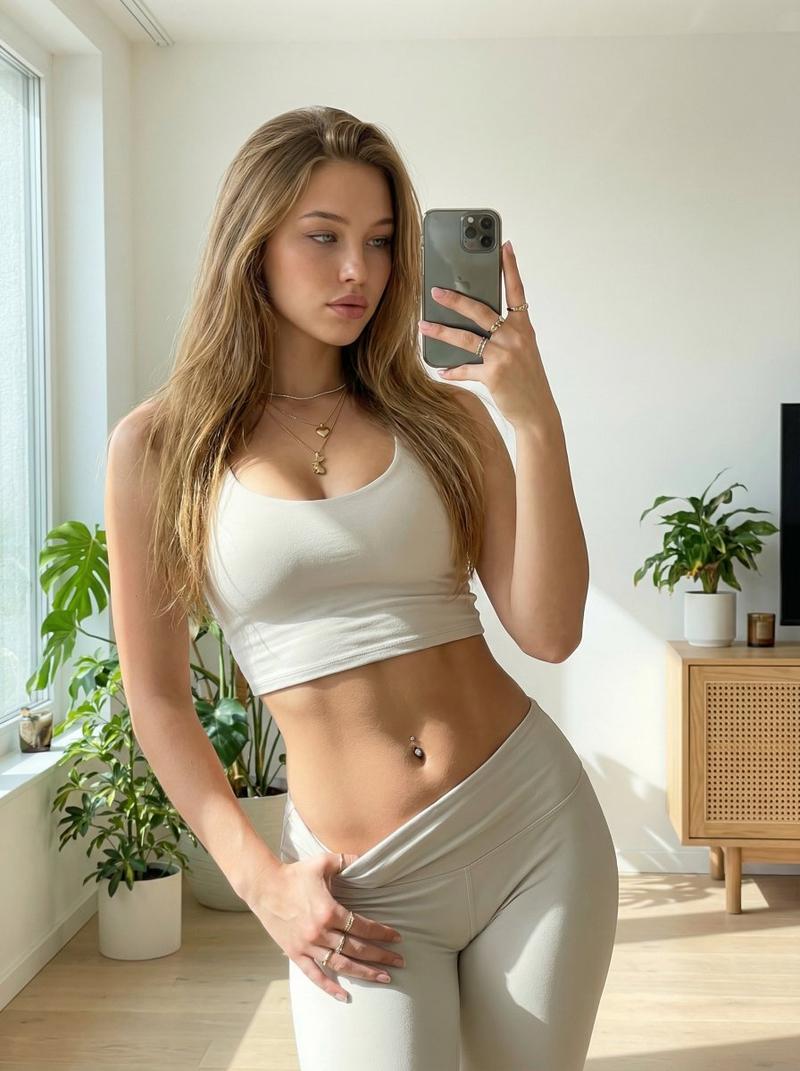
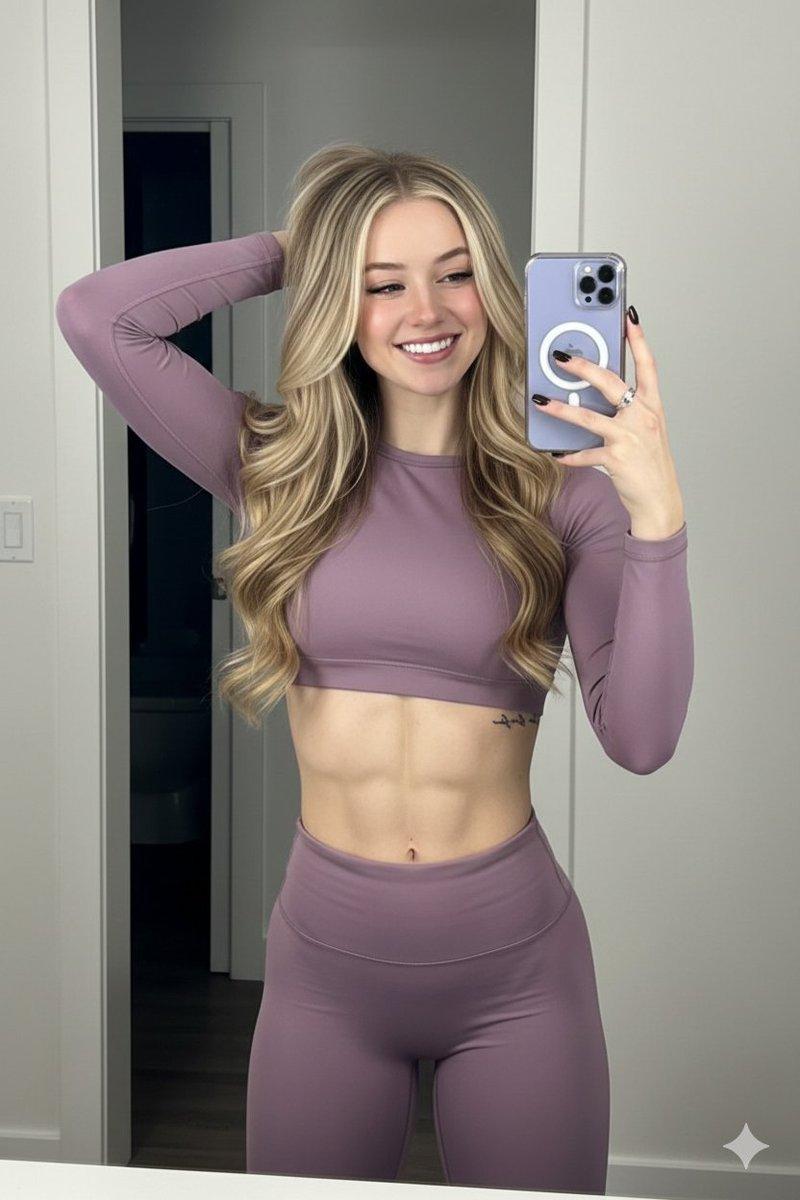
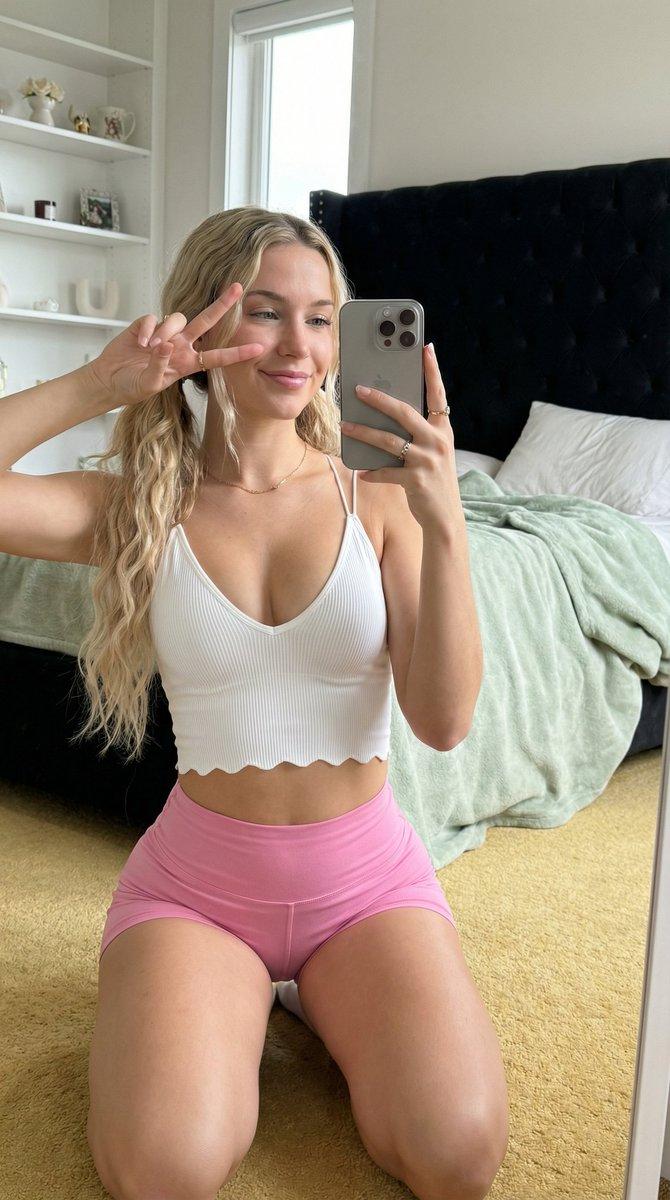
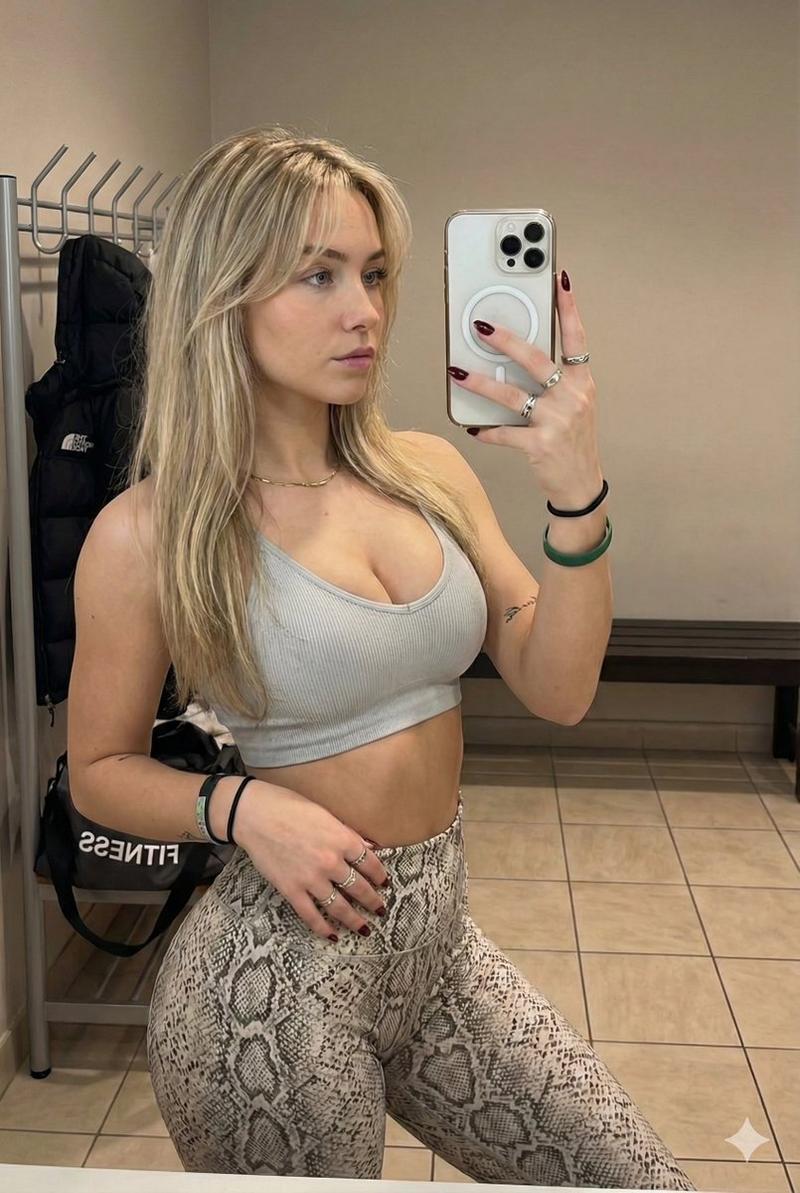
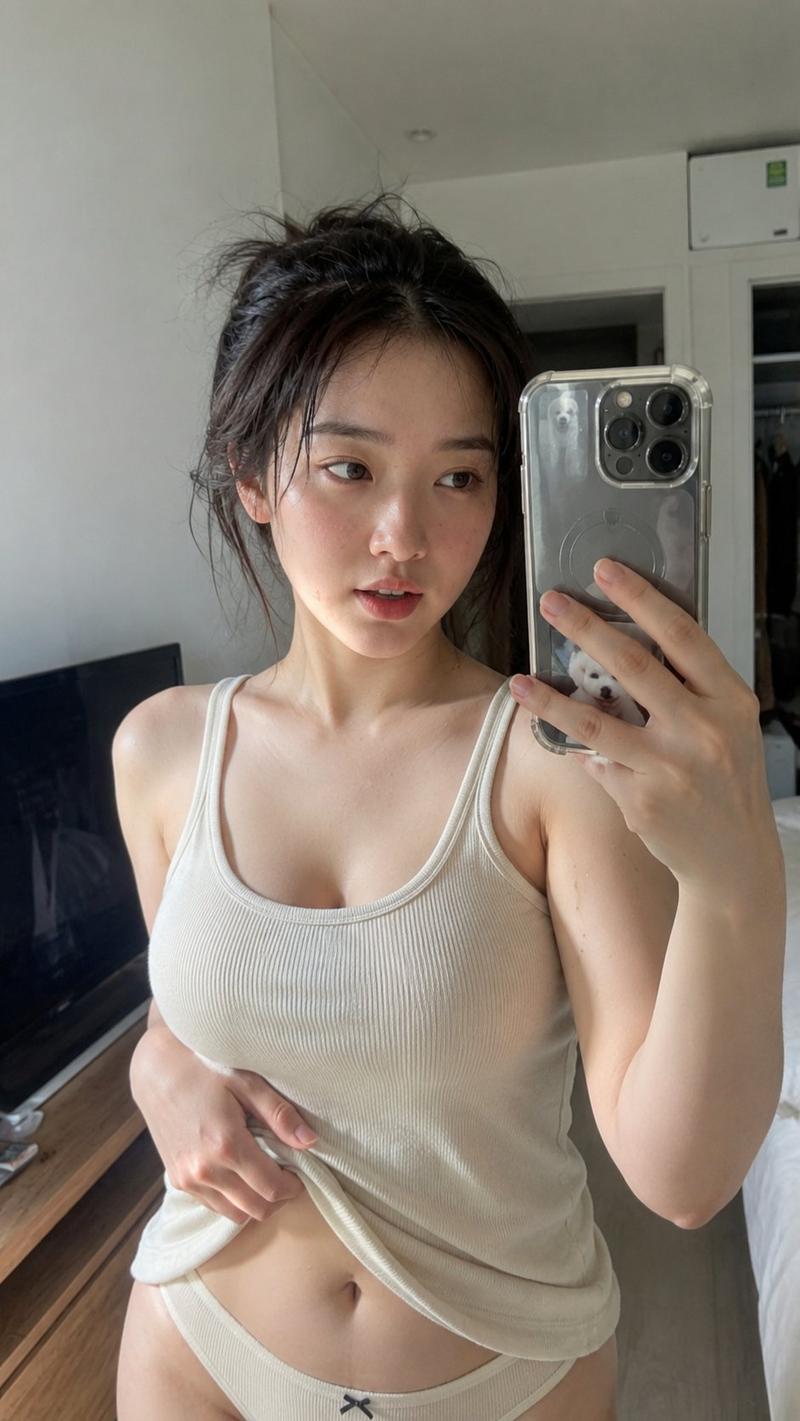
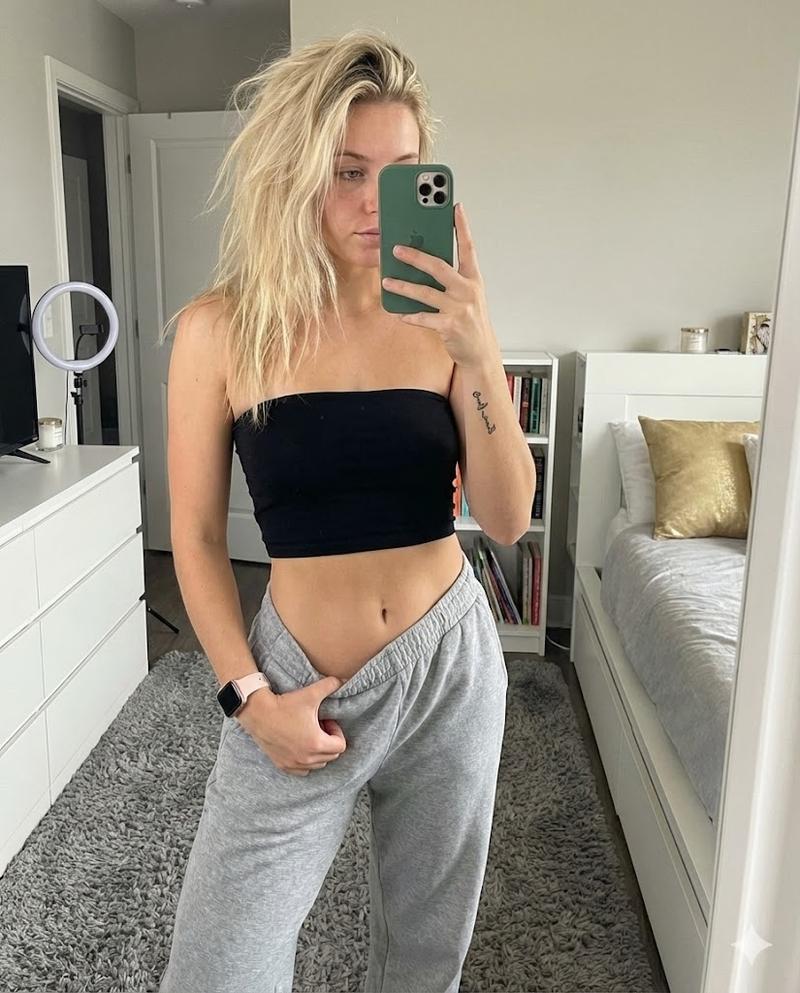
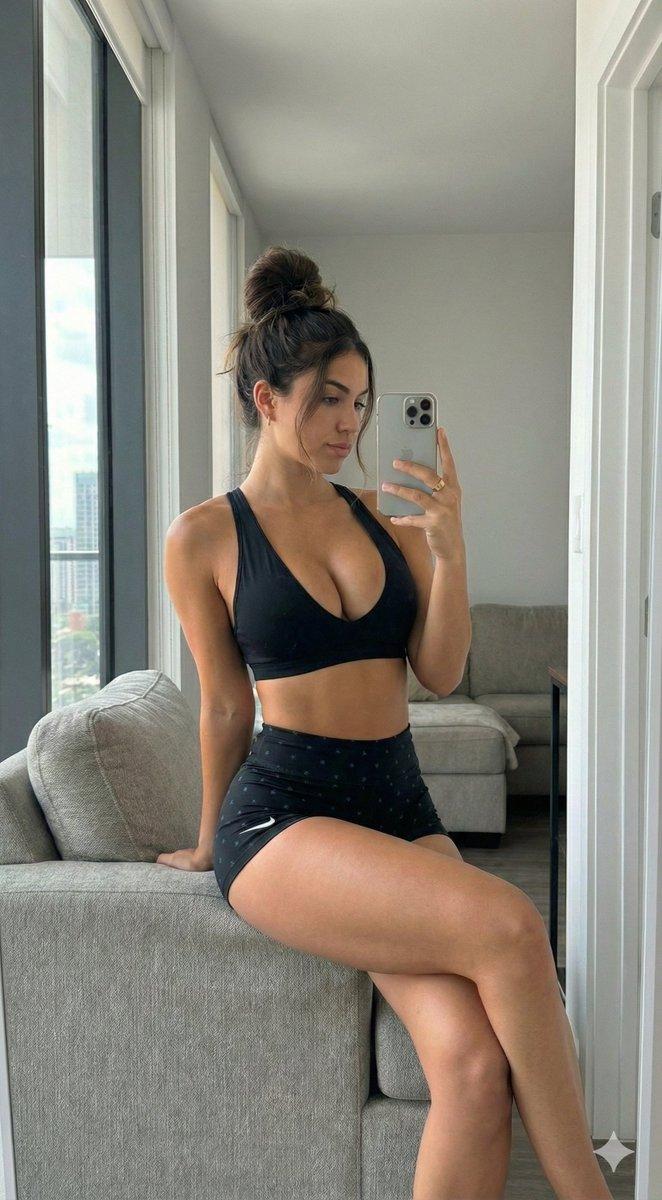
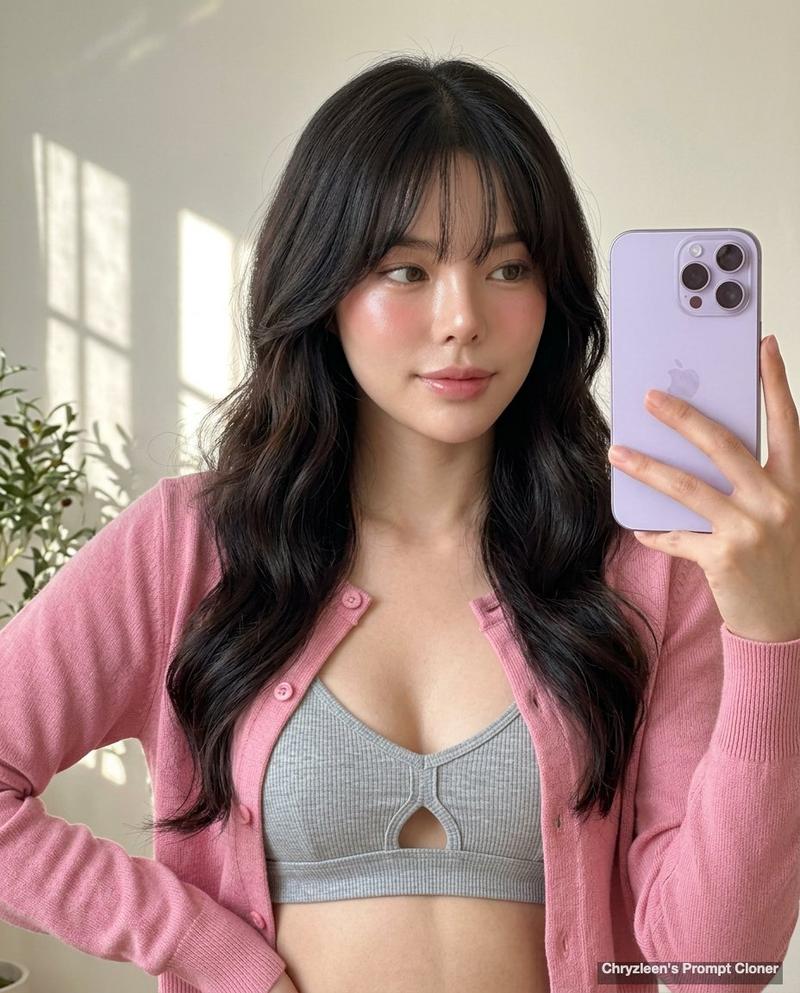
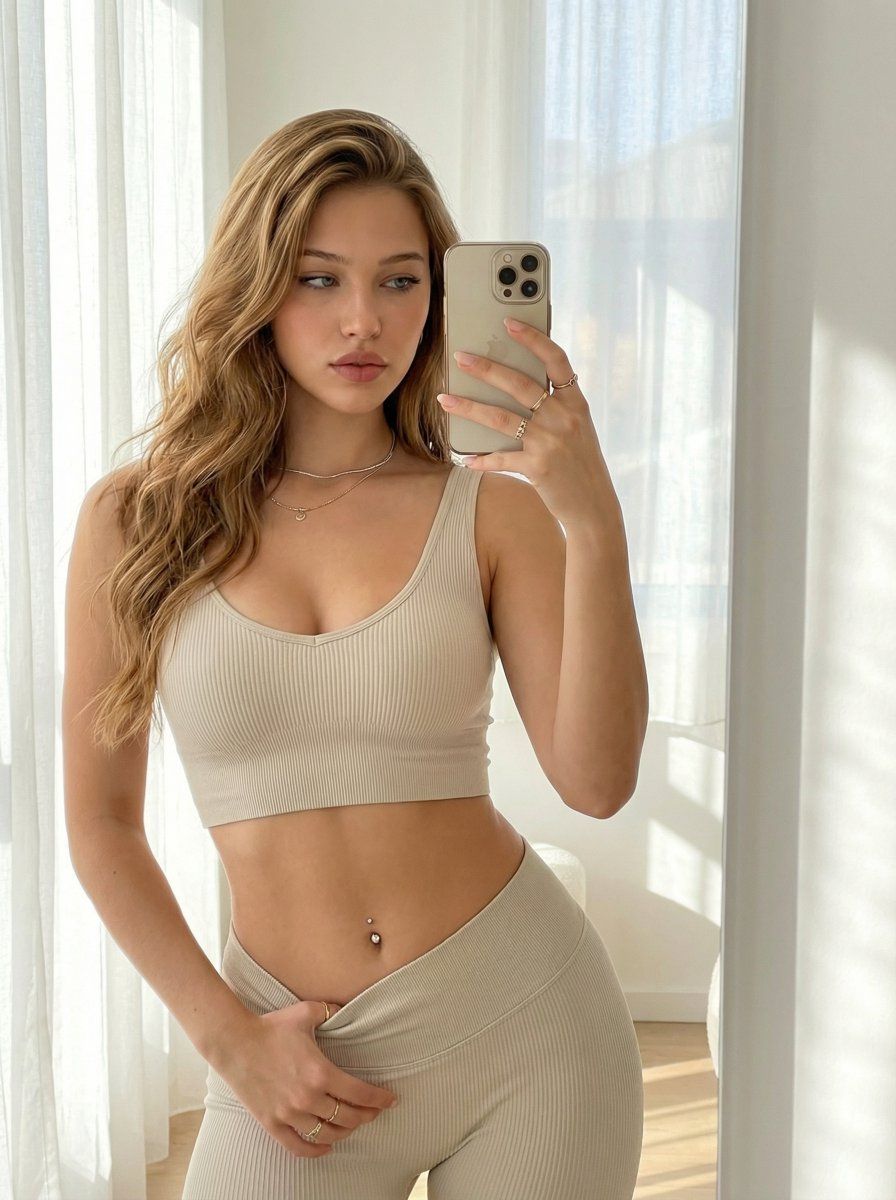
身份锁和高曝光的坦率镜面自拍
Enlarge

身份锁和高曝光的坦率镜面自拍

Prompt
{
"prompt":
"Selfie of the subject, keeping her face, features, and the natural color of her skin and hair 100% original without any alteration.
Body: tall woman with a toned build.
Accessories: pierced belly button, multiple delicate chains, and rings on her hands.
A candid mirror reflection of a woman with golden brown long hair, large bust, flared hips, wearing a light crop top and matching yoga pants, posing with an arched back while holding a phone up to take a selfie with one hand.
The room is filled with bright natural daylight, soft window light flooding the space, high exposure, evenly lit skin tones, clear shadows, and a clean airy atmosphere.
The image should feel warm, intimate, and softly romantic — but clearly well-lit, not dark.",
}
Category
创意图片
Model
Nano Banana Pro
Creator
David
Views2
Source ID
04418881-58b1-4679-874a-b7984cb69c98
Published
Mar 8, 2026

Guide

About "身份锁和高曝光的坦率镜面自拍"

What is this prompt for?

"身份锁和高曝光的坦率镜面自拍" AI image prompt for Nano Banana Pro (创意图片). 一个结构化的 JSON 提示词,用于生成一张在室内的健美女性的镜面自拍。该提示词强调 100% 忠实于原始面部/特征、特定的配饰、高曝光、柔和的自然日光以及温暖、亲密的氛围。 --- { "pro…

The full copyable prompt and example visuals above are ready for AI image generation or one-click recreate in Picva.

How to use this prompt

  1. Step 1

    Open the prompt detail

    Review the example visuals, category, and full prompt text for "身份锁和高曝光的坦率镜面自拍".

  2. Step 2

    Copy the prompt

    Copy the prompt body from this page, or load it directly in Studio.

  3. Step 3

    Pick a model (Nano Banana Pro)

    Prefer Nano Banana Pro. If you switch models, keep subject and composition and tweak style terms.

  4. Step 4

    Generate and export

    Recreate the look in Picva, or export into your workflow for editing and publishing.

FAQ

What is the "身份锁和高曝光的坦率镜面自拍" prompt?
It is an AI image-generation prompt for Nano Banana Pro in the 创意图片 category. This page includes the full prompt text, example visuals, and a one-click recreate path in Picva.
How do I use this prompt to generate an image?
Copy the prompt from this page, or use Generate / Studio. Paste it into a compatible image model, or recreate the look in Picva with optional reference images.
Which model is this prompt for?
This page lists Nano Banana Pro. Most descriptive prompts also transfer to nearby image models such as GPT Image, Flux, or Midjourney with light style tweaks.
Can I use the result commercially?
You can usually copy the prompt for creation, but commercial use of the final image depends on the model terms, reference-image rights, and the generated content. Follow the source author and platform rules.