18

电影人像提示词与身份锁定
Enlarge

电影人像提示词与身份锁定

Prompt
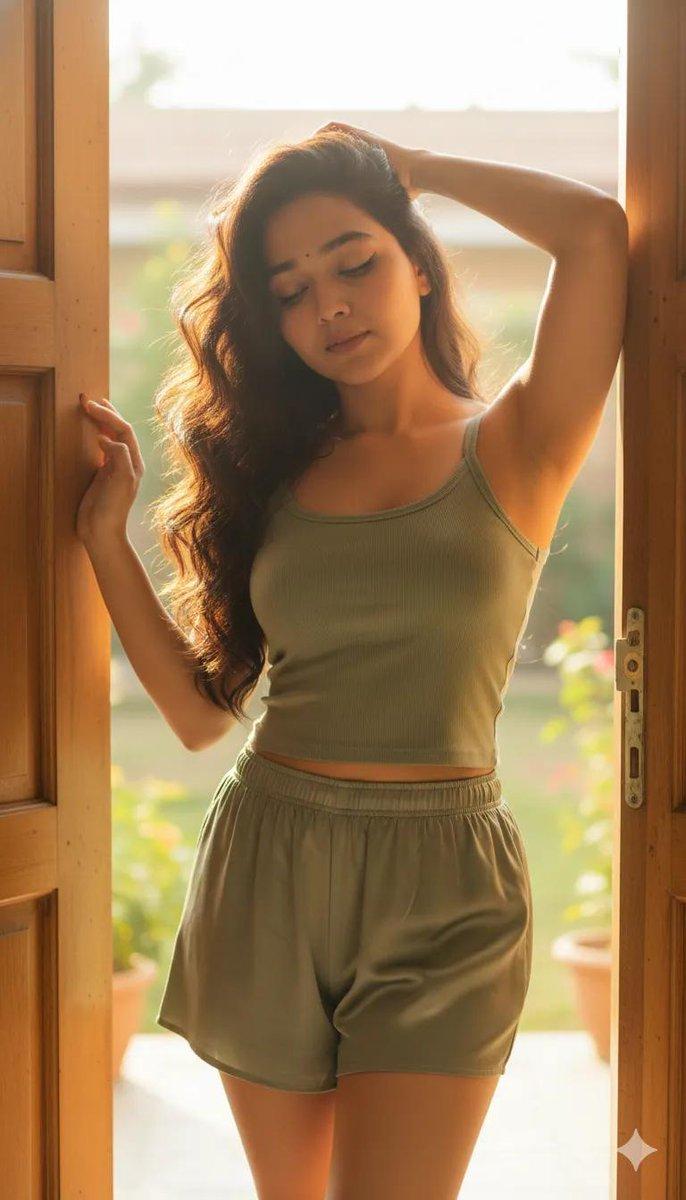
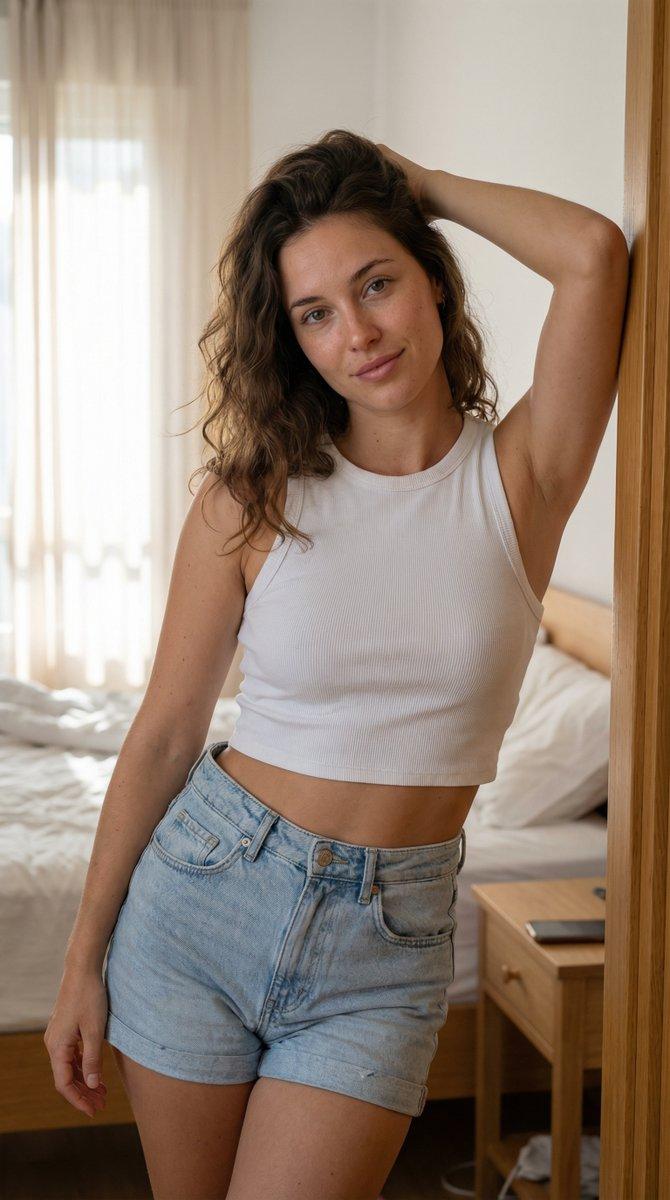
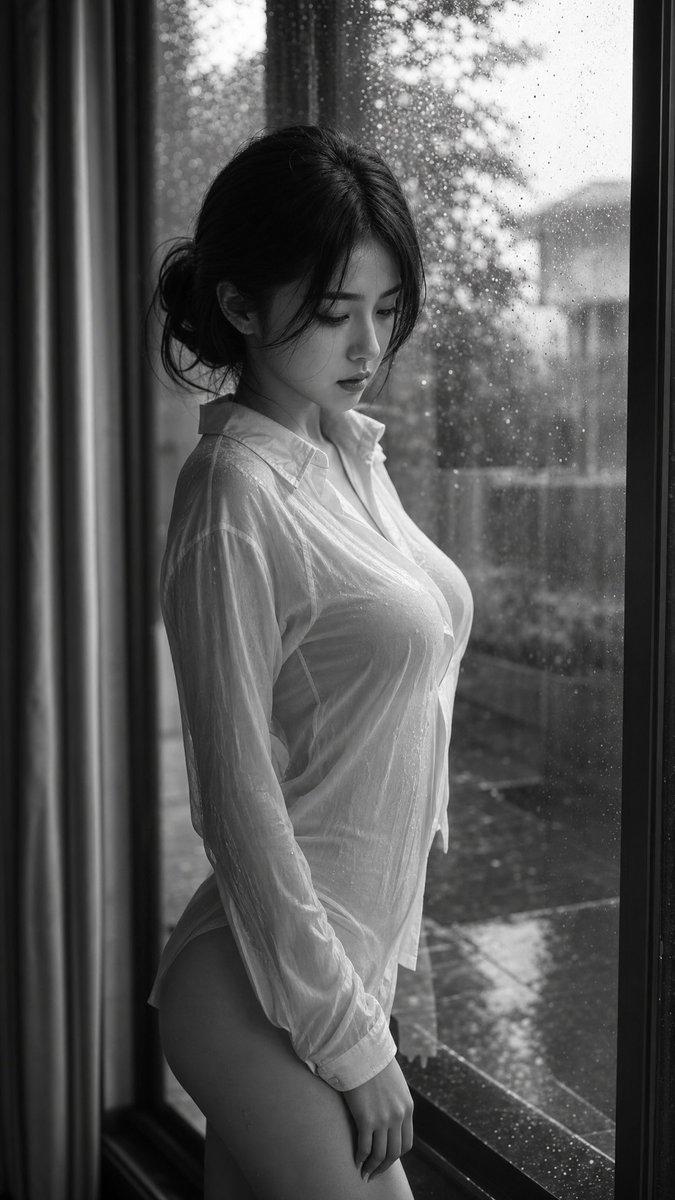
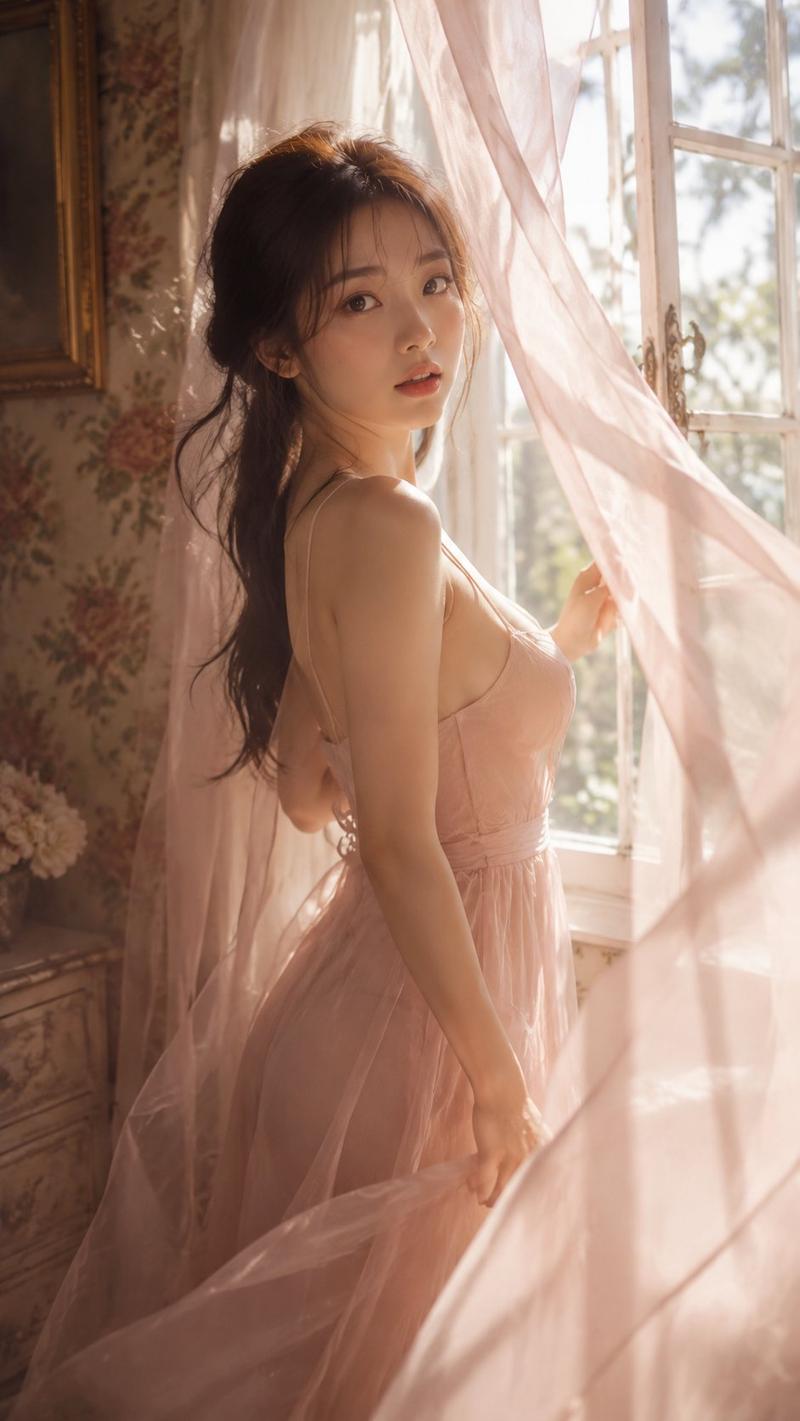
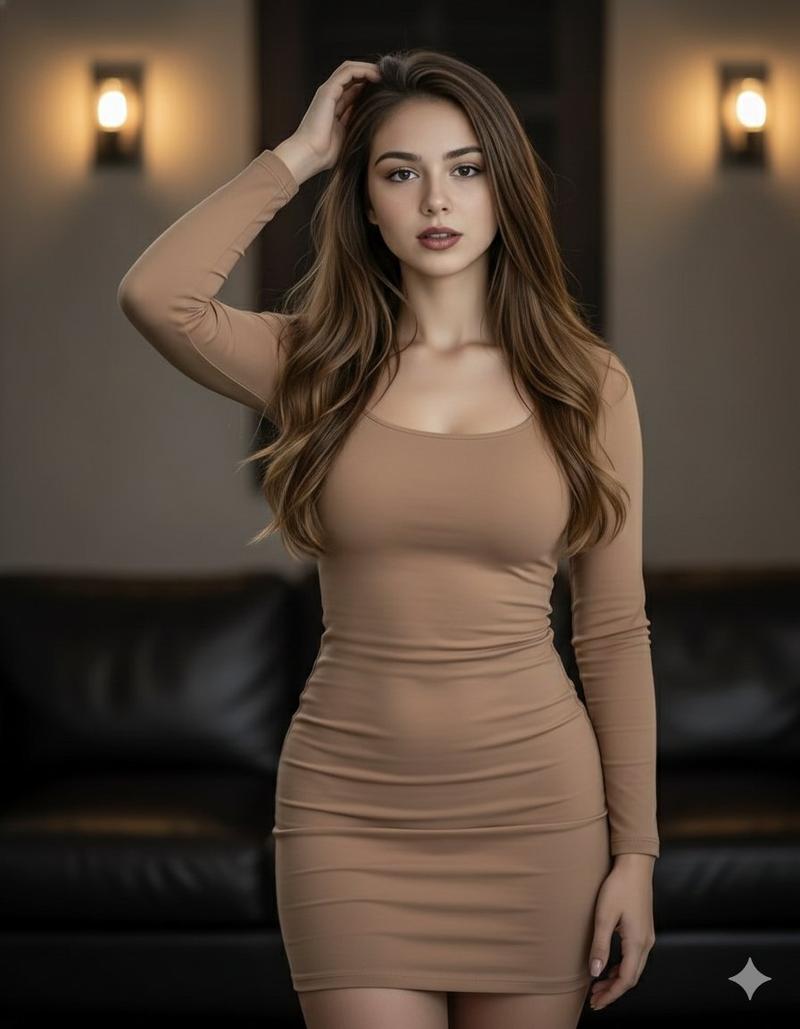
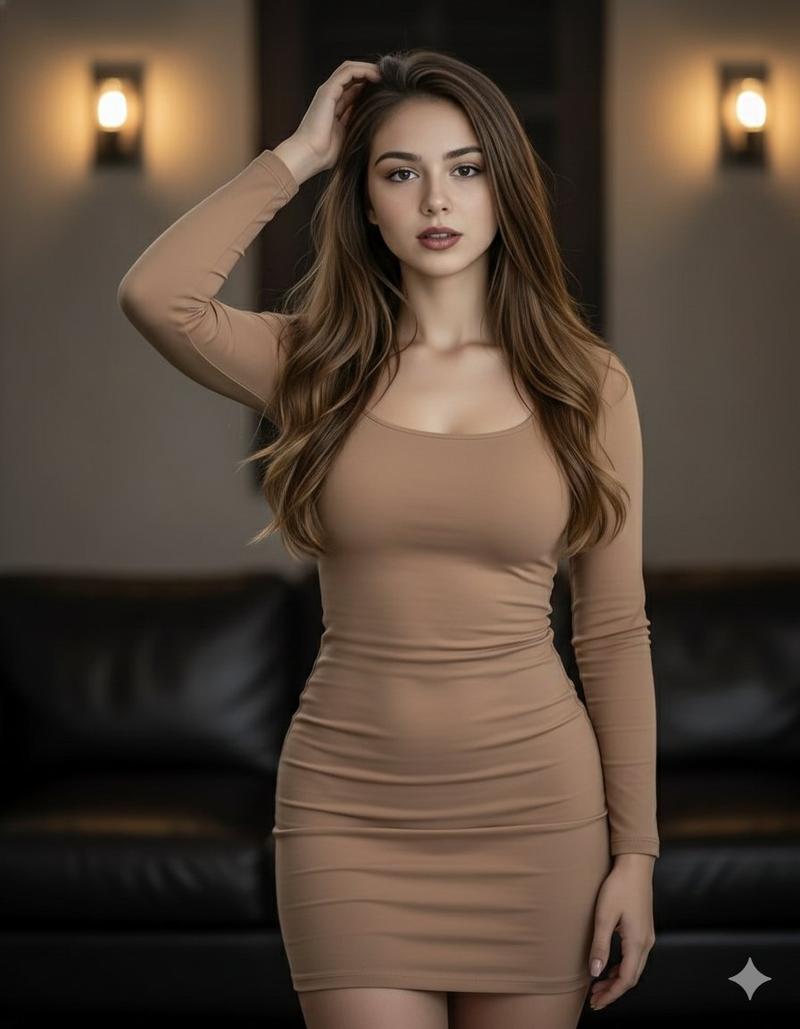
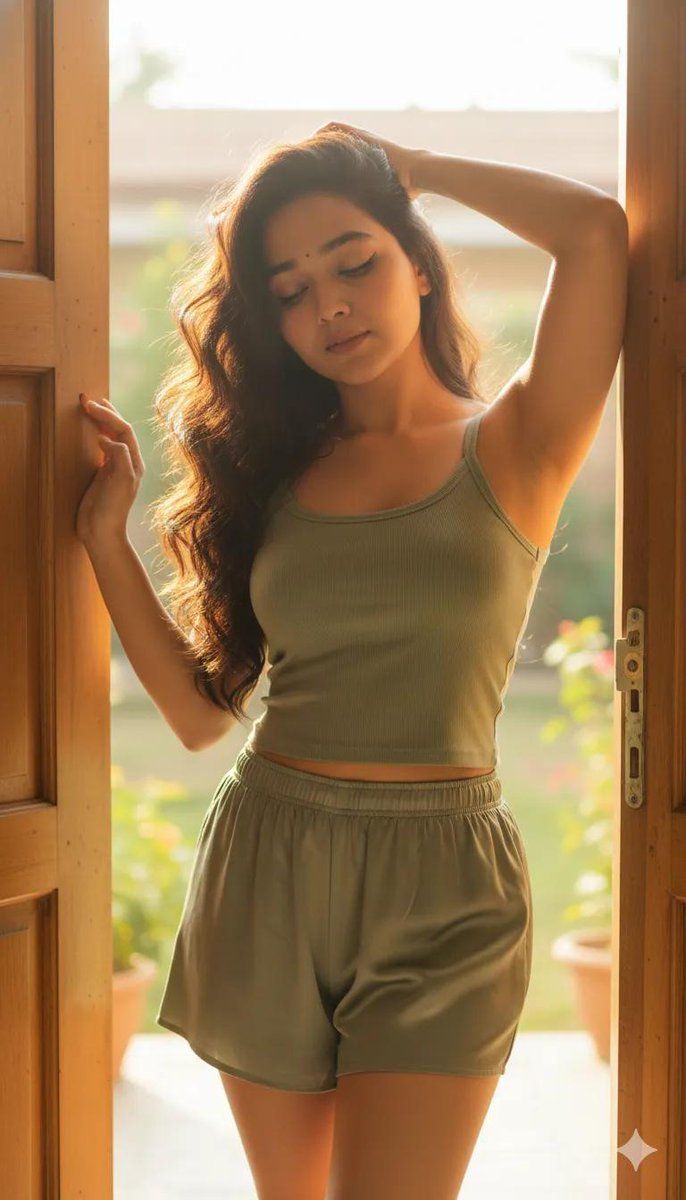
Create a vertical 9:16 ultra-high-definition, hyper-realistic cinematic portrait. Maintain the exact same facial features and body proportions as the reference image.
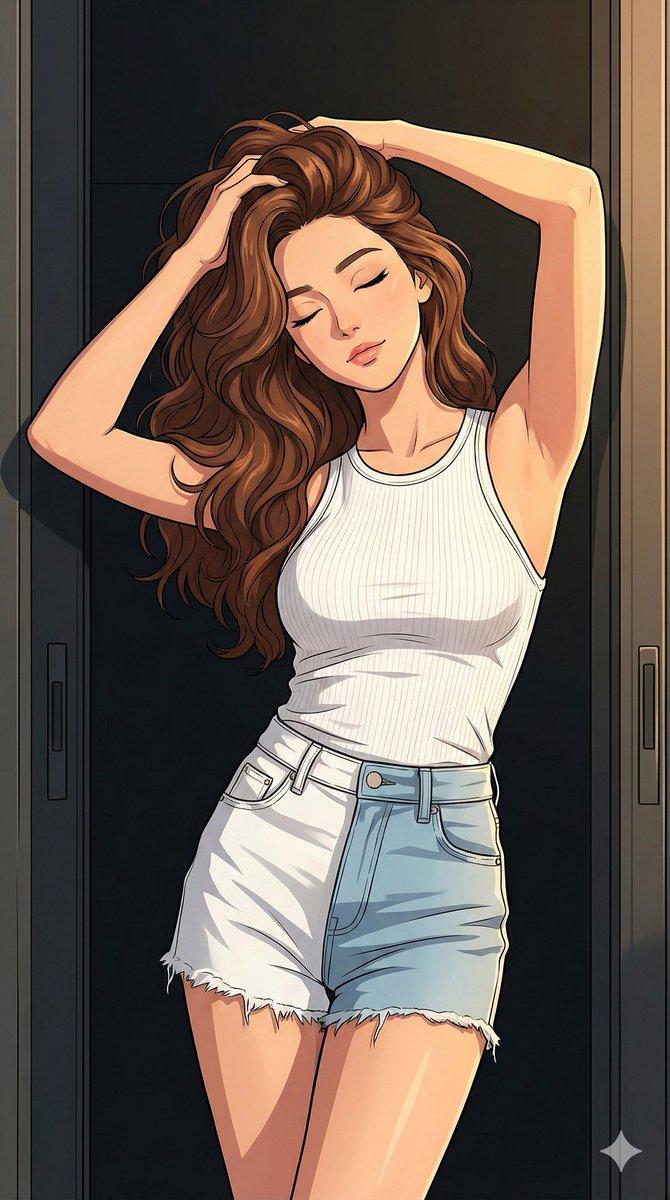
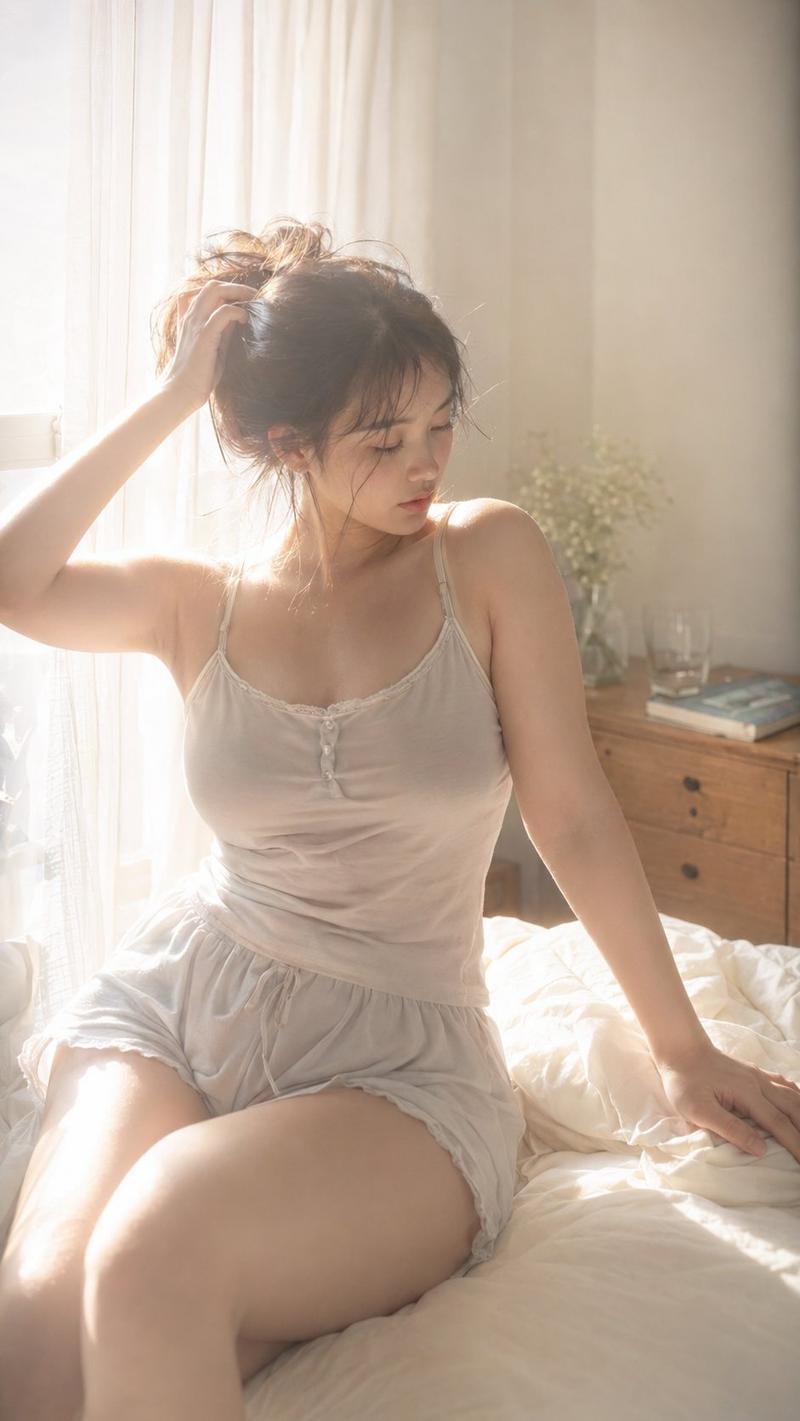
Capture a refined lifestyle scene of a woman with thick, flowing dark waves cascading over her shoulders, positioned in a softly illuminated doorway filled with warm natural sunlight. She is styled in a muted sage-toned textured sleeveless top, paired with coordinating smooth satin home shorts that create a relaxed yet elegant aesthetic.
Her pose feels effortless and intimate — one hand gently lifting through her hair, eyes delicately closed as sunlight enhances the authentic skin texture and natural complexion. The overall mood should feel airy, serene, and editorial, with crisp detail, soft shadows, and a realistic depth of field
Category
创意图片
Model
Nano Banana Pro
Views0
Source ID
42a88f31-79d2-4f3b-be05-819ec1720684
Published
Mar 8, 2026

Guide

About "电影人像提示词与身份锁定"

What is this prompt for?

"电影人像提示词与身份锁定" AI image prompt for Nano Banana Pro (创意图片). 一个针对 Google Gemini Nano Banana Pro 的提示,要求生成一张垂直、超写实的电影感女性肖像,置于柔和照明的门廊中,强调身份锁定、自然皮肤纹理和宁静的、具有编辑风格的氛围。…

The full copyable prompt and example visuals above are ready for AI image generation or one-click recreate in Picva.

How to use this prompt

  1. Step 1

    Open the prompt detail

    Review the example visuals, category, and full prompt text for "电影人像提示词与身份锁定".

  2. Step 2

    Copy the prompt

    Copy the prompt body from this page, or load it directly in Studio.

  3. Step 3

    Pick a model (Nano Banana Pro)

    Prefer Nano Banana Pro. If you switch models, keep subject and composition and tweak style terms.

  4. Step 4

    Generate and export

    Recreate the look in Picva, or export into your workflow for editing and publishing.

FAQ

What is the "电影人像提示词与身份锁定" prompt?
It is an AI image-generation prompt for Nano Banana Pro in the 创意图片 category. This page includes the full prompt text, example visuals, and a one-click recreate path in Picva.
How do I use this prompt to generate an image?
Copy the prompt from this page, or use Generate / Studio. Paste it into a compatible image model, or recreate the look in Picva with optional reference images.
Which model is this prompt for?
This page lists Nano Banana Pro. Most descriptive prompts also transfer to nearby image models such as GPT Image, Flux, or Midjourney with light style tweaks.
Can I use the result commercially?
You can usually copy the prompt for creation, but commercial use of the final image depends on the model terms, reference-image rights, and the generated content. Follow the source author and platform rules.