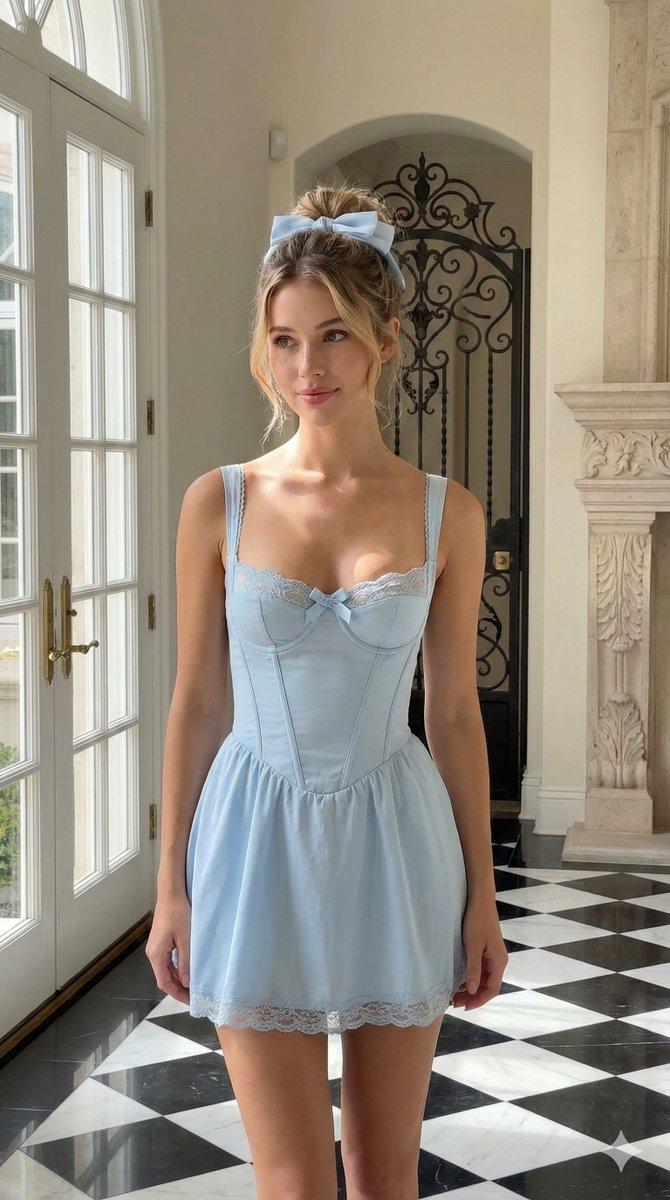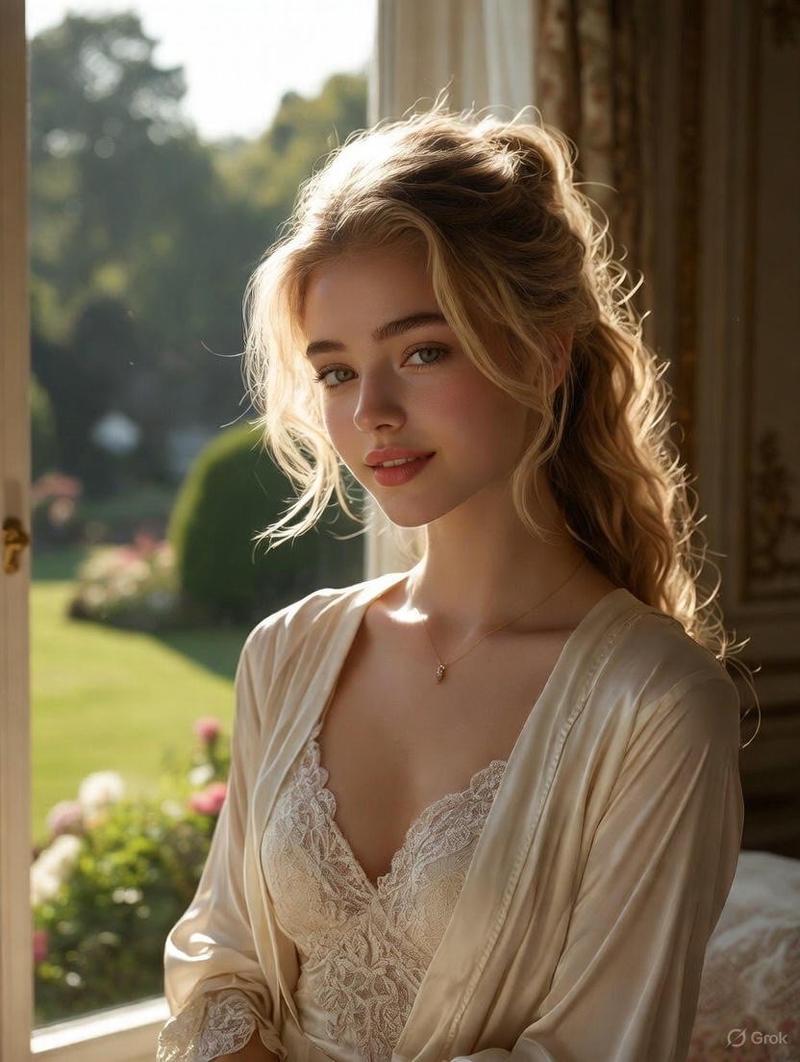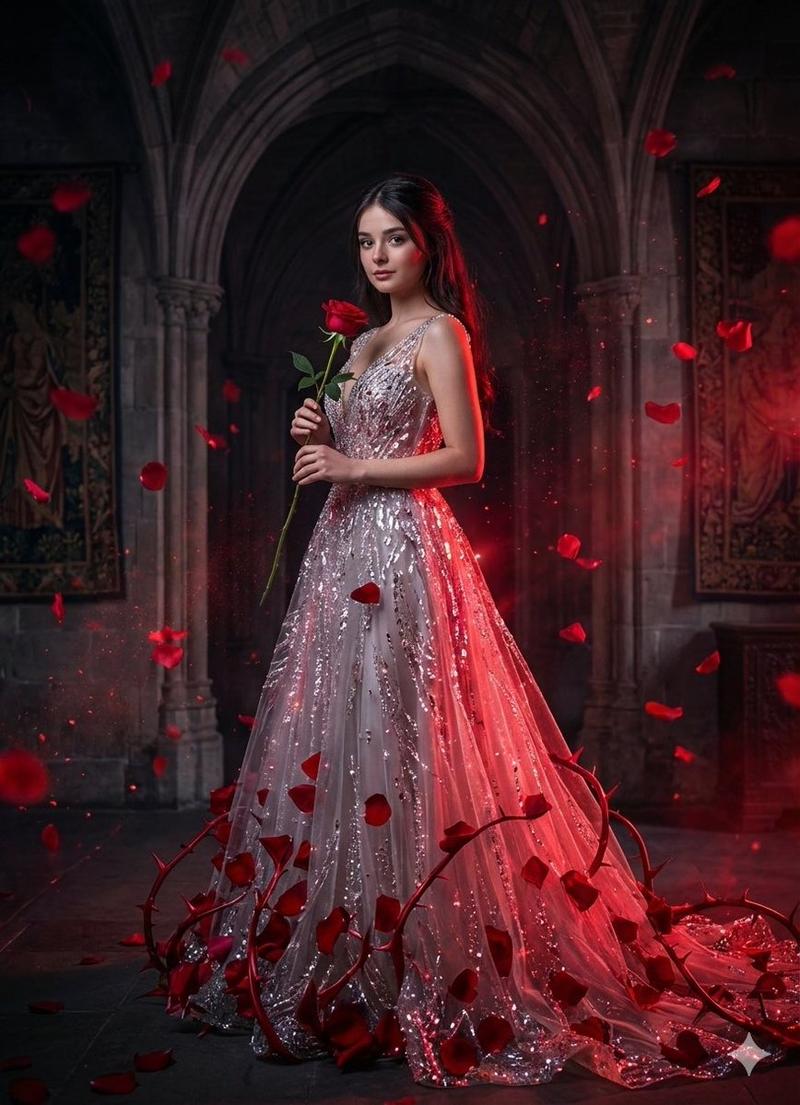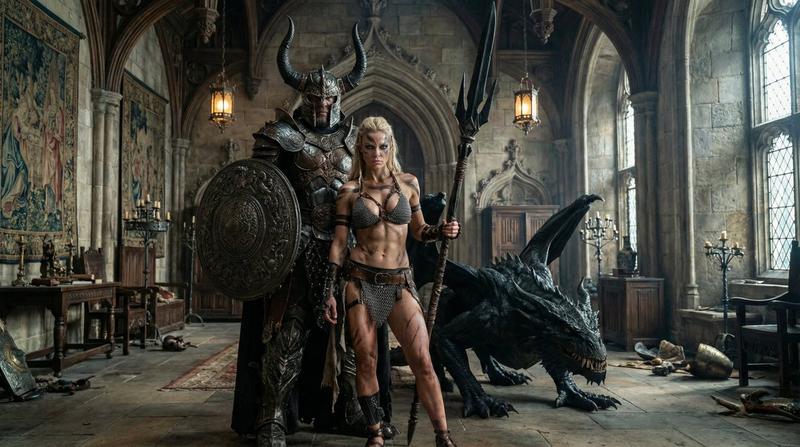
文艺复兴窗光肖像提示词,带参考锁定
Prompt
{
  "image_generation_data": {
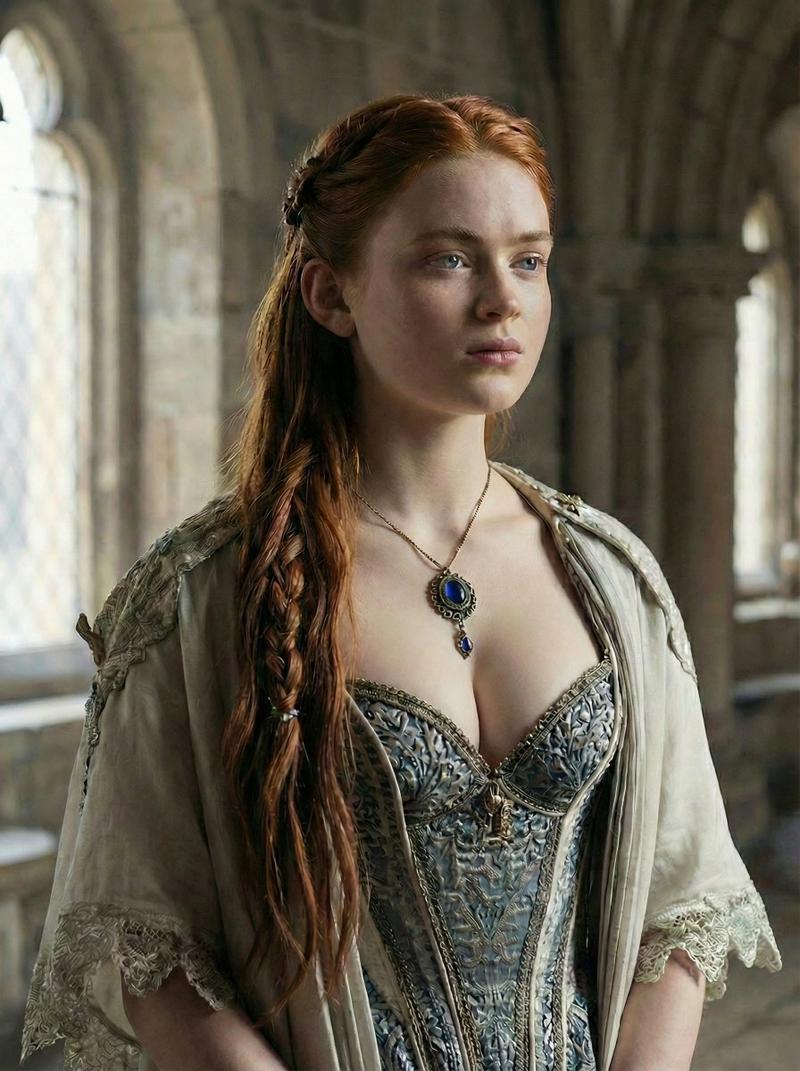
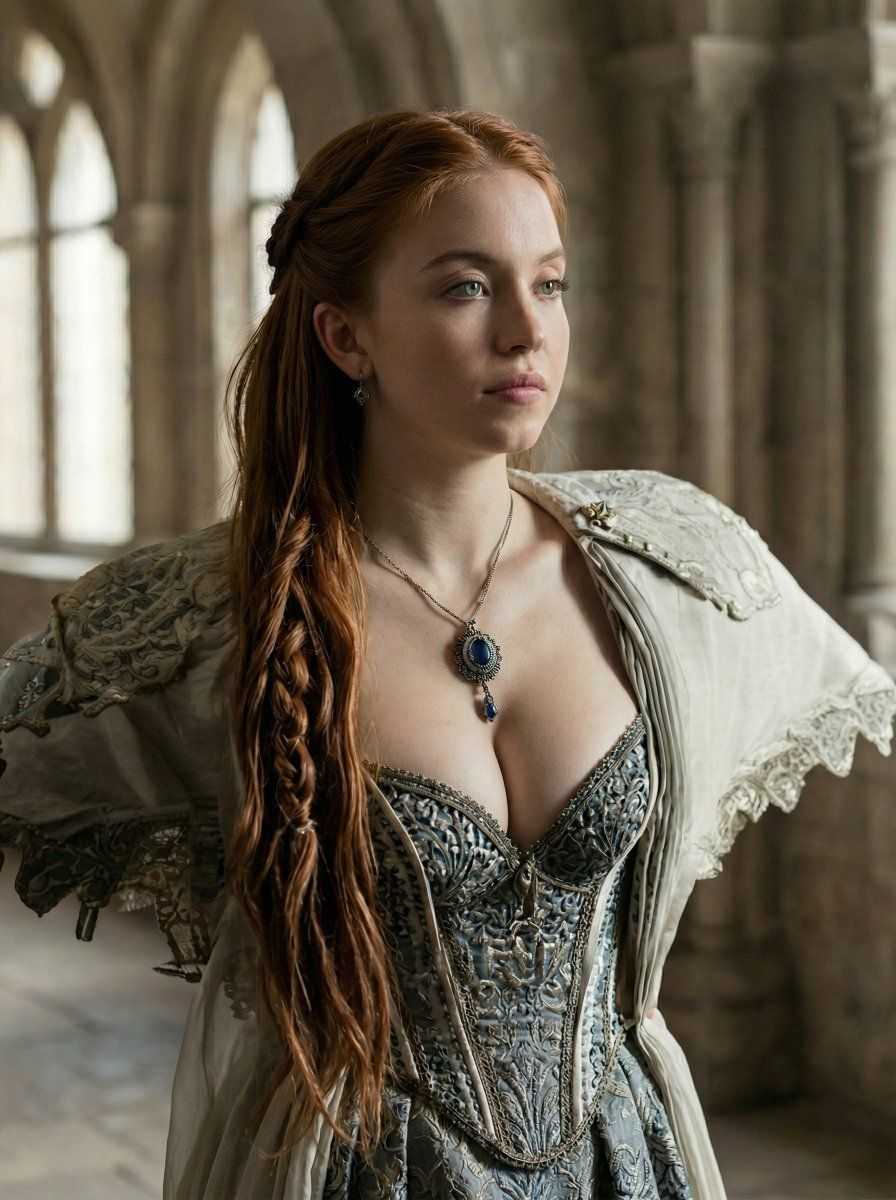
    "title": "Renaissance Window Light Portrait – Reference Locked",
    "reference_images": {
      "primary_reference": {
        "type": "image",
        "usage": "visual_anchor",
        "influence_strength": 0.85,
        "lock": [
          "pose",
          "lighting",
          "clothing",
          "environment",
          "camera_angle",
          "composition"
        ],
        "exclude": [
          "face_identity"
        ]
      }
    },
    "style": {
      "base_style": "Ultra-Photorealistic Cinematic Renaissance",
      "render_quality": "high-end photography",
      "texture_focus": [
        "fabric embroidery",
        "skin micro-texture",
        "natural hair strands"
      ],
      "mood": "regal, calm, noble, introspective"
    },
    "aspect_ratio": "3:4",
    "subject": {
      "identity": "Woman in the reference image",
      "gender": "female",
      "face": {
        "instruction": "Use woman in the reference image  identity.",
        "expression": "neutral, composed, confident",
        "gaze": "looking slightly off-camera to the right"
      },
      "hair": {
        "instruction": "Match reference image hairstyle exactly",
        "details": {
          "color": "copper / auburn",
          "style": "long hair, partially pulled back, thick braid over one shoulder",
          "realism": "individual strands, natural volume"
        }
      },
      "pose": {
        "instruction": "Replicate reference pose exactly",
        "description": "upright posture, shoulders relaxed back, arms slightly extended outward, chest open"
      },
      "body": {
        "proportions": "natural feminine proportions",
        "physics": "realistic gravity and anatomy"
      }
    },
    "clothing": {
      "instruction": "Replicate reference clothing exactly",
      "dress": {
        "type": "renaissance corseted gown",
        "fabric": "ornate embroidered brocade",
        "color": "muted blue-gray with metallic thread",
        "details": "visible stitching, realistic tension and folds"
      },
      "outer_layer": {
        "type": "light shawl / over-garment",
        "fabric": "linen-silk blend with lace trim",
        "color": "soft ivory",
        "drape": "natural shoulder fall"
      },
      "jewelry": {
        "necklace": {
          "type": "antique pendant necklace",
          "stone": "deep sapphire blue",
          "metal": "aged silver",
          "placement": "center chest, identical to reference"
        }
      }
    },
    "environment": {
      "instruction": "Match reference environment exactly",
      "location": "historic stone interior",
      "elements": [
        "arched stone windows",
        "soft exterior daylight",
        "stone columns"
      ],
      "depth_of_field": "shallow, background softly bl"
    }
  }
}- Category
- 创意图片
- Model
- Nano Banana Pro
- Creator
- Bethany
- Source ID
- 3b467f56-c7de-4093-879a-414b9a6f70ba
- Published
- Mar 8, 2026
Views0