建筑背景下的编辑肖像
Prompt
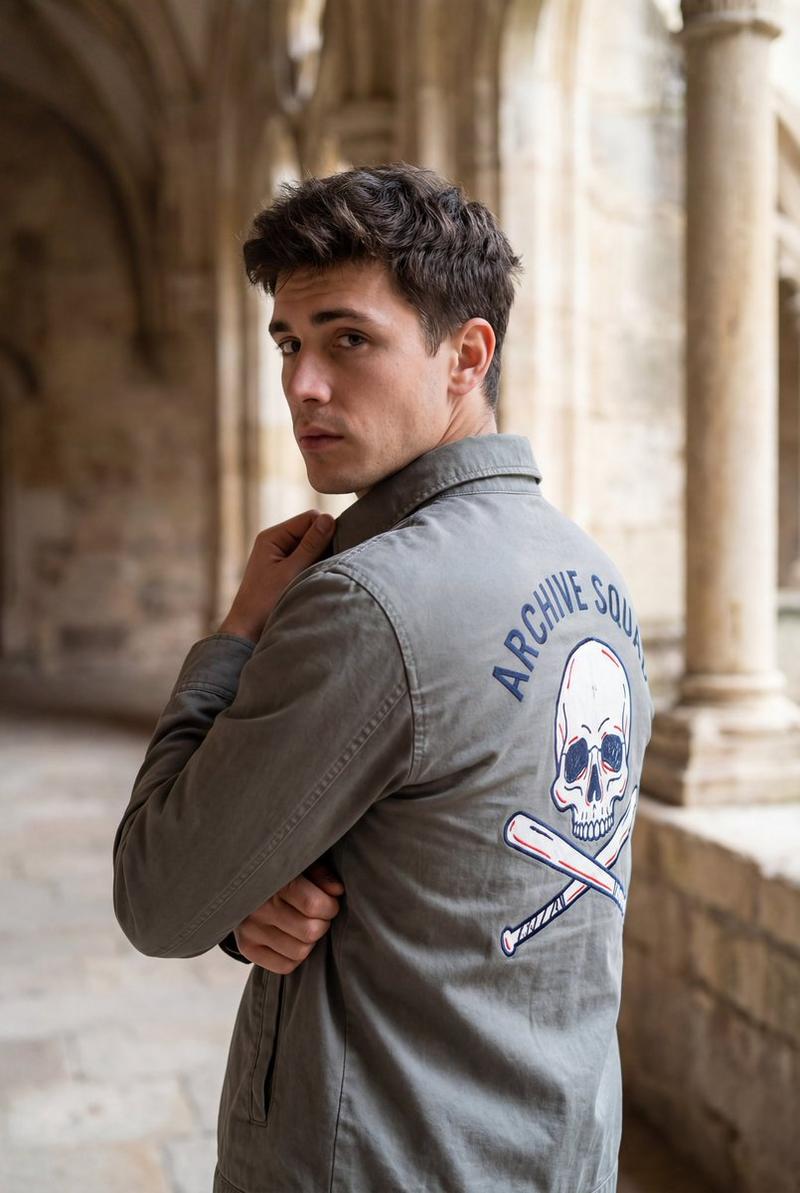
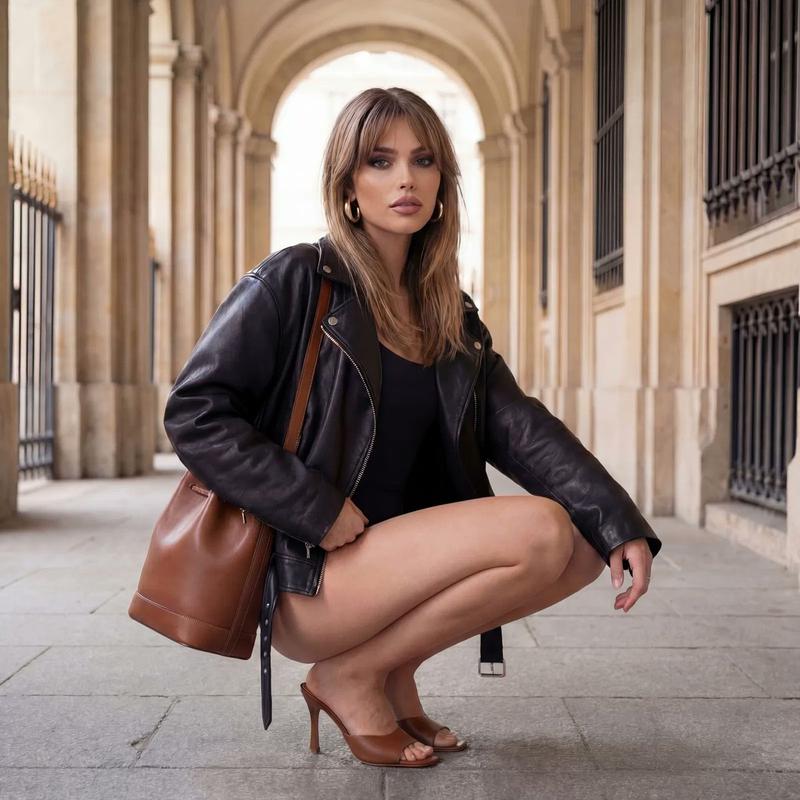
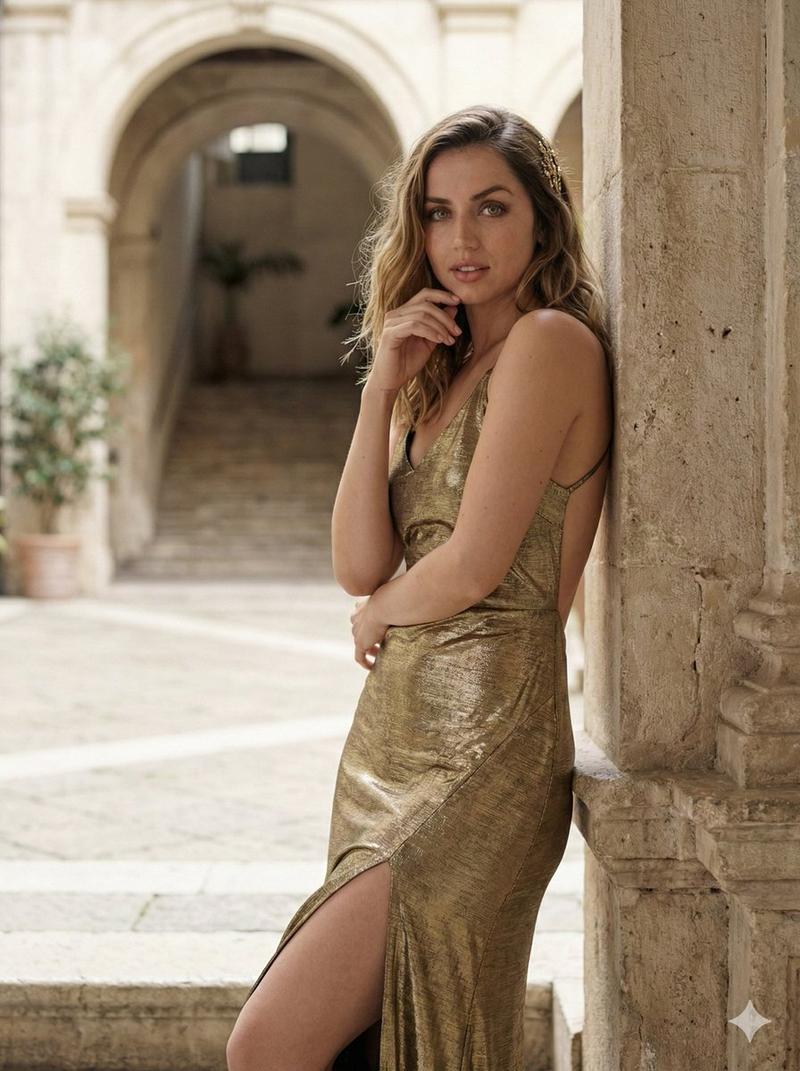
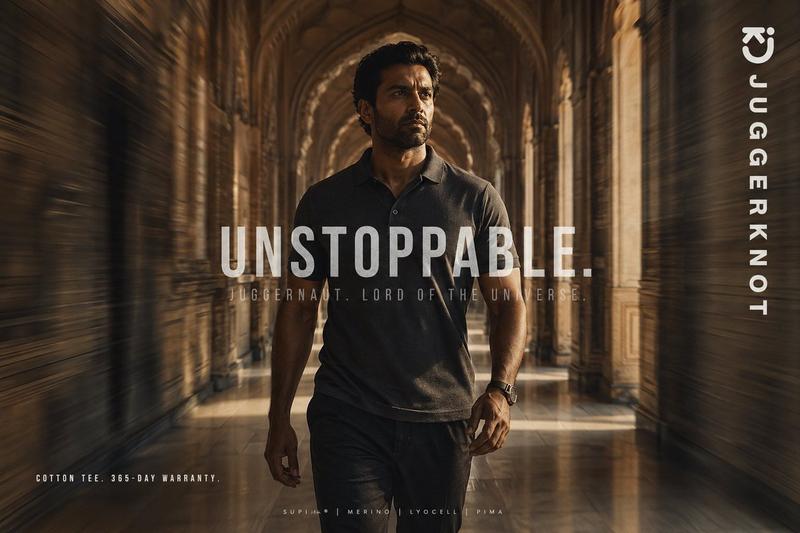
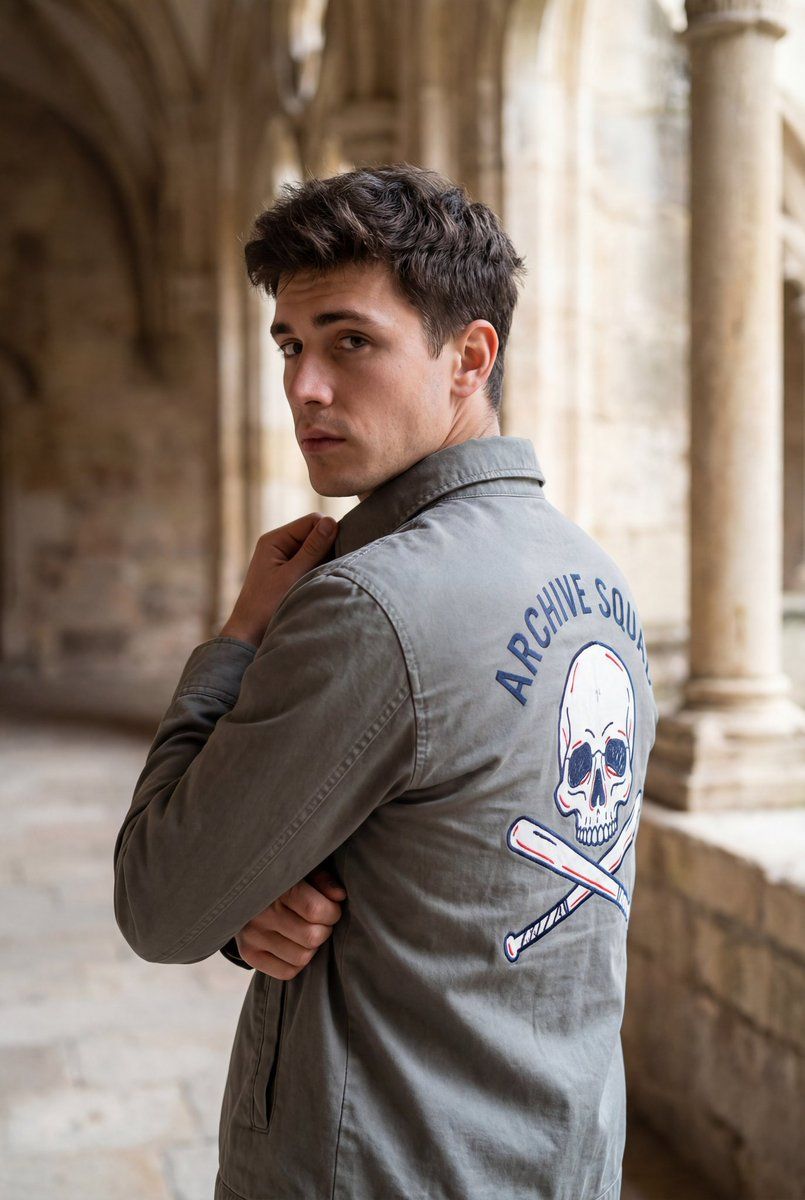
{ "image_type": "photograph", "orientation": "vertical", "composition": { "framing": "medium close-up from mid-torso upward", "camera_angle": "eye-level with slight rear three-quarter angle", "subject_position": "center-right of frame", "pose": "subject turned away from camera, head rotated back over shoulder", "leading_lines": "architectural columns creating vertical rhythm and depth", "depth_of_field": "shallow to moderate, subject in focus with softly blurred background" }, "subject": { "count": 1, "description": "young male-presenting individual", "posture": "arms crossed with one hand gripping jacket collar", "expression": "neutral to mildly contemplative", "gaze": "directed toward camera", "hair": { "color": "dark brown", "style": "short, tousled, slightly wavy", "texture": "soft, natural volume" }, "skin_tone": "light to medium with warm undertones" }, "clothing": { "upper_garment": { "type": "lightweight jacket", "fit": "regular fit", "color": "{argument name="jacket color" default="muted gray-green"}", "material": "cotton or cotton-blend with matte finish", "back_graphic": { "elements": [ "stylized skull illustration", "crossed tools or batons beneath skull" ], "colors": [ "dark blue outline", "red accents", "white negative space" ], "text": "curved text above graphic in dark blue", "style": "hand-drawn or graphic emblem aesthetic" } } }, "environment": { "location_type": "historic architectural interior or cloister", "background_elements": [ "stone columns", "arched or recessed stone walls" ], "materials": "aged stone with visible texture and patina", "color_palette": "warm beige, tan, sandstone hues" }, "lighting": { "type": "natural light", "direction": "side-lit from right side of frame", "quality": "soft and diffused", "contrast": "moderate", "highlights": "gentle highlights on face and jacket folds", "shadows": "soft shadows enhancing depth without harsh edges" }, "color_grading": { "overall_tone": "warm, cinematic", "saturation": "moderate", "contrast_curve": "slightly lifted shadows with controlled highlights", "mood": "calm, reflective, editorial" }, "technical_traits": { "lens_look": "portrait lens aesthetic (approx. 35–50mm equivalent)", "aperture_effect": "background separation with natural bokeh", "sharpness": "high on subject, softer on background", "noise": "minimal, clean image" }, "artistic_style": { "genre": "lifestyle / fashion editorial", "aesthetic": "casual cinematic realism", "era_feel": "modern with timeless architectural backdrop" }, "typography": { "presence": "yes, on clothing only", "style": "hand-drawn or casual sans-serif lettering", "integration": "part of garment design, not overlaid on image" }, "overall_impression": { "focus": "subject attitude and jacket graphic", "visual_story": "introspective moment set against historic surroundings", "use_case": [ "fashion content", "UGC-style editorial", "social media portrait" ] } }- Category
- 创意图片
- Model
- Nano Banana Pro
- Creator
- Zara
- Source ID
- 7efac519-c668-407c-9213-4588ec61e177
- Published
- Mar 8, 2026
Views0