高对比度单色肖像提示
Prompt
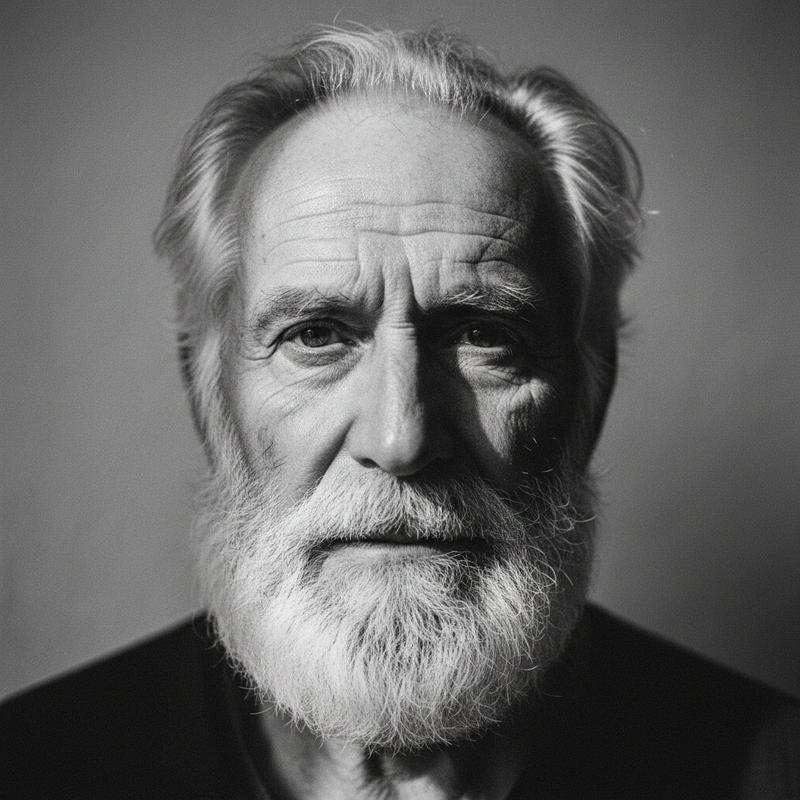
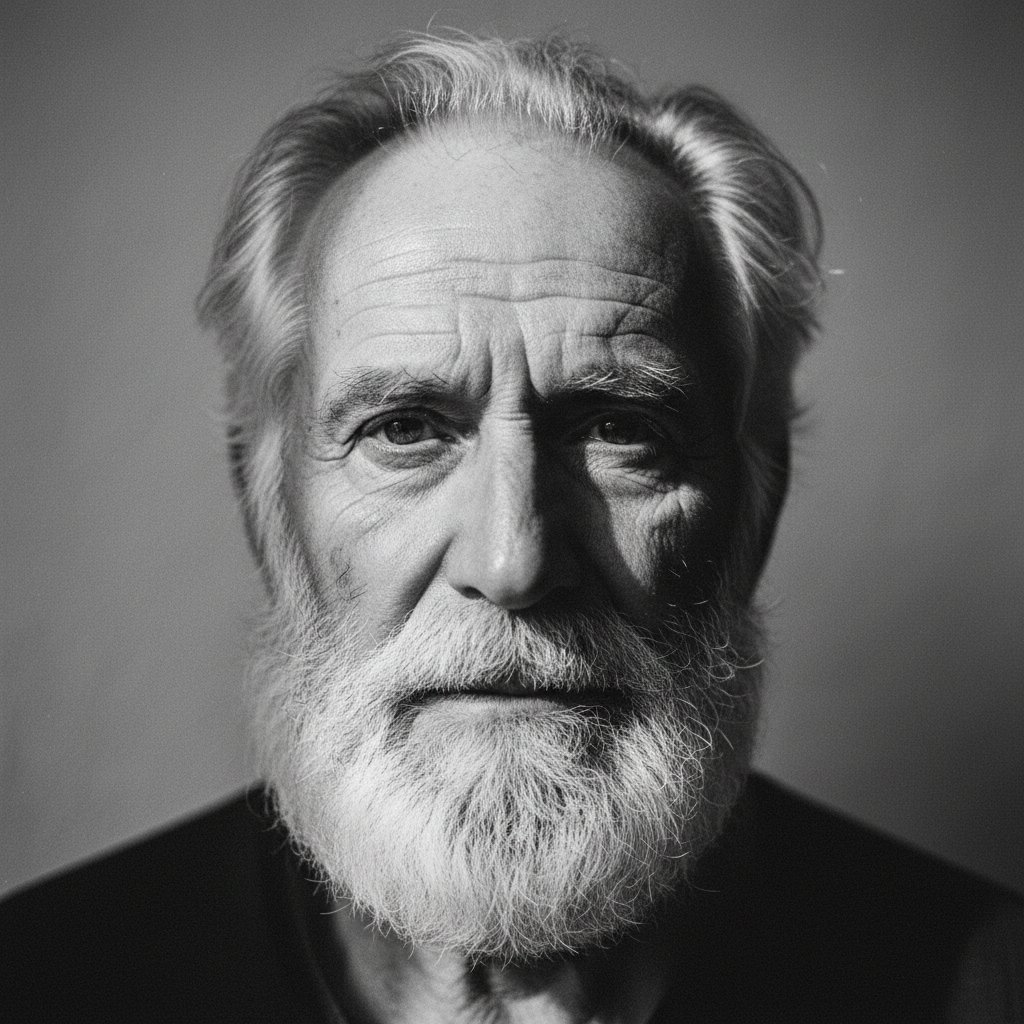
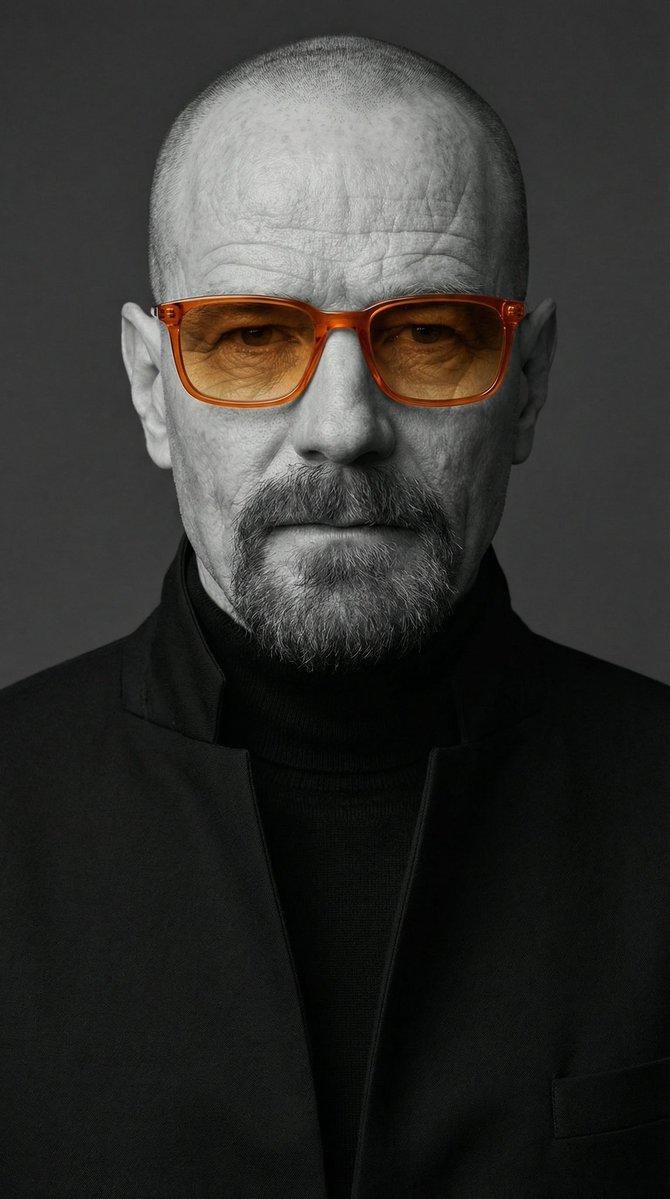
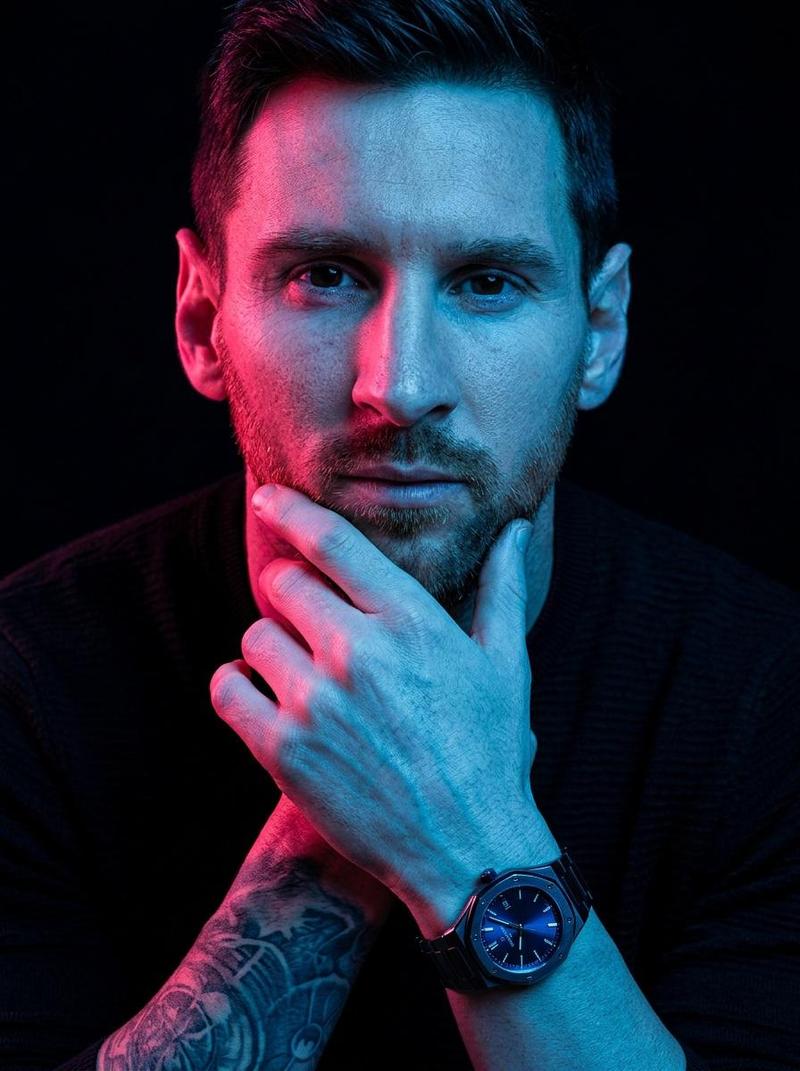
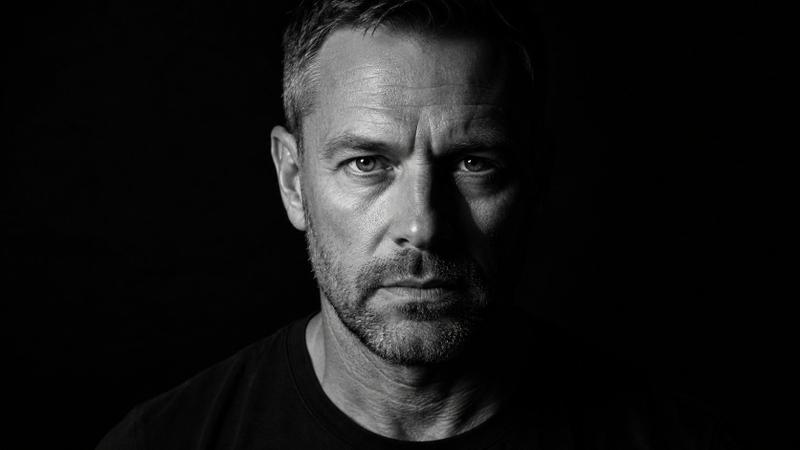
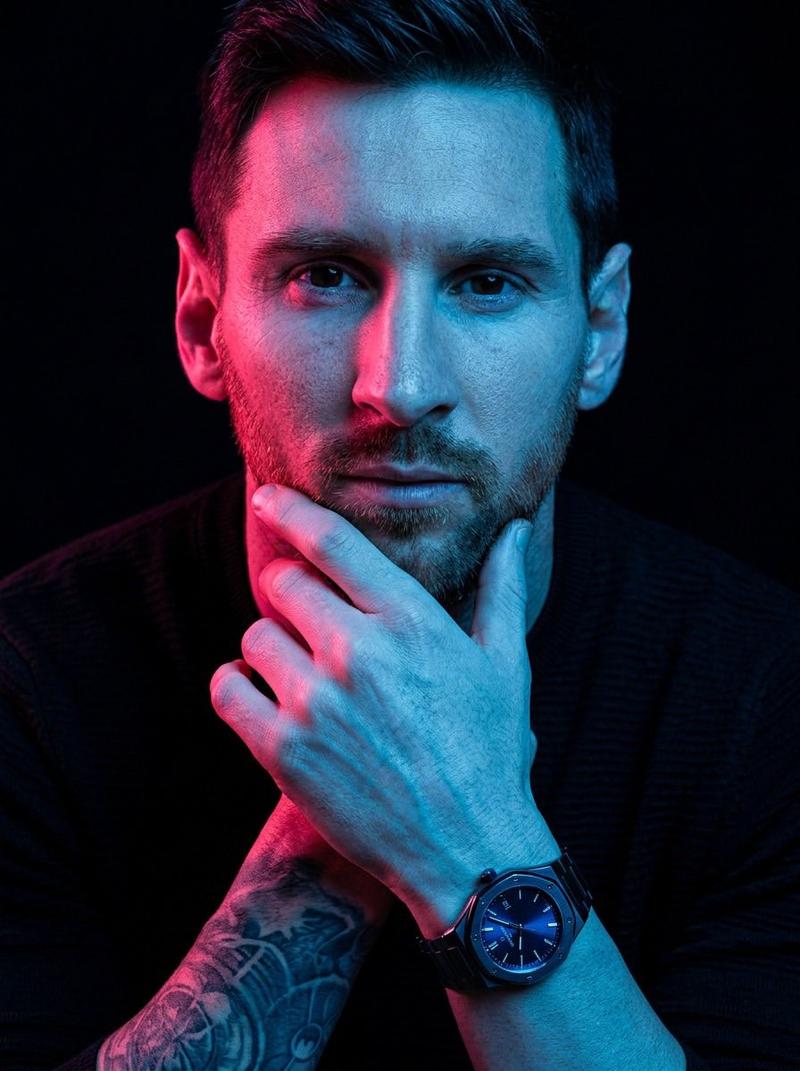
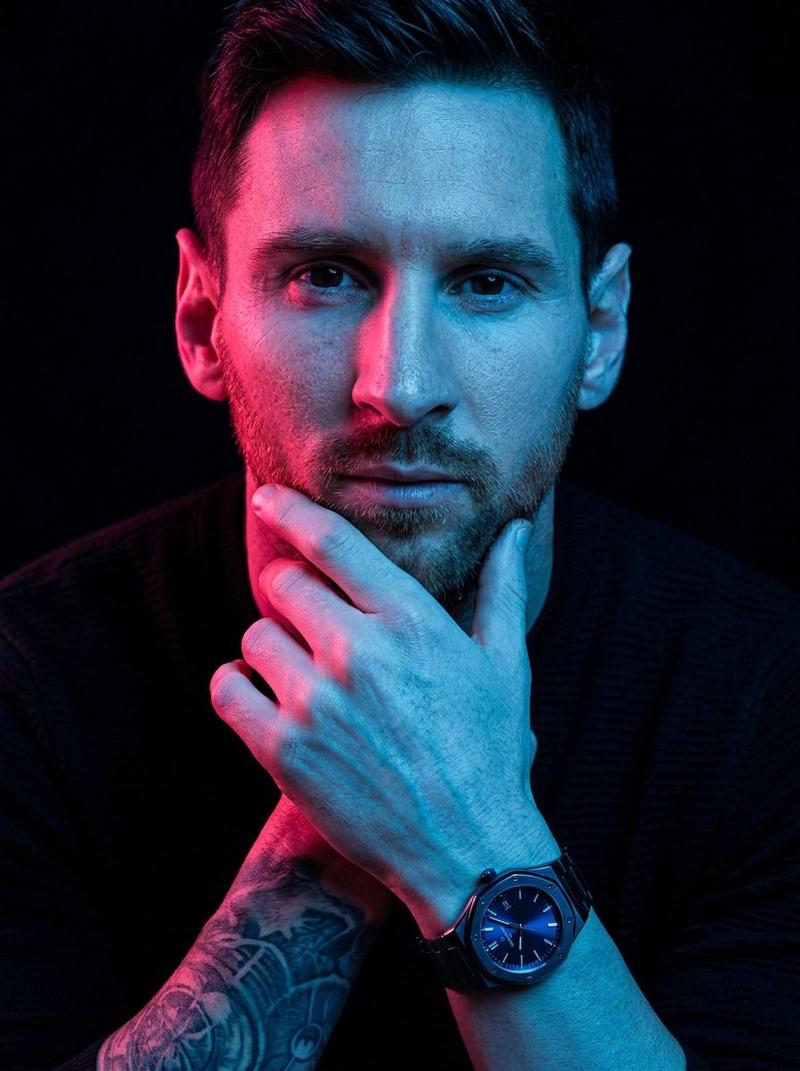
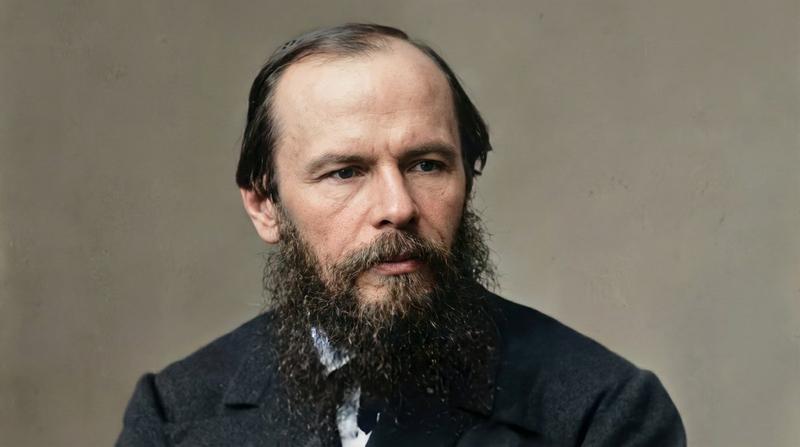
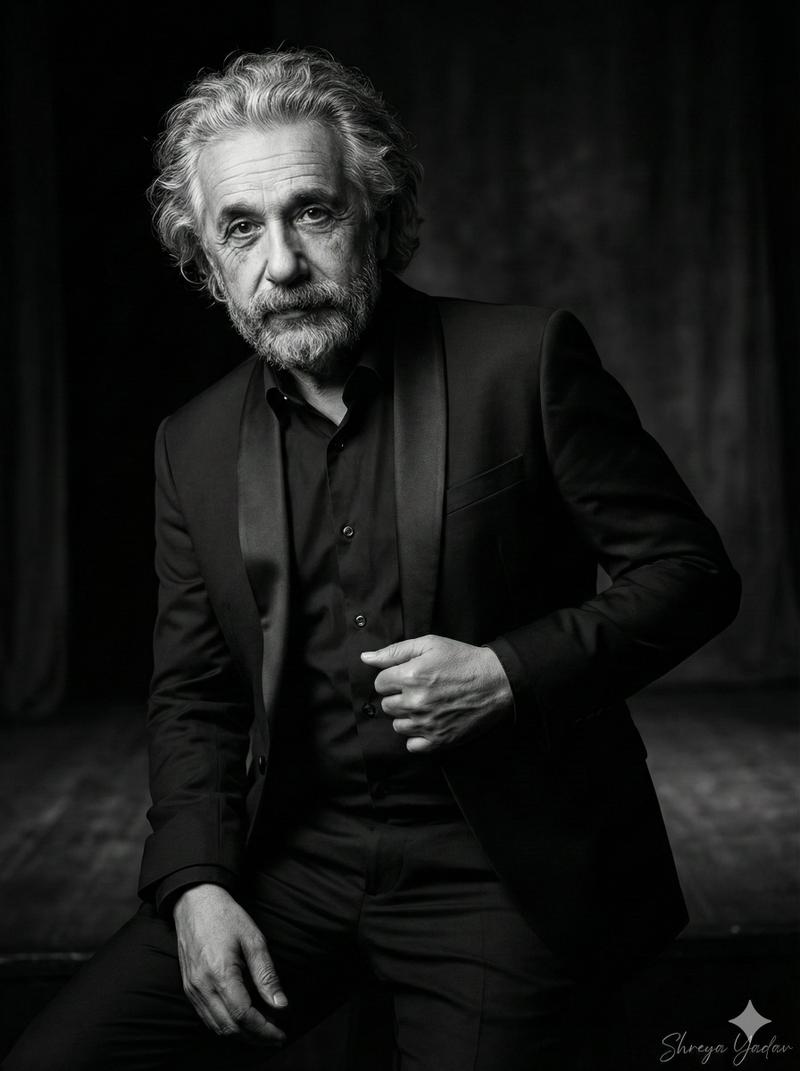
Create a striking, ultra-detailed, high-contrast monochrome lack-and-white) portrait based on the uploaded reference image. The subject’s facial structure and identity must match the reference precisely accurately replicate bone structure, eye shape, nose proportions, jawline definition, beard density (if present), hairline, and overall facial symmetry. Maintain authentic skin texture and natural features without artificial smoothing.
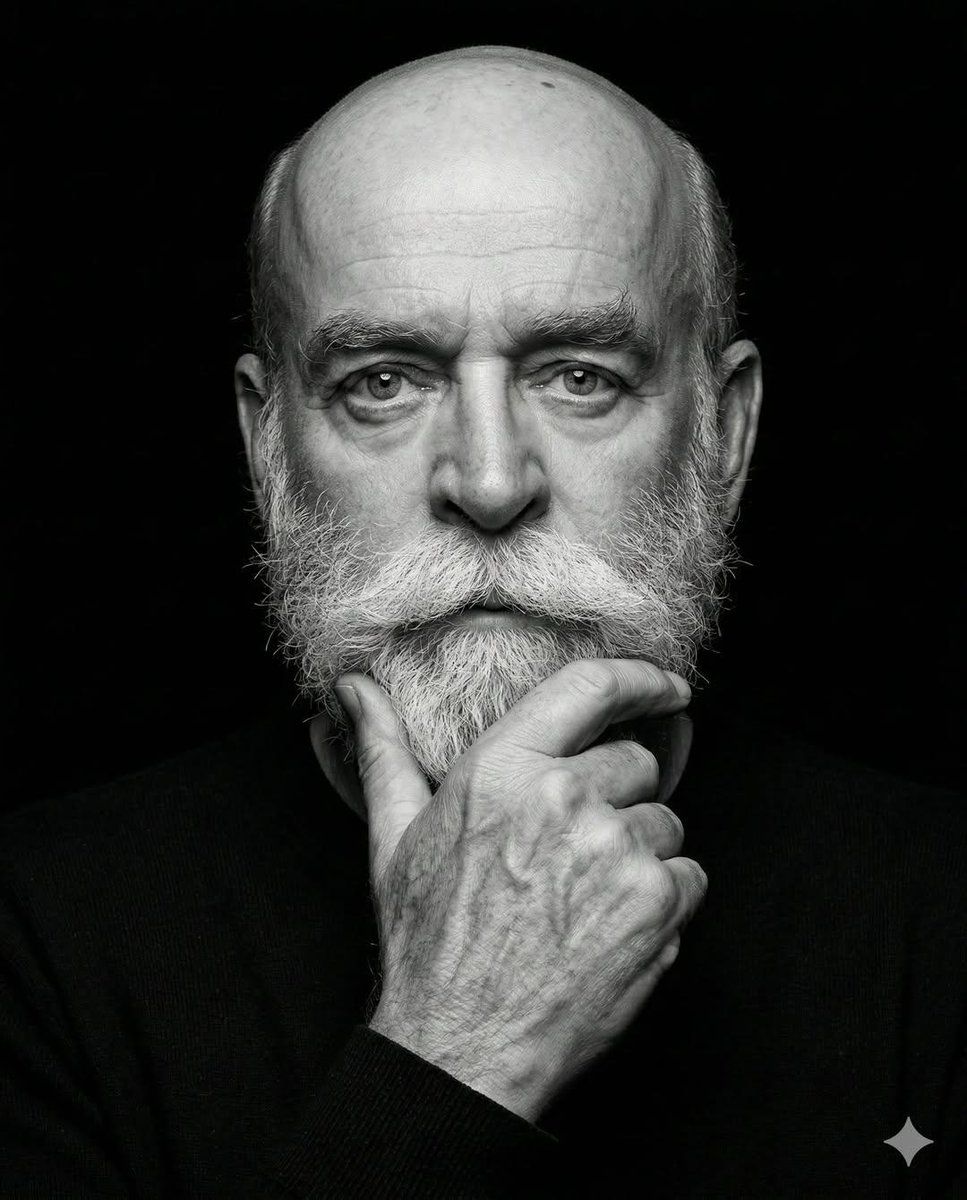
Subject & Expression A mature, confident man with a strong facial structure and deep-set eyes looking directly into the camera. Expression should be serious, contemplative, and quietly authoritative. Preserve natural skin details such as pores, fine lines, and subtle texture for realism. The gaze should feel focused and introspective, not aggressive.
Facial Hair (Adaptive)
If facial hair is present in the reference image, replicate it exactly — density, length, shape, and edges. Maintain natural tonal variation (including salt-and-pepper graying if applicable). Beard lines should be clean and structured.

If clean-shaven, preserve realistic skin texture and jaw definition.
Hairstyle (Adaptive)
Match the hairstyle from the reference image exactly — volume, direction, hairline, and texture. Hair should look natural with visible strand detail and subtle specular highlights from overhead directional lighting.
Pose
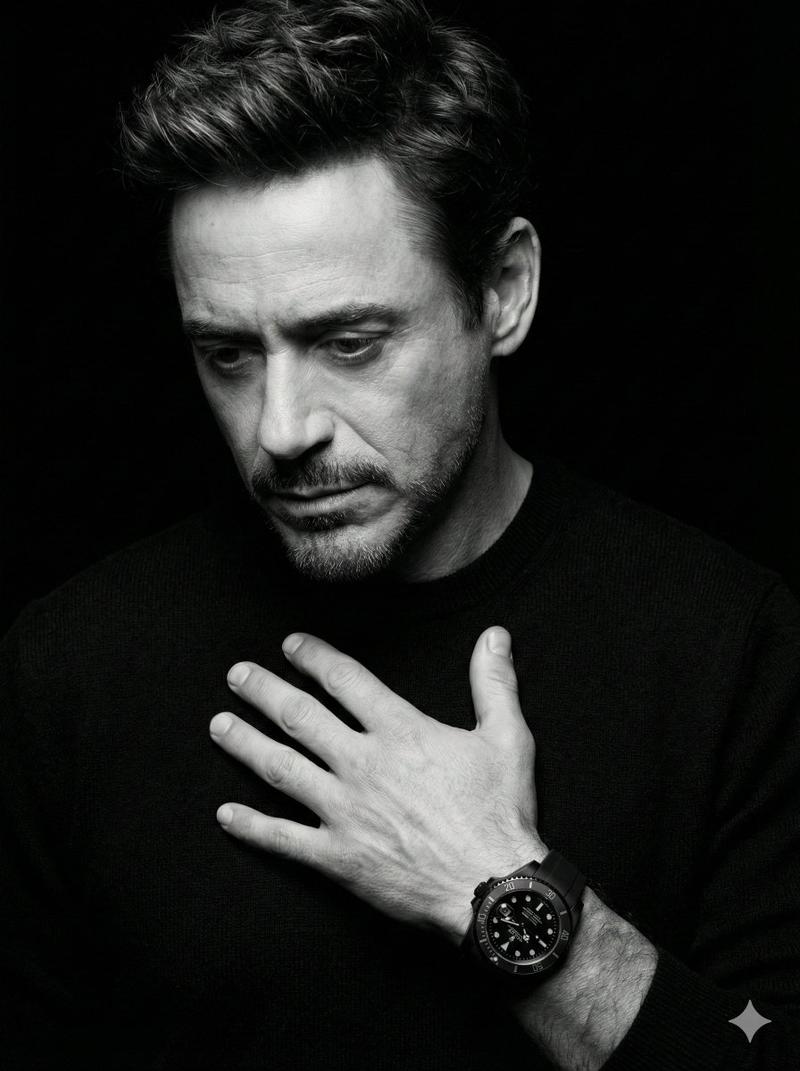
Classic “thinker” pose. One hand raised to the chin with thumb along the jawline and index finger slightly curled. Knuckles and tendons subtly defined for realism. Hand in sharp focus with visible skin texture and natural tonal gradation.
🔥 Lighting & Technical Style (Accurately Customized)
Low-key fine-art studio photography with controlled high-contrast sculpting.
• Primary key light positioned slightly above eye level and slightly toward the viewer’s left, angled downward to create strong top-plane highlights.

• Light is soft but directional (large softbox or diffused beauty dish), producing crisp edge definition without harsh clipping.

• Strong highlight concentration on forehead center, nose bridge, upper cheekbones, beard texture, and the top planes of the hand.

• Subtle shadow shaping under the brow ridge and cheekbones to enhance bone structure.

• The shadow side of the face remains deep but not fully crushed — maintaining controlled midtone detail.

• Minimal fill light from front-center to retain facial symmetry while preserving depth.

• Very subtle rim separation along hair edges and outer shoulder to prevent blending into background.

• Catchlights centered and natural — small, soft rectangular reflection in both eyes.

• Background is fully black with zero visible texture, absorbing all spill light.
Contrast ratio should be high but refined — not blown highlights, not muddy blacks. Clean tonal roll-off.
Composition
Tight vertical head-and-shoulders crop (portrait orientation, 4:5 ratio recommended). Subject centered symmetrically for a formal, balan
- Category
- 创意图片
- Model
- Nano Banana Pro
- Creator
- K
- Source ID
- 6c3cb921-6e6d-41ea-97a0-1da297388d54
- Published
- Mar 8, 2026
Views0